Week 3 - Solving second order ODEs
Solving second order ODEs
AIM : to solves the ODE which represent the equation of motion of a simple pendulum.
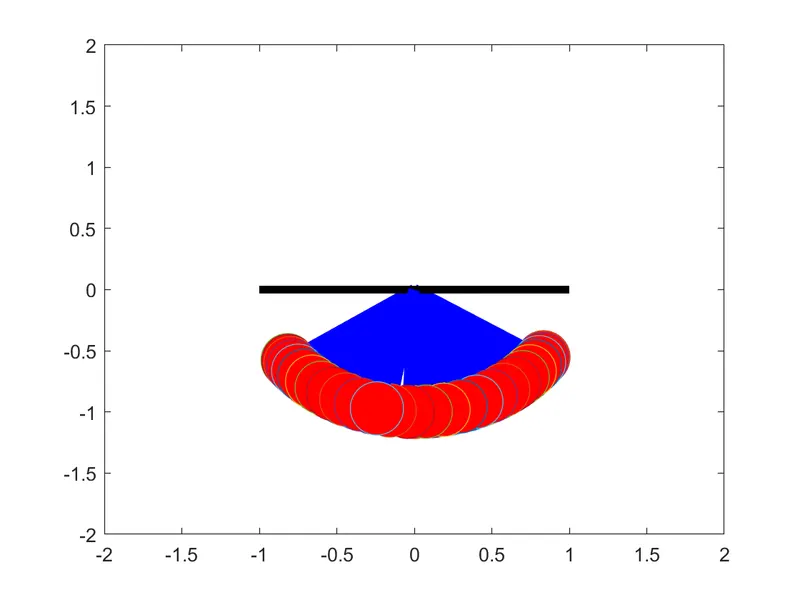
Link for the animation movie of second order ODE :
youtube : https://youtu.be/3bNlgswXrKs
objective : to write a programme that solves the f
olowing ODE which represent the equation of motion of a simple pendulum with damping and create an animated video of output obtains by solving this ODE.
in the above equation,
g=gravity in m/s^2
L=length of the pendulum in the meter
m = mass of the ball in kg
b= damping coeficient.
since the given equation is in the second order diffrential equation w will convert it into first order to solve the ODE.
let theta = theta1
dtheta1/dt=theta2
dtheta^2/dt^2=dtheta2/dt
input :
L=1 meter
m=1 kg
b=0.05
g=9.81m/s^2
time span = 0-20 sec
angular displacement = 0
angular velocity = 3 rad/sec2 at time 0
CODE :
clear all
close all
clc

b=0.05;
g=9.81;
l=1;
m=1;

%initial condition
theta_0=[0;3];

%time points
t_span = linspace(0,20,500);

% solve ODE
[t,results] = ode45(@(t,theta) ode_func(t,theta,b,g,l,m),t_span,theta_0);

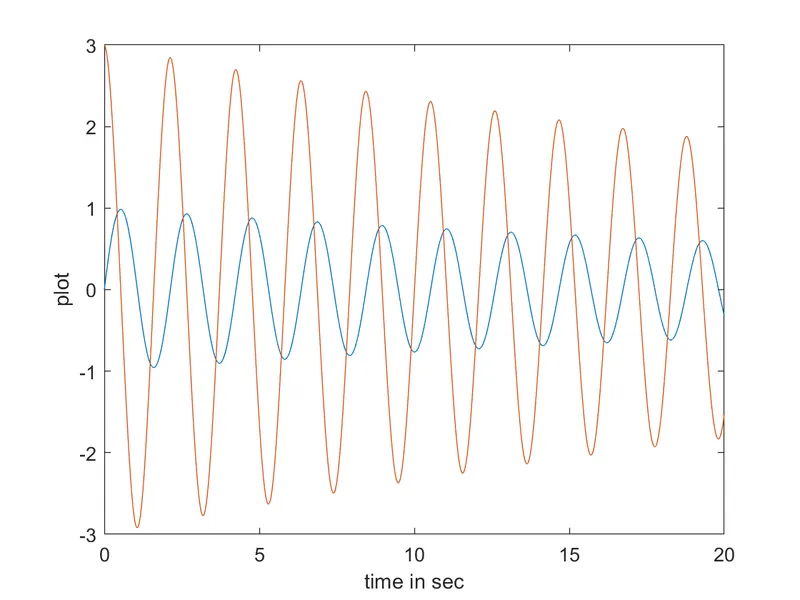
plot(t,results(:,1))
hold on
plot(t,results(:,2))
ylabel('plot')
xlabel('time in sec')

% iteration using for loop to create animation of simple pendulum
ct=1,
theta_1 = results(:,1);
for i=1:length(results(:,1))

    %intial co-ordinates
    x_start = 0;
    y_start = 0;
    theta_2 = theta_1(i);

    %final co-ordinates
    x_end = 1*sin(theta_2);
    y_end=-1*cos(theta_2);

    %plotting for animation
    figure(2)
    %base of pendulum
    plot([-1 1],[0,0],'linewidth',4,'color','black')
   hold on
    %string of pendulum
    line([x_start x_end],[y_start y_end],'linewidth',6,'color','b')
    hold on
    %bob of pendulum
    plot(x_end,y_end,'marker','o','markersize',28,'MarkerFaceColor','r')
    axis ([-2 2 -2 2])
    pause(0.03)
    hold off
    M(ct)=getframe(gcf);
    ct=ct+1;

end

%creating movie from captured frames
movie(M)
videofile = VideoWriter('simple_pendulum.avi','Uncompressed AVI');
open(videofile);
writeVideo(videofile,M);
close(videofile);
CODE for function programmme :
function [dtheta_dt]= ode_func(t,theta,b,g,l,m)
theta1=theta(1)
theta2=theta(2)
dtheta1_dt = theta2;
dtheta2_dt = -(b/m)*theta2 - (g/1)*sin(theta1);
dtheta_dt = [dtheta1_dt; dtheta2_dt];
end
Explanation :
1. in the first step input and initial condition are fed
2. then write a programme to solve the ODE for that MATLAB inbuilt function (ode45) is used with constant theta,t, and another function is used,which is defined seperately in function programme
3. in the next step result of solved ODE is plotted with plot command
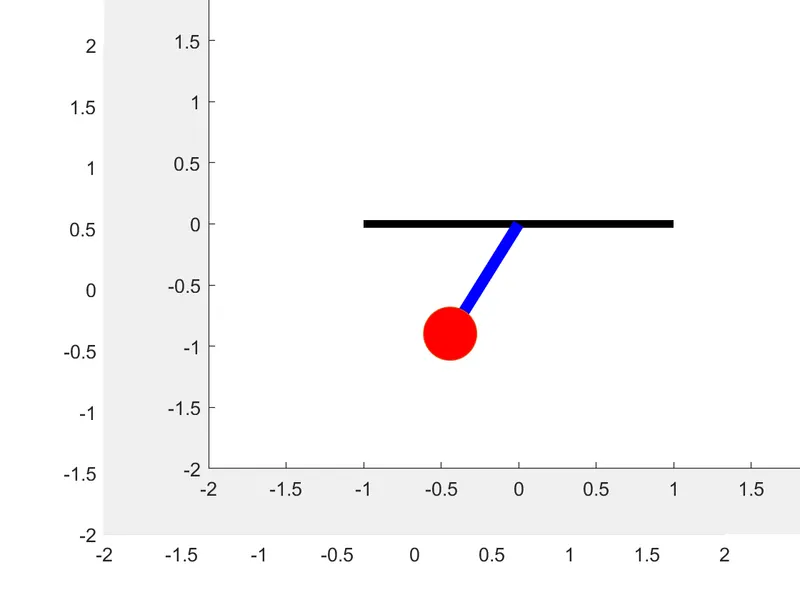
4. now iteration of co ordiante is fed using for loop to create animation
5. then plot oendulum string and bob
6. movie command is use for create an animation video of the pendulum.
result : the output obtained is geaphical represent of velocity curve and displacement curve with respect to time
errors :
1. instead of 0 i wrote o i done this many times so i correct it
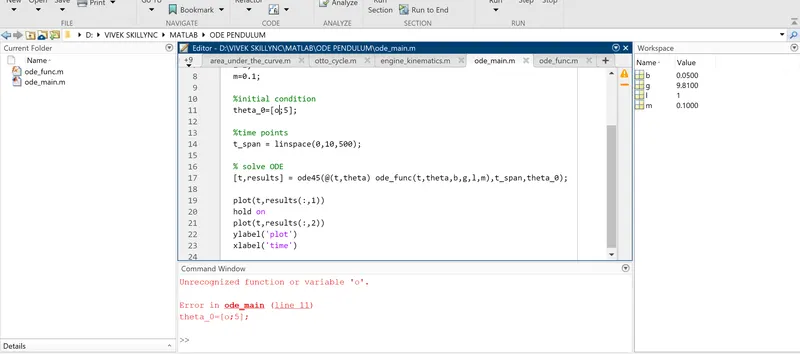
2. instead of ';' this i put this ':' [0;3] both are use for diff things velocity and displacement
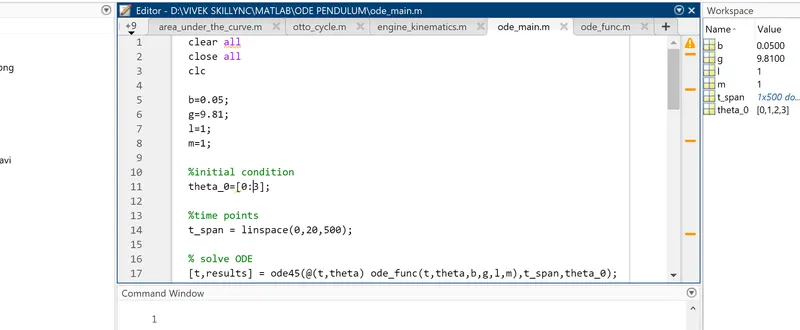
3. instead of 'hold off' i wrote 'hold on' so this thing happen