Week 3 - Geometry simplification of an Electronic enclosure assembly
Power board assembly Geometry clean up
Aim
- To convert the power board assembly into ICEPAK bodies using ANSYS spaceclaim.
Objectives:
- Use space claim commands to defeature the power board assembly
- Use ICEPAK commands to convert CAD shapes into ICEPAK primitive shapes
- Save geometry as ICEPAK project file
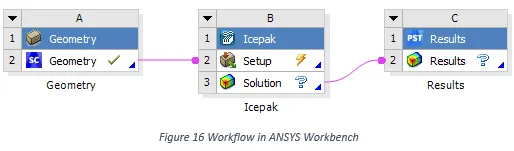
- Open the saved geometry in ICEPAK
- Check the geometry in ICEPAK
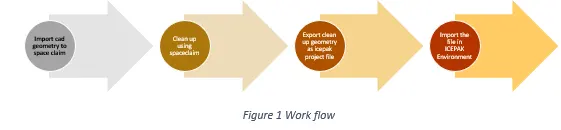
Workflow:
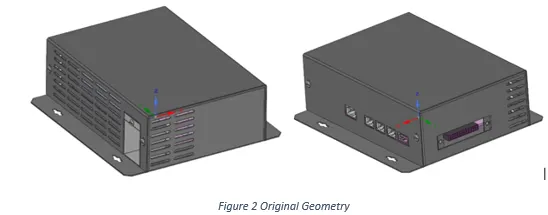
Original geometry
Total number of bodies: 24
Step 1:
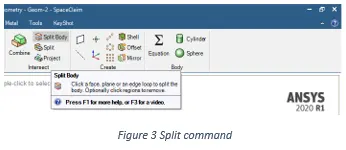
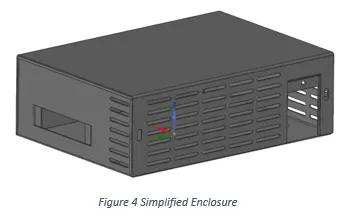
- Split the enclosure (Fig.4) using split body command (Fig.3)
Step 2:
Power board assembly components are split using the split body command
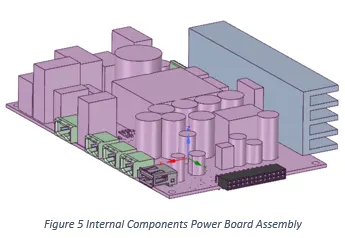
Step 3:
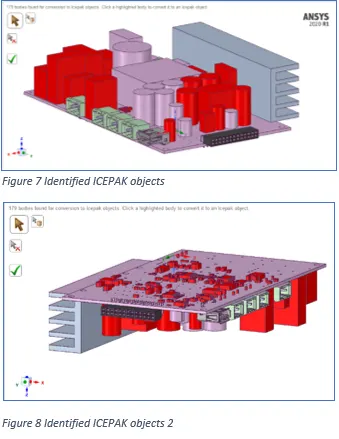
- After splitting goto workbench in the toolbar and use Identify objects to identify icepack bodies
- 179 bodies were identified as ICEPAK bodies

Step 4:
- Convert other unidentified geometries using ICEPAK simplify
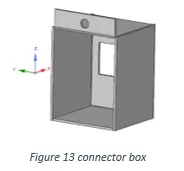
- For the connector geometry used Level 2 (Polygon fit) with splitting options checked in
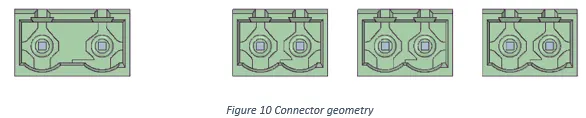
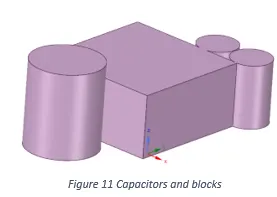
- For capacitor, geometry’s used Level 1 (cuboid, Cylinder fit)
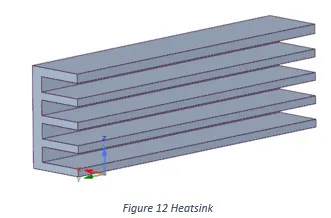
- For heat sink used level 2 (polygon fit)
- For box used level 2 (polygon fit)
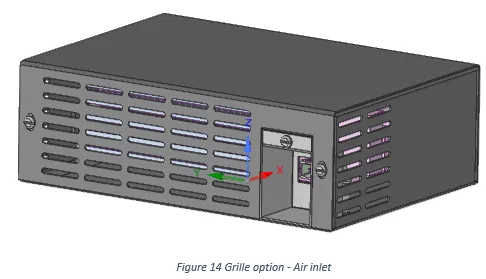
- Used grille option to air-inlet regions in the enclosure
Step 5:
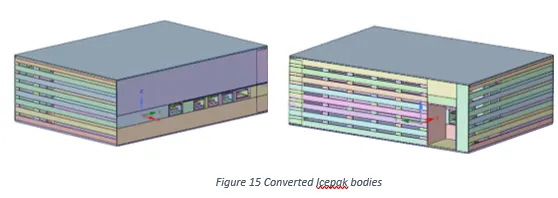
- After converting all the components as Icepak bodies save the geometry as ICEPAK project file
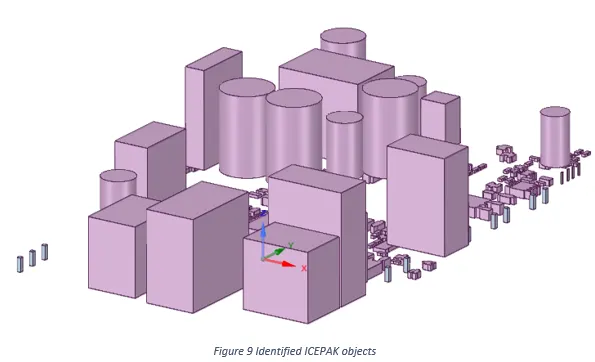
- Final simplified Icepak bodies
- Open the converted Icepak geometry in Icepak environment from workbench graphical area
Step 6:
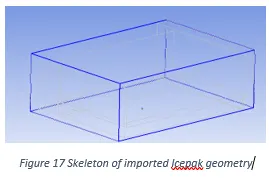
- Skeleton of imported Icepak project file
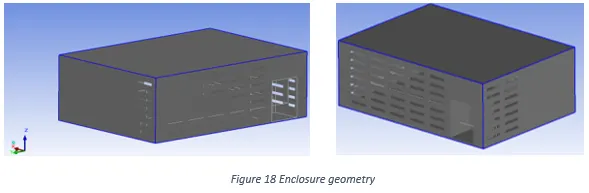
- Enclosure geometry in Icepak
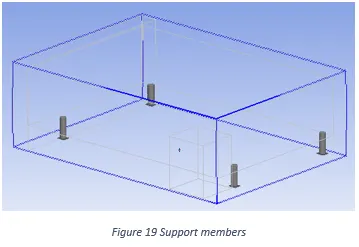
- Support members between PCB board and enclosure
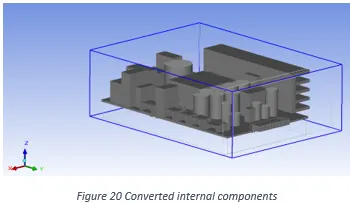
- Internal components with cabinet boundary
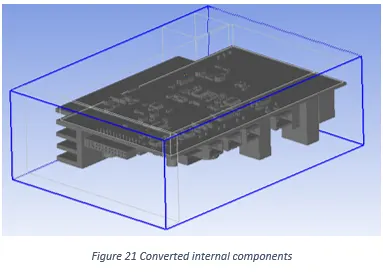
Conclusion
- As per the objective, Powerboard assembly simplified using ANSYS Spaceclaim
- Components were converted to Icepak objects using Icepak simplify
- Converted file saved as Icepak project file
- Icepak project file opened in Icepak environment and checked for geometry integrity.