Week - 3 Drop test Challenge
OBJECTIVE:
To conduct drop test for a cell phone on a plate wih intial veocity in LS Dyna.
PROCEDURE:
Steps:
1. Material Creation
2. Section Creation
3. Assigning material to corresponding section
4. Assigning boundary condition and intial velocity
5. Creating contact between master and slave
6. Defining Termination point
7. Database Creation
8. Model Check
1. Material Creation:
path : model and part->keyword manager->all->mat
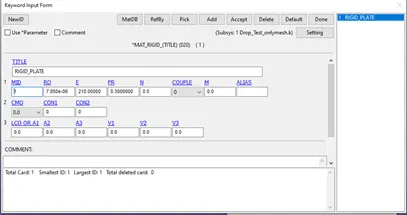
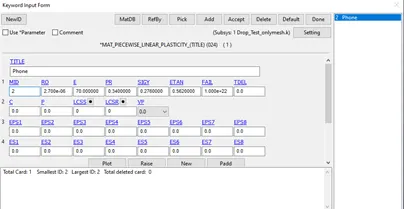
Given cell phone and rigid plate mesh to us. As mostly cell phones outer frames are madeup of aluminium, cell phone and rigid plate materials are aluninium and steel given as mentioned below.
2. Section Creation:
path: model and part->keyword manager->all->section
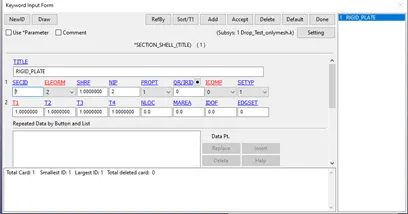
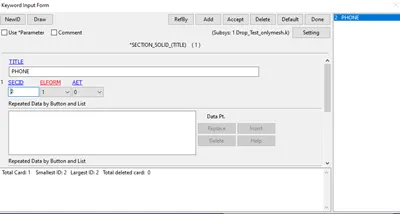
By following the above path section shell and solid is assigned to plate and phone.
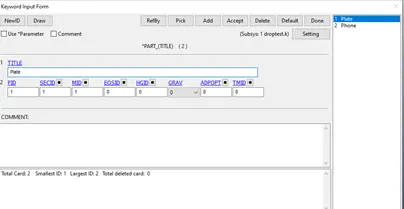
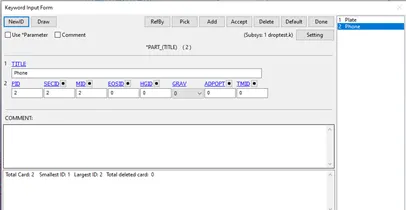
3. Assigning material to corresponding section :
path: model and part->keyword manager->model->part->select part
Corresponding material to part is assigned.
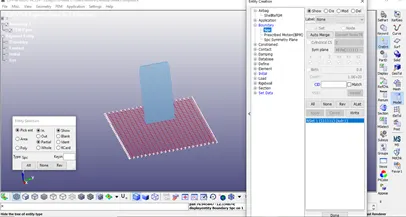
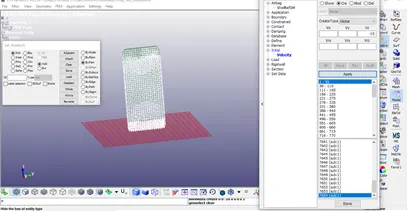
4. Assigning boundary condition and intial velocity:
path: Model and Part> Create Entity>Boundary>spc>Create>set
Boundary conditions are created to fix the rigid plate edges from moving during the impact and intial velocity -10mm/ms is assigned to all nodes of the cell phone.
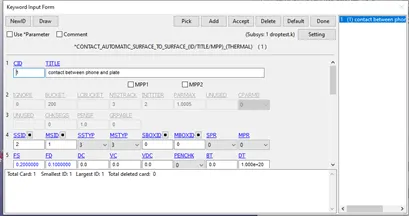
5. Creating contact between master and slave:
path: model and part->keyword manager->all->contact
An Automatic_Surface_To_Surface has been created between the Cell phone and rigid plate with Cell phone being the slave and Rigid plate taken as Master.
6. Defining Termination point:
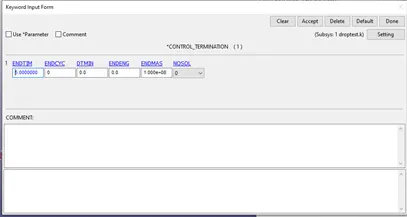
path: model and part->keyword manager->all->control
end time is set to 5ms
7. Database Creation:
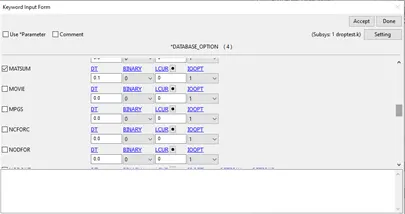
path: model and part->keyword manager->all->database
BINARY_D3PLOT - In this keyword the frequency with which the animation is to be created will be given and is set to 0.1ms and ASCII option keyword- In this keyword ELOUT- Element Data GLSTAT- Global Data MATSUM- Material Energies and SLEOUT – Sliding Interface Energies, the same animation frequency has been applied for these keywords too.
8. Model Check:
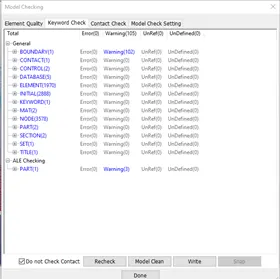
path: Application->Model Checking
After assigning all the inputs then model is checked.
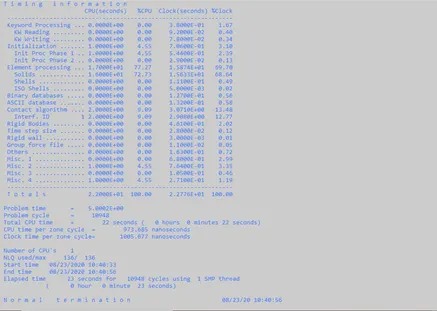
Analysis is done using solver option.
RESULTS :
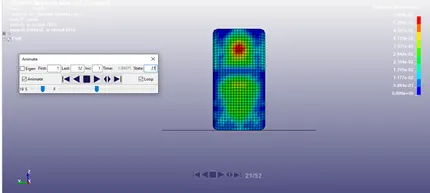
At 21st frame the cell phone touched the plate.
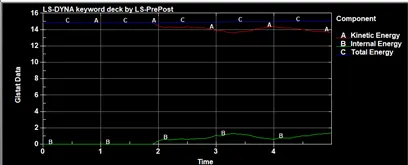
Plots:
LEARNINGS :
1. GUI of LS DYNA known.
2. How to create keywords and their meaning.
3. How to run the simulaton.
4. Drop testing.