Week 3 Challenge : CFD meshing on Turbocharger
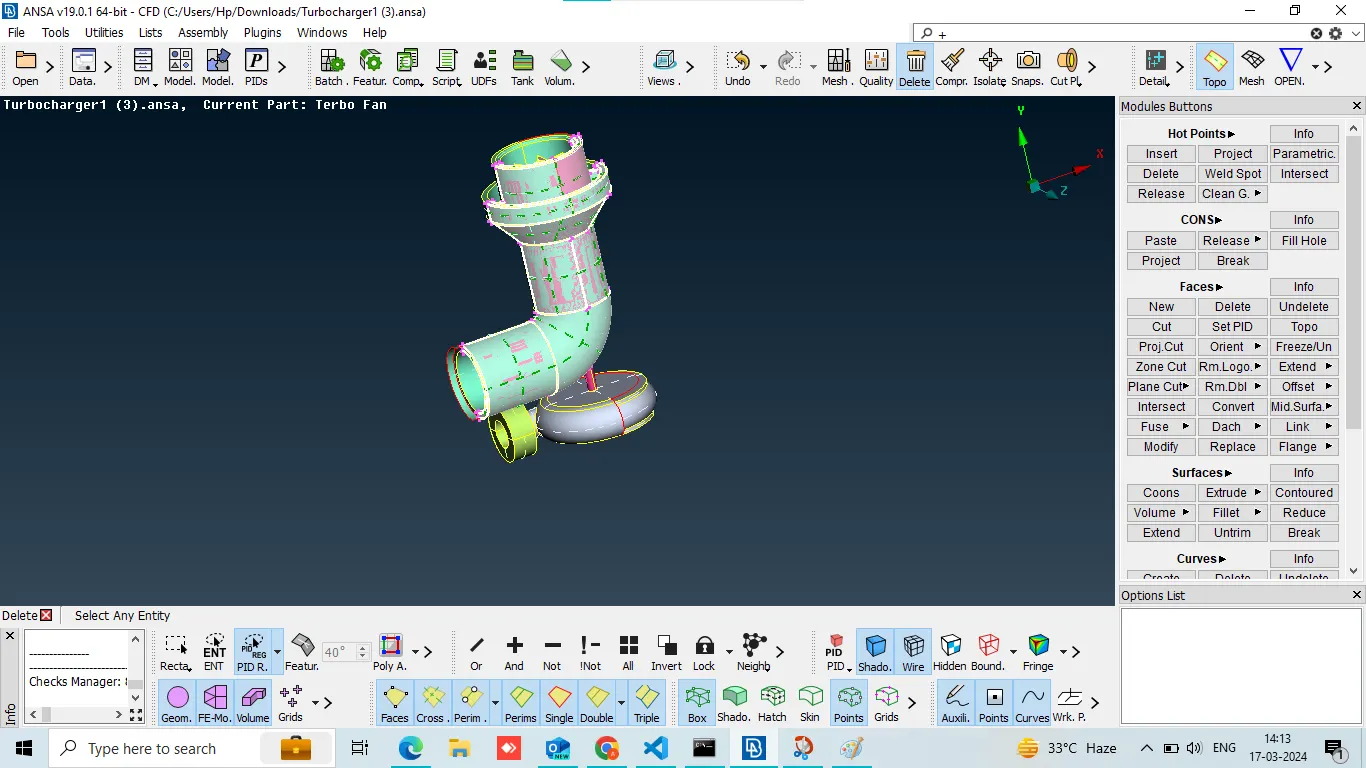
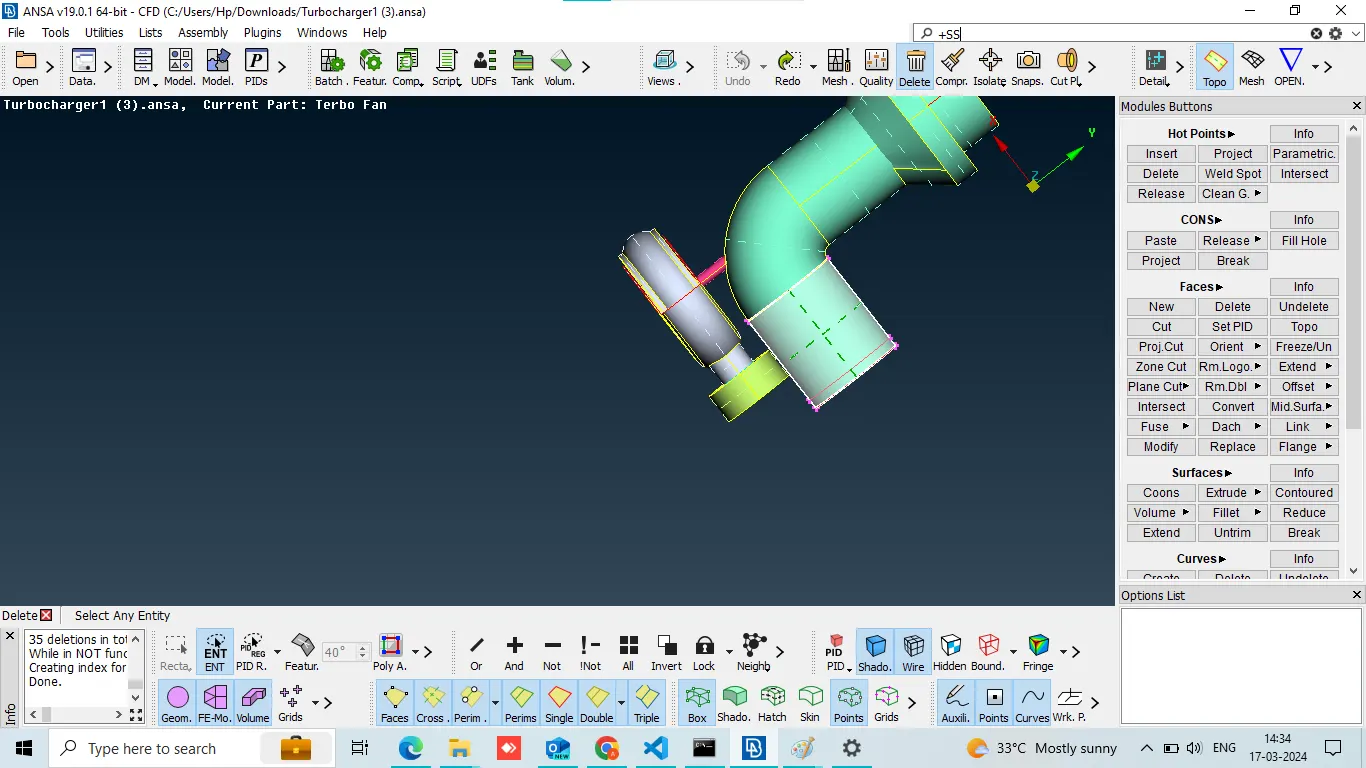
delete extended surface
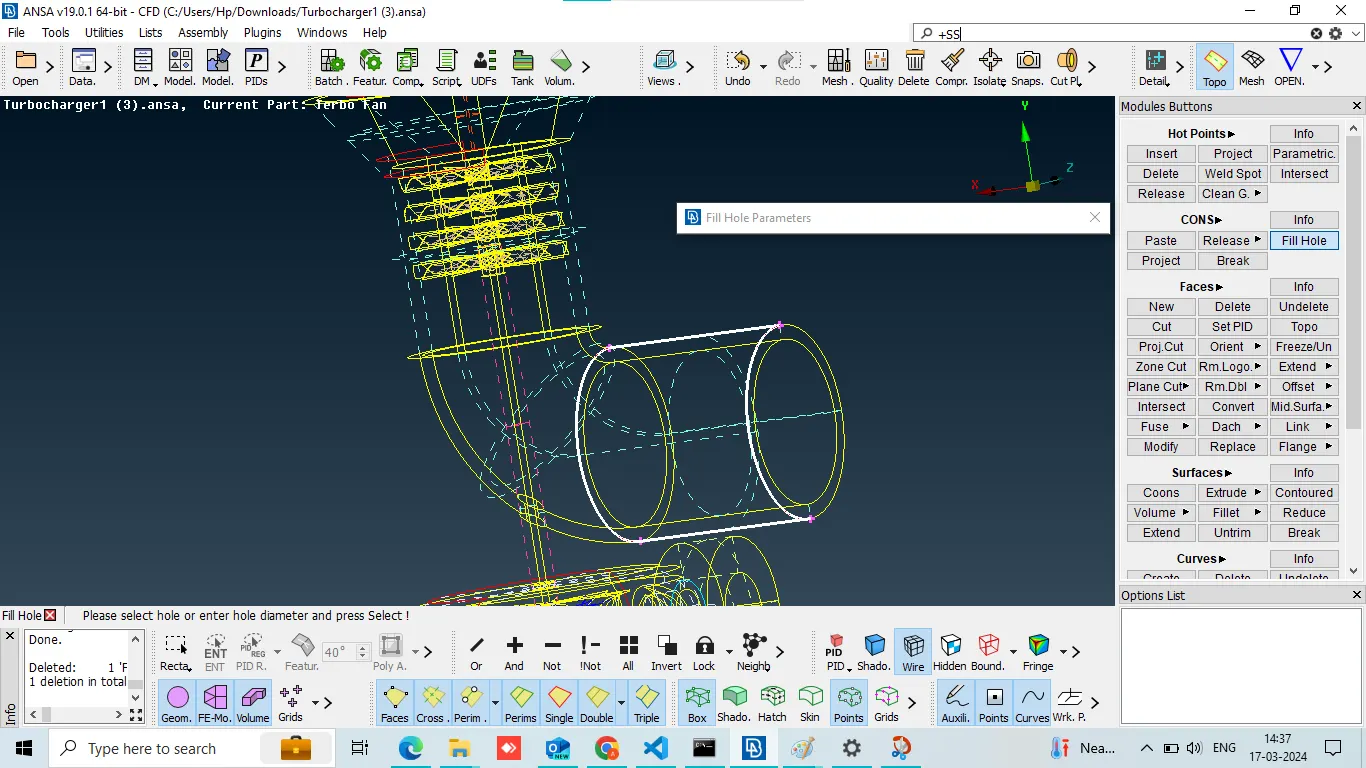
and create a new surface by using fill hole
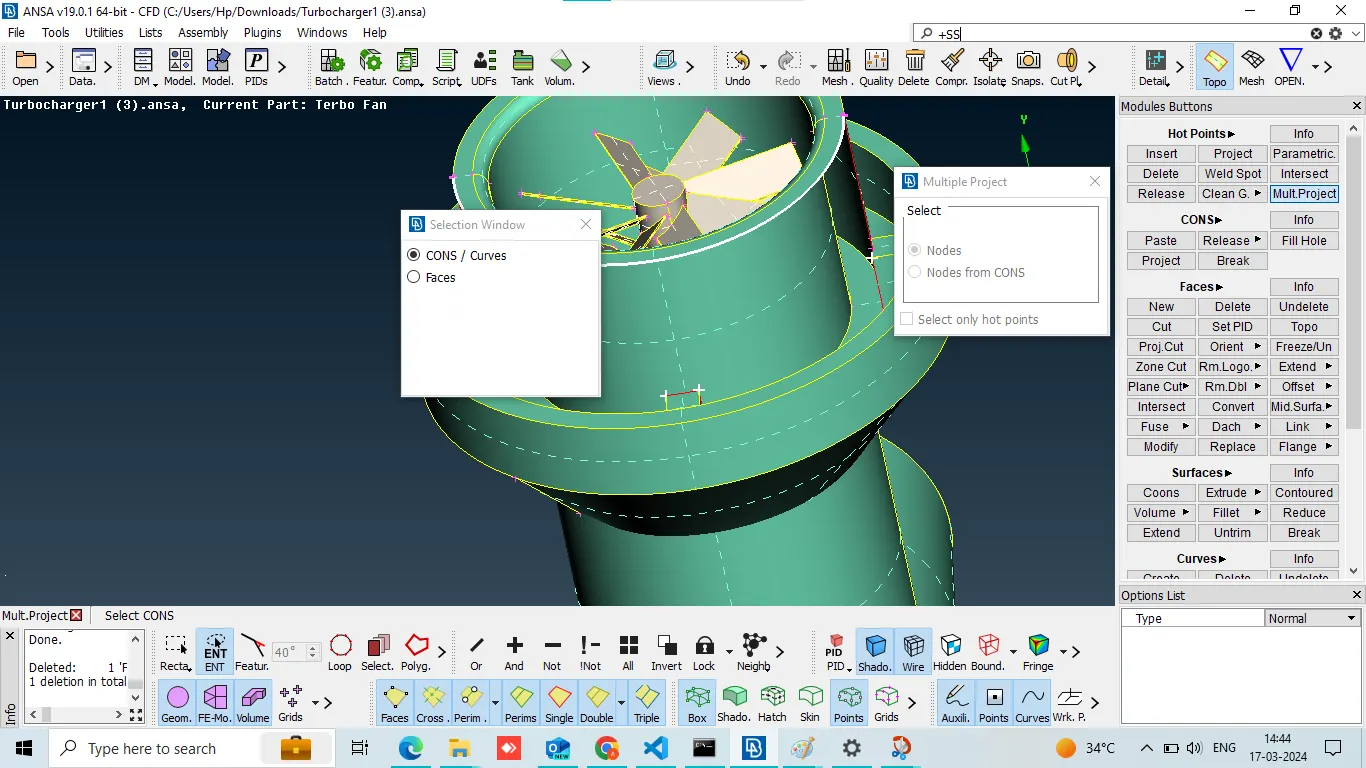
We added Cons because the new surface was not forming smoothly.
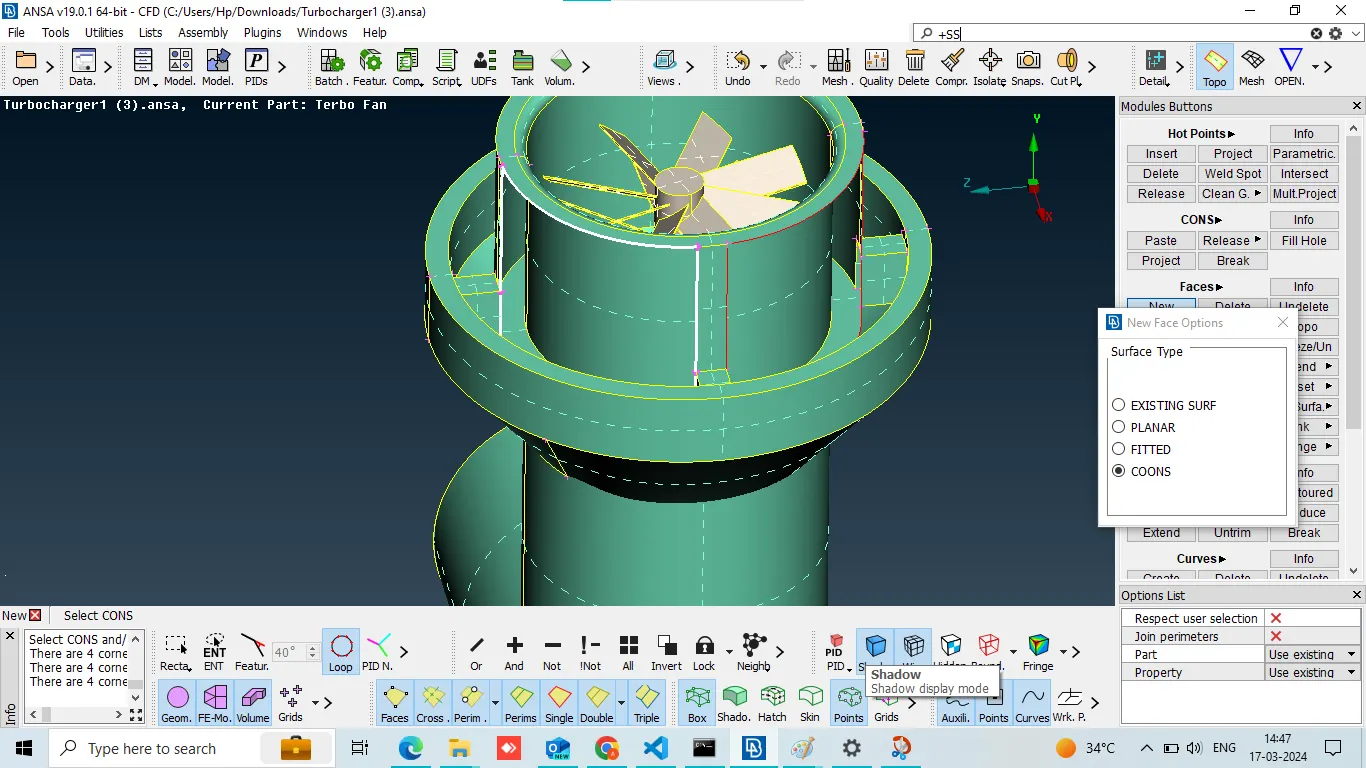
Since we have given the Cons, we have created a new surface with the help of the new.
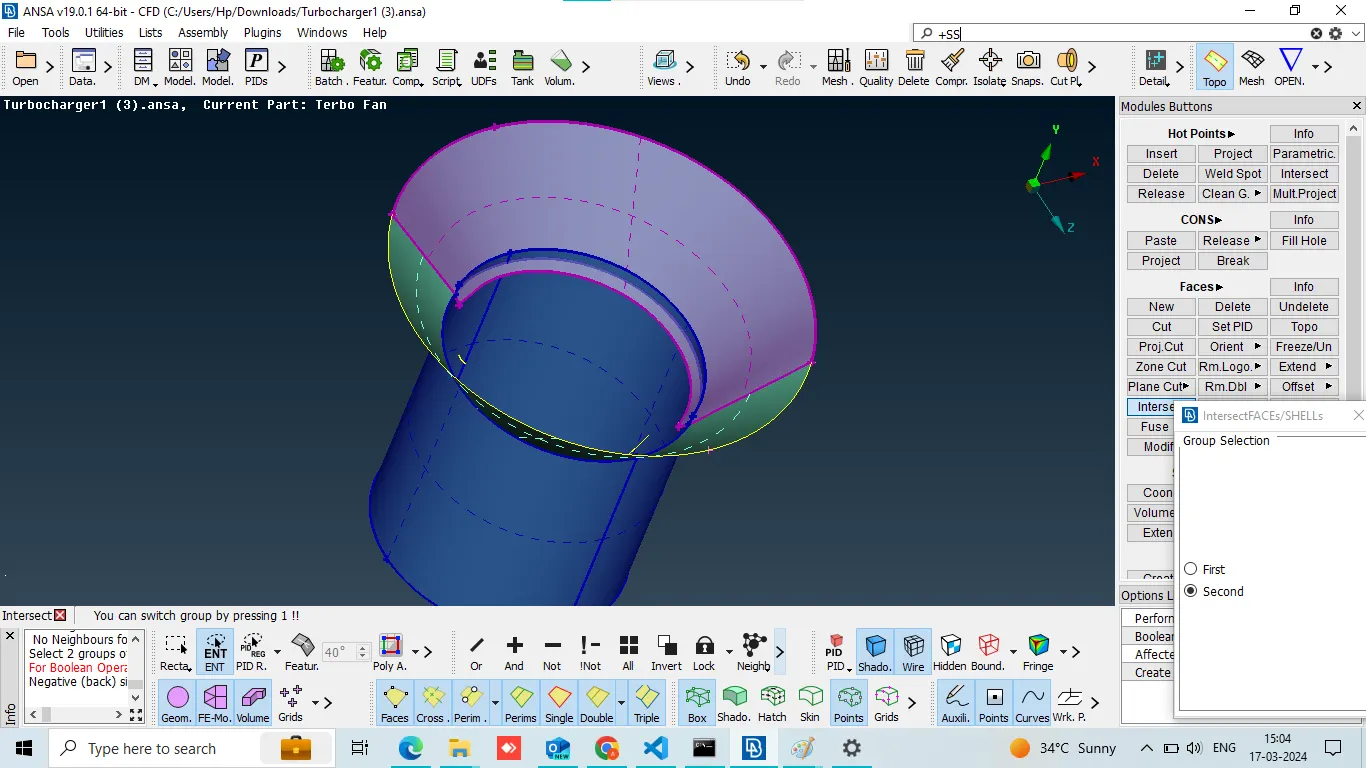
delete extended surface with the help of intersect
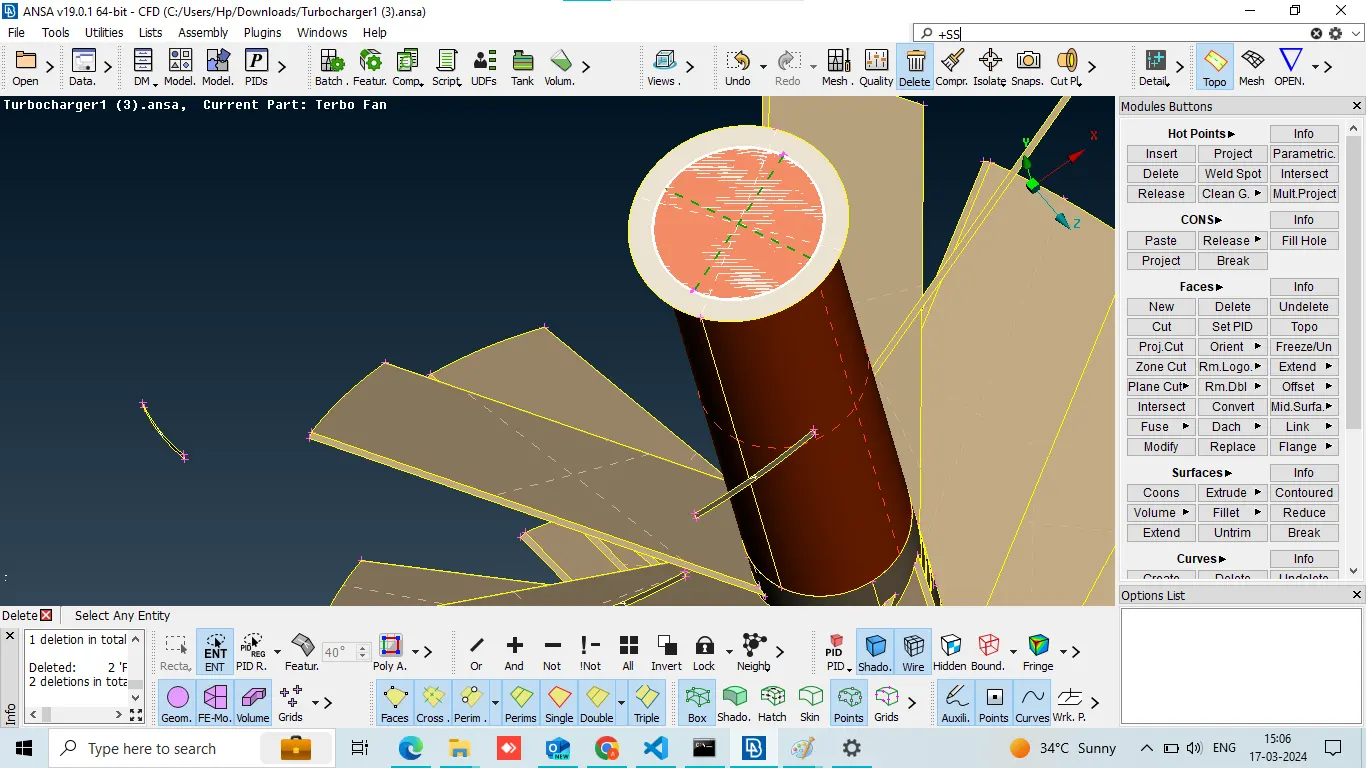
Here I deleted the overlapped surface
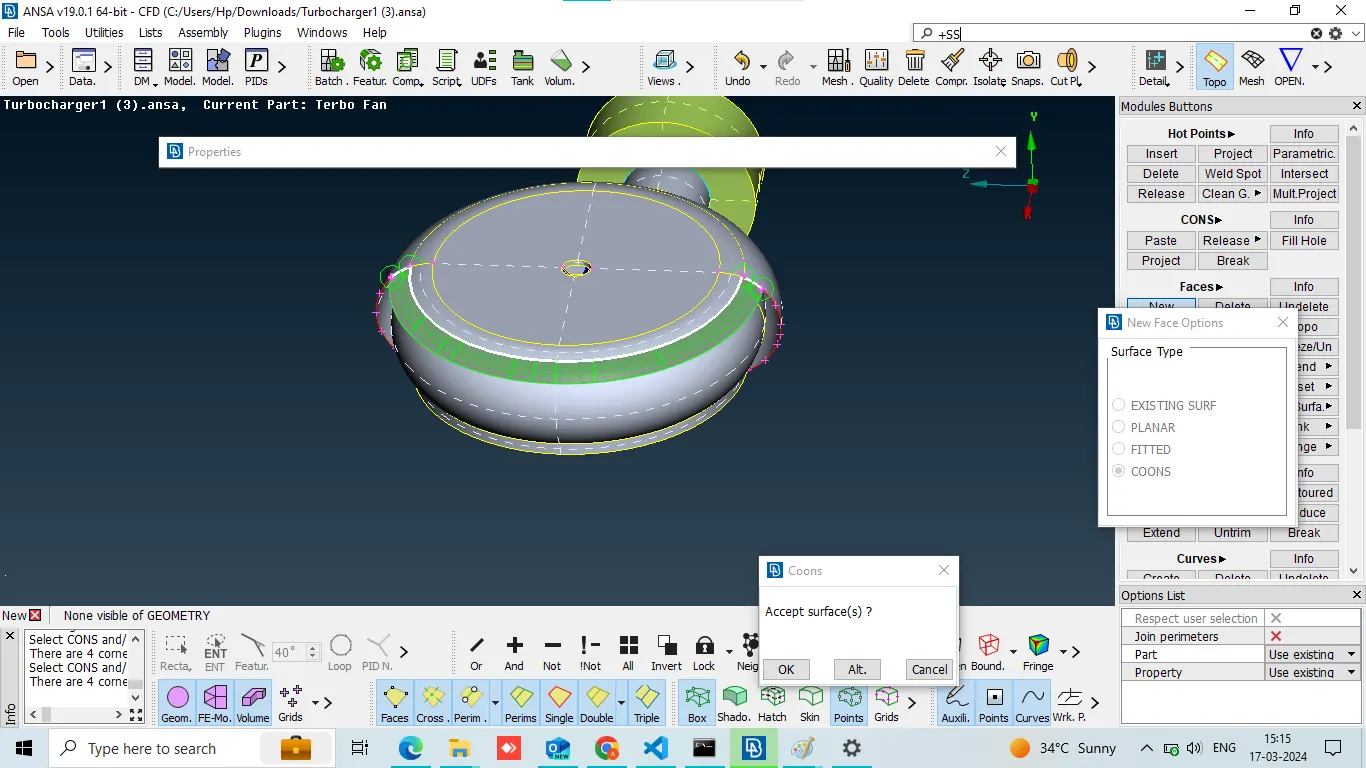
creat new cons use parametric and creat 1 by 1 new surface,
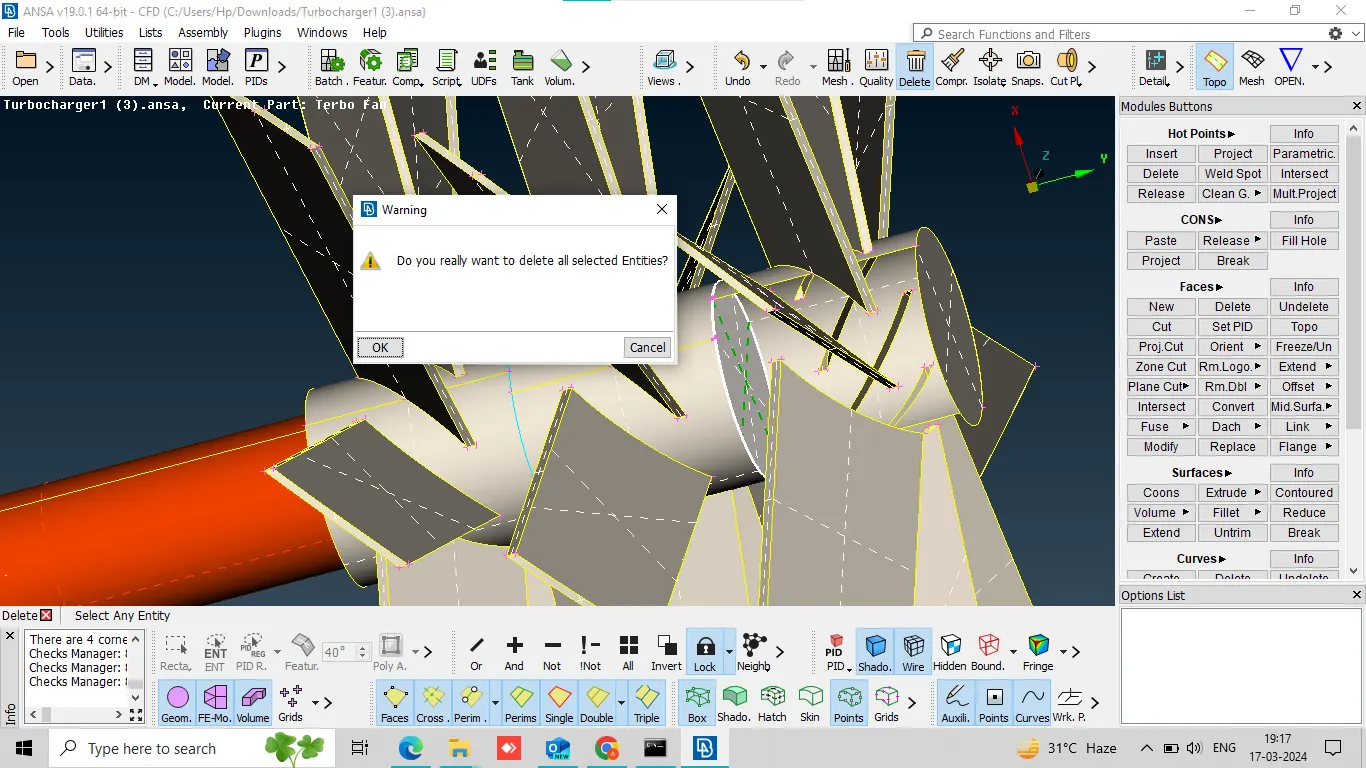
There were many triple cons which we delete with the help of delete option.
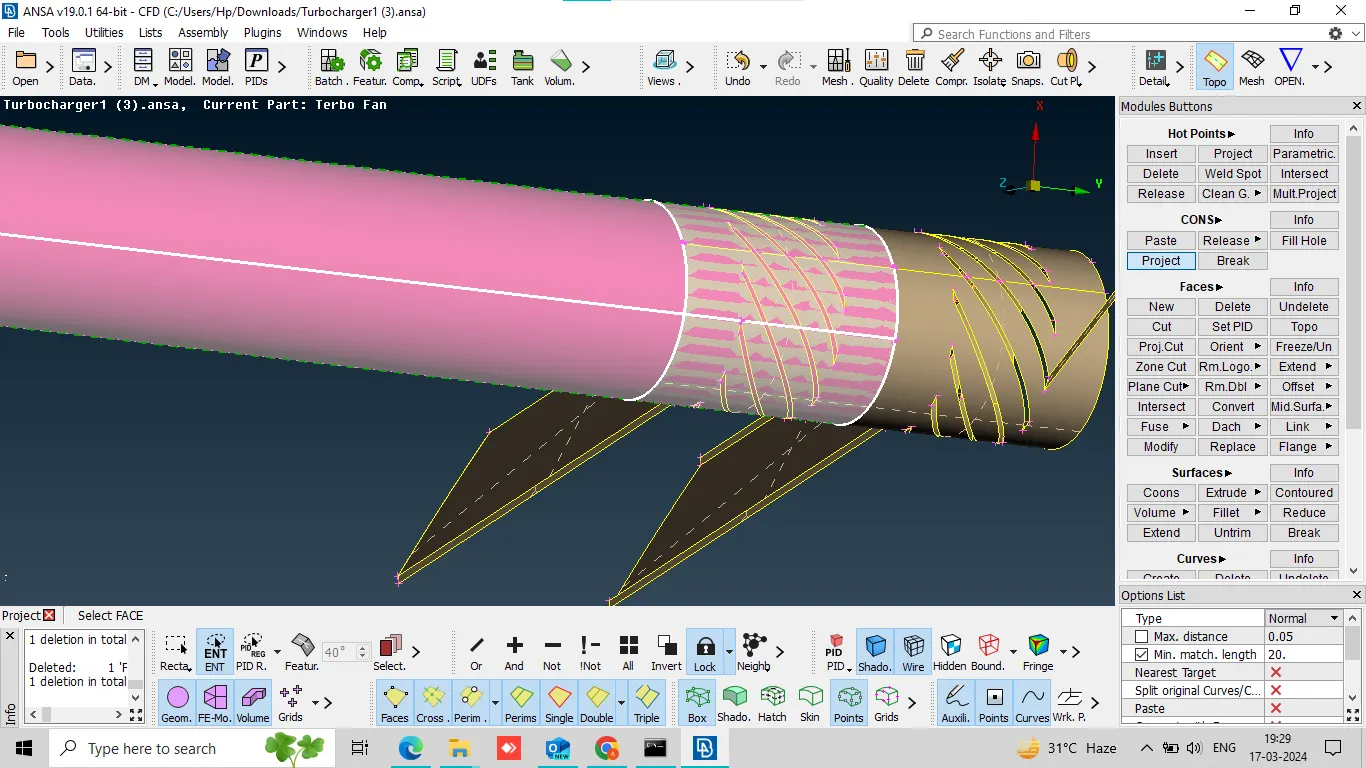
in cons option select project in over lapped surface create partition. then Auxiliaries option click fine, now deleted extended surface,
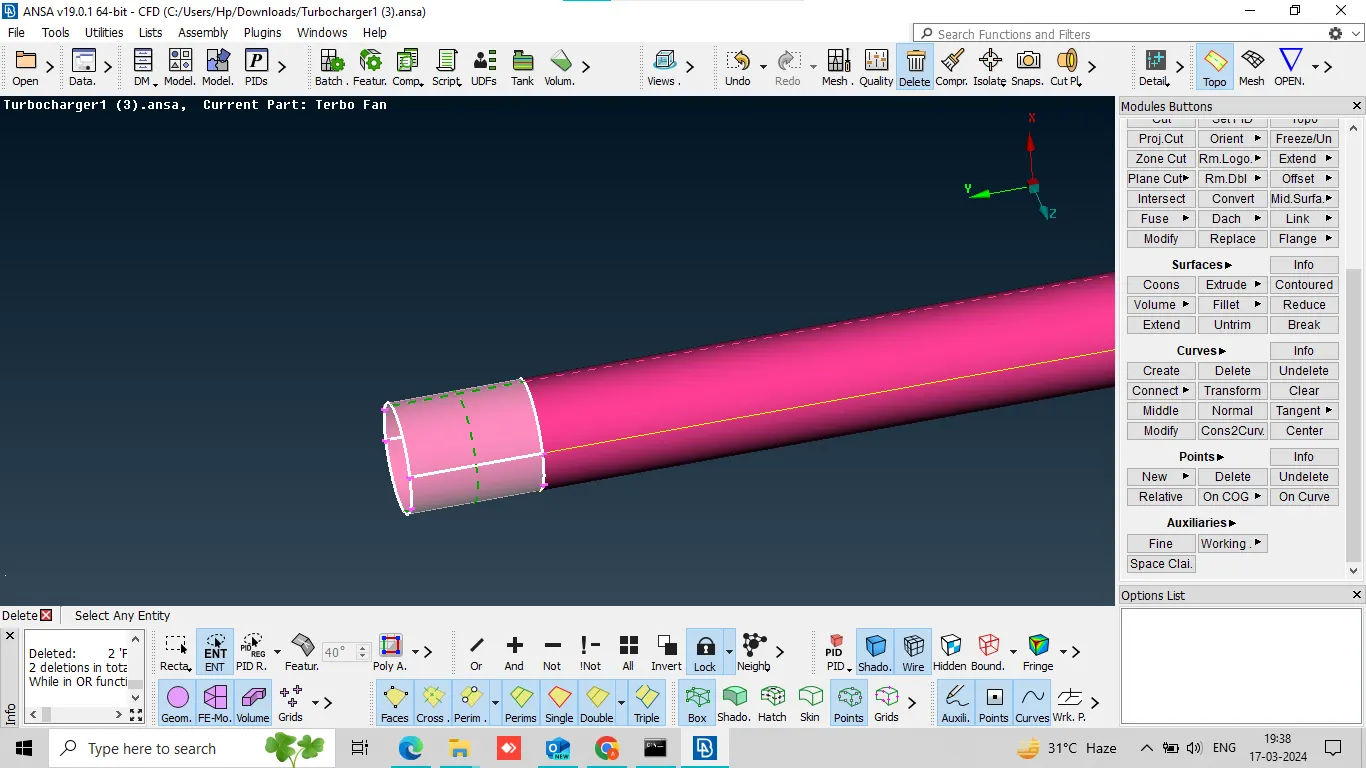
delete extra surface
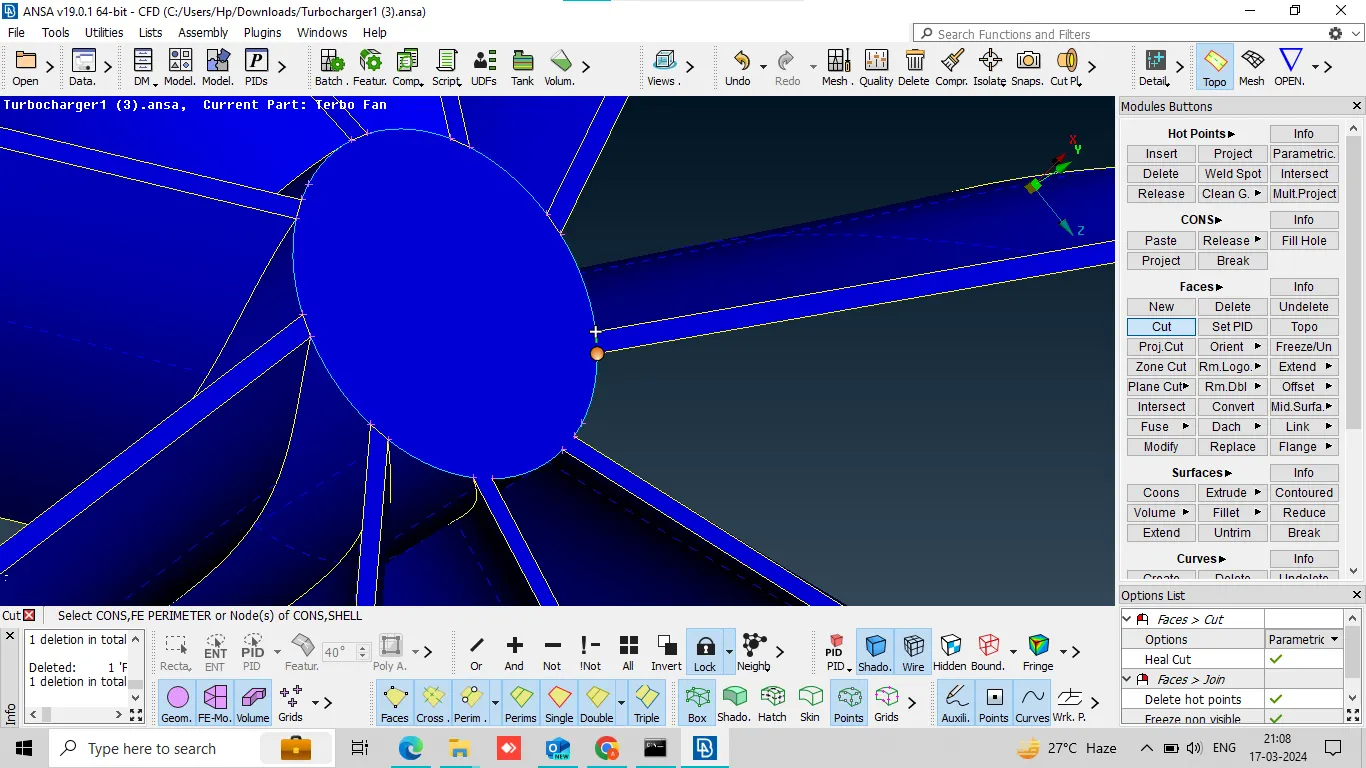
in face section select cut and middle a click to give the cuts. then delete middle surface.
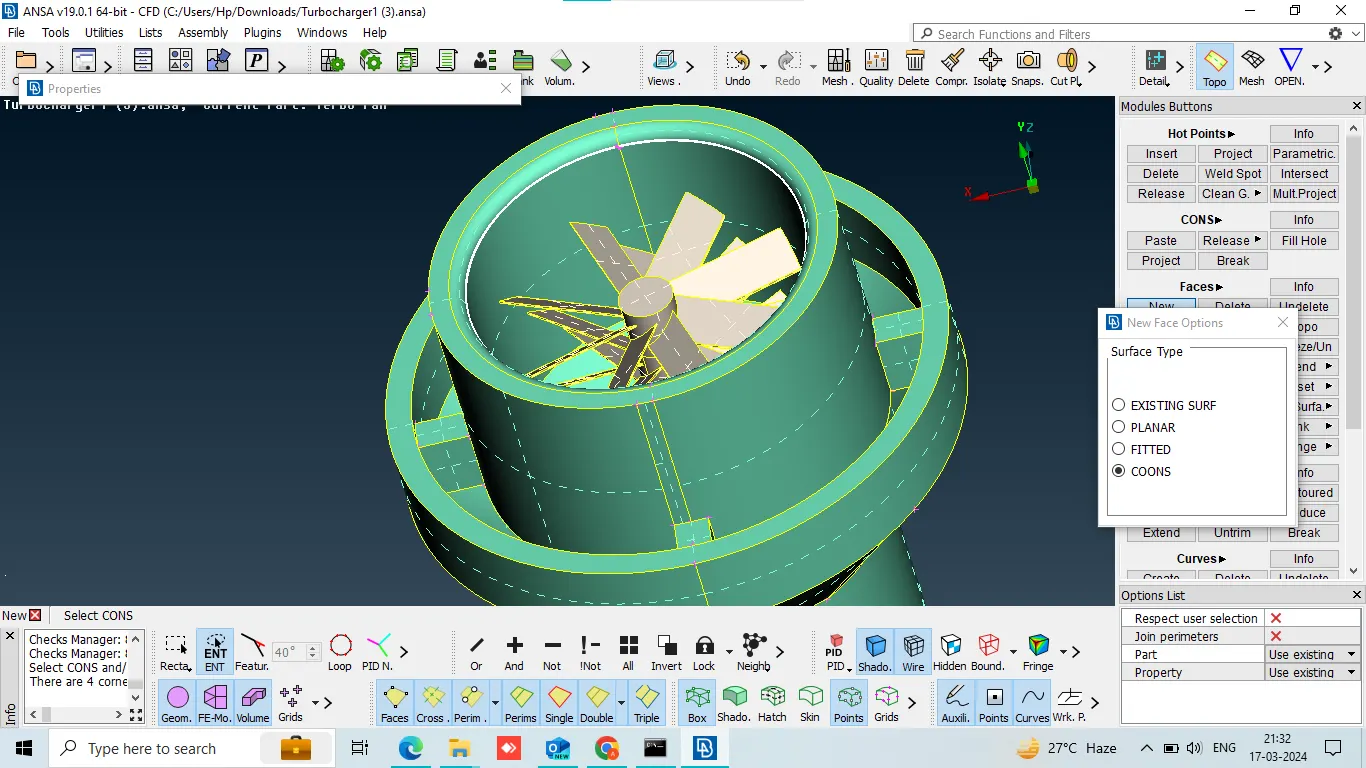
fill open surface by using in face option select new.
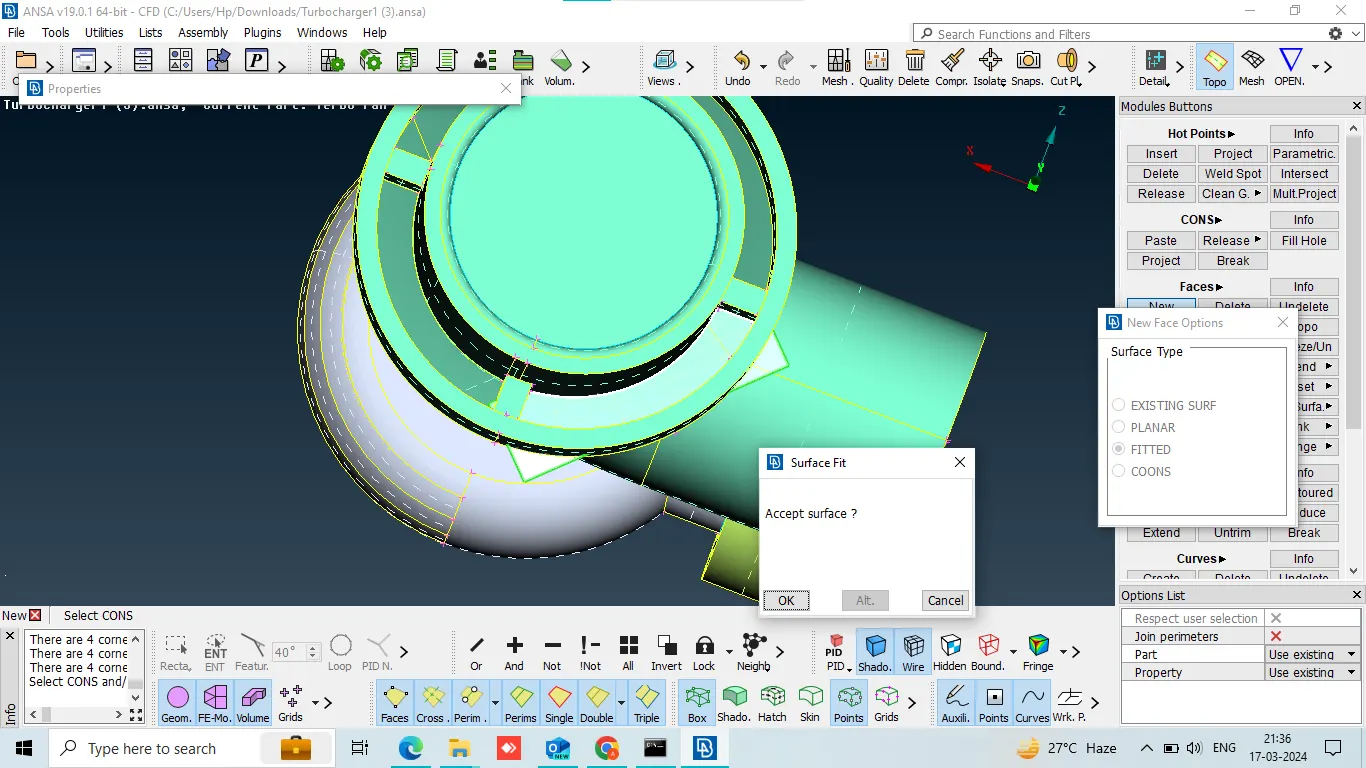
here we do same thing.
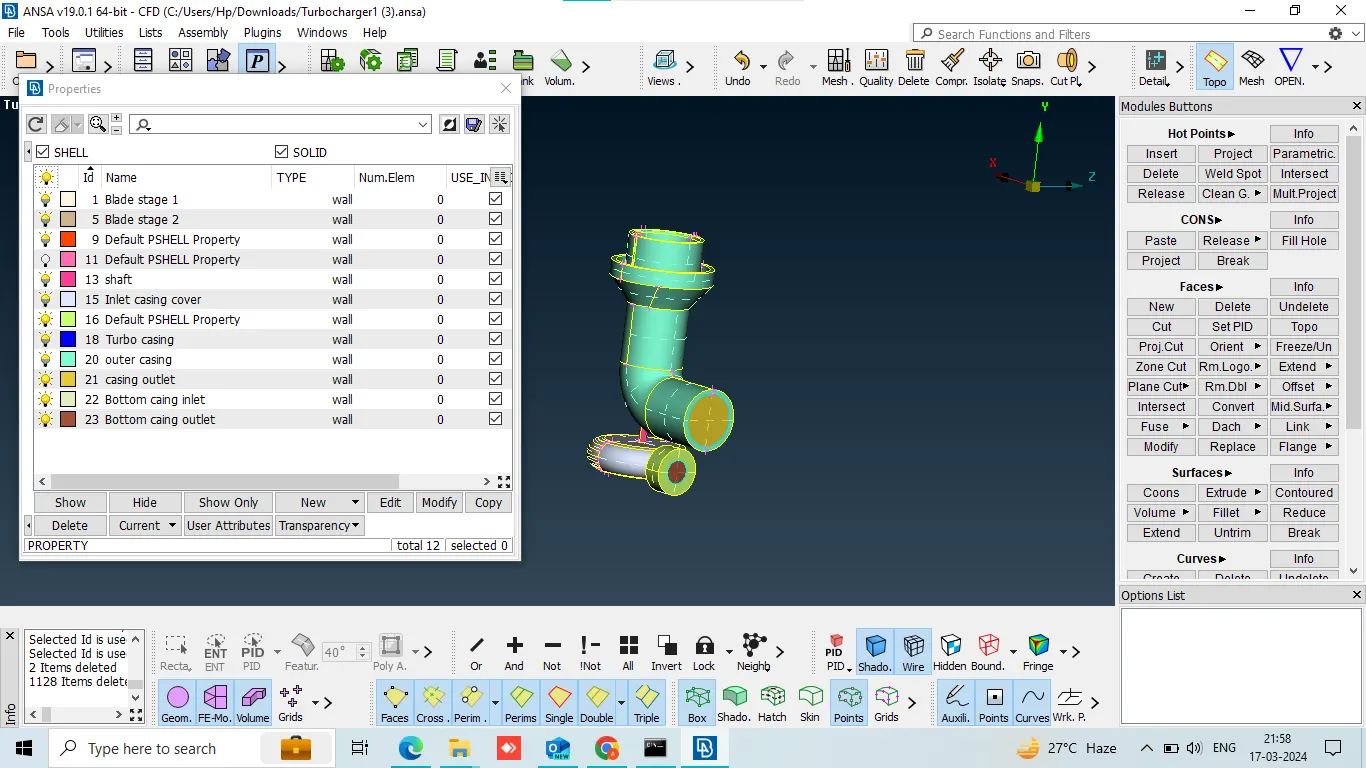
create new PID and give the name.
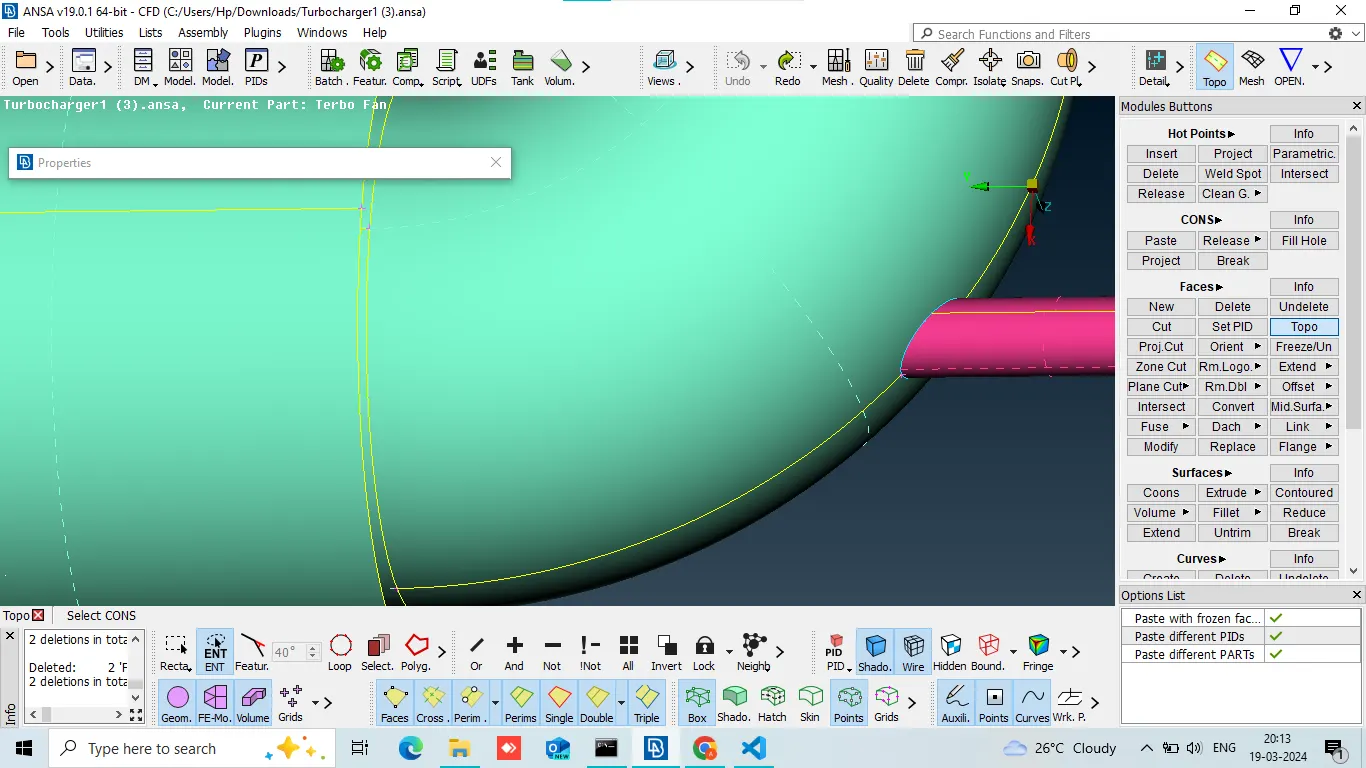
delete overlap surface.
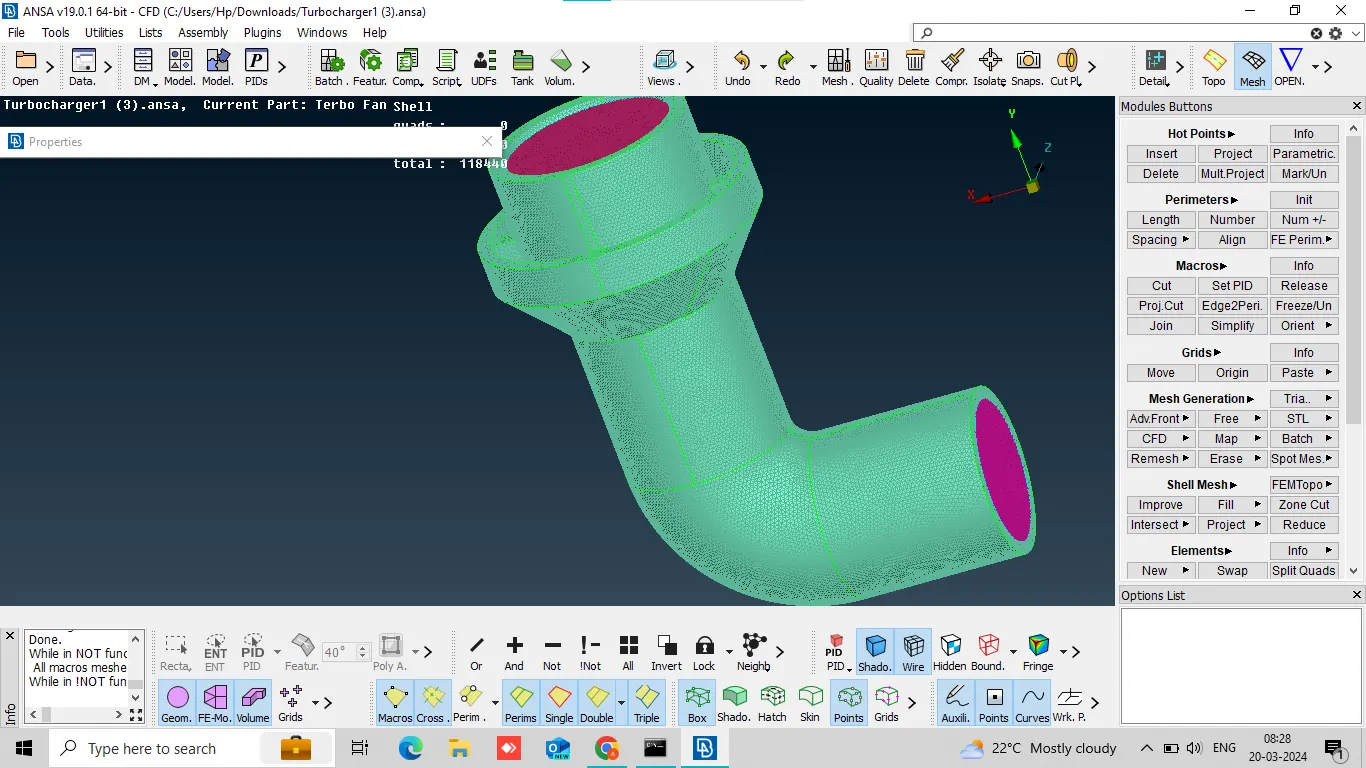
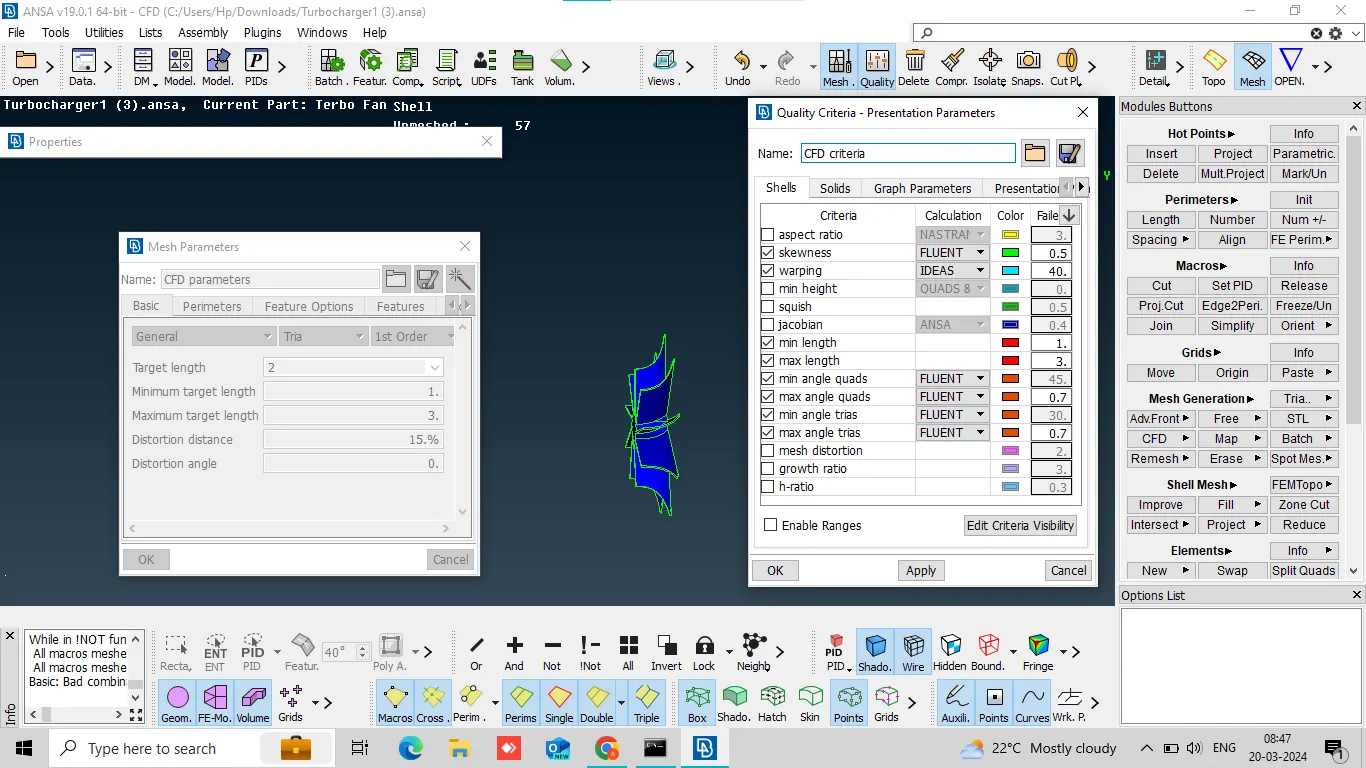
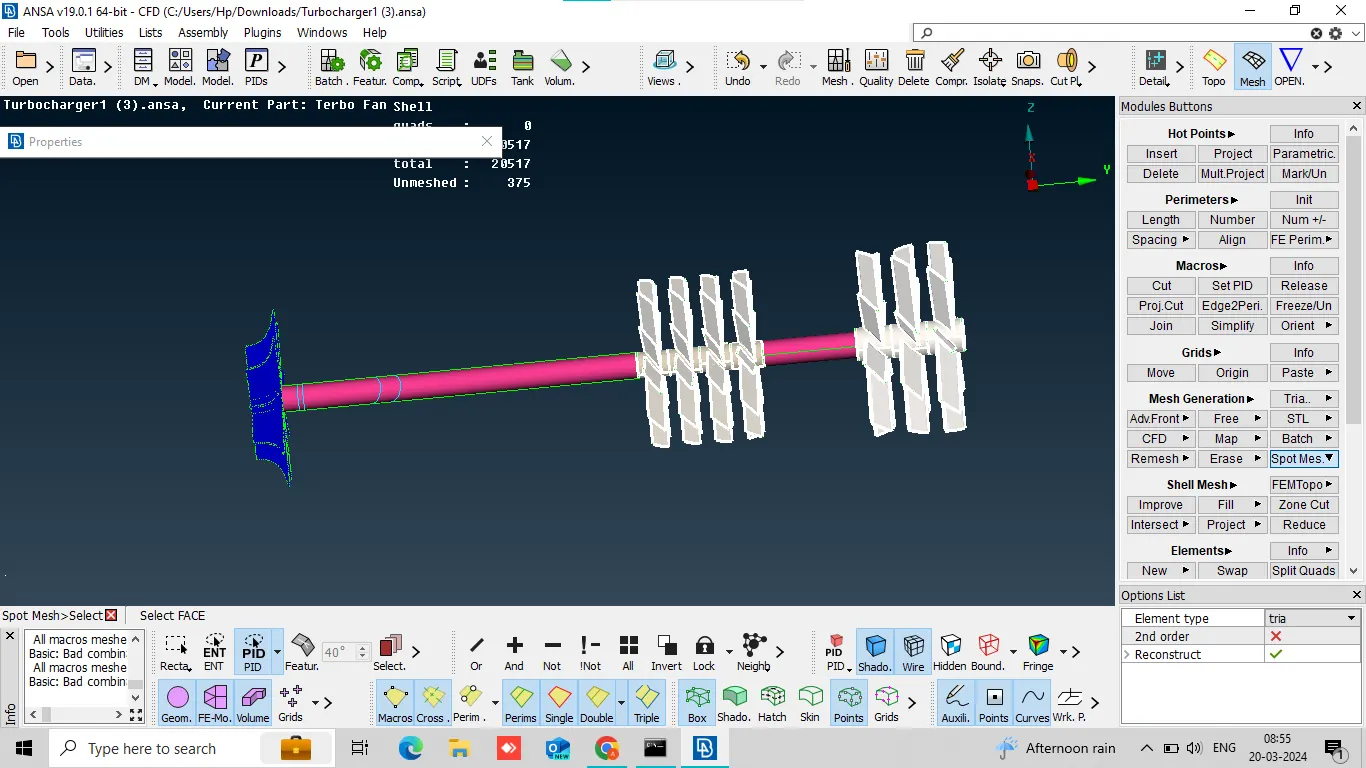
turbo casing, compressor casing and inlet casing cover, meshing 5mm target L= 5mm, min L=3mm, max L=7mm perimeters=5mm, macros=5mm
impeller=2mm, shaft rotor, blade stage-1, blade stage-2=1mm.
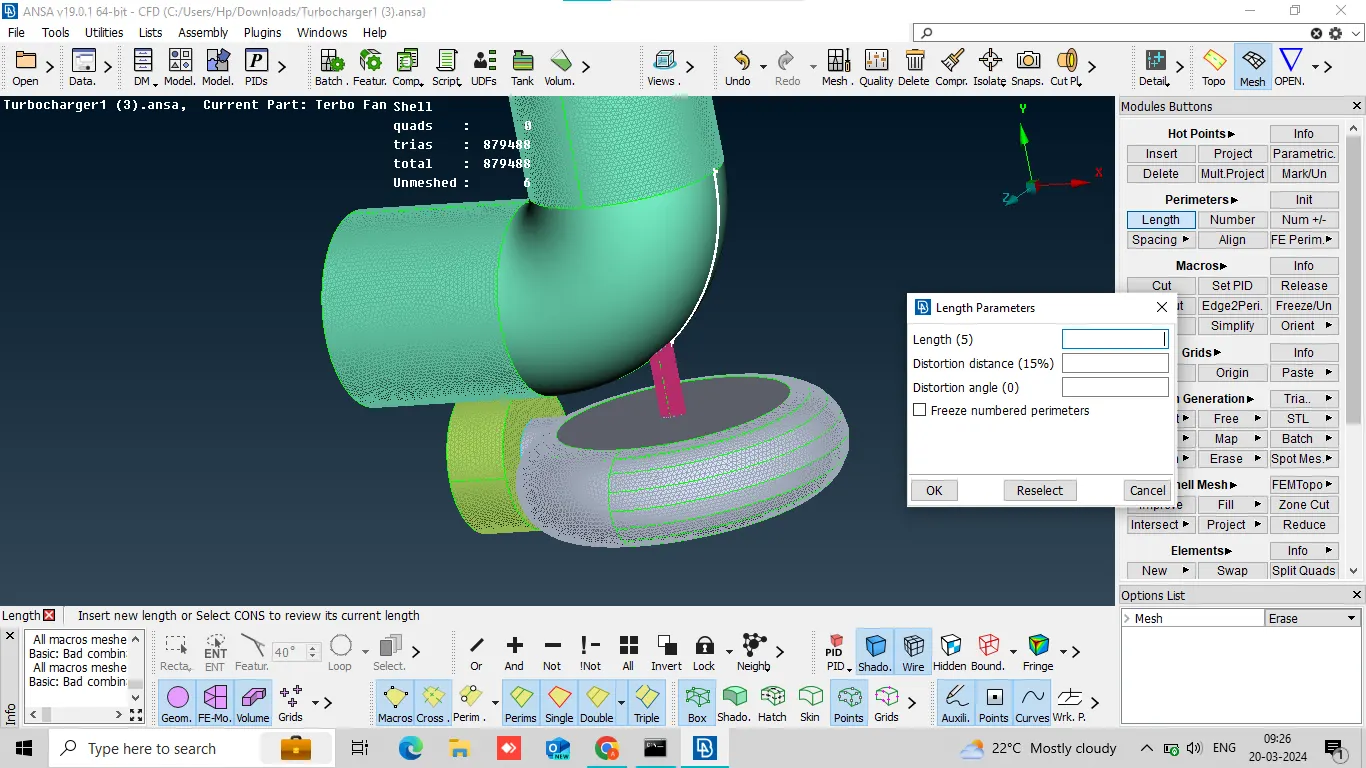
correct this same process,
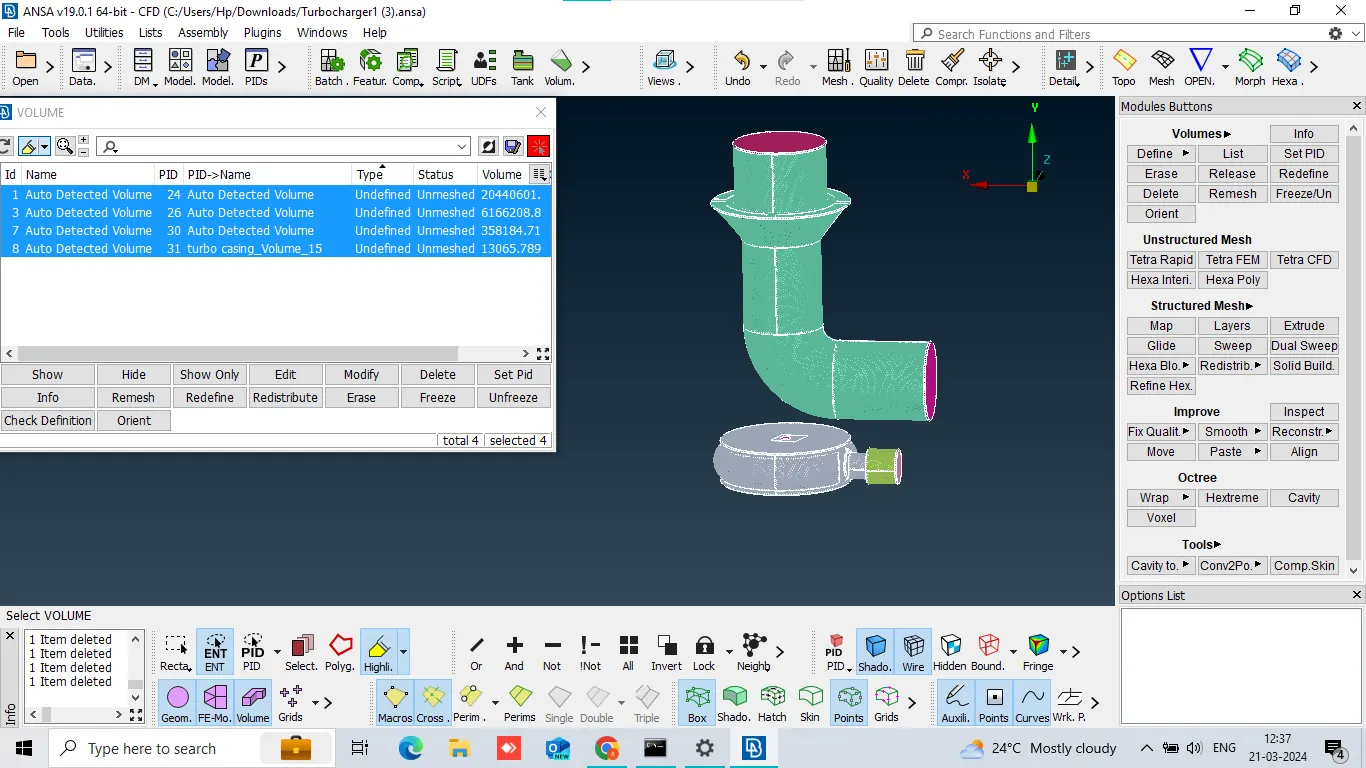
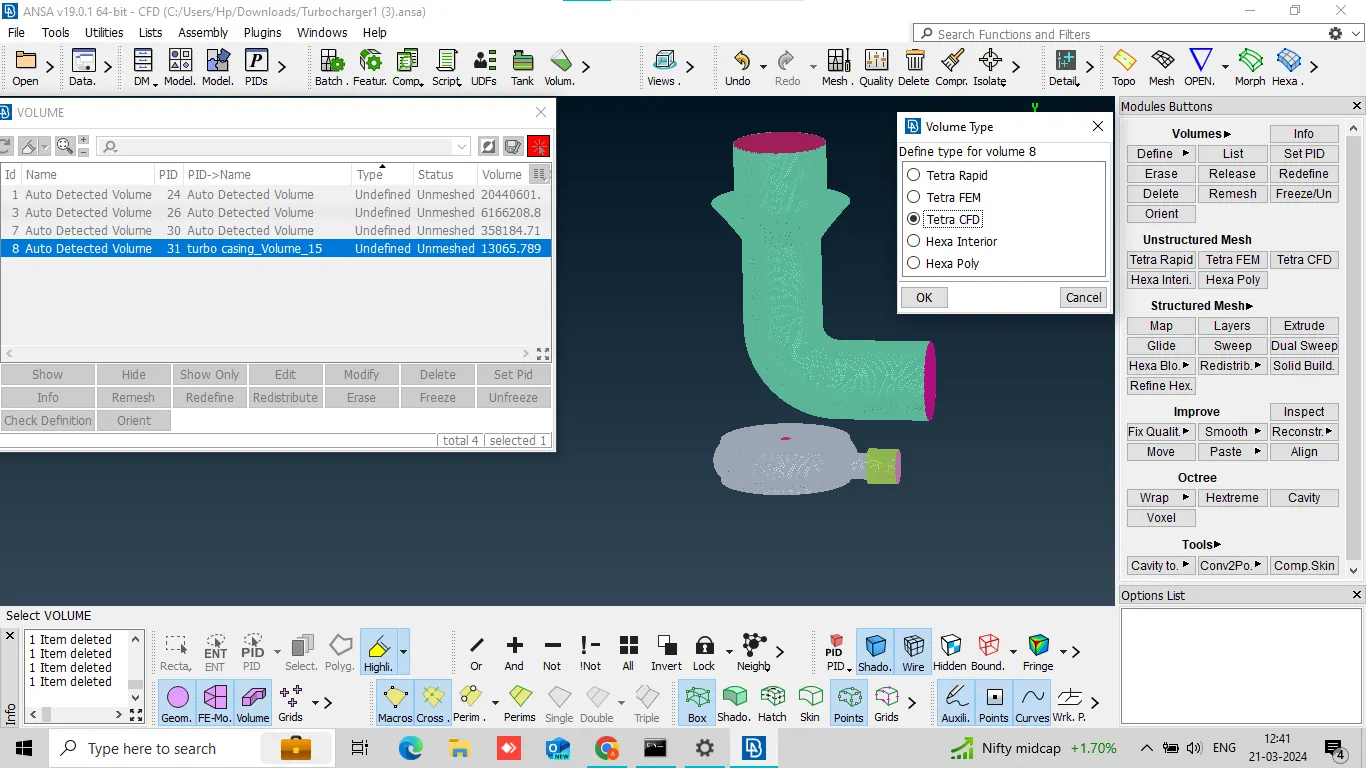
v mesh and define then meshed tetra CFD,
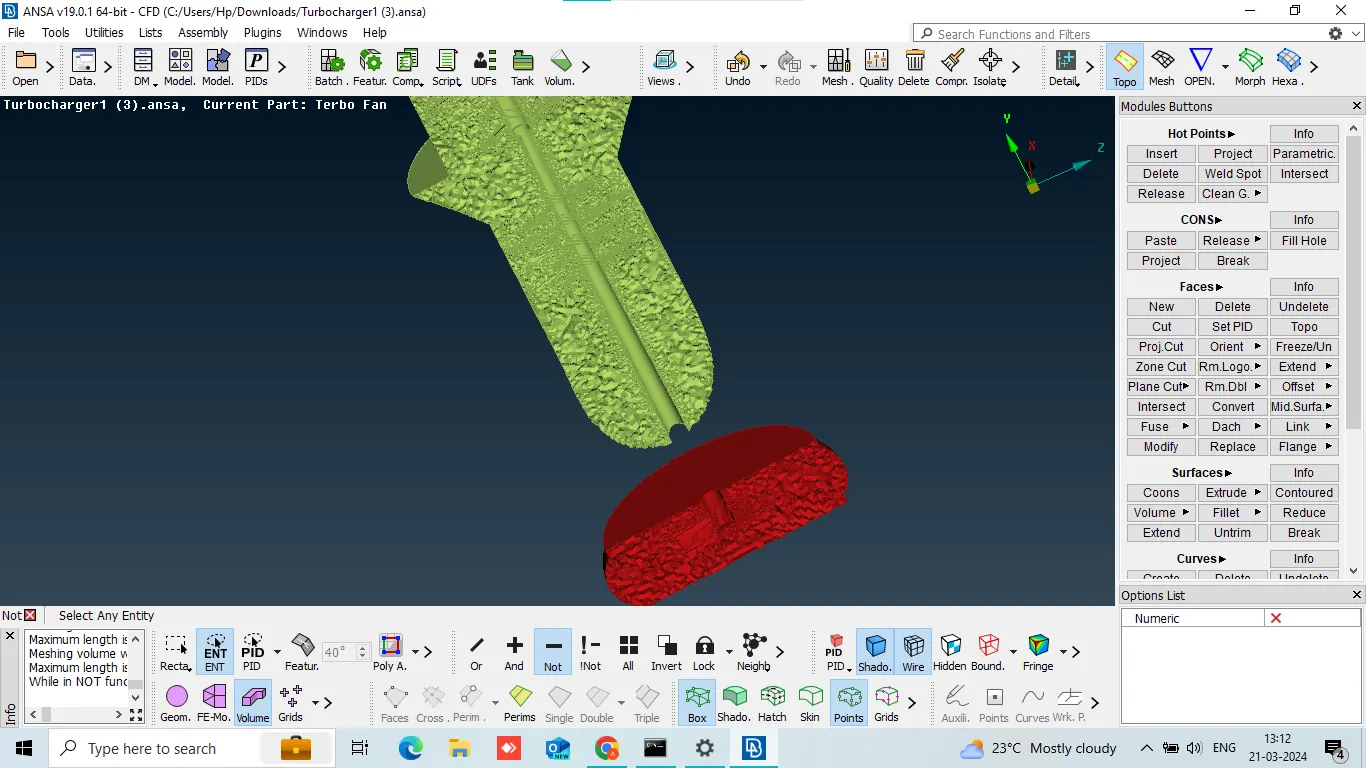
after meshing result.