Week 3 Challenge : CFD meshing on Turbocharger
AIM
To mesh the Volumetric Mesh of the Turbocharger using ANSA
TO BUILD
- volumetric Mesh before it we need to mesh Surface mesh using the below Mesh Nomenclature
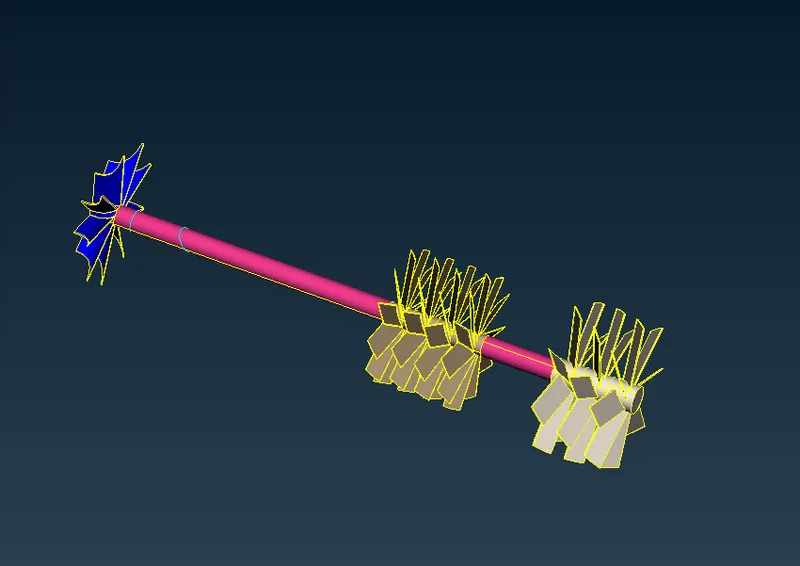
- Blade stage-1 = 1 mm
- Blade stage-2 = 1 mm
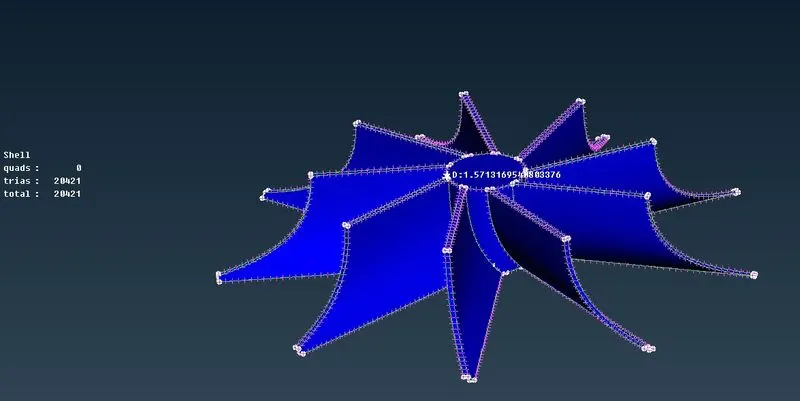
- Impeller = 2 mm
- Shaft rotor = 1 mm
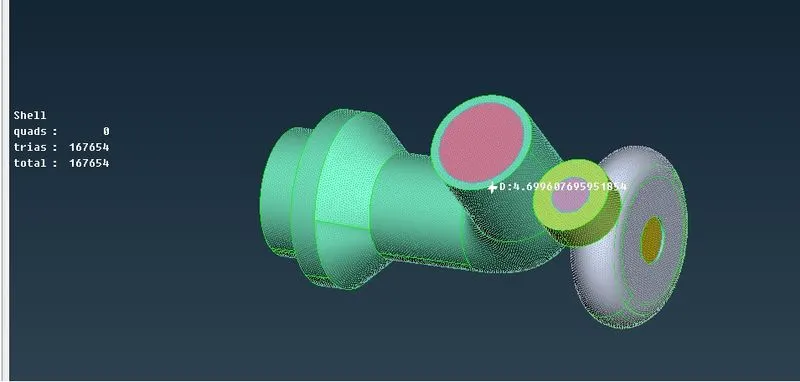
- Turbo casing = 5 mm
- Compressor casing = 5 mm
- Inlet casing cover = 5 mm
COMMAND USED
- VIEW
- Topology
- geometry clean up tools
- Mesh
- 2D surface Mesh
- Volume Mesh
- 3D volume Mesh
- PROPERTIES
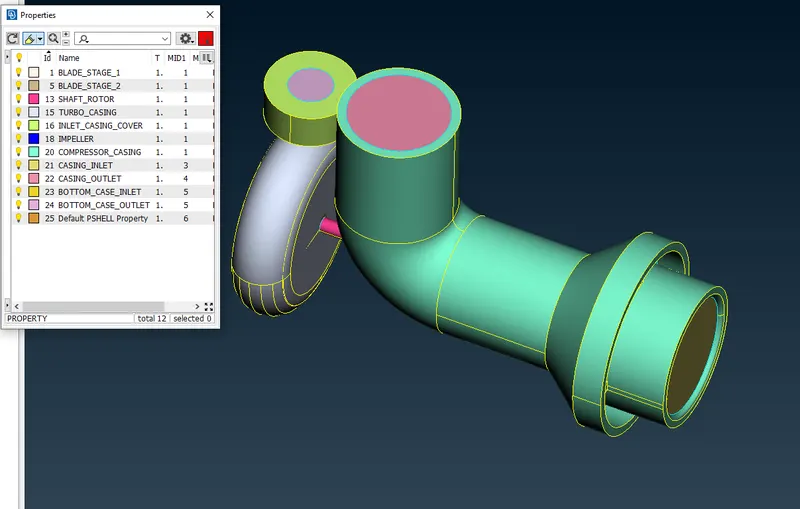
- PID to view geometry parts
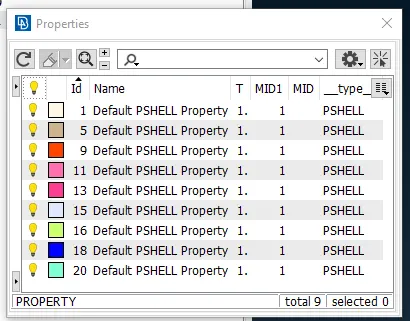
- decide the condition of geometry and conclude Control volume is needed as output
- GEOMETRY EDIT
- coons
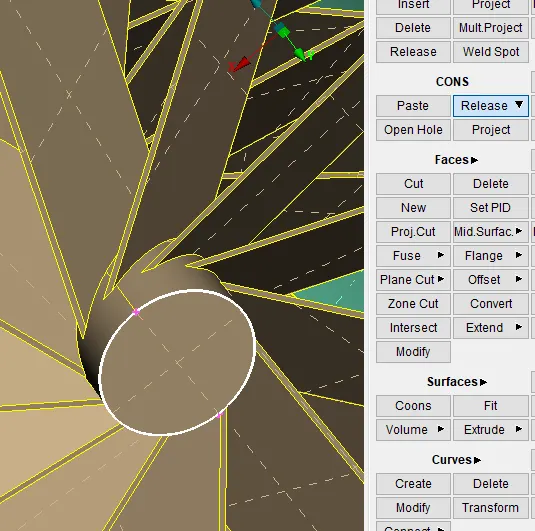
- convert Double cons or triple cons to single cons
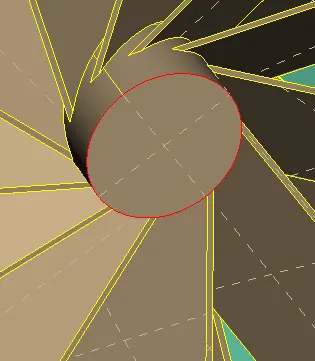
- Topo
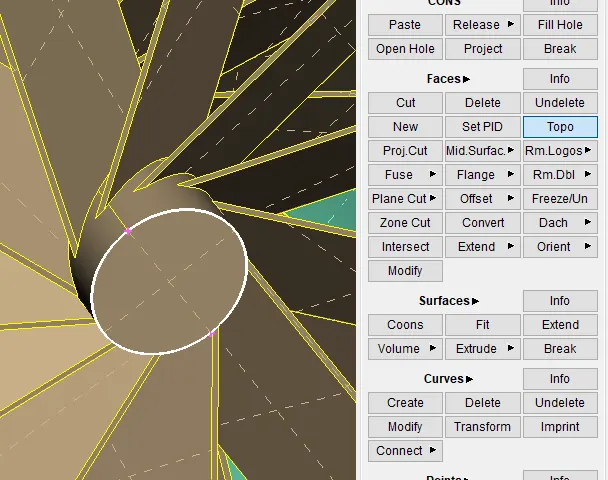
- convert single cons to single or double cons
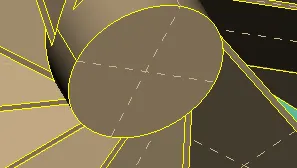
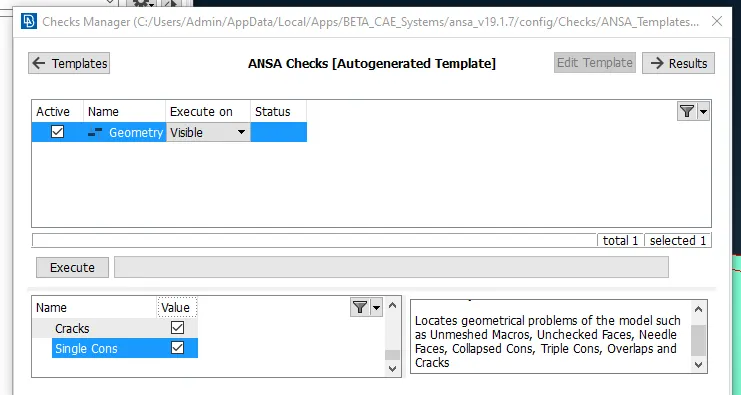
- GEOMETRY CHECK
- tools-check-geometry
- Hot point
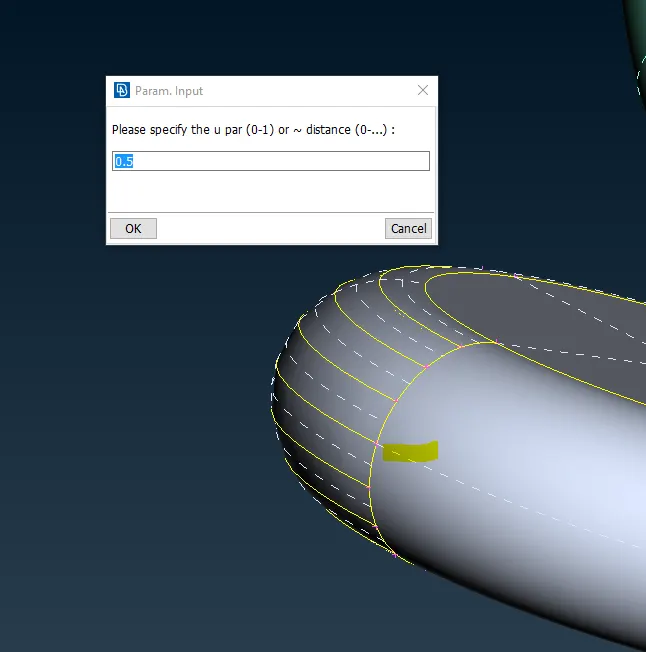
- creating Hotpoint based on the parameter here mentioned at half the portion of the selection
- To view the geometry status like single cons, triple cons, and overlap geometry which displays if the error is given below
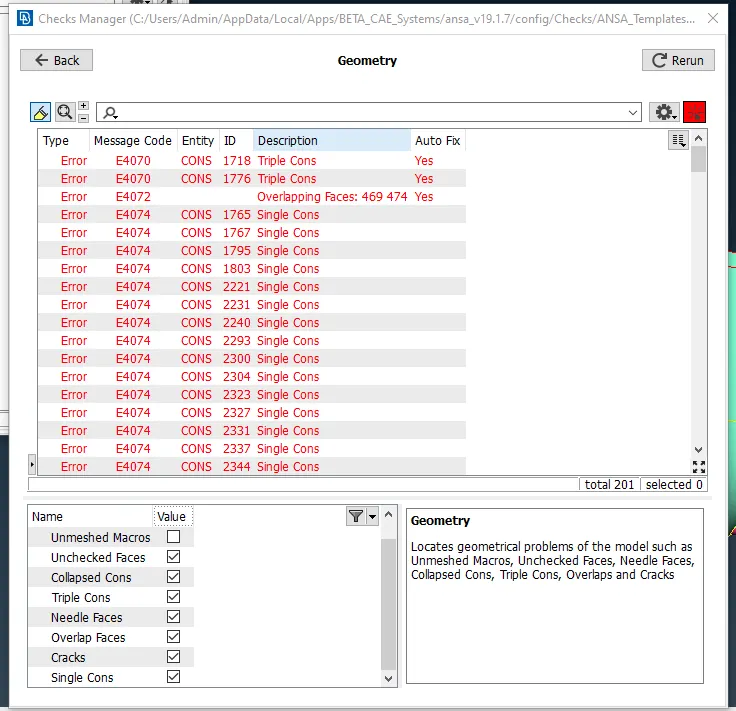
- SURFACE MESH
- set mesh parameters based on the mesh requirements
- mesh quality set parameters for different body
-
S.No Parts Target Length Elements Minimum Elements Maximum Elements 1 Blade stage-1 1 mm 0.5 mm 2 mm 2 Blade stage-2 1 mm 0.5 mm 2 mm 3 Impeller 2 mm 1 mm 3 mm 4 Shaft rotor 1 mm 0.5 mm 2 mm 5 Turbo casing 5 mm 3 mm 7 mm 6 Compressor casing 5 mm 3 mm 7 mm 7 Inlet casing cove 5 mm 3 mm 7 mm - Quality Criteria
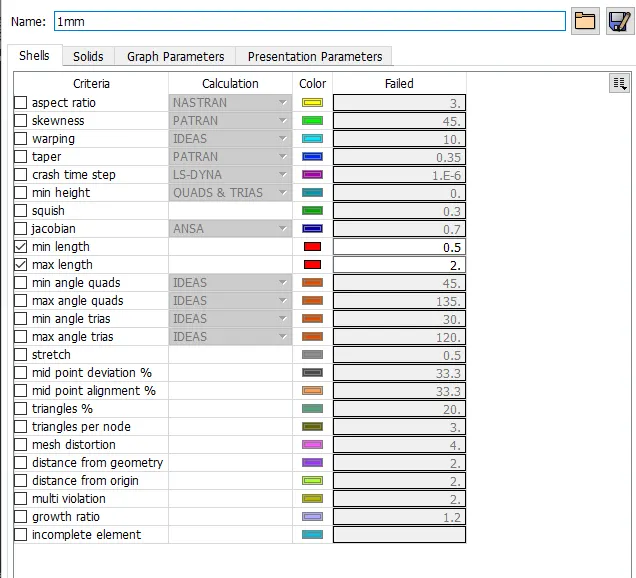
- Mesh parameters
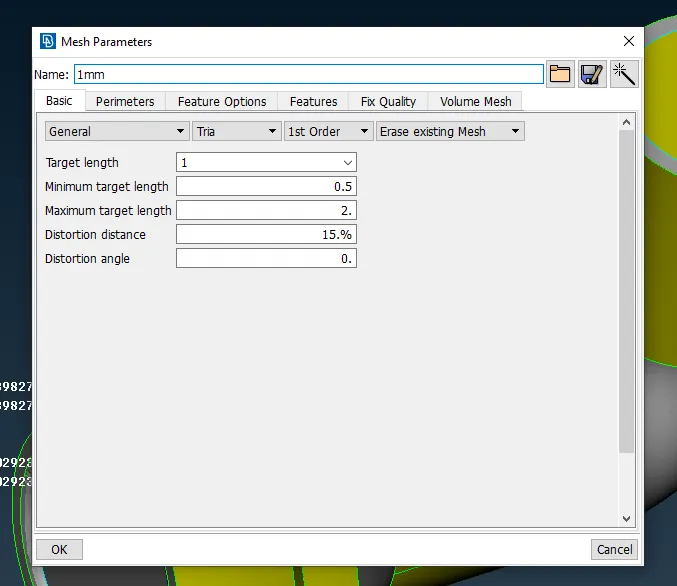
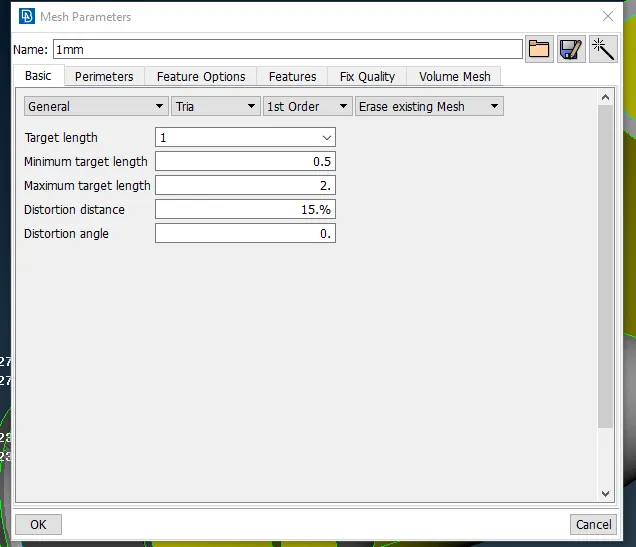
- Assign Mesh Parameter
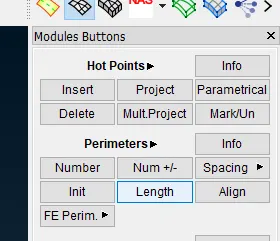
- perimeter to assign mesh size
- Assign the geometry
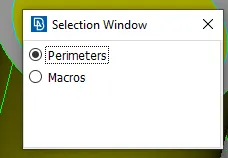
- for the surface to mesh
- surface Mesh
-
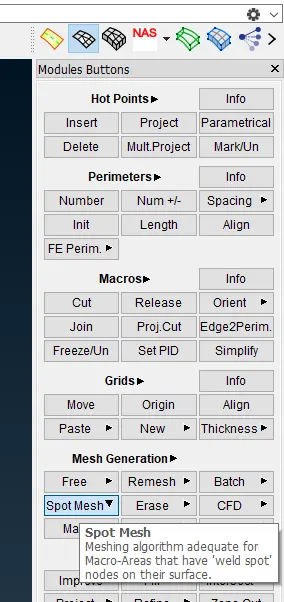
- spot mesh develops surface mesh according to given parameters
- macros-cut
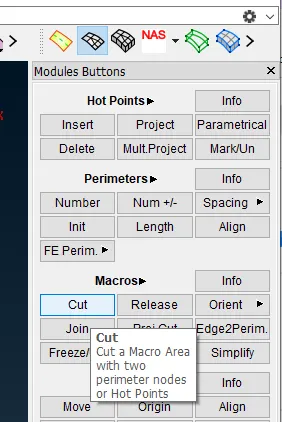
- to cut the mesh to the required are for fin mesh where transition of mesh size obtain
- VOLUME MESH
- after surface mesh volume mesh need to generate before that volume needs to create
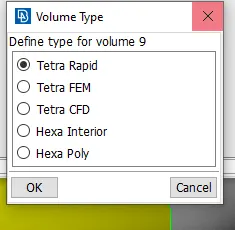
- Define-Autodetection
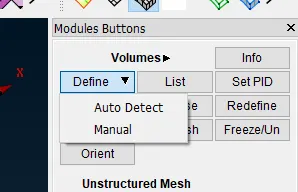
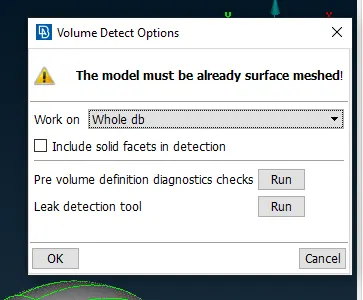
- RMB on Remesh on
- MESH QUALITY & CHECK
- volume check
- below overlap surface & volume
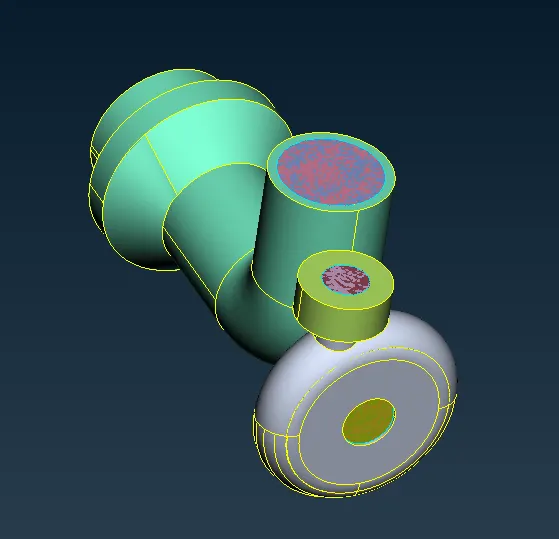
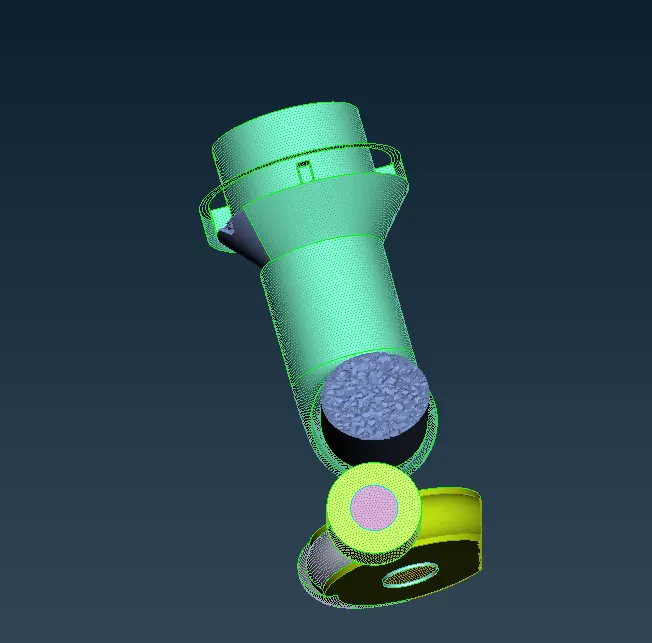
- Cut Mesh view
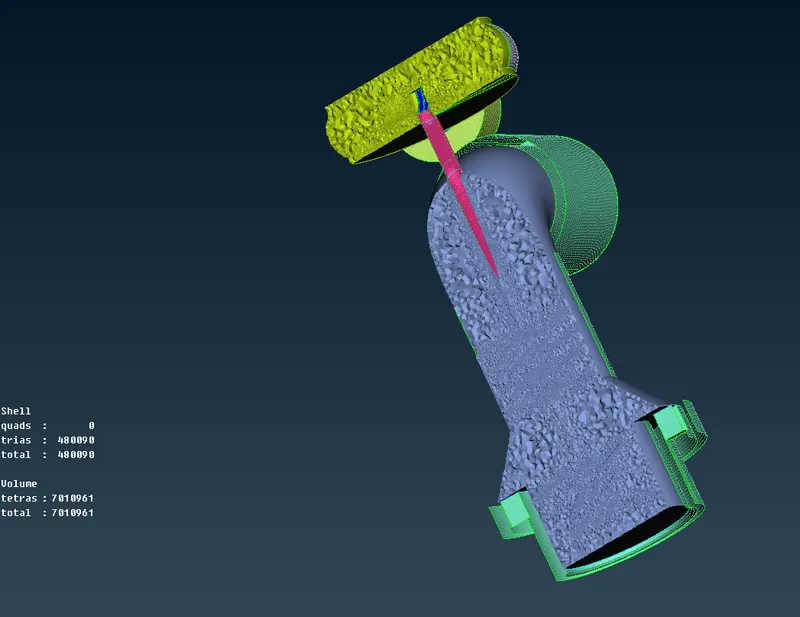
PROCEDURE
Clean up geometry using the cleanup commands
Check For single coons, have Valiable Tripile coons
The name assigned to each part
Surface Mesh Created using surface mesh command like spot mesh at cut option used at the transition of mesh from 1 mm to 5 mm region all mesh is Tri mesh
check the surface mesh in details right of display
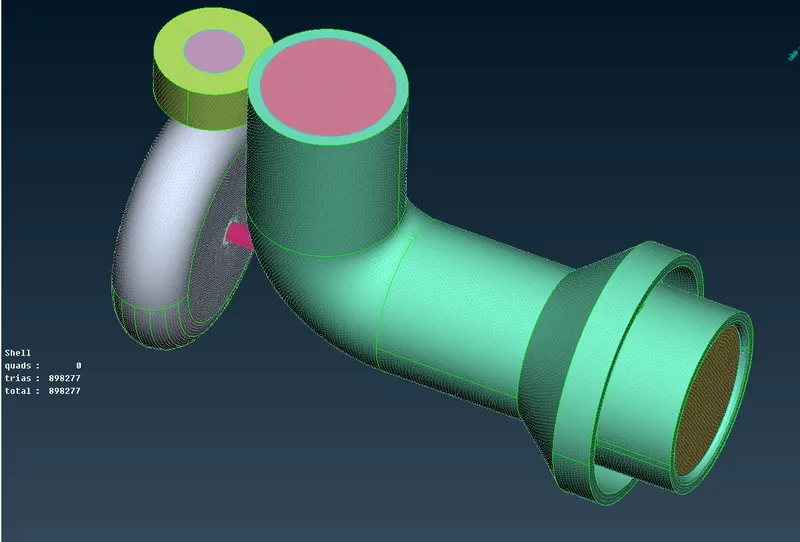
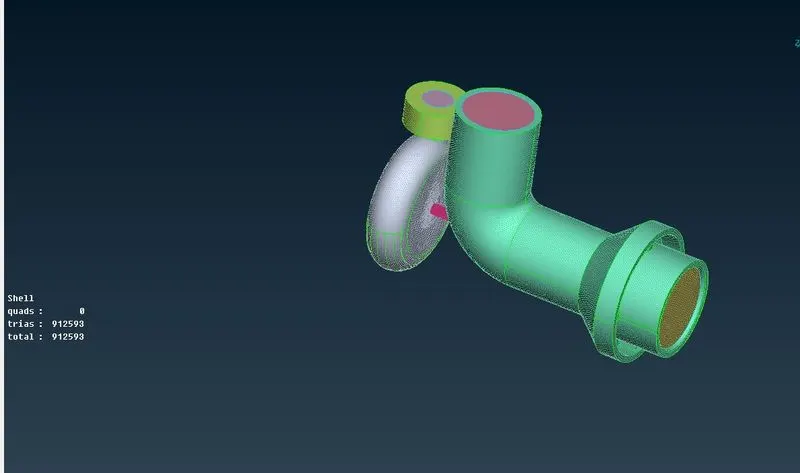
Generate volume and mesh using remesh command Tetra mesh
check it the mesh overall
OUTPUT
Initial Geometry
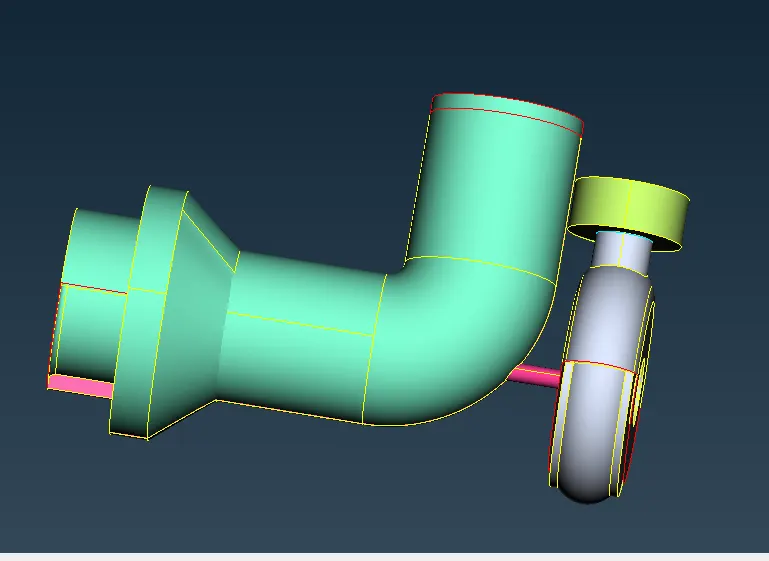
NAME SELECTION
Surface Mesh
5 mm parts
2 mm mesh parts
1 mm mesh parts
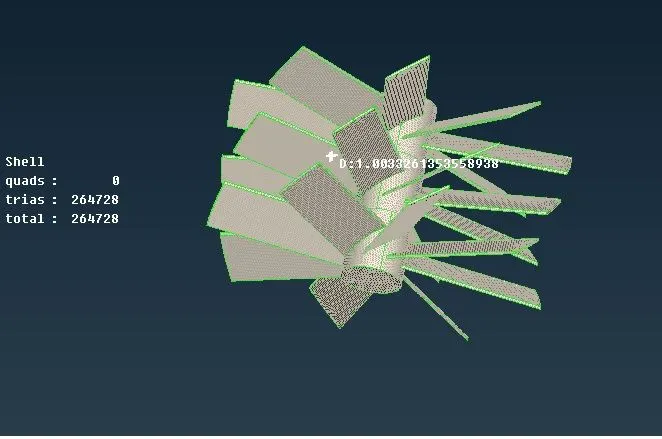
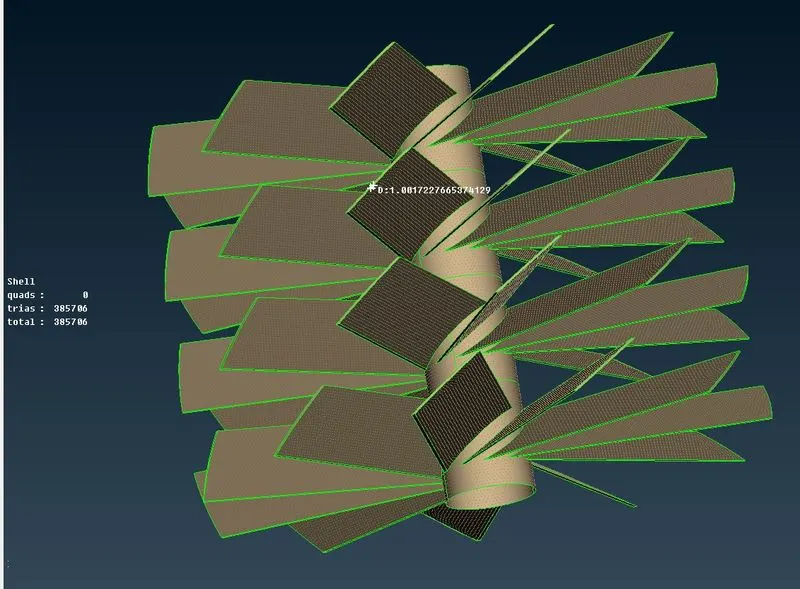
inter size mesh
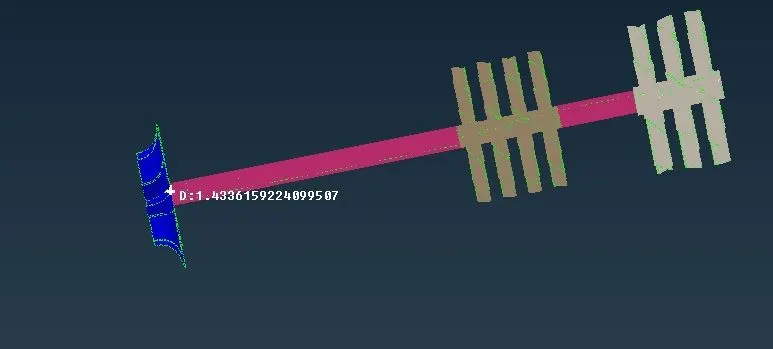
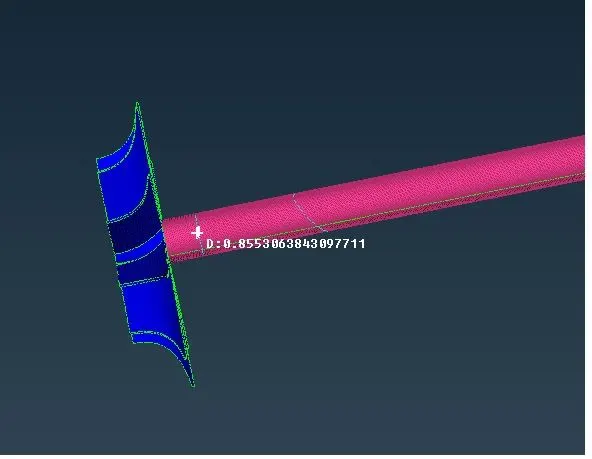
cut mesh
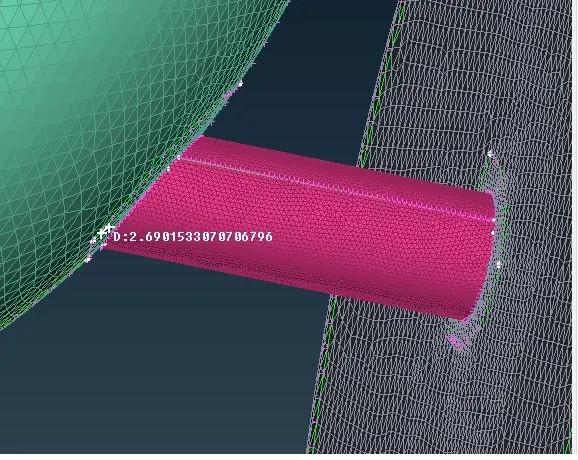
Error
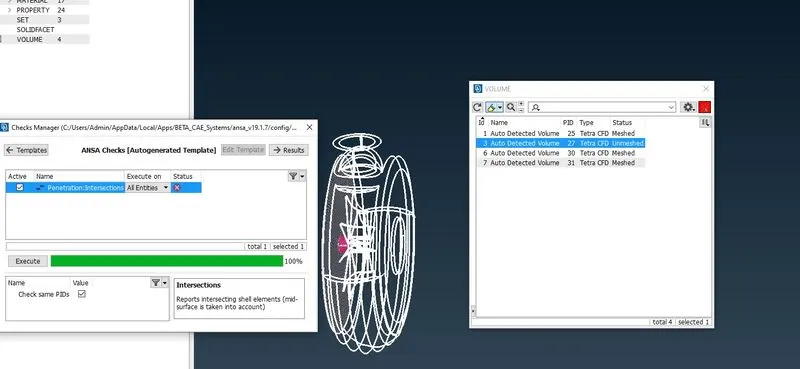
where single coons are presented & it is rectified
INFERENCES
Given geometry is cleaned up & volume mesh is done with a different mesh nomenclature