Week 3 Challenge : CFD meshing on Turbocharger
Aim : To perform volumetric mesh on the 3d Model
Procedure :
1. To go for volumetric mesh first surface meshing has to be done for which surface meshing is prerequisite.
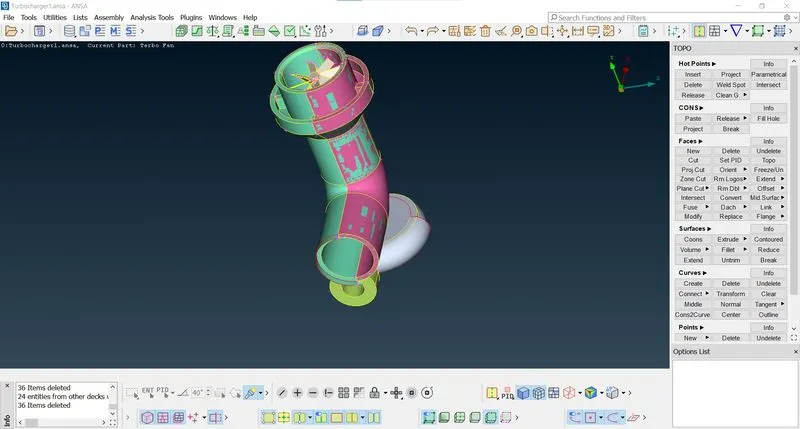
2. Checking the geometry and reviewing the PIDs.
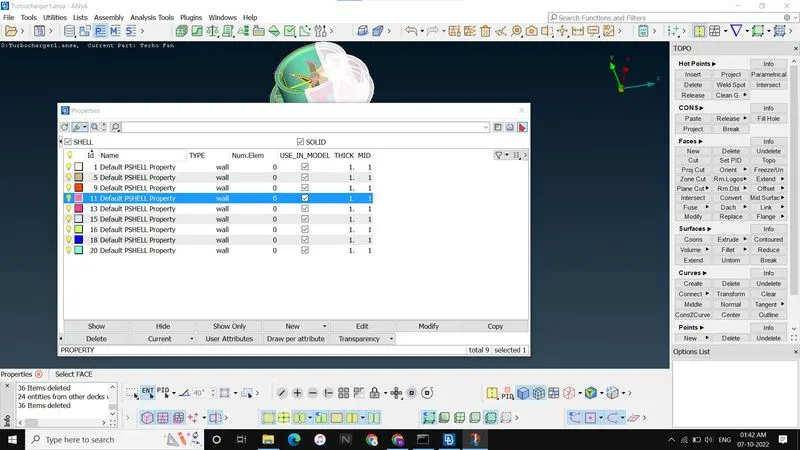
3. Geometrical cleanup is required to go for surface meshing.
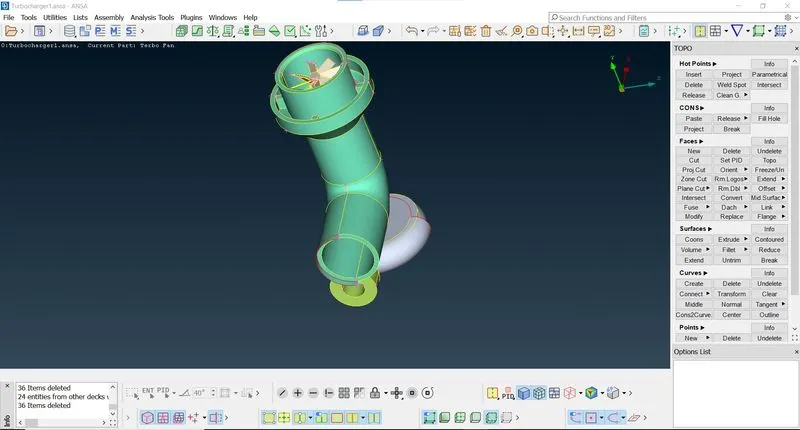
4. To eliminate single cons go for new surfaces in which select coons and then double click to create new surface
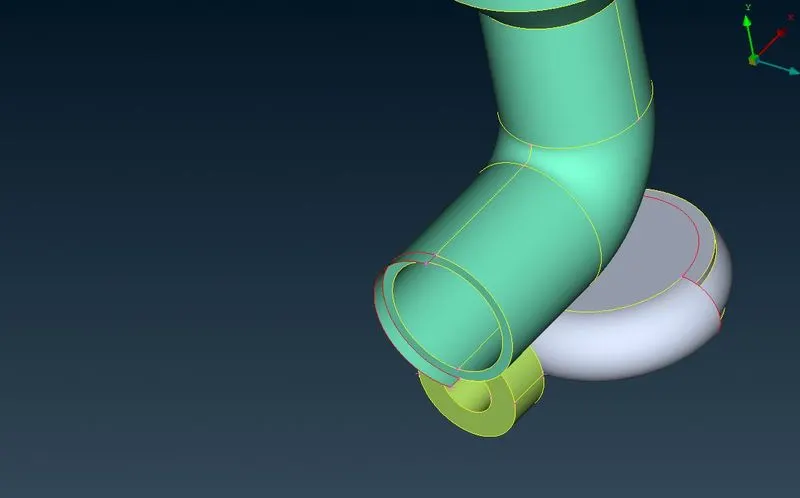
5. Fill hole can also be used to eliminate single cons
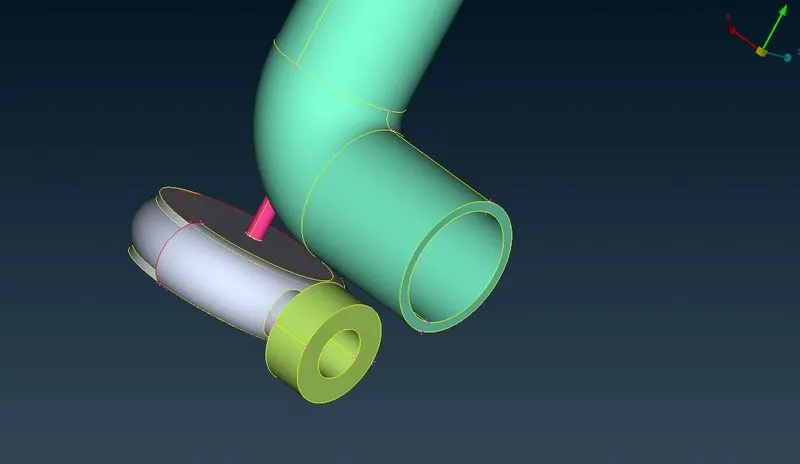
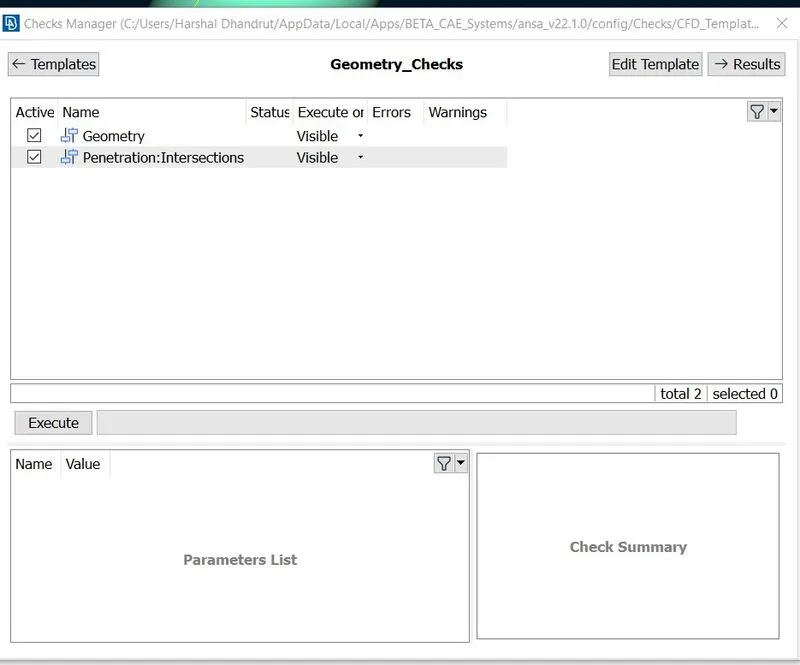
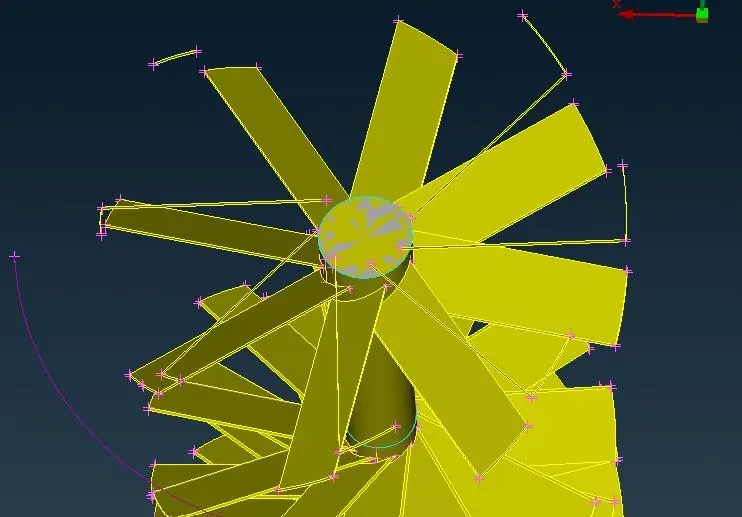
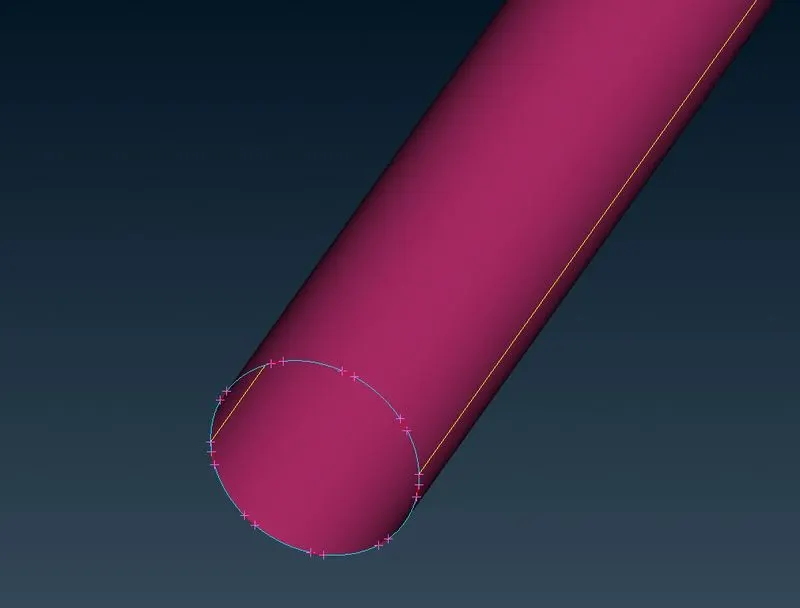
5. Go for geometrical check to find errors in geometry.
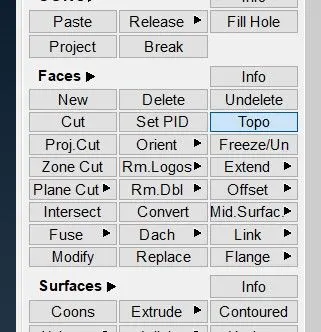
6. Some of the geometrical errors can be corrected by using TOPO.
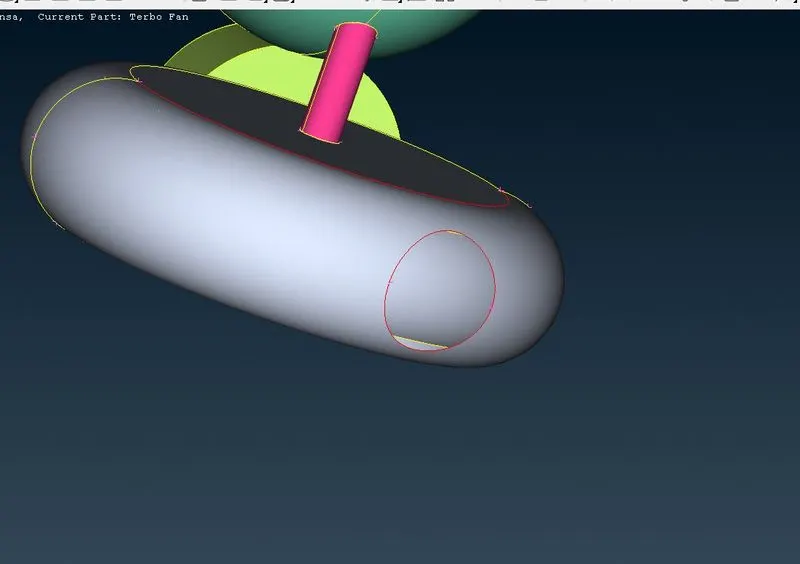
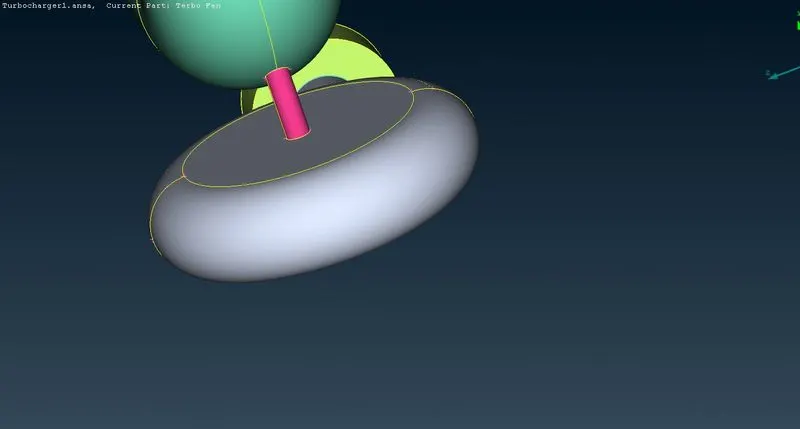
7. Intersecting geometry can be corrected by using intersect option in which two surface have to be selected in which the unnecessary geomtry can be deleted.
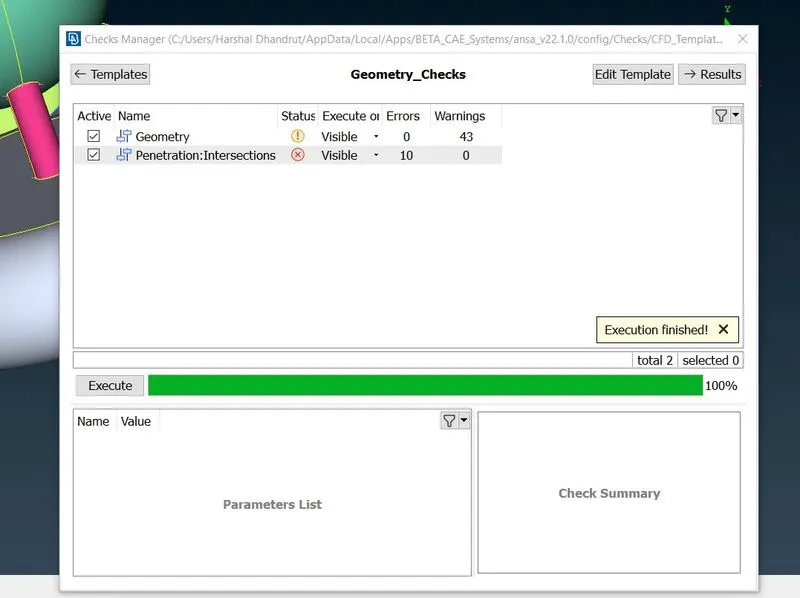
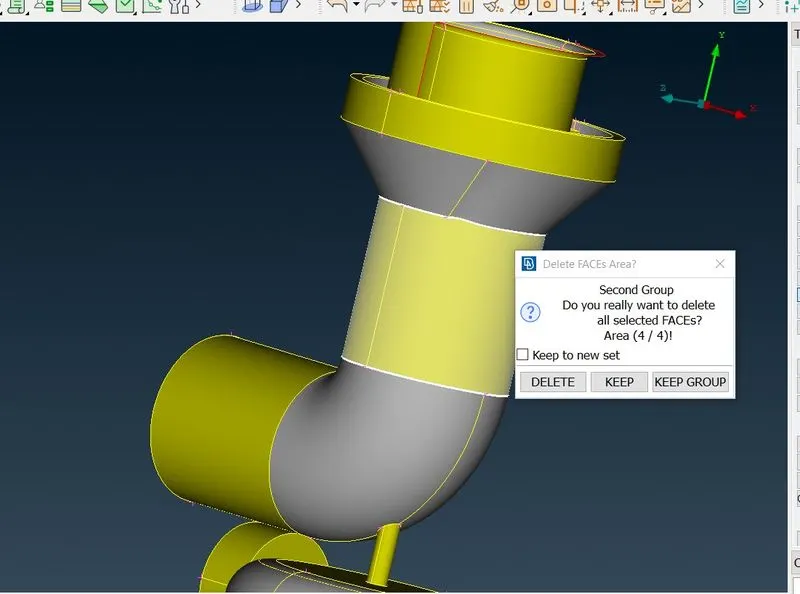
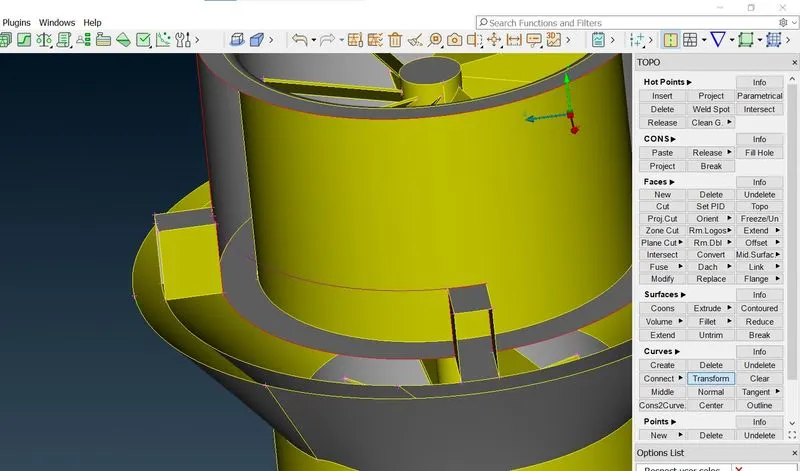
8. Triple cons can occur in the geometry having extra surface above one. To eliminate the triple cons delete such extra surfaces which will eliminate the triple cons
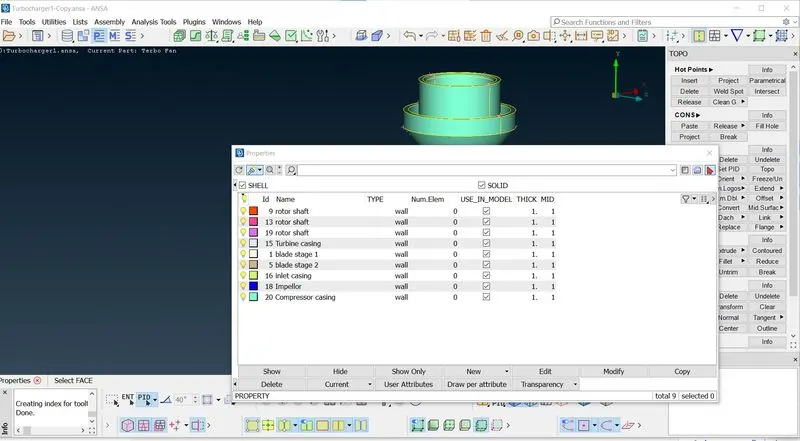
9. Assign the PID ls as shown below
10. Surface meshing can be done by specifying the target length in mesh properties, after that select and apply the perimeters and macros of target length from mesh deck>perimeters>spacing>Auto CFD. And then make the CFD visible. After meshing the parts freeze the macros so that the meshing wont disappear.
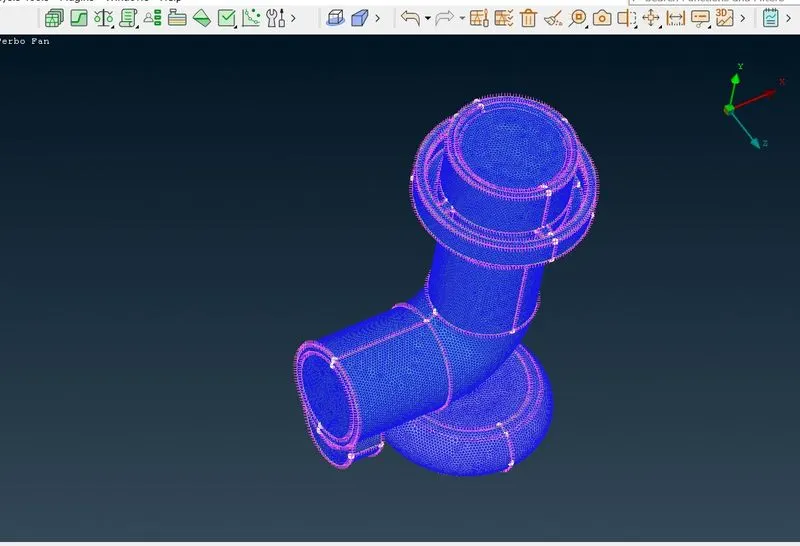
11. After meshing of every parts unfreeze the parts and model with surface mesh of required target length is achieved.
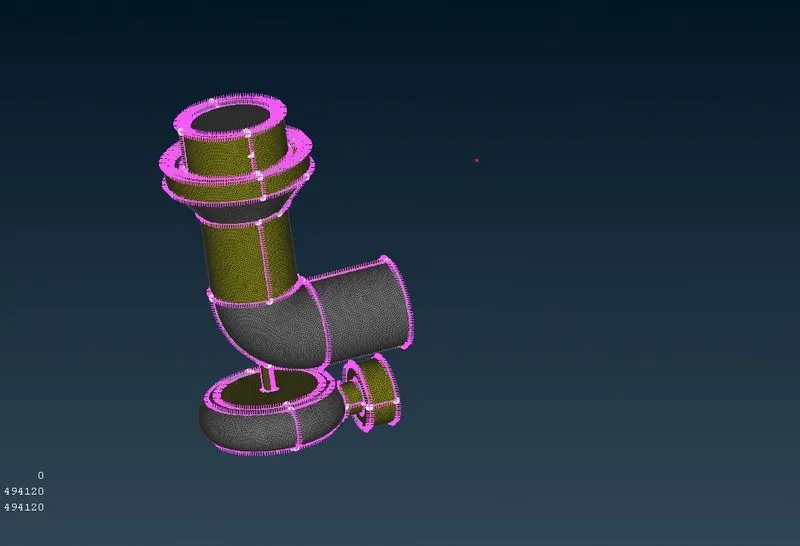
12. After surface meshing go for volumetric mesh bys selecting define from volumetric mesh.
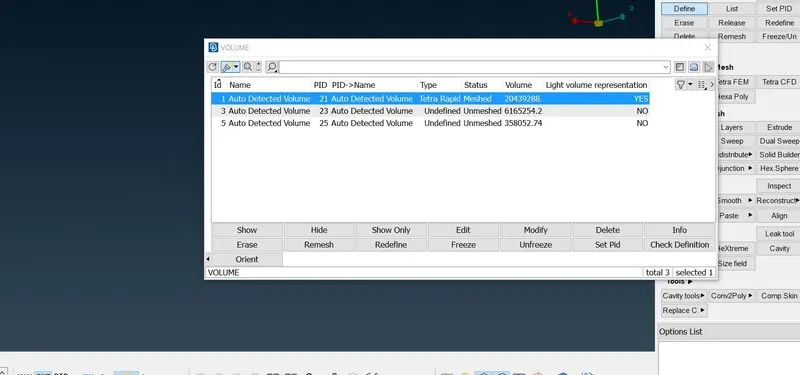
13. Then delete the outer detected vcolume and select the meshing to be done inside the geomtery i.e. tetra rapid.
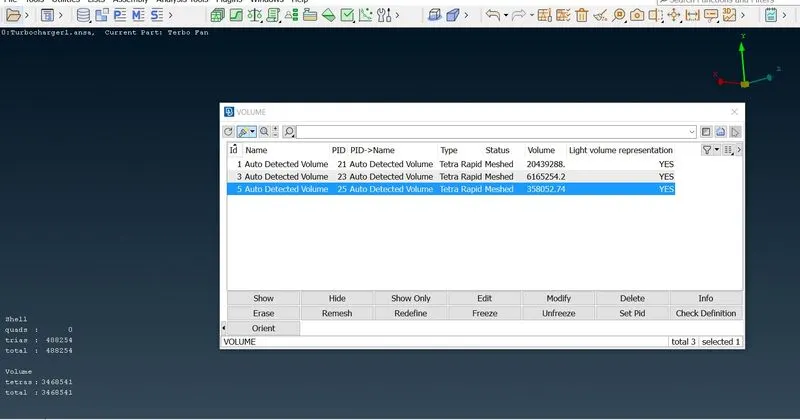
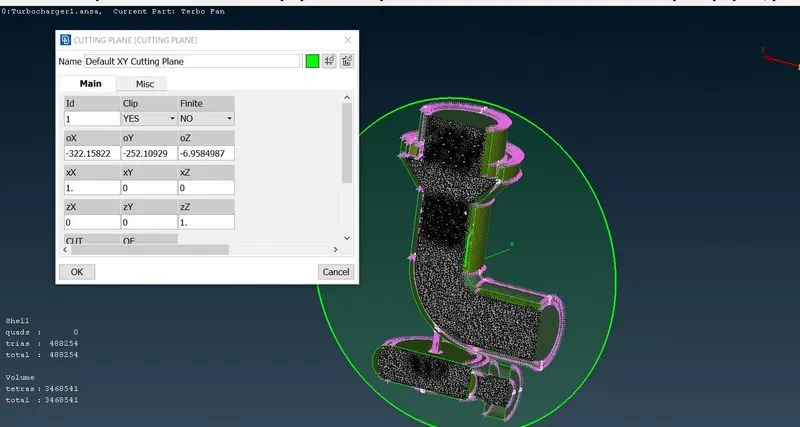
14.In this way the volumetric mesh is achieved for the given model, the. Cut plane to see the inside volumetric meshing.
Google drive link for downloading the model :
3d meshed model :
https://drive.google.com/file/d/1ud89XeLsrdWRhyBXj-foF-89TIQ2oHwp/view?usp=sharing
3d meshed cutplane model :
https://drive.google.com/file/d/1s3_SksCA21zCReg0TAwEhxIeQCPHnXOY/view?usp=sharing