Week 3 Challenge : CFD meshing on Turbocharger
Aim = to perform volumetric mesh for turbocharger
surface mesh = the most common visual representation is as a surface mesh. A surface mesh consists of a set of polygonal faces triangles that are taken together
volume mesh = volumetric meshes are the polygonal representation of the interior volume of the object
Difference between surface mesh and volume mesh
1. Surface mesh are used in manufacturing or rendering applications and CAE application
2. Volume mesh are also known as solid mesh
uses the three dimensional elements typically tetrahedrons,hexagons to define both the surface and interior structure.
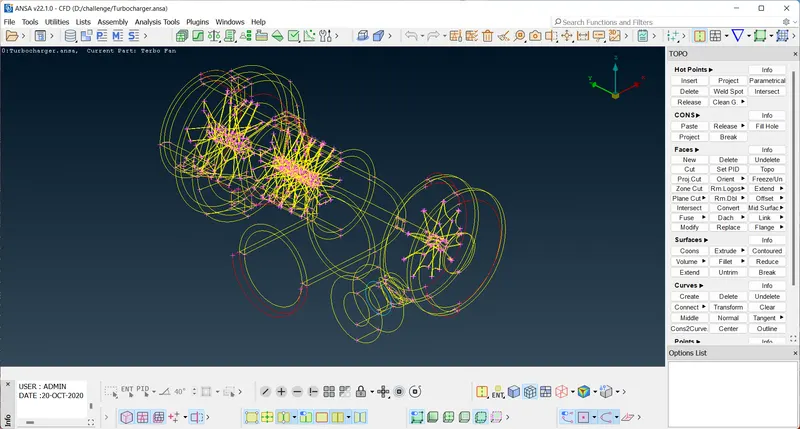
this is the wire frame mode when we open the turbocharger file
here we have clear all the red cons and triple cones
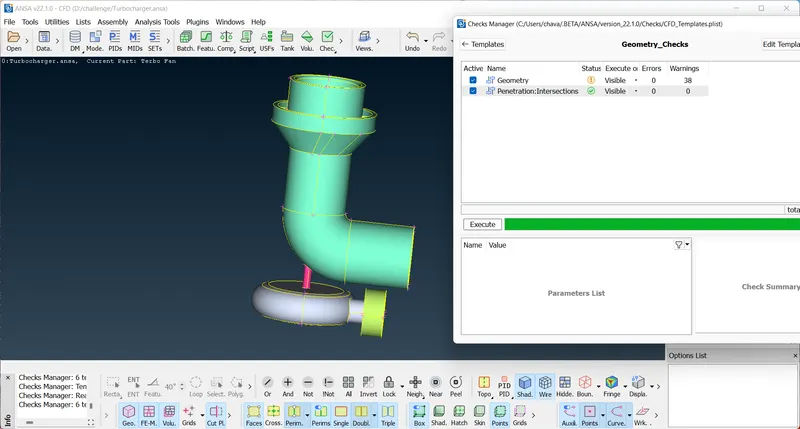
In above image we can see that their are zero intersection errors and geometrical erros
after that we can go for meshing for given target length
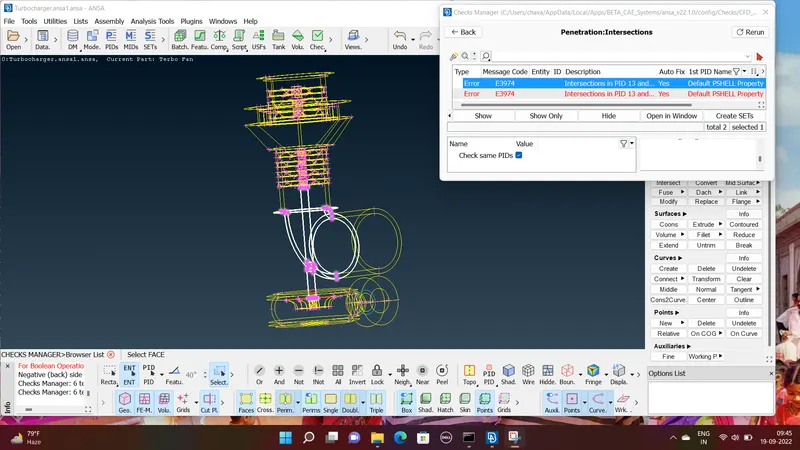
In above image we can see that heir is intersection error occurs so to resolve the error
first we have to use intersect option after that we should select the two surface and then delete that surface whih causing the intersection error.
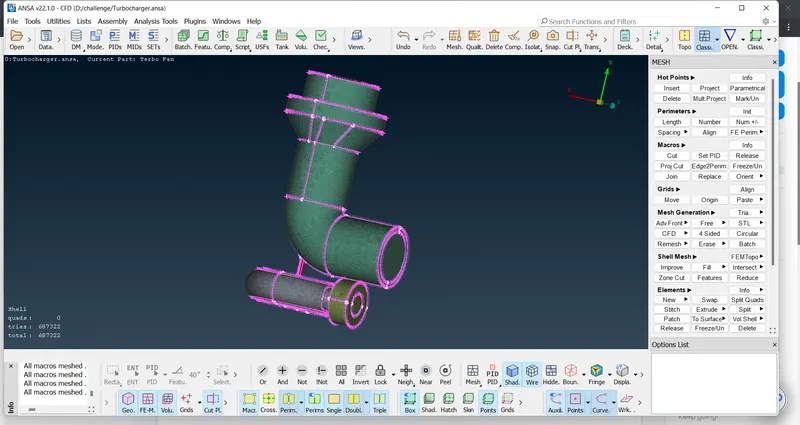
here is the final picture of the turbocharger after doing the meshing