Week 3 Challenge : CFD meshing on Turbocharger
CFD Meshing On Turbocharger
Aim :- To perform surface mesh and volumetric mesh for the given Turbocharger model using ANSA prepocessor.
Objectives :- a) For the given Turbocharger we have to check for the geometrical errors and to perform surface mesh with the given target lengths for different PIDs.
1) Blade stage-1 = 1mm, 2) Blade stage-2 = 1mm, 3) Impeller = 2mm, 4) Shaft rotor = 1mm, 5) Turbo casing = 5mm, 6) Compressor casing = 5mm, 7) Inlet casing cover = 5mm.
b) To perform Volumetric mesh for the required volumes and to write a detailed report on both the surface meshing and volume meshing processes.
Theory :- ANSA = Automatic Net-generation for Structural Analysis.ANSA is a computer - aided engineering tool for the Finite Element Analysis and CFD analysis widely used in the automobile industry.It is developed by BETA CAE systems.ANSA maintains the association between the CAD geometry and the FE mesh.
Surface mesh - Surface mesh is a representation of a surface that consists of vertices,edges and faces.
Volumetric mesh - Volumetric meshes are a polygonal representation of the interior volume of an object.
- Compared to volumetric mesh , surface meshes are generated faster(easy to generate).
Procedure :-
TopoCleanup
1.Open the " .ansa " file of Turbocharger in ANSA.Turn on the shadow mode since it opens in the wireframe mode.
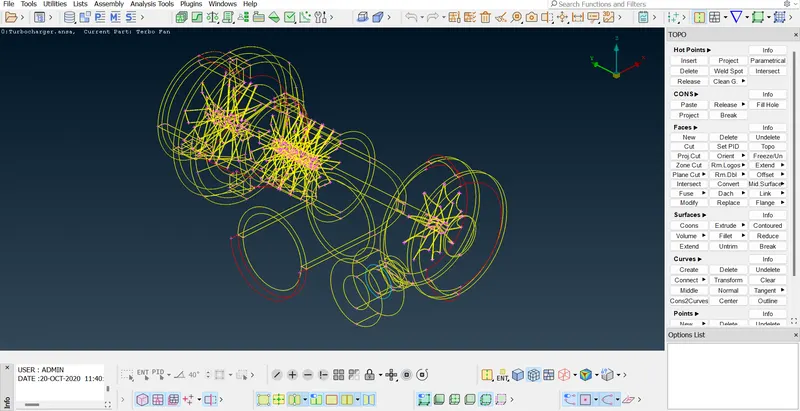
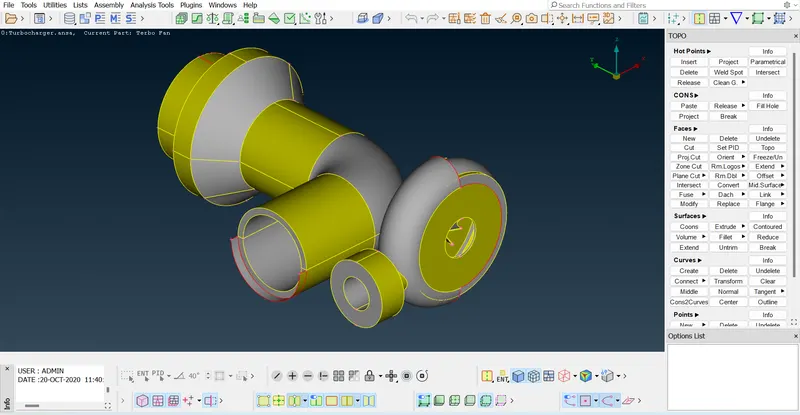
2.Go to PID mode from ENT mode and observe the model.We can see the overlapping surfaces and now we have to delete those overlapping surfaces using Universal Delete option.Use Topo and box-select the entire model to define topological conditions between all the CONS.
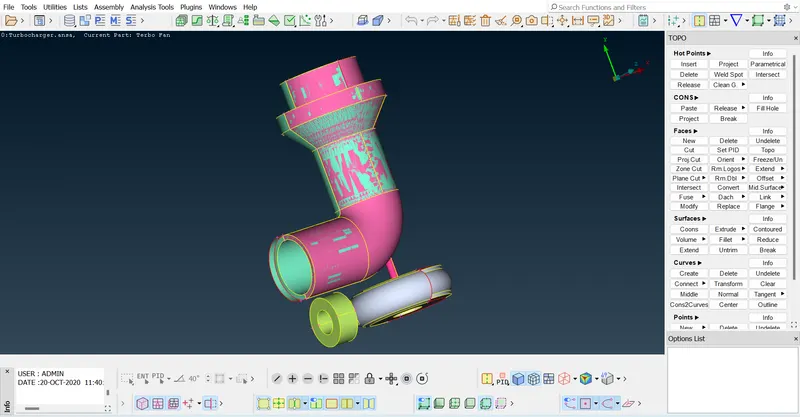
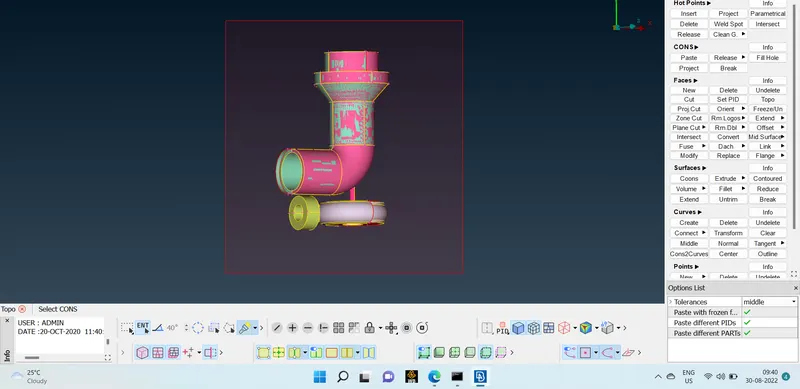
Deleting the overlapping surfaces
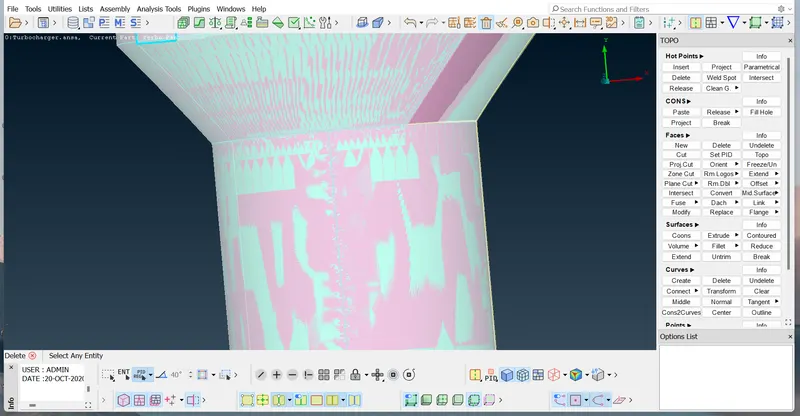
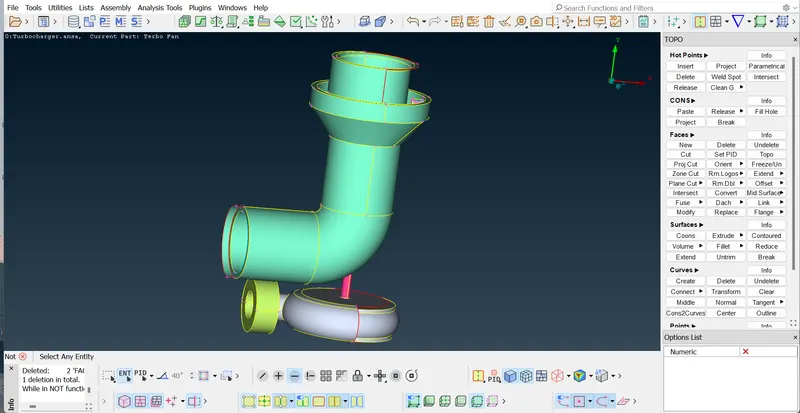
Using Not option we can hide outer sutfaces and then we see the inner surfaces and can delete those surfaces.
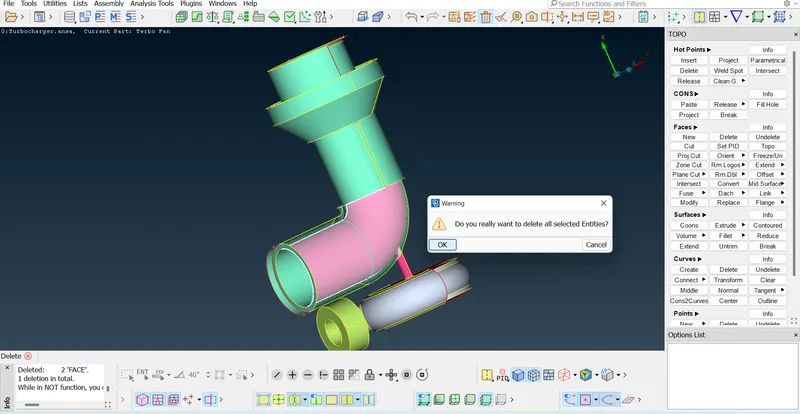
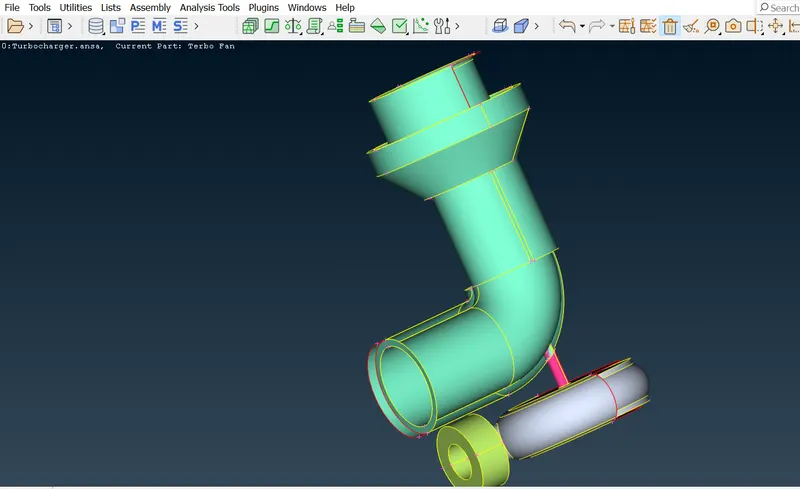
Delete the unwanted surfaces
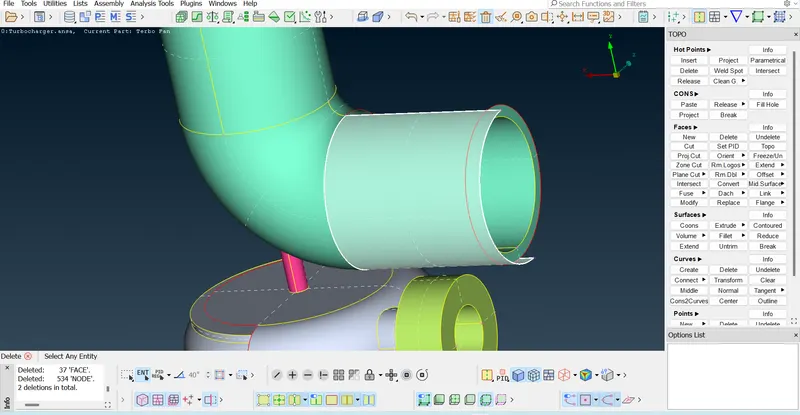
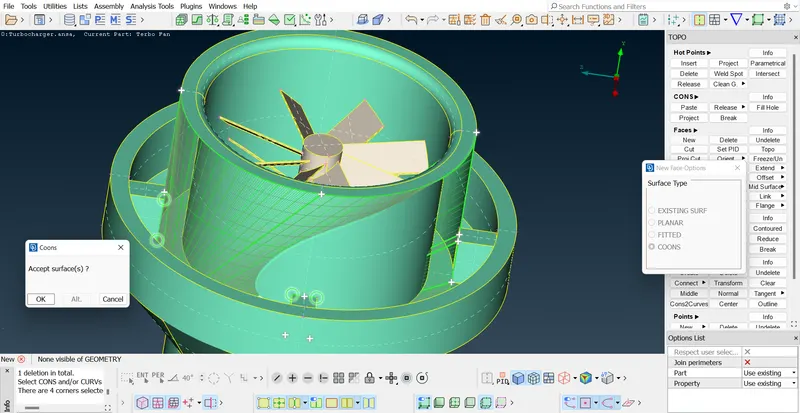
Using COONS method we can fill the surface we wanted
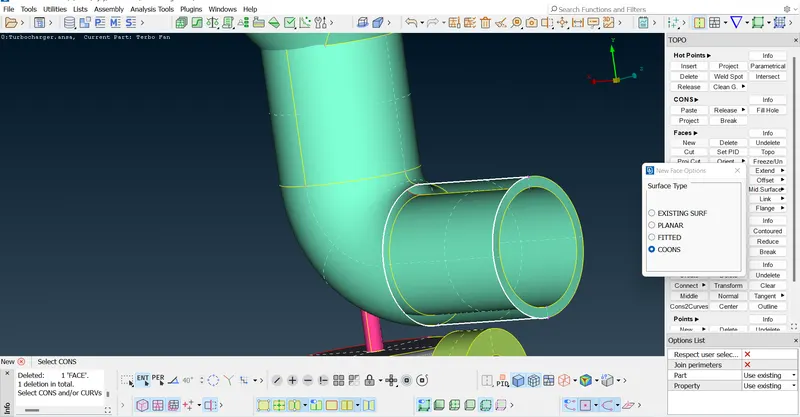
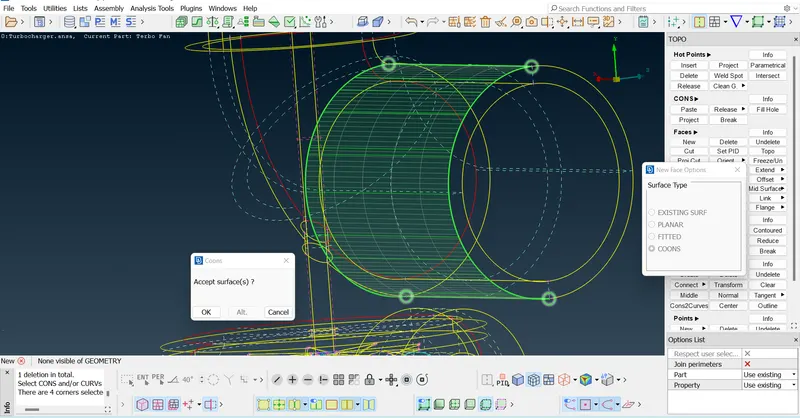
Always we have to Check the surface in wireframe mode before accepting.
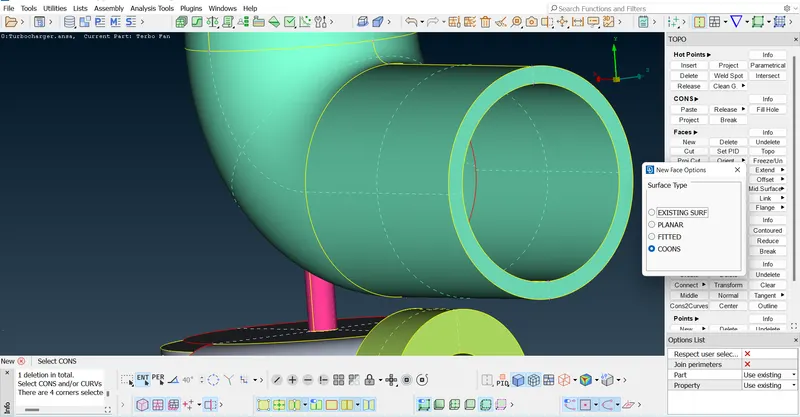
Check the remaining overlapping surfaces in the geometry and try to delete those surfaces.
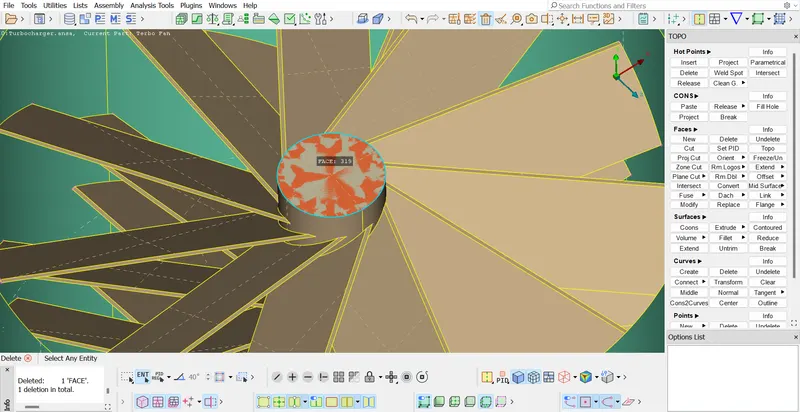
Try to fix the single CONS.
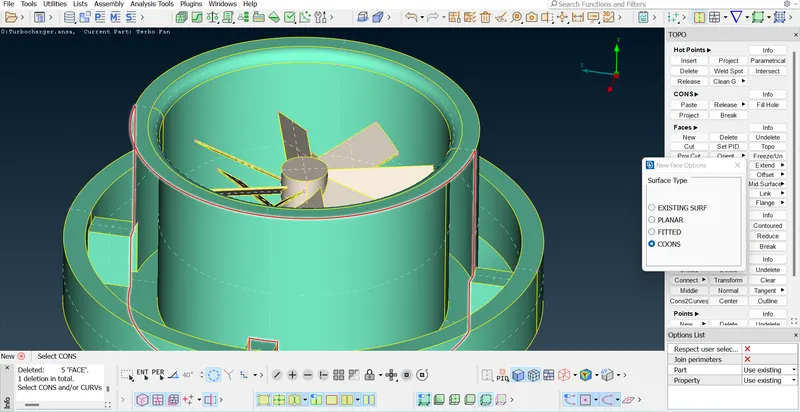
Here no surface type method is suitable to fill this surface
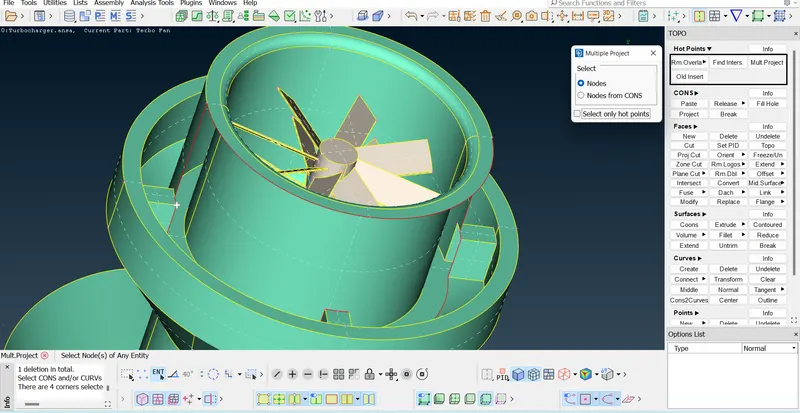
Now we have to insert Hot points and try to multi-project
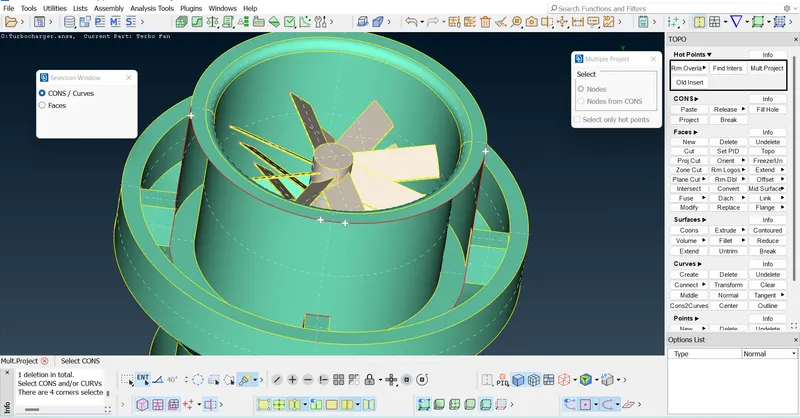
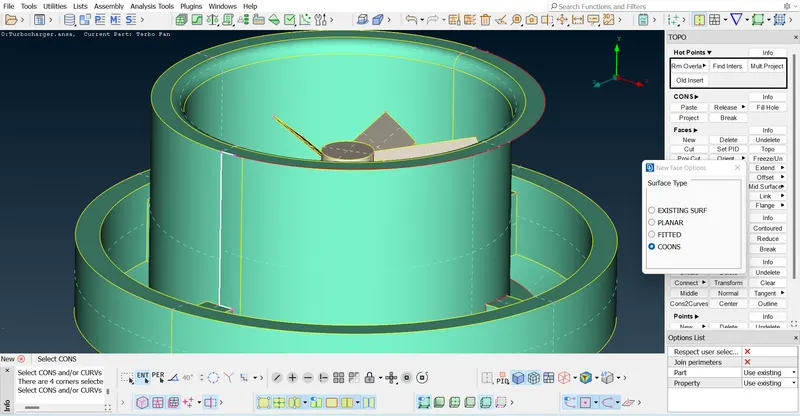
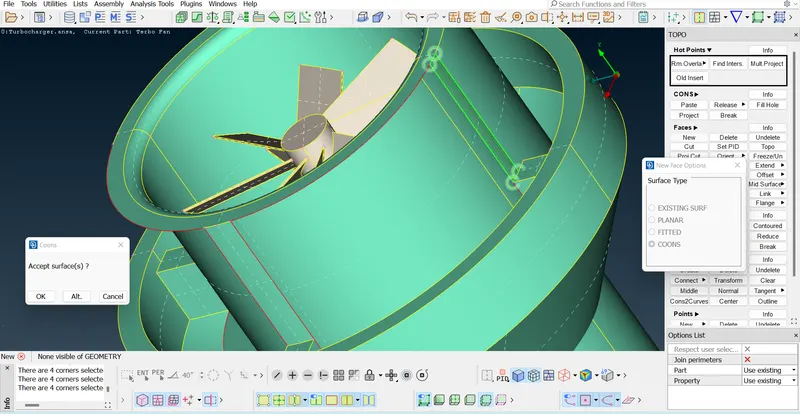
Now fill the remaining surface using any type of Surface type method.
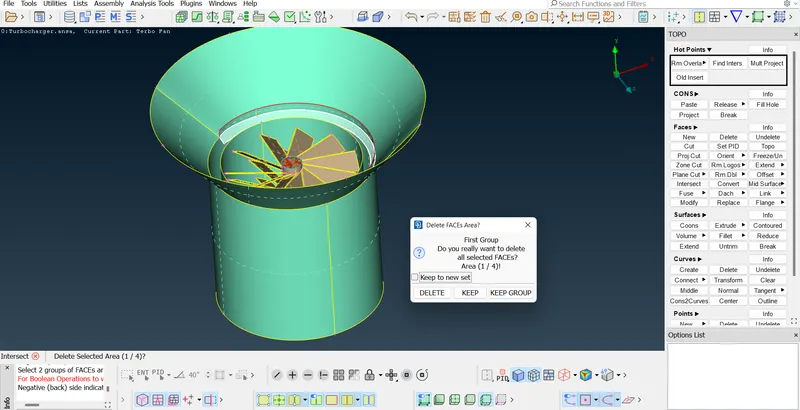
Now we have to solve the penetration errors using intersection method.We should select the two surfaces which are intersecting
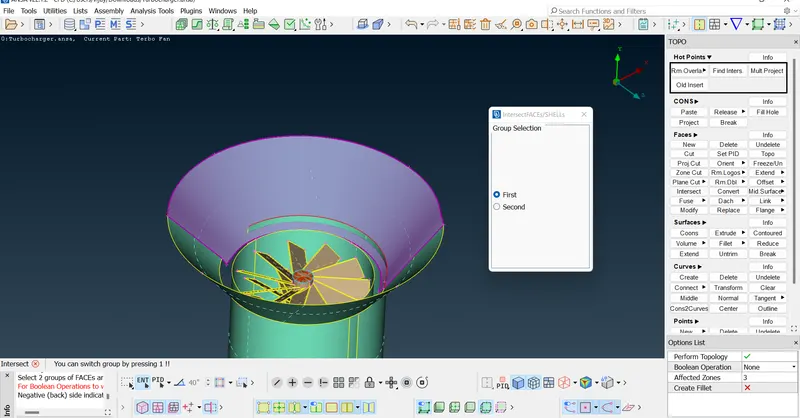
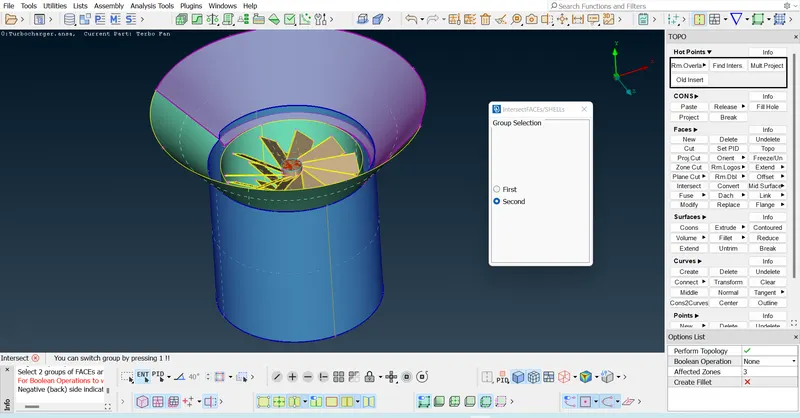
And then delete the unwanted faces.
Filling the single CONS in the bottom casing.First we used FillHole method and it doesn't fit perfect.
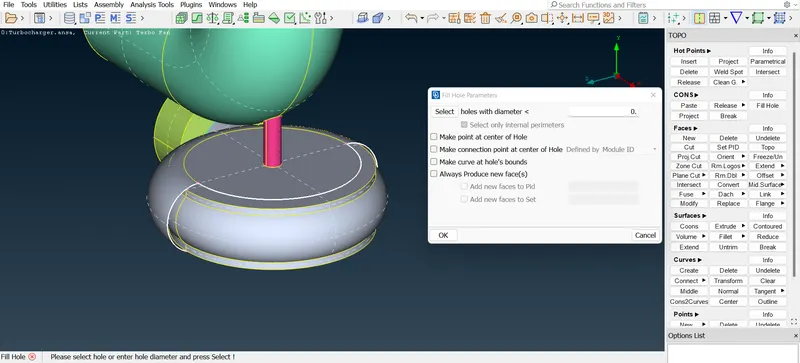
Formation of uneven surface while using FillHole
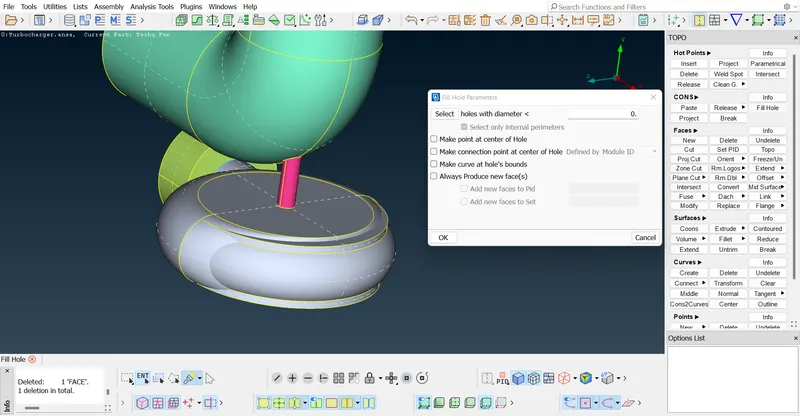
Undo Fillhole and try inserting parametrical Hotpoints.
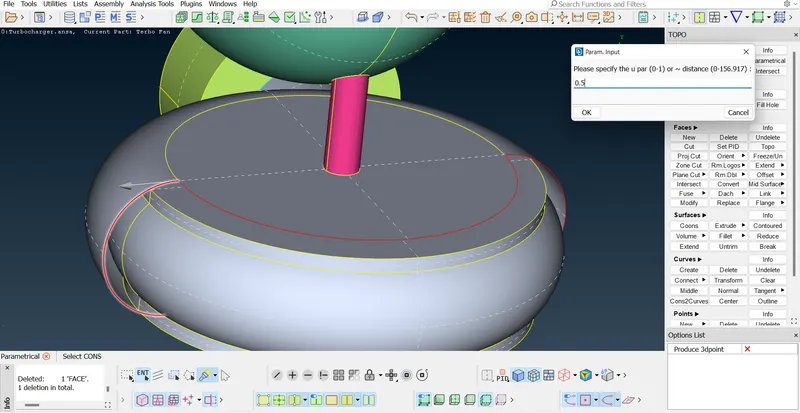
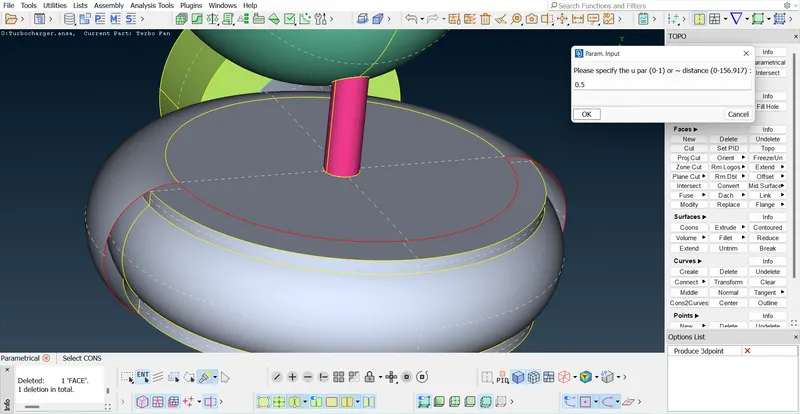
Now using CONS method fill the surfaces.
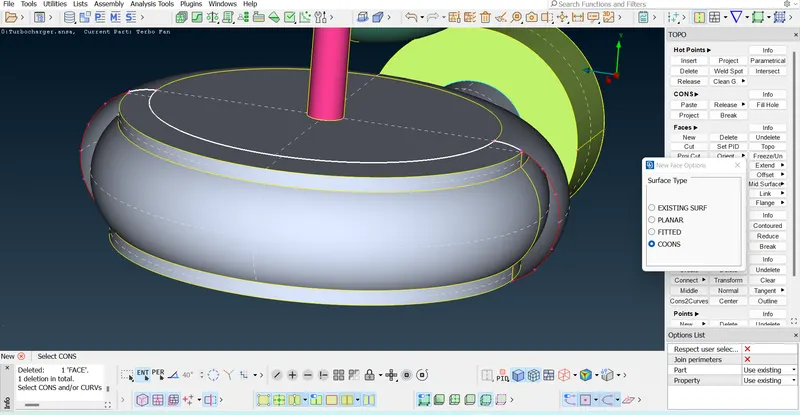
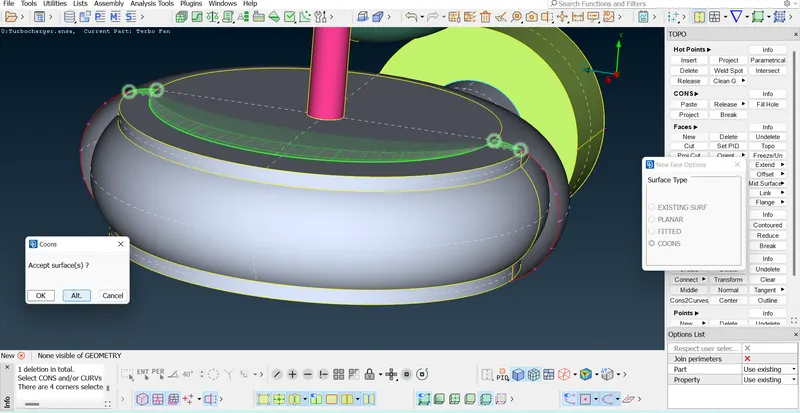
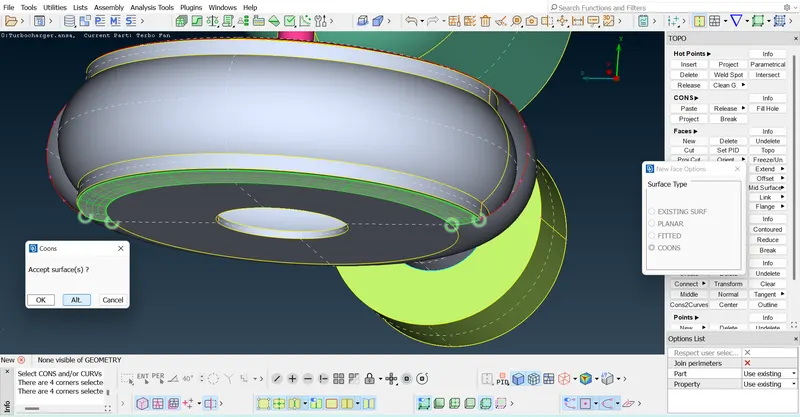
And then we can easily fill the remaining surfaces by selecting CONS.
Now check the geometrical errors and observe the Triple CONS.
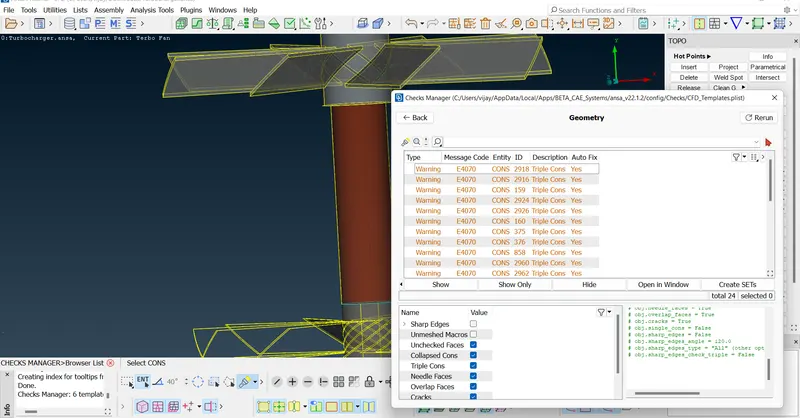
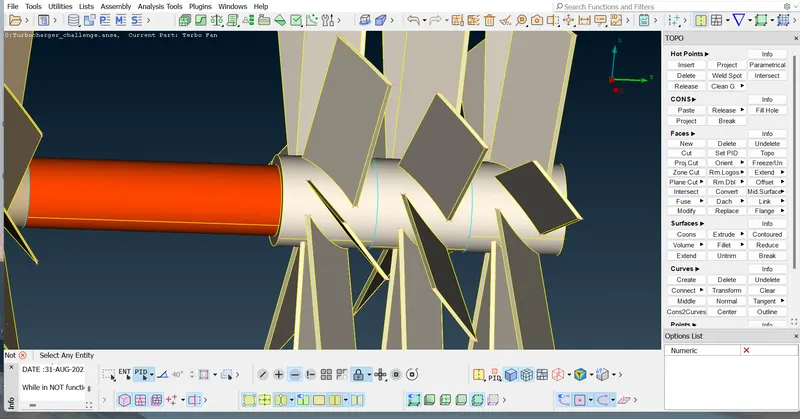
Using Not option we will hide the faces
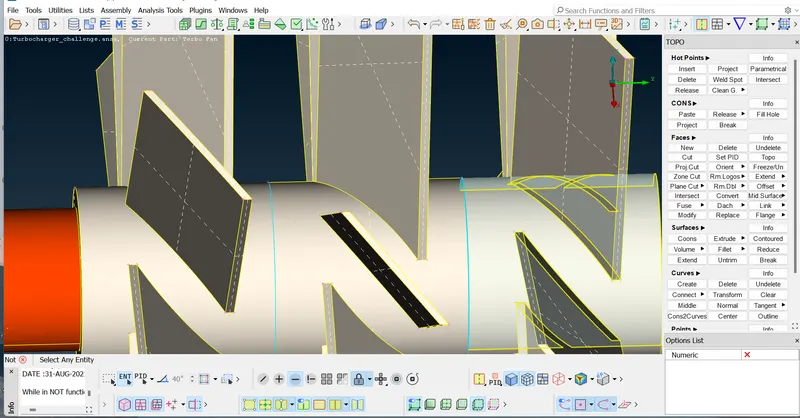
We can see the double hatch in the face , so we will try to delete it.
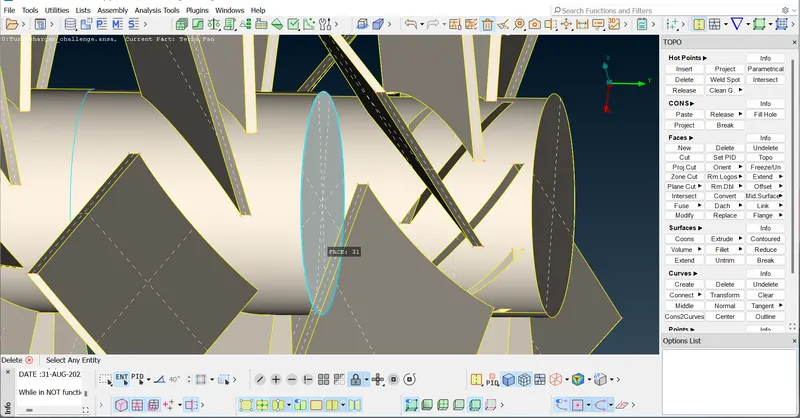
once again we delete the face and then click on All , then we can see double CON.
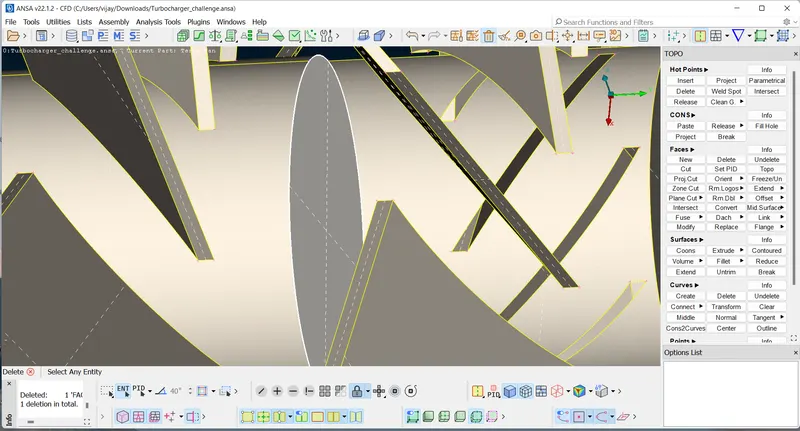
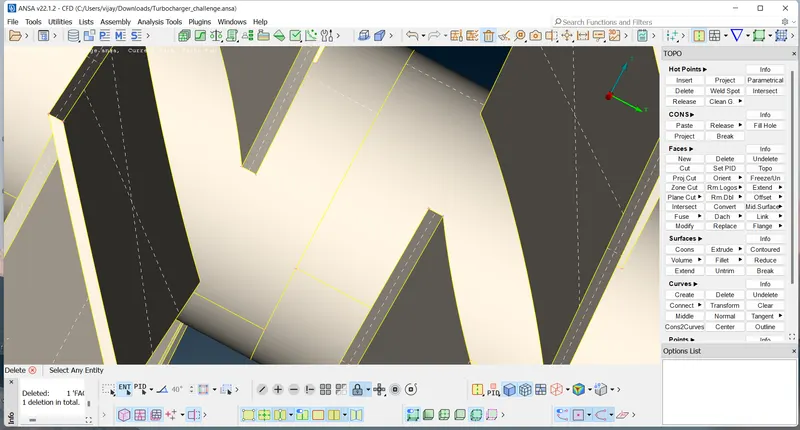
Similarly we will delete the remaining surfaces and try to solve those Triple CONs
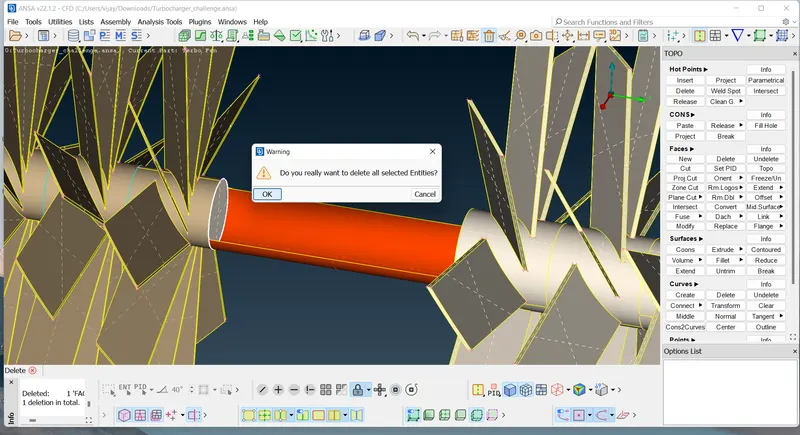
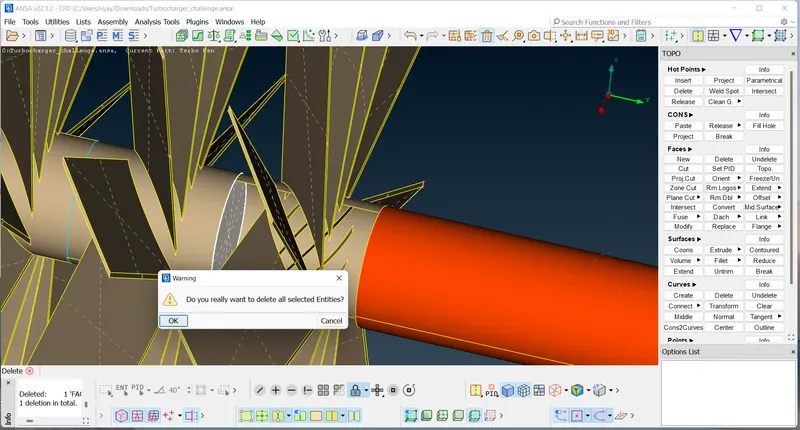
Using CONS project the pink surface and then delete the overlapping surface.
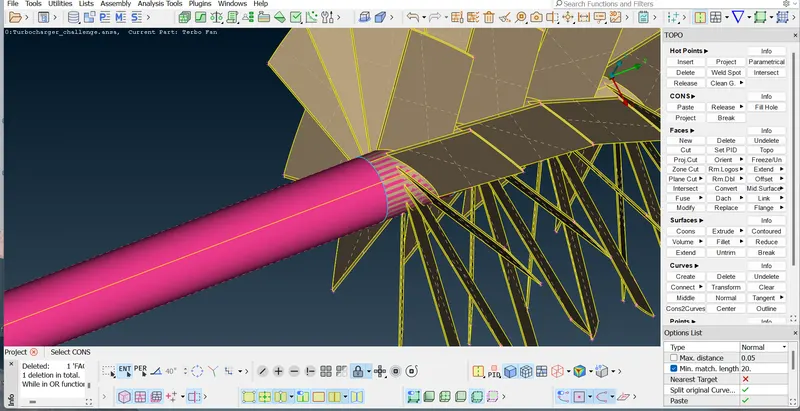
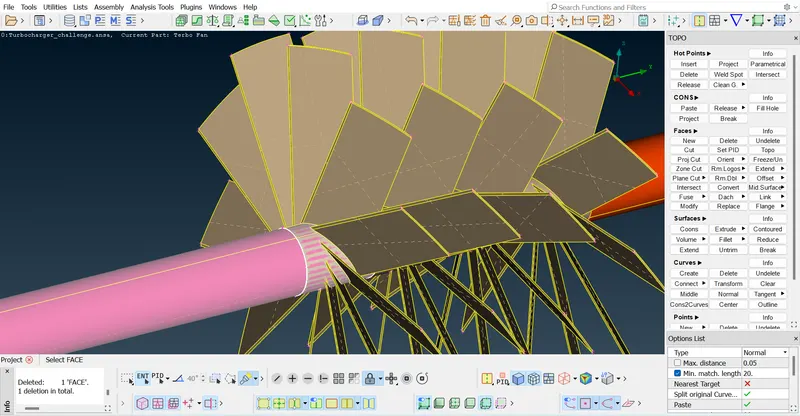
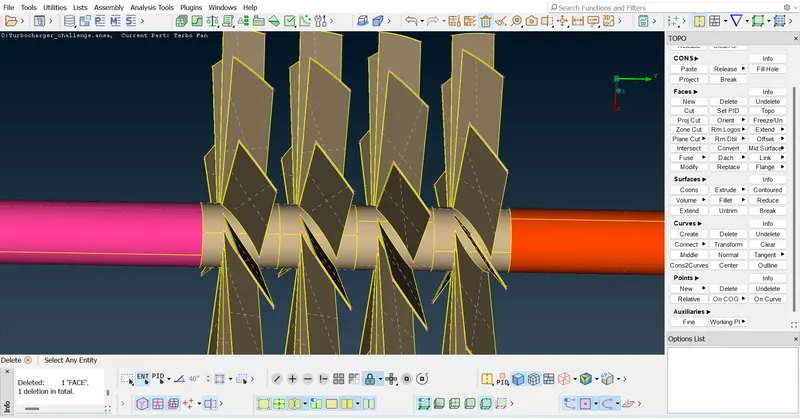
Delete the overlapped surface and project the pink surface CONS to the blue surface.
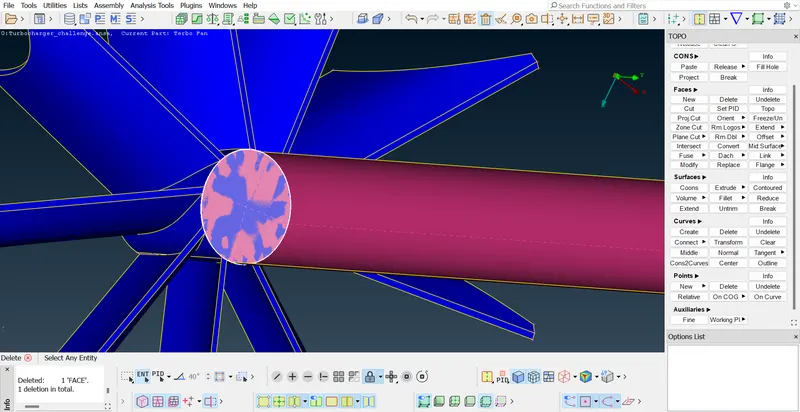
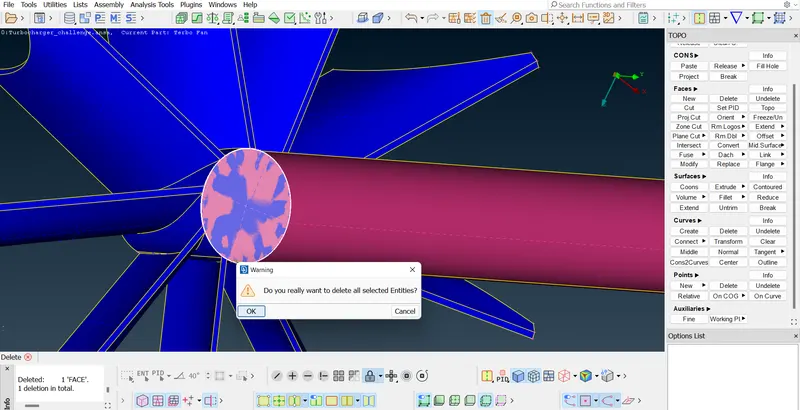
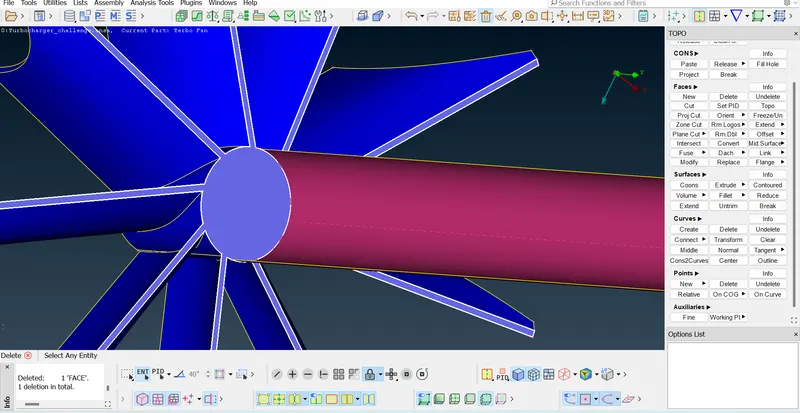
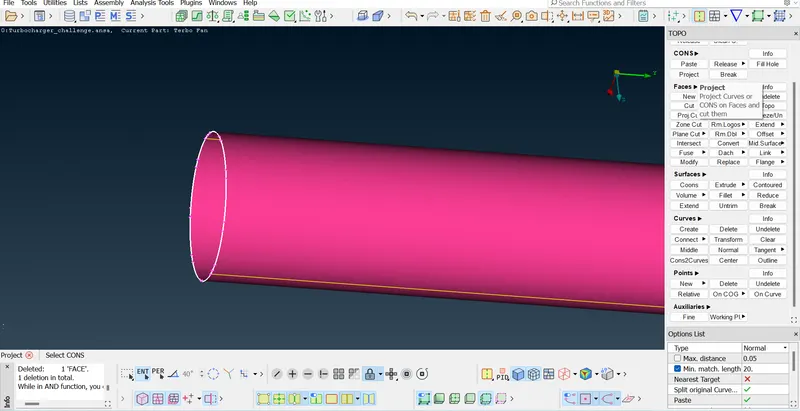
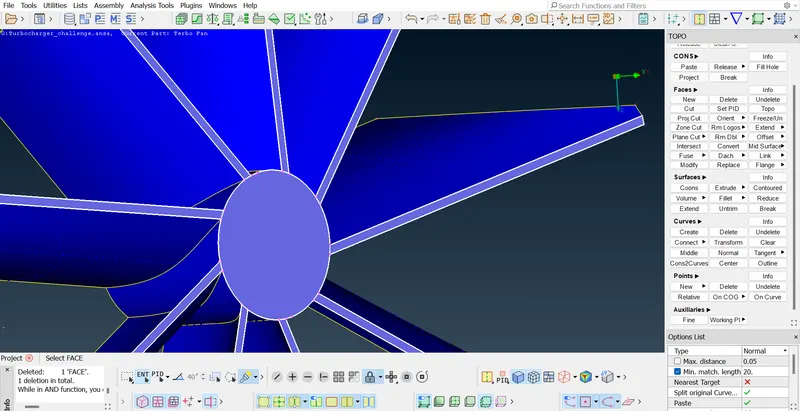
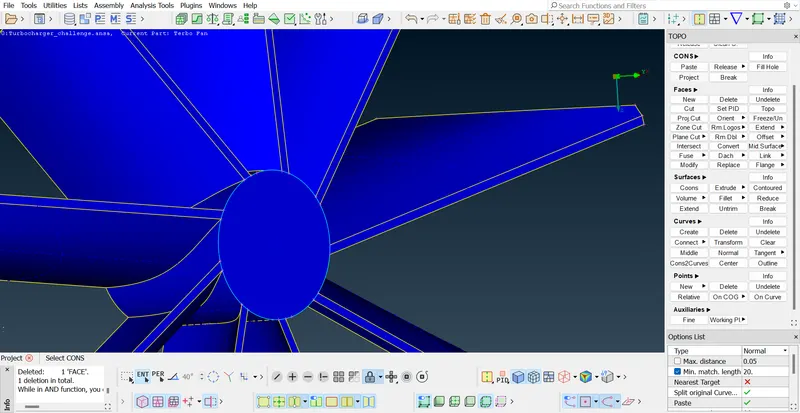
And now we can delete this surface without effecting the remaining parts
Check for the errors since we can't perform Surface mesh with parts having single CON errors.
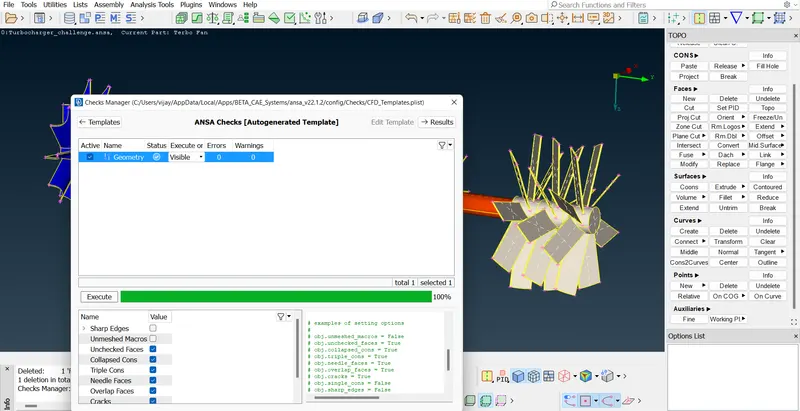
Close the outer openings using surface type methods.
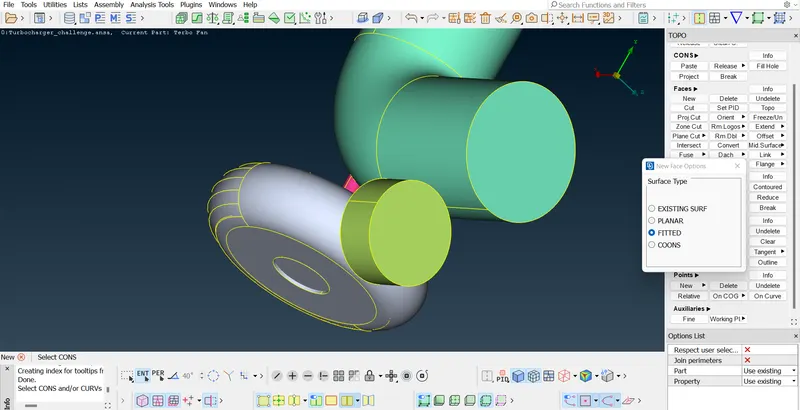
Assign PID names to all PIDs (changing the default names to required names)
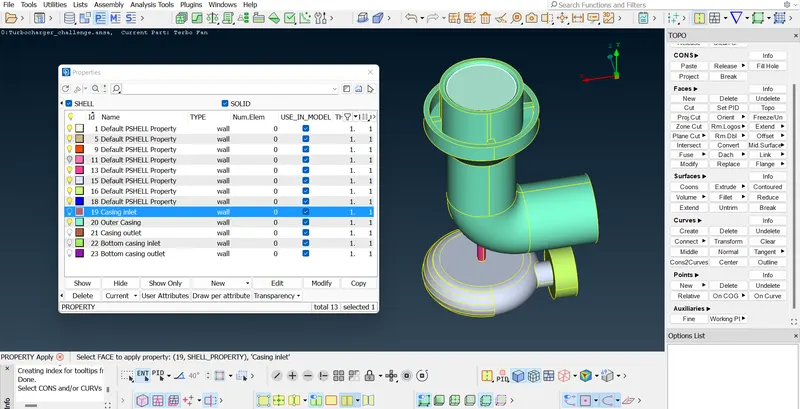
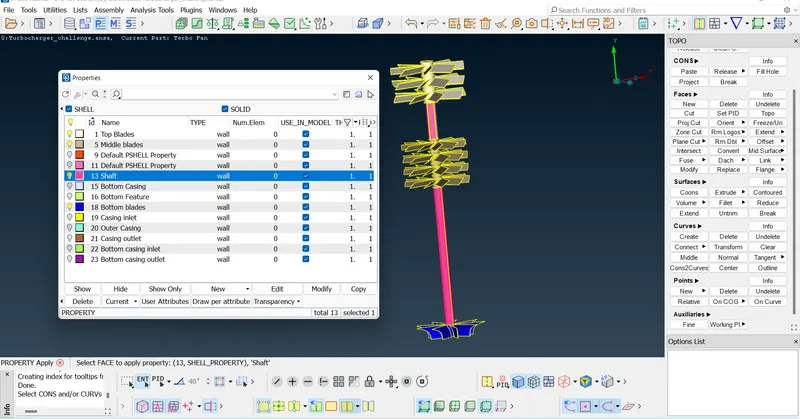
Check the penetration errors and try to solve them
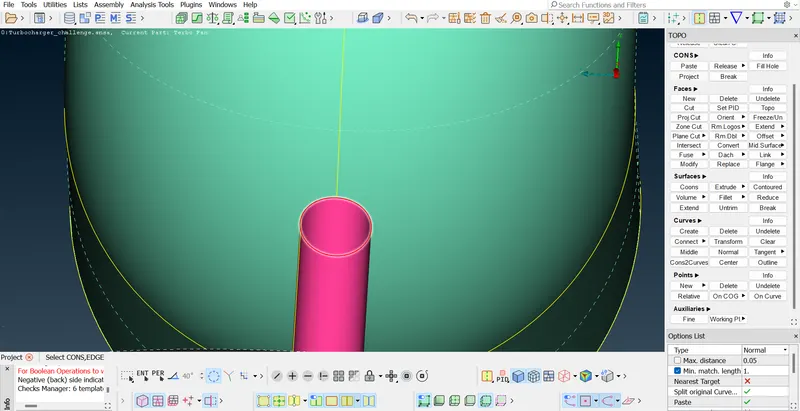
Select the CONS,and then faces and the face to project
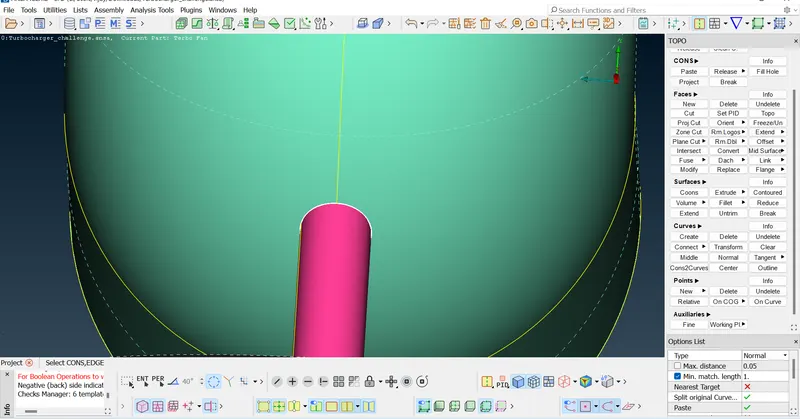
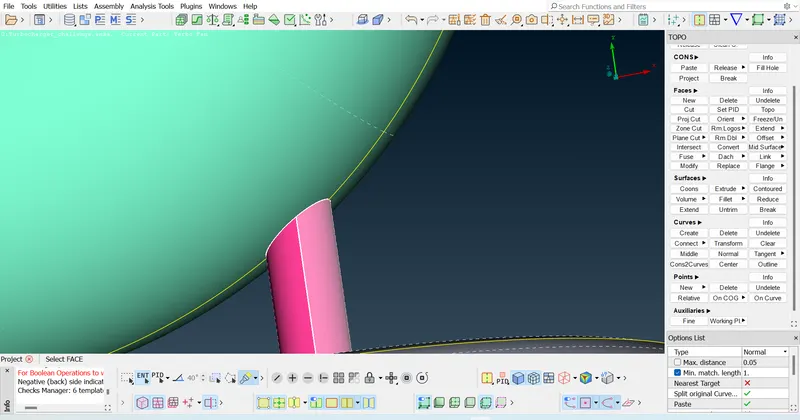
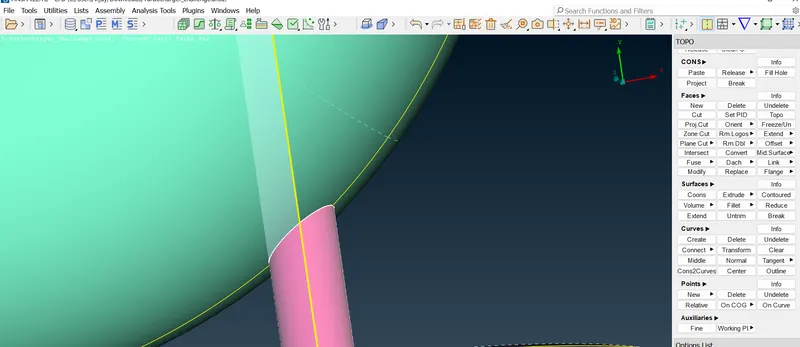
When we get a Triple CON at the penetration then the issue is solved since there the edge shares three surfaces.
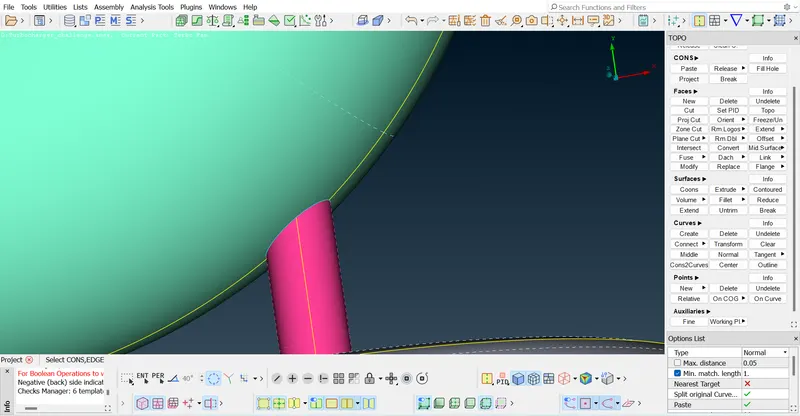
Solve all the remaining penetrations in the same way.
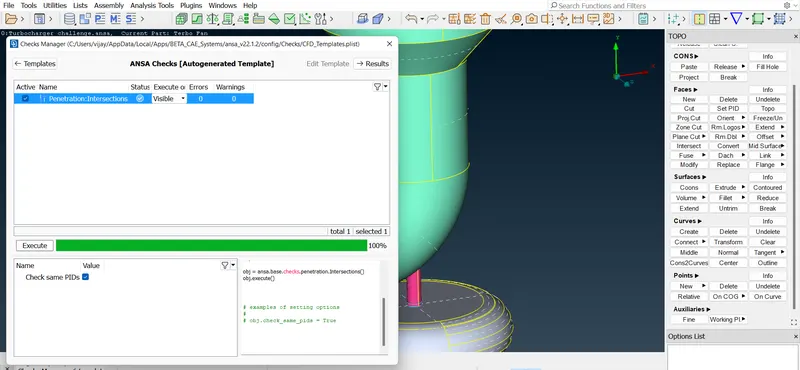
Check for Penetration intersection errors.No geometrical errors and no penetrations then Volumetric mesh can be done.
Results :-
Surface meshing :-
Compressor casing :- Given target length = 5mm
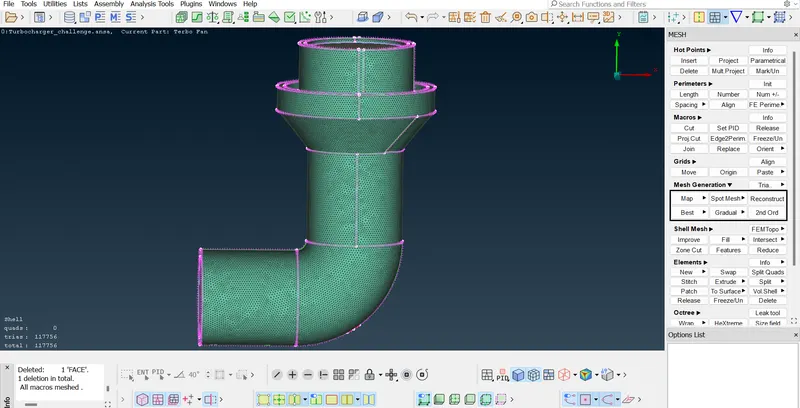
Isolate the Compressor casing,go to meshing parameters and set the target length as 5mm and go to quality criteria and set min & max target lengths as 3mm&7mm. Now using Box select option set the length of perimeters and macros.
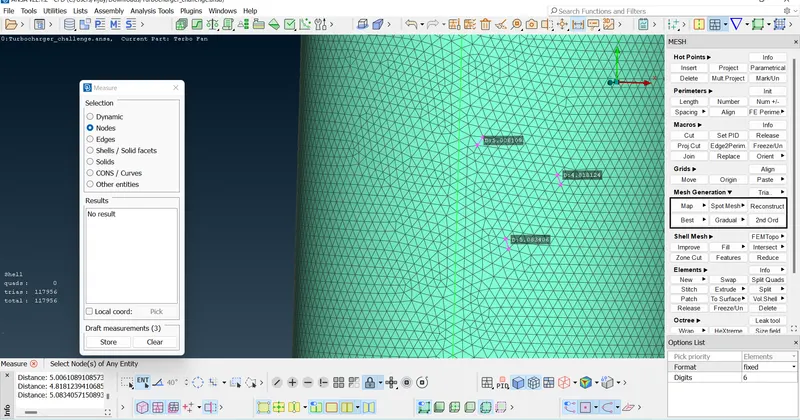
Measure the distance between the Nodes using 'Measure' tool
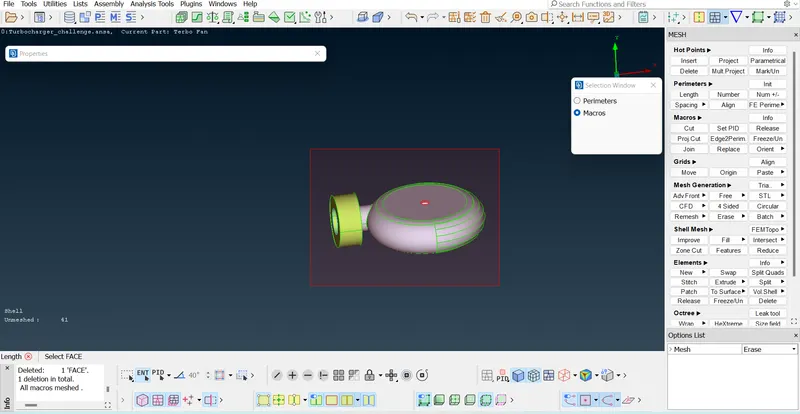
Repeat the same procedure for Turbo casing and Inlet casing cover
For Impeller we have to change the target length to 2mm and minimum and maximum lengths to 1m &3mm.
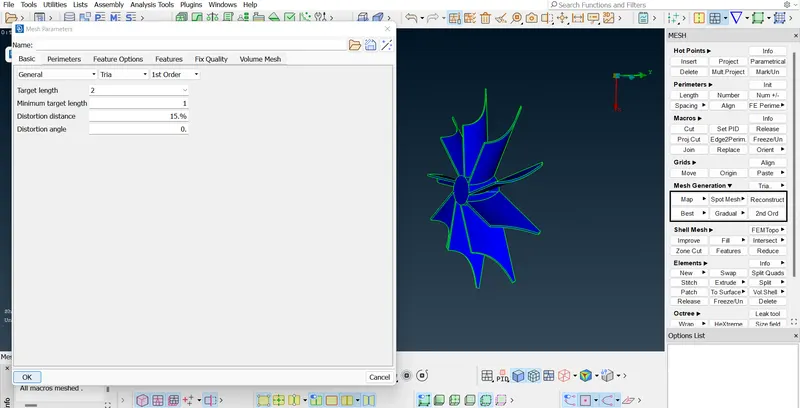
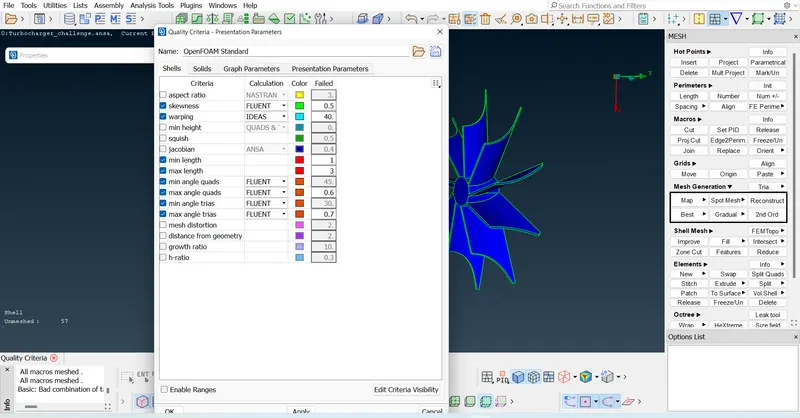
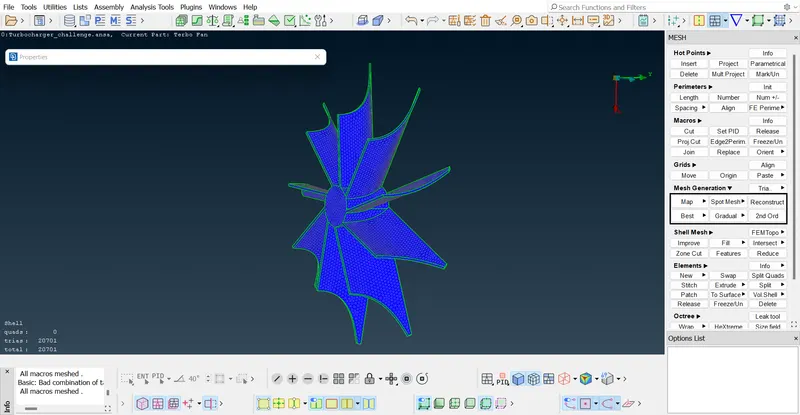
Now repeat the same process for Blade stage - 1 & 2 but with the target length = 1mm
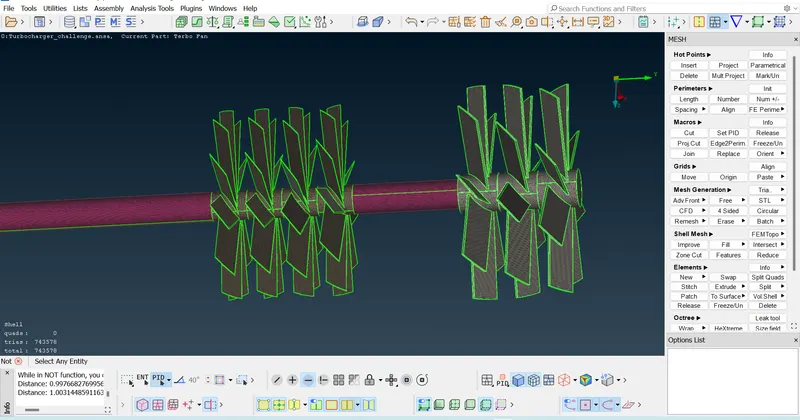
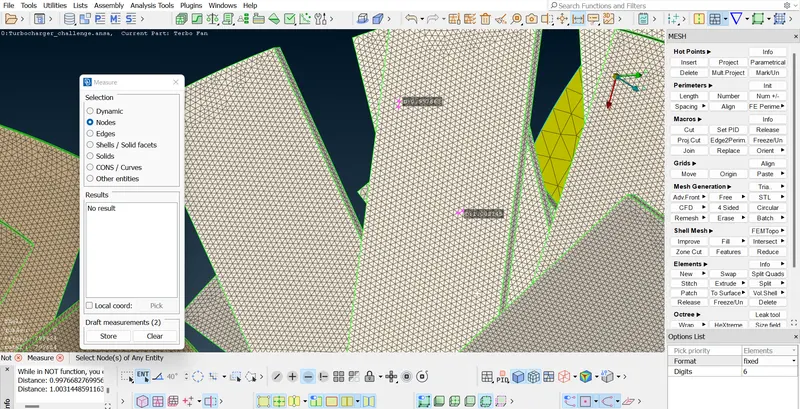
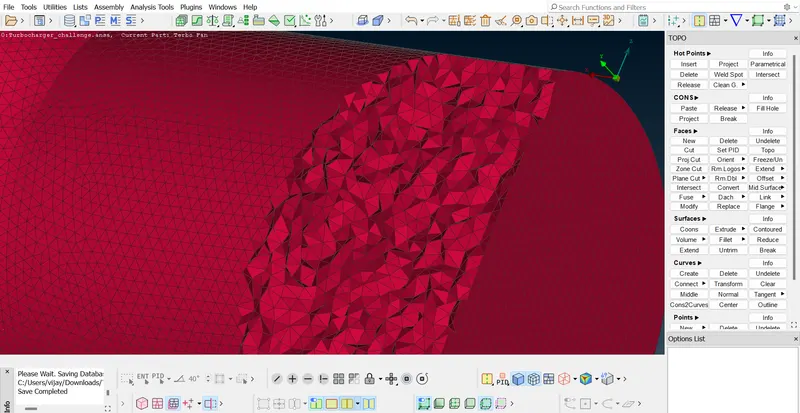
For the Shaft rotor the part which is nearer to the Impeller must be left with the range 1-2 mm since the Impeller is having 2mm mesh,there will be a sudden change in the mesh.Else the parts of Impeller where the contact is with the shaft motor becomes unmeshed.
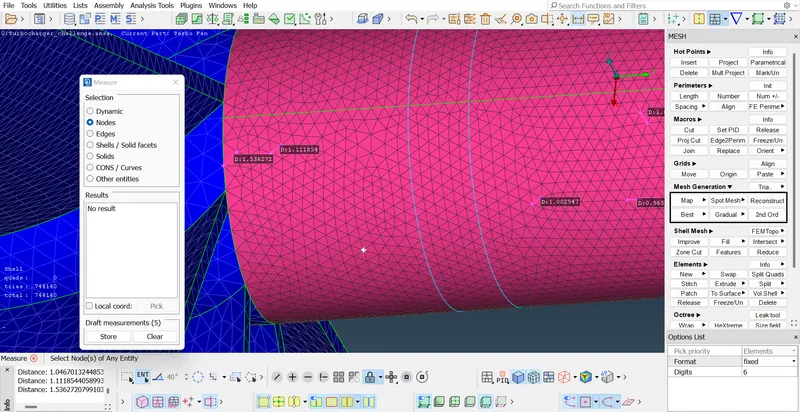
Total Trias = 914176
Volumetric mesh :-
Now go to volumetric mesh.Click on 'Define' function in the Volume option and then
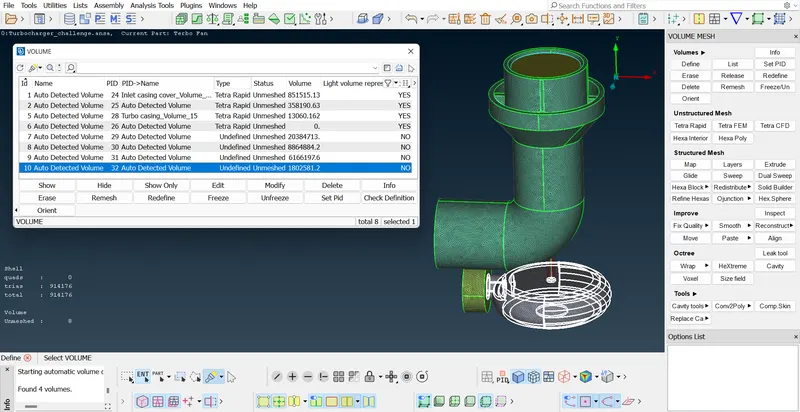
Now we can see various parts of the volume of the Turbocharger model and we can delete the unwanted parts like outer thicknesses etc. And then we have to right click on each part and apply remesh - choose Tetra CFD and wait for sometime for ANSA to complete the meshing.Likewise finish all the parts for Tetra CFD mesh.Here Tetras will be more than Trias since it is volumetric mesh(contains more elements).
We can check the status of meshed parts.
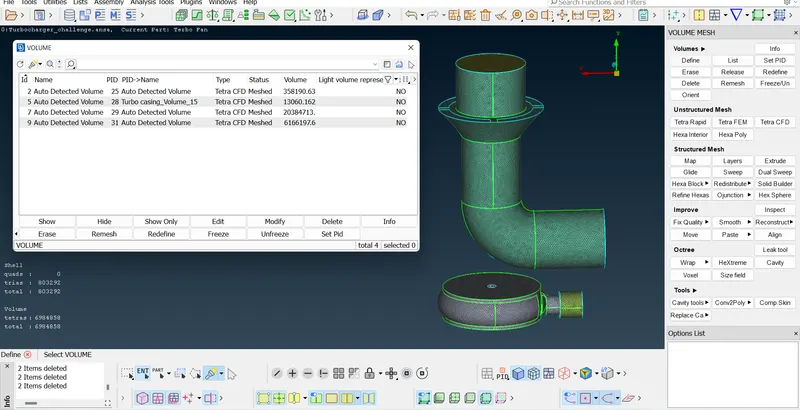
All the parts were meshed.We can change the colour whatever we want.
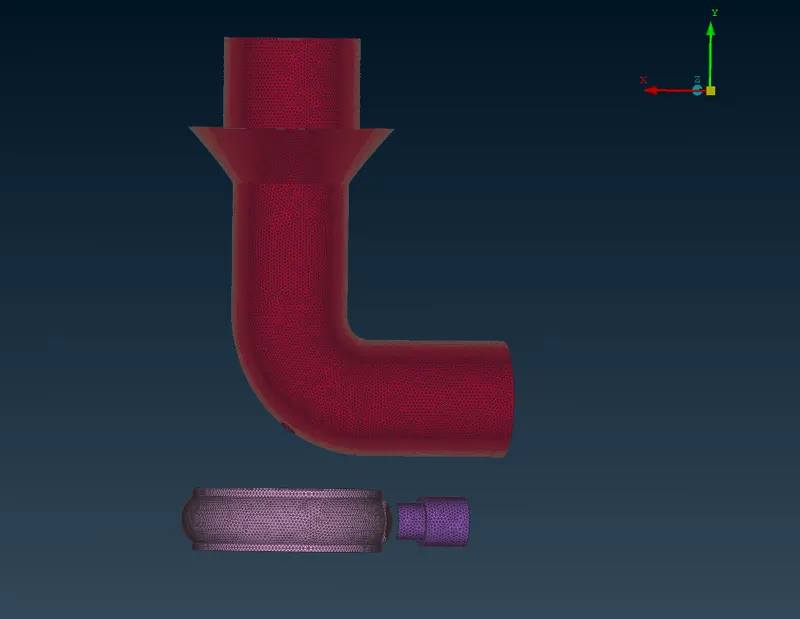
Using 'Not' option by Box select method we can observe whatever the part we want.
Learning outcomes :-
- We have learnt how to overcome the single CON error whenever the surface type methods fail, by inserting the parametrical Hotpoints and then join them by CONS and then filling the surfaces.
- We learnt how to do resolve intersection errors wherever one surface penetrates into the other surface.
- We learnt how to do meshing at the areas where there is a sudden change in the mesh target length.
Conclusion :-
ANSA File of Turbocharger
https://drive.google.com/file/d/1vZGH_tbrI4FzSfBx3-we2gxbLTmVN02p/view?usp=sharing
Hence the given Turbocharger model is meshed both surface and volumetrically as per given target lengths.
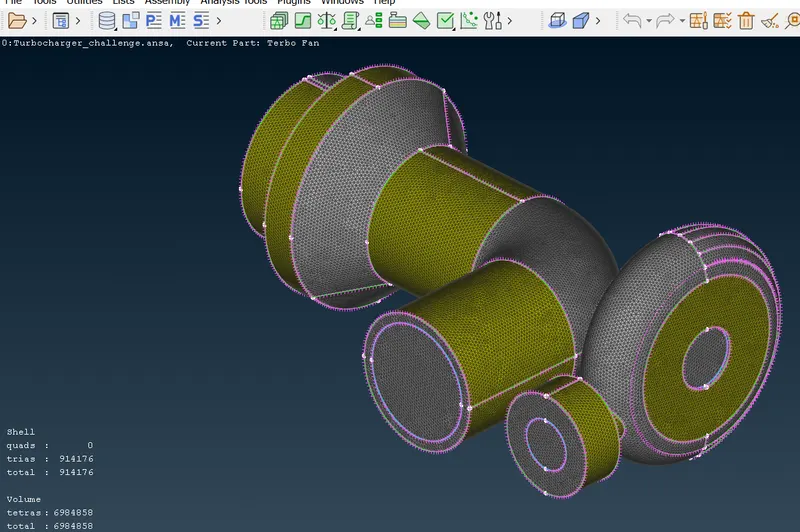
Total Tetras = 6984858. Trias = 914176. Unmeshed parts = 0.