Week 3 Challenge : CFD meshing on Turbocharger
AIM:
Perform the surface mesh and volume mesh in the given geometry.
Objectives:
We have the 7 PIDs, for that we have to Perform surface mesh with the given target lengths as per PIDs.and Perform Volumetric mesh for the required volumes of turbo charger.
Explanation:
We have the given geometry of turbocharger
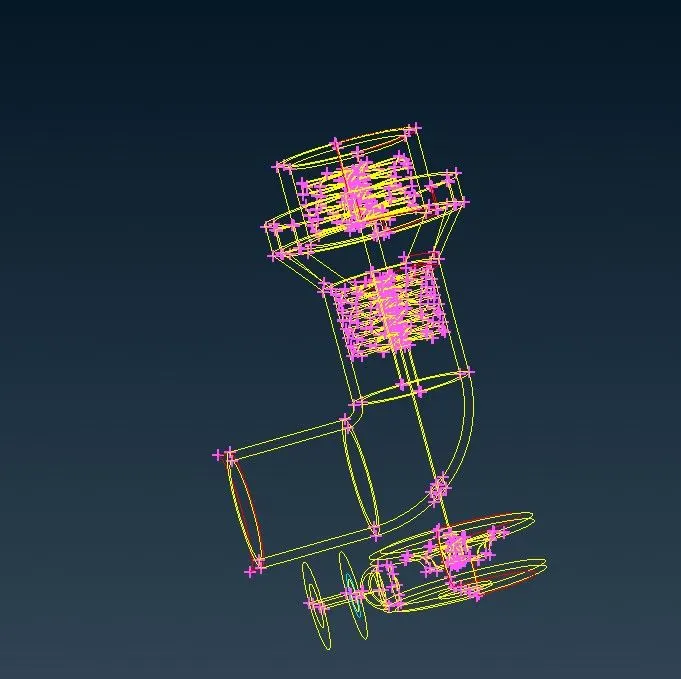
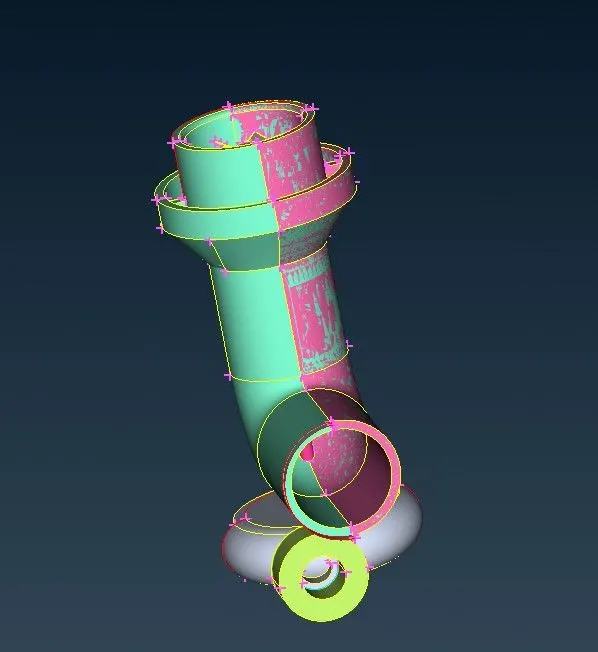
Here it is wireframe and PID mode of turbocharger, now we are going to clean up the geometry and intersection errors PID by PID.
as we have seen in second fogure there is a overlapped surface each other and some red cons.
So first we are going to look compressor casing
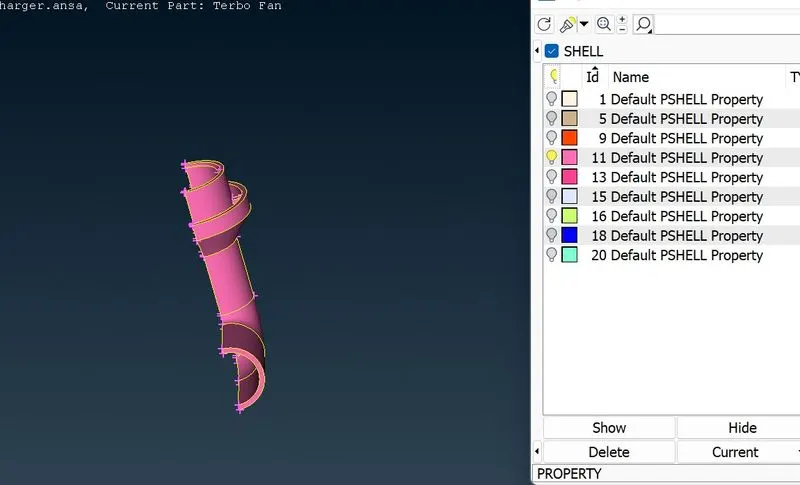
Here we isolate that overlapped surface, we need to delete the surface, we dont need it.
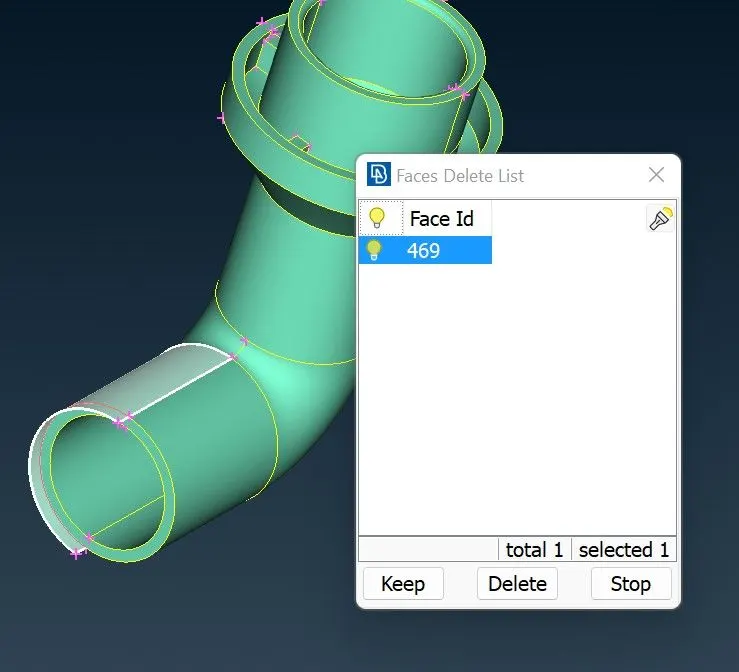
Here there is extended surface this also we dont need this, so we can delete this face and create a new surface
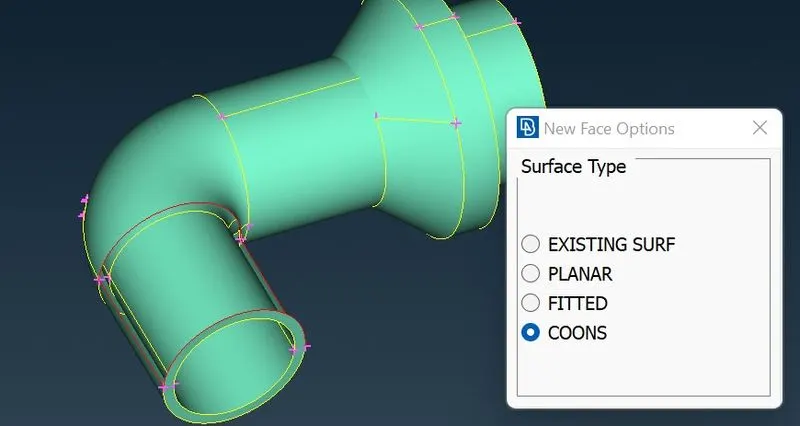
Lets focus on top of compressor casing there is a red cons, so lets dive into that part.
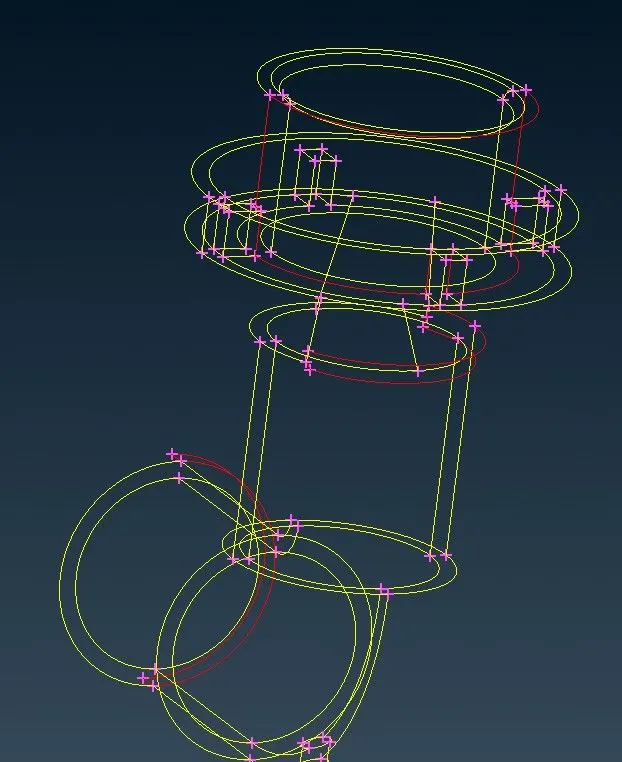
Here i isolate that red con part, we can use transform option from curve, by using transform we can create a boundary to built a surface
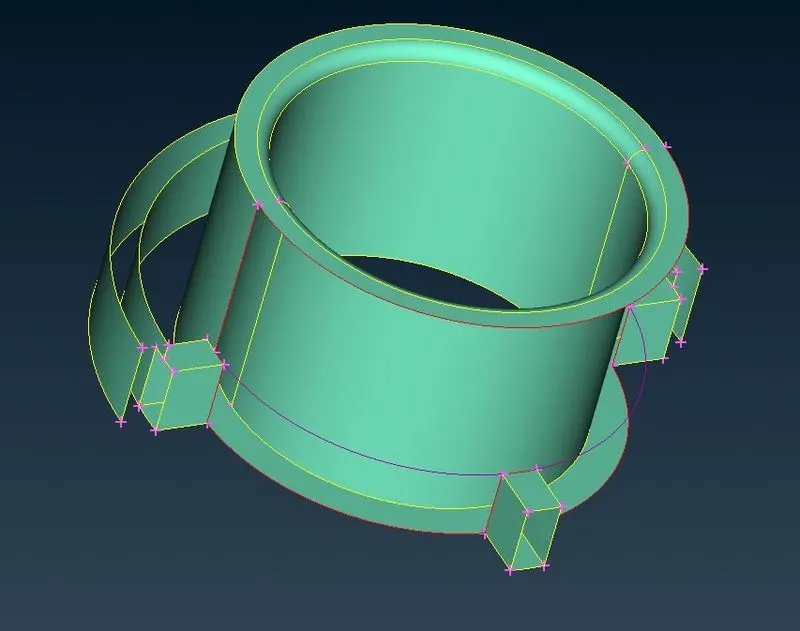
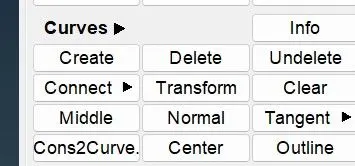
after creating the boundary we can build a surface by using coons after that we can delete that transformed curve.
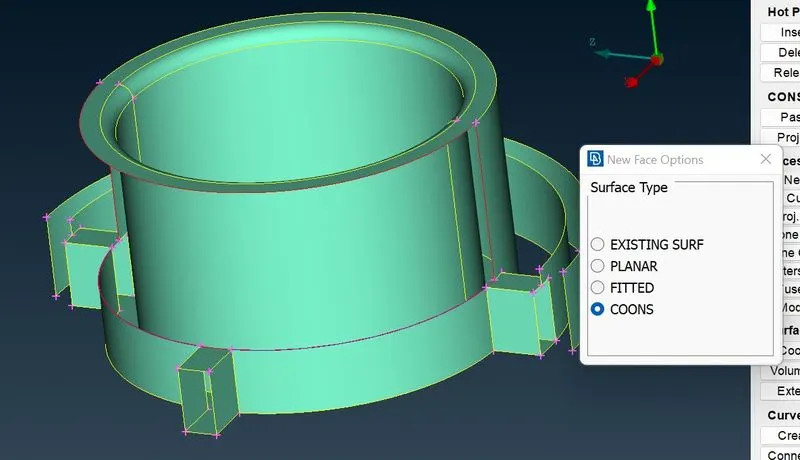
then we can create a remaining surface to fix the red cons.
Next move on to neck part of compressor casing.
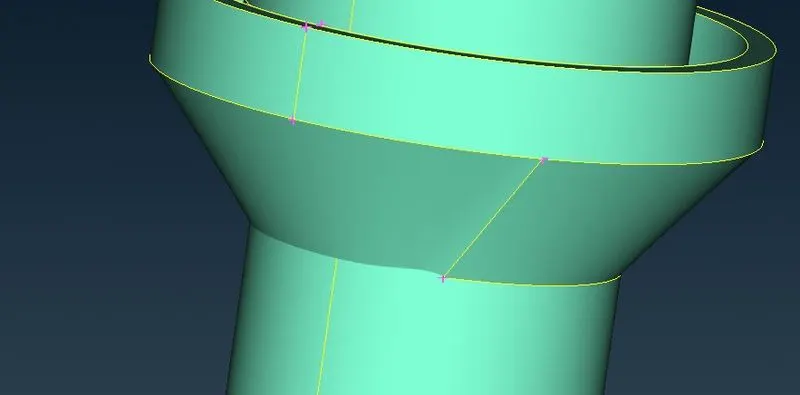
here it looks curvy, we need to rectify this.
Let try this with intersect
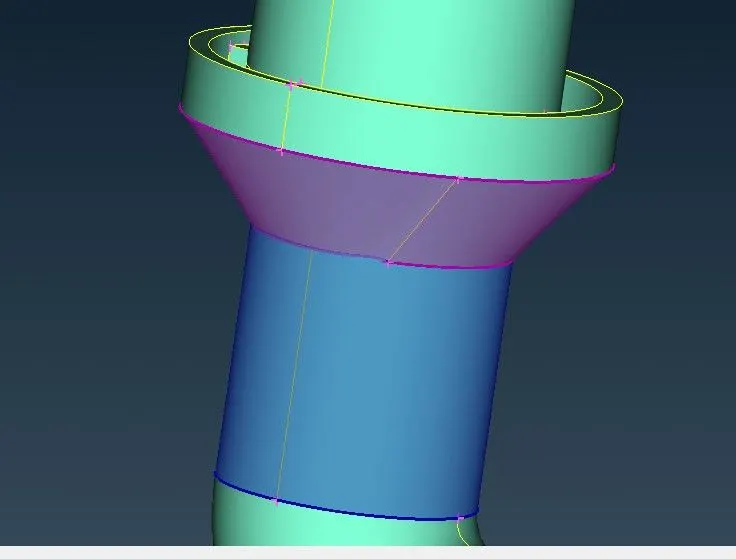
There are 4 intersecting surface inside the compressor casing, we can delete unwanted surface.
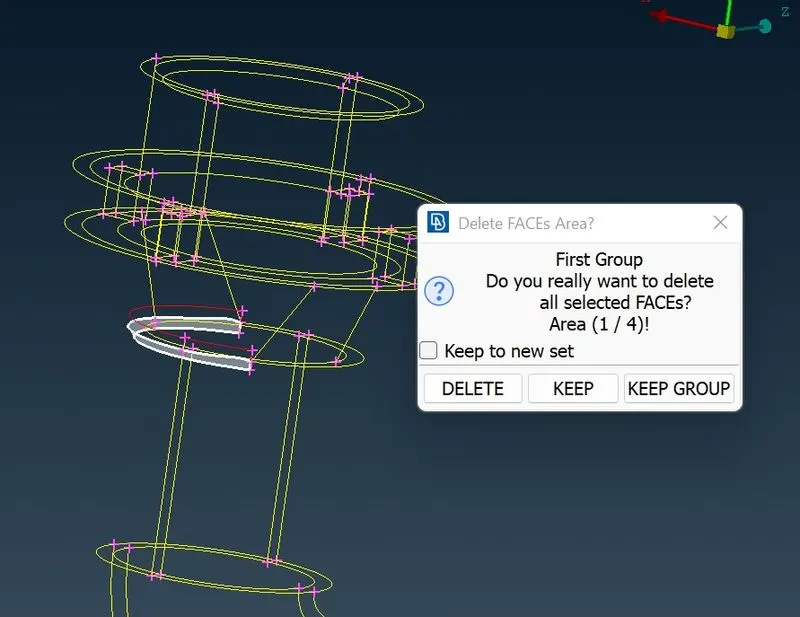
We can cut that curvy part and delete that surface.
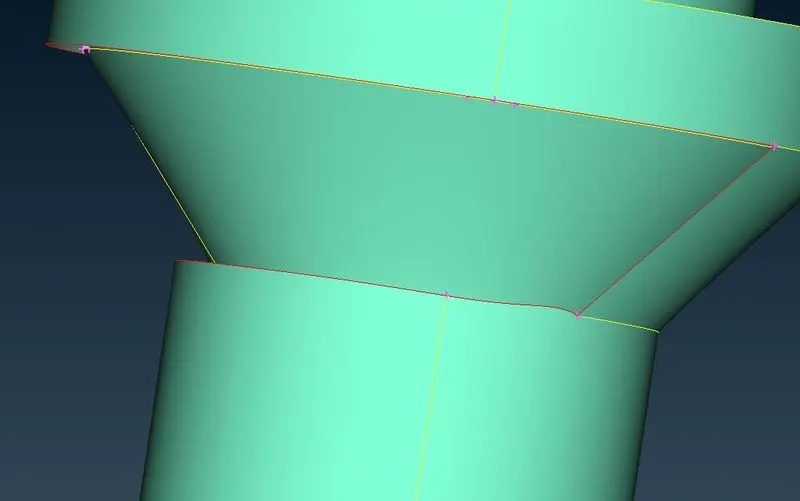
and then we can create a new surface.
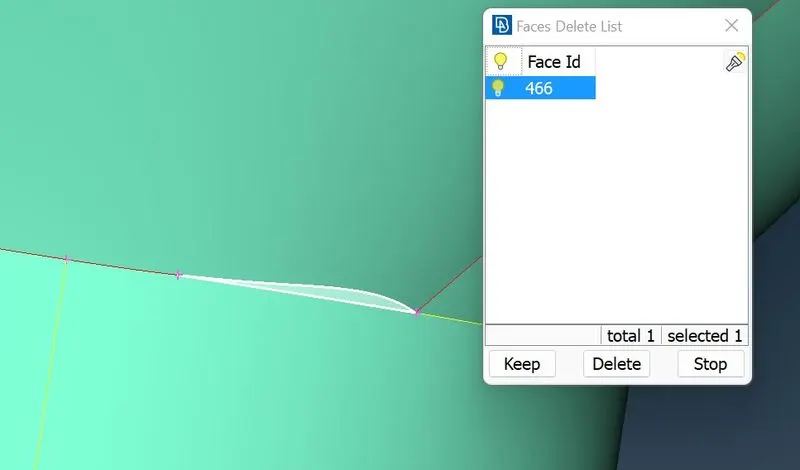
Now we cleared all the red cons, lets check the geometry and intersection errors.
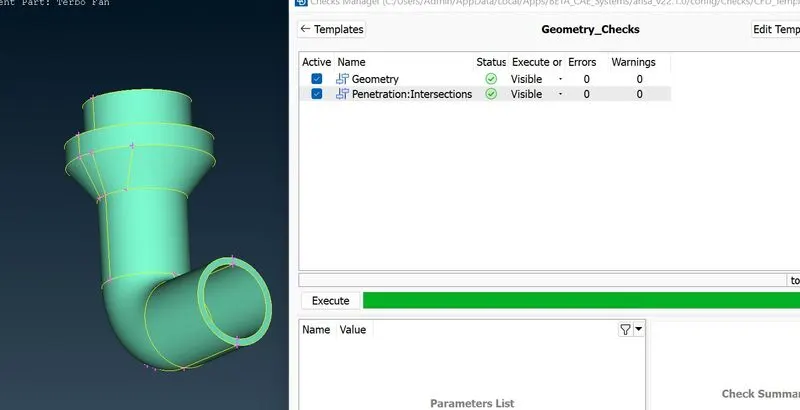
Now we cleared all the issues in compressor casing.
Next we move on to Blades and shaft rotor.
Here in shaft there is overlapped surface in blade area, we can project the con on shaft then delete the shaft part.
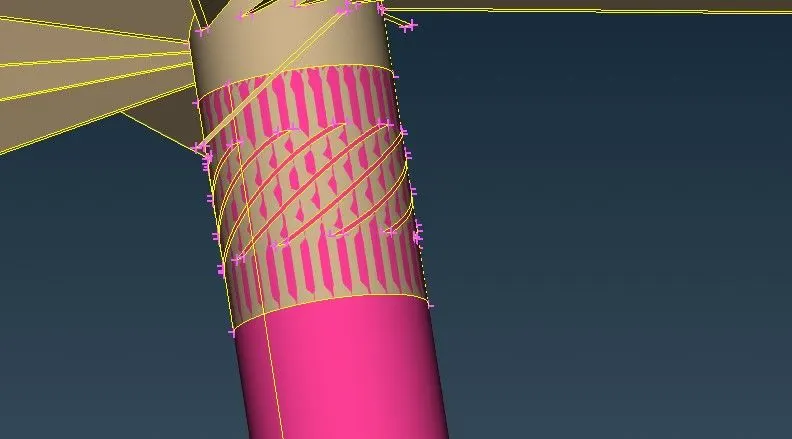
Here there are more number of triple cons, we need to rectify this by deleting the unwanted surface
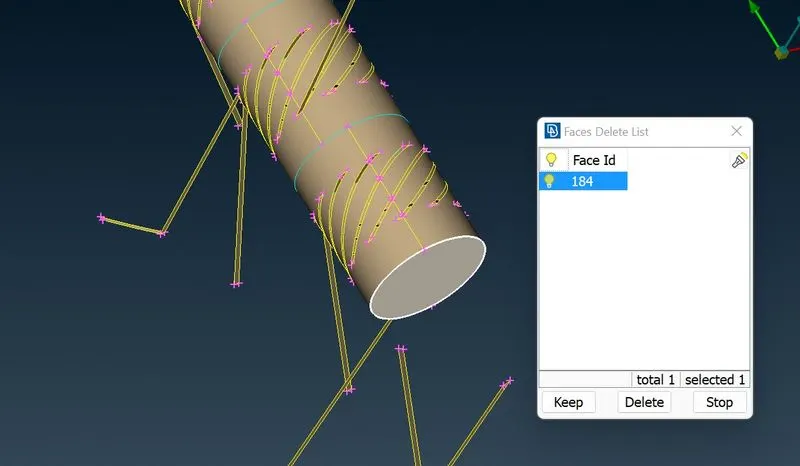
Here also there is overlapped surface, we need to delete this and clear the intersection.
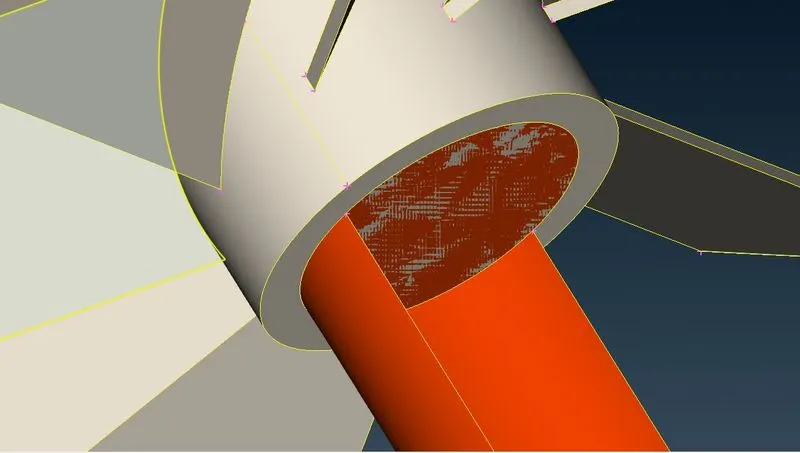
After clearing the number of triple cons and intersections, run for the geometry and intersection errors.
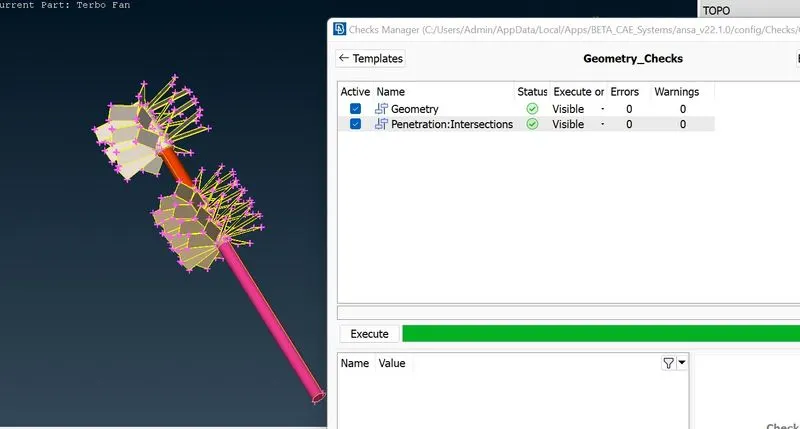
Impeller with shaft
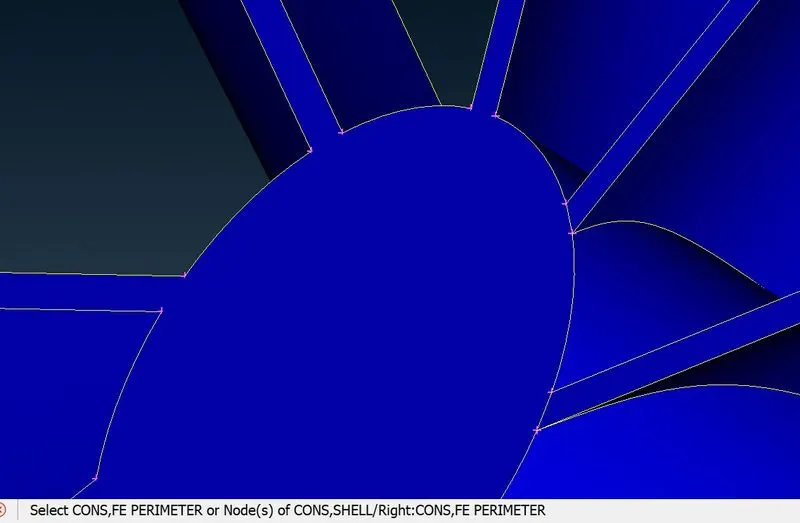
In impeller after clearing the triple cons, there is a surface to cut and then we fix the red cons
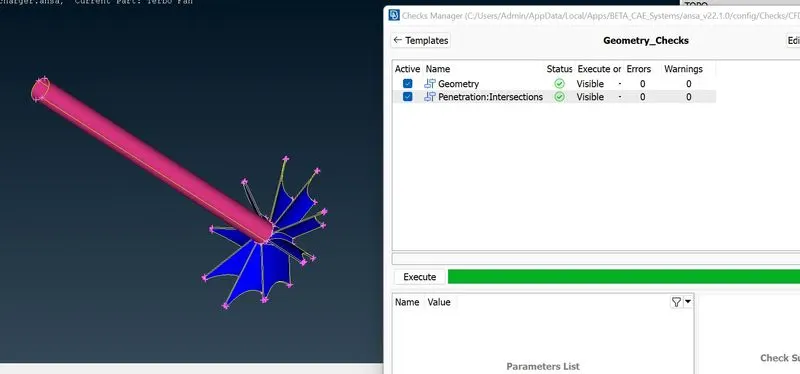
Here the shaft intersect with compressor casing
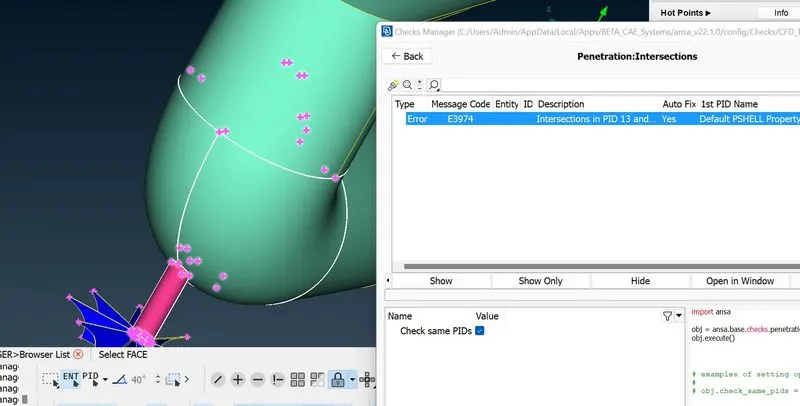
Shaft and casing surface overlapped each other,
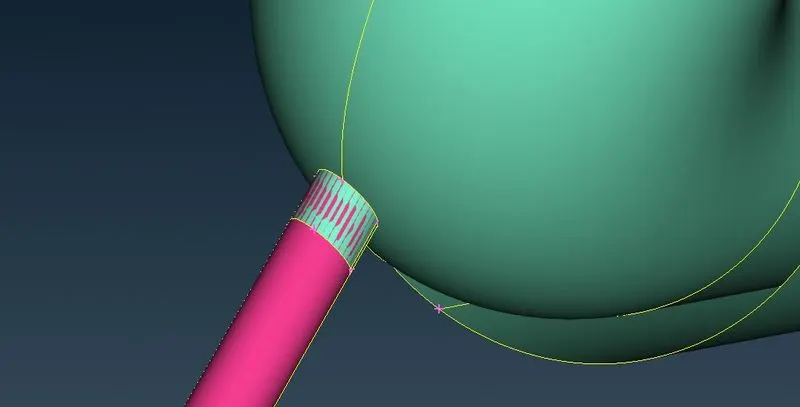
we can project the cons and delete the shaft area within the casing.
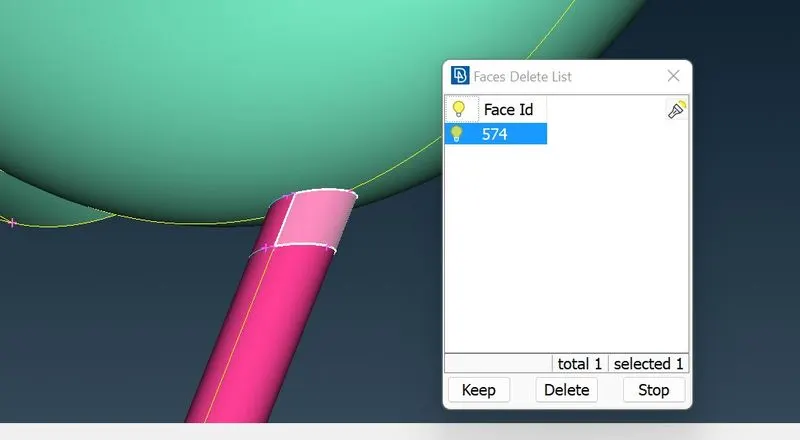
Here also an intersection error, we need to clear this like before we did.
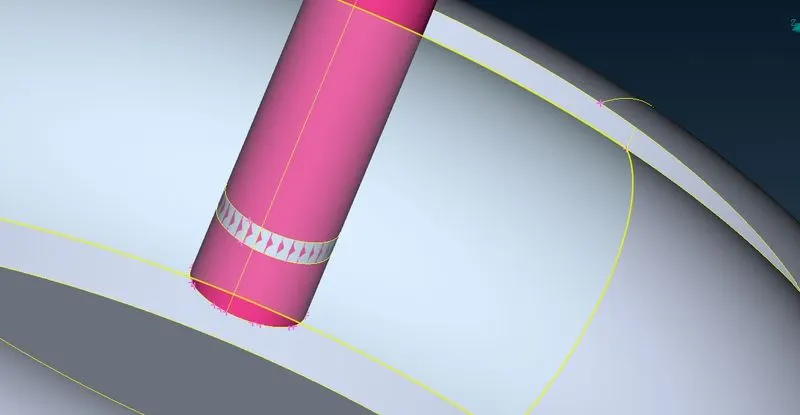
Here the red cons on turbo casing, we can fix this by tranform.
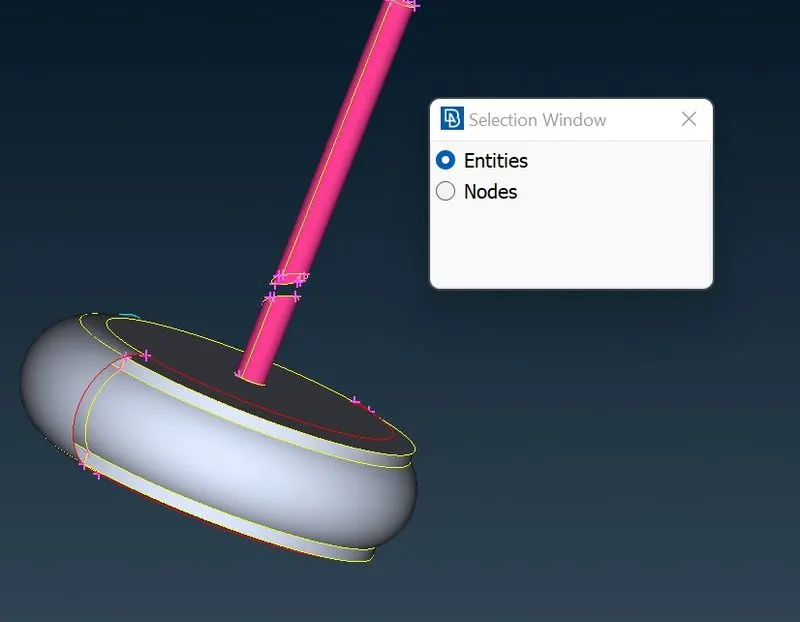
In this transform we can create a new surface by three nodal points and existing surface.
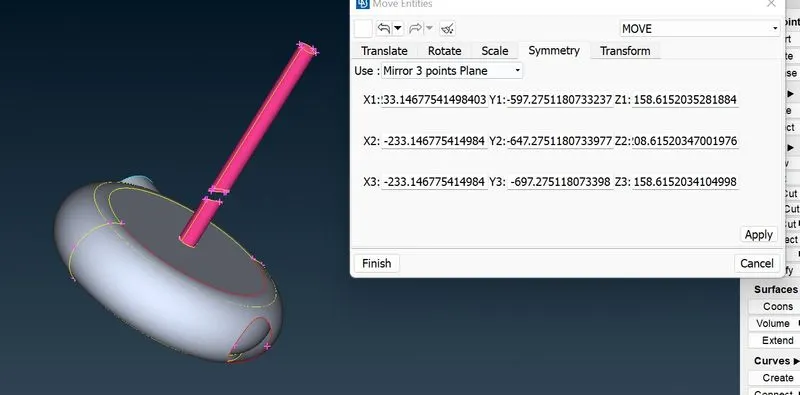
We cleared all the geometry errors and intersections, now we can do meshing.
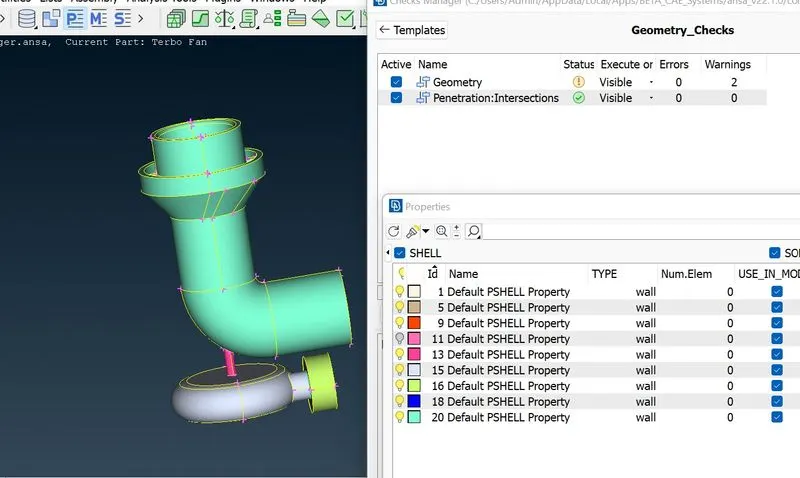
For the purpose of volume mesh we have to close all the open areas.
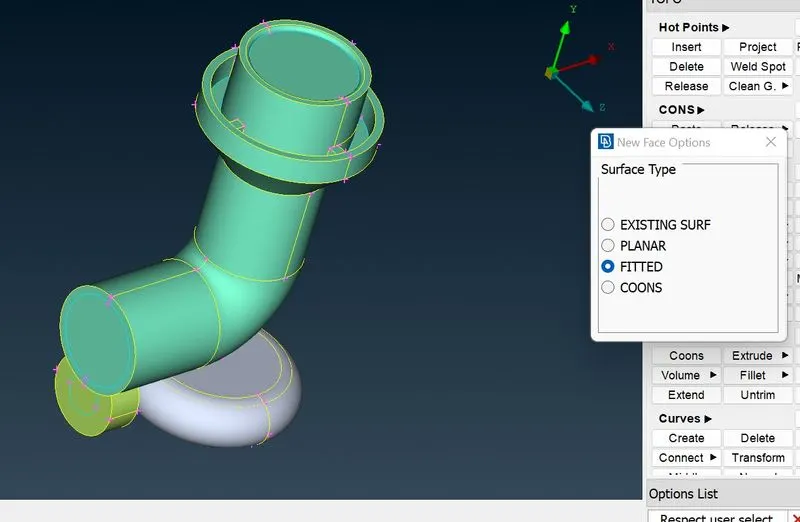
Next step we do surface meshing according to the requirement
Blade stage-1 = 1 mm
Blade stage-2 = 1 mm
Impeller = 2 mm
Shaft rotor = 1 mm
Turbo casing = 5 mm
Compressor casing = 5 mm
Inlet casing cover = 5 mm
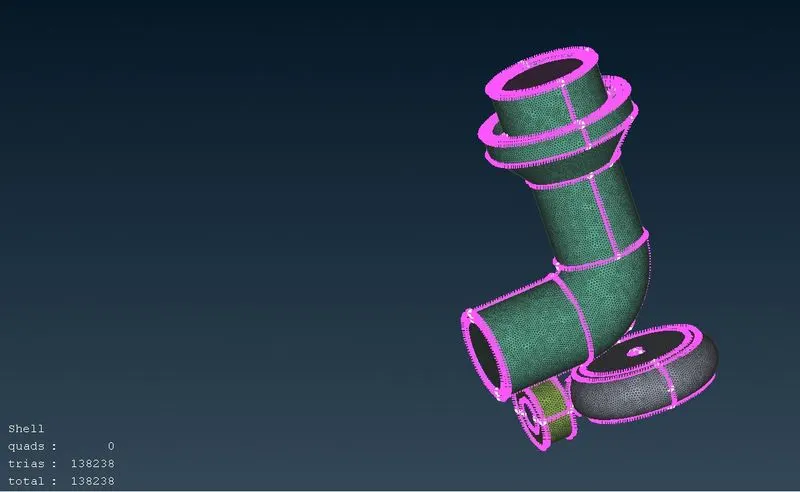
Lets focus on Turbo casing, Compressor casing, Inlet casing cover these parts are should be in 5mm length.
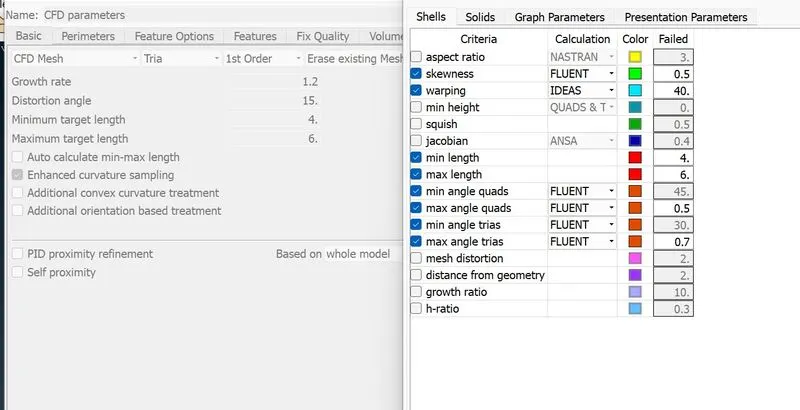
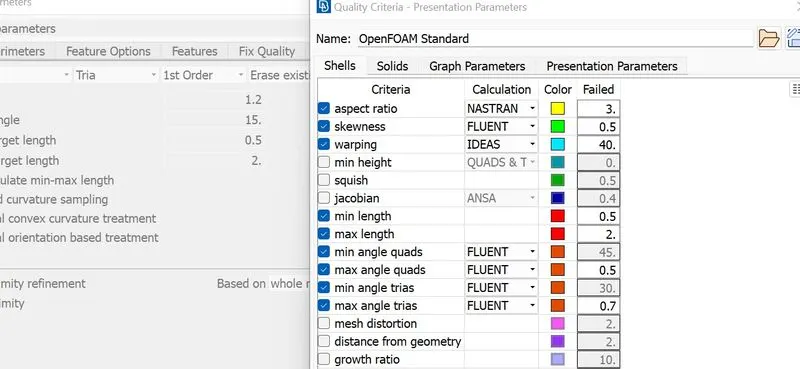
Defining the maximun and minimum length in mesh parameter and quality criteria.
Defining the perimeter length and macros as 5
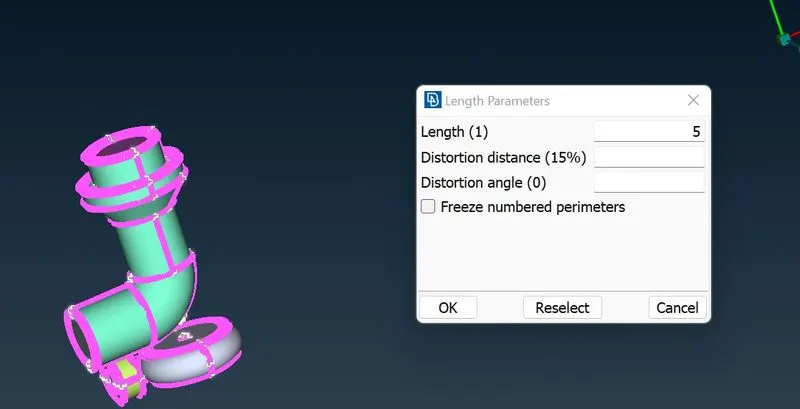
5mm mesh for Compressor casing, turbo casing and inlet casing cover.
mesh type:CFD MESH
Lets mesh for rotor shaft and blades.
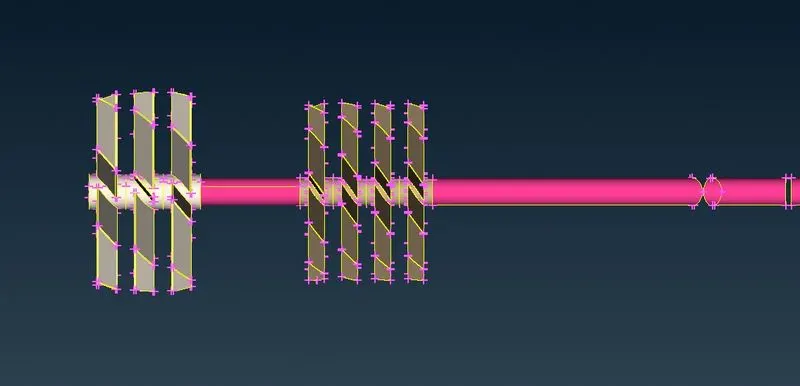
Target length is 1mm
Mesh parameter and quality criteria.
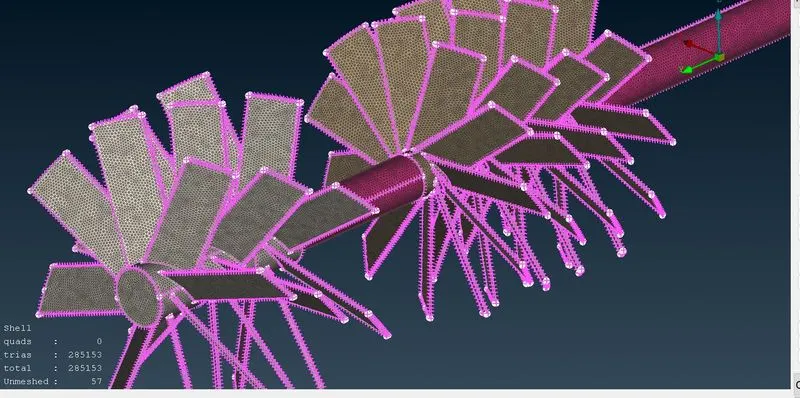
Meshing for Impeller
target length is 2mm
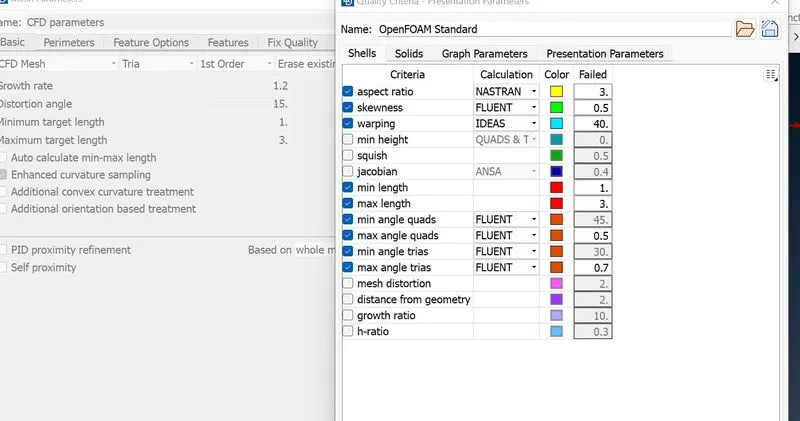
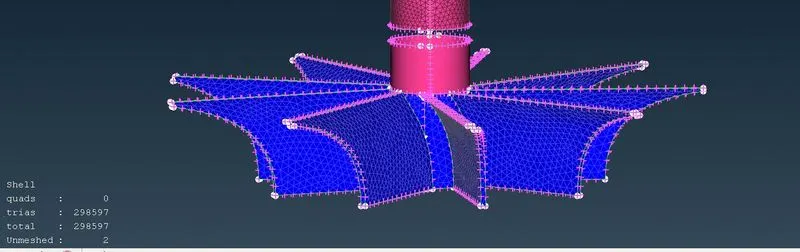
While meshing on impeller the part of mesh is getting erased in shaft because of different mesh length and the macros will getting ffected. we can do free mesh on the surface.
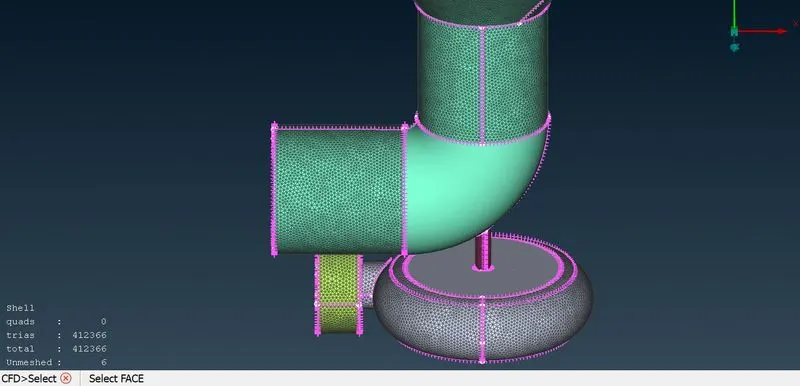
Here also we can see the unmeshed surface, we fix this with free mesh or defining the mesh parameters according to the requirement we can create mesh.
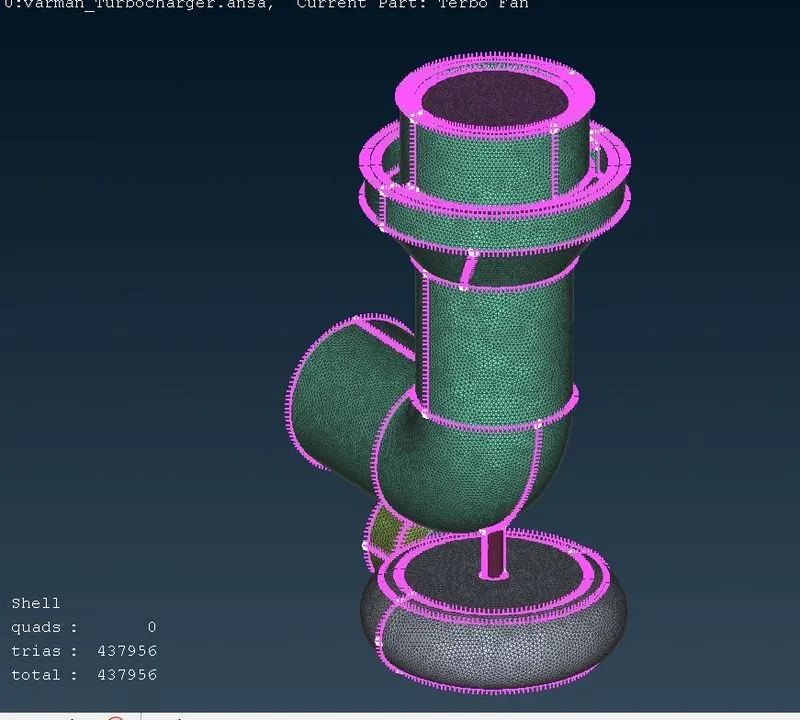
Finally we did the surface meshing for all parts of turbocharger. now we can do volume meshing.
First we define the volumes
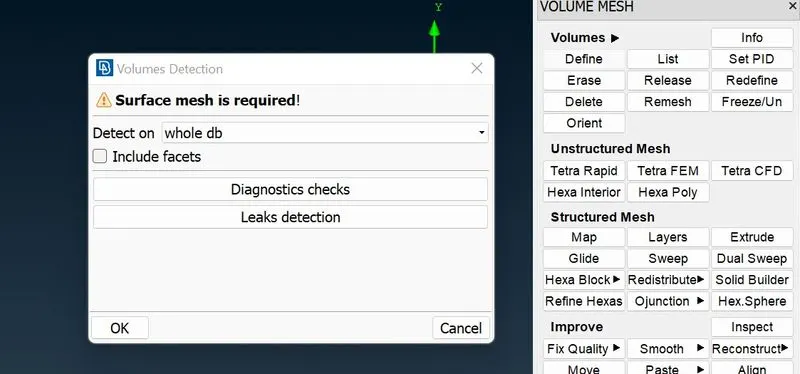
It will detect the volumes and it shows the status wheather the volumes meshed or unmeshed
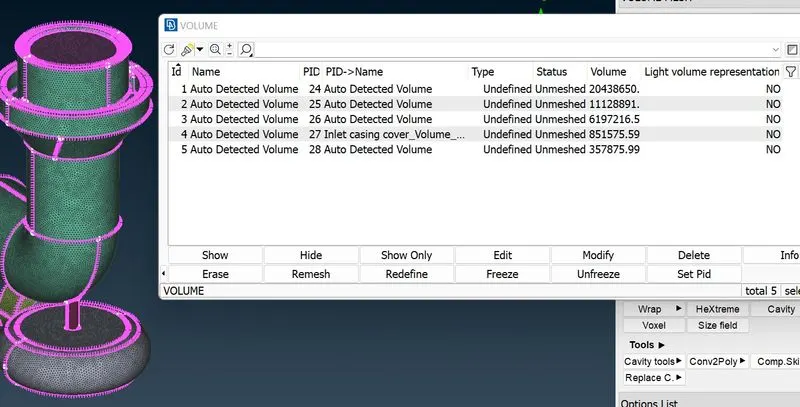
here we can delete thickness volume which we dont need this.
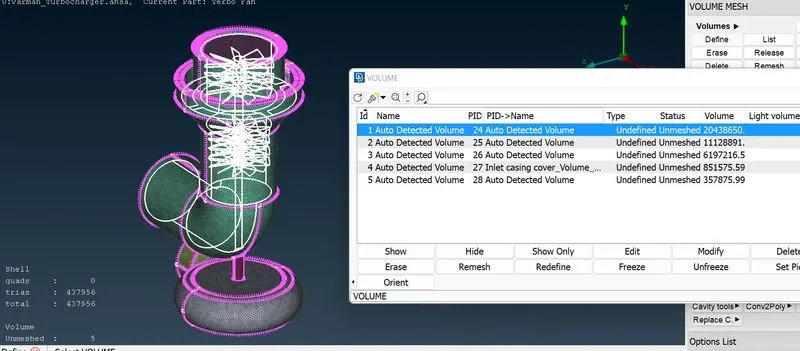
After that we can do volume mesh(Tetra CFD)
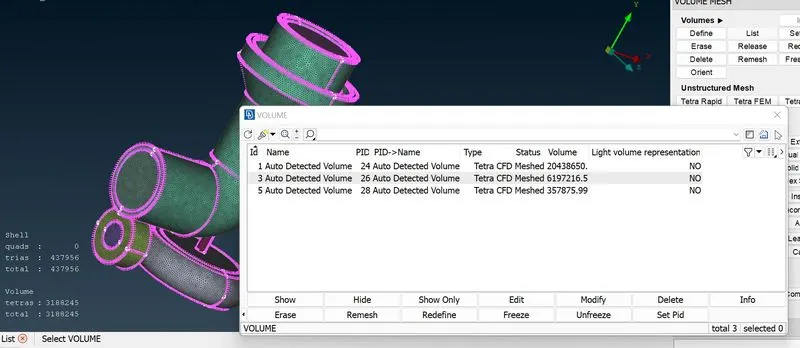
Cross sectional area of volume mesh.
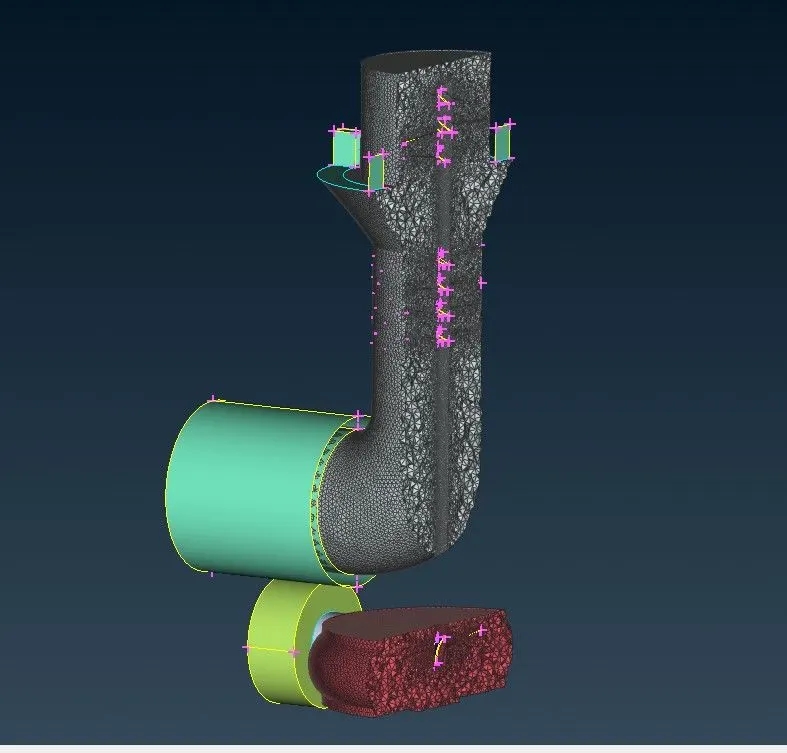
Final volume