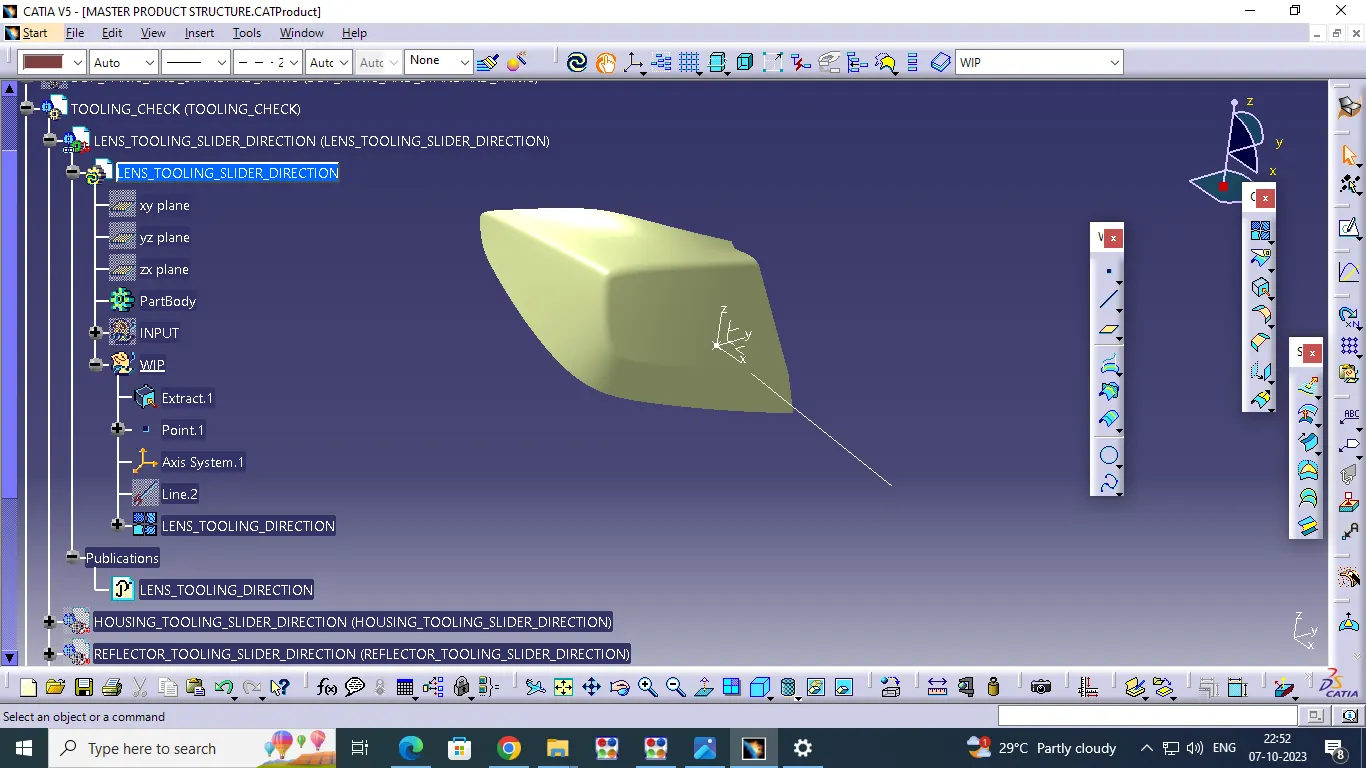
Week 3 Challenge
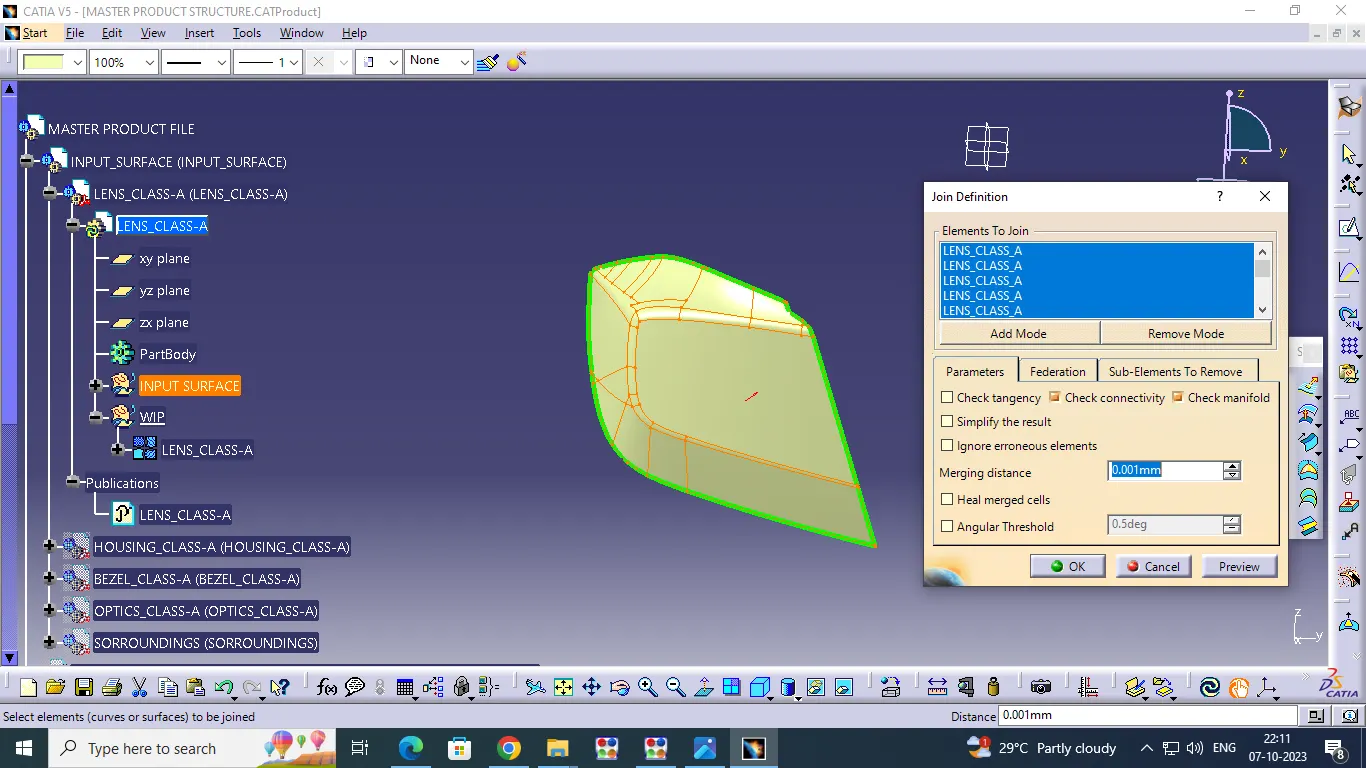
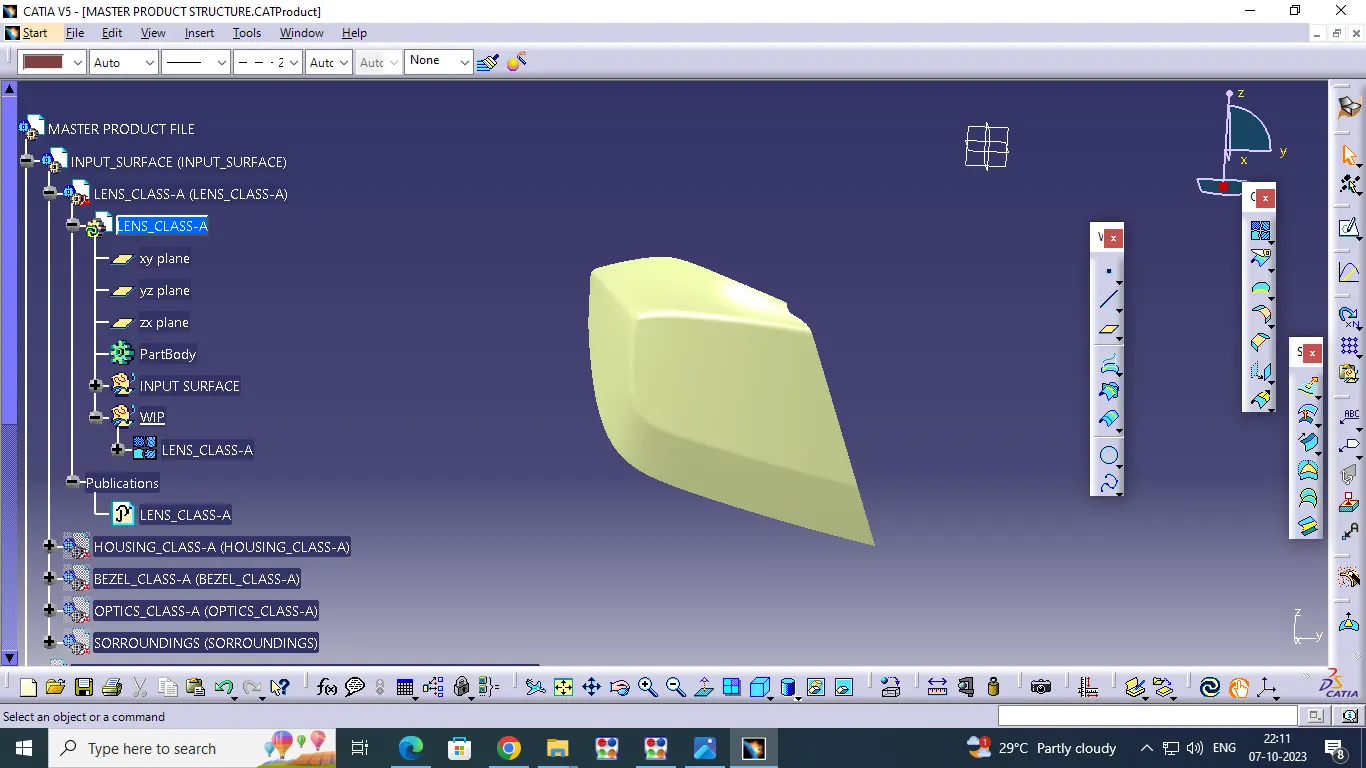
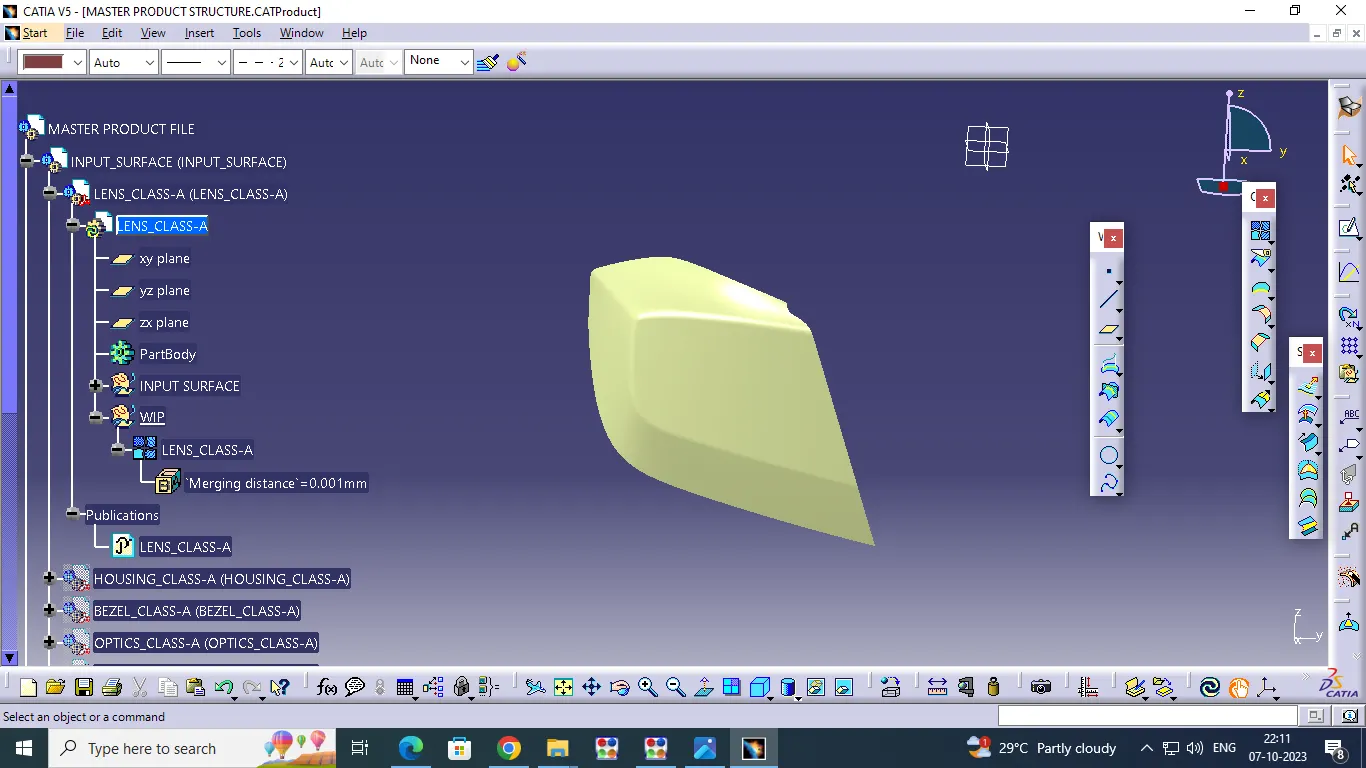
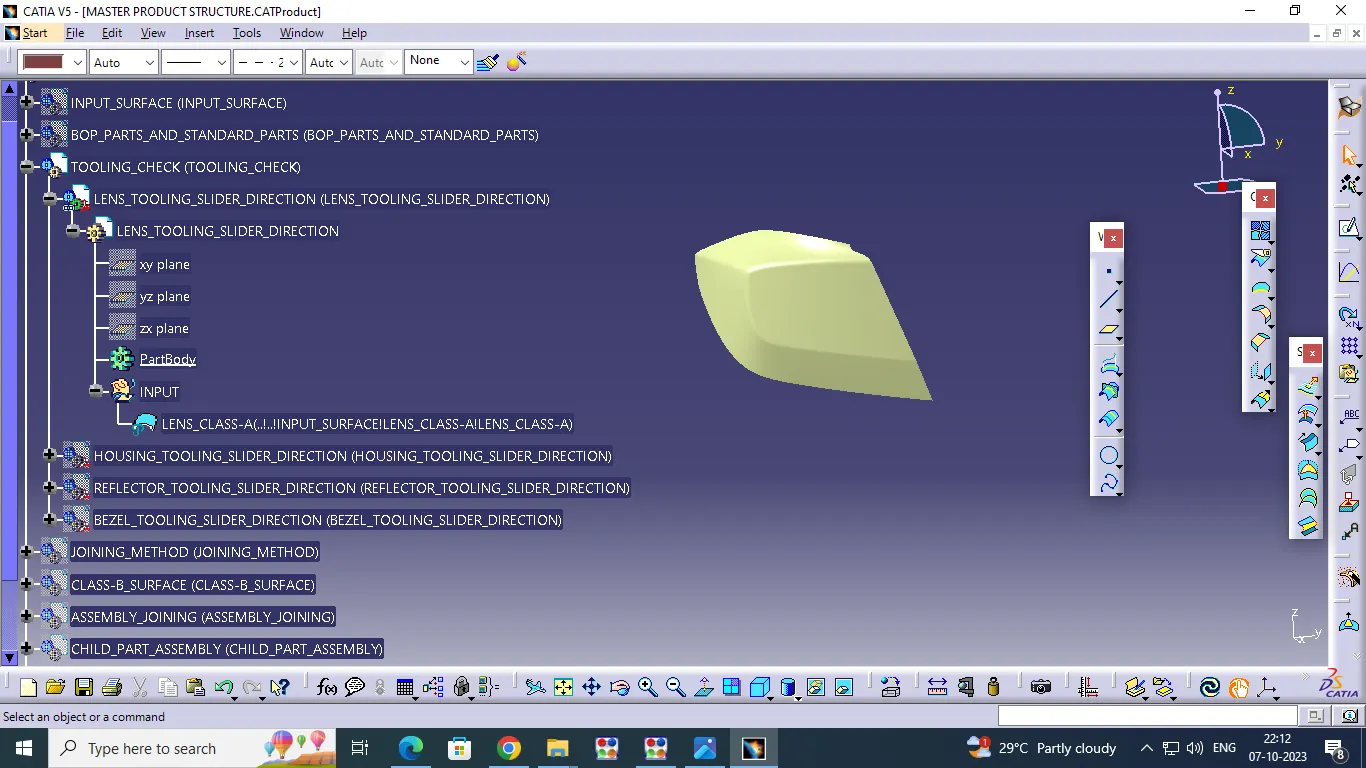
Creation of complete product file with a proper name and part documents:
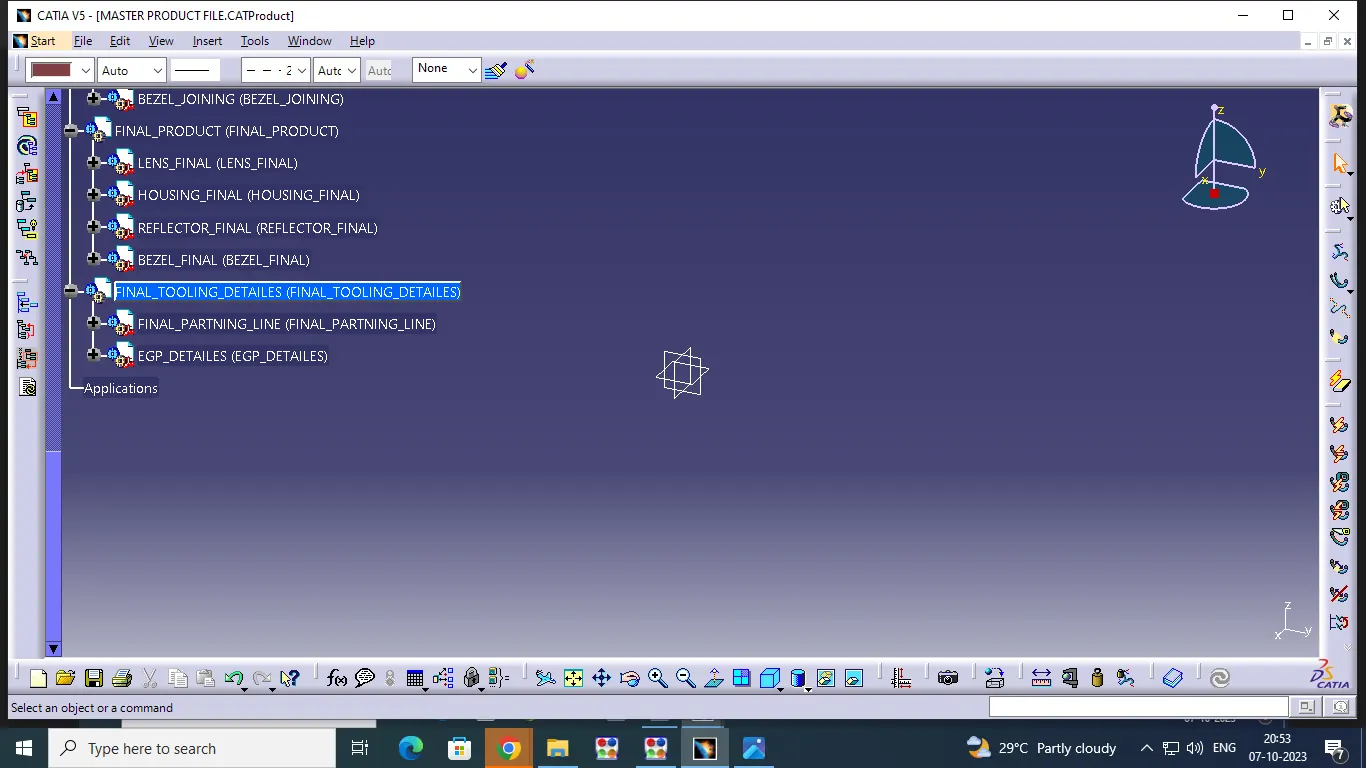
MASTER PRODUCT STRUCTURE:
Product file creation is one of important thing in the module ,because only then , easly understand the drawing, if we want edit in some area of the design go to click perticular product or part file easily did to change .
Product File Creation:
Open in New product and give name (Master Product File) then go to right click select component - and pick new product give name Input CLASS-A (Sub - product File ).
Part File Creation:
Select the Input CLASS-A(Sub Product File) right click , pick component option and select the part file.The part file has been created.This is how Everything should be created in the same way.
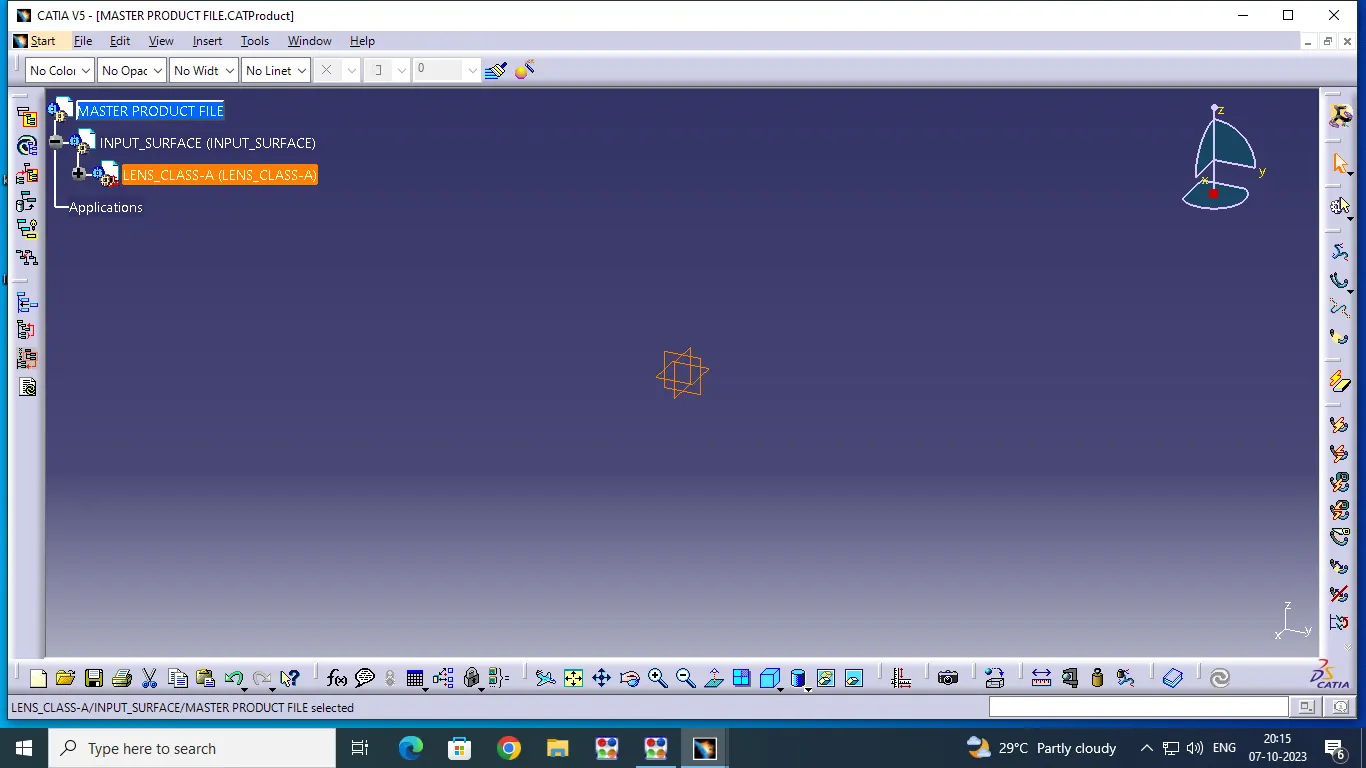
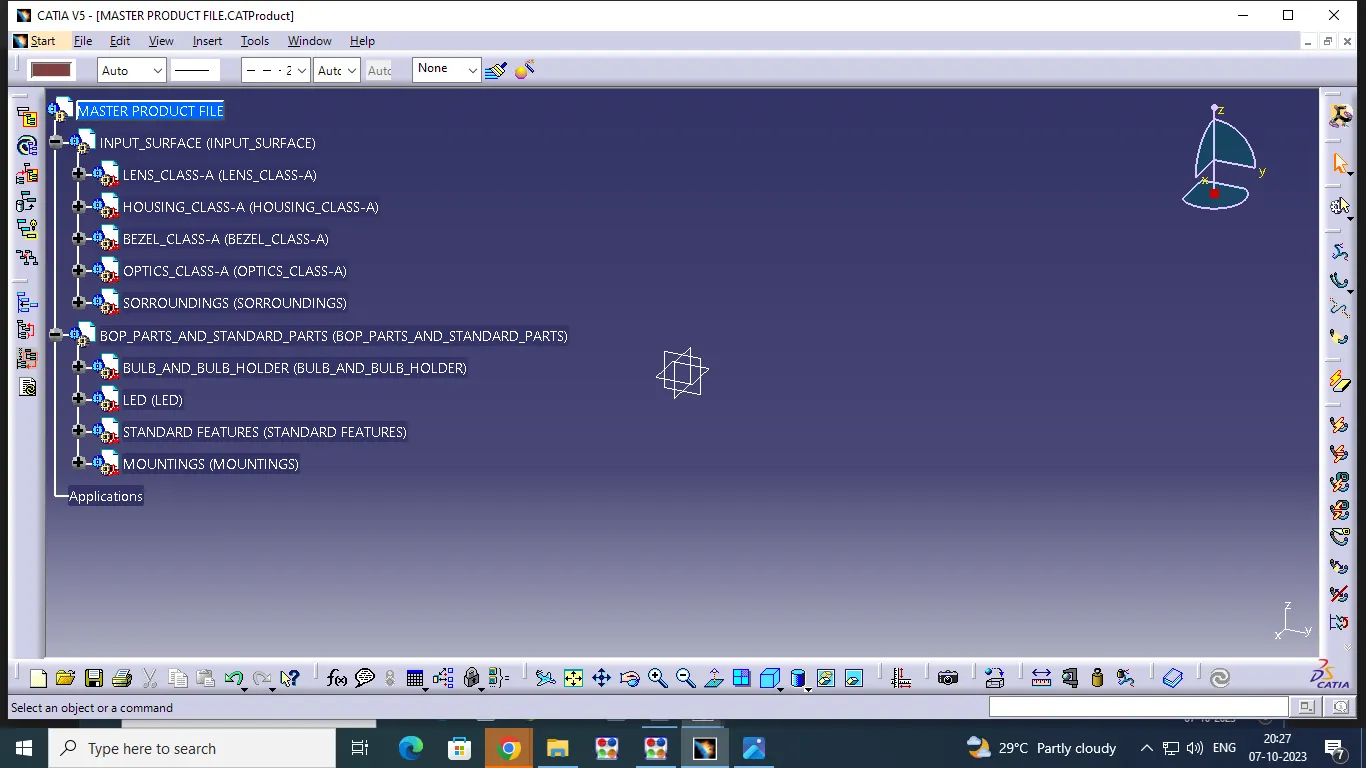
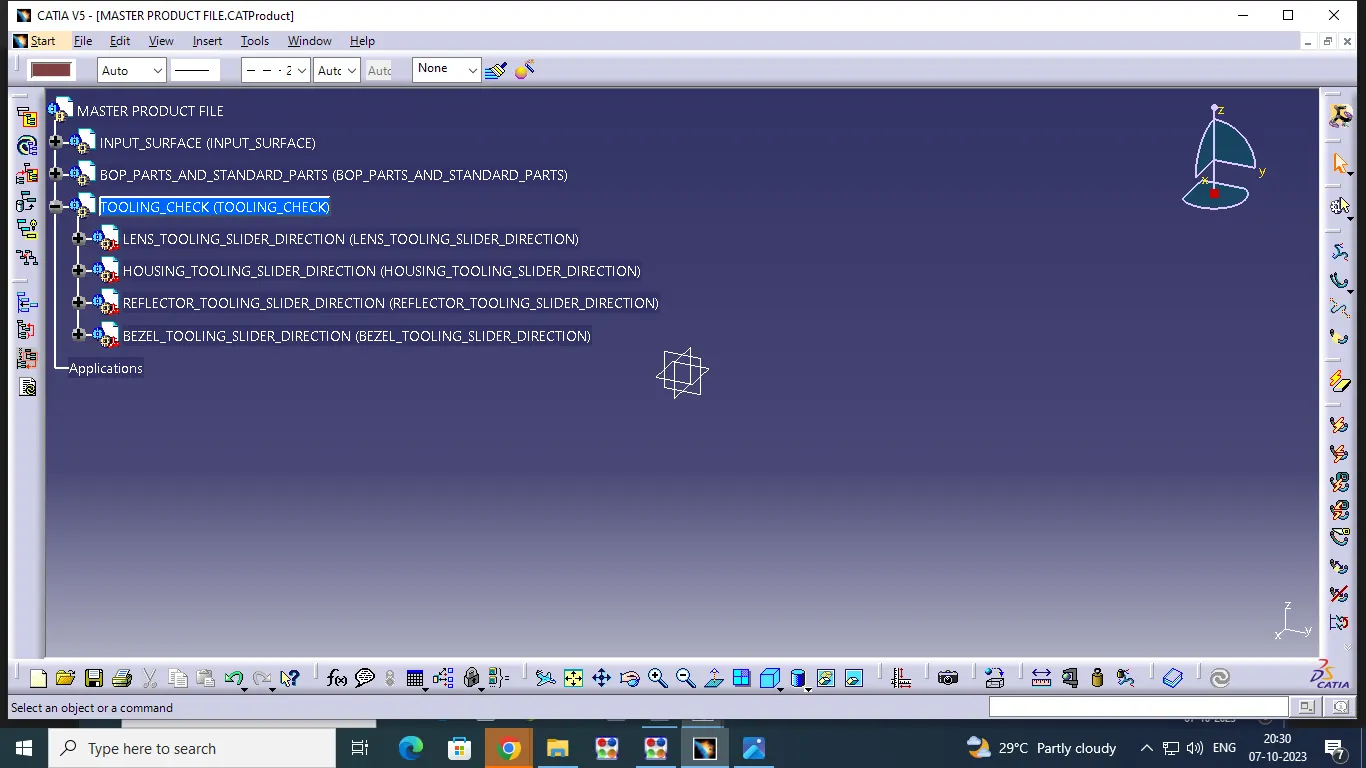
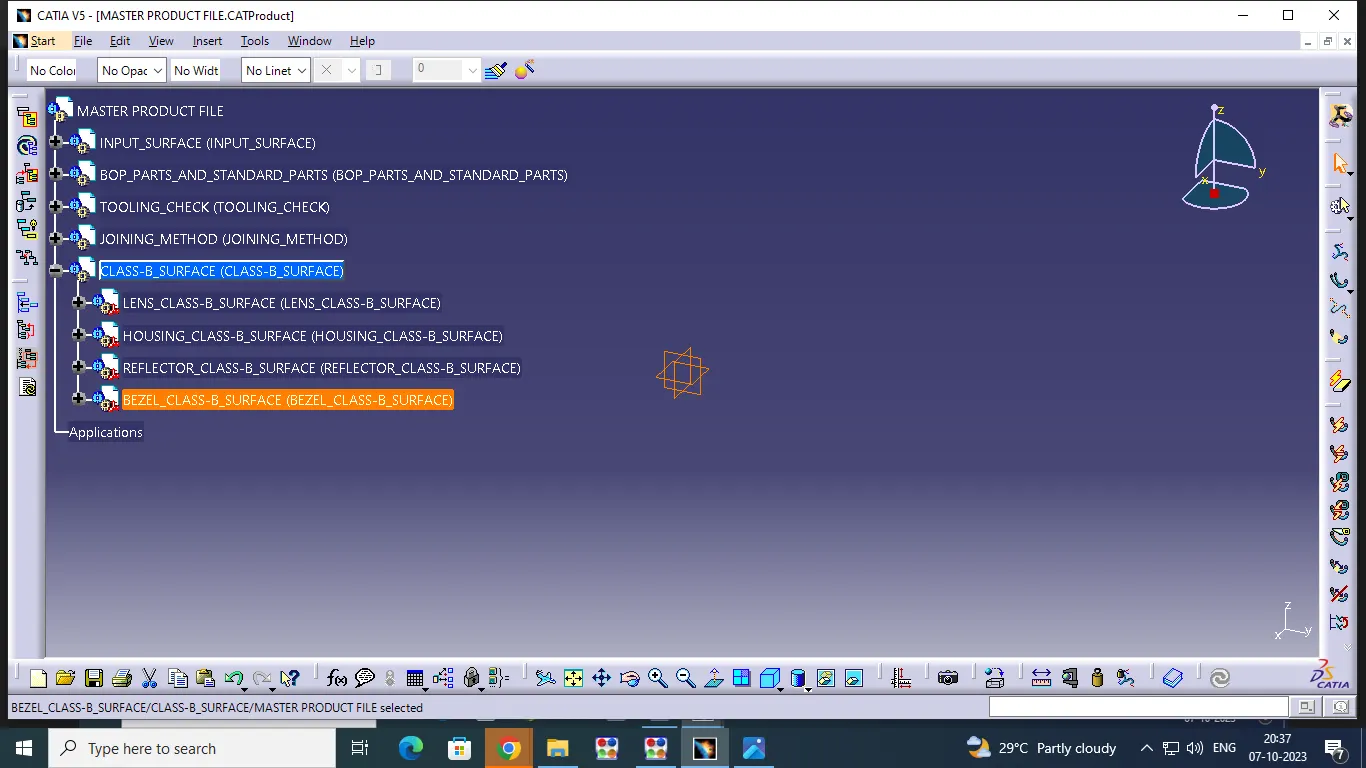
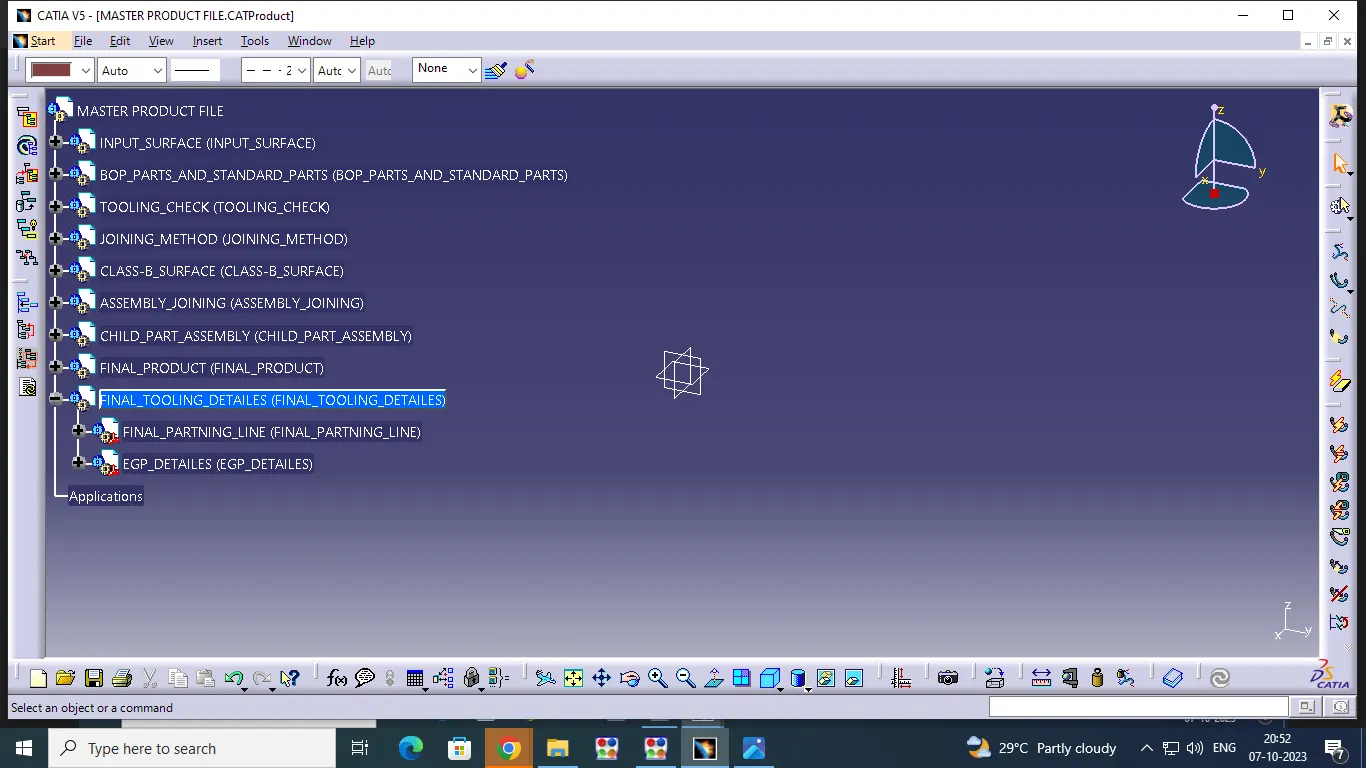
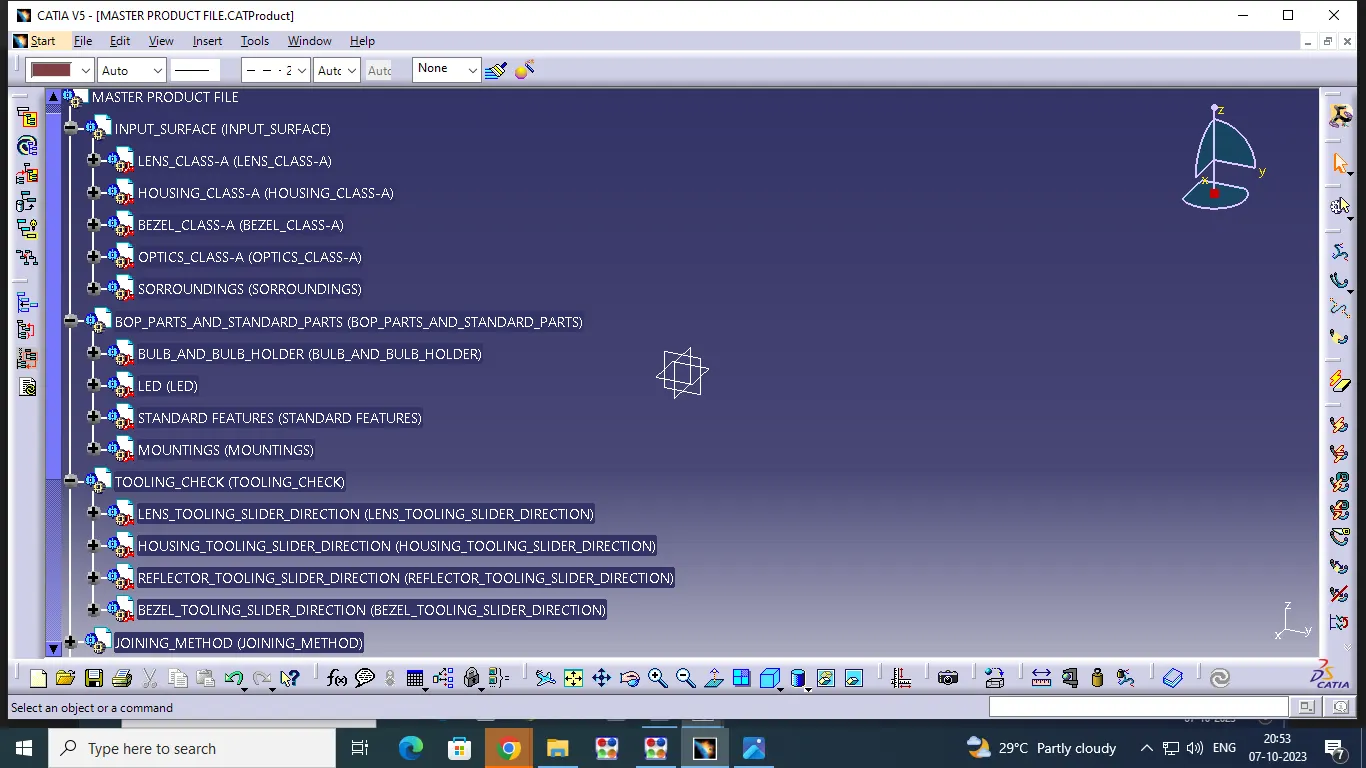
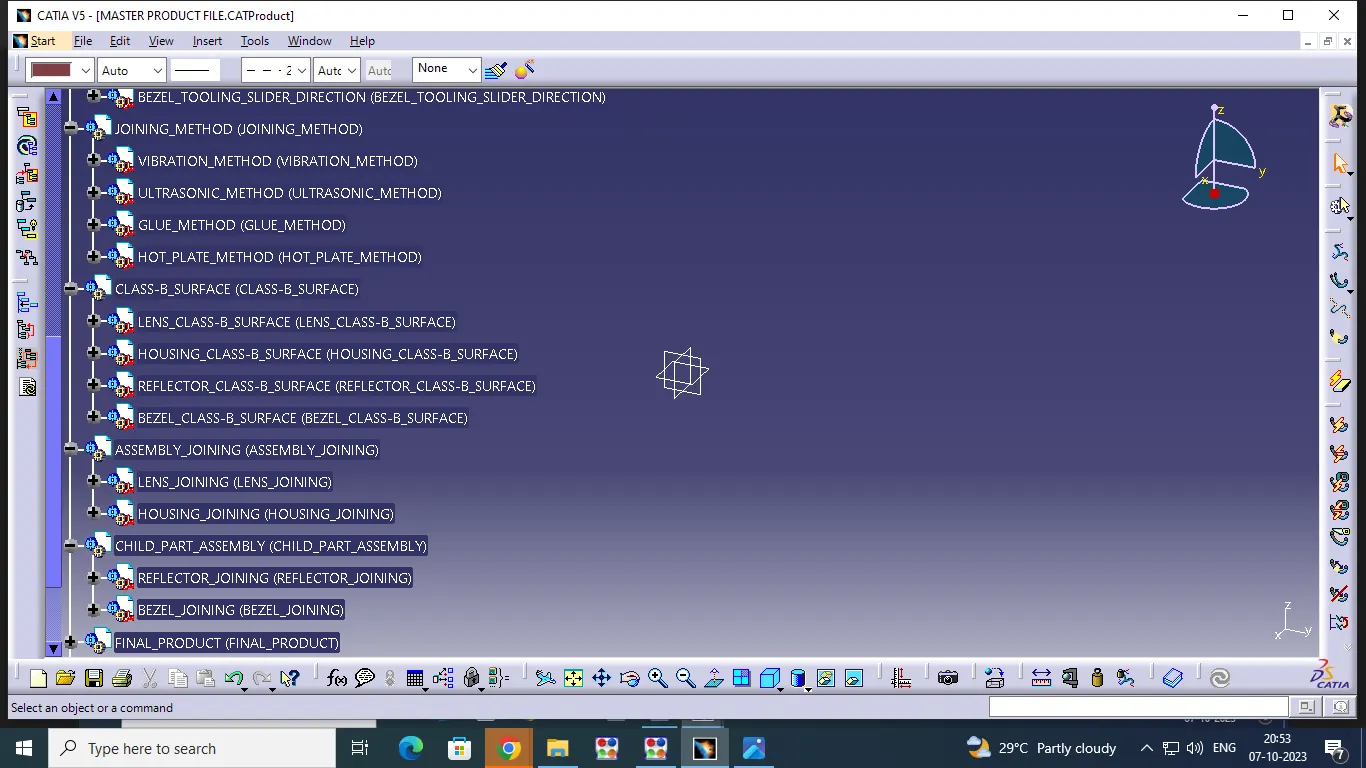
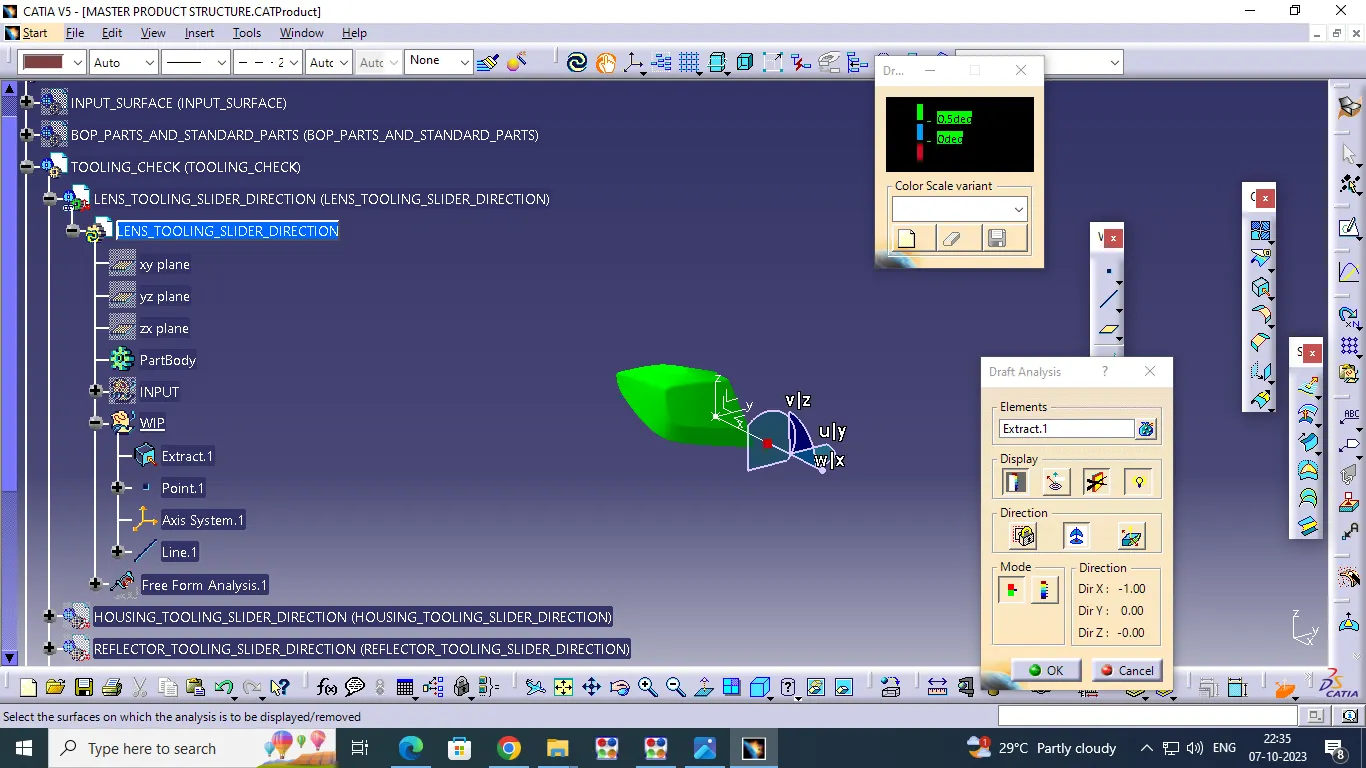
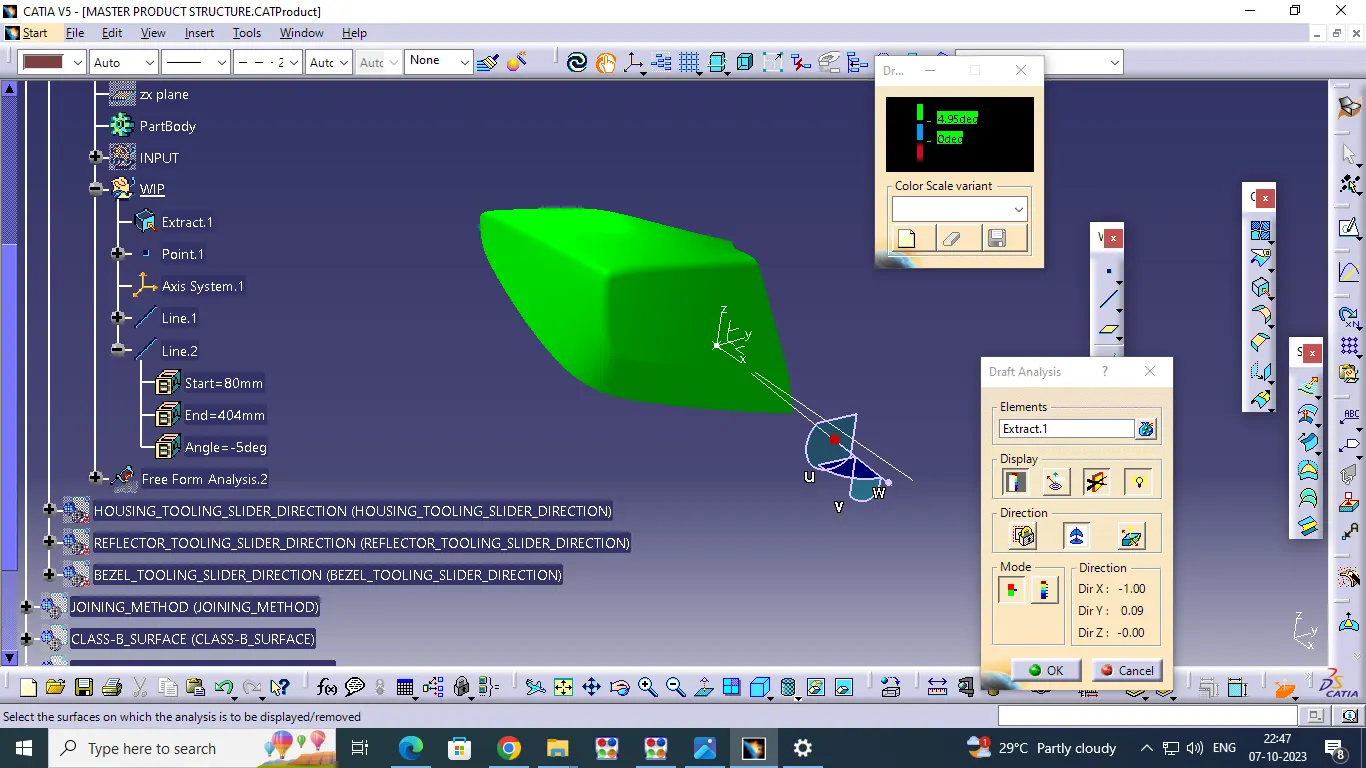
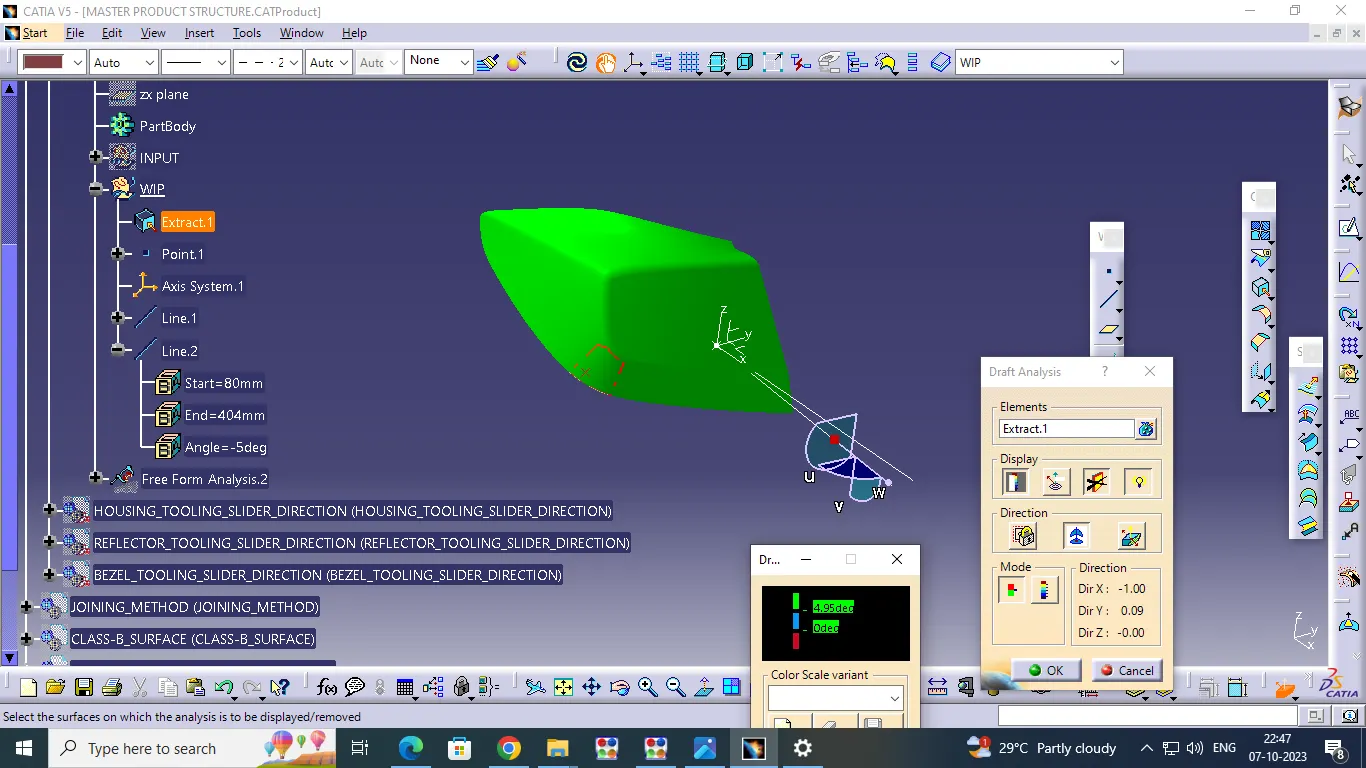
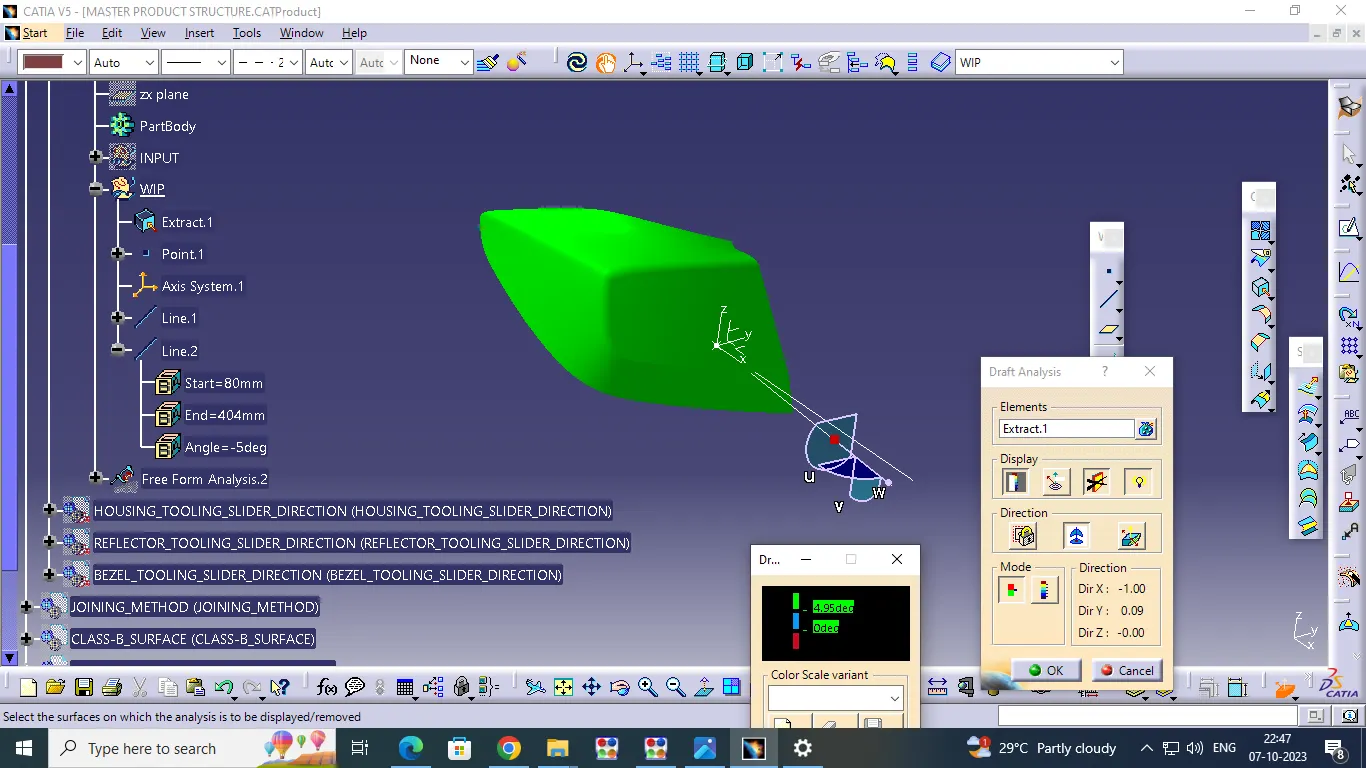
Creat CLASS-A_Surface_Input and Tooling Axis: