Week 3 - 2D meshing for sheet metal
WEEK 3 - MESHING HOOD MODEL
Aim/Objective – To generate the mid-Surface of the given model and mesh the mid surface as per quality criteria.
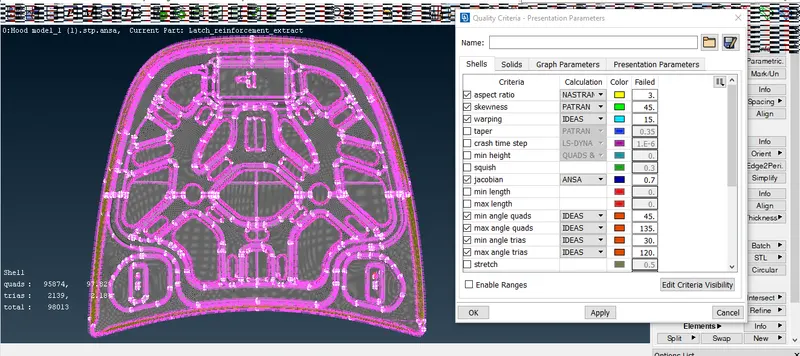
Quality parameters are as follows:
|
Sr no |
Quality Criteria |
Value |
|
1. |
Target/Average length |
5 |
|
2. |
Minimum Length |
2 |
|
3. |
Maximum Length |
7 |
|
4. |
Aspect |
3 |
|
5. |
Warpage |
15 |
|
6. |
Skewness |
45 |
|
7. |
Jacobian |
0.7 |
|
8. |
Minimum Quad Angle |
45 |
|
9. |
Maximum Quad Angle |
135 |
|
10. |
Minimum Tria Angle |
120 |
|
11. |
Tria Percentage |
15 |
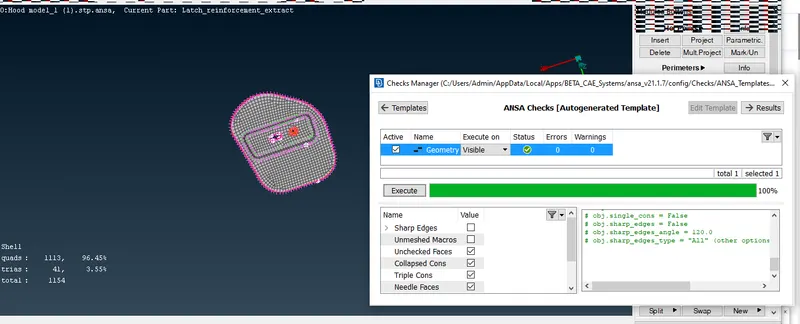
Initially we have to import model & Open the same in ANSA. As a first step we first check the geometry for errors if any. This can be done by clicking on check manager, Select geometry and check the geometry. Some error if found in the model will show there. A triple con or needle type face will be highlighted .We can use various options such as release Cons in the right menu and rectify the error manually. Also by right clicking on the error there is fix option which will try to auto fix the error on their own. Next after cleaning the geometry from errors.
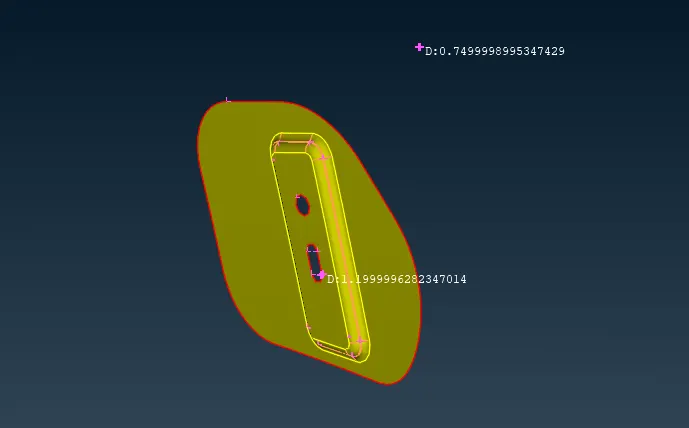
Next step is to check the thickness of the model/Parts. In this model the hood is divided into five parts, such as two similar parts one single part, cover part & main part. By choosing various parts we have to measure the thickness as it must be required to generate the mid-surface. So in utilities we can found the measure option then we have choose nodes and select two hot points to measure the actual thickness of the body. So with the same it was found that three single parts consisted a thickness value of 1.2mm & for the cover, main part the thickness was around 0.75mm. If required we can save the measurements for future reference.
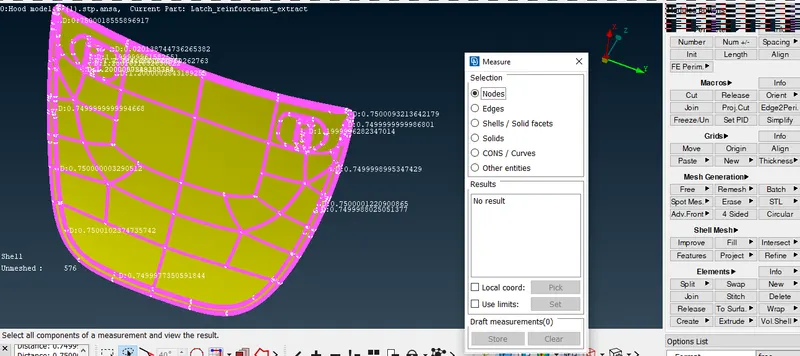
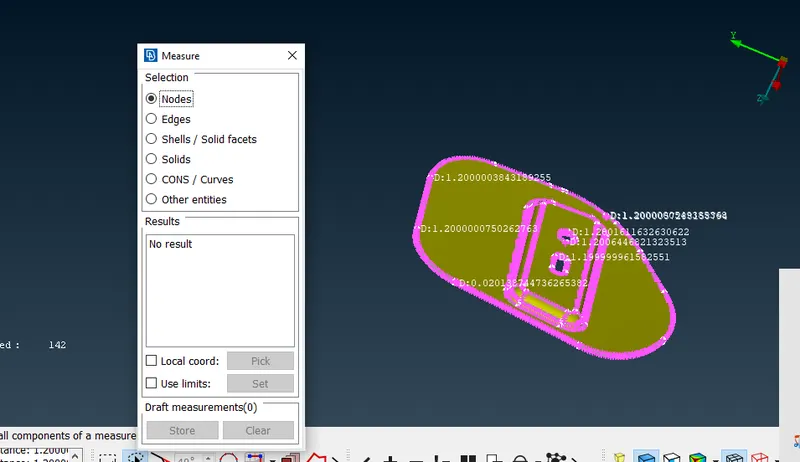
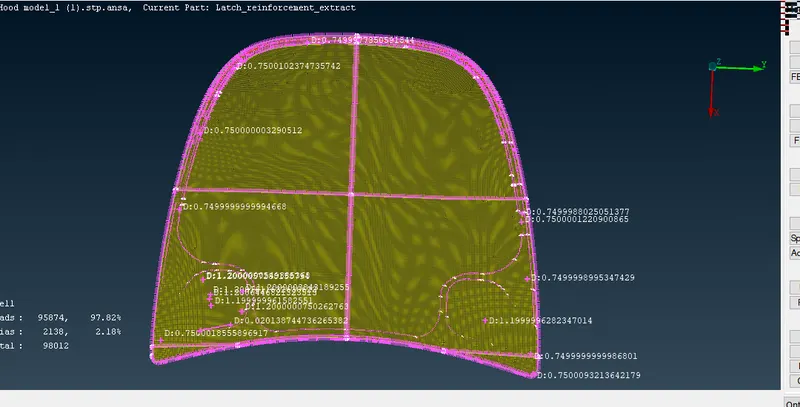
Now we have to generate mid-Surface for the whole body .We shall select option offset choose individual part & generate mid surface for the same. For the small parts mid surface is generated at 0.6mm from the outer surface & for the main part as well as cover part mid surface is generated at 0.375mm from the outer face of the body. So after generating the mid-surface we shall now provide individual PID & assign a thickness to it. So by selecting all the mid surface we have generated individual part ID to each. Also we have provided a thickness of 1.2mm for small parts and 0.75mm for cover, main part of the Hood. All the parts are been highlighted with individual different colors.
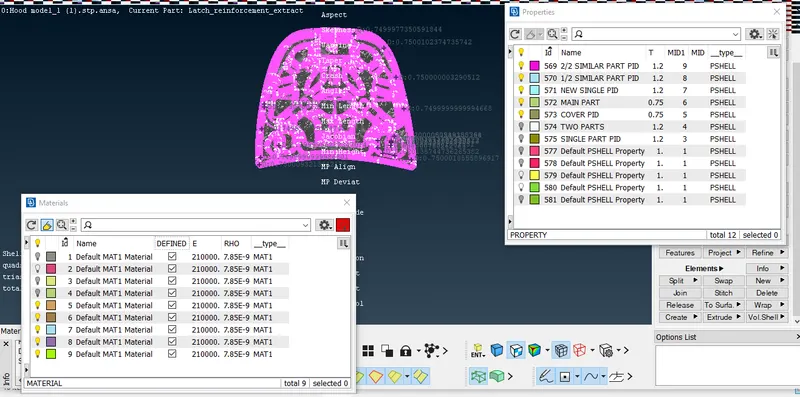
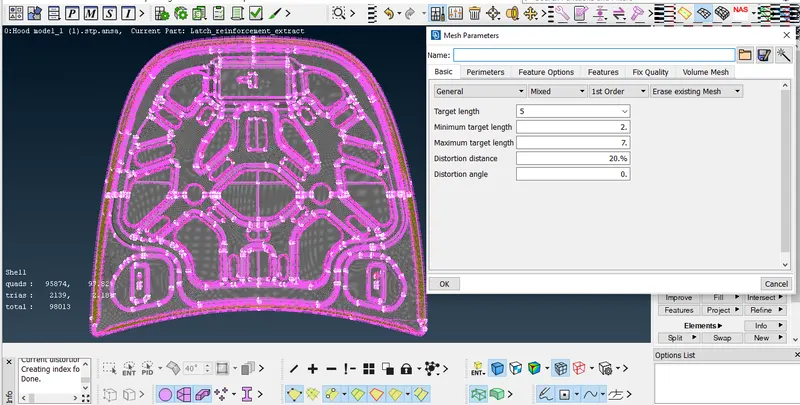
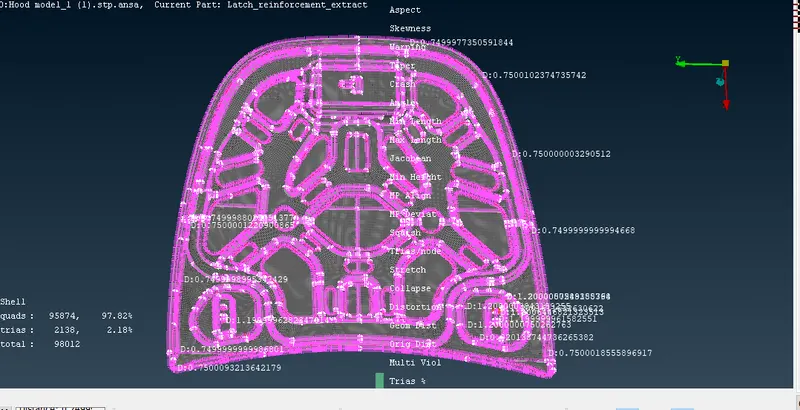
After generating mid-surface & assigning a PID to each part now it’s time to provide a quality criteria. As shown in the challenge guidance we have select various criteria assign values and make sure that no off element are present in the mesh part.
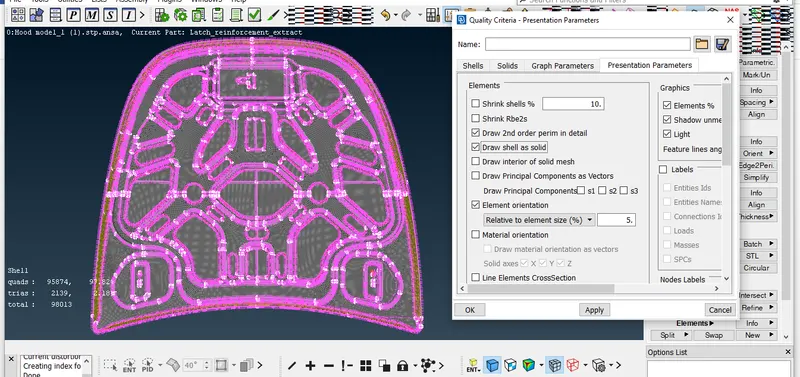
Few points to be considered are as follows:
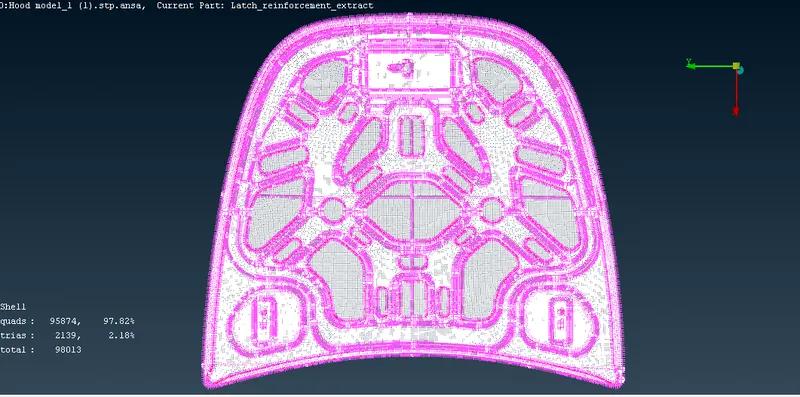
- Trias generated should be less than 15% overall.
- No two trias should be placed opposite to each other.
- Trias should be generated beside features.
- No off elements should be present after meshing is completed.
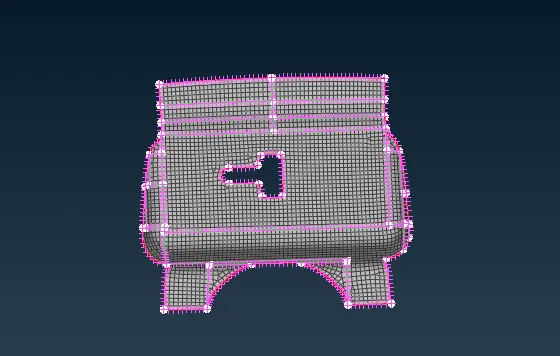
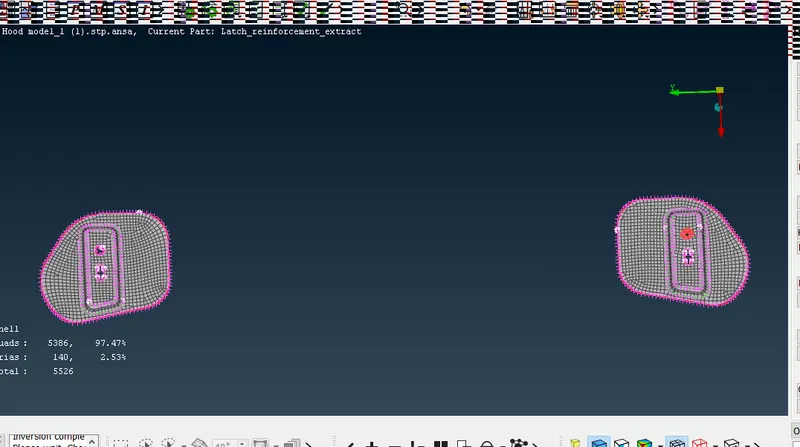
Now while meshing we have to switch from TOPO menu to MESH part. In mesh part we can see various options such as perimeters, macros, elements etc. Each option has some unique features to get the mesh better. First we have clear all the extra hot points generated in model. So that extra hot points will be removed and model will be clean to be meshed. Next in each part we have to toggle extra lines which are not necessary. Before meshing we have to keep that every part should have a rectangular type surface formation as this will help us to generate less error and trias. So now using the mesh generation- either free mesh or best mesh we can mesh each part of the model provided. In shell mesh ‘reconstruct’ option is provided to generate better mesh and also eliminate errors. ‘Improve’ in shell will improve the quality of elements. In Elements ‘Split’ option will split the lines or add an extra line through either right click or left click of mouse. So there are various options available to improve the quality of mesh.
Conclusion:
Few steps to be always considered before meshing are as follows:
- Topology Cleanup of Geometry
- Measuring thickness value of Geometry
- Generating mid surface either automatic or manually and perform TOPO to join all the parts.
- Providing a PID to each part & inserting a material thickness to it.
- Inserting quality criteria as required and make sure that no off elements are present after meshing.
- Delete extra hot points and toggle extra lines generated on the plane surface and then mesh the part using ‘FREE’ mesh or ‘BEST’ mesh.
- After meshing that no off elements are present, no trias are present in features, if found use reconstruct to rectify the same.
Learning Outcomes : Always follow the above steps through same order to generate cleam & better flow of mesh.