Week 2 Challenge : Surface meshing on a Pressure valve
AIM
PROCEDURE
- Import the model to ANSA
- Check whether the model has errors by ckicking on checks, click geometry and tick the boxes and click execute. We can see a lot of single cons and we need to work on the single cons.
- Click on "NEW" on faces, to patch up the holes.
- After that clear the small surfaces on the model to avoid errors during meshing.
- Click on CUT to clear the unnecessary lines on the surface.
- After that click on the PID manager to create PID's for the model and assign the PID's for each part of the model.
- Now comes meshing of the model.
- Click on length to give the PERIMETERS and MACROS , give the length as 1mm,3mm,and 5mm respectively for each cases.
- Click on the quality criteria and mesh parameters to give the min and max lengths and target lengths respectively.
- Click on spot mesh and mesh the parts of the model PID wise.
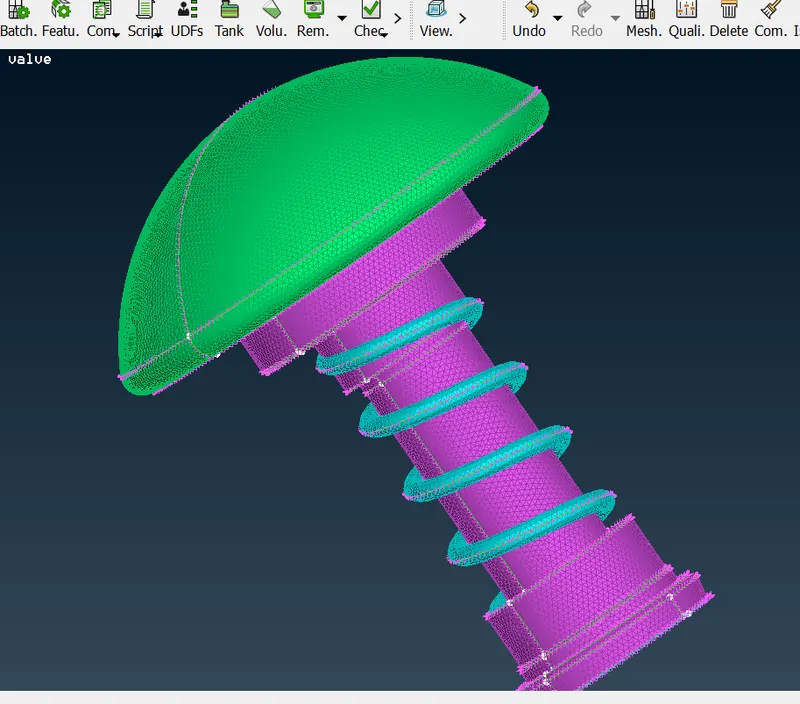
TARGET LENGTH 1mm
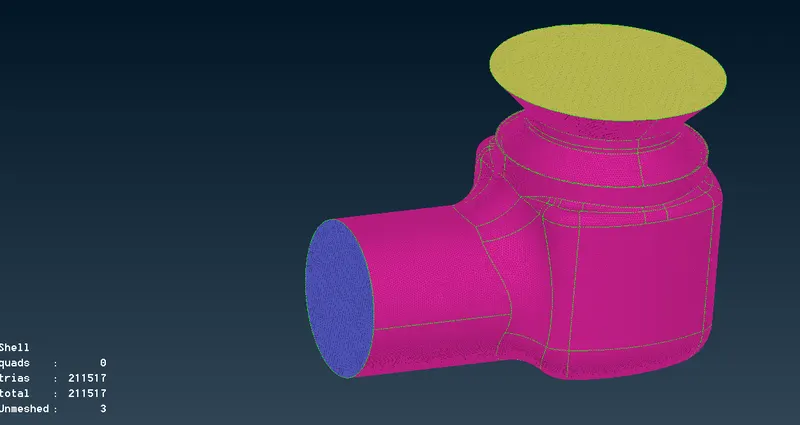
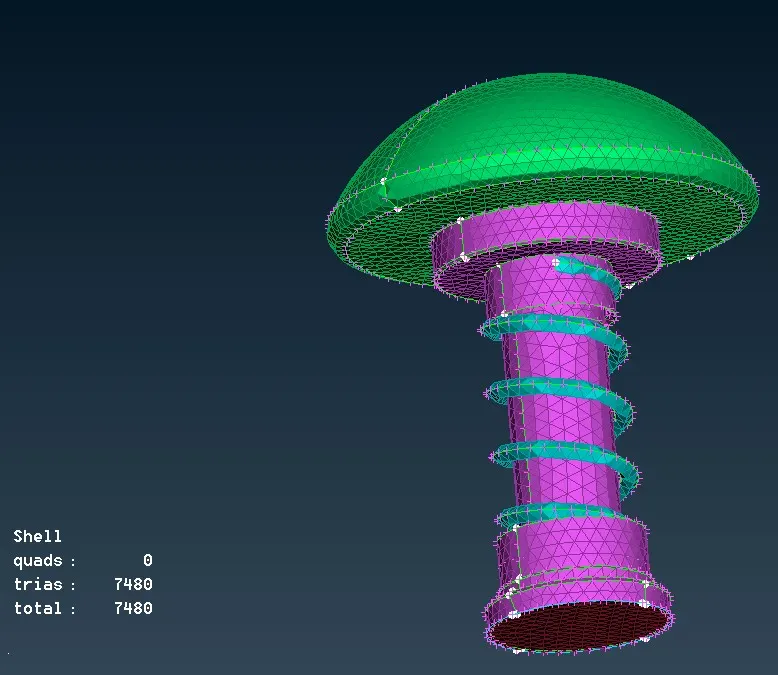
TAEGET LENGTH 3mm
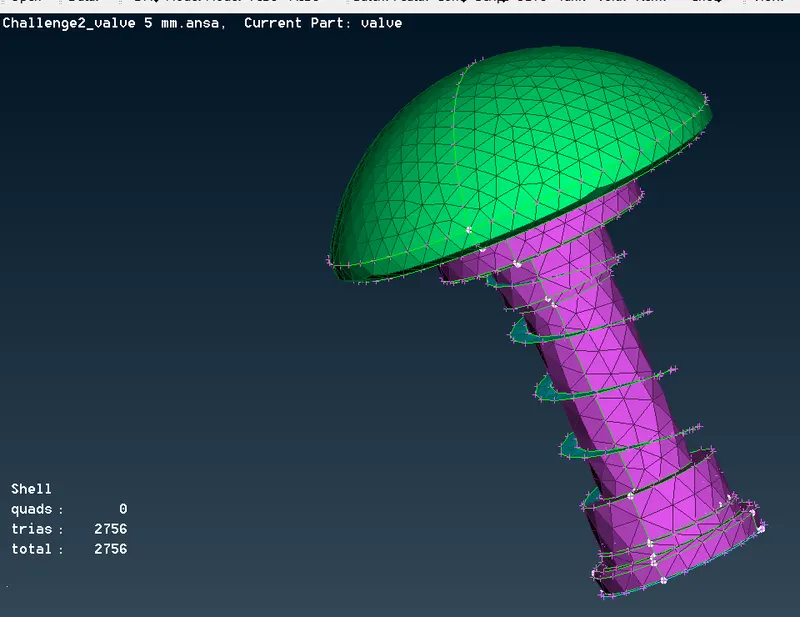
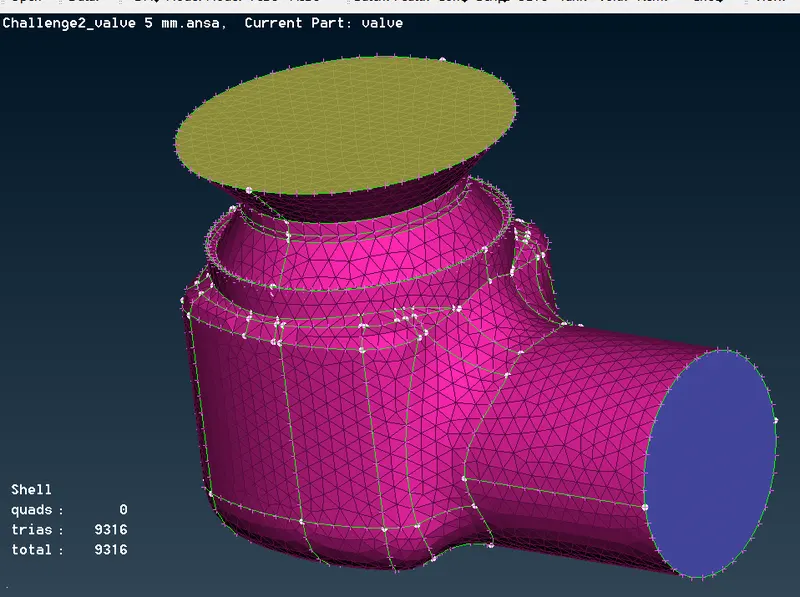
TARGET LENGTH 5mm
LEARNING OUTCOMES
- Learned to check the model
- Learned to clear out the error of single cons by patching up the surfaces.
- Learned to create and assign the PID's for diffrent parts of the model.
- Learned to mesh the model with diffrent target length.
RESULT
The given model has been meshed with diffrent target lengths 1mm, 3mm, 5mm with tria as the element type.
CONCLUSION
The lesser the target length more number of mesh elements and finer the model will be.