Week 2 Challenge
Objective
to solve all problems we have i the provided Geometry. Generate Mesh with 3 different Element sizes: 1mm, 3mm and 5mm.
Geometry (With intentional errors)
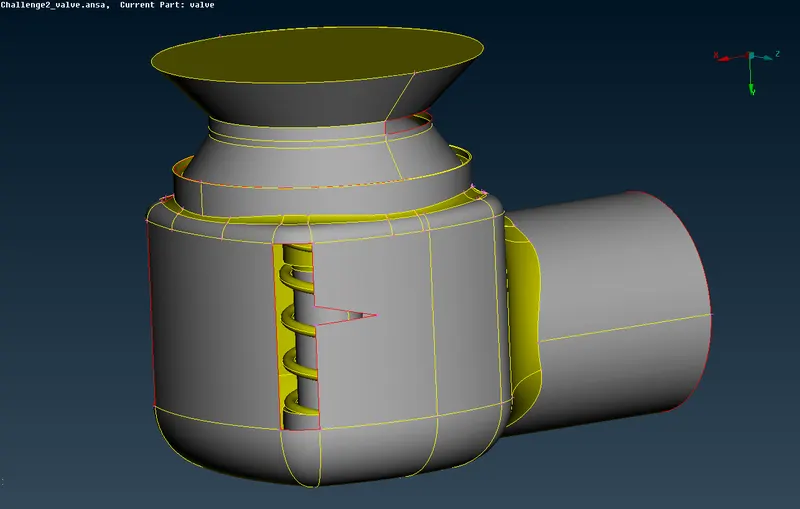
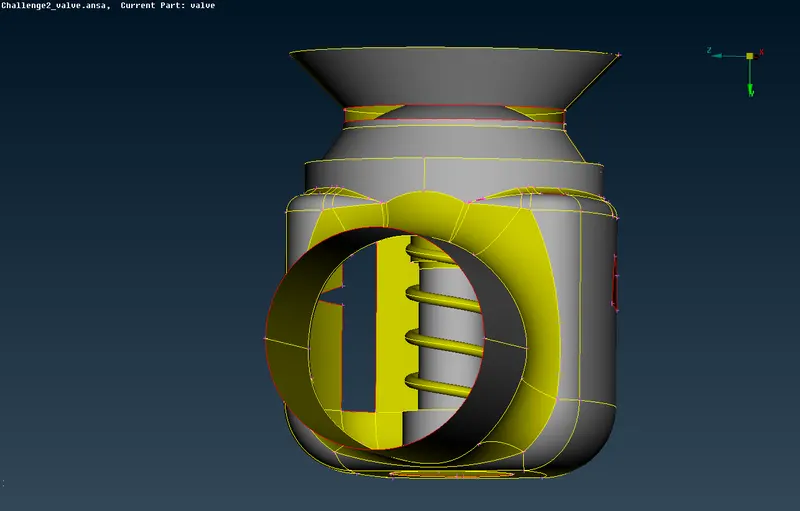
As you see in The figure above, we have a valve geometry. Our first option is to resolve all the problems which the geomety has before we start meshing.
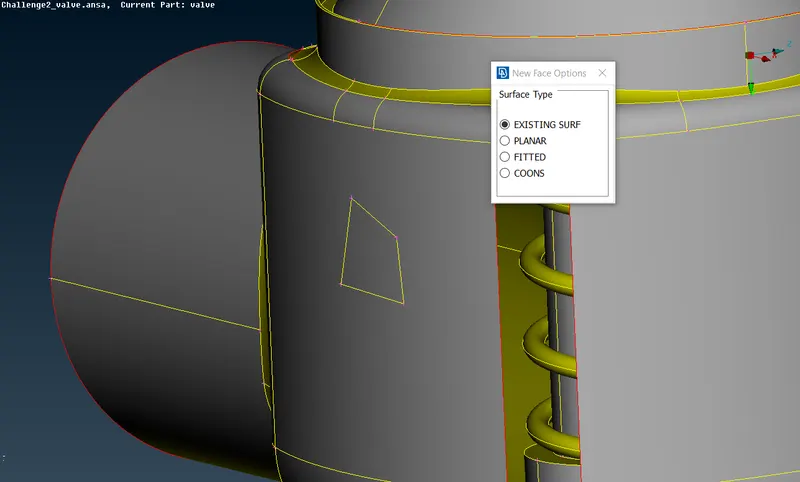
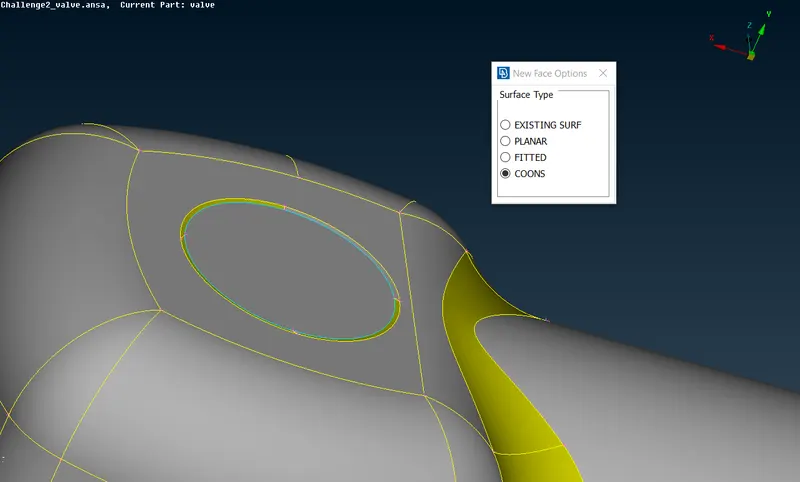
New Face Option
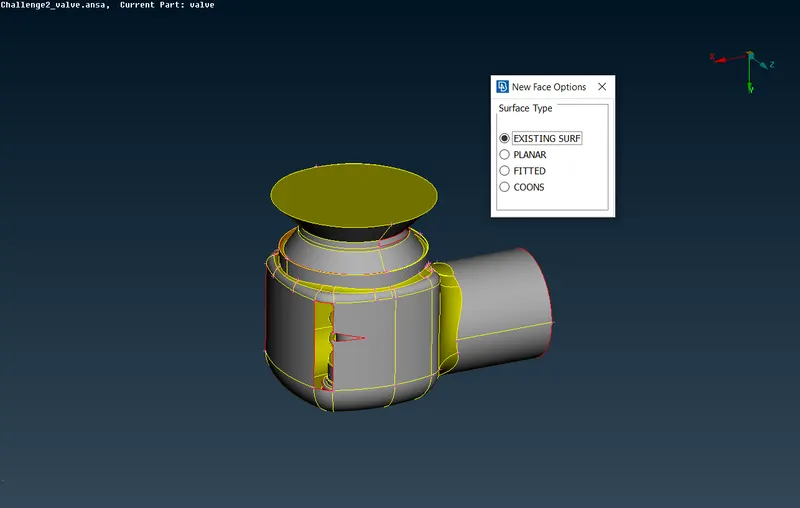
We can resolve all the problems with the command called "New Face Options". Let's start from any open cons.
Let's choose lines of open con With "EXISTING SURF"
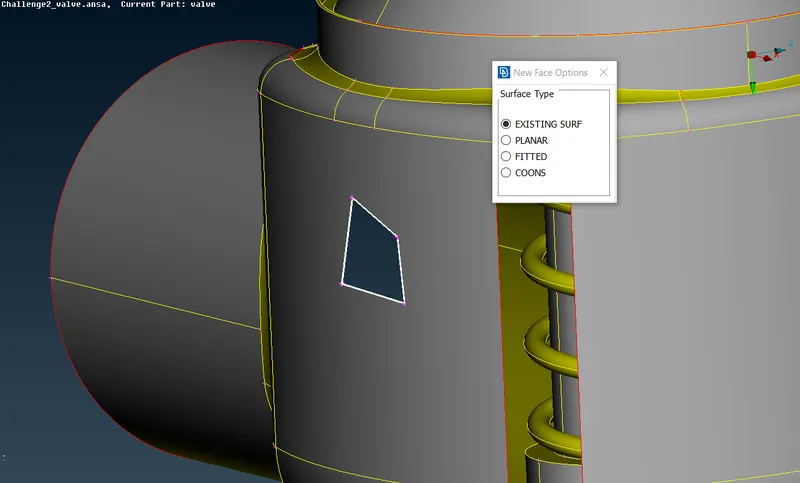
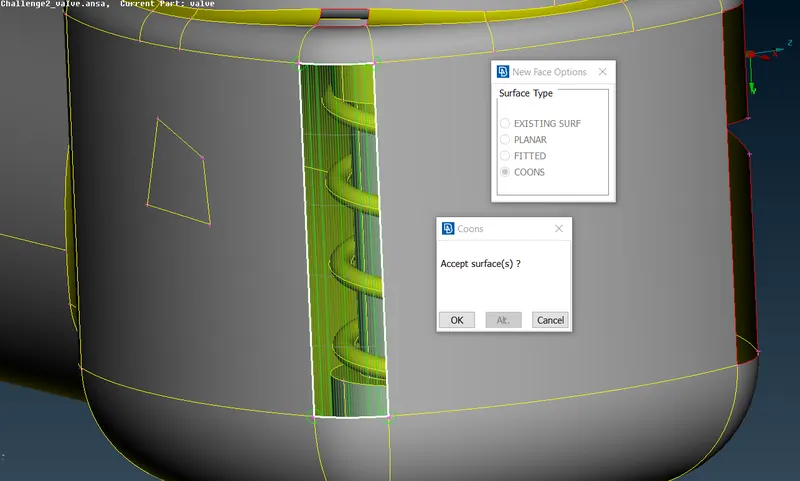
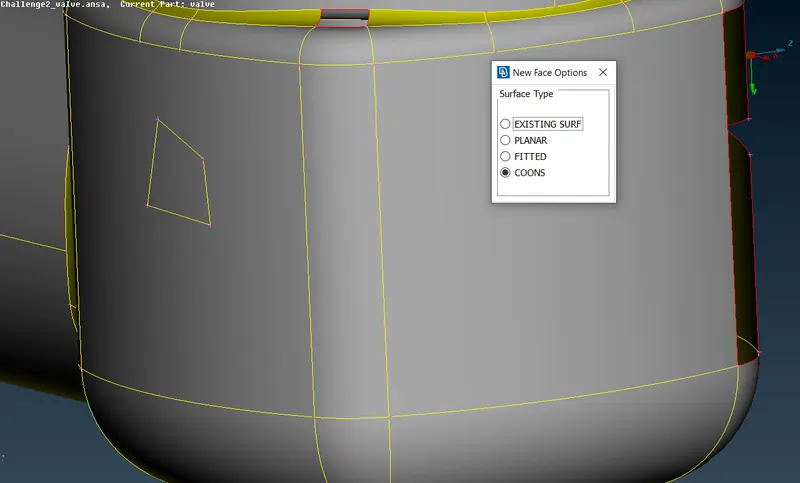
We can do the same operation with the "COONS" command
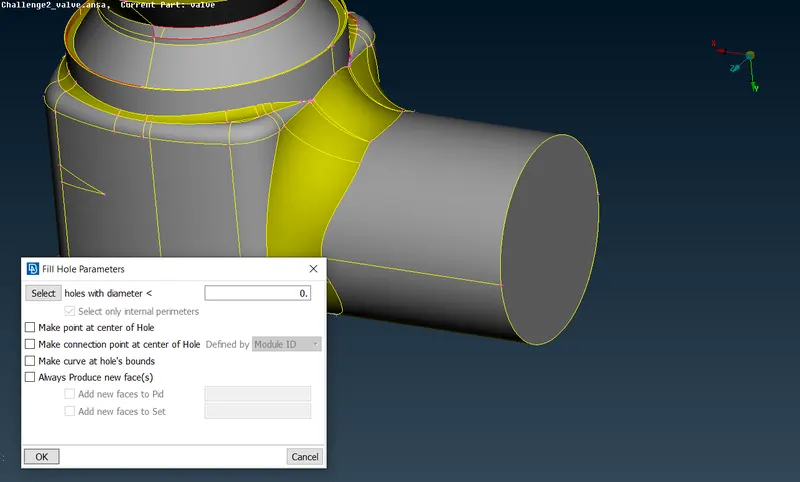
Fill Hole
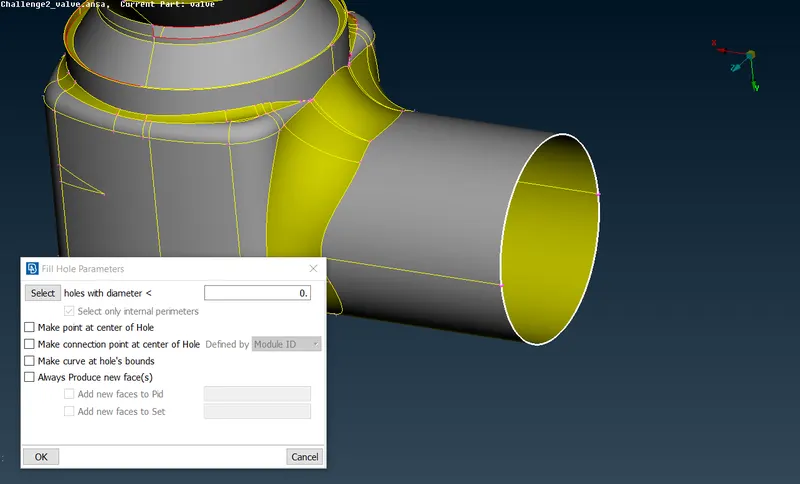
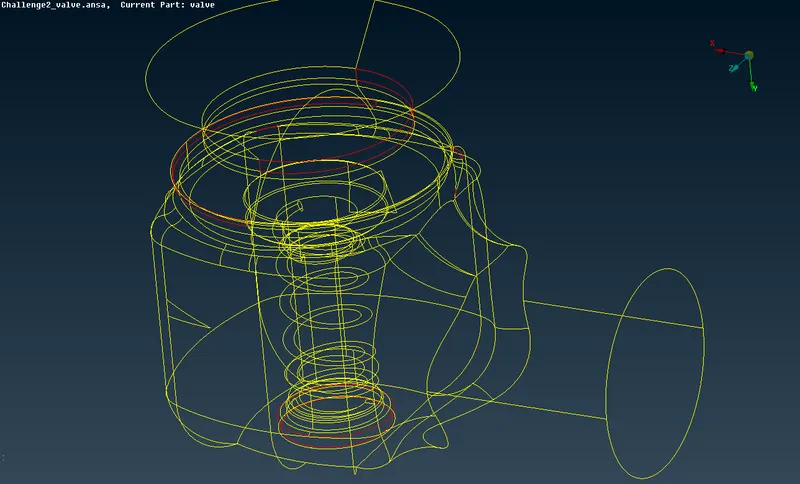
While resolving problems in order not to miss something we can use "Ctrl+Shift" to see the wireframe with red colored lines to indicate errors pretty easily
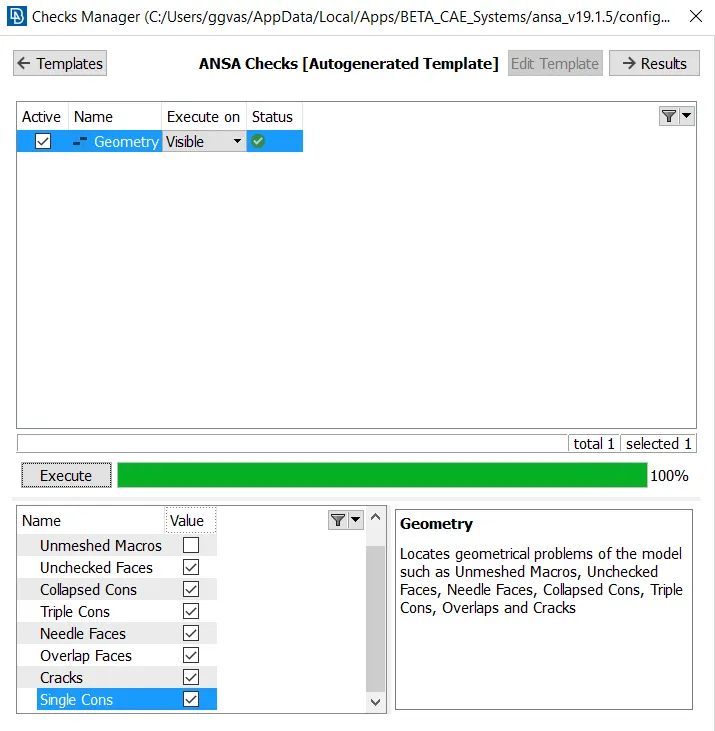
After resolving all errors, we should check if everything is allright
However, As we are generating Mesh for CFD analysis all faces must be closed in order to create Volumetric mesh
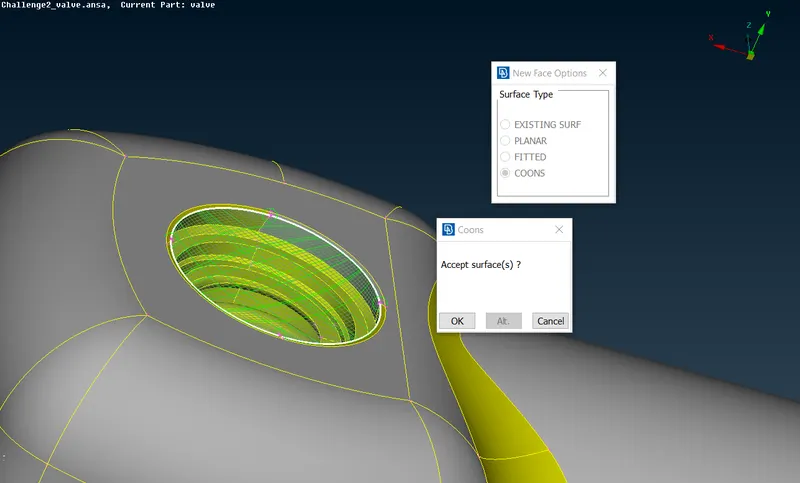
As we see in the top right figure closed face is shown in light blue color which indicates that 3 cons are sharing the same line.
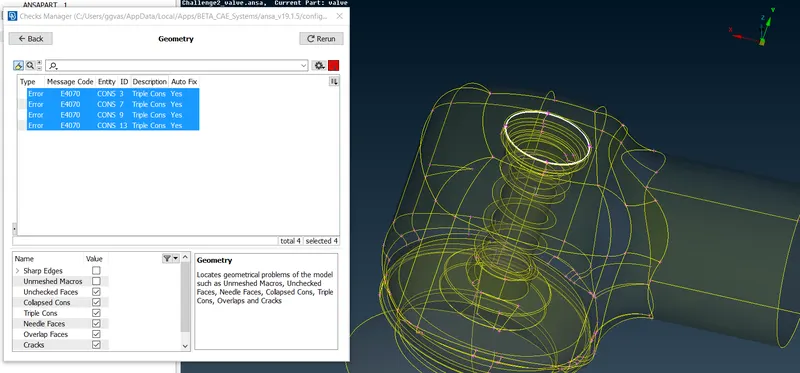
After checking the Geometry errors pop up which is caused due to the last face we created, however we should not worry about it because in this case error is more warning type message, which tells that line is shared by 3 different cons.
Cut (Erasing the lines which are considered to be irrellevant)
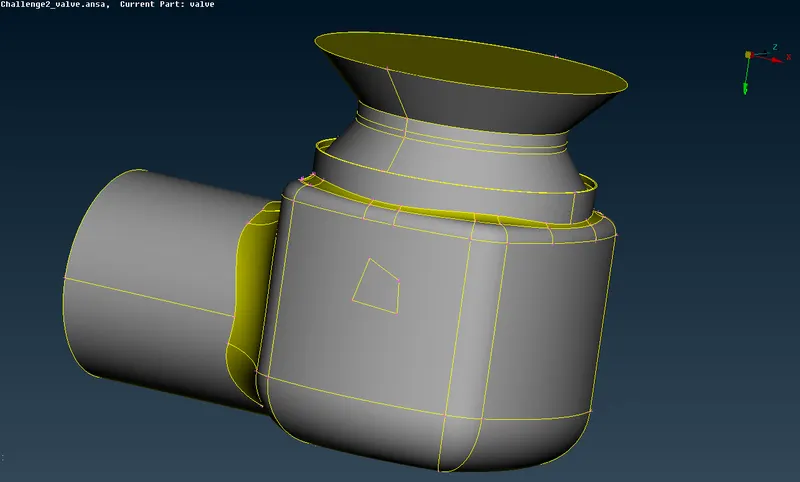
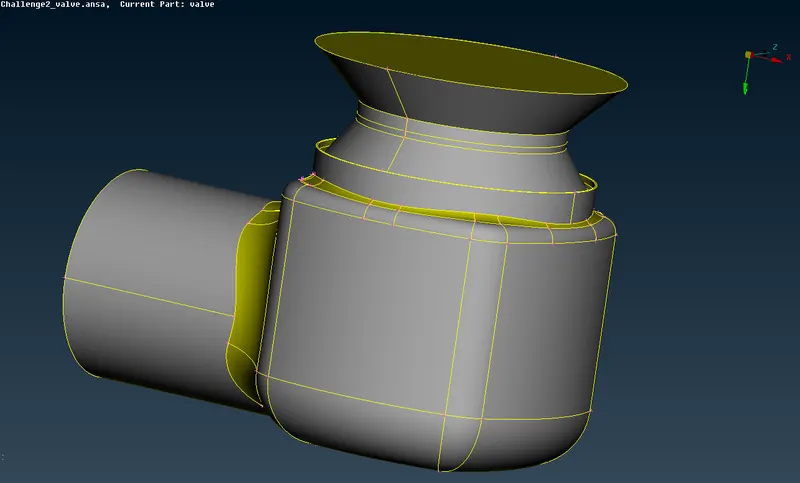
PID Selection (Face named selection)
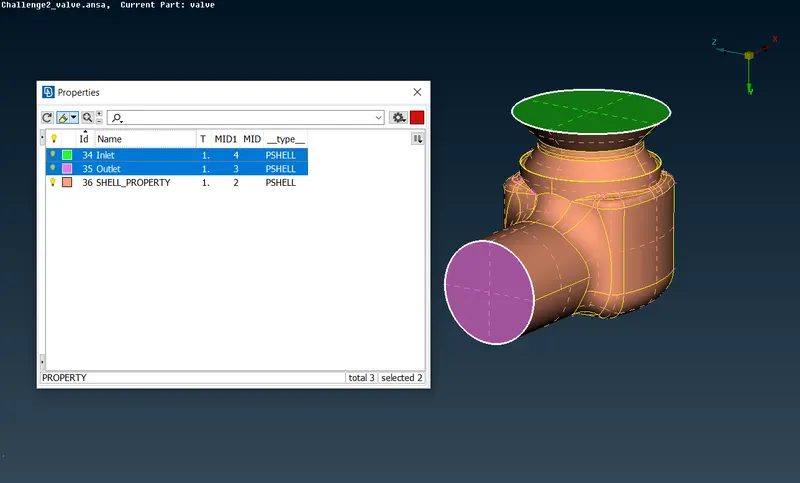
Inlet & Outlet
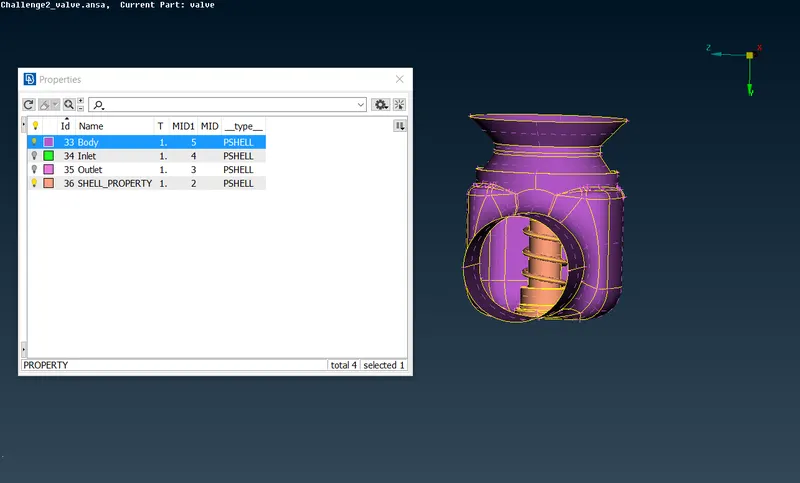
Body
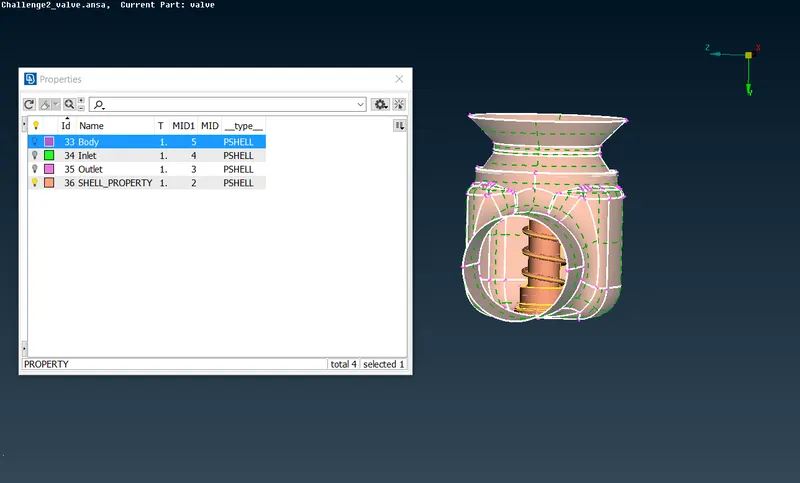
In order to select only outer faces we need to choose "PID Region" selection
Base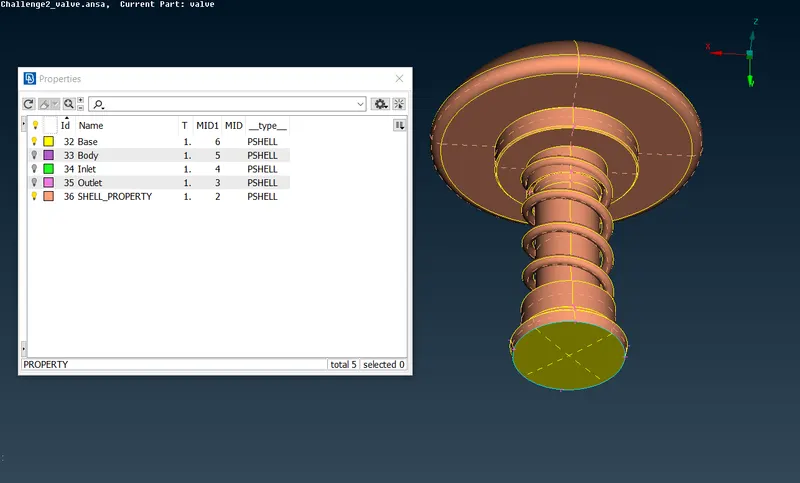
Valve head
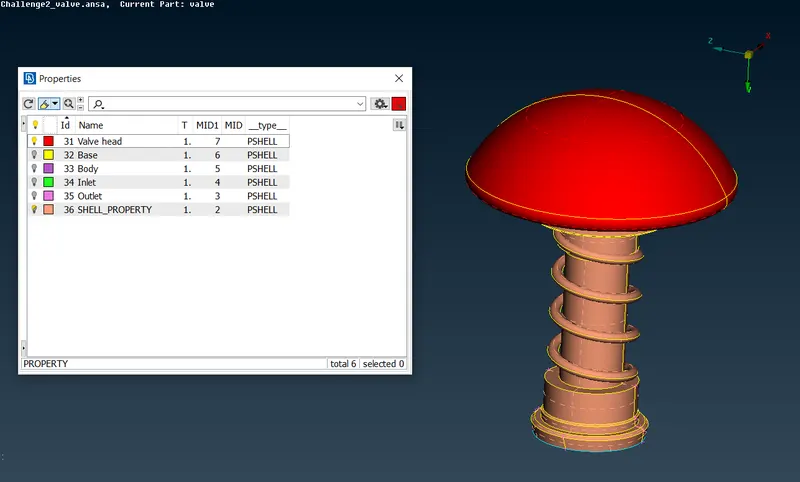
Spring
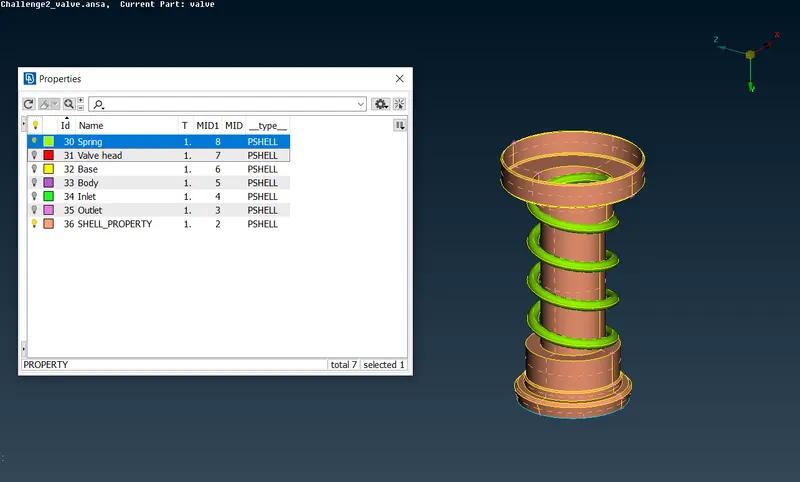
Column
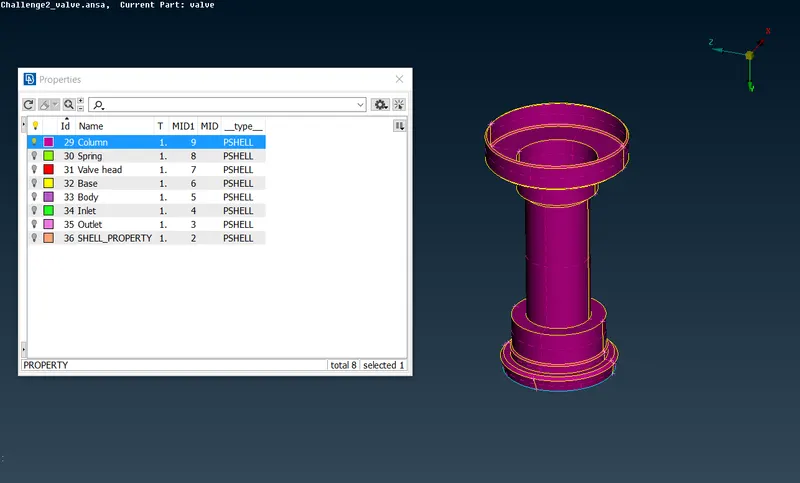
As we have named all the faces "SHELL_PROPERTY" still is in the list, this is caused while some faces were intentionally deleted.
Undelete (Command to find out which faces were deleted)
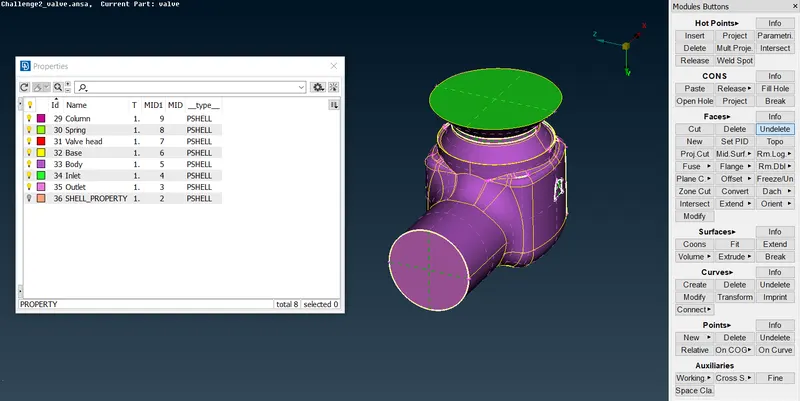
Topo
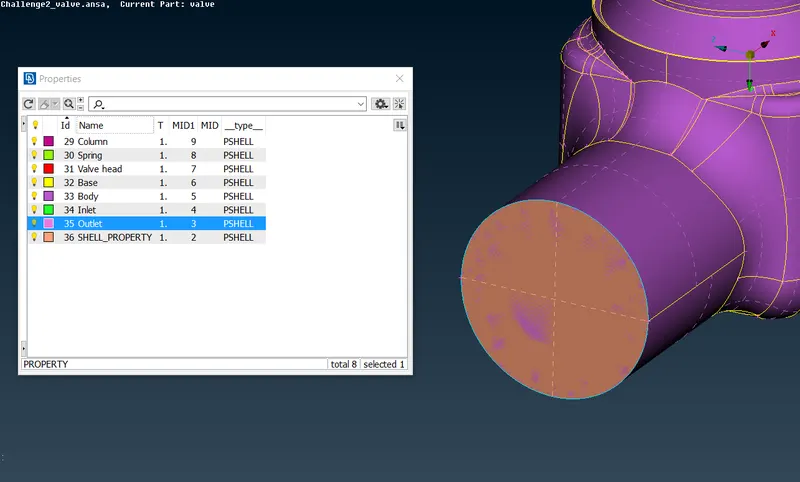
As you can see in the light blue color we undeleted the face which coincides with the outlet face and all of the faces are creating 3cons.
Now we can delete "SHELL_PROPERTY"
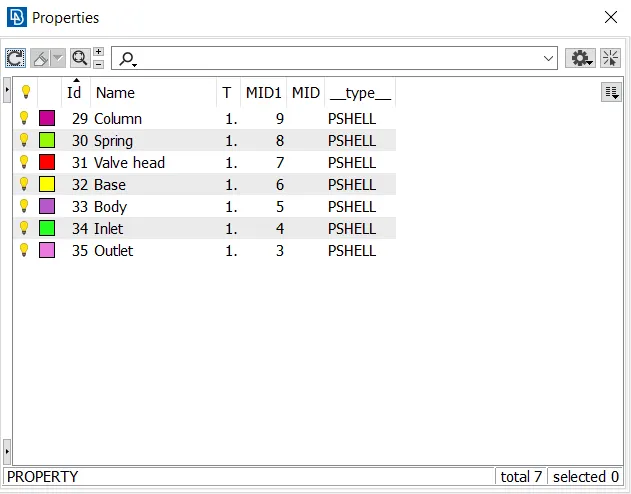
Meshing
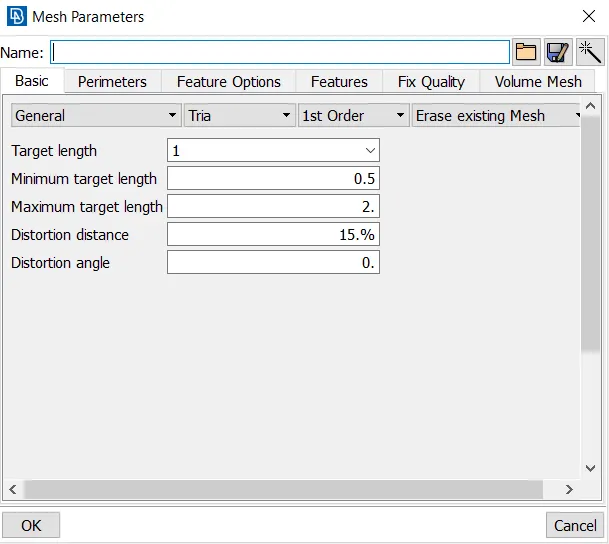
We have to create 3 different meshes with different element sizes: 1mm, 3mm and 5mm
Let's start with 5mm mesh
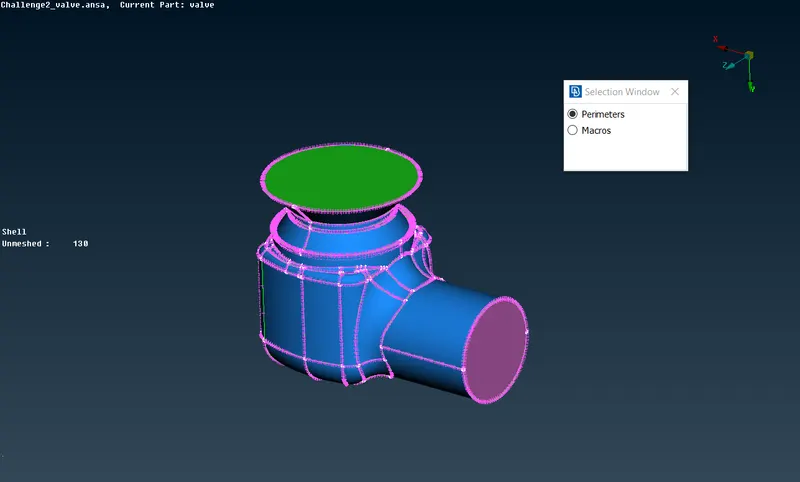
We have to estimate mesh element size in both "Perimeters" and "Macros"
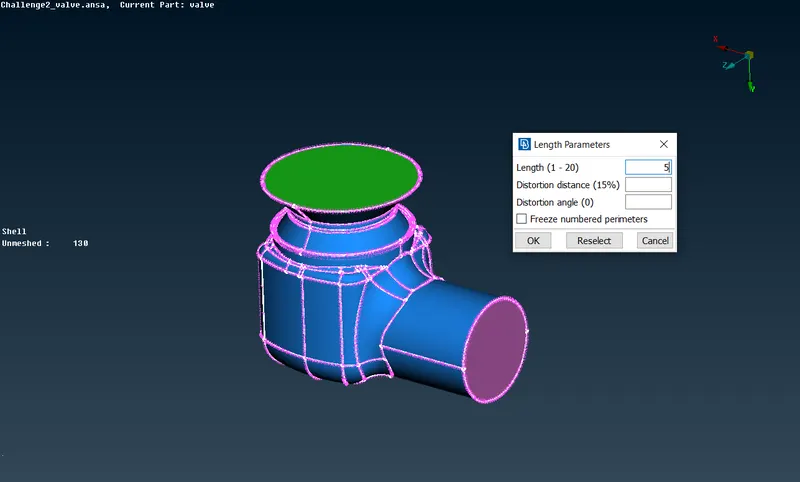
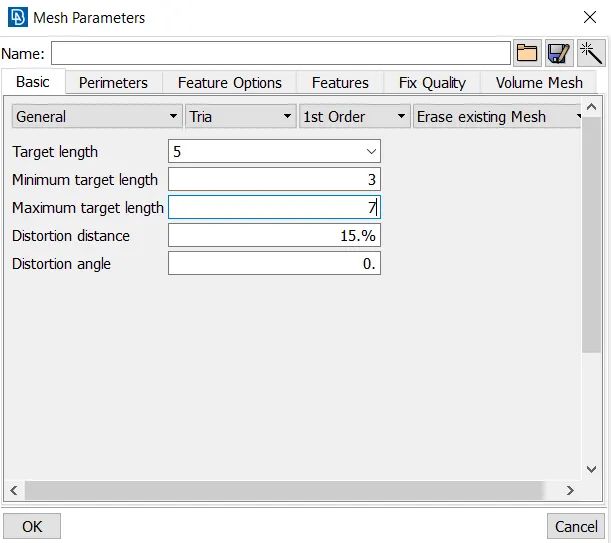
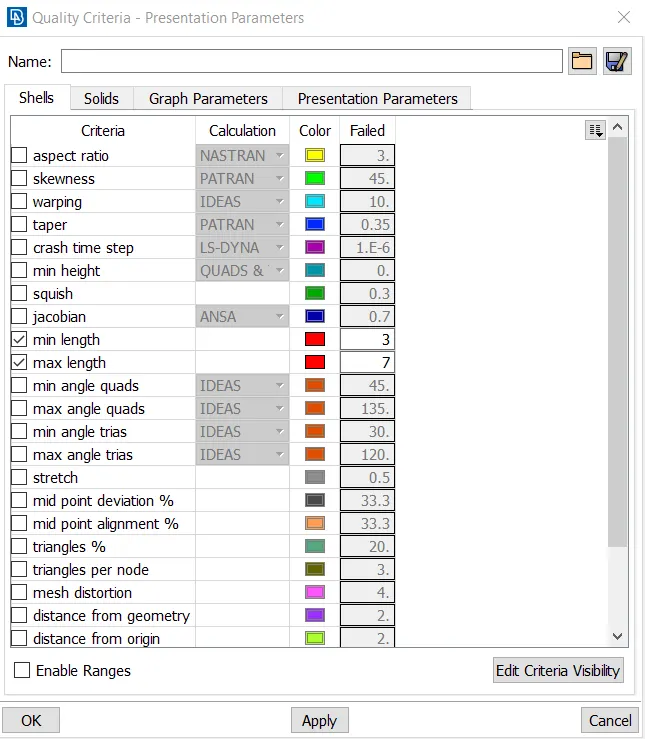
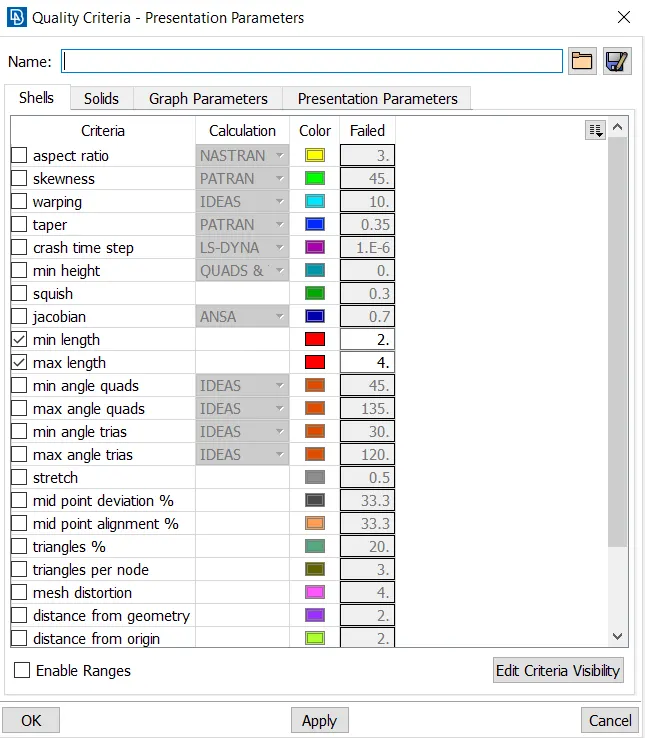
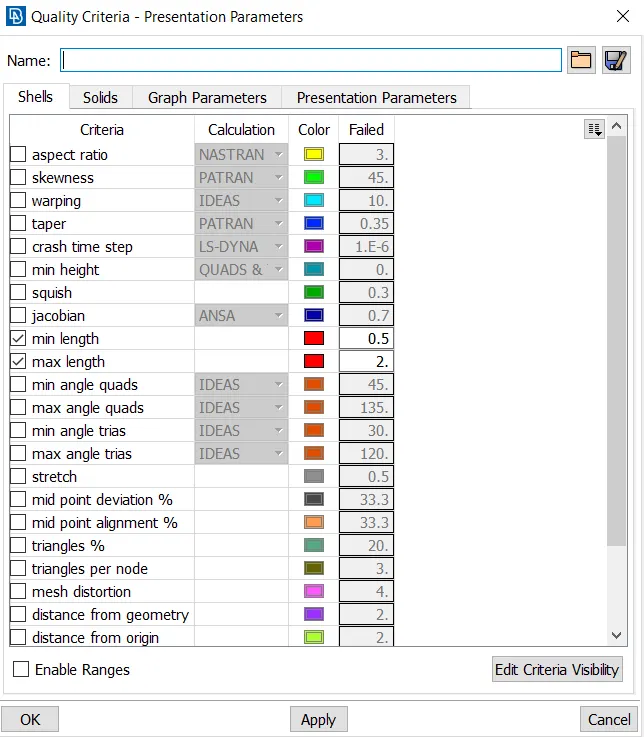
Mesh quality criteria
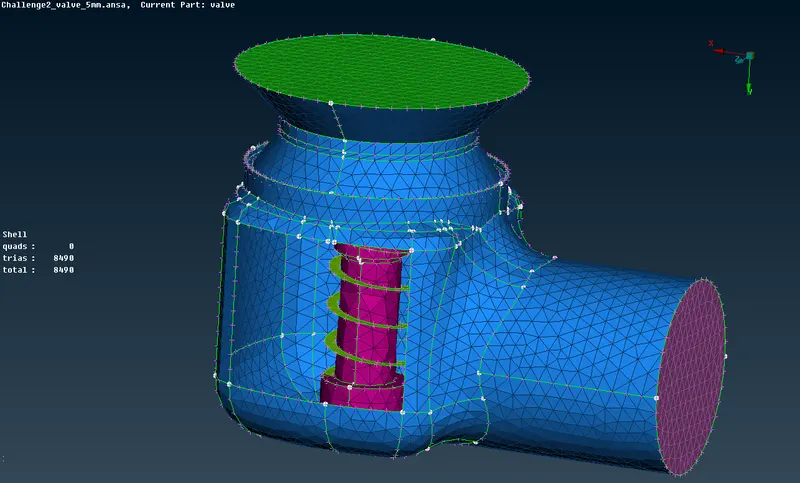
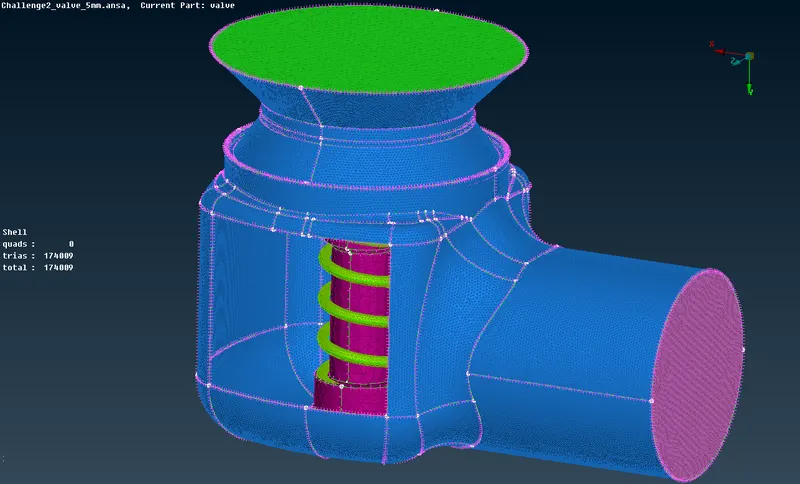
After generating the mesh we get what's shown in the Figure above.
3mm Mesh
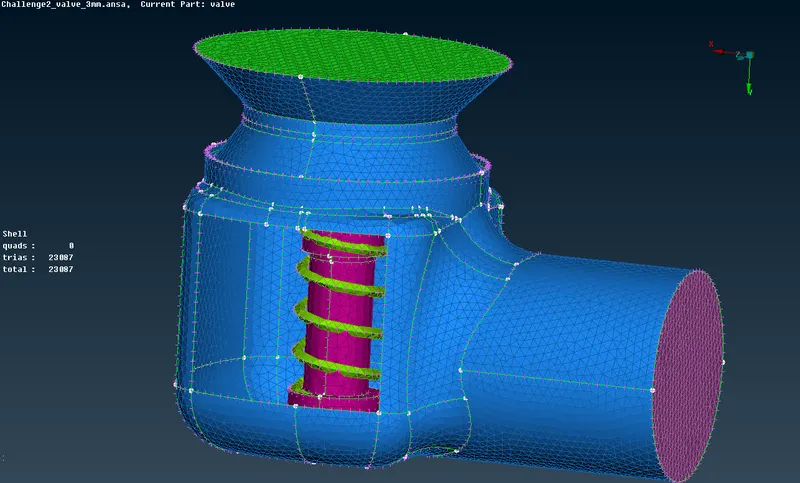
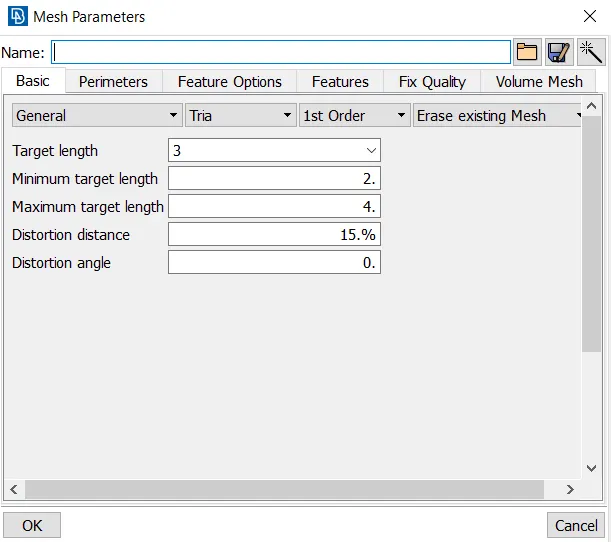
In this case we are doing everything in the same way just changing target value of the mesh element to be 3mm
Mesh Parameters. 3mm
Mesh Quality Criteria. 3mm
Mesh 1mm
Mesh Parameters. 1mm
Mesh Quality Criteria. 1mm
Conclusion
We successfully resolved all errors in the Geometry and managed to generate all 3 different meshes.
All model files with generated mesh are also provided.