Week 2 Challenge
Aim - Create column properties for different types of pedestal members and model in the grids created
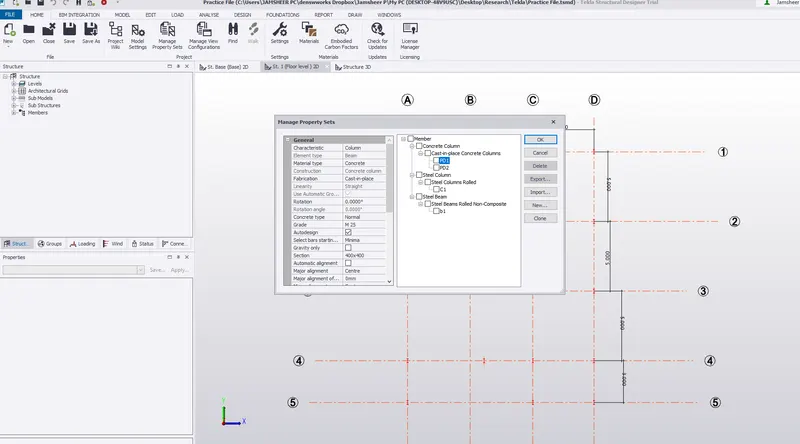
Go to manage property sets - Go to member - Go to column - Concrete column - Select sizes - press OK
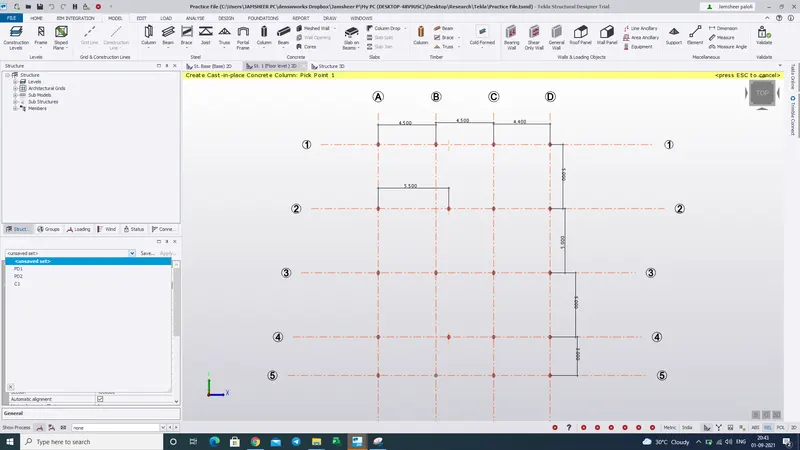
Select Column - Check the level - Select PD1 - Pick up the points in the grid - Click
result - The Concrete pedestal is generated
Create column properties for steel columns and model columns in the grid
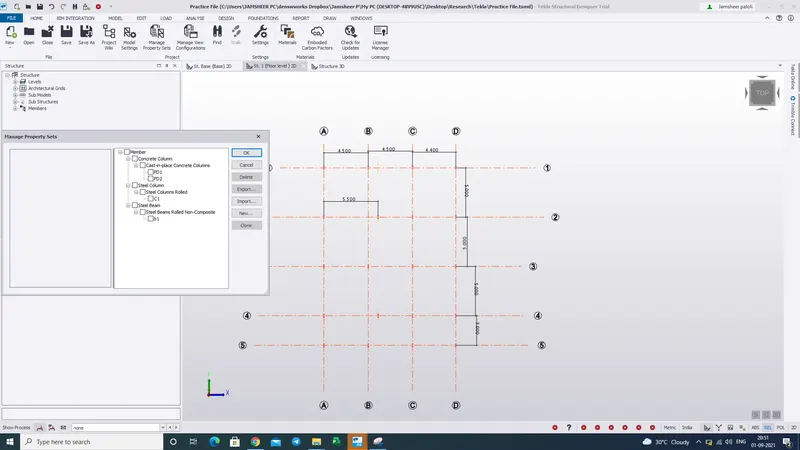
Again Go to manage property sets - select steel column - Select Dimension ISMB or ISWB - name the column as C1 or C2 - ok
Go to Model - select steel column - take a point - check the levels - select C1 and click the points
Result - The Steel Column is generated
Aim - Create beam properties and model primary and secondary beams on the ground floor
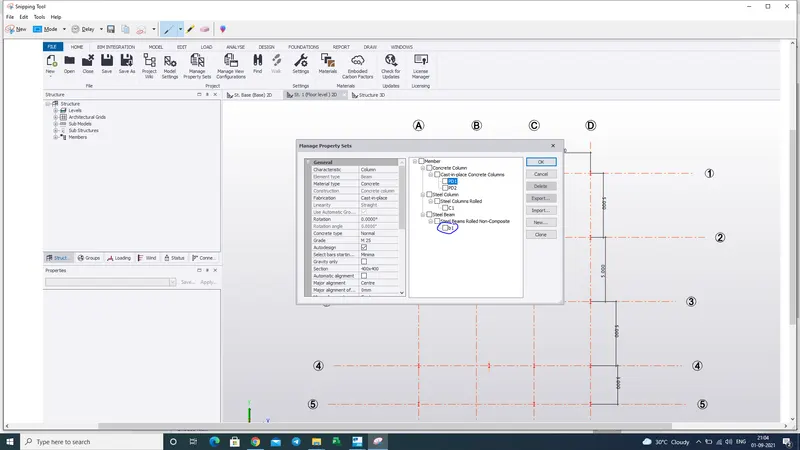
Click the manage property sets - Beam - Steel beam - name the beam - select properties - name it
Go to model - click steel beam - Click the two points to connect beam - connect the beam
result - Beams are created
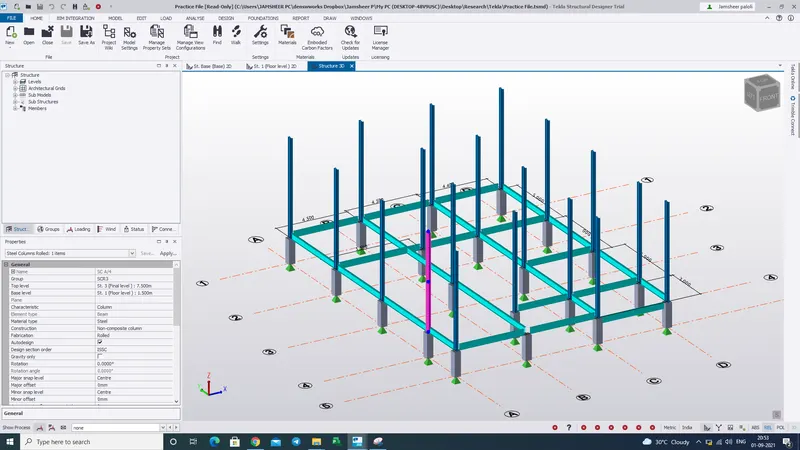
3 D view