Week 2- 2R Robotic Arm Challenge
%Program in Matlab to simulate the forward kinematics of a 2R Robotic Arm.
    % Challenge 2R Robotic Arm Challenge
    l1 = 0.75
    l2 = 0.5
    theta1 = linspace(0,135,10);
    theta2 = linspace(0,135,10);

    ct=1;
    for i = 1:length(theta1)
        THETA1 = theta1(i);
        for j = 1:length(theta2);
            THETA2 = theta2(j);
            x0 = 0
            y0 = 0

            x1 = l1*cosd(THETA1);
            y1 = l2*sind(THETA1);

            x2 = x1 + l2*cosd(THETA2);
            y2 = y1 + l2*sind(THETA2);

            %Plotting

            plot([x0 x1],[y0 y1],[x1 x2],[y1 y2], 'linewidth',2)
            axis([-1.5 1.5 0 1.5])
            pause(0.025)
            M(ct) = getframe(gcf);
            ct = ct+1;

        end

    end

    movie(M)
    videofile = VideoWriter(' 2R Robotic Arm Challenge.avi', 'Uncompressed AVI');
    open(videofile)
    writeVideo(videofile,M)
    close(videofile)
Here with i have not attached the coding scrnsht of above one typed in matlab. And I have attached the one I have gone through errors to get the clear one.
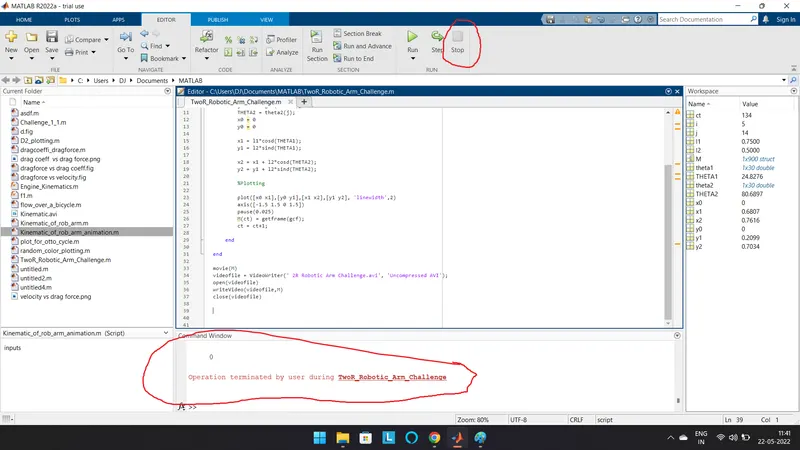
This statement came up when I stopped the Plotting, that lead me to cancellation of video creation.
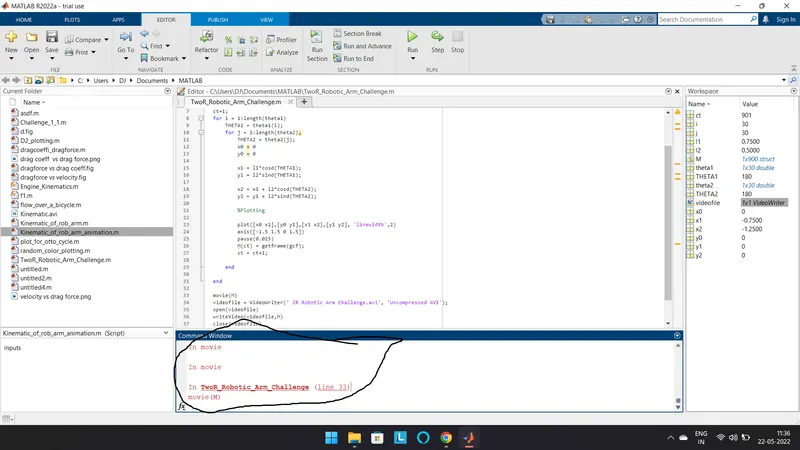
This error stated up, when I tried to change the values of Theta and run the programm.That lead me to error in creating or overwritting over a existing video. So that I deleted the existing video and created the new one with updated values.
Coding Explanation:
- Initially the length of the Robotic Arm1(l1) and Arm2(l2) is initialized.
- Theta - Value of angle with respect to X-Axis for both the arm is provided with linspace cmd to get the arm linearly spaced with equal interval.
- Counter cmd is used, since the upcoming command and data need to be executed in loop mode with increment.
- Formula to get the value of axis point are initialized, in this , the formula is inside the for loop ,as the first arm need to get looped with linearly spaced variable, similarly the next arm need to be looped. So the second arm is also created with another variable inside first loop for looping of arm2. Caps THETA acts as an variable as it can carry only one 1 value for an action of programm.
- Plotting cmd is used to create a plot that get connected with the values found from the provided formula.
- Base Axis is initialized so that the arm can be seen rotating clearly with constant base.
- Pause cmd is Used clearly see the for loop going on
- At last an Array is created to collect and get the individual forms using gcf - get current frame.
- There ends the secondary loop and then first loop is ended
Such that for each linearly spaced value of arm 1 , arm 2 is also linearly spaced with repeated varing angles as the arm will be looking like rotating one .
- Last a video is created by using command movie for the array we created
- Using cmd videowriter, the file is writed with required format and file is opened and the frames are inserted by adding the array created then the file is closed
After running the programm the plot is viewed, after completion of plot video is created.
kindly check the link provided to see the video