Week 2- 2R Robotic Arm Challenge
Animation File
https://drive.google.com/file/d/1vND99D_YhZOh_8kBZv531yNY0OA793Dy/view?usp=sharing
Explanation
- In this program I was using "for loop" command, That was my first time so, take the help from our mentor.
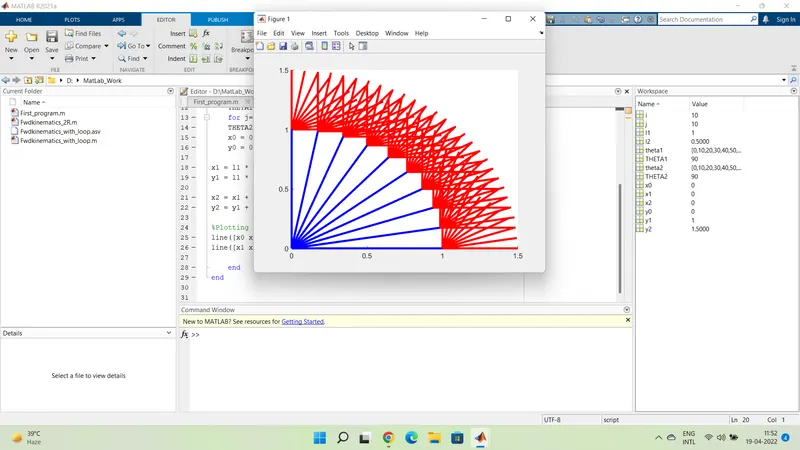
- At first, while plotting with line command, I got this figure (screnshot 2)
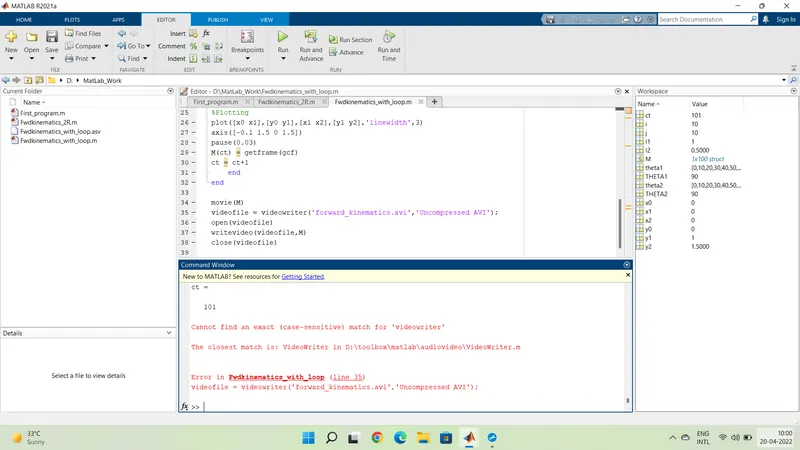
- After plotting was resolved, then there is an error with command spellings.....As you can see in figure(screenshot 3)
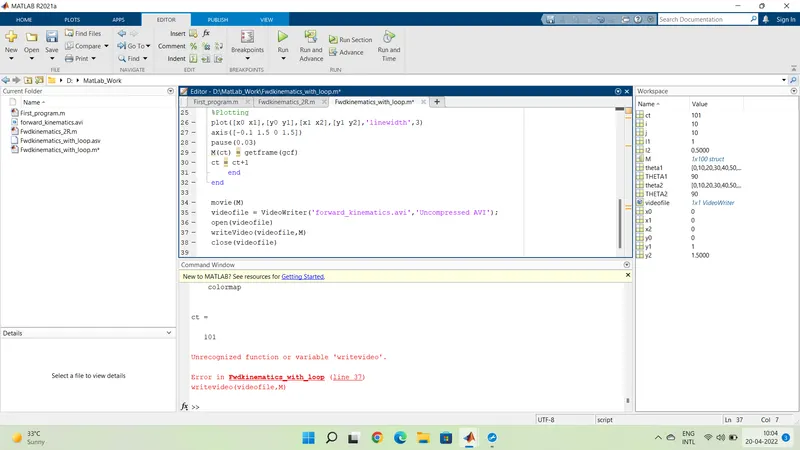
- I faced spelling error like (uppercase) for few time as I was using it for the very first time but then it already correct me in the command video
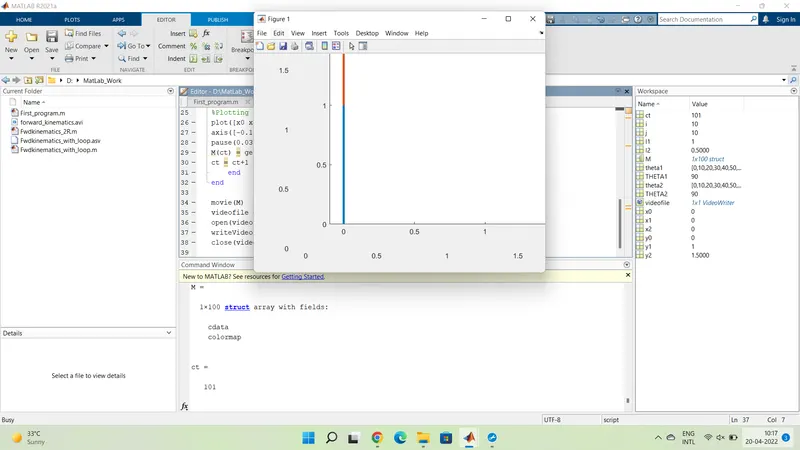
5. Finally, Program is running (screenshot 5)
PROGRAM
clear all
close all
clc

%Inputs
l1 = 1;
l2 = 0.5;
theta1 = linspace(0,90,10);
theta2 = linspace(0,90,10);
ct=1

for i=1:length(theta1)
    THETA1 = theta1(i);
    for j=1:length(theta2)
    THETA2 = theta2(j);
    x0 = 0;
    y0 = 0;

x1 = l1 * cosd(THETA1);
y1 = l1 * sind(THETA1);

x2 = x1 + l2 * cosd(THETA2);
y2 = y1 + l2 * sind(THETA2);

%Plotting
plot([x0 x1],[y0 y1],[x1 x2],[y1 y2],'linewidth',3)
axis([-0.1 1.5 0 1.5])
pause(0.03)
M(ct) = getframe(gcf)
ct = ct+1
    end
end

movie(M)
videofile = VideoWriter('forward_kinematics.avi','Uncompressed AVI');
open(videofile)
writeVideo(videofile,M)
close(videofile)