Week 12:Project 2-Meshing of Rear Wheel Holder challenge
REAR WHEEL HOLDER MESHING
OBJECTIVE: To extract midsurface of rear wheel holder and check quality criteria of 2d mesh.
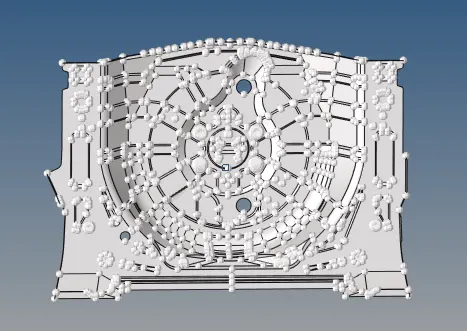
CAD MODEL:-
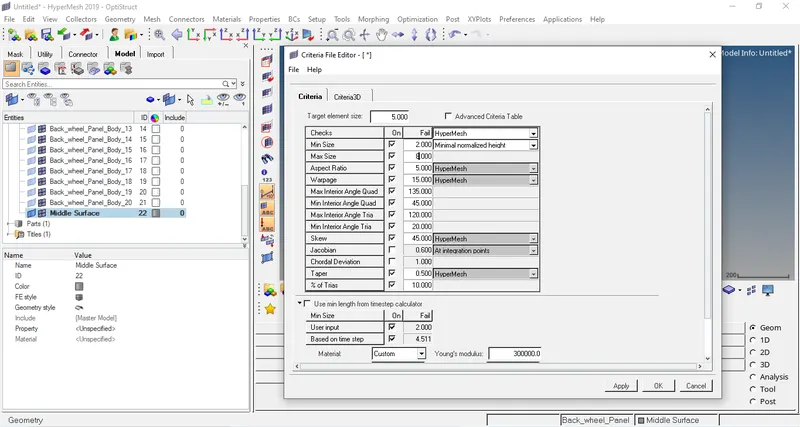
QUALITY CRITERIA:-
Target Element Size= 5 mm.
|
QUALITY CRITERIA |
VALUE |
|
ASPECT RATIO |
5 |
|
SKEWNESS |
45 |
|
WARPING |
15 |
|
TAPER |
0.5 |
|
MIN. LENGTH (mm) |
2 |
|
MAX. LENGTH (mm) |
8 |
|
MIN. ANGLE QUAD |
45 |
|
MAX. ANGLE QUAD |
135 |
|
MIN. ANGLE TRIA |
20 |
|
MAX. ANGLE TRIA |
120 |
|
TRIA % |
10 |
PROCEDURE:-
- First the model is imported using import model option in tab bar in Hypermesh and the required component is separated out and the solid part is deleted.
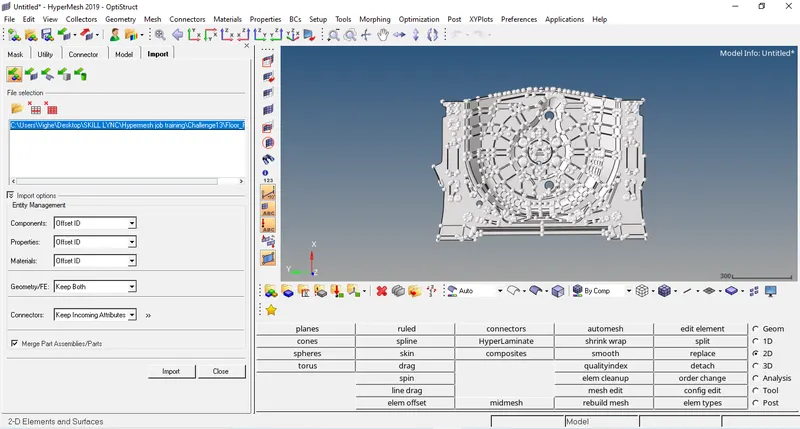
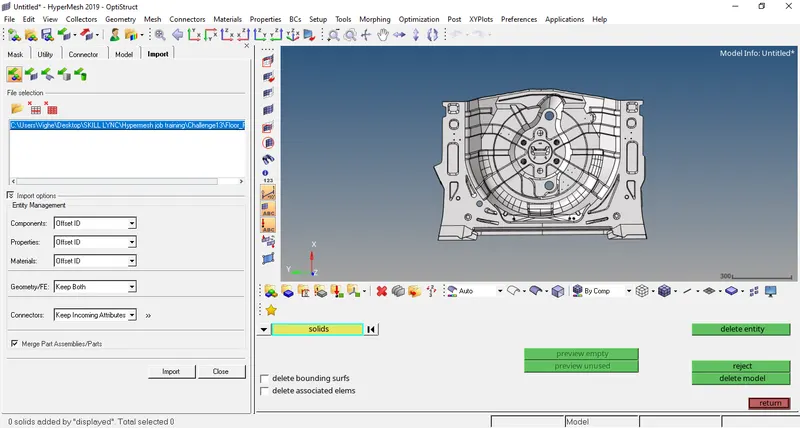
- The model imported needs to be geometrically clean before the midsurfacing is done. The model has surface fillets that needs to be removed using surface fillets option (Geom>defeature>surface fillets). Toggle out the lines which can make element failed after meshing (Geom>quick edits>toggle lines)
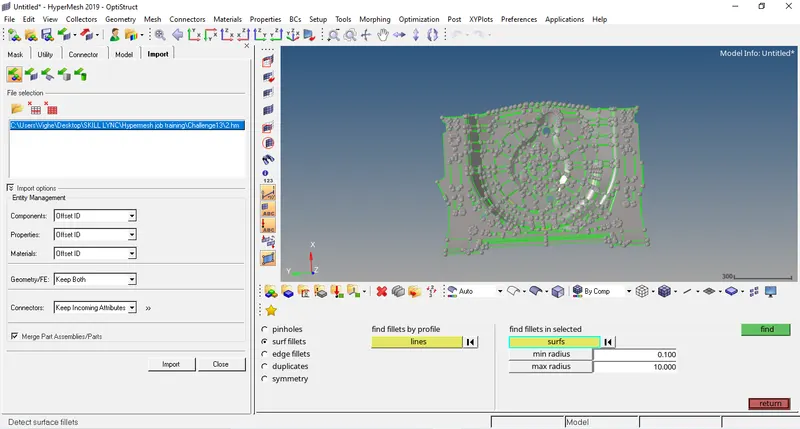
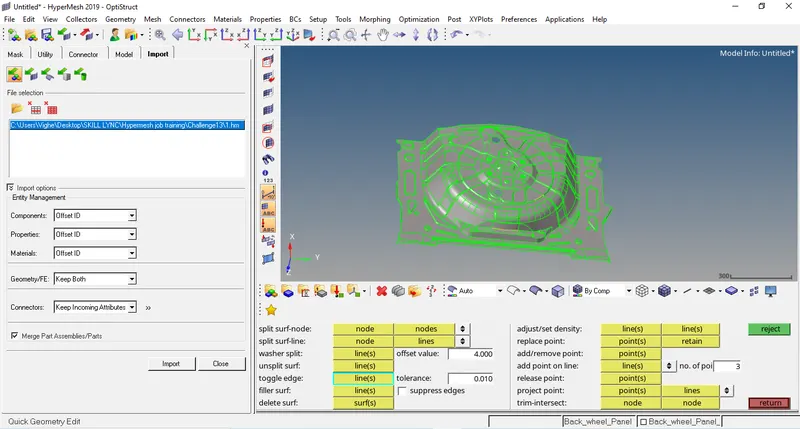
- Now we have to delete some surfaces.
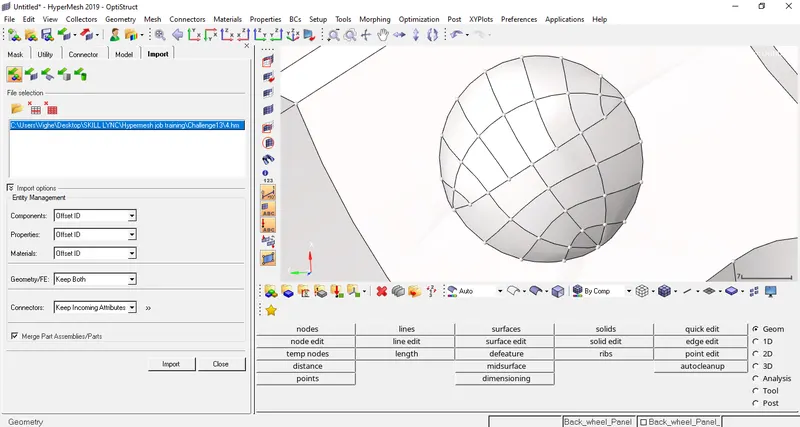
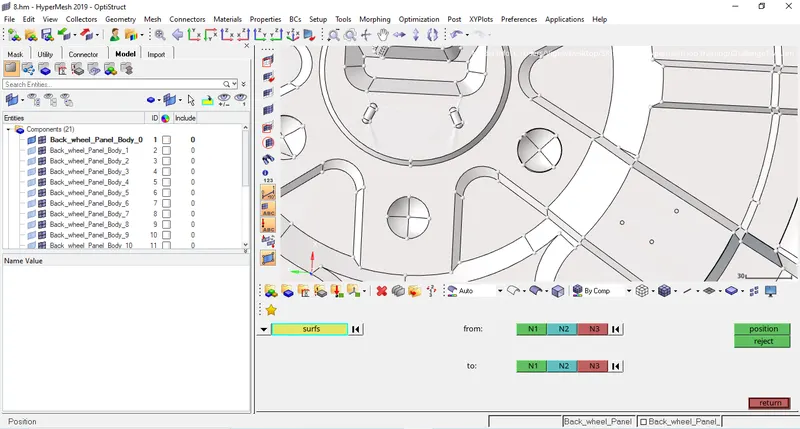
- First the filleted button are deleted and the non-fillteted button are positioned usind position option (Tools>Position).
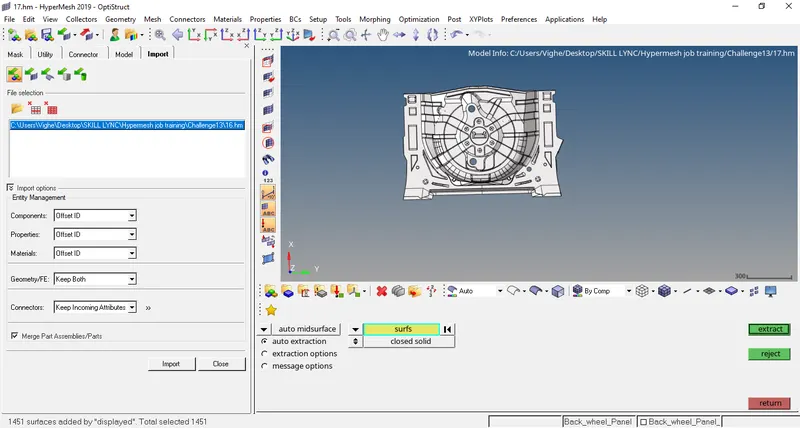
- Now we do midsurface of body using midsurface option (Geom>midsurface).
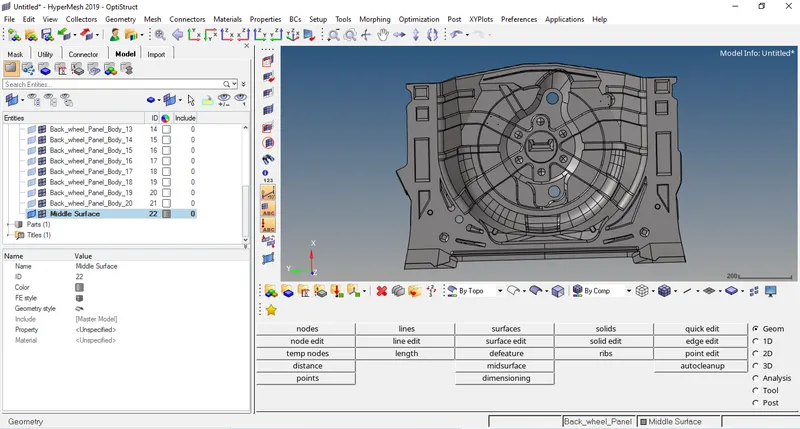
- Now we have insert the given mesh criteria in preference option in tab bar.
- Now we have to mesh body with target element= 5 mm (2D>automesh).
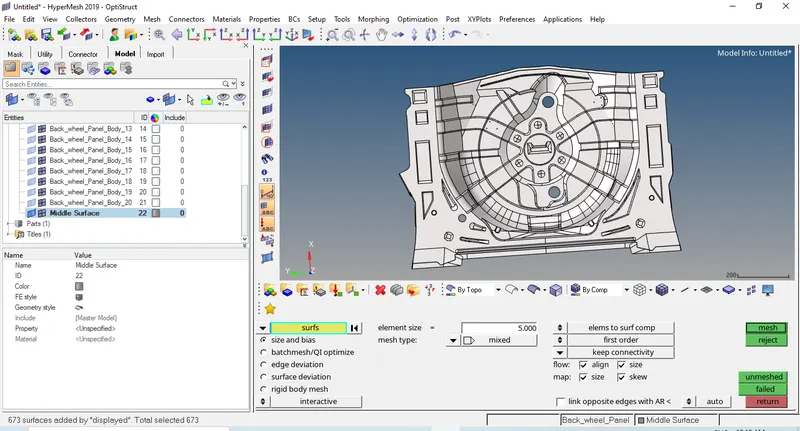
- The mesh created is not proper as the parts gets complex so the mesh is improved by changing the number of nodes but still some mesh elements are still not proper so those elements are meshed again (2D>automesh).
- To check the quality of meshing the quality criteria option is opened and the highlighted elements are improved using QI tools given till all the elements are unhighlighted. (2D>Quality Criteria).
- After cleaning up all the elements check whether there are no failed elements in (2D>Quality Criteria).
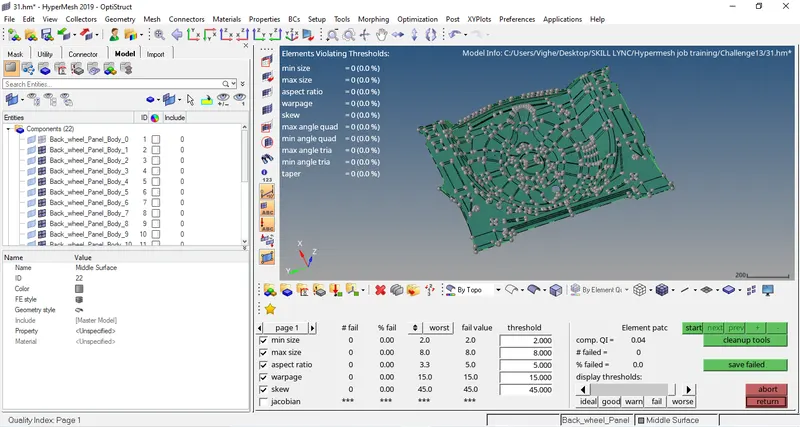
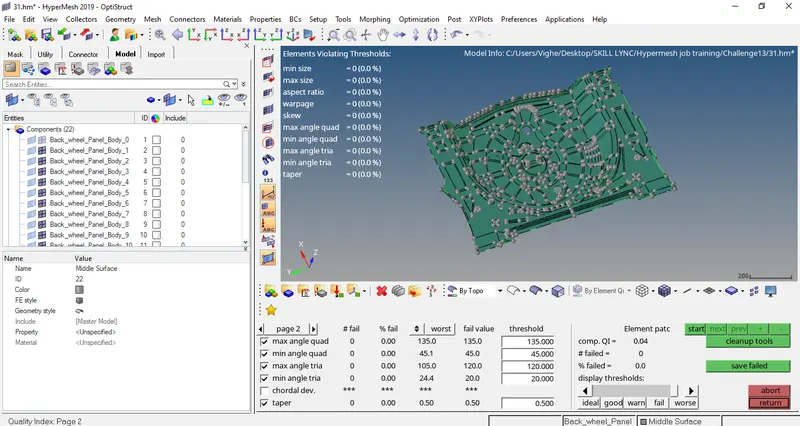
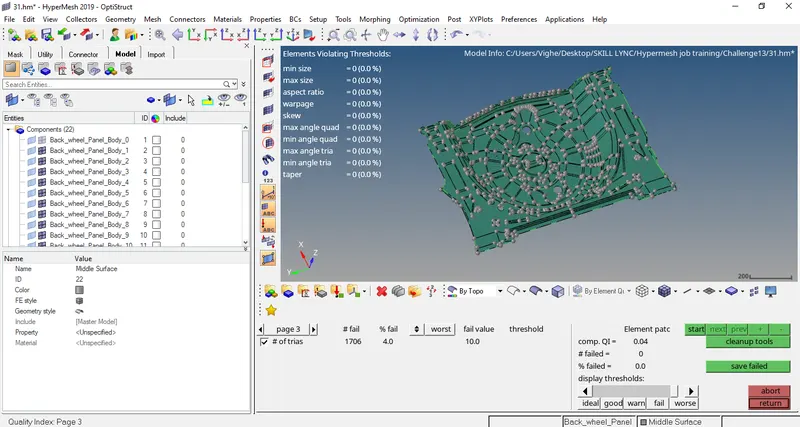
- Now we have to assign thickness to all the elements. To do that first we create a property and insert thicknes = 0.75 mm and then assign that property to the elements.
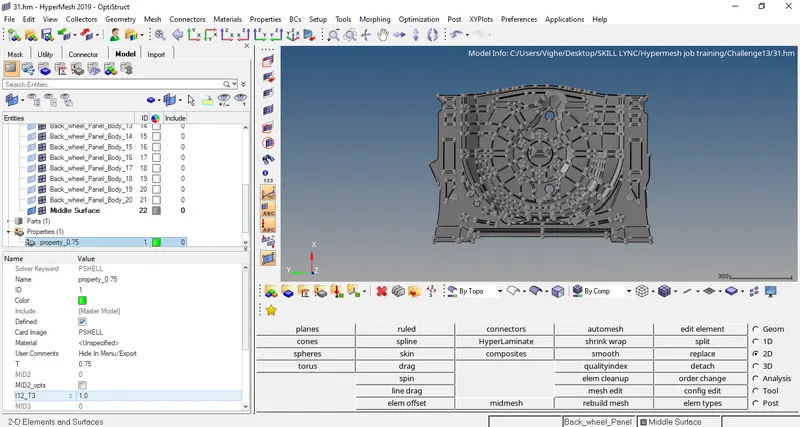
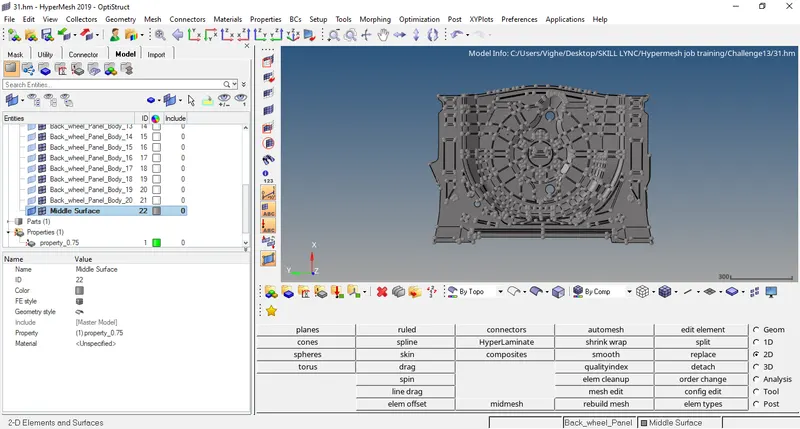
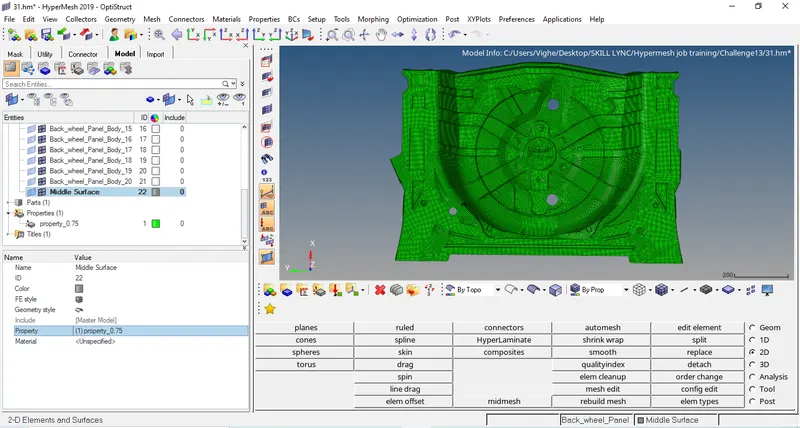
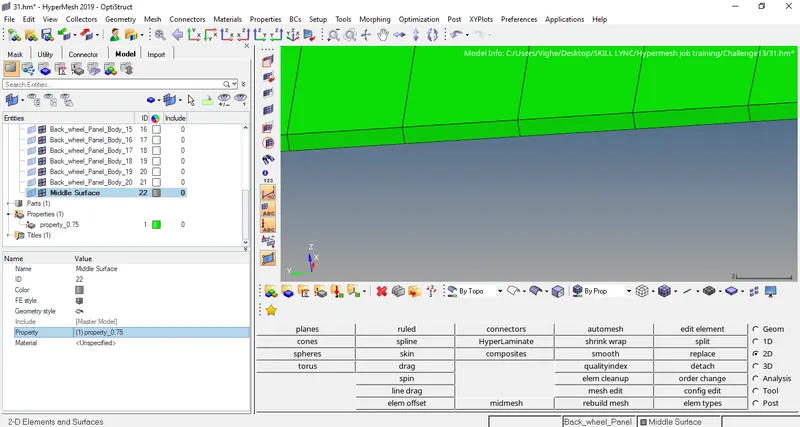
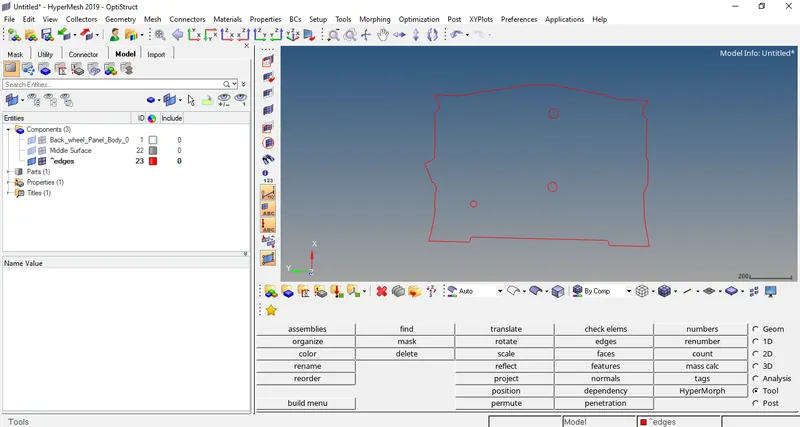
- Now lets check whether the model has any free edges using edges tools (Tools>edges).
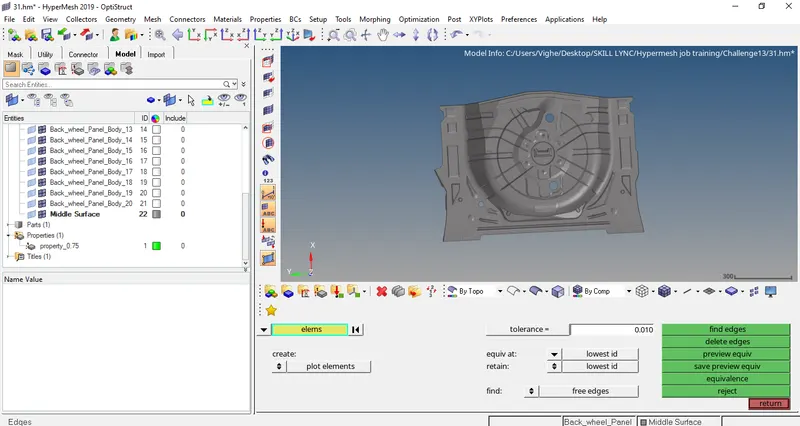
CONCLUSION: The project was done successfully.