Week 12:Project 2-Meshing of Rear Wheel Holder challenge
AIM:
To mesh the given model with the given quality criteria and to assign thickness for the same.
PROCEDURE:
STEP 1:
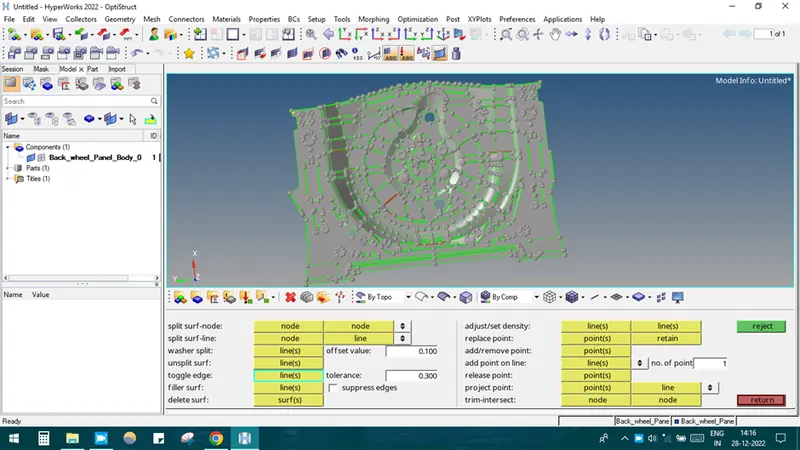
Importing the model into the hypermesh by selecting IMPORT SOLVER DECK-IMPORT GEOMETRY-SELECT THE MODEL-IMPORT.
STEP 2:
Finding the thickness and it was a sheet metal component and having uniform thickness of 0.75mm.
Next mid surface is to be extracted and since the geometry has some geometrical errors initially these errors could be corrected.
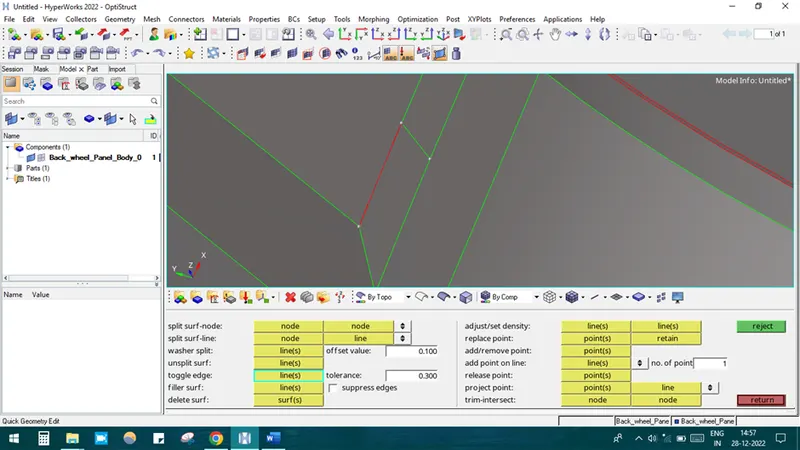
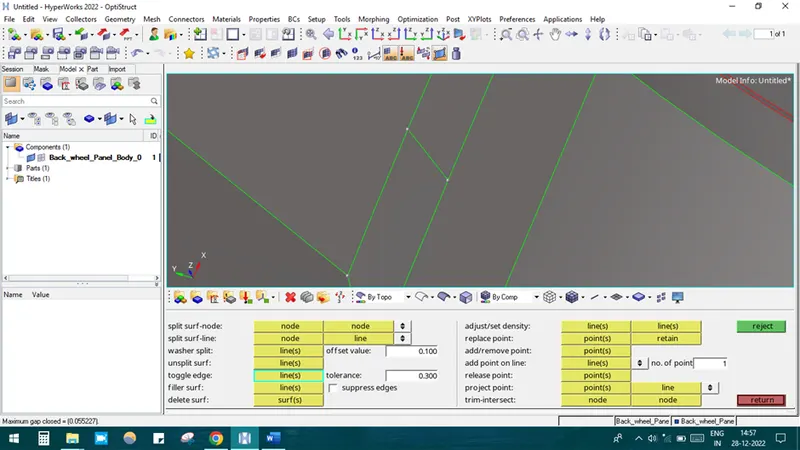
This free-edge error could be toggled by QUICK EDIT-TOGGLE option.
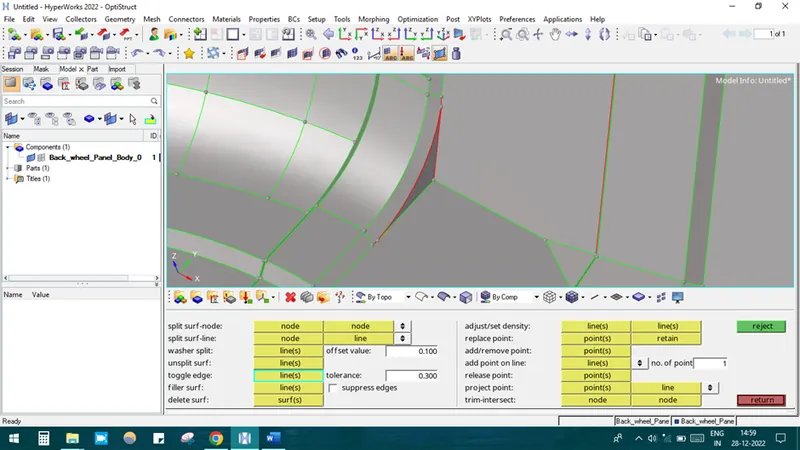
In this surface the points are released and edges gets released from the adjacent surface. So it could be fixed using QUICK EDIT-REPLACE POINTS AND TOGGLE option.
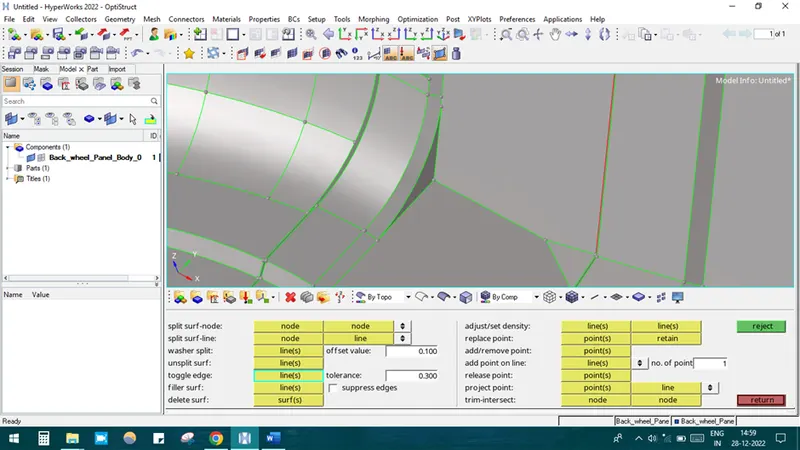
Delete the unwanted bumps which are have size less than the minimum length.
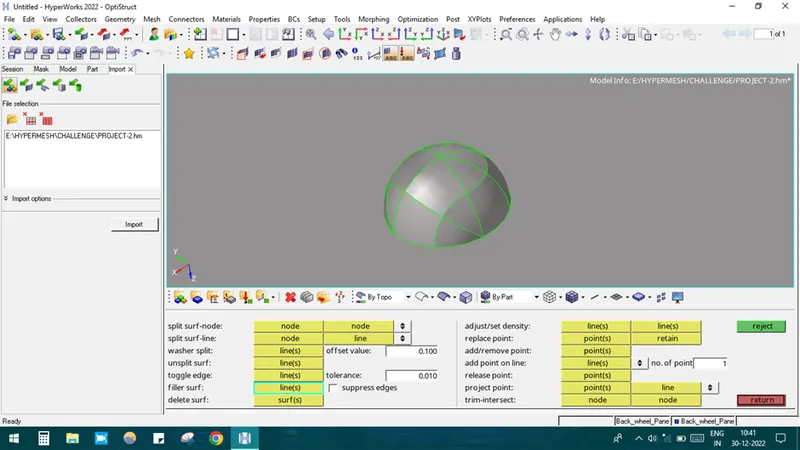
After deleting the surface, by using QUICK EDIT-FILLER SURFACE option the surface has been fixed properly.
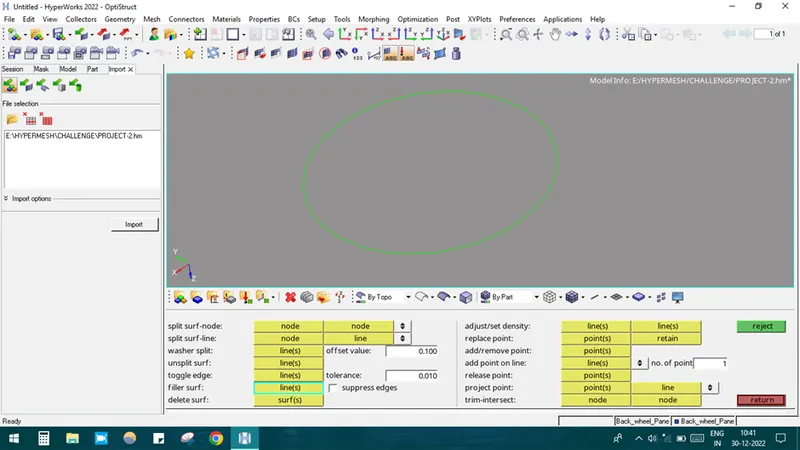
STEP 3: EXTRACTION OF MID SURFACE.
Mid surface was extracted by GEOMETRY-MIDSURFACE-OFFSET+PLANE OPTION-SELECT THE SURFACE-EXTRACT.
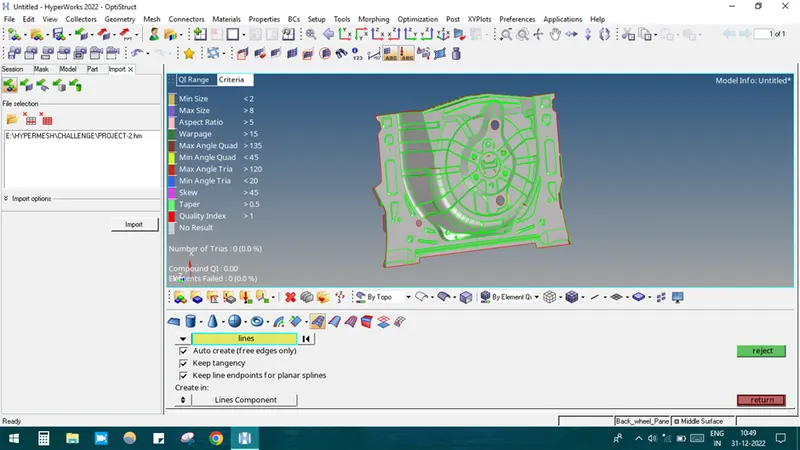
In some areas the surfaces got collapsed so it needs to be fixed initially
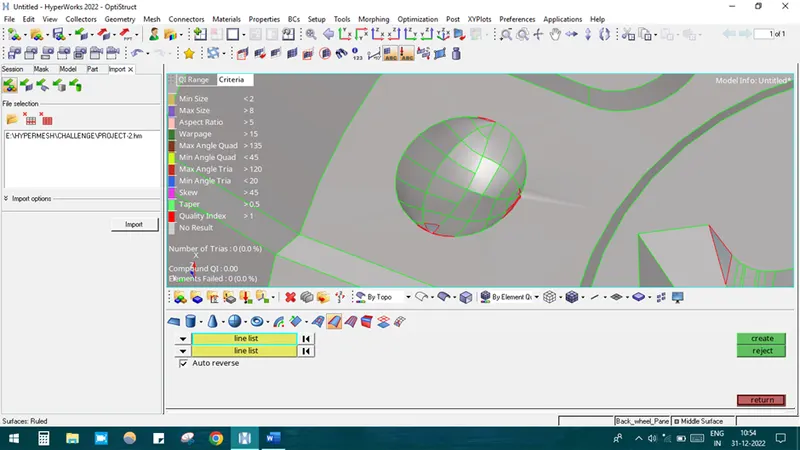
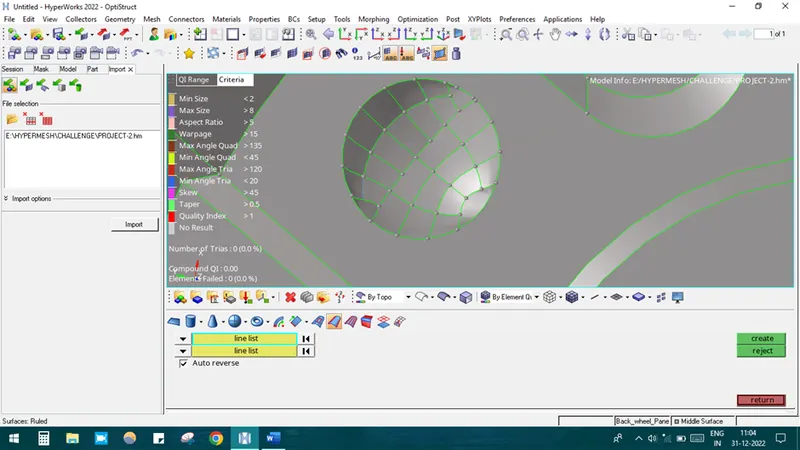
After fixing the surface it will be like this
STEP 4: MESHING
Update the criteria file setting as per the instruction given
Starting the meshing process from critical areas.
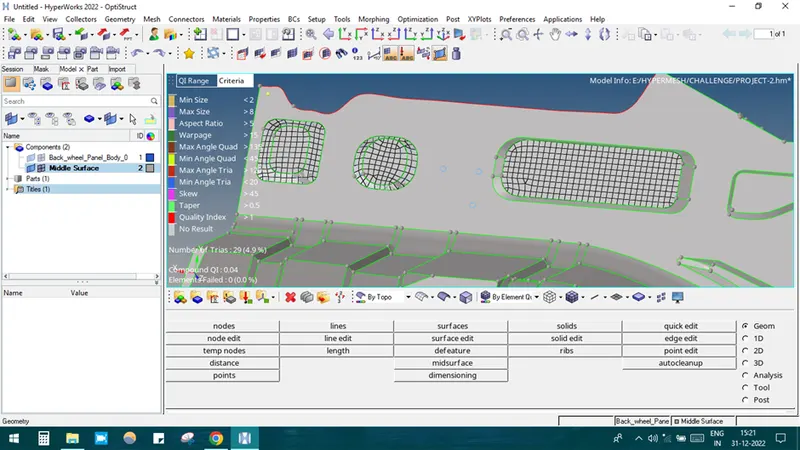
Meshing area by area by selecting 2D-AUTOMESH-SELECT THE SURFACE-MESH
After meshing the whole component it looks like this
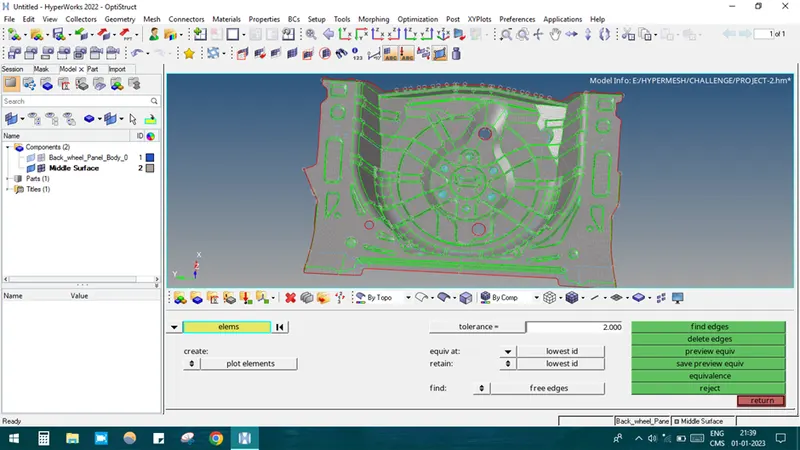
If the mesh is not proper it could be fixed out by the REBUILD option.
Manually the mesh flow is fixed by using option like SWAP, COLLAPSE, COMBINE TRIA, SPLIT ELEMENTS ETC.
CONCLUSION:
Thus the given model was meshed with given criteria quality and assigned thickness.