Week 12:Project 2-Meshing of Rear Wheel Holder challenge
AIM:To extract the middle surface,and to mesh the mid-surface with the given qualitu criteria
PROCEDURE:
- import the geometry
- check for the geometrical errors
- clean up the geometry, using the toggle, surfaces, and ohter commands
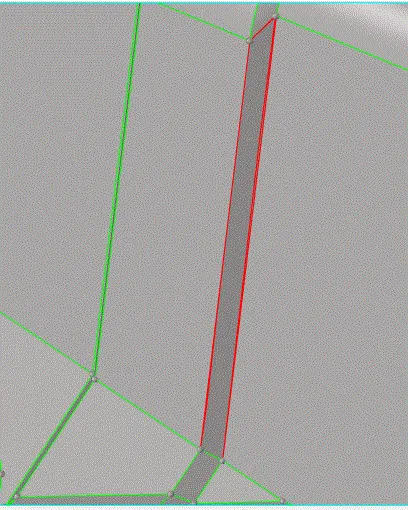
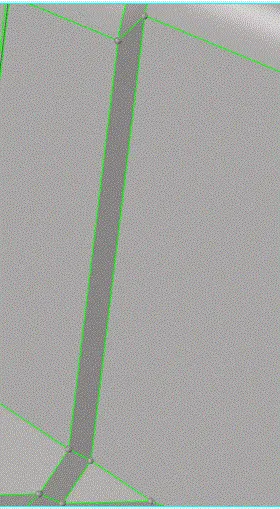
- chect]k and clean up all the geometrical errors
MID-SURFACE:
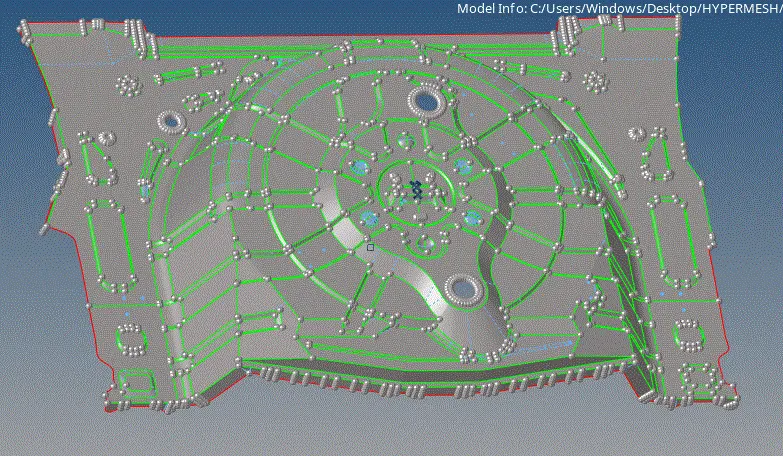
- there are set opf options in the , mid surface
- use the SURFACE+PLANES+OFFSET
- also, there will be some errors in the extracted mid surfaces
- clean those also, and make it mesh ready
NOTE: batch meshing can also be given , with the set in parametric and quality criteria files, but the mesh flow will be compramised, and also the density
- go for AUTOCLEAN up command, see the changes that, HYPERMESH makes , if these are upto your element criteria , and can give a good mesh flow then use it
- else, do manual toggling
MESHING:
as we are following the manual not, batchmeshing the following should be done
- set the quality criteria
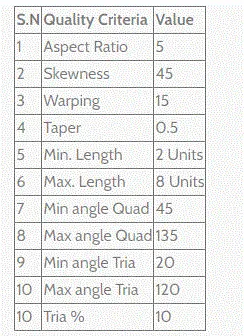
- observe the mid surface, carefully start from the most perfect region
- go part by part, maintain good flow and density
- check for edges for every new surface
- because , as we are doing by surface ti surface, then the connection between the elements will be lost
- so, use, F3, command for connectivity
- the final mesh mid surface is as shown
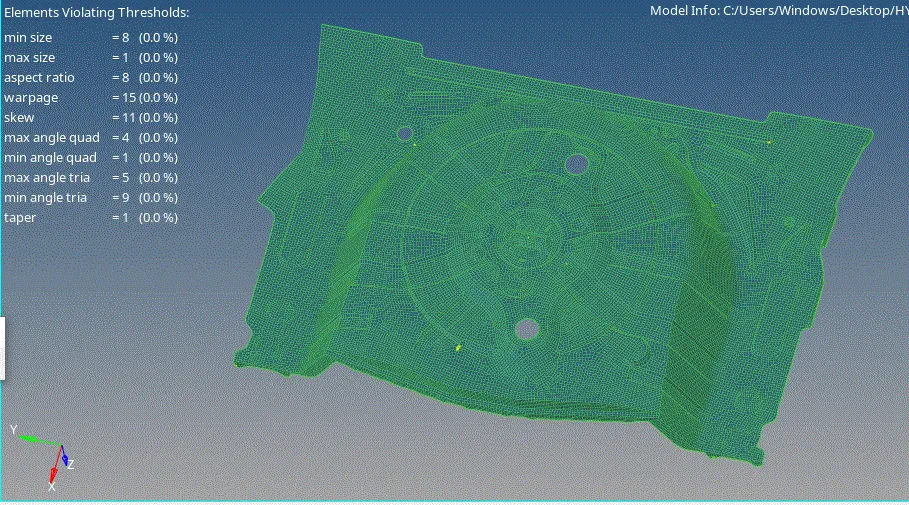
- maintian a good mesh flow,
- try to eliminate the tria to the maxium, with out distrubing the flow, and density
- use, rebiuld to re arrange the mesh
- use smooth to align the mesh in a organized manner
- check for free edges
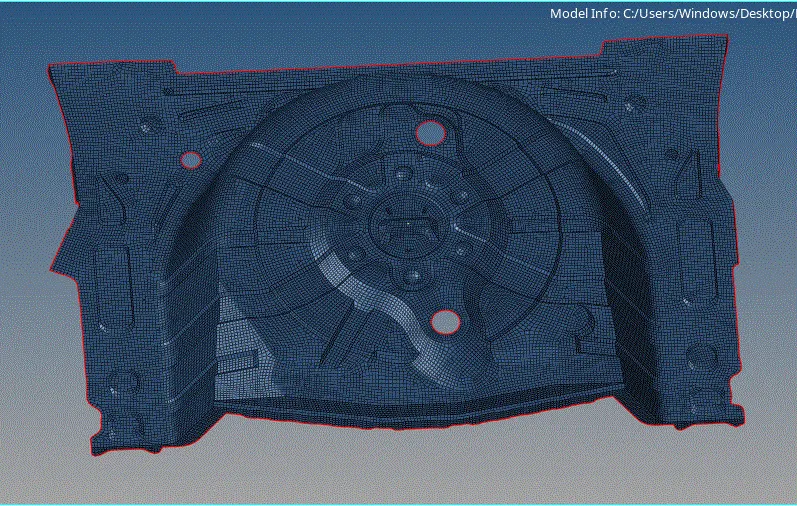
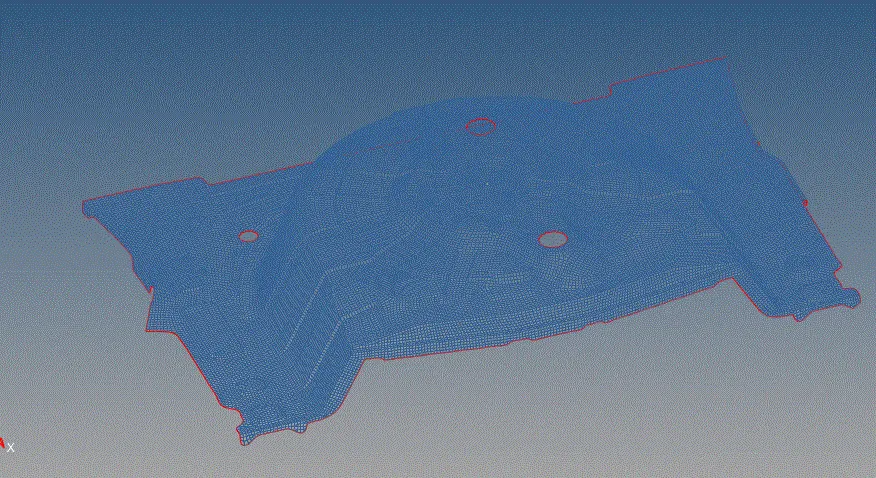
- even thugh the edges are not visible, there will be certain areas , where duplicate or free edges are present
- check using the wire frame,it will give the exact view for free edges
CONCLUSION:
- I have a clear view of maintaining the flow and density
- I have used many mesh editing commands , and opted the better tools and commands