Week 12:Project-1-Meshing of Door Inner Panel Challenge
Week 12: Project-1-Meshing of Door Inner Panel Challenge
Aim:
Make mid surface and mesh the following component as per Quality Criteria and the assign thickness.
Procedure:
1.check the model thickness. If more then 6mm go with solid meshing or below that make midsurface.
2.check any surface damage is there. If there creat that surface and use auto meshing. For given component was more surface damge.so make offect methode for outer surface.
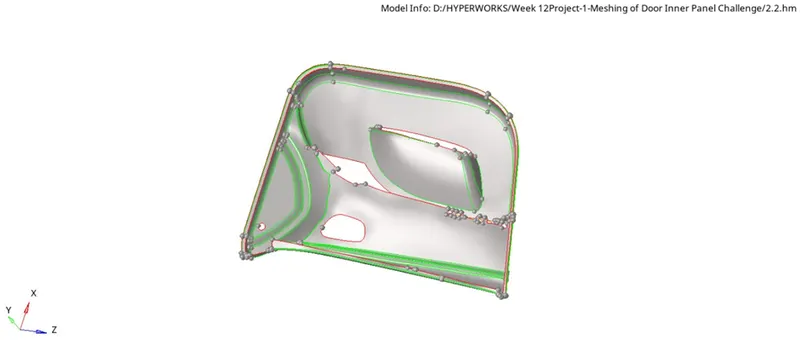
3.for inner rub make midlines and project that line next surface.
4.creat new surface for both lines using ruled option.
5.connect that surface to bottem surface.using surface edit option.
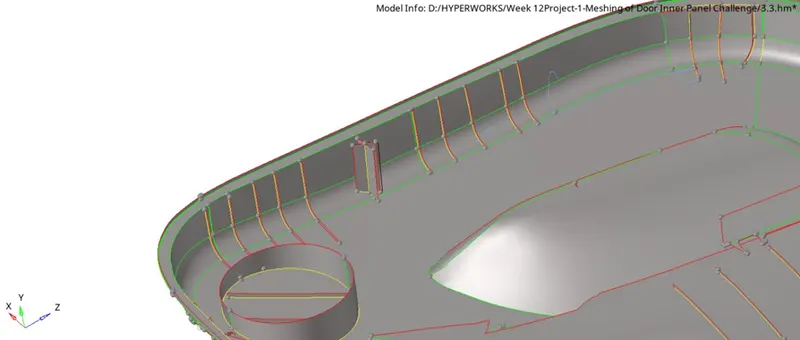
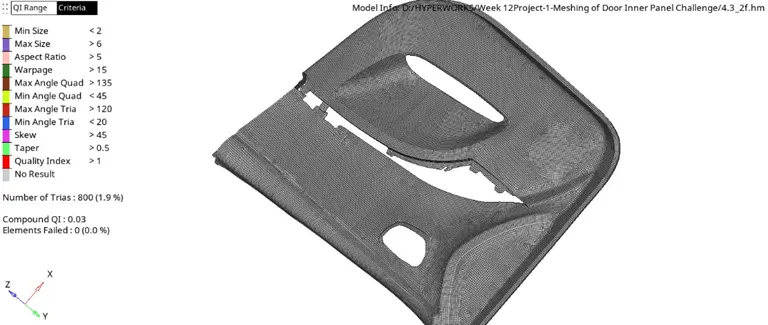
6.Make new quality file for given Quality Criteriasave as new file.
7.Make mesh for given mid surface as per quality criteria.
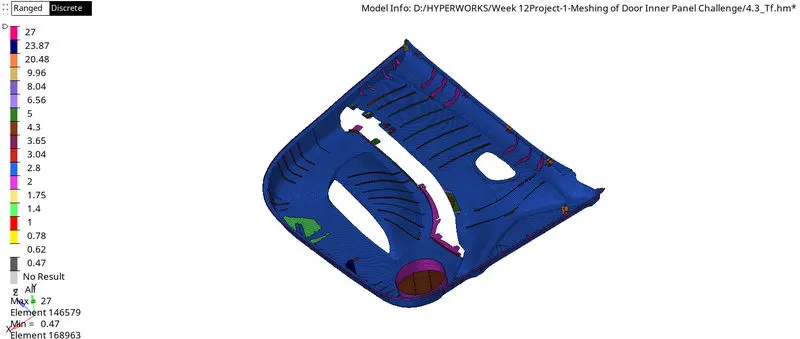
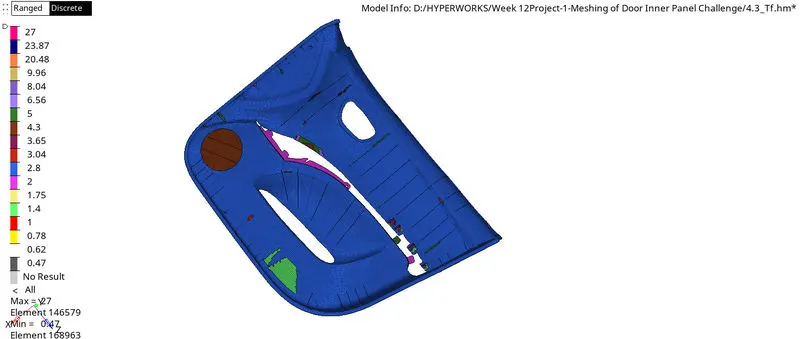
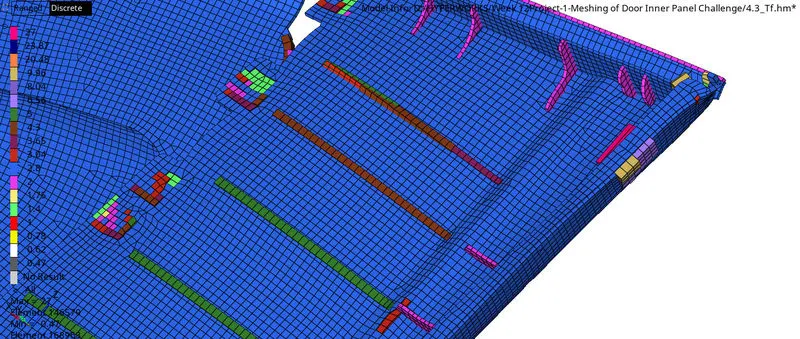
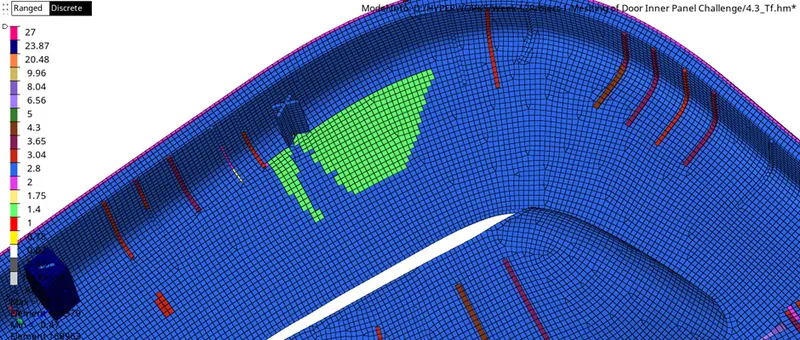
8.assigne thickness for meshed surface.
Go to mesh-select mid mesh thickness- select parent surface and select meshed element-select thickness rang -select thickness calculate.
Result:
This given model did as per quality and assign thickness.