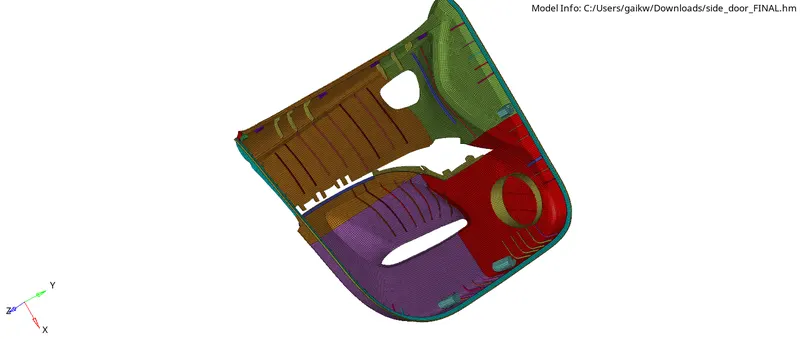
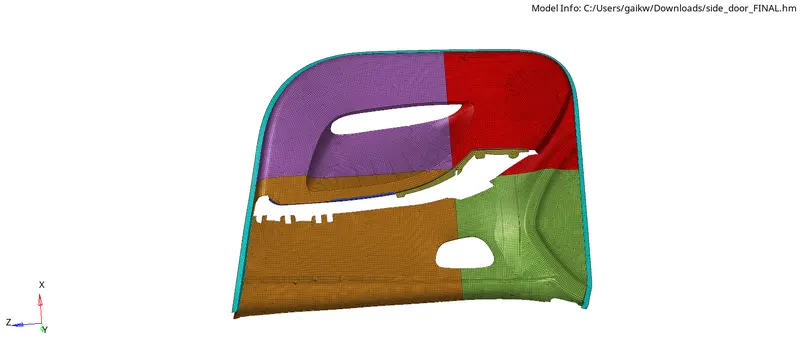
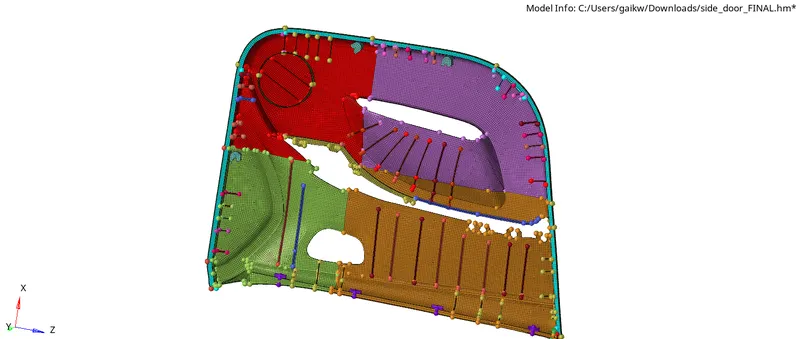
Week 12:Project-1-Meshing of Door Inner Panel Challenge
Aim :- Meshing of door inner pannel for given quality criteria.
Follow the Quality Criteria and mesh the following component and assign thickness:
Target Element Length = 4 Units
| S.N | Quality Criteria | Value |
| 1 | Aspect Ratio | 5 |
| 2 | Skewness | 45 |
| 3 | Warping | 15 |
| 4 | Taper | 0.5 |
| 5 | Min. Length | 2 Units |
| 6 | Max. Length | 6 Units |
| 7 | Min angle Quad | 45 |
| 8 | Max angle Quad | 135 |
| 9 | Min angle Tria | 20 |
| 10 | Max angle Tria | 120 |
| 10 | Tria % | 10 |
Ans :-
1) Geometry Import and Cleanup -
First import the geometry using import option. Check for geometry errors and to correct the errors use Quick edit panel form Geometry menu.
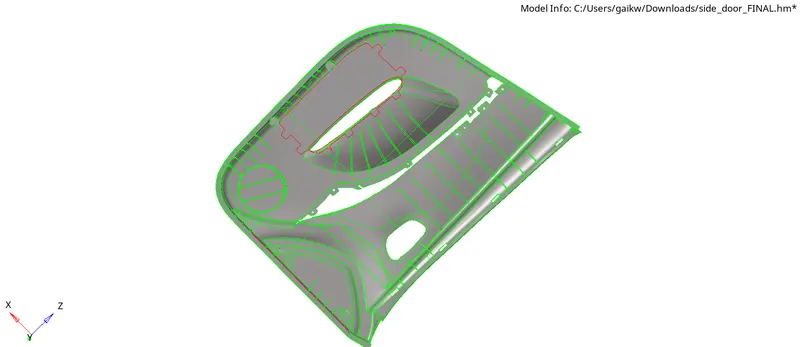
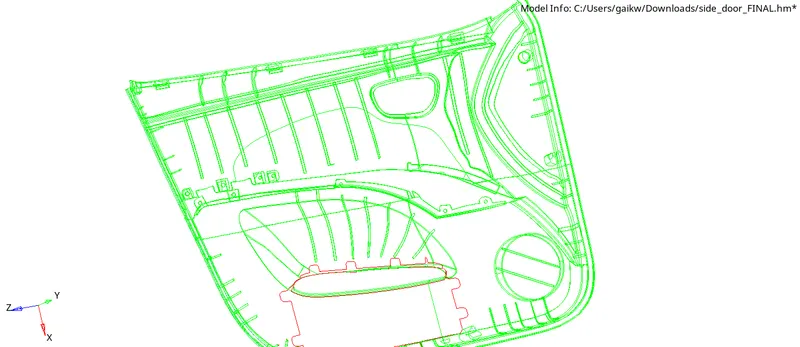
2) Midsurface Preparation -
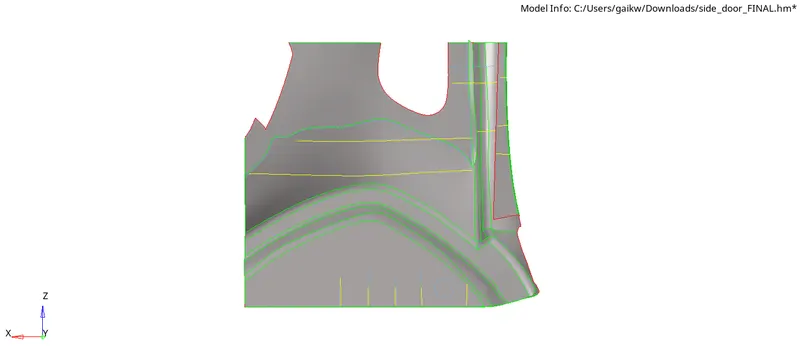
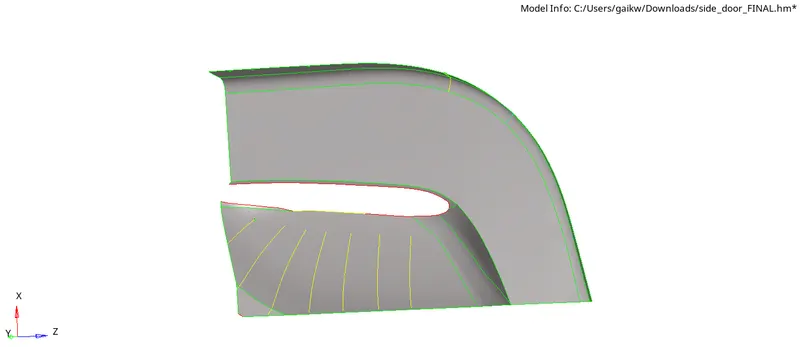
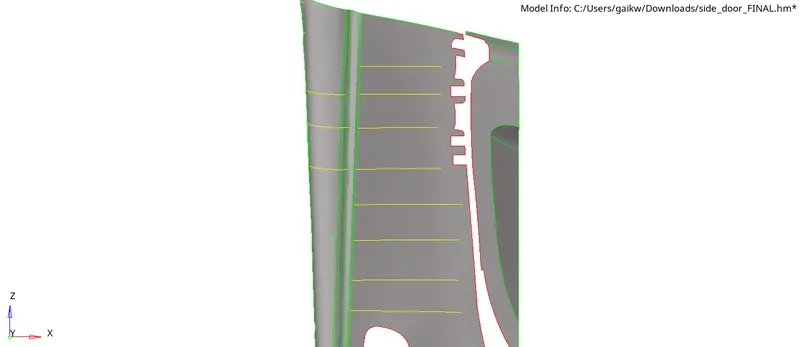
For doing midsurfacing in easier way divide the model into 4 parts using trim with plane option from geometry panel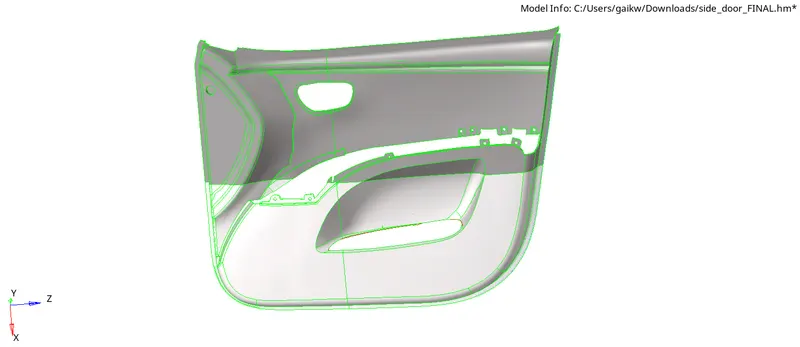

3) Midsurfacing -
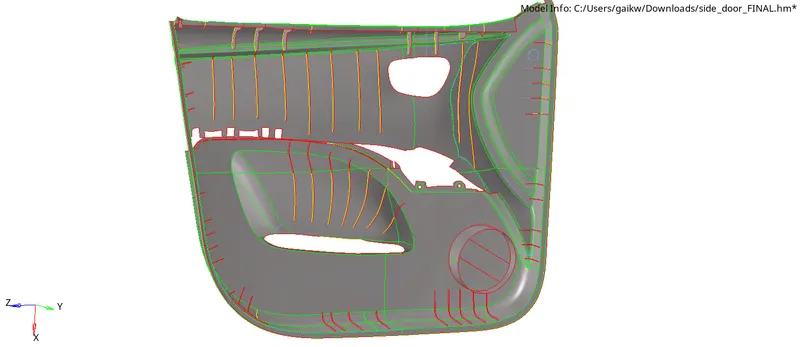
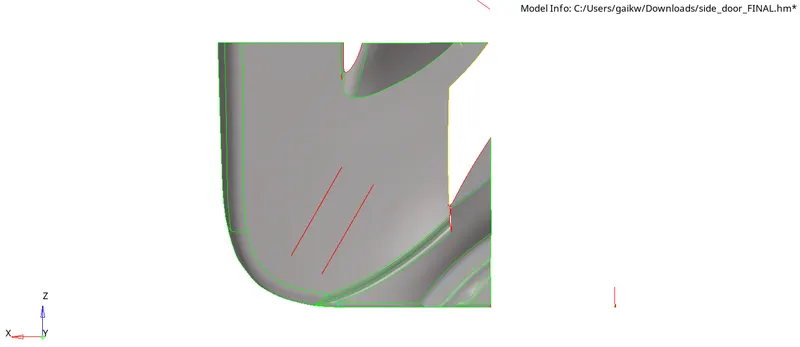
We gonna do manual midsurfacing for this model using offset option, for manual midsurfacing,
Geom - surface edit - offset - choose surface - duplicate - check for vector normal - offset.

4) Quality Criteria -
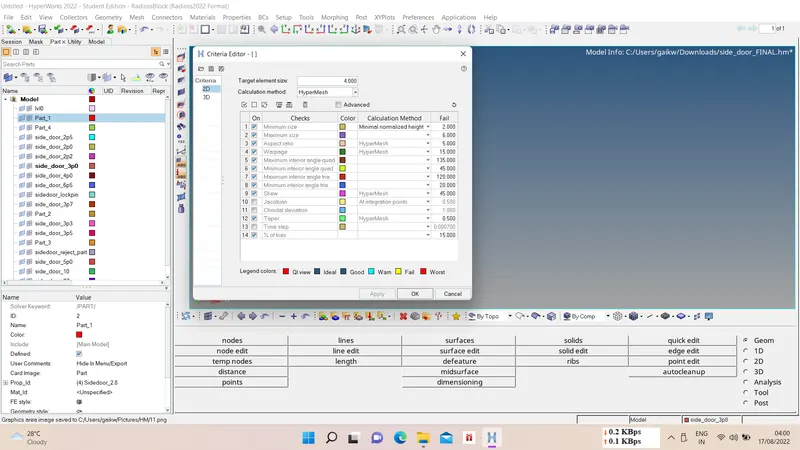
We have to give quality criteria for elements quality criteria, for that
Preferences - criteria file setting - edit quallity criteria - apply - ok.
5) Meshing -
We have to mesh given model for 4mm element length, for meshing
2D - automesh - select surfaces - element length - mesh type - mesh.
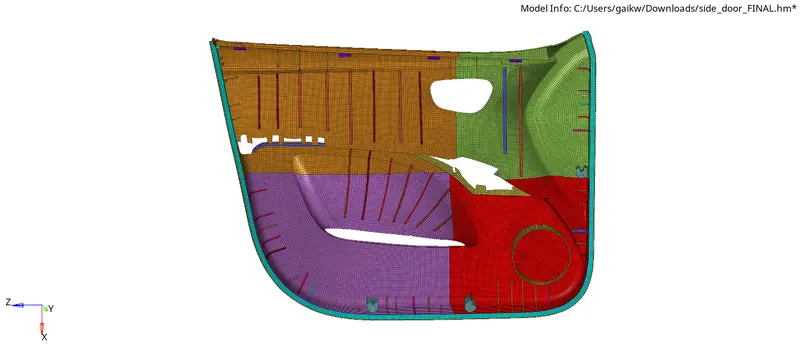

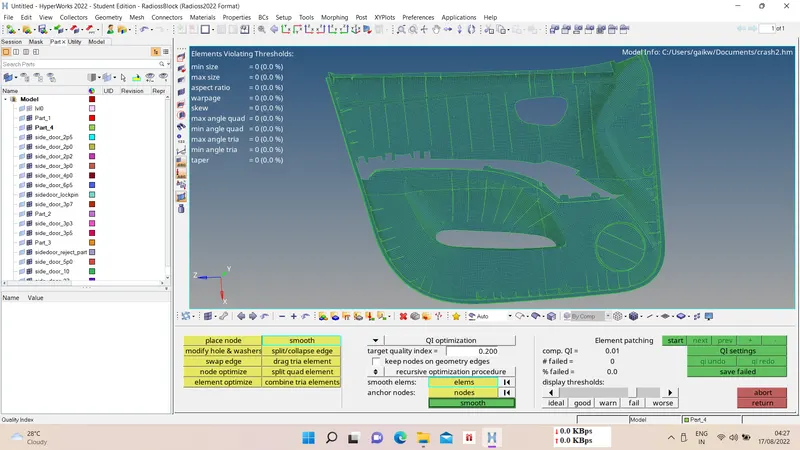
6) Elems. Quality check -
After meshing we have to check elems. for quality purpose, there some elems which were failing for quality we can fix them using smooth, split, combine, create, etc. option.
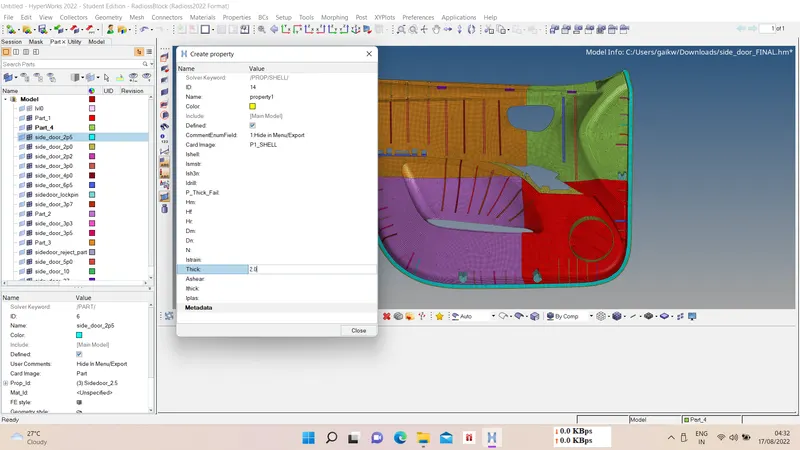
7) Property and Thickness assigning -
We have to assign property and thickness to different meshed parts based on there thicknesses.
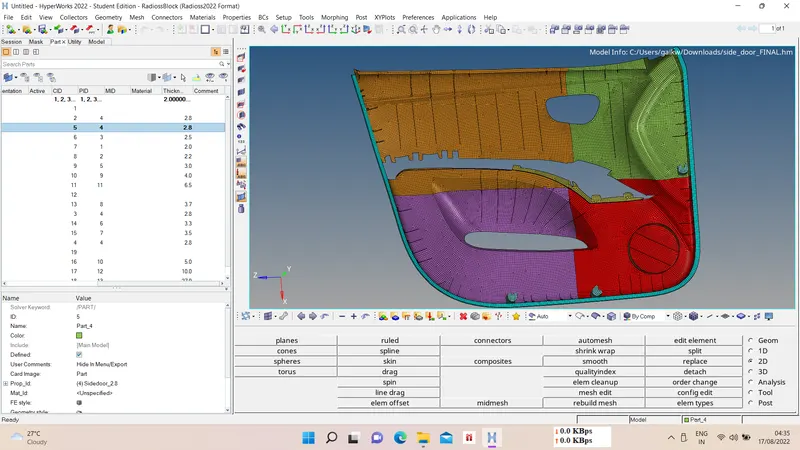
8) Final Result -