Week 12- Final project
Aim: - Development Of Door Trim Pannel from Class A.
Software Used : - Catia V5.
Theory : - Door Trim Pannel
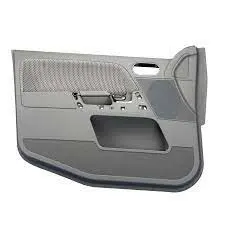
The door panel covers internal parts like the window regulator, the power window motor, and the wiring. It is attached to the sheet metal part of the door.
The Cad Model After Completion looks like the image Below
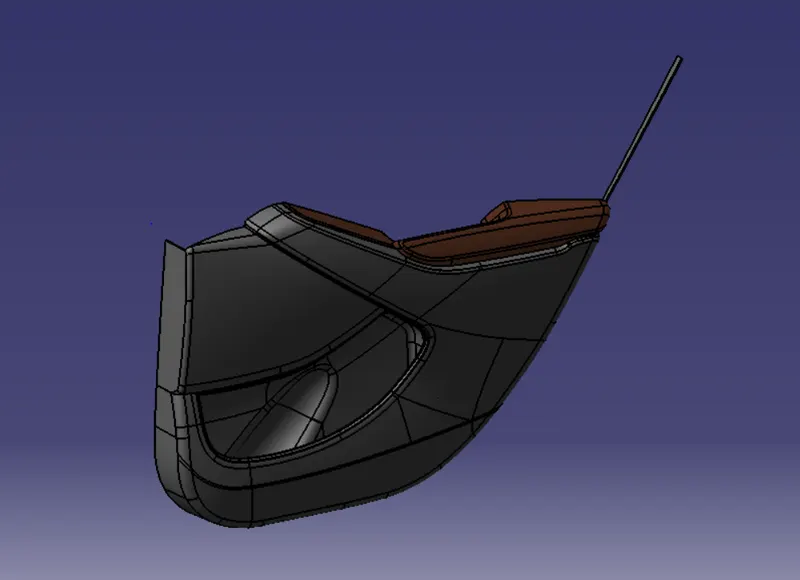
Proceture
Step 1 Anaylize the Class A Surface.
Class A of Arm Rest
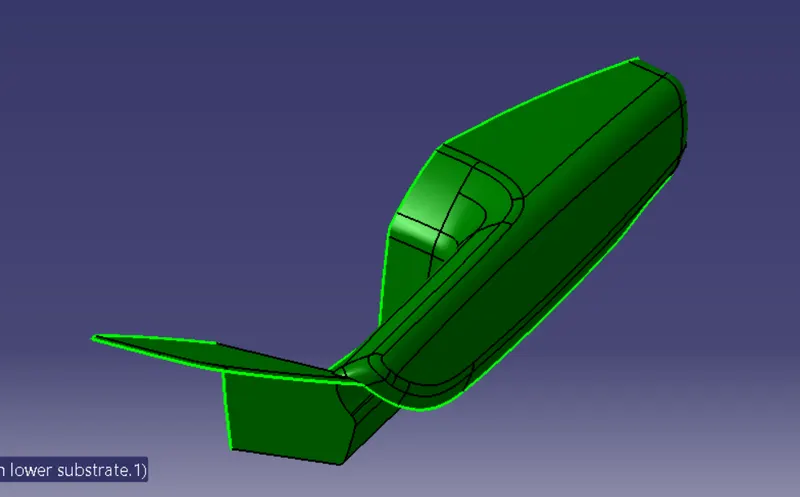
Class A of Door Trim lower Substrate.
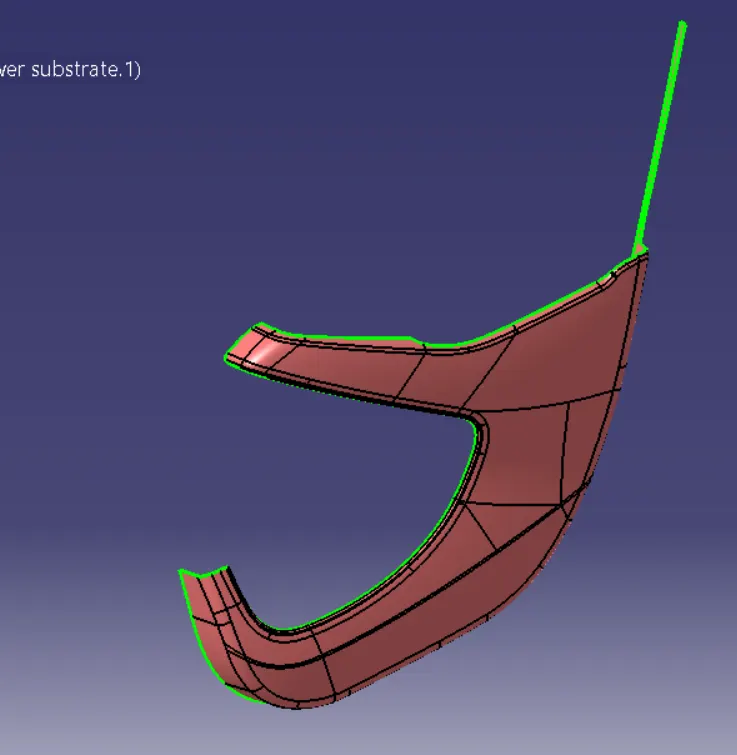
Class A of Door trim left
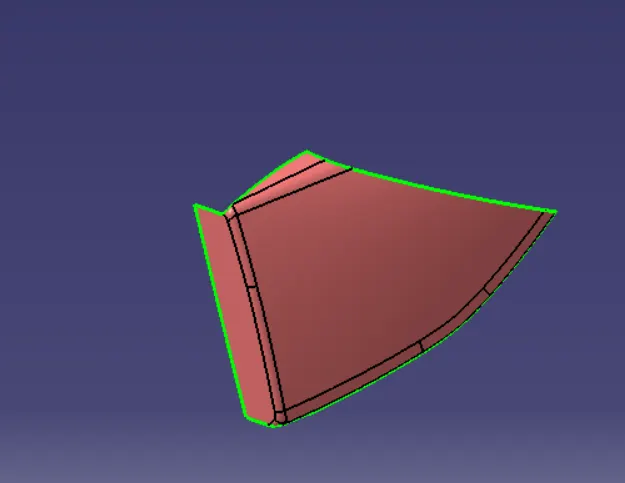
Class A of Bottel Holder
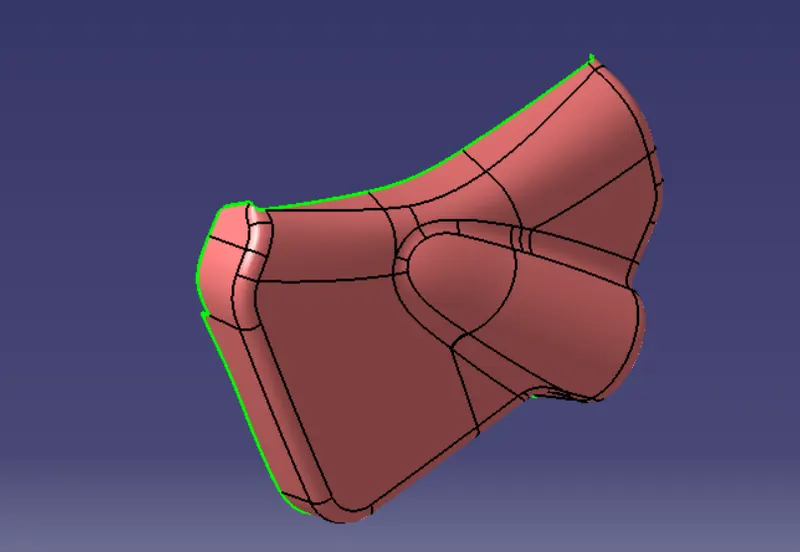
Step 2 Now after the Class A are anylized we will create the class B . To Create Class B we have to offset the Class A by 2 mm which is the thickness of Plastic product .
Step 3. After that Create Class C of the product by Drawing parrallel flanges from class A the Join the Class A with Class C and trim it with Class B we get a Colsed surface. With the option of Close surface Create it into Part
The Part Look Like This
Arm Rest.
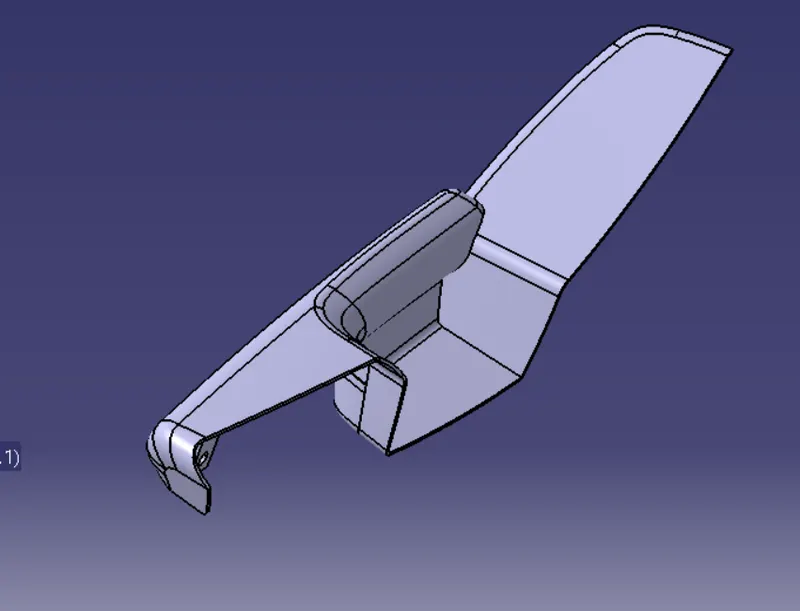
Door trim lower substrate
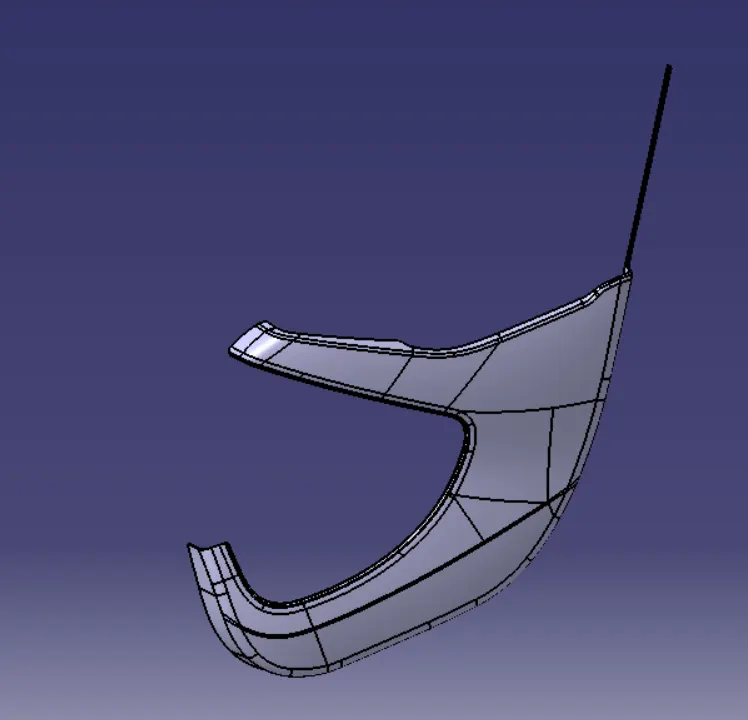
Door trim lower left
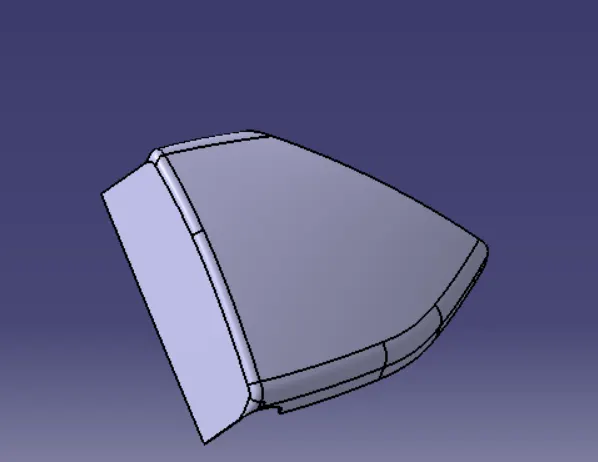
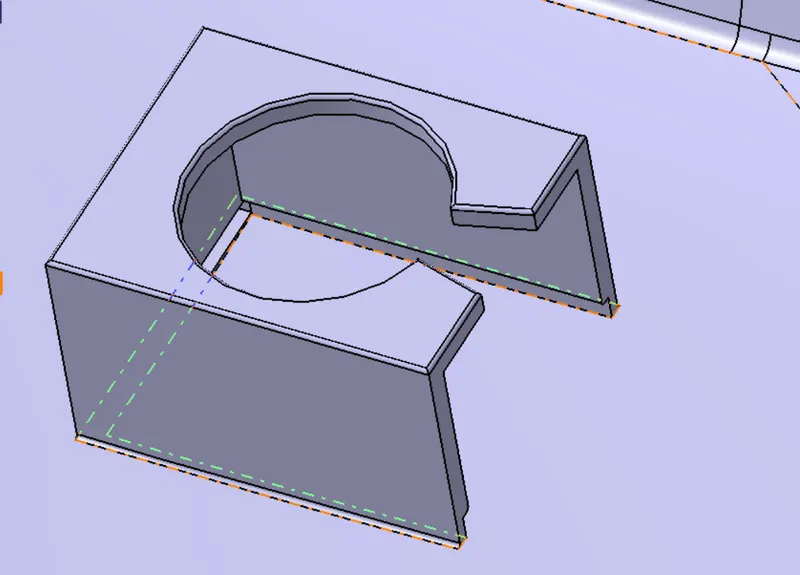
Botle Keeper
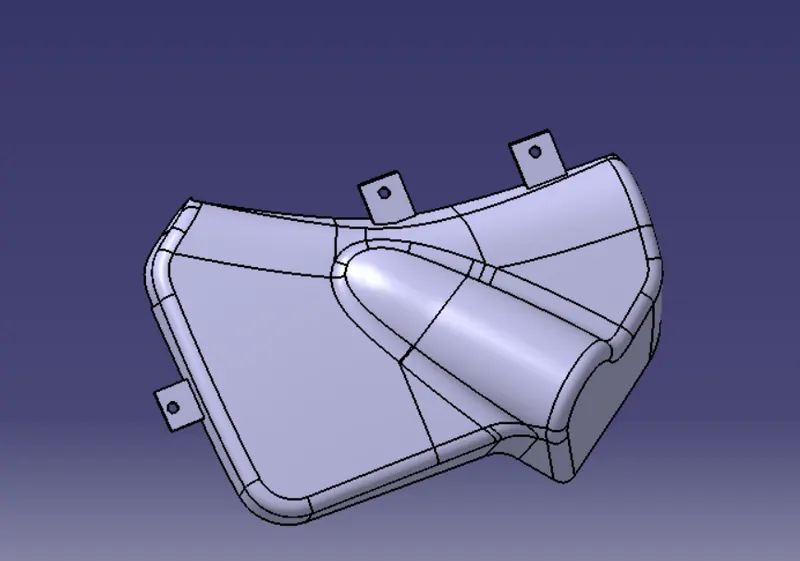
Step 4 Joining Strategy
Create Flanges and heat Steak for the joing of Parts
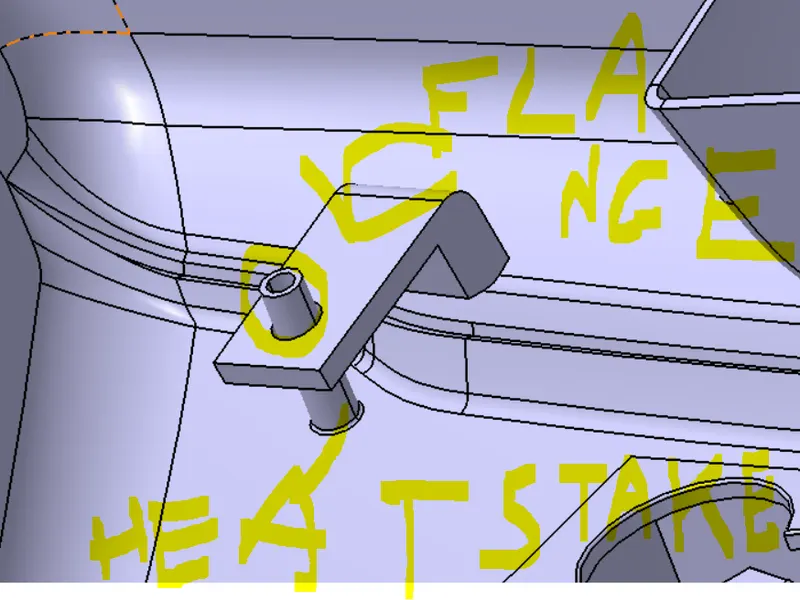
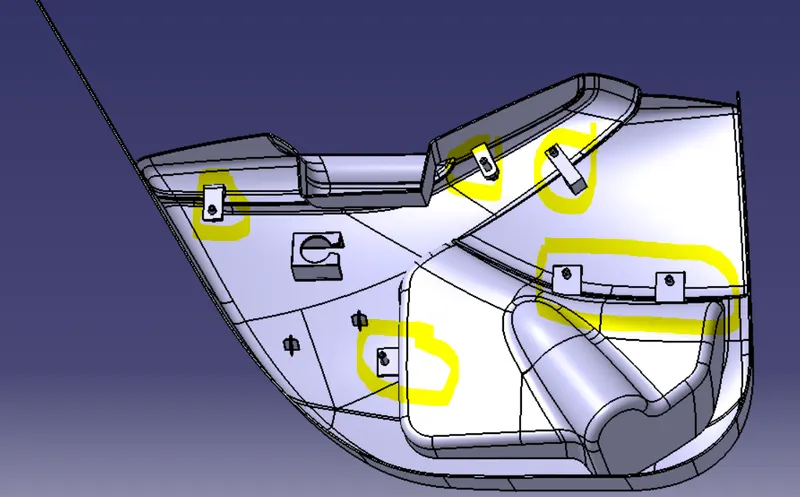
Also Create A Dog house for Future Features
Conclusion
This is how we Completed the Development of Door trim Pannel