Week 11 - Project - A pillar Design with Master Section
- Picture of the sketches with Sketch solving status’s geometry tab -
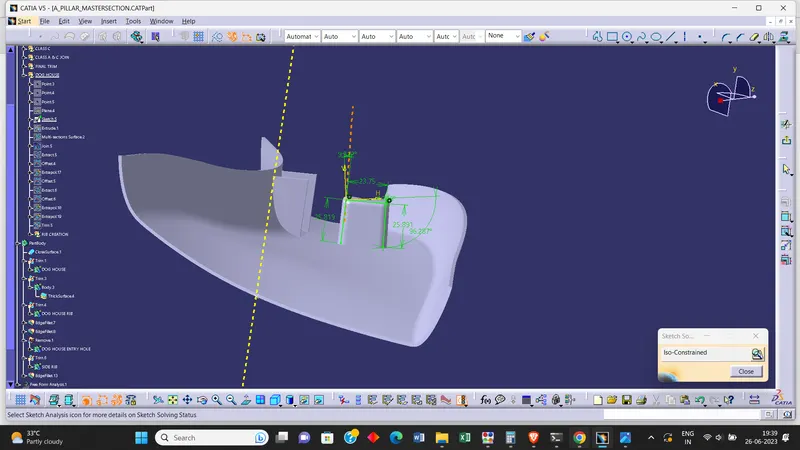
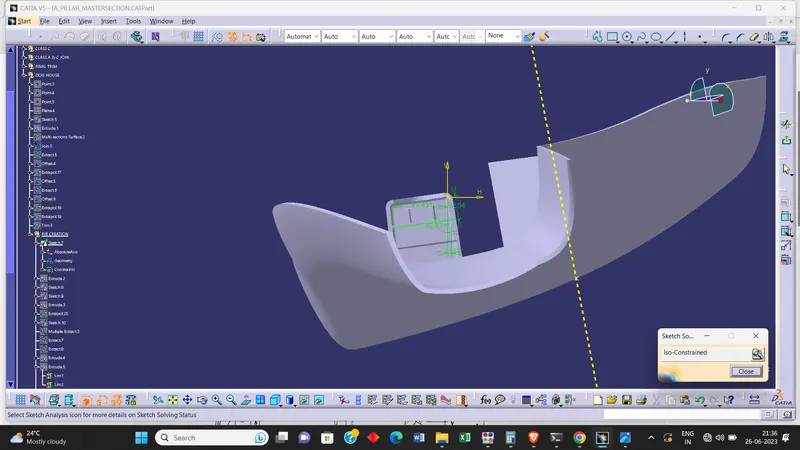
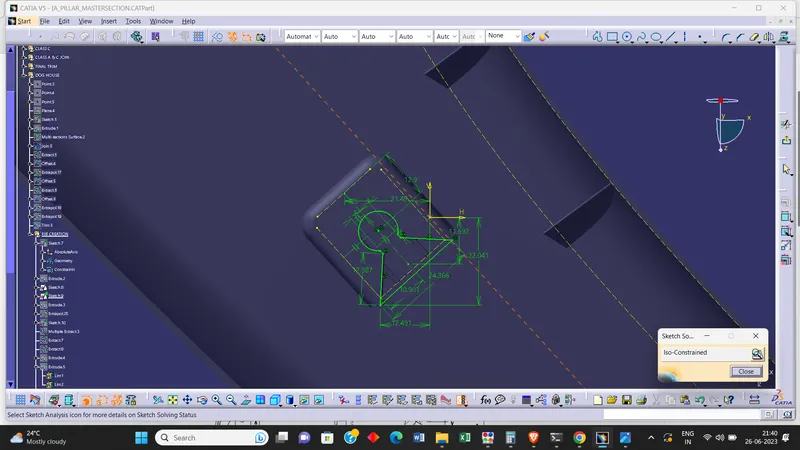
- Picture of the Detailed tree structure -
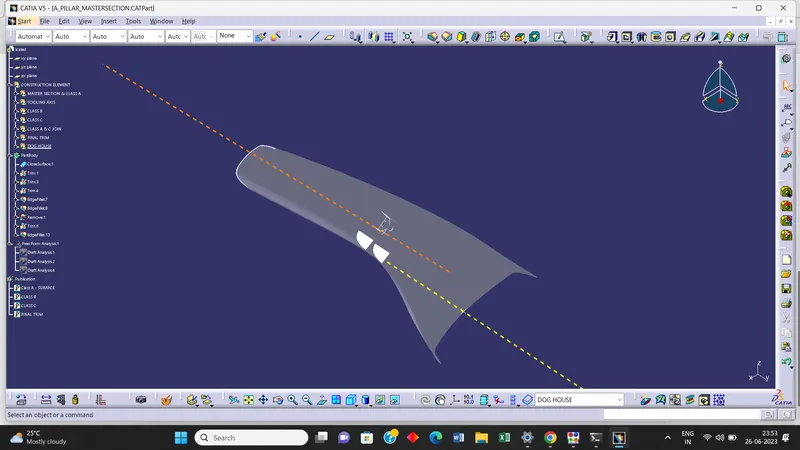
- Picture of the 3D CAD -
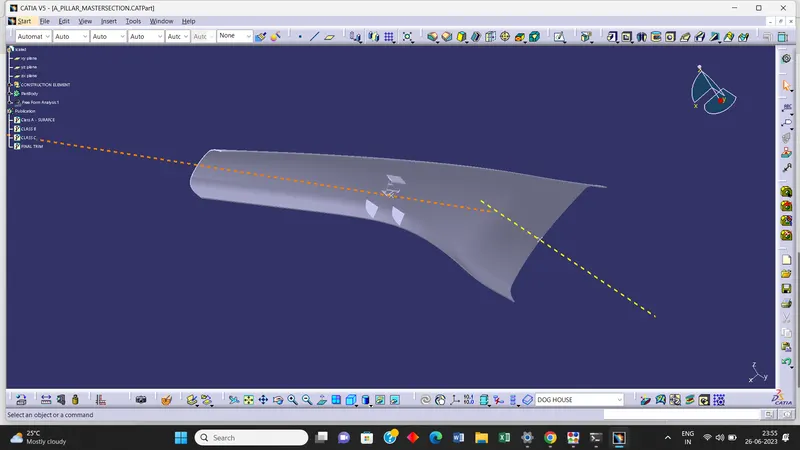
- Create closed body -
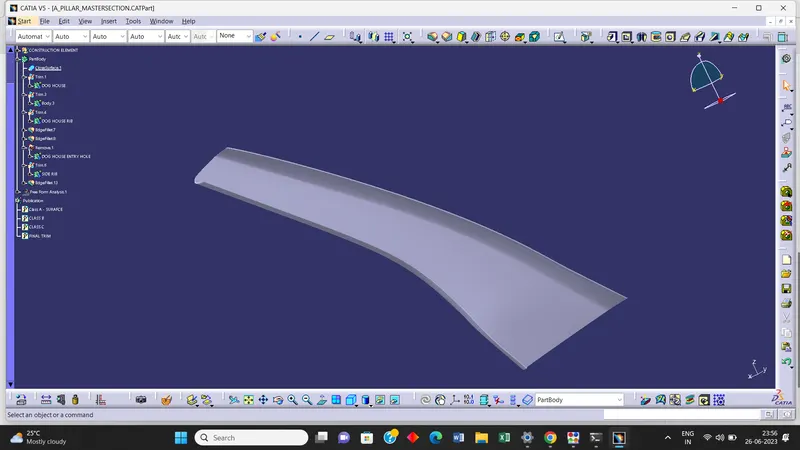
- Create a tooling axis and follow design rules -
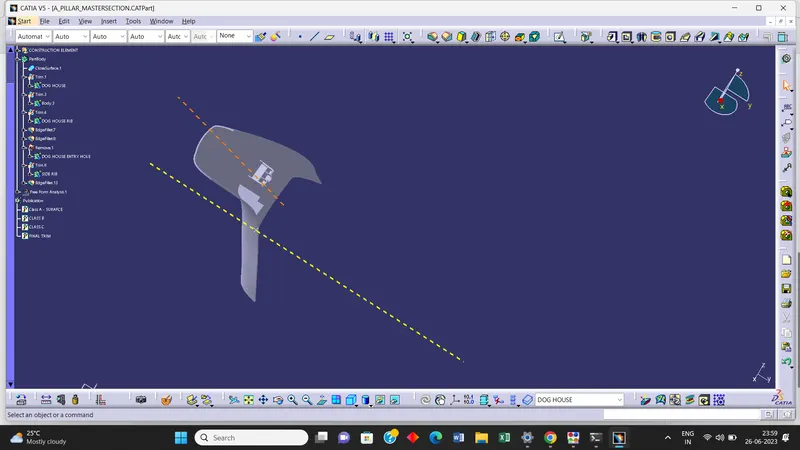
Draft Analysis -
1] Class A Surface
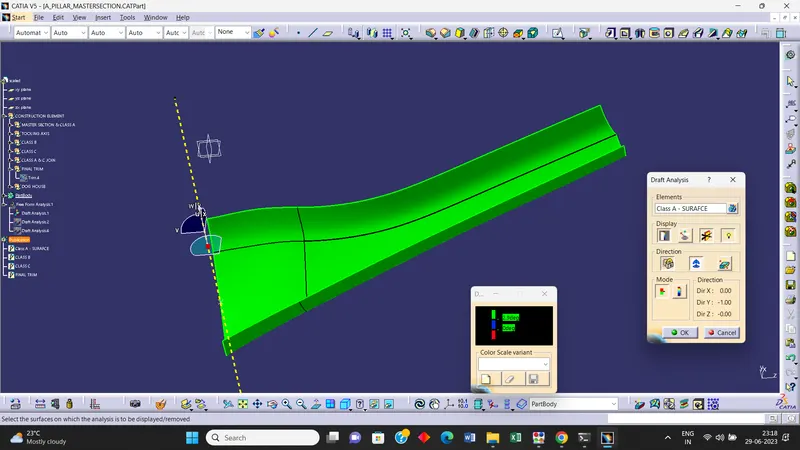
- Create a tooling axis by using Point Direction Mehod
- Do the draft Ananlysis on Class A surface
- Give the Draft angle of 2.9 Degree and clear the Draft as shown in above image
2] CLOSED BODY
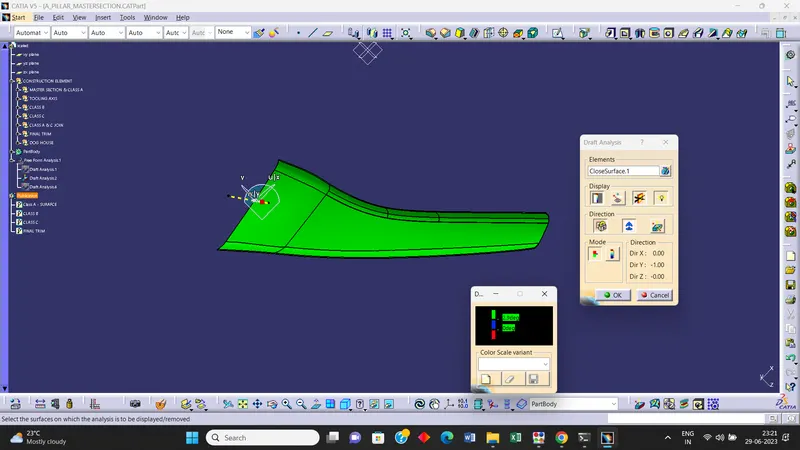
- Create a tooling axis by using Point Direction Mehod
- Do the draft Ananlysis on Class A surface
- Give the Draft angle of 2.9 Degree and clear the Draft as shown in above image
3] DOG HOUSE -
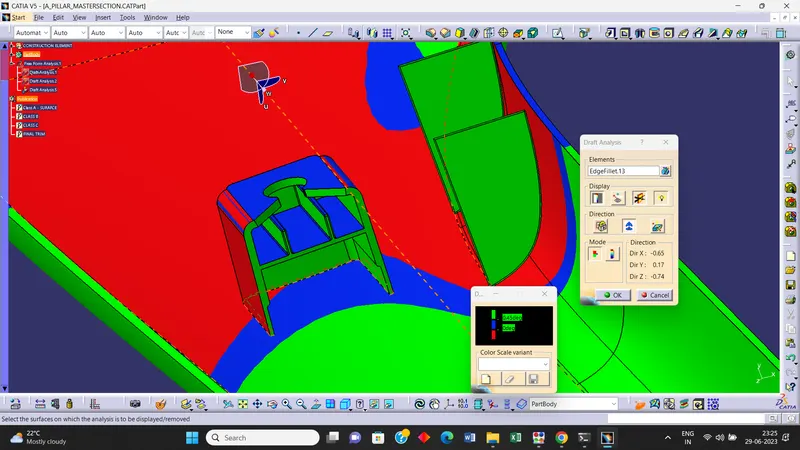
- Create a Side Core tooling axis by using Point Direction Mehod
- Do the draft Ananlysis on Class A surface
- Give the Draft angle of 0.45 Degree and clear the Draft as shown in above image as well as on Dog house red colour shows draft of 3 deg.