Week 11 - Final project
Development of a Door Trim panel
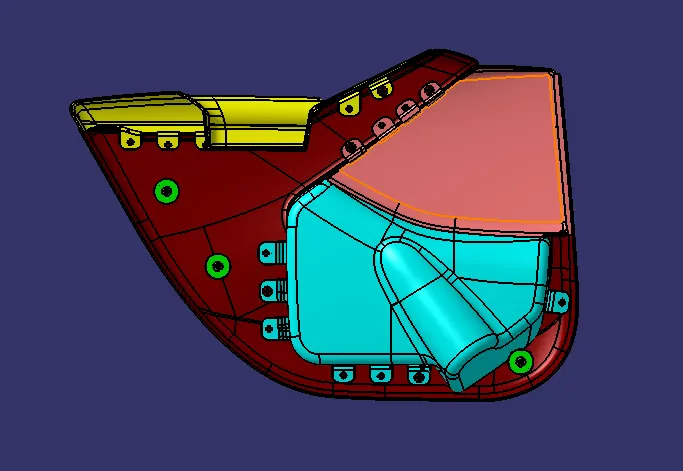
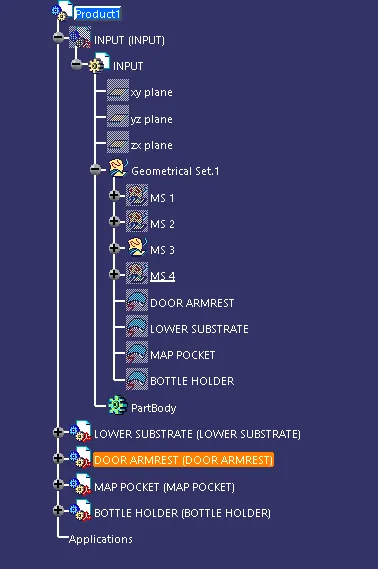
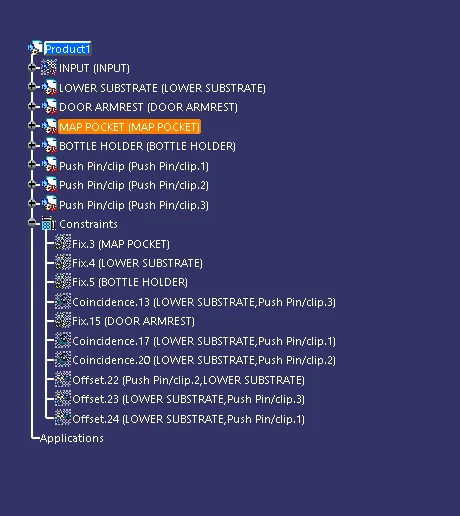
Given A surface part file are arrange into a one product file
The give A surface image below :
DOOR ARM REST BOTTLE HOLDER
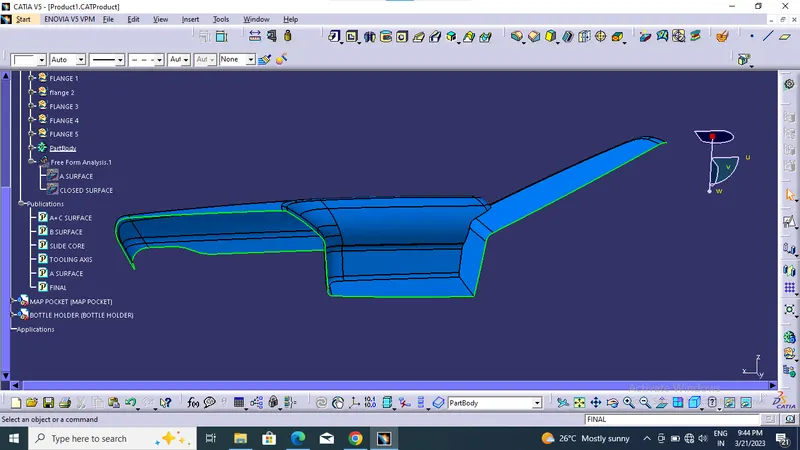
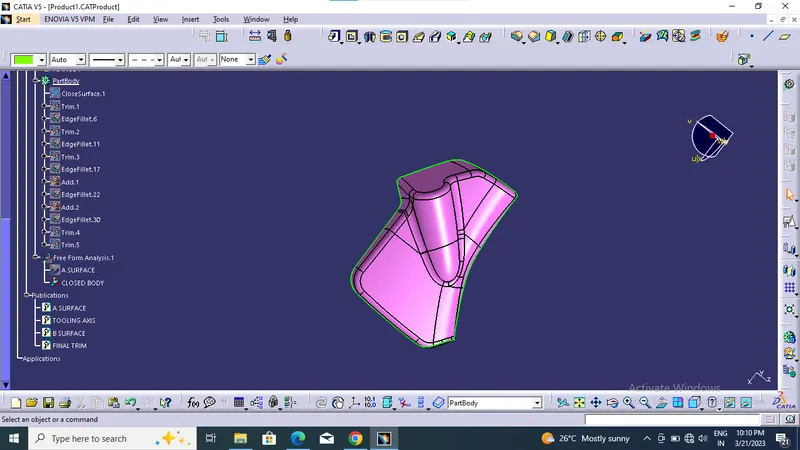
LOWER SUBSTRATE MAP POCKET
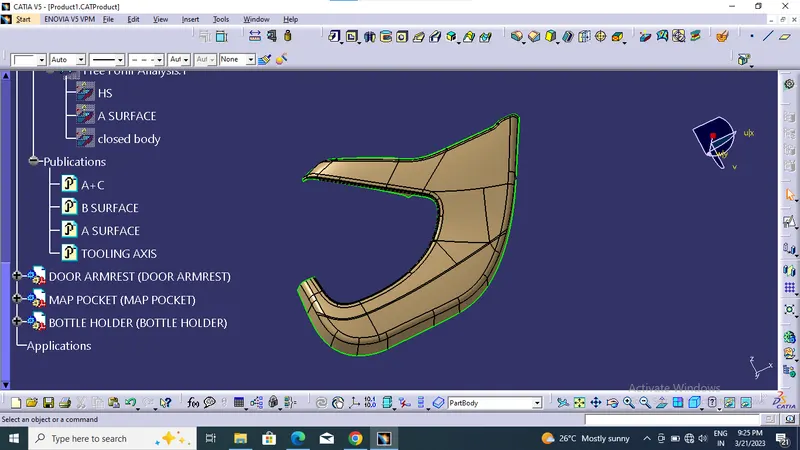
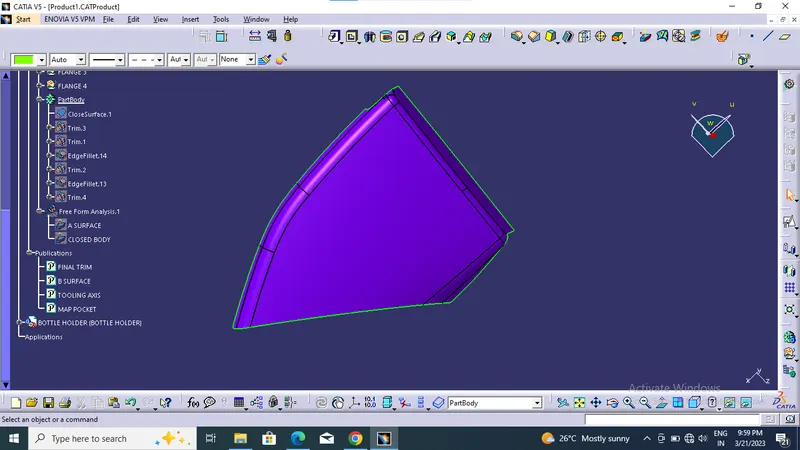
ENSURE the given A surface is completely join together by using boundary command , otherwise using join command to join surface into single surface. Then create tooling axis to
different view through visualization method.
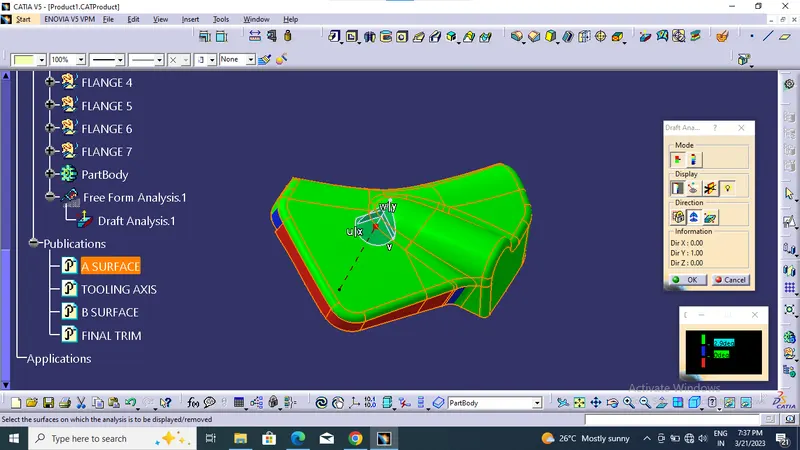
For draft analysis Insert > Analysis > Features Draft Analysis , also ensure correct material slection .Then two toolbar will apperar . From that place compass correctly at created
tooling axis also lock that correct drafting direction.
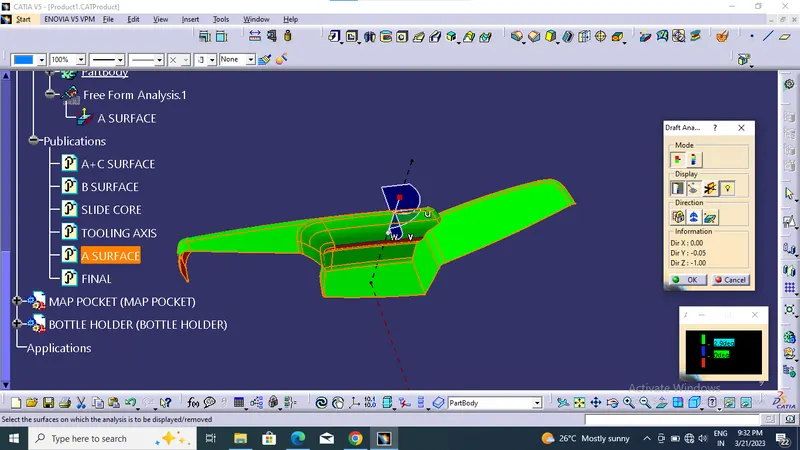
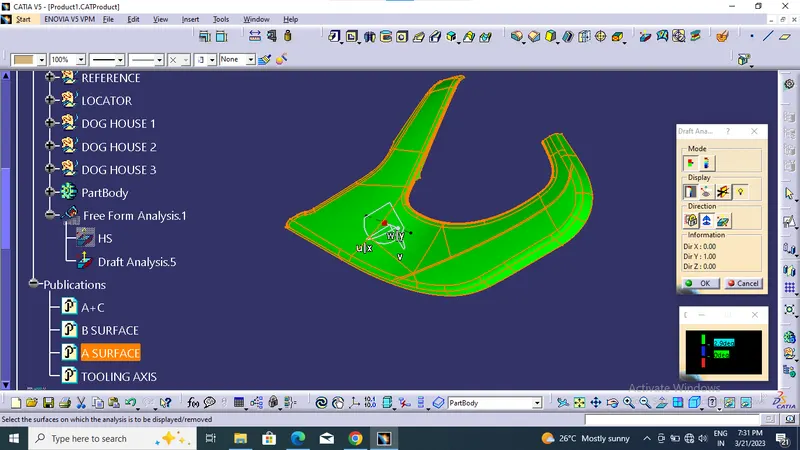
Select the surface at minimum draft at 3 degree , the clearing surface are green colour through the tooling axis .Sometime the draft angle can be change then get blus and red colour
on surface not able to clear through tooling axis, flip the direction for any change in colour on surface.
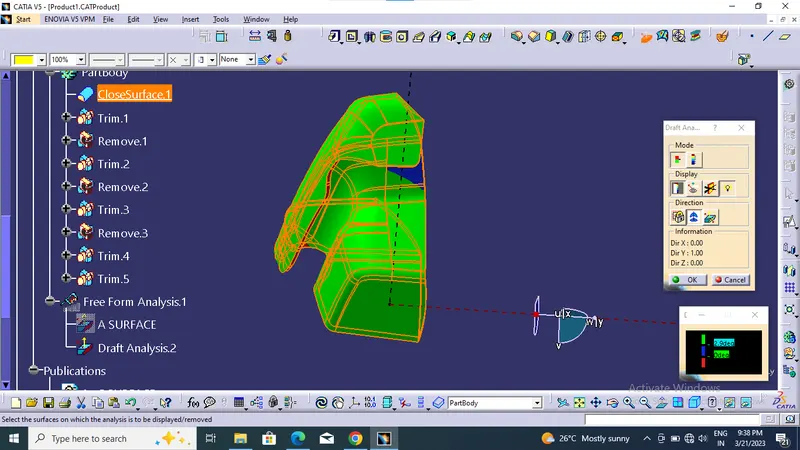
DRAFT ANALYSIS FOR DOOR ARM REST
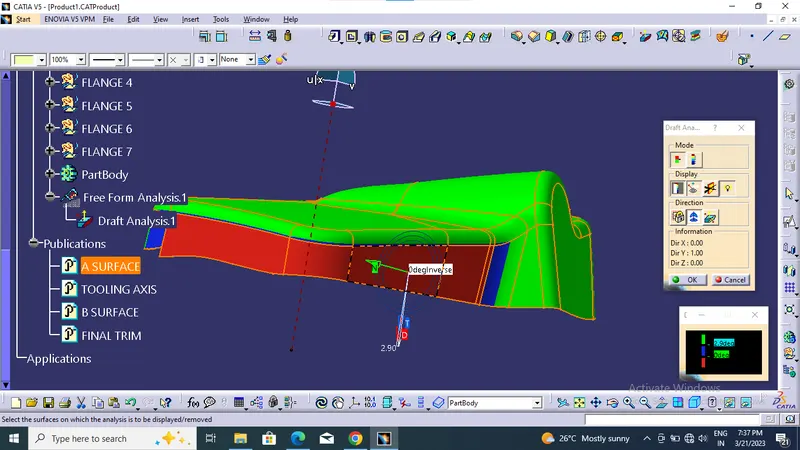
Draft at 2.9 degree ,but some area not clearing at main tooling and side core that mention below :
DOOR ARM REST
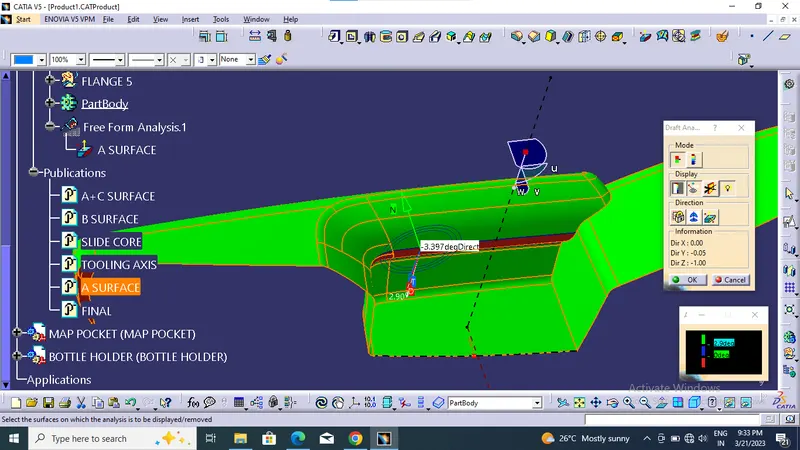
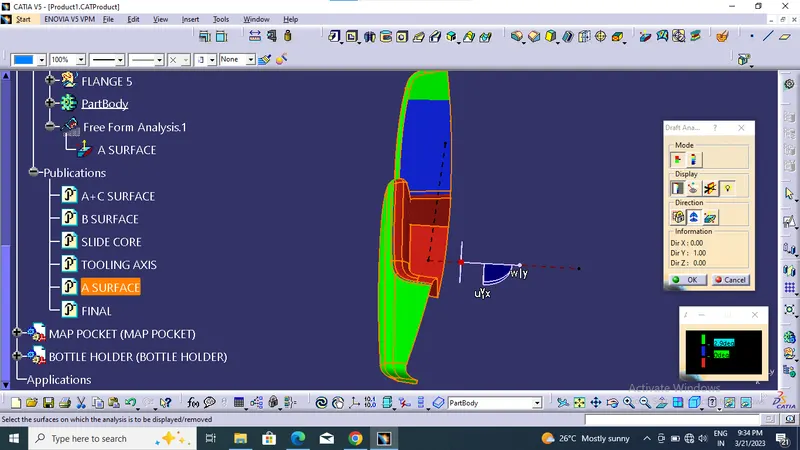
LOWER SUBSTRATE
MAP POCKET
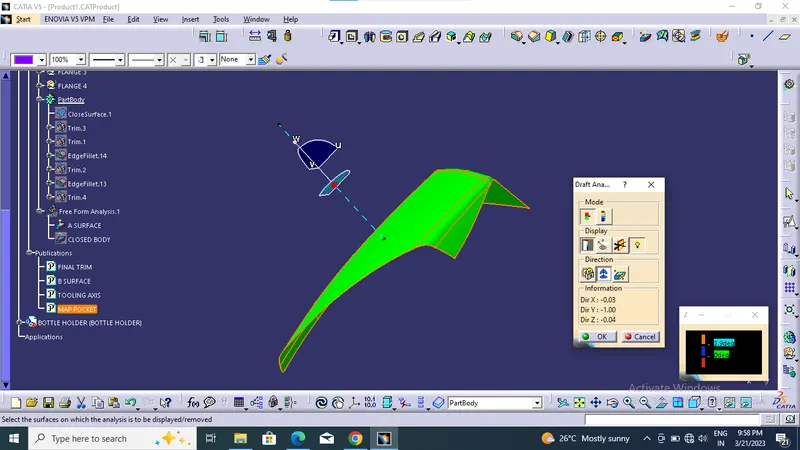
BOTTLE HOLDER
CREATION OF B SURFACE
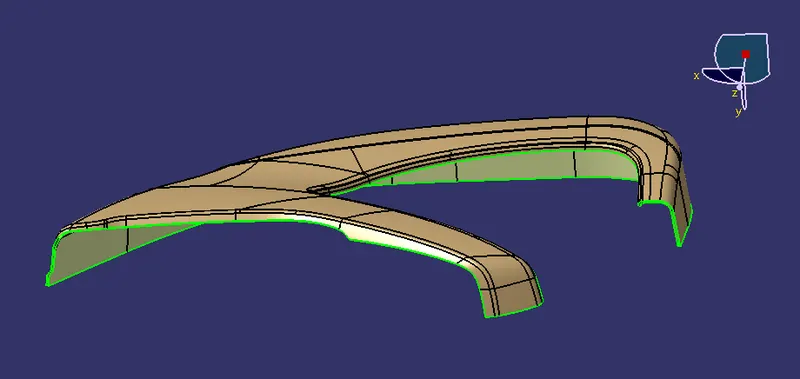
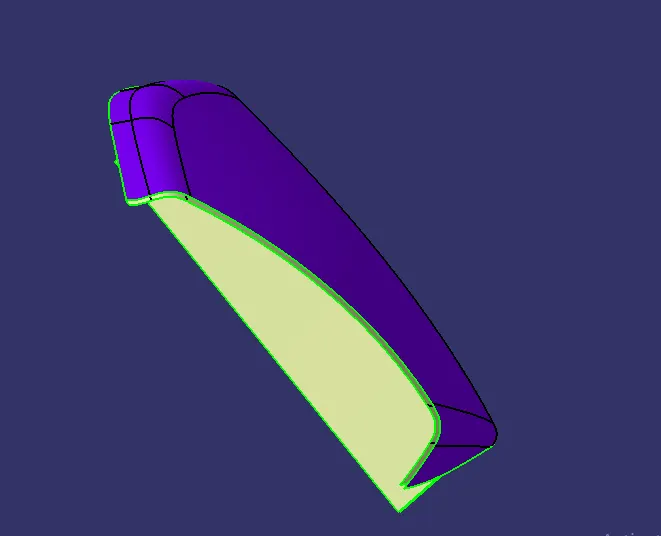
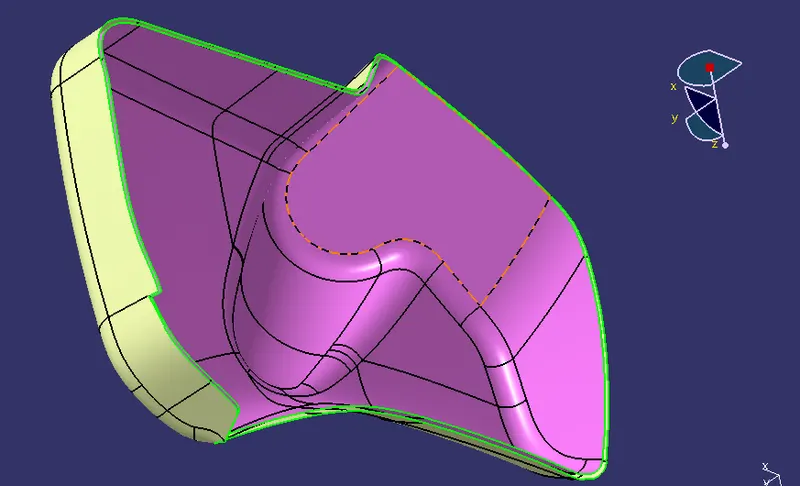
B surface is create by using offset at 2.5 mm of A surface , some area of A surface not offset during that time extract surface from A surface and untrim, extraploate then trim that
surface then we should trim it.
CREATION C SURFACE
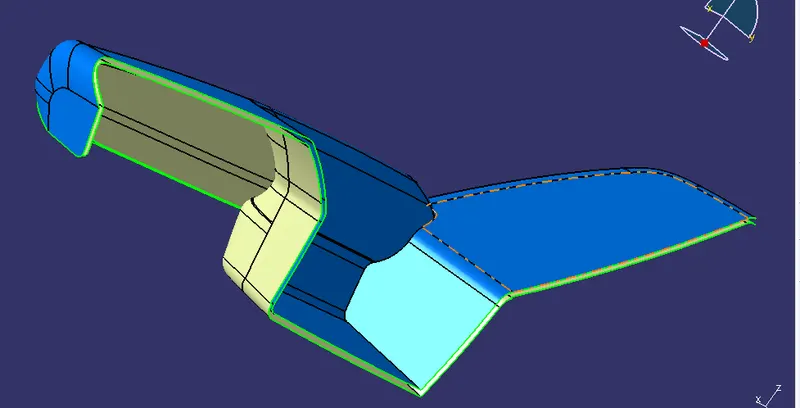
C surface can be created by A surface using sweep command by boundary line create at A surface then sweep
it 3 degree through the tooling axis .
In somtime we should go reference to surface at 90 degree . Then join A and C surface.
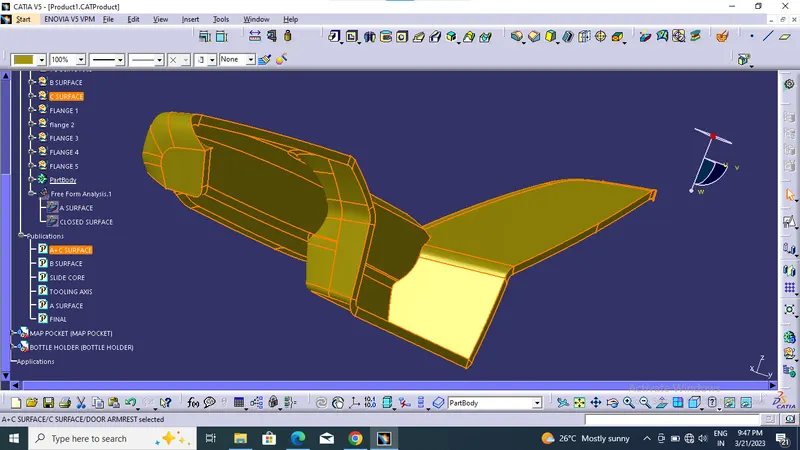
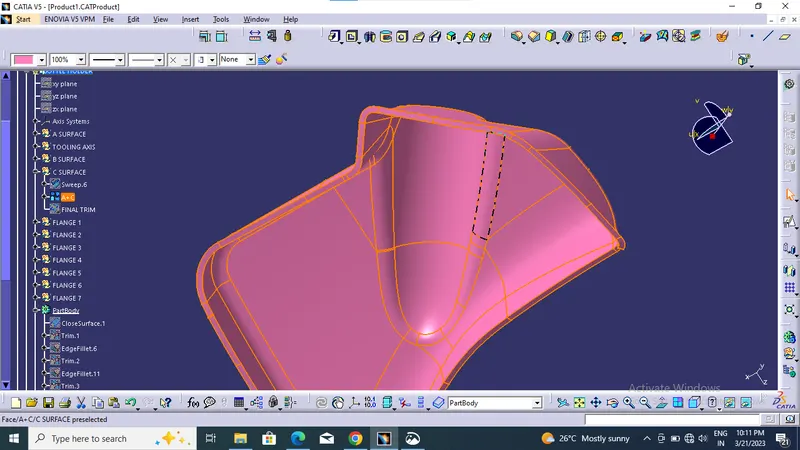
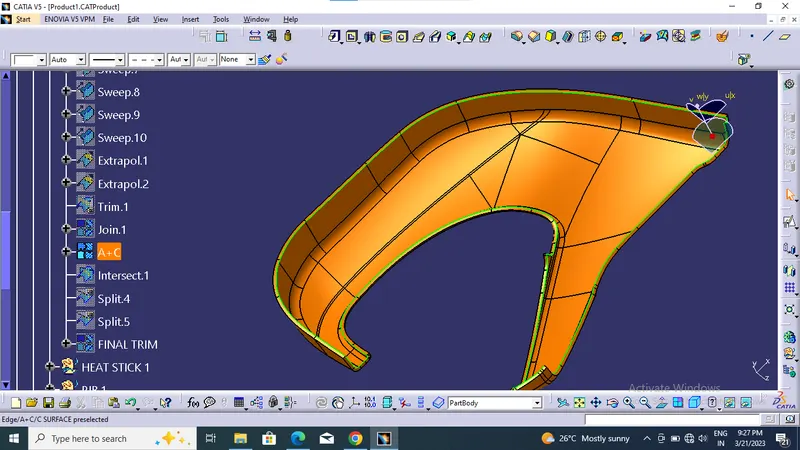
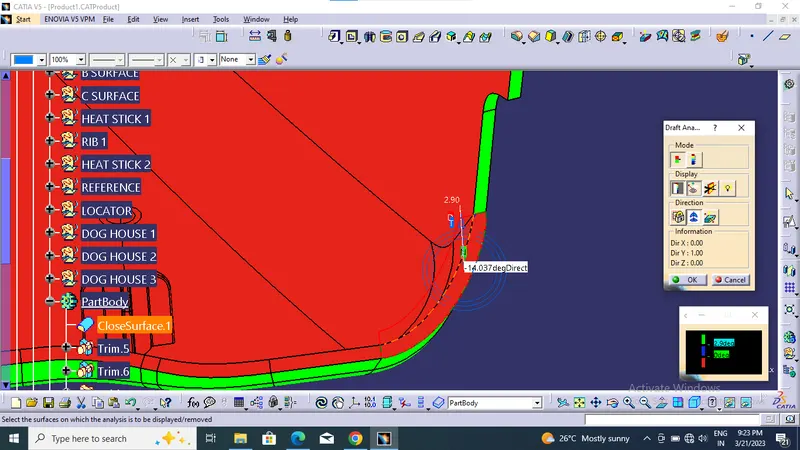
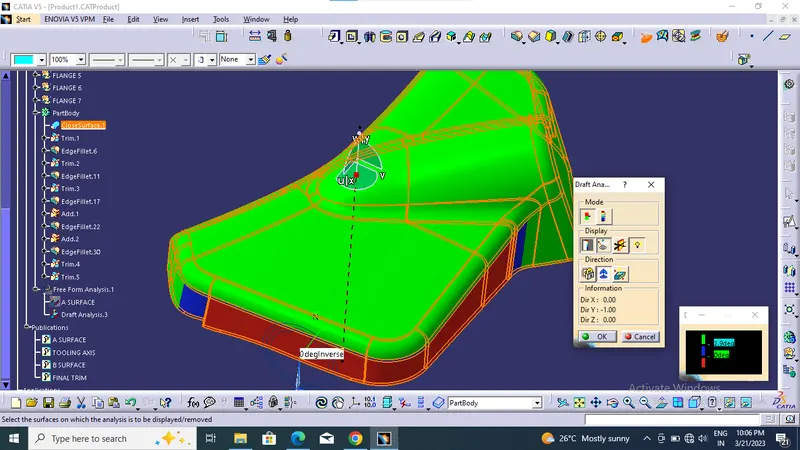
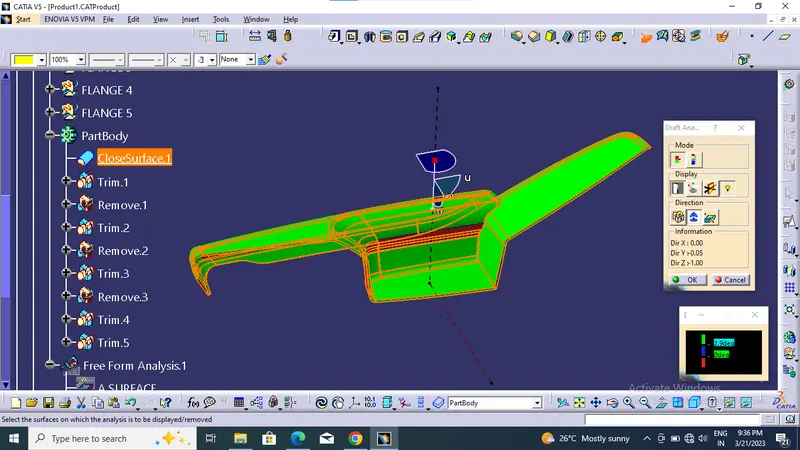
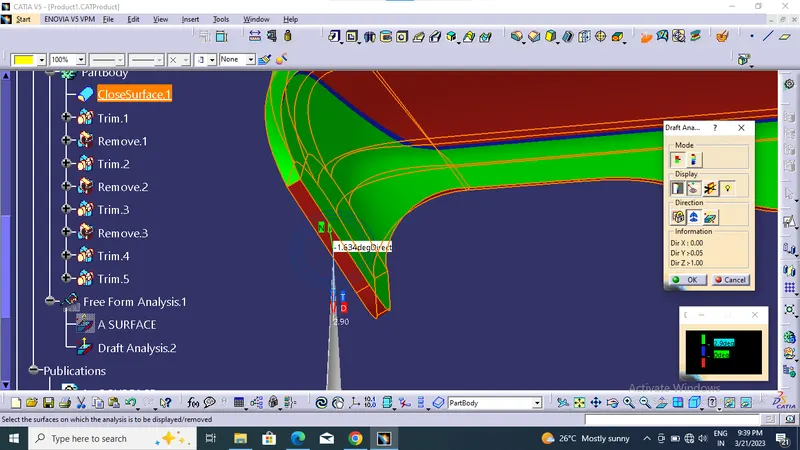
Using trim command trim the surface A and C to create closed surface and draft analysis also done. But C surface not clearing beacause of providing the 90 degree of sweep.
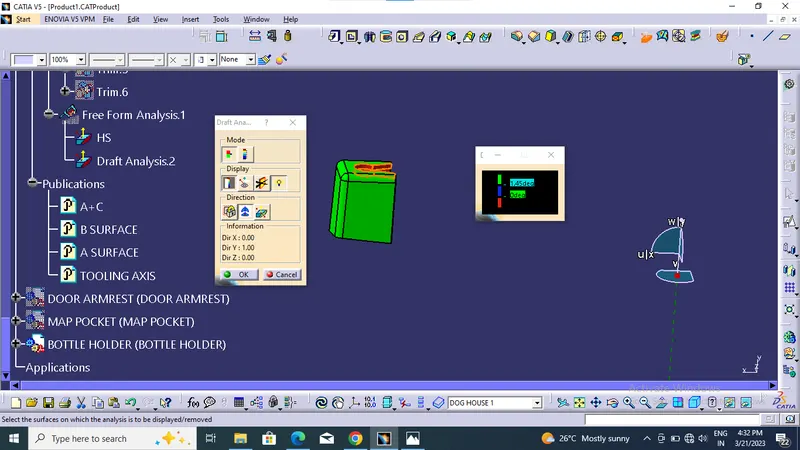
Draft analysis done at 3 degreethrough tooling axis
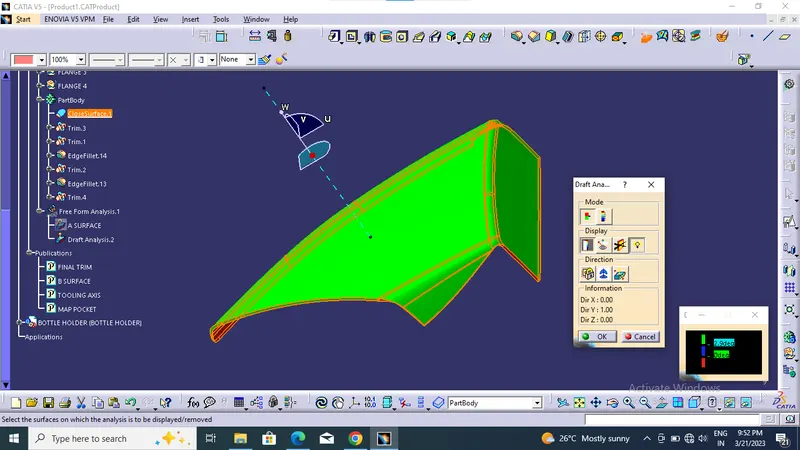
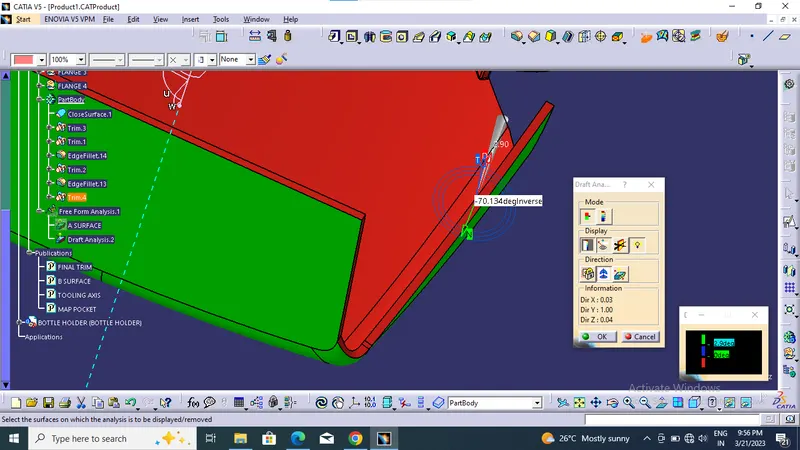
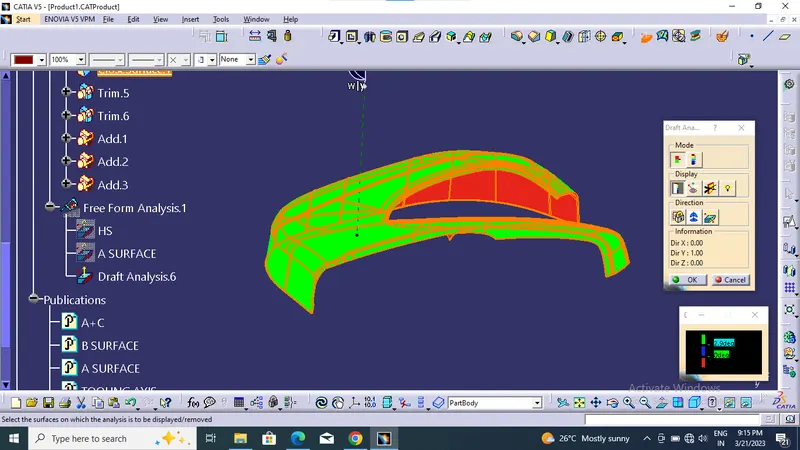
B SIDE FEATURE
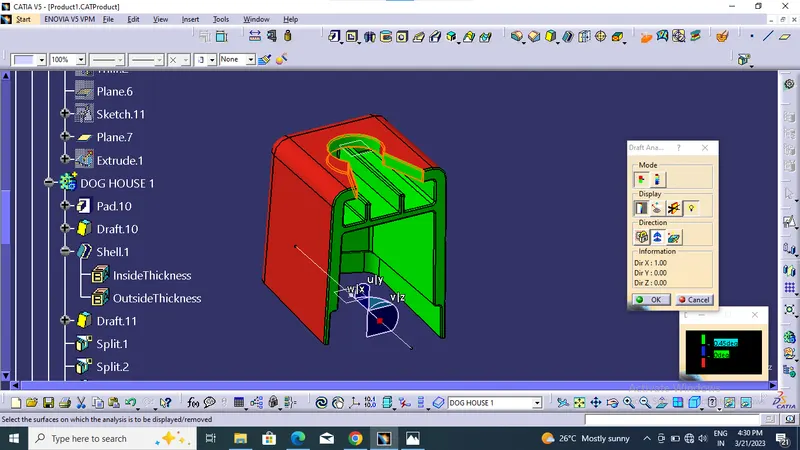
- Dog House
- Locator
- Heat Sticks are used in this design
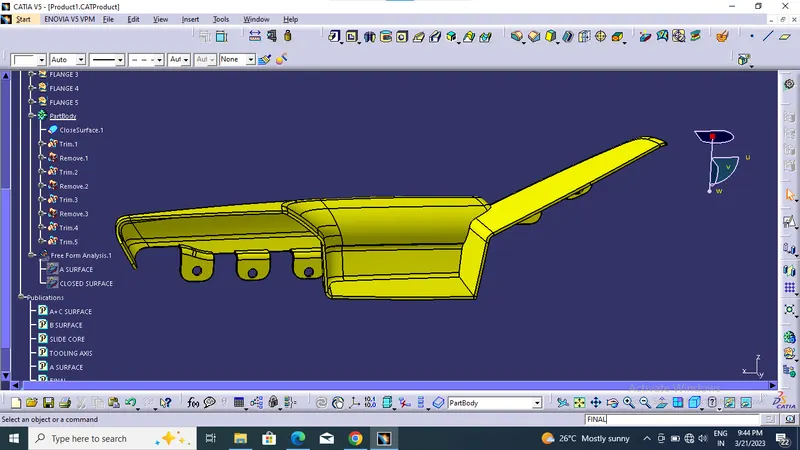
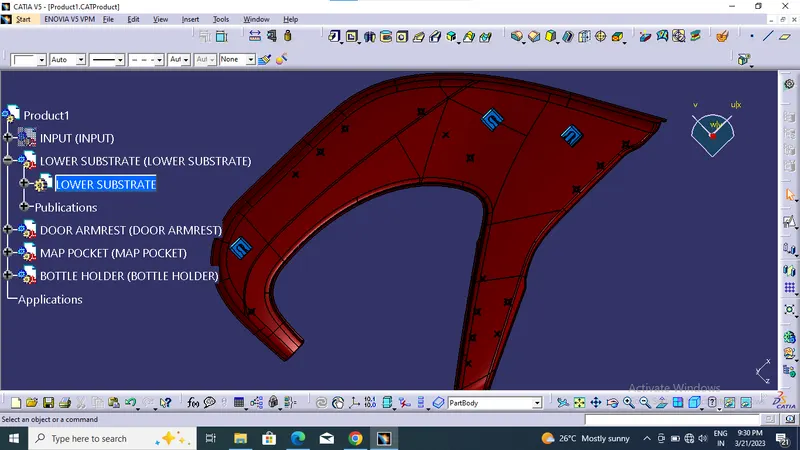
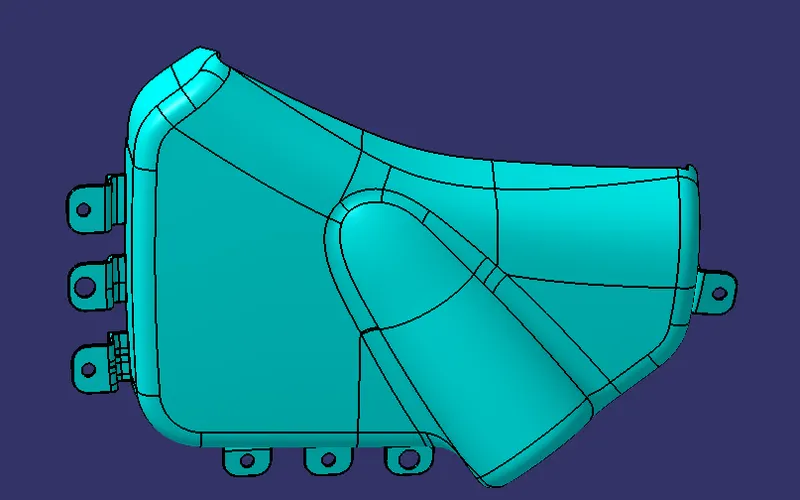
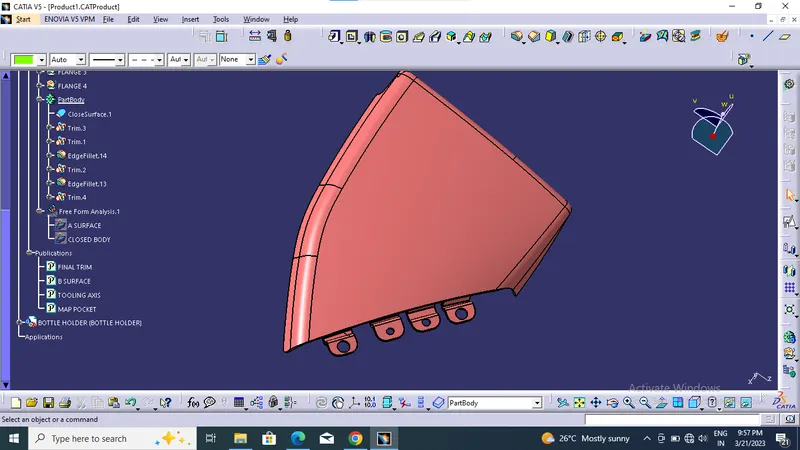
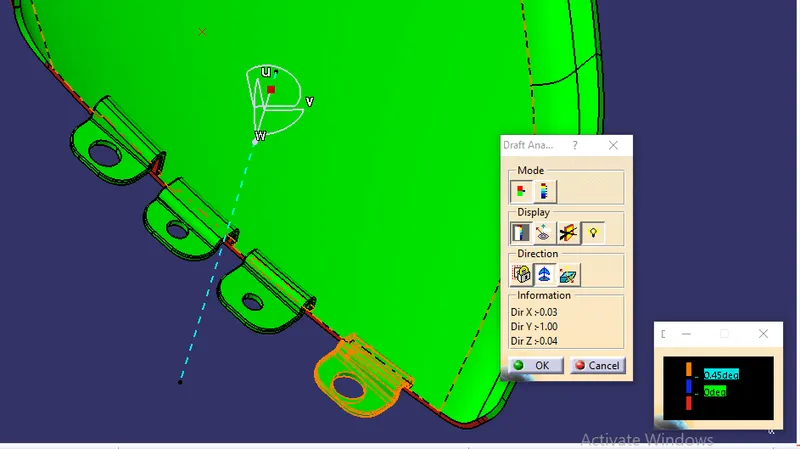
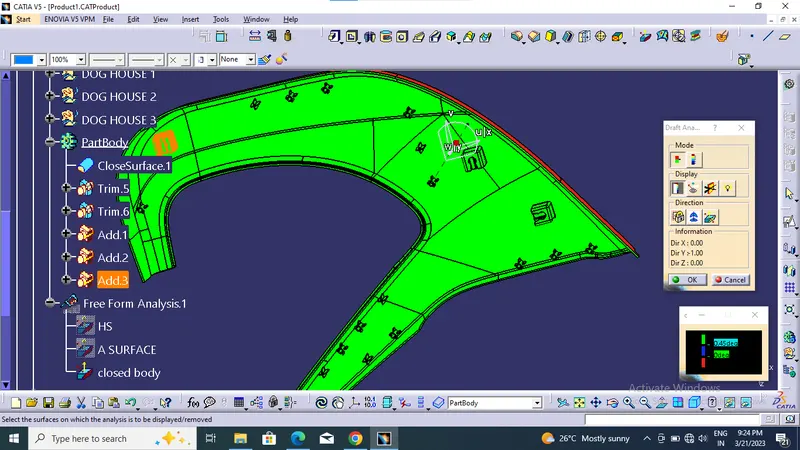
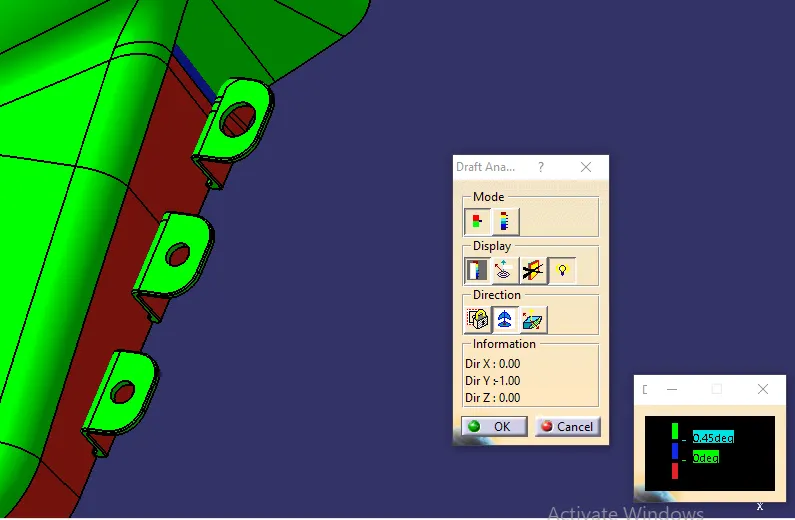
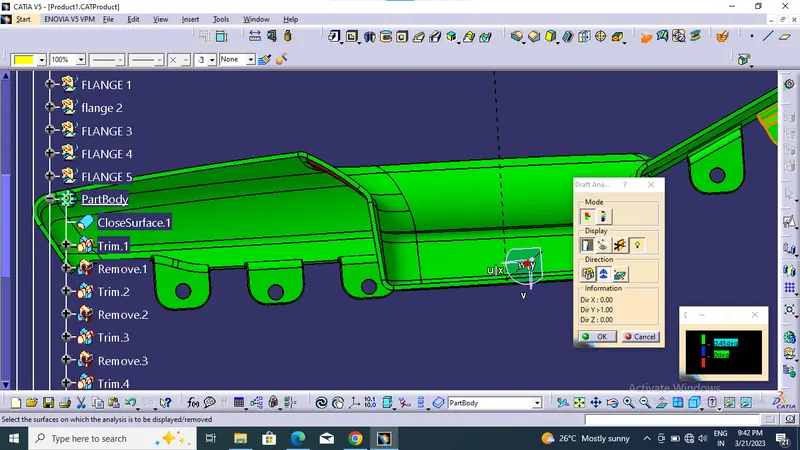
B side feature can drfat at 0.5 degree through tooling axis and draft analysis for 0.5 & 3 degree
ASSEMBLY
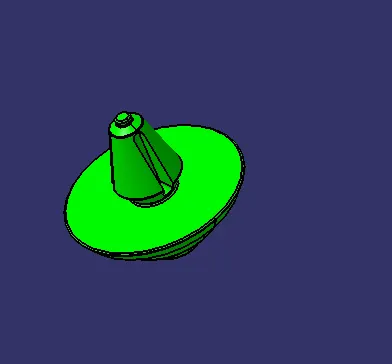
FINAL ASSEMBLY