Week 11 - Final project
Creation of CAD model considering following inputs as like in OEM and tier1 companies
- a) Class A surface
- b) Nominal thickness : Refer master sections
- c) Attachment strategy :
Find a attachment strategy for the door panel complete work.
Use Push pin with Dog house for Lower substrate – Door panel attachment
Use heat stakes for part to part attachment
Output required:
- Create thickened part using master section for reference
- Create the mounting features as per design guidelines in the industry and with master sections
- Apply material details :
- Draft analysis & Tooling analysis
- Creation of parting lines and check tooling feasibility
Output required in attachment
- Submit the CATpart and CATproduct in the attachment
Here we have to create the Door Panel Model with the reference from the given class-A for assembly
we have given the Class-A surfaces
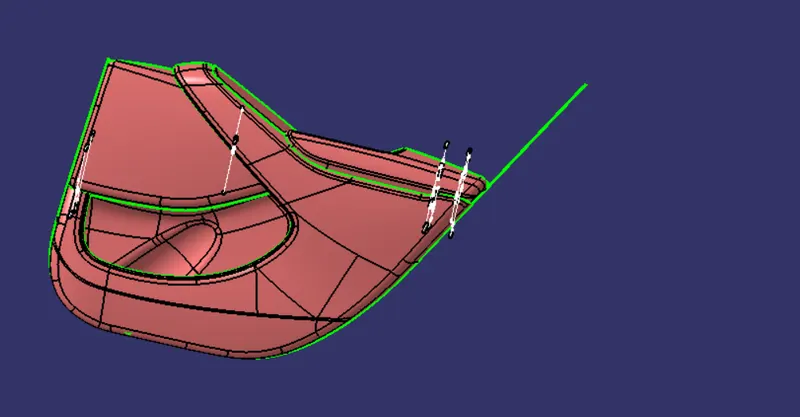
from this we have create the tooling axis for the each class-a surface induvially
tooling axis for Arm Rest
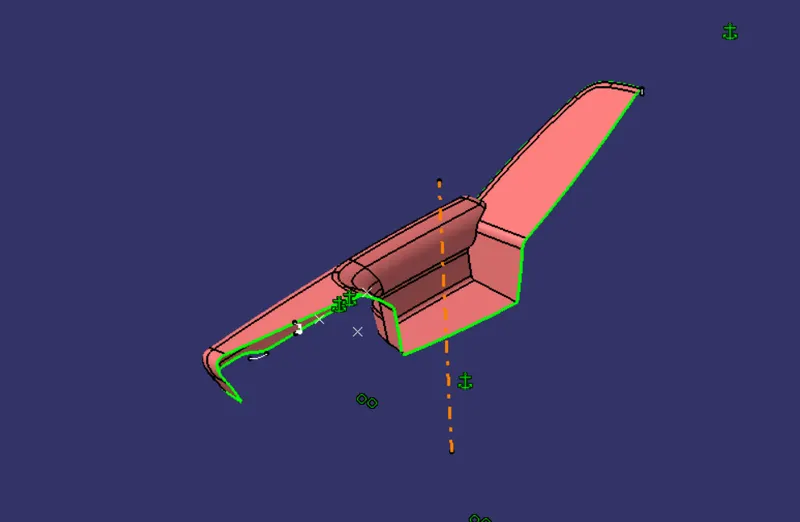
tooling axis for lower substract
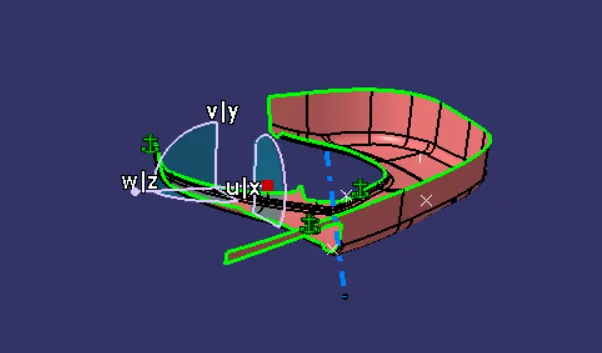
tooling axis for upper substract
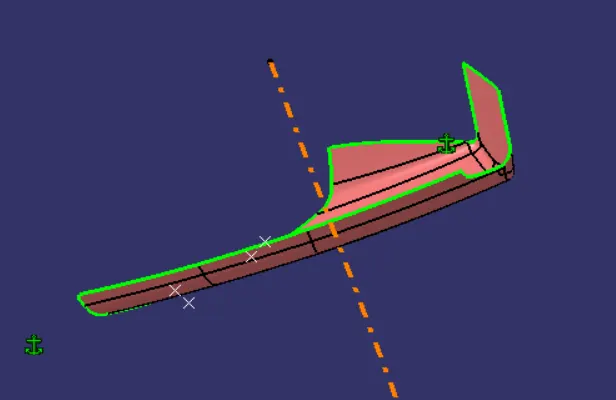
tooling axis for bottle holder
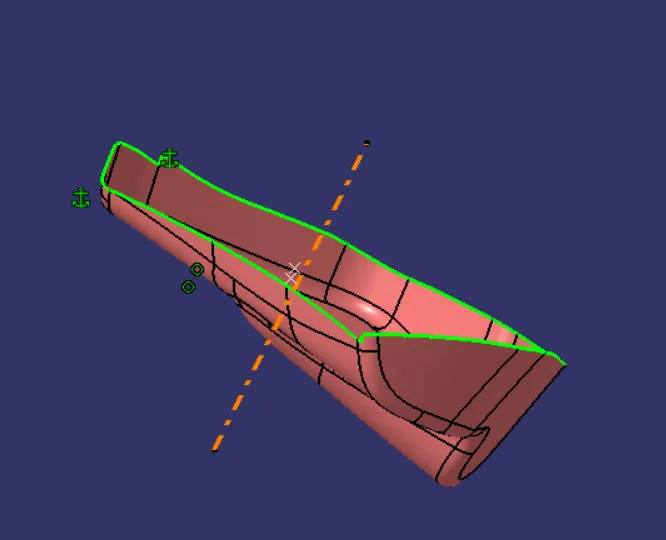
Draft analysis:
now we have perform the draft analysis for every class-a to chek wheather the given class is perfect or not.
daft analysis to arm rest with respective to tooling axis
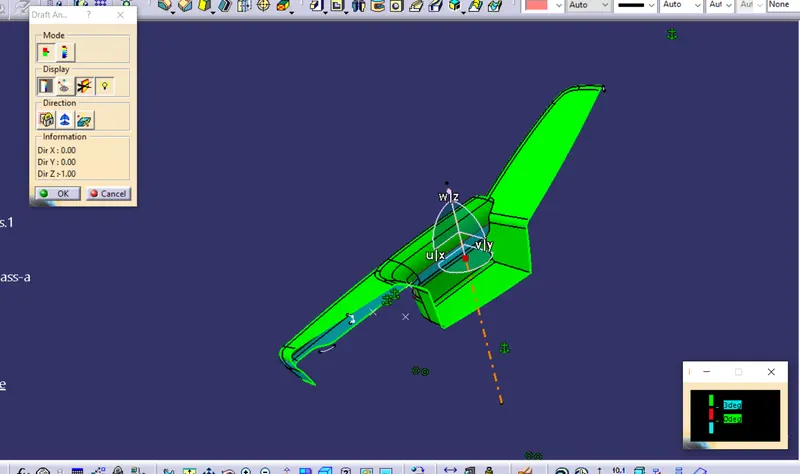
for the arm rest we have to modify the class-a to get perfect draft analysis
daft analysis to lower substarct with respective to tooling axis
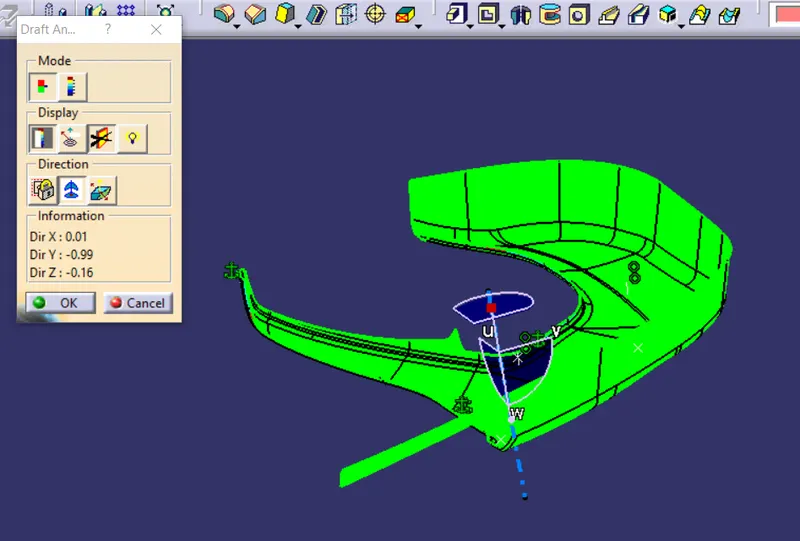
for the lower substarct we have to clearing the perfect draft analysis
daft analysis to upper substarct with respective to tooling axis
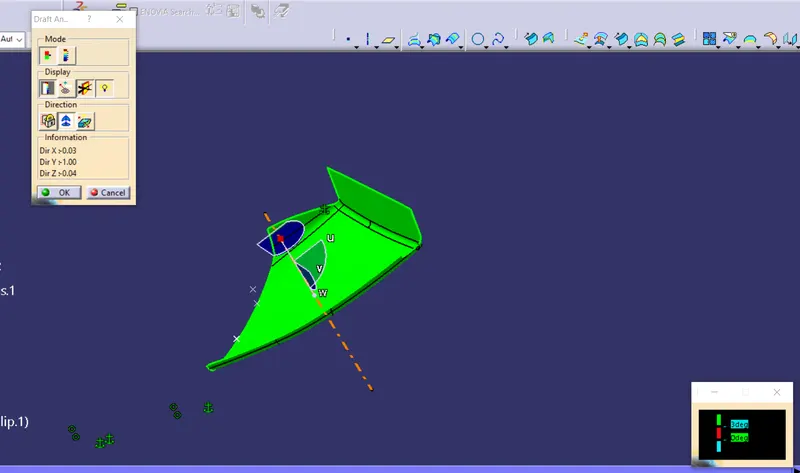
for the upper substarct we have to clearing the perfect draft analysis
daft analysis to bottle holder with respective to tooling axis
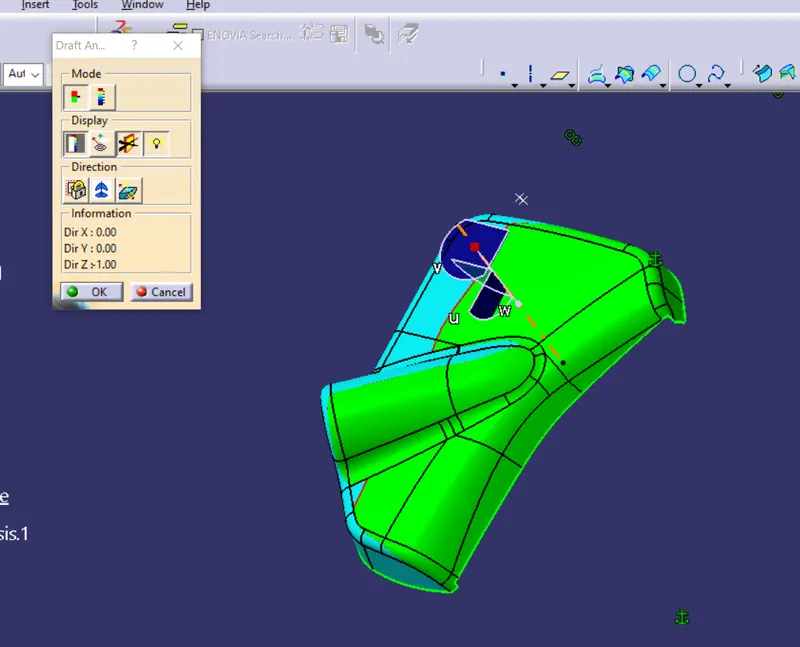
for the bottle holder we have to modify the class-a to get perfect draft analysis
B_SUrface
Now we have to create the b-surface for the each part to get the close surface
b-surface for the arm rest
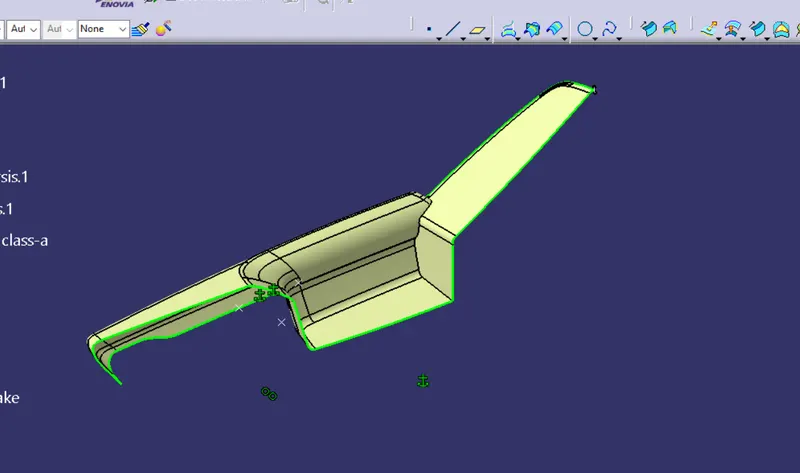
b-surface for the lower substract
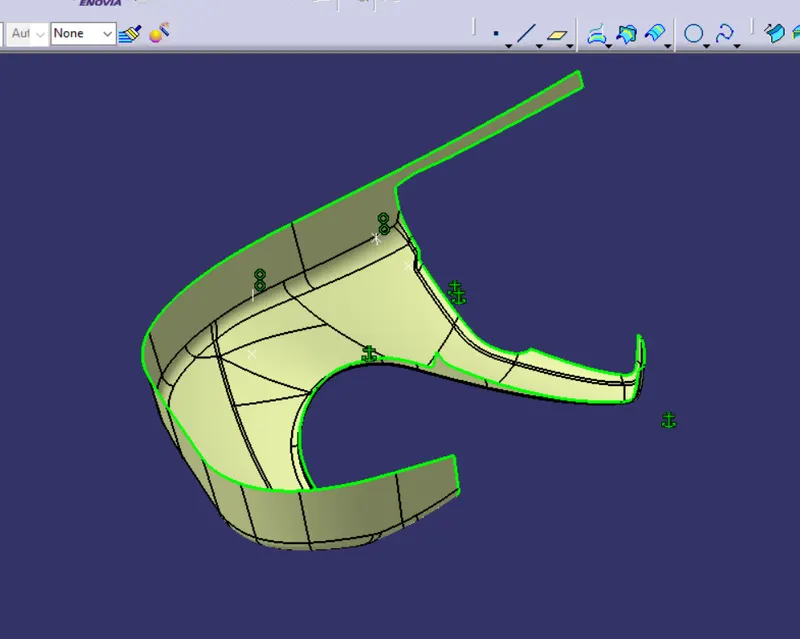
b-surface for the upper substract
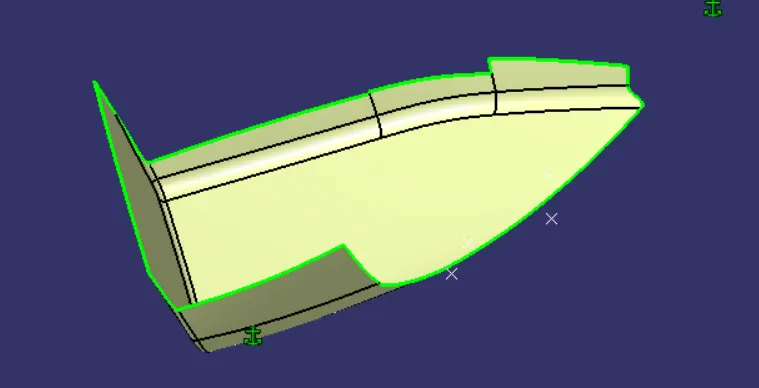
b-surface for the bottle holder
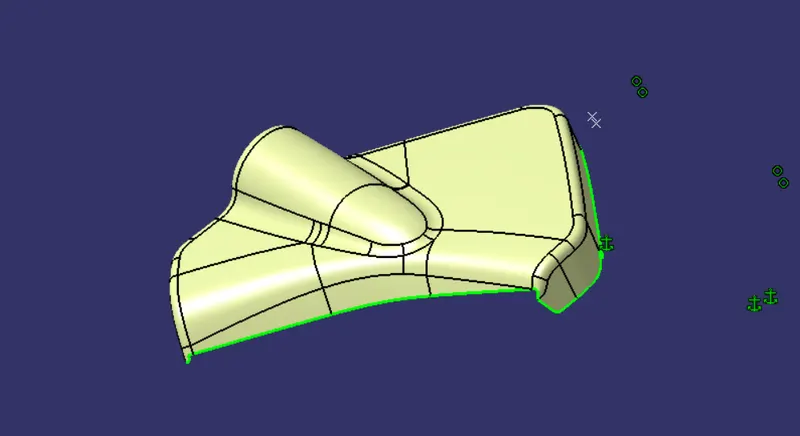
after creating the b surface we have to create the C surface
C-Surface:
Creating the c surface with the help of the Sweep command
C-Surface for the arm rest
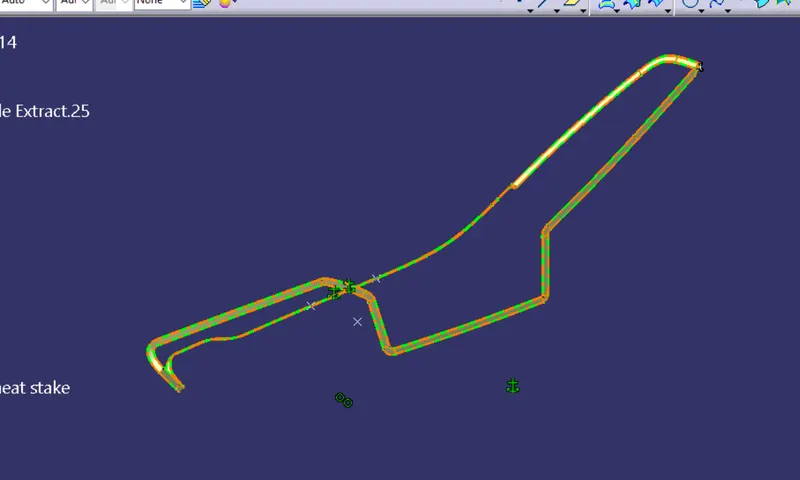
C-Surface for the lower substarct
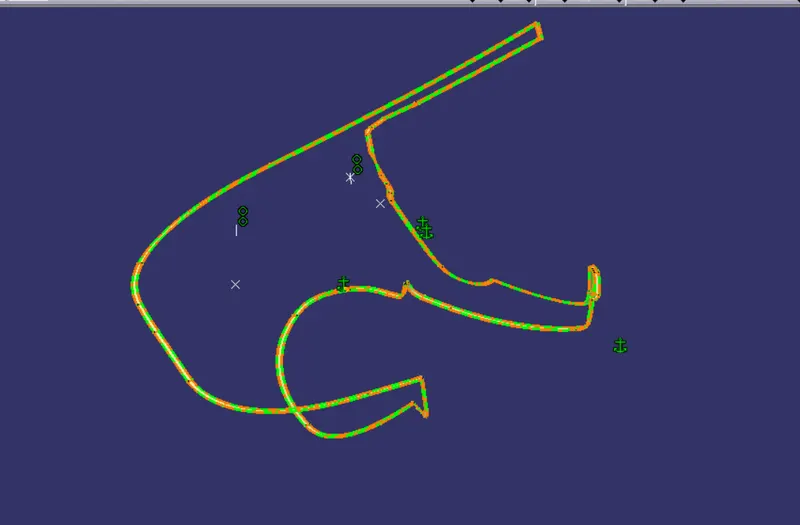
C-Surface for the upper substarct
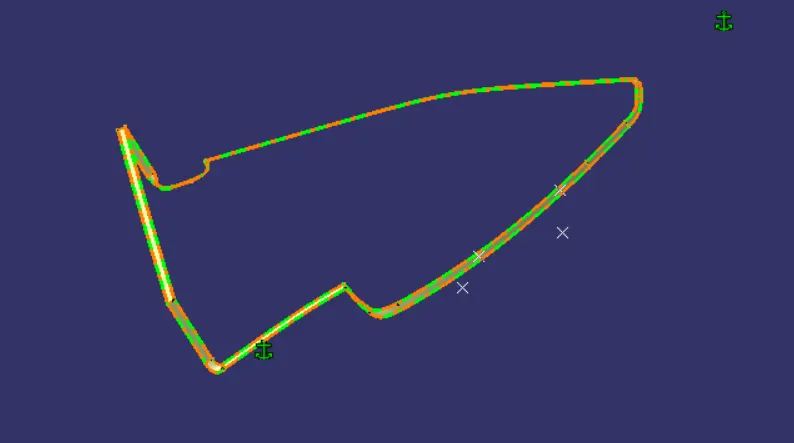
C-Surface for the bottle holder
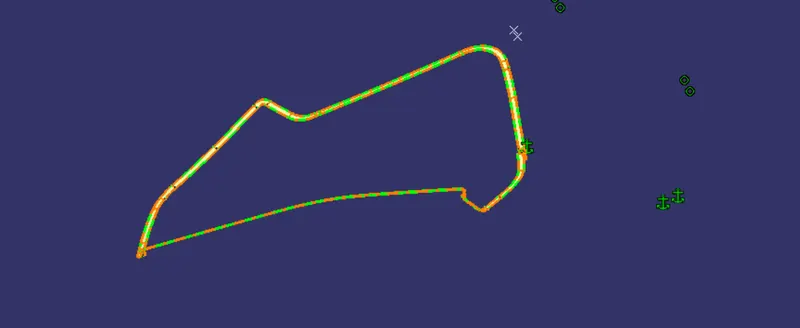
next we have to add c surface with the Class_a Extract surface
this is called as the C+A Surface
C+A Surface for the Arm Rest
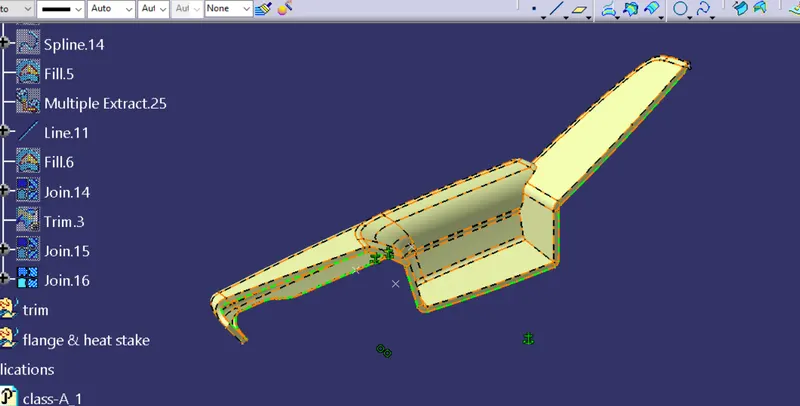
C+A Surface for the loweer substract
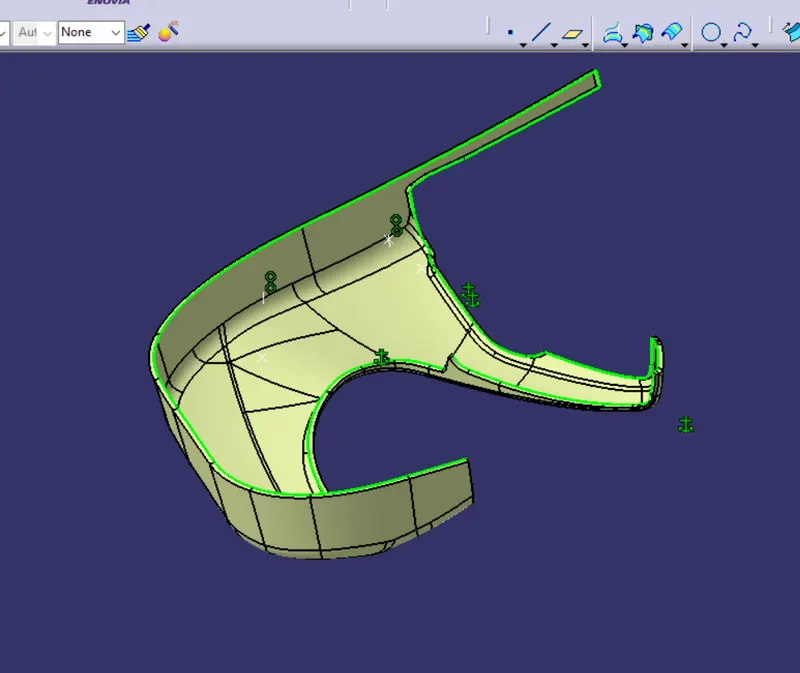
C+A Surface for the upper substract
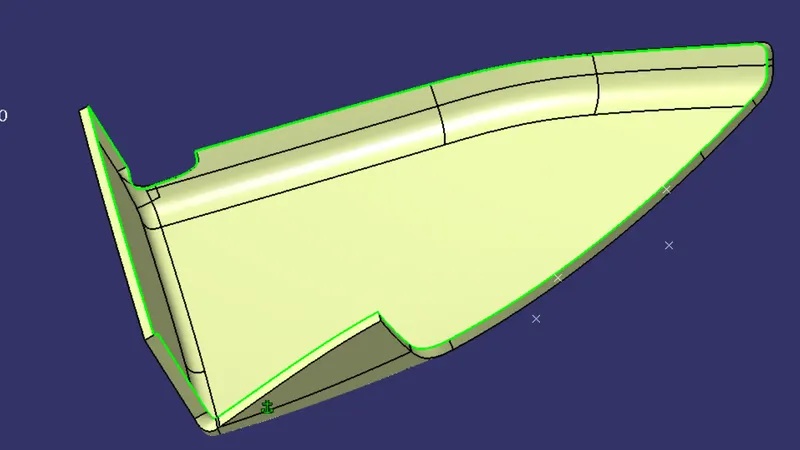
C+A Surface for the upper substract
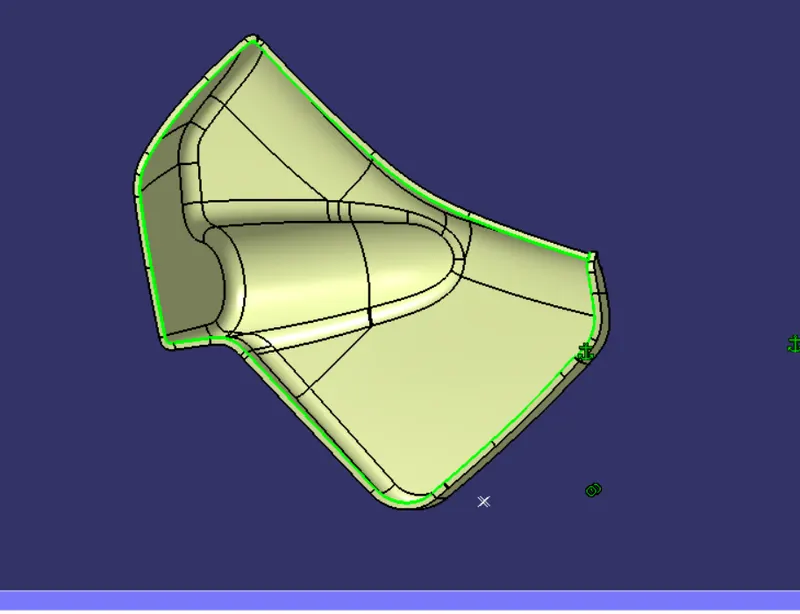
Trim the C+A Surface with the B_Surface
we have to the C+A Surface with the B_SUrface to created the closed surface & Closed Body
closed Surface for Arm rest
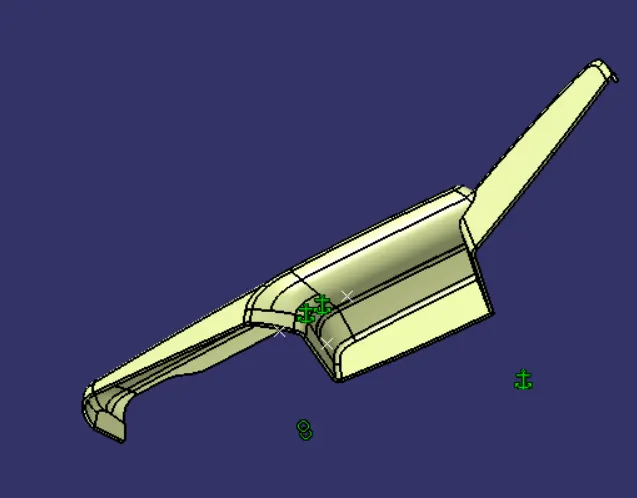
Closed Body for Arm rest
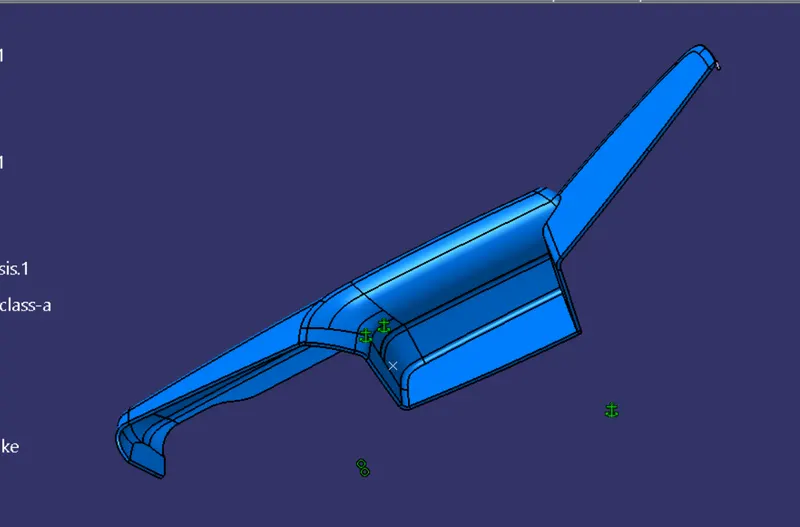
closed Surface for Lower Substract
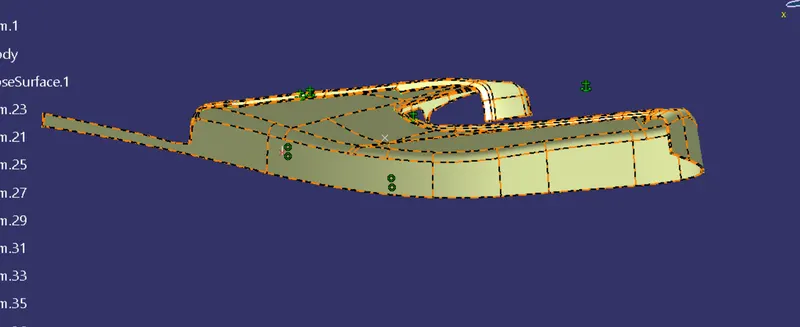
closed Body for Lower Substract
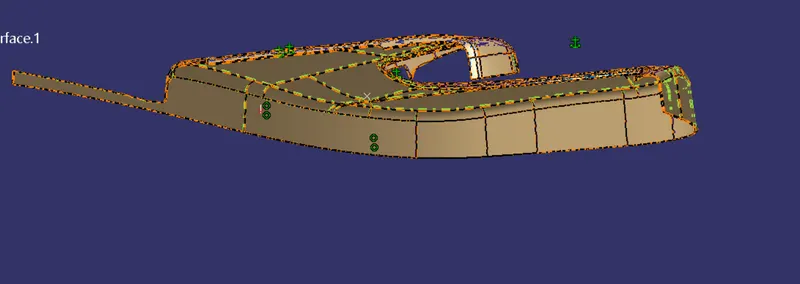
closed Surface for upper Substract
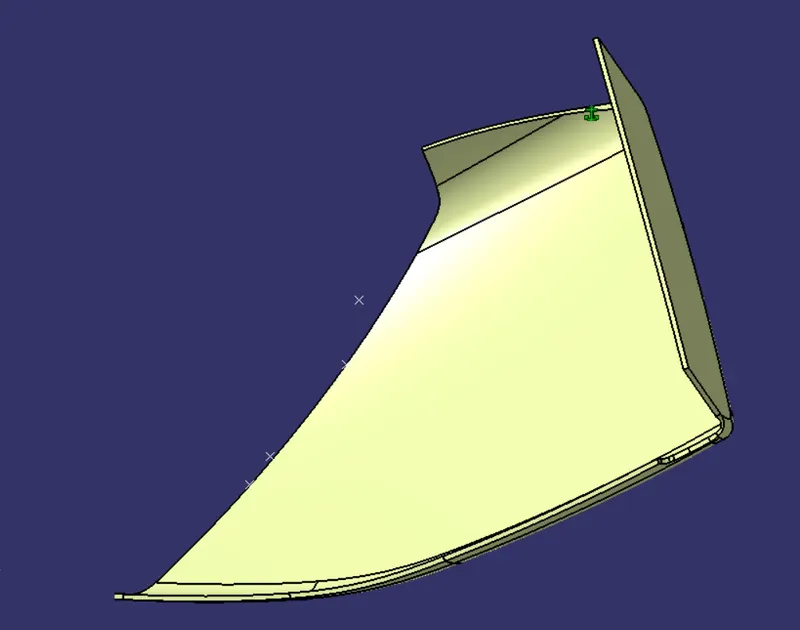
closed Body for upper Substract
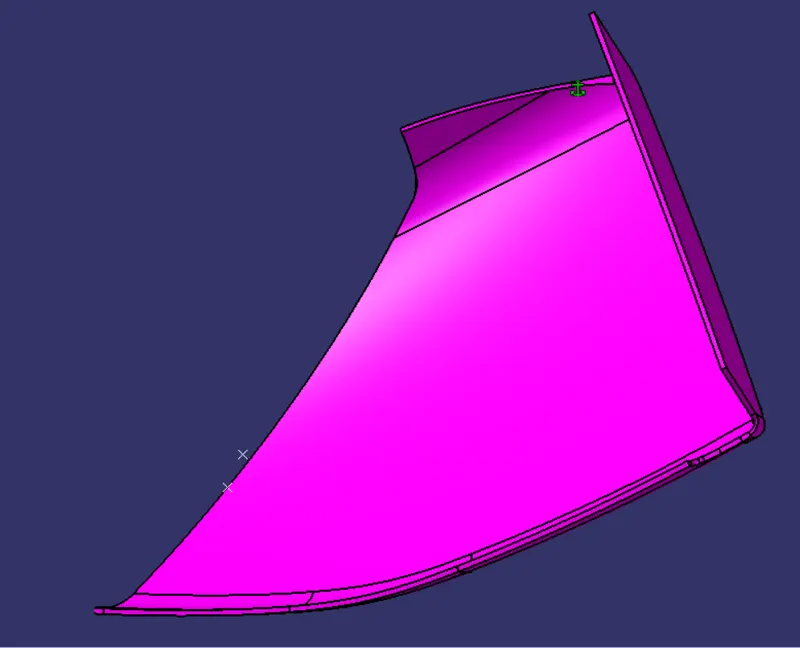
closed Surface for bottle holder
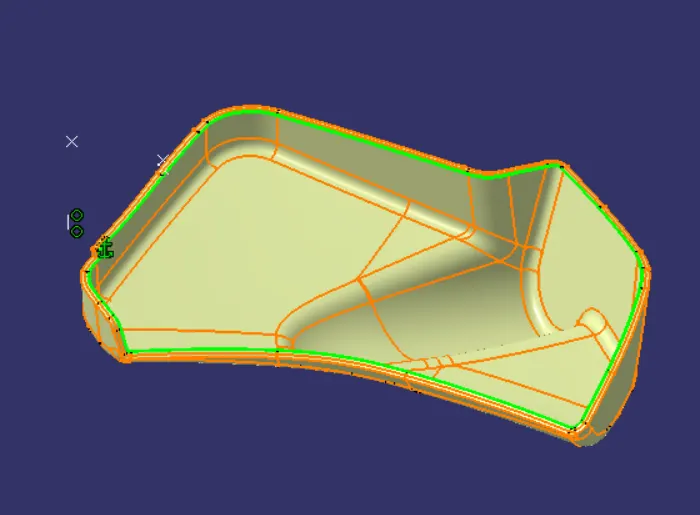
closed Body for bottle holder
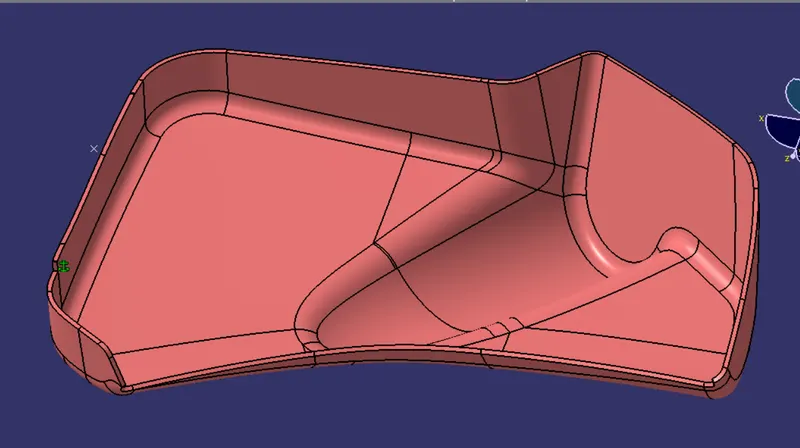
untill now we have created all the closed solid bodies
now we have to add the engineering features to assembly like heat stakes, dog house and locators
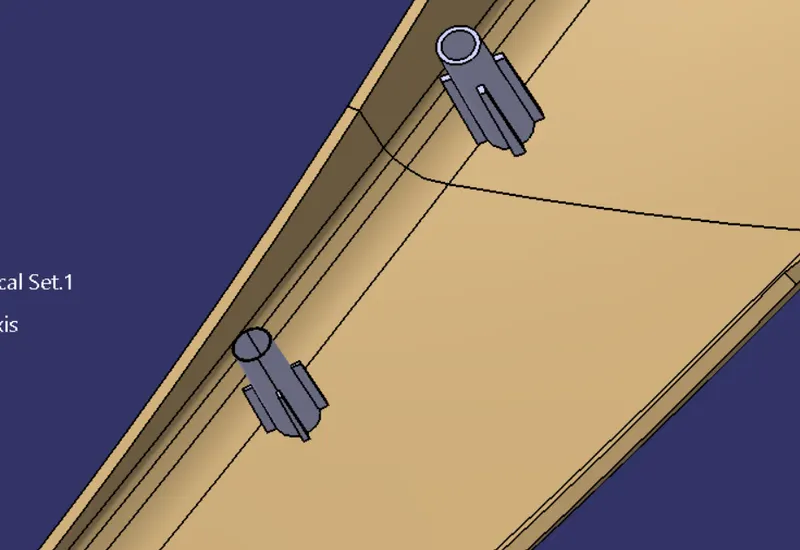
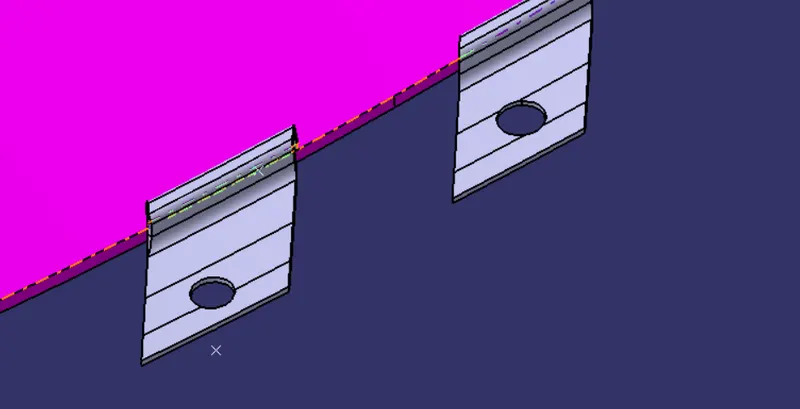
Creation of Flange and Heat Stakes
One of the heat stake created
One of the Flange created
Assembly of heat stake and flange
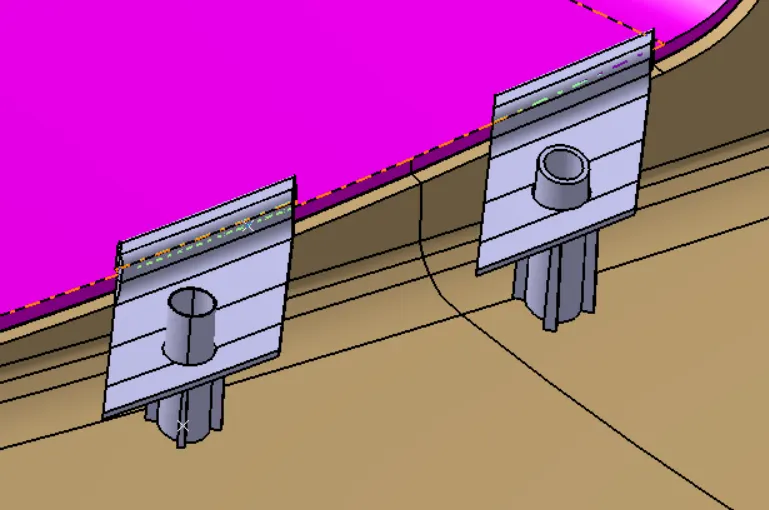
Creation of Dog House
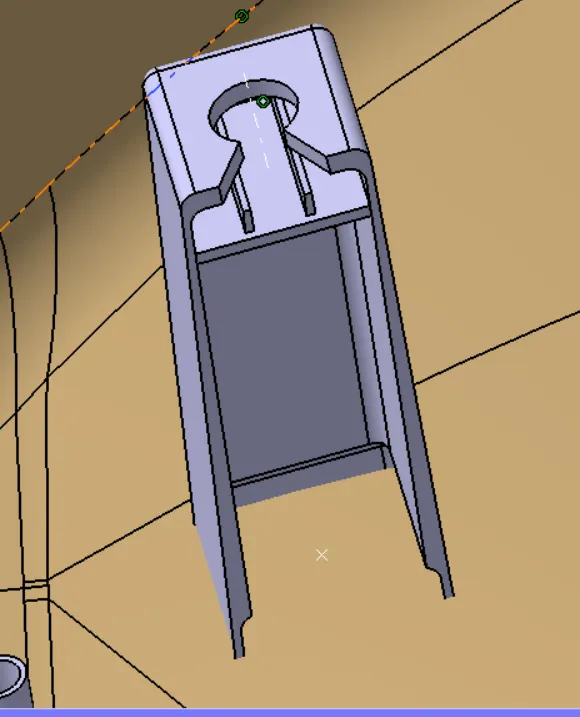
RIB Creation:
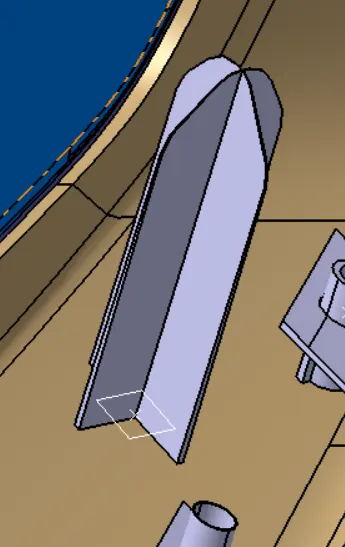
Draft analysis for the arm rest
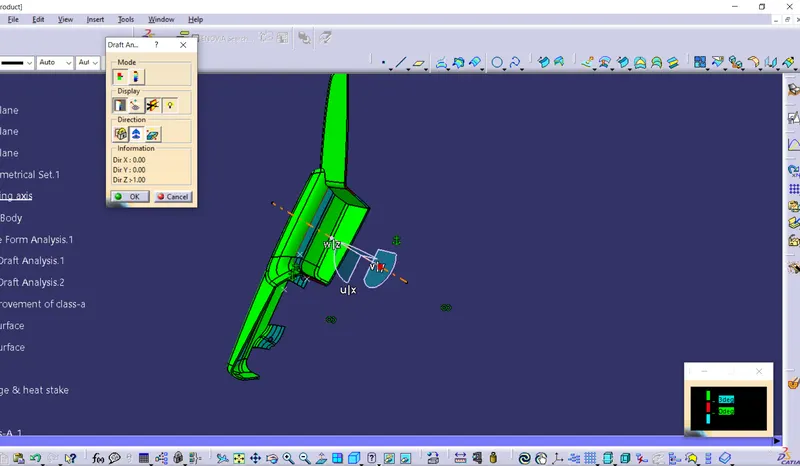
for the arm rest the draft analysis is not clearing in some places
Draft analysis for the lower substract
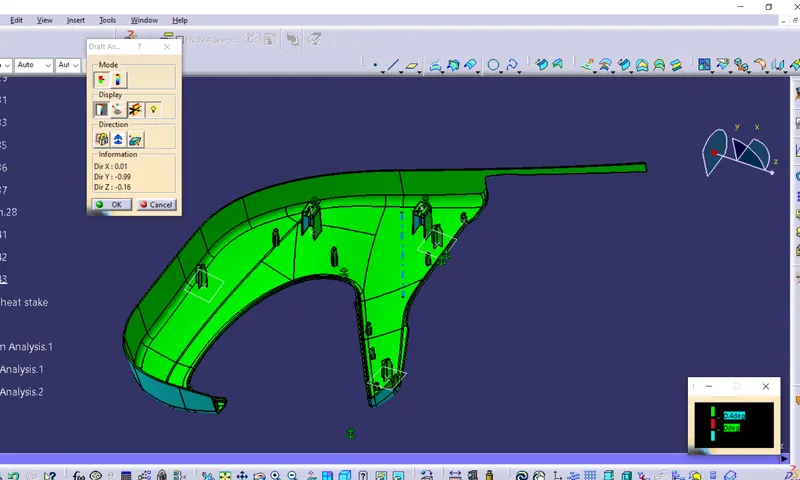
for the lower substract the draft analysis is clearing alomost in all most all places
Draft analysis for the upper substract
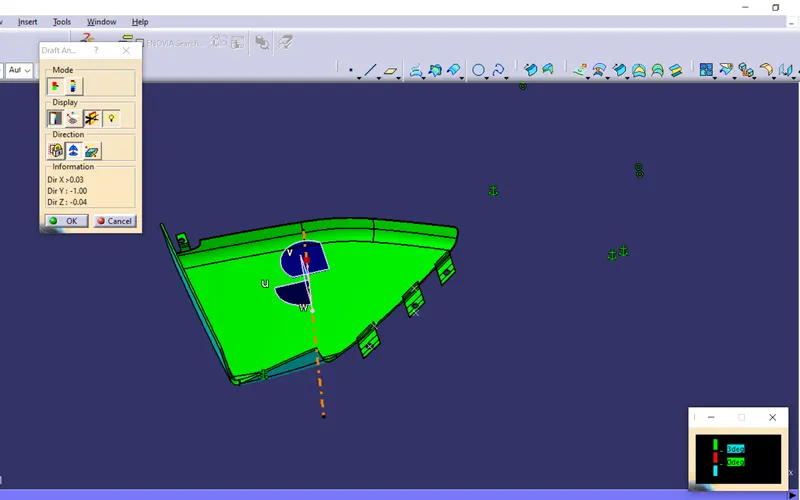
for the upper substract the draft analysis is clearing in all places
Draft analysis for the bottole holder
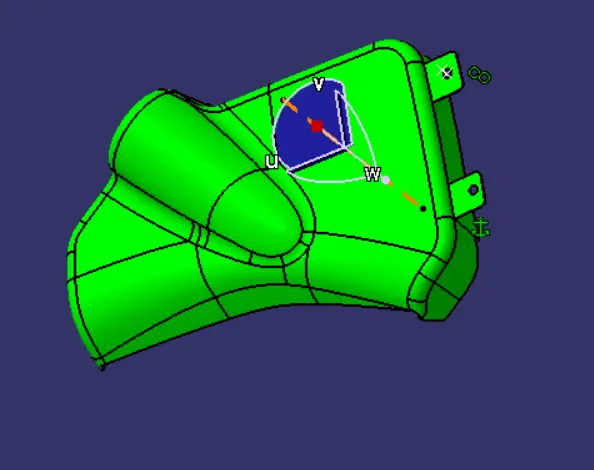
for the bpttle holder the draft analysis is not clearing in some places
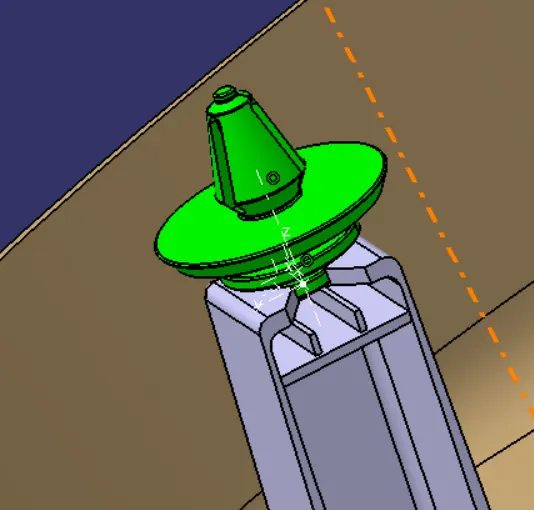
Assembling of the Pin in the Dog Hose
Conclusion: the door interior part has been created from the inputs of class A surface along with master section by following the design rules followed in tier 1 and OEM industries in catia v5