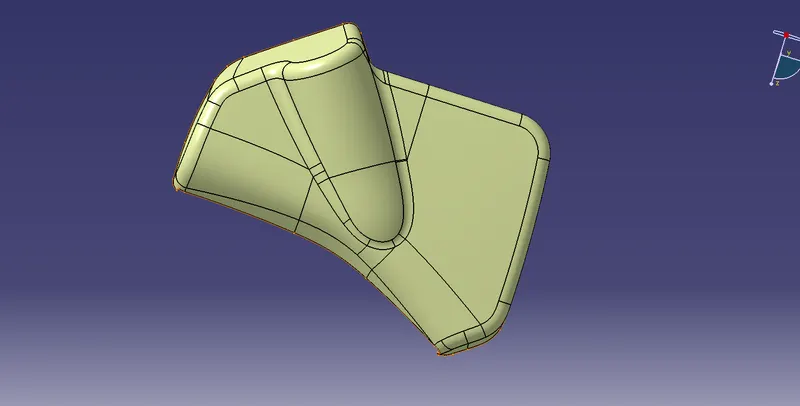
Week 11 - Final project
The model is divided into 4 parts:
- Lower Substates
- Map Pocket
- Door Arm Rest
- Bottle Holder
Creating A,B, & C surfaces for Lower Substates:
LOWER SUBSTATES:
CLASS A SURFACE:
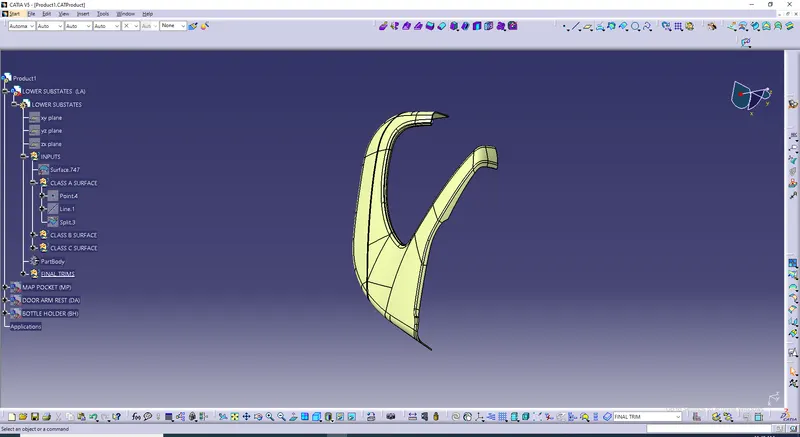
Class B surface:
- Insert Geometrical set & name it as CLASS B SURFACE.
- From Class A surface which is given above we have to create Class B surface.
- Class A surface has to be Offseted intially.
- Then the offseted surface should be Extrapolated.
- Then the Class B Surface is created.
CLASS B SURFACE:
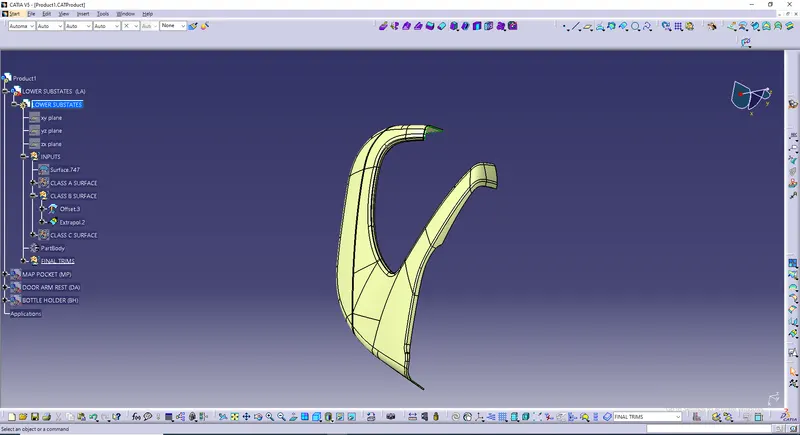
Class C surface:
- Insert a Geometrical set & name it has CLASS C SURFACE.
- To create Class C surface Class B surface has to be hided.
- Class C surface will be created using Class A surface.
- Intially create boundries for all surfaces.
- Sweep all surfaces where boundries are created.
- Join all surfaces.
CLASS C SURFACE:
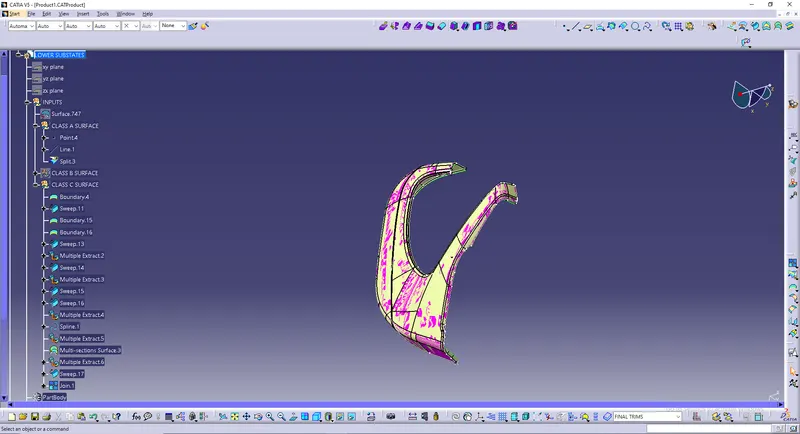
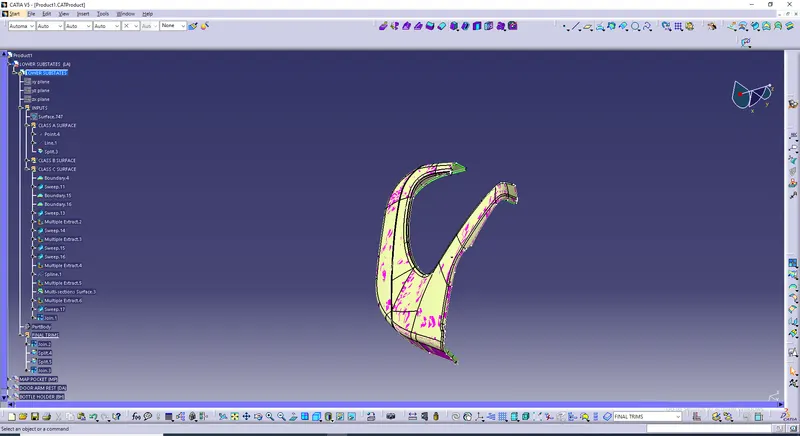
Final product of Lower Substates:
- For creating a Final product Insert a Geometric set & name it as Final trims.
- Intially Join Class A Surface & Class C Surface.
- After Joining Class A & Class C surface Class B surface has to be trimmed to get final product.
- For getting the final product use split operation to split the extrapolated B surface.
- Again use a split operation to split previous split operation.
- Finally Join both splits & final product will be formed.
LOWER SUBSTATES FINAL PRODUCT:
Creating A,B, & C surfaces for Map Pocket:
MAP POCKET:
CLASS A SURFACE:
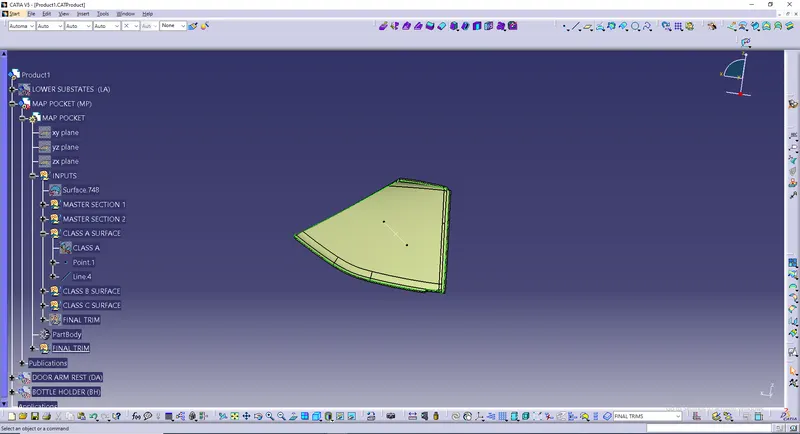
Class B surface:
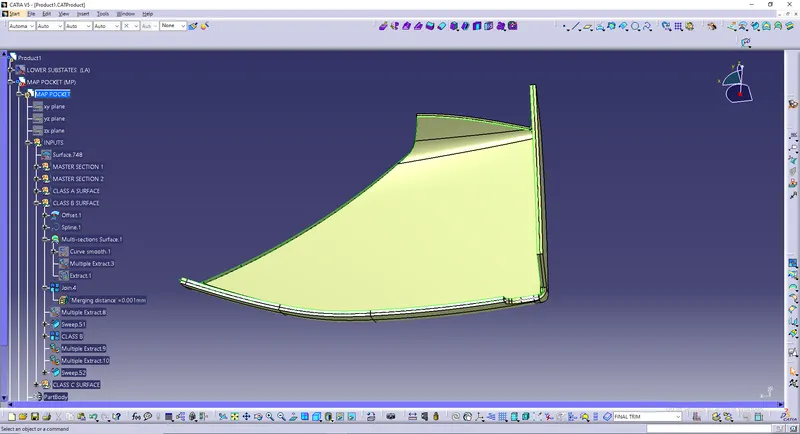
- From Class A surface Given above we have to create Class B surface.
- Insert a Geometical set & name it as CLASS B SURFACE.
- Intially create a offset for 2.5mm in Class A surface.
- Then create splines in the filleted places.
- Perform a Multi Scetion for that splined surfaces.
- Join the offseted surface & multi section surface.
- Multiple Extract the joined surface.
- Create a sweep operation.
- To get final Class B surface Multiple Extract all the edges.
- Create another sweep and obtain Class B surface.
CLASS B SURFACE:
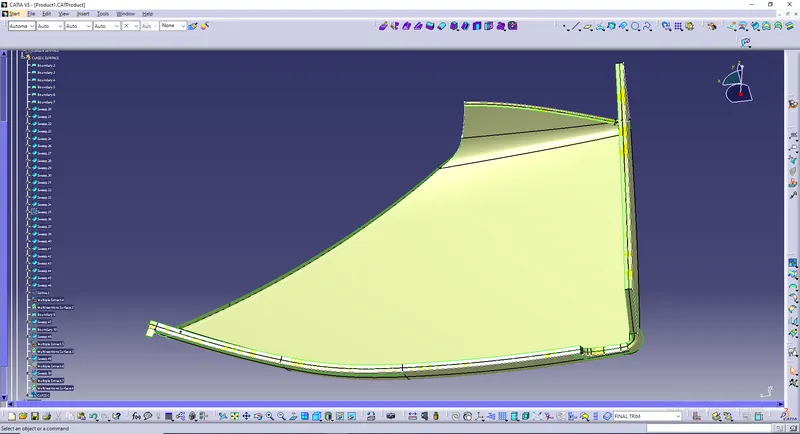
Class C surface:
- Hide Class B surface to create Class C surface.
- Insert Geometric set & name it as CLASS C SURFACE.
- Intially Create boundries for Class A surface.
- Sweep all surfaces where boundries were added.
- Create multi section for filleted or curved surface.
- Finally Join all the sweeped surface and multi section surface.
CLASS C SURFACE:
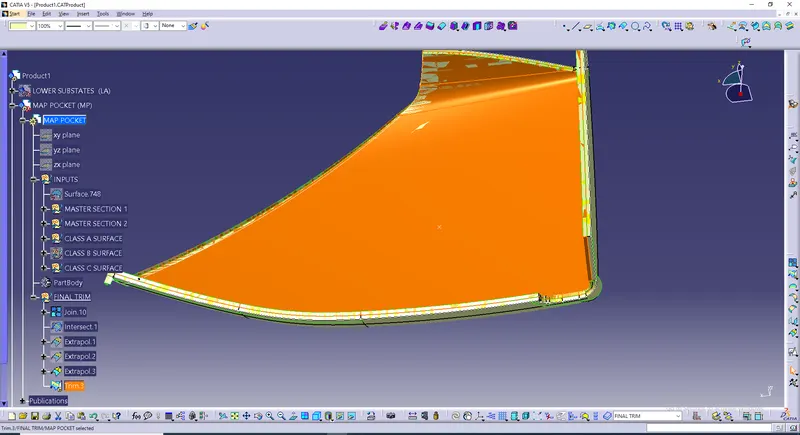
Final product of Map Pocket:
- For creating a Final product Insert a Geometric set & name it as Final trims.
- Intially Join Class A Surface & Class C Surface.
- After Joining Class A & Class C surface Class B surface has to be trimmed to get final product.
- Before trimming the extrapolation opertion Extrapolation is performed to join all discontinuous edges.
- Finally trim the extrapolated surface with joined Class A surface and Class C surface to get the final product of Map Pocket.
MAP POCKET FINAL PRODUCT:
Creating A,B, & C surfaces for Door Arm Rest:
DOOR ARM REST:
CLASS A SURFACE:
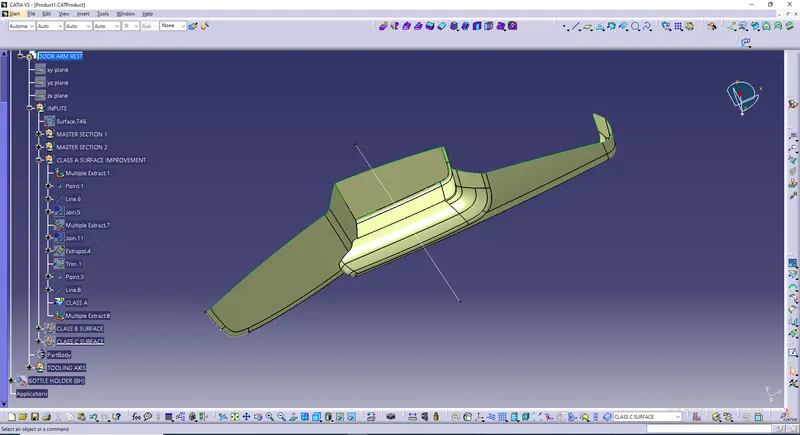
Class B surface:
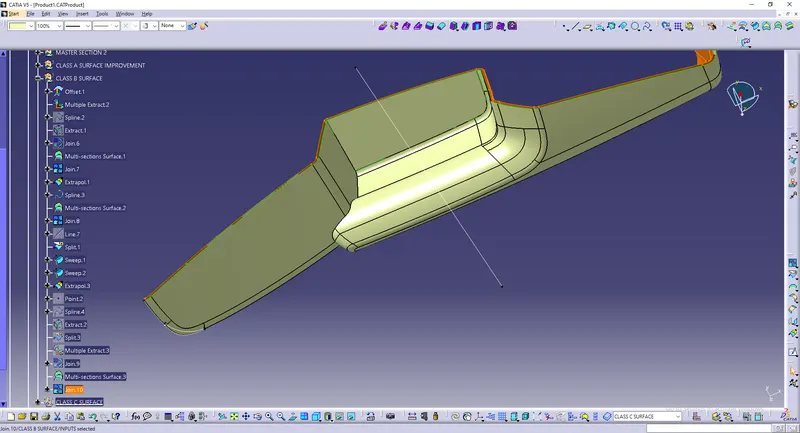
- From Class A surface Given above we have to create Class B surface.
- Insert a Geometical set & name it as CLASS B SURFACE.
- Intially create a offset for 2.5mm in Class A surface.
- Multiple Extract the offseted sutface.
- Create sweep for surfaces.
- Create splines for one filleted surfaces and perform multi scetion for filleted faces.
- Join the multi section surface and sweep surface to obtain Class B surface.
CLASS B SURFACE:
Class C surface:
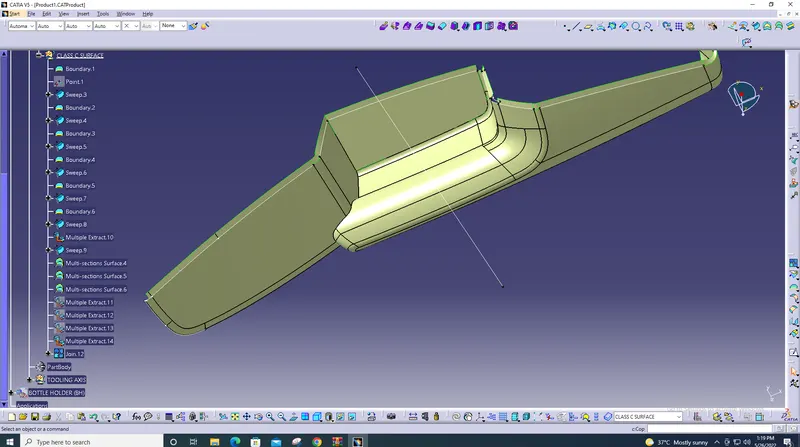
- Hide Class B surface to create Class C surface.
- Insert Geometric set & name it as CLASS C SURFACE.
- Intially Create boundries for Class A surface.
- Sweep all surfaces where boundries were added.
- Create multi section for filleted or curved surface.
- Multiple Extract the sweeped surface.
- Join the multiple extracted surface.
CLASS C SURFACE:
Creating A,B, & C surfaces for Bottle Holder:
BOTTLE HOLDER:
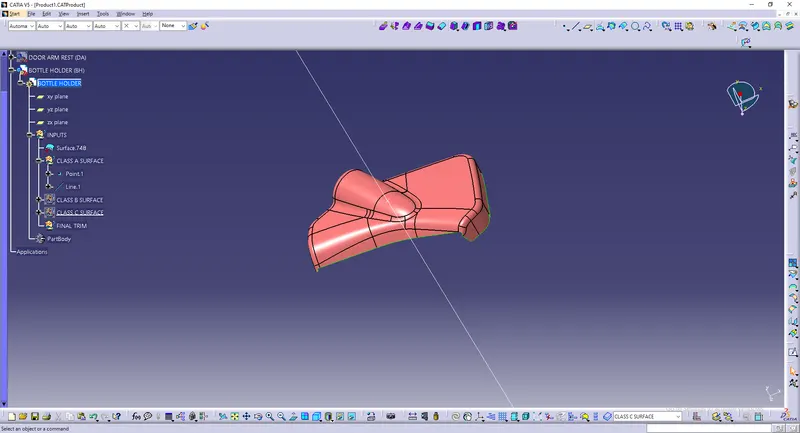
CLASS A SURFACE:
Class B surface:
- From Class A surface Given above we have to create Class B surface.
- Insert a Geometical set & name it as CLASS B SURFACE.
- Intially create a offset for 2.5mm in Class A surface.
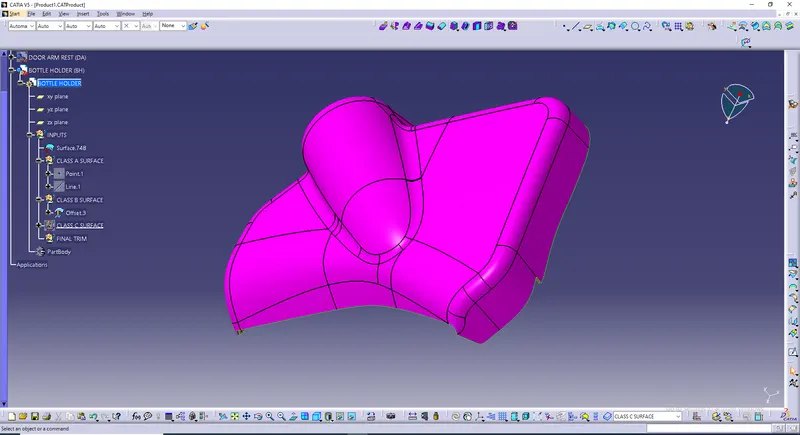
CLASS B SURFACE:
Class C surface:
- Hide Class B surface to create Class C surface.
- Insert Geometric set & name it as CLASS C SURFACE.
- Intially Create boundries for Class A surface.
- Sweep all surfaces where boundries were added.
- Create multi section for filleted or curved surface.
CLASS C SURFACE:
Final product of Bottle Holder:
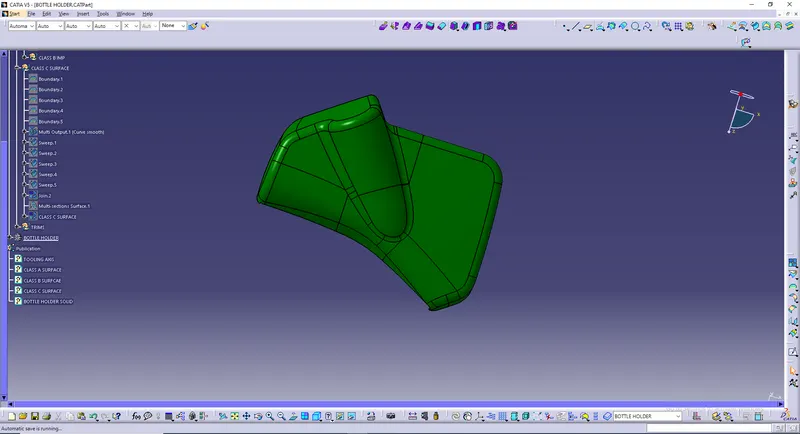
- For creating a Final product Insert a Geometric set & name it as Trims.
- Intially Join Class A Surface & Class C Surface.
- After Joining Class A & Class C surface Class B surface has to be trimmed to get final product.
BOTTLE HOLDER FINAL PRODUCT: