Week 11 - Final project
Introduction:
In this project, the automobile door trim panel is created with the provided Class A surface. The thickness of the component is 2.5 mm as per master sections provided.
Features involved in this project:
Doghouse :
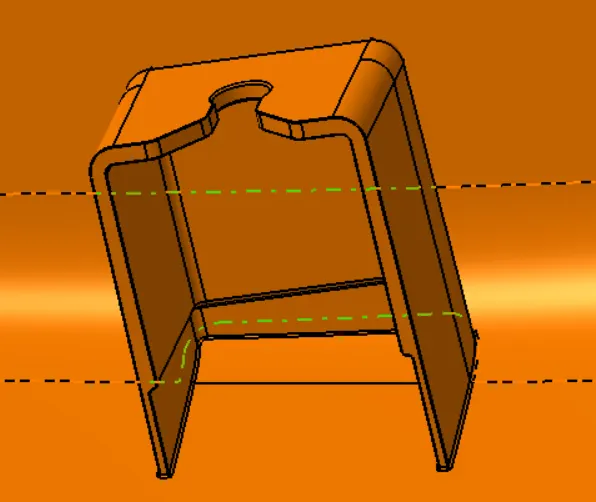
A doghouse is a feature that allows avoiding sink marks. A Feature is created with a small cross-section area so that the flow of plastic is not affected. A doghouse also facilitates to create the other B side features in the perpendicular direction. If the screw boss should be offset from the B surface, a Doghouse is used.
Design specifications :
The following design specifications are followed in this project to create the doghouse.
- Thickness at the intersection - less than or equal to 40 % of the component wall thickness
- Height of the intersection - between 3 mm - 6 mm
- Width of the doghouse - minimum of 12 mm
- Draft - minimum of 1.5 degrees
Locators :
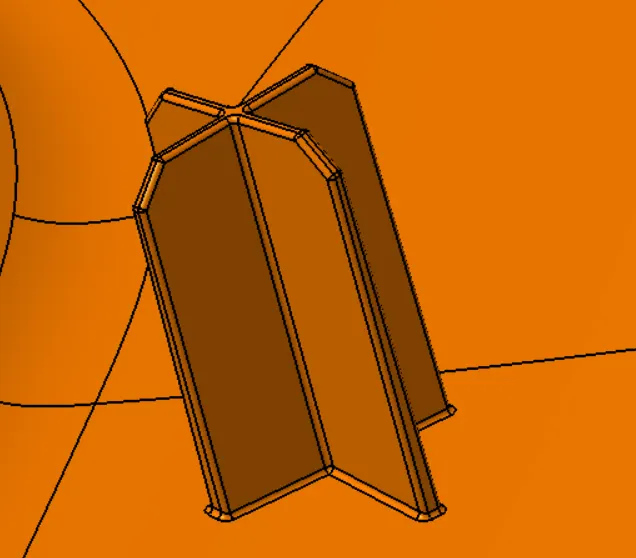
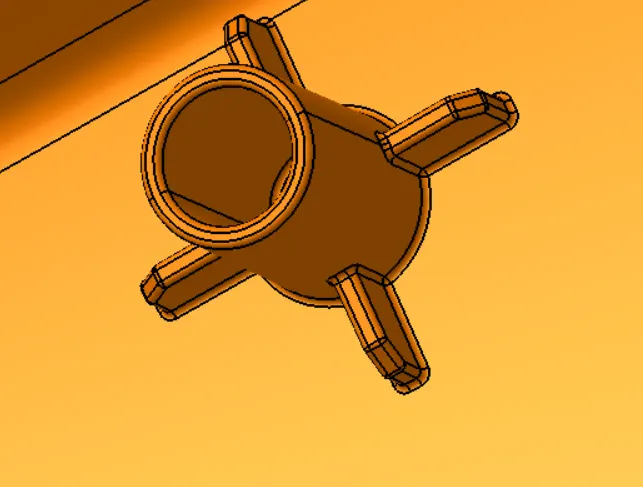
The locators are used to locate and guide the plastic part to assemble with Vehicle environment parts. The locators also serve the function of restricting the degrees of freedom. They allow only one degree of freedom. We have used four-way locators and two-way locators in our component.
Design specifications :
- Thickness - 1.3 mm
- Height - Relatively higher than the heat stake's height
- Draft - Minimum draft of 0.5 degree
- Length - 15 mm
- Width - 15 mm
- Fillets radii - 0.3 mm
Heat Stakes :
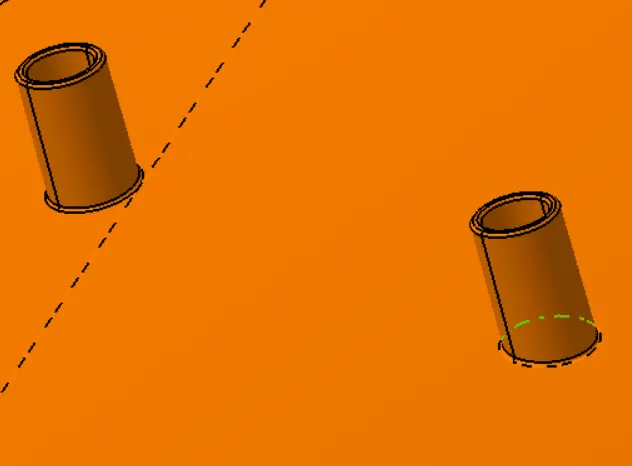
The plastic components are assembled with the sheet metal parts of the vehicle by heat staking, a kind of plastic welding. The protruding cylinders are heated and pressed against the sheet metal to make a weld. The protruding cylindrical shape extensions are called heat stakes.
Design specifications:
- Outer Diameter - 7 mm
- Inner Diameter - 5 mm
- Fillet radii - 0.25 mm
Ribs:
A rib is provided to the plastic to strengthen the part and to avoid the Warpage of the components. We follow certain design procedures to design the rib in our component. The design criteria followed to create the rib for our design is
- Draft of rib - 0.5 degrees per side minimum
- Thickness of rib - 40% of the thickness of the component ( The thickness in our case is 1 mm)
- Height of rib - less or equal to 5 times the thickness of the component
- Minimum thickness at the tip - 0.75mm
- Fillet radii - 0.25 mm maximum
Creation Procedure:
The following processes are followed for creating the four individual plastic parts.
- Class A Surface Creation
- Main Tooling Axis Creation
- Side Core Axis Creation
- Draft analysis for Class A surface
- Class B Surface Creation
- Class C Surface Creation
- Solid Creation
- Draft analysis of the solid part
Class A surface Creation :
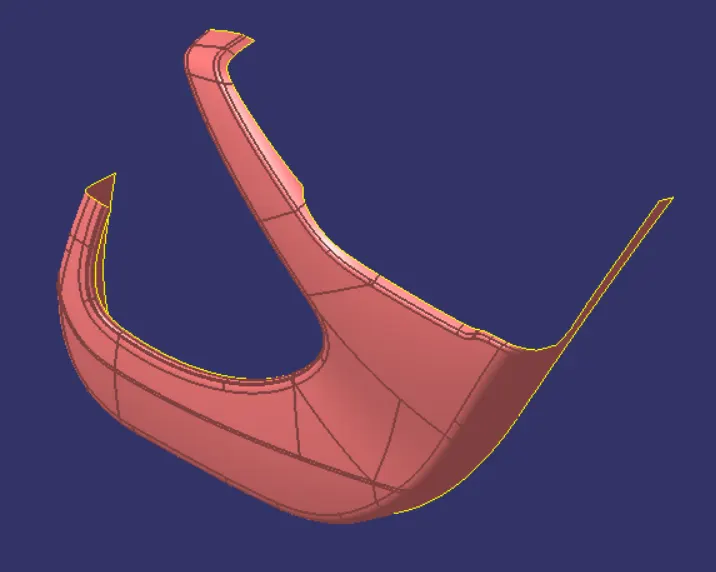
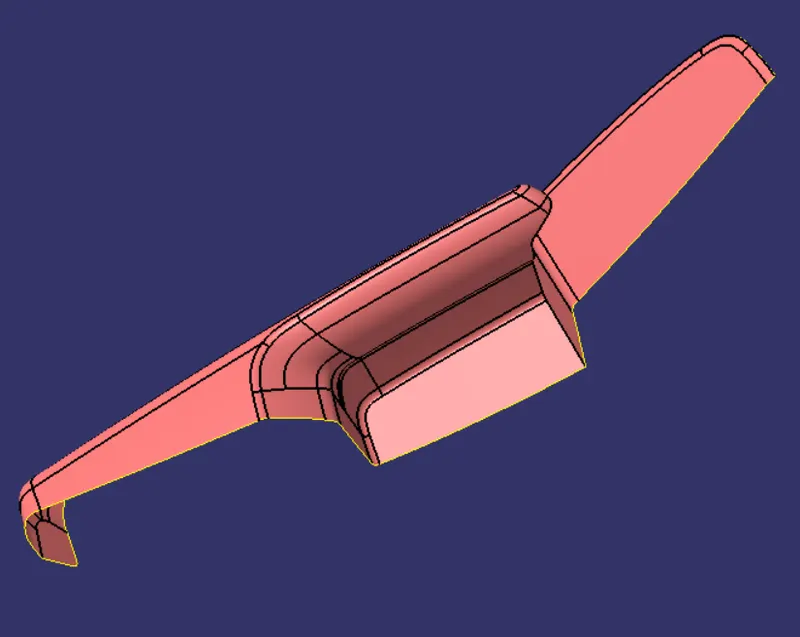
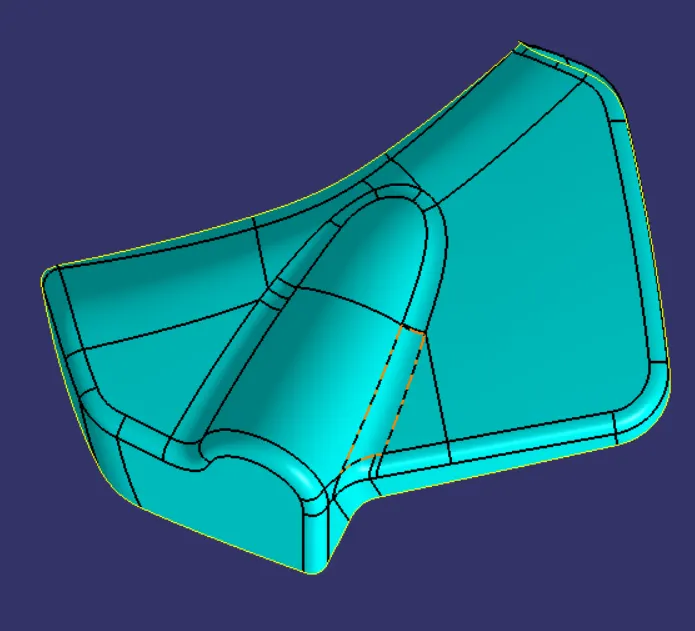
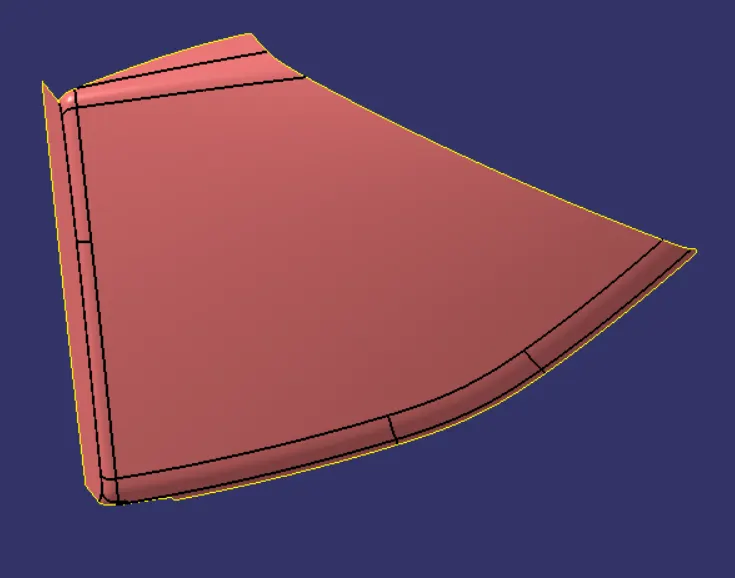
This surface is the base to create the part model. This surface is created from concept sketches using different software like Autodesk Alias. This class A surface is given input to Catia software for further development of feasible Product. Class A surface is followed by Class B surface creation.
Main Tooling Axis Creation :
The tooling axis is the reference axis with which the mould is open. We provide a draft angle to our part with respect to this axis only.
- Design consideration check :
We must first check the given class A surface for any opening in between the surface. This can be done using few commands. We can boundary creation tool to check if there are any open internal boundaries and close the surface to further our design. We can also use the join surface command and check if all the surfaces are joined. If not joined properly the command prompts an error window. we can know the design consideration by these techniques.
- Visualisation Method :
In certain cases, we can find the tooling axis by simply looking at the class A surface. In the above case, for fan cover, since the part has a frustum part we can assume the axis normal to the top surface passing through the centre point of the surface as the tooling axis.
The preference of choosing the tooling axis would be the line normal to a large flat face or through any hole element in the part.
- Analysis of various directions :
In the analysis, we create different intersection lines and find the best direction of the tooling axis. For instance, we check the mould plate movement direction by observing the surface carefully in each direction. In the above case, if we look in the direction of x as the tooling axis, there is a hindrance of the surface which don't allow us to create the axis in that direction.
- Bisection Method to create the tooling axis :
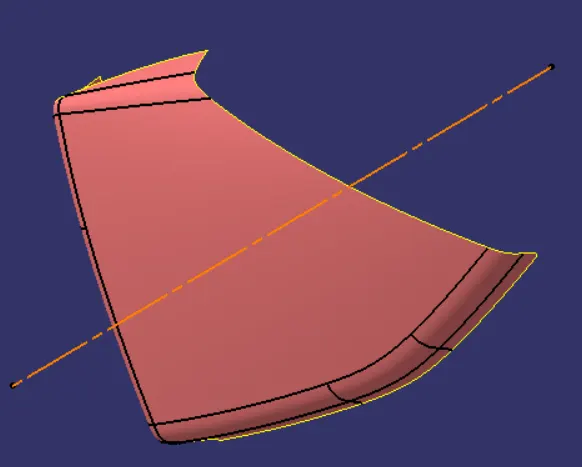
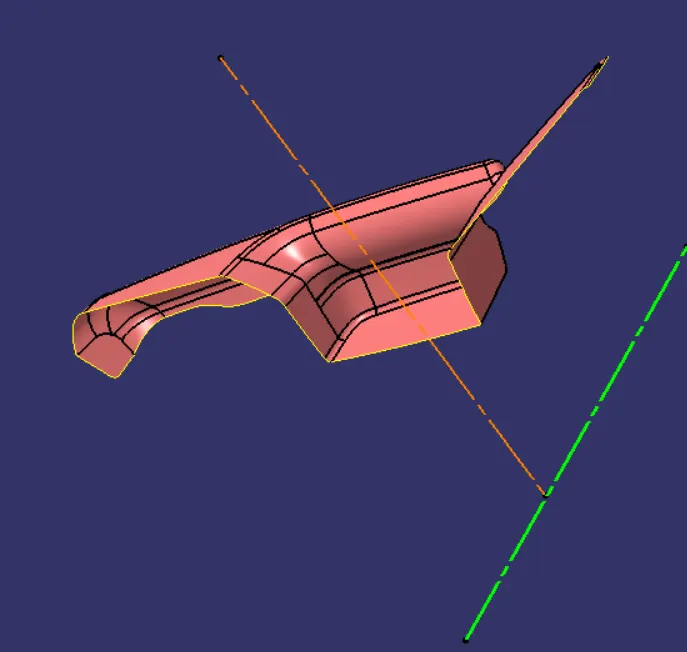
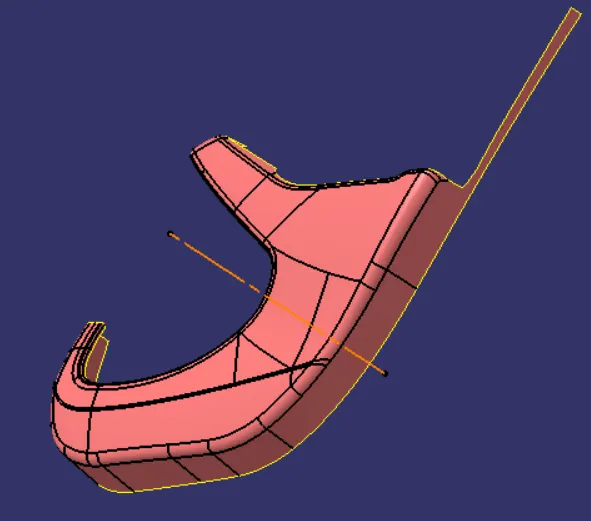
The bisection method is generally used to find the tooling axis for the part design. This method enables us to create bisection lines and find the centre line, if in case the tooling axis is provided in that line, the draft with reference to that tooling axis would be perfect. The steps to create the tooling axis are as follows.
- Find the hole in the Class A surface. Apply boundary creation command for the hole. Create a point in the centre of that created boundary.
- Create a plane to create new sketches with "parallel through point" enabled. Select the XZ plane as the reference plane and the point create with the boundary option as point reference.
- Perform intersection option with the plane just created and by selecting the class A surface. This will create the intersection lines along the surface.
- Now create a line with the created sketch as a reference. the lines created are those surfaces that we think might create the problem of sticking.
- Now create a new line with the "Bisection" option enabled. Choose the lines created as the reference. A new line will be created along the Z direction in our case.
- Follow the above steps to create one more line with YZ plane as a reference. We might note that both the created line in two planes with the bisection method merge together. This is because of the frustum shape of our surface.
- We create the tooling axis line with these two lines created with the bisection option enabled and by choosing these two lines as reference lines.
Side Core Axis Creation :
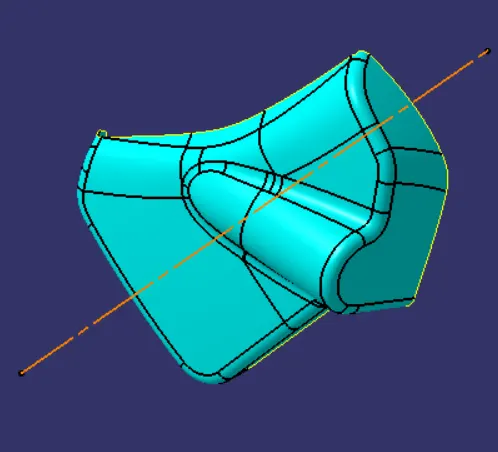
At times main tooling axis may fail for certain cases. In these case, we provide a side coring axis to provide safe removal of the plastic component. We provide the side coring axis to parts wherever needed.
Draft analysis :
Drafting is giving a taper to the face of the mould part. Drafting is required in the mould part to remove them from the mould flask without affecting the walls of the core and cavity. Drafting eliminates the problem of sticking mould to the walls of the core and cavity.
Draft analysis is made prior to eliminating the problem of sticking to walls. Draft analysis shows various faces which can cause the problem of sticking. With the draft analysis done we can proceed to design the components with the necessary draft. We use 3 degrees as a standard draft angle.
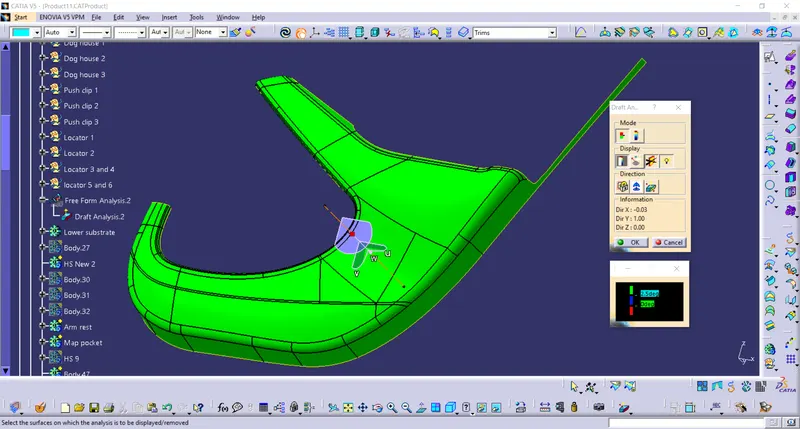
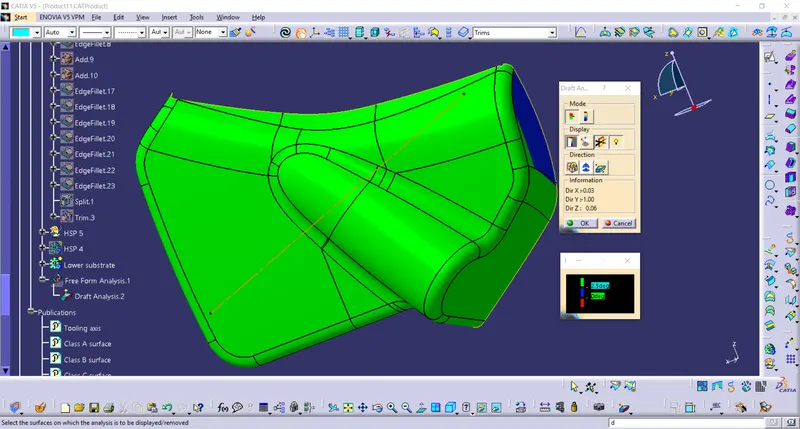
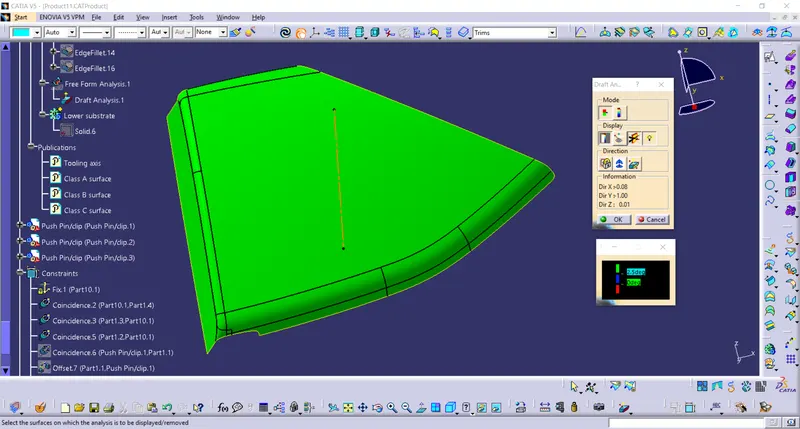
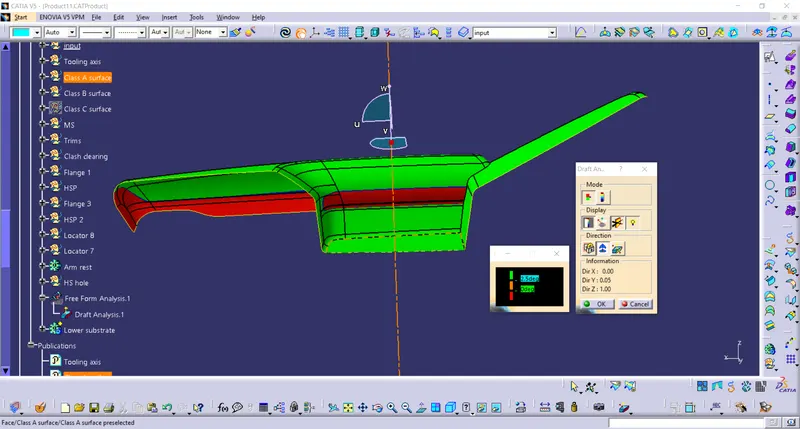
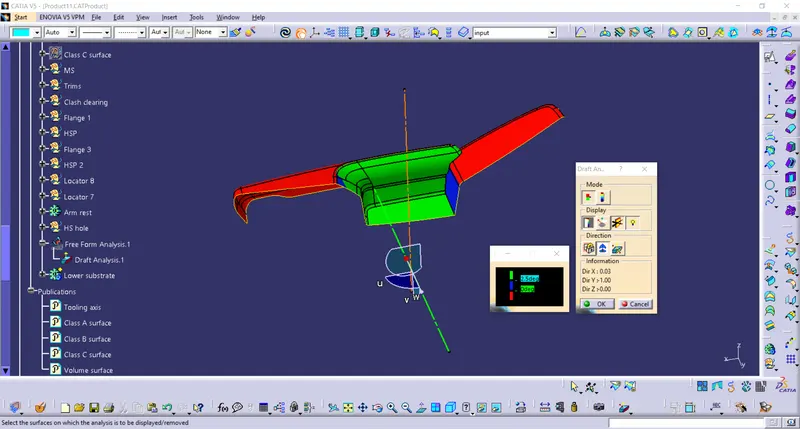
We can clearly see all the surfaces are cleared with the formed tooling axis. the door armrest also clears the draft with the side core axis.
Class B surface Creation :
Class B surface is similar with the difference as class B surface becomes the surface that contains provisions like, stiffeners, Screw bosses, ribs, and other product support features. This surface is the other side of the product which will be hidden from plain sight, unlike Class A surface. This surface is created by offsetting the class A surface to the thickness of the final product we want.
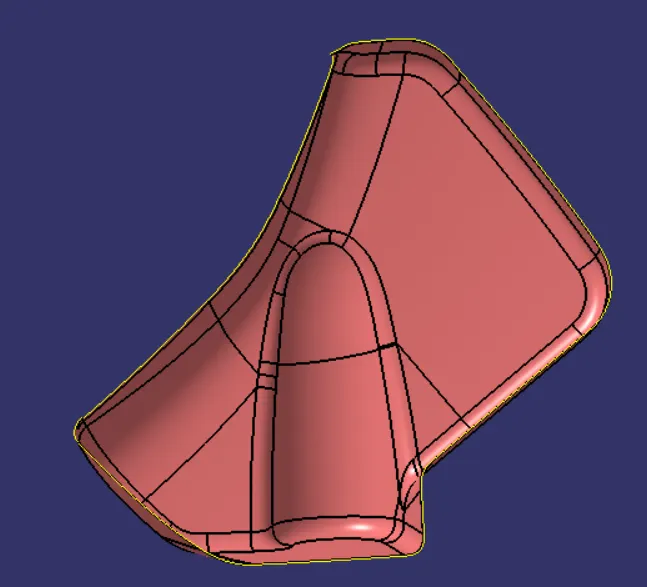
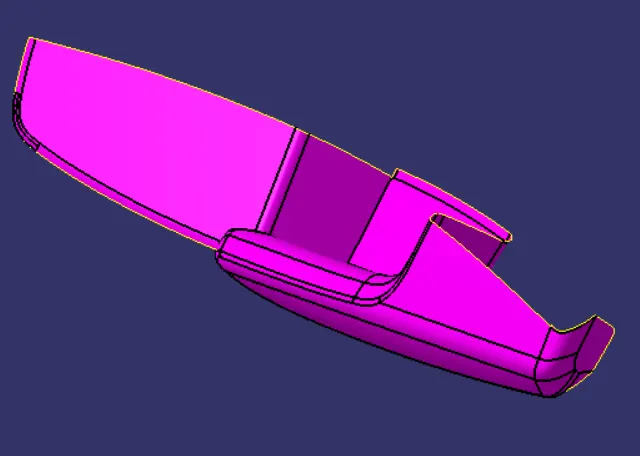
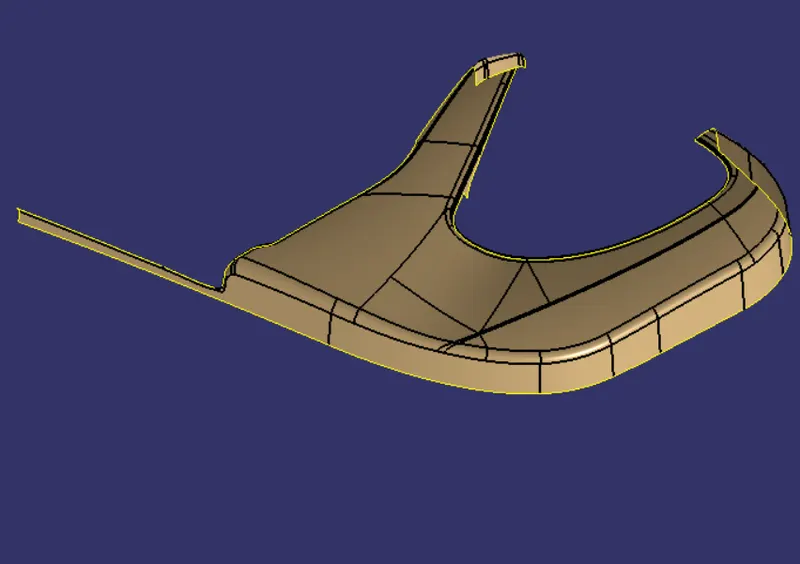
Class C surface Creation :
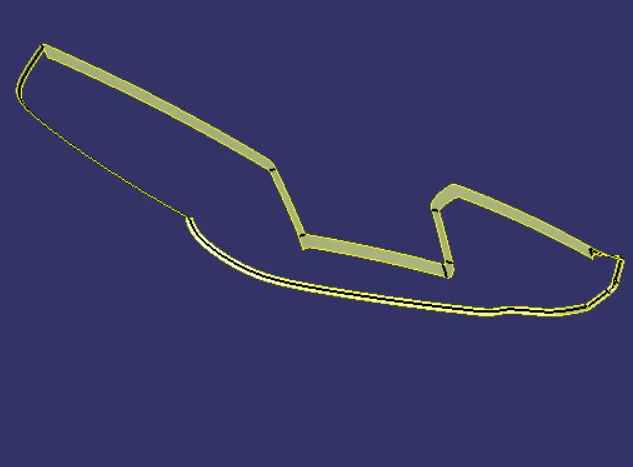
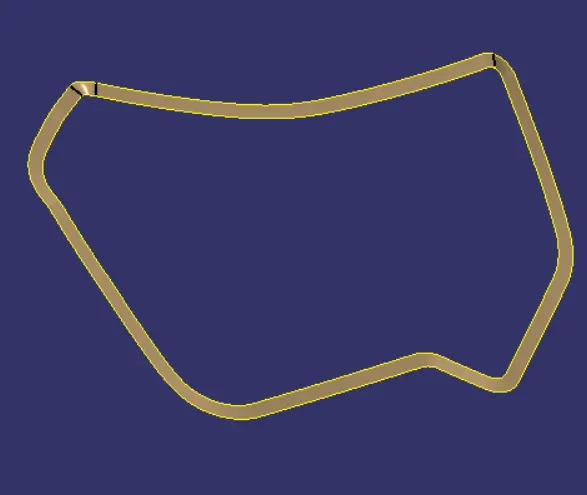
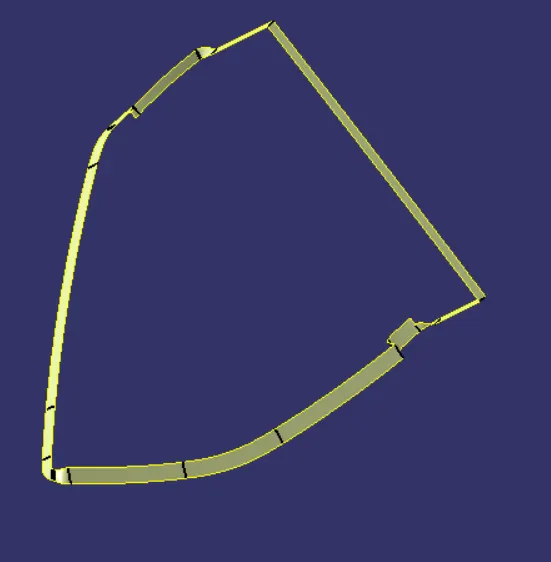
The surface that connects the Class A with Class B surface is called as Class C surface. In many instances, the draft is given to this surface. The Boundary option is used to define the boundary of the Class A surface. The sweep surface command is used to create a class C surface with the provision of the draft in the sweep creation window. The commonly used draft angle is 3 degrees. The reference to sweeping is the Tooling axis that we created earlier.
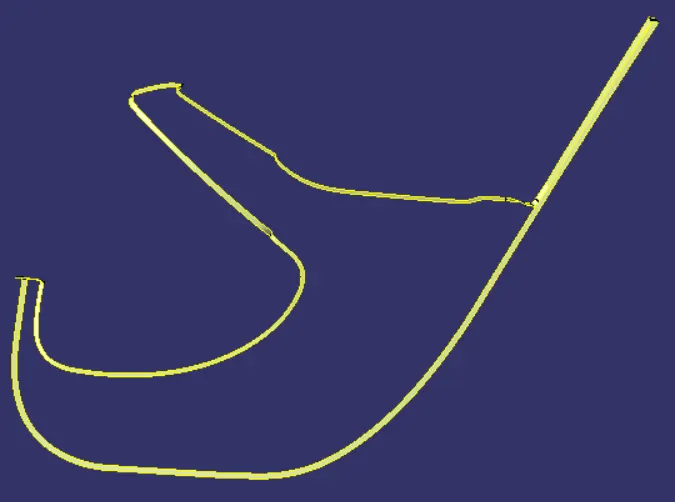
Volume Surface Creation :
Volume surface is created by trimming the Class-A surface, Class B surface and Class C surface.
Solid Creation :
The volume surface is made solid using the fill command in part design.
Draft analysis of the solid part :
The steps to create a draft analysis are as follows,
- Change the view mode. Select the "material" radio button in the change view mode option.
- Choose Feature Draft Analysis under Insert --> Analysis --> Feature draft analysis.
- The draft analysis window will open.
- Choose Quick analysis mode or full analysis mode as per requirements.
- Create the draft direction by clicking created compass option under the direction tab. Clicking the option will enable a compass created at the place of the default compass. Drag the compass to the tooling axis and place it over the tooling axis.
- We can reverse the direction of the draft with the reverse direction option. Once the direction is chosen click the lock direction option.
- Now moving the cursor displays a red cross near the cursor. Place the cursor over the surface to begin the analysis.
Once the analysis is done, the results will be displayed in various colours over the surface. If the simple mode is chosen it displays three variant of colours that enables us to see whether the drafts within over design consideration. We can also alter the value to show the changes in draft angle in the draft analysis window.
Choose analysis under the running point option in the Display tab of the draft analysis and place the cursor over the surface to display the angle at that point. The angle displayed are with reference to the draft direction.
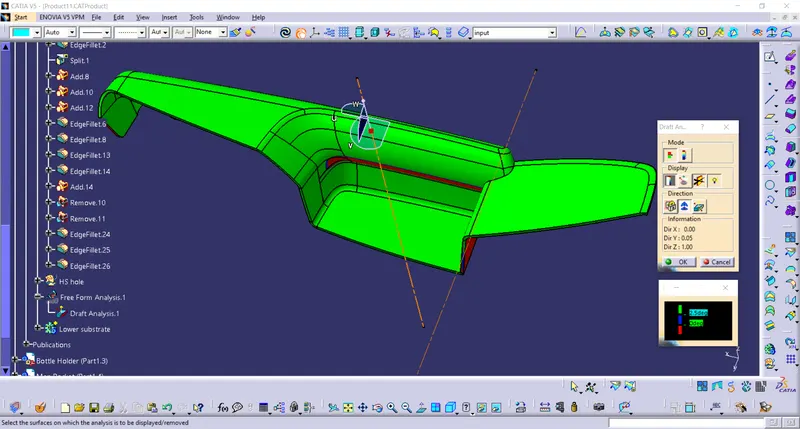
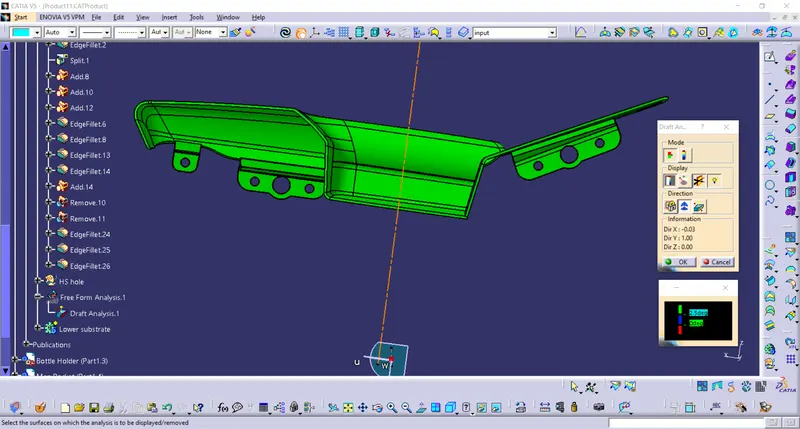
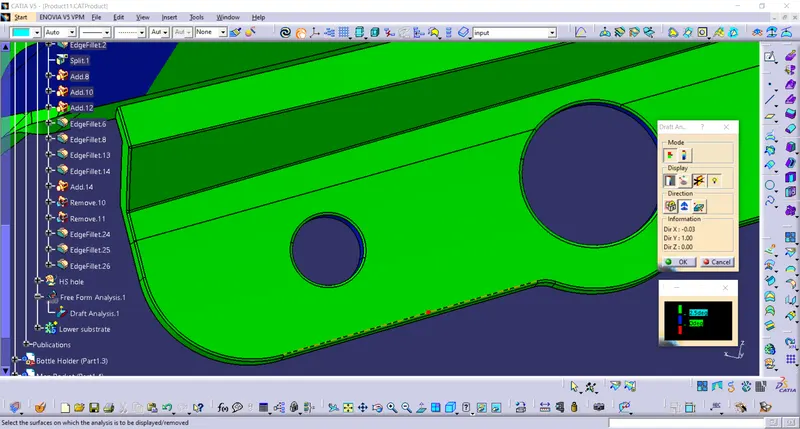
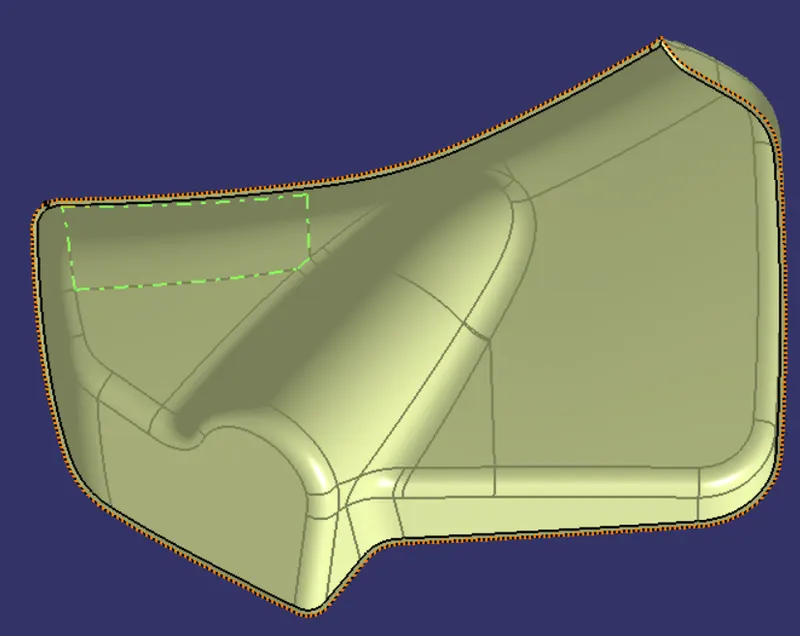
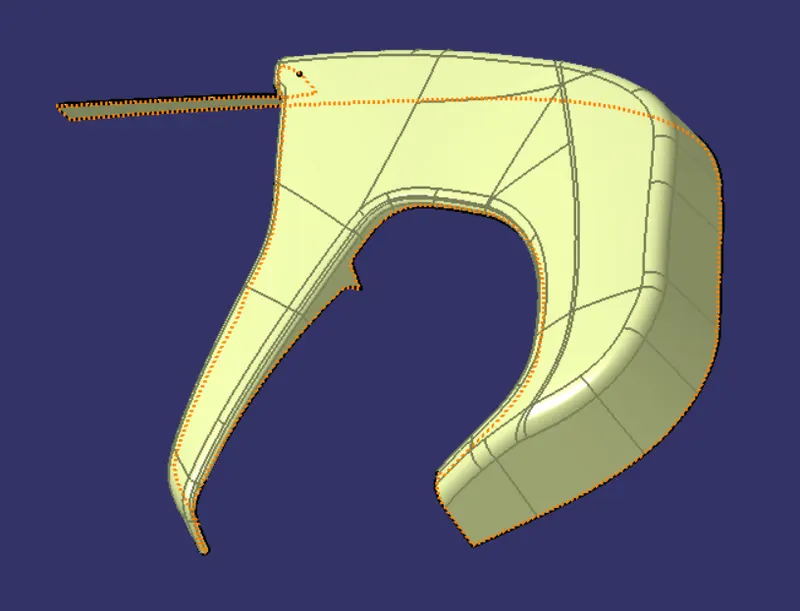
The above images are for the door armrest. The green colour indicates that our part clears both the main and side tooling axis. The blue surface indicates the 0.5 degrees given to B side features.
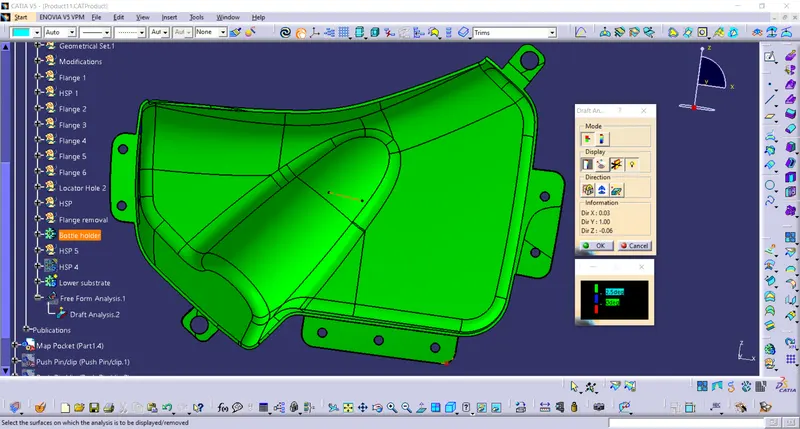
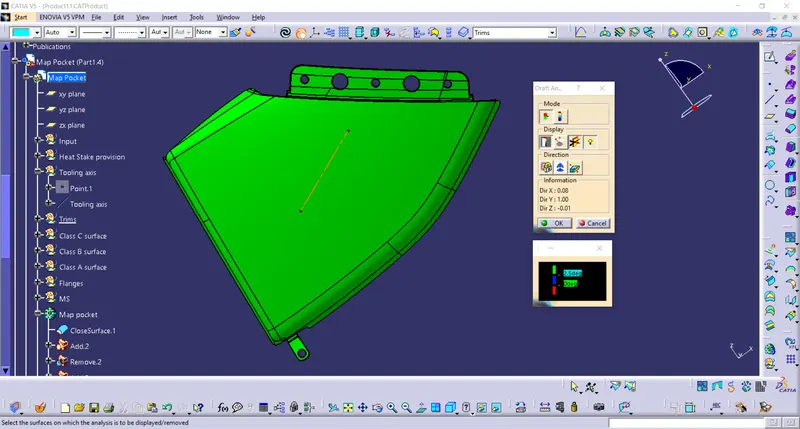
The green surfaces show that all surfaces are clearing the tooling axis.
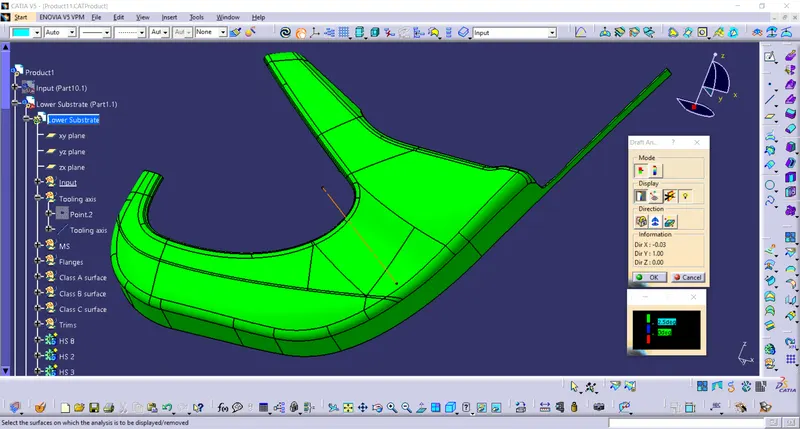
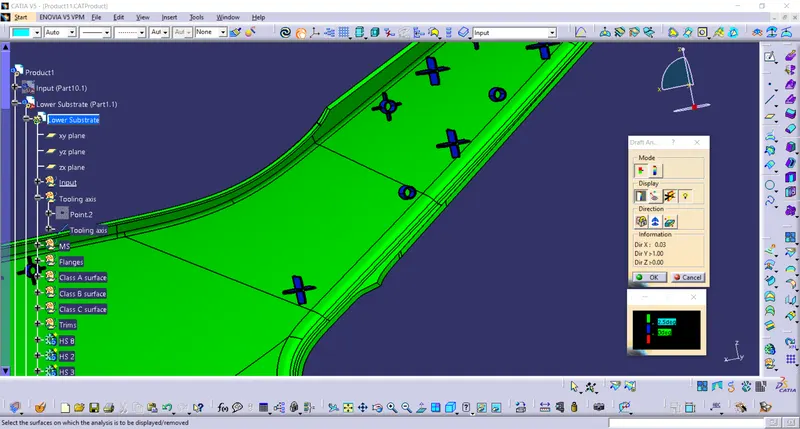
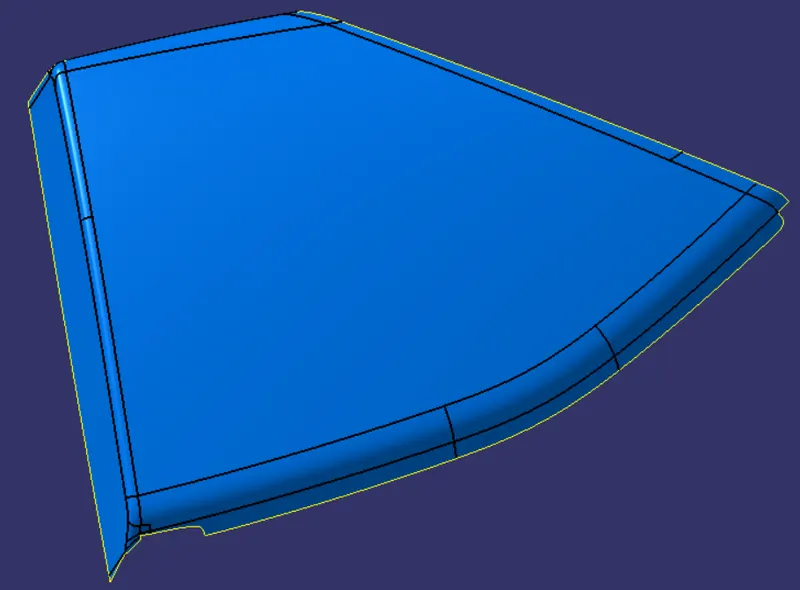
The lower substrate clears the tooling axis in Class A side. We can see that in B-side all features are in blue colour and clearing the tooling axis with 0.5 degrees.
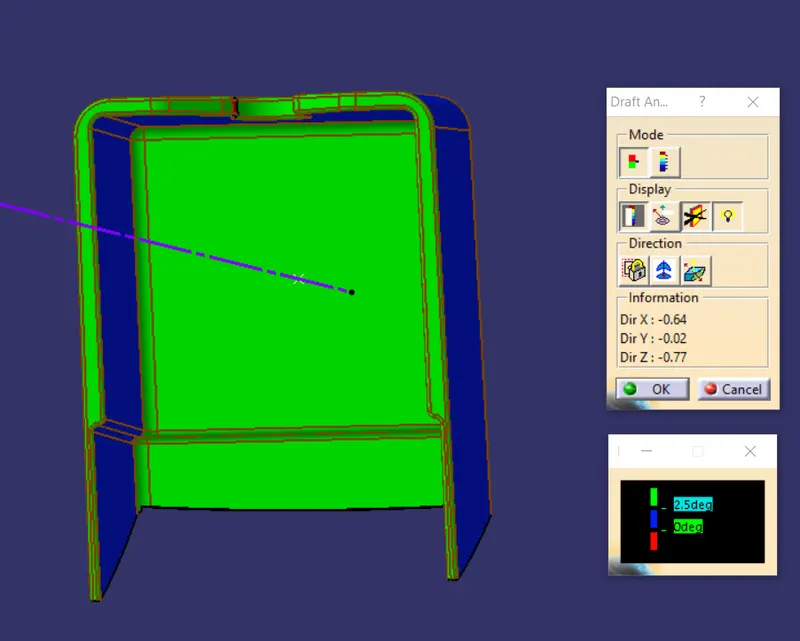
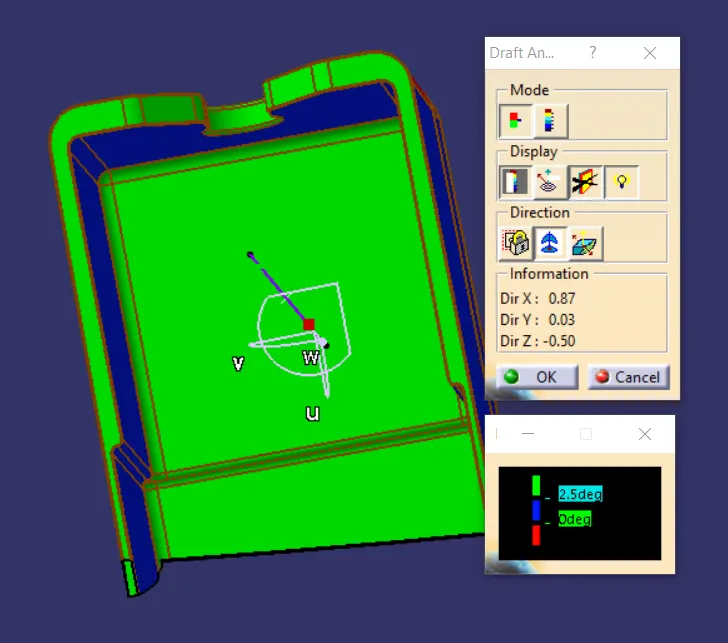
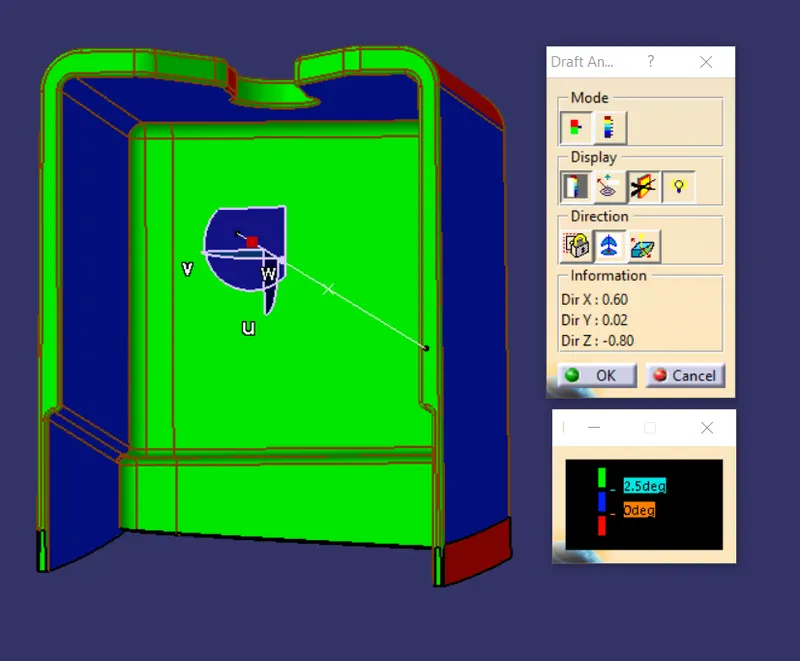
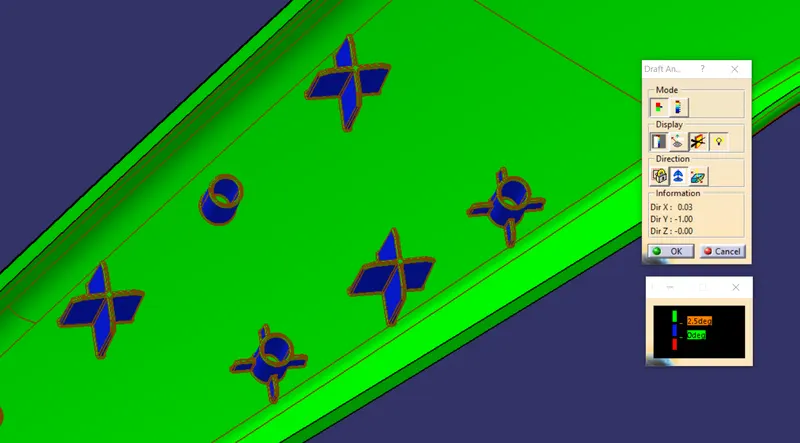
The blue surface in above images shows that all the B side features are properly drafted with 0.5 degrees. The the features are clearing the tooling axis.
Parting surface:
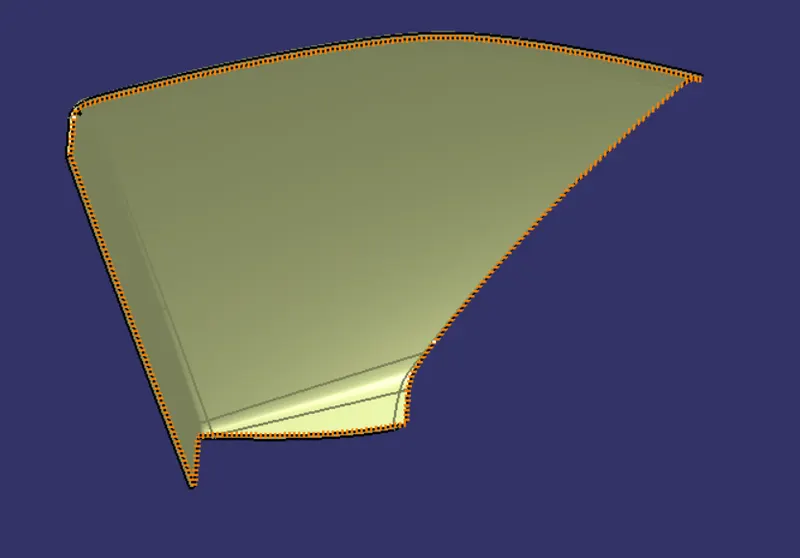
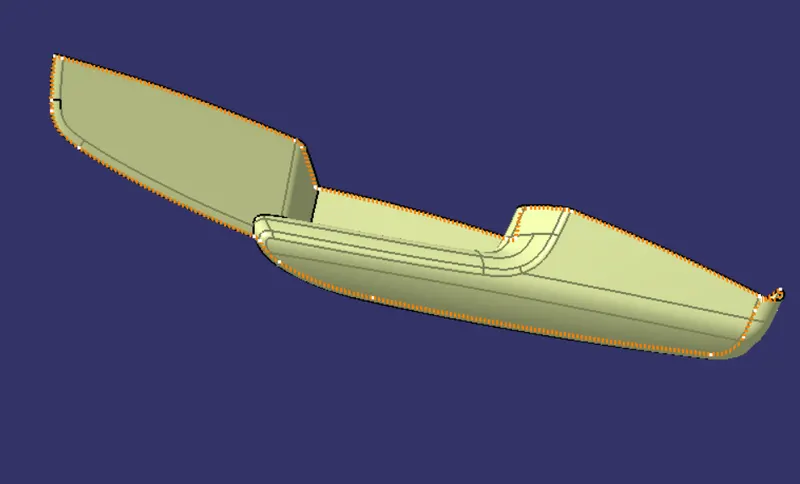
The surface that intersects the core and cavity is termed the parting surface. The parting surface splits the core and cavity blocks along the parting line.
Parting line:
The line that intersects the core and cavity blocks is termed the parting line.
Push Clip :
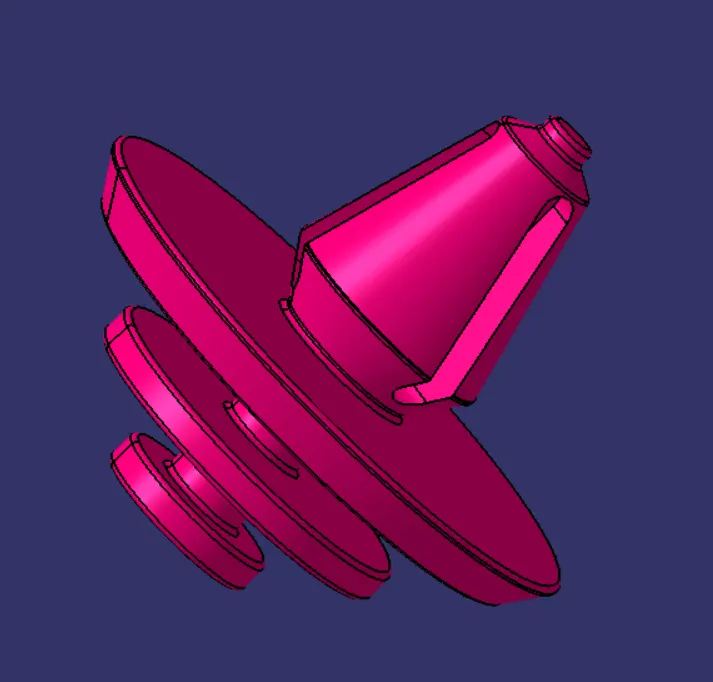
The push clips are used to attach the Plastic parts to Sheet metal parts of an automobile. The above-displayed push clip is used in our project.
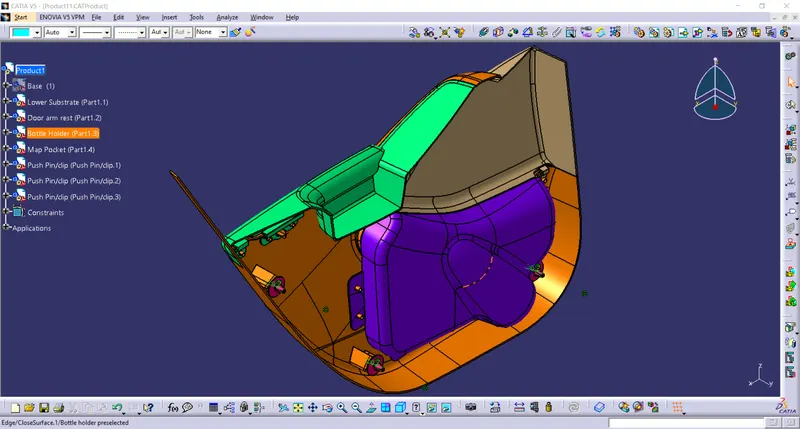
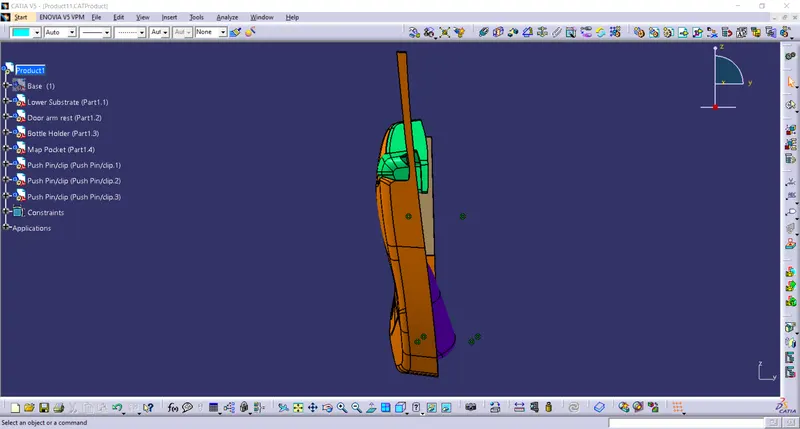
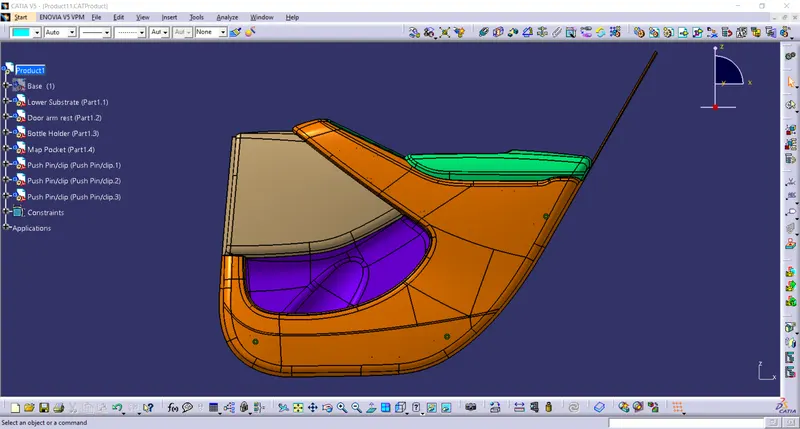
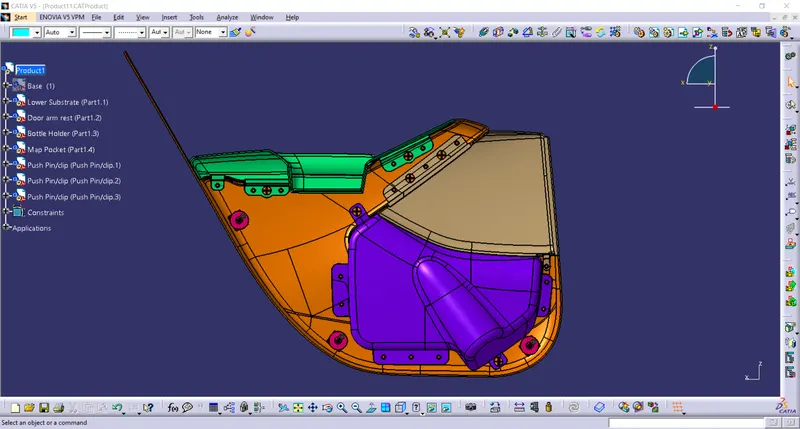
Assembly of parts :
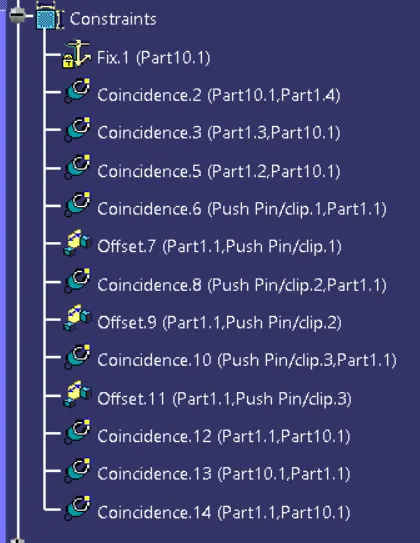
- The Base part is made fixed by using fixed constraints in the assembly workbench.
- All four parts are made a coincidence constraint with the origin planes of the input Base part.
- The push clips are given offset constraint with the dog house planes.
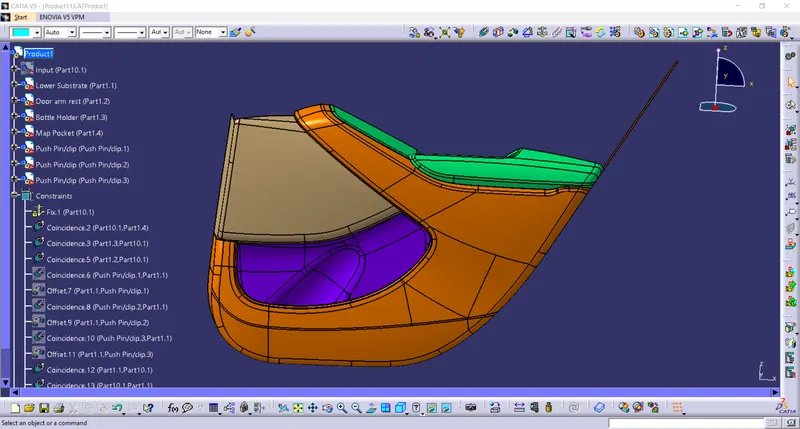
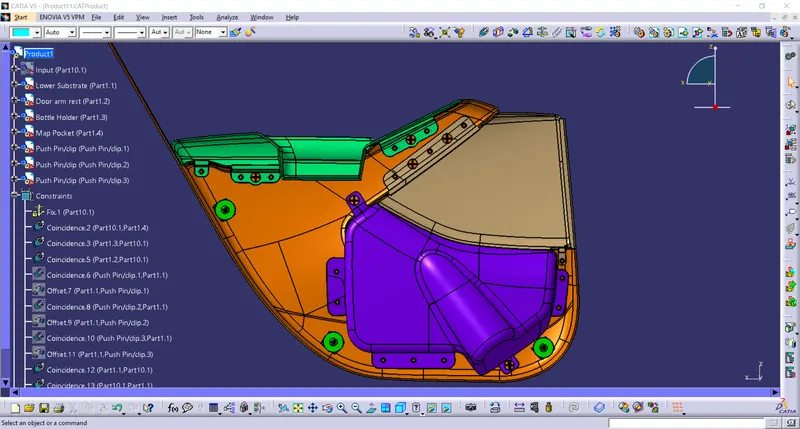
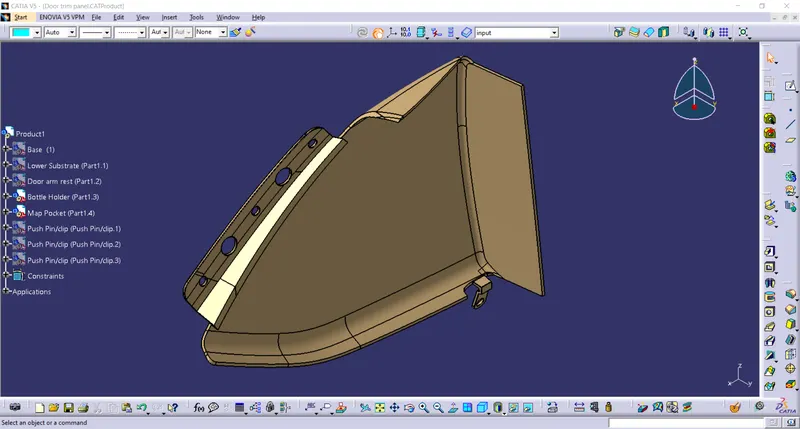
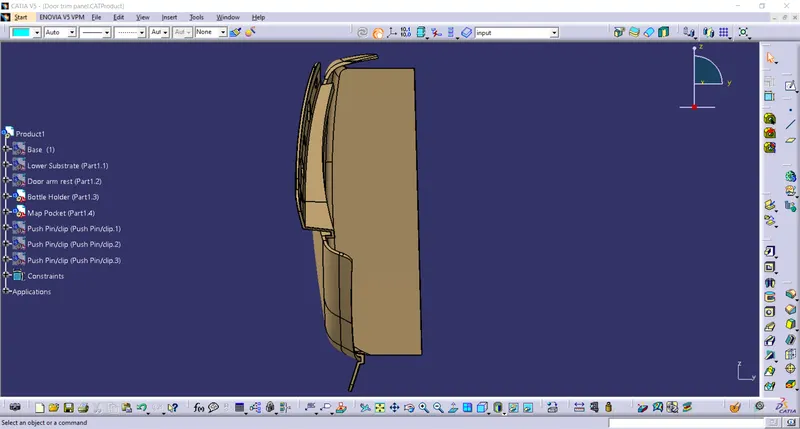
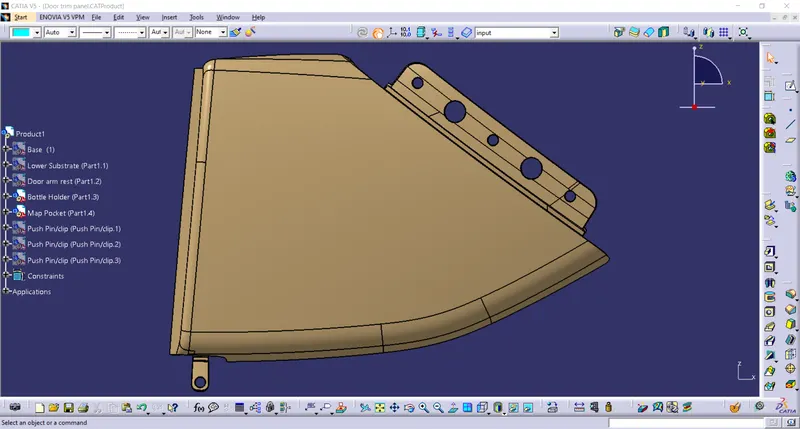
The different views of the assembled components are as follows,
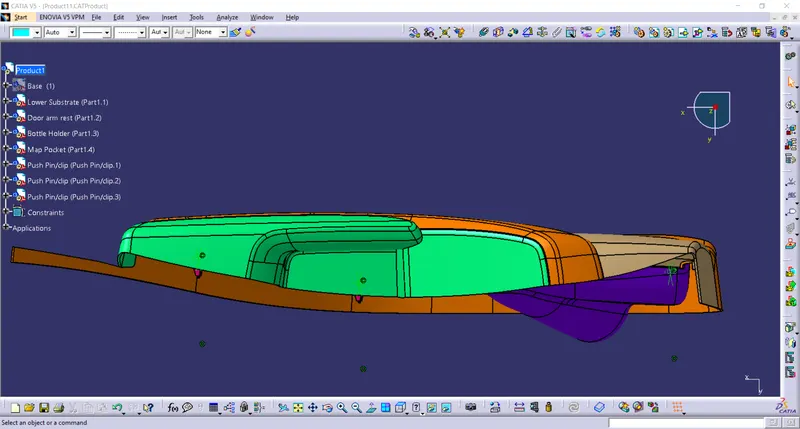
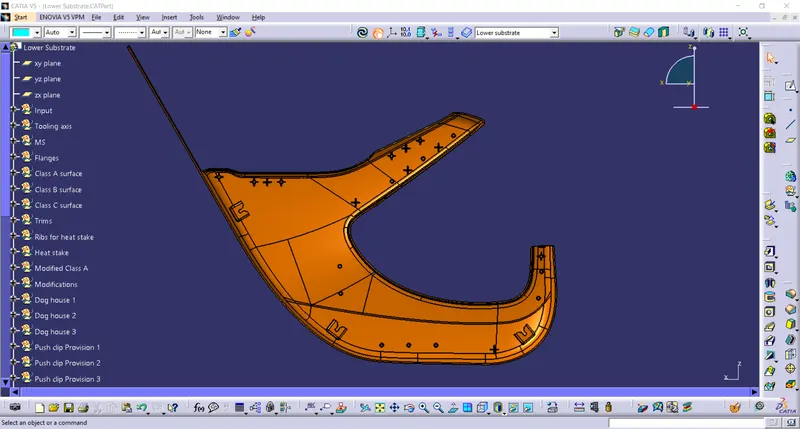
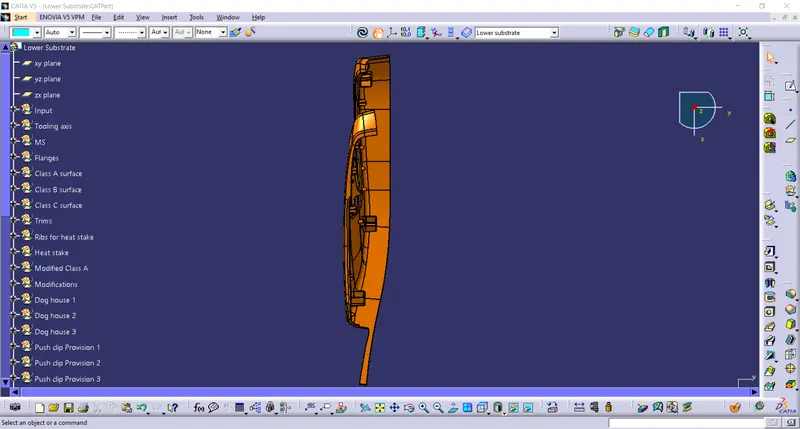
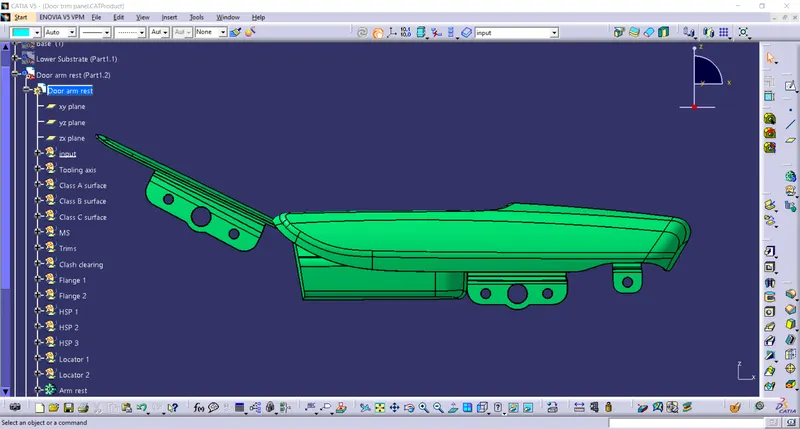
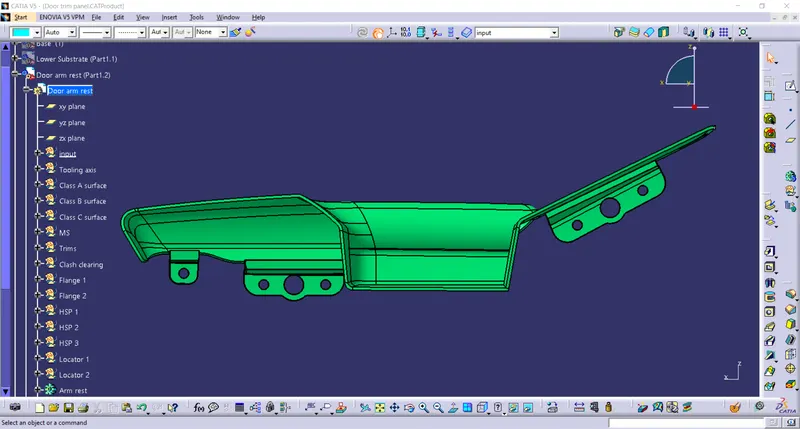
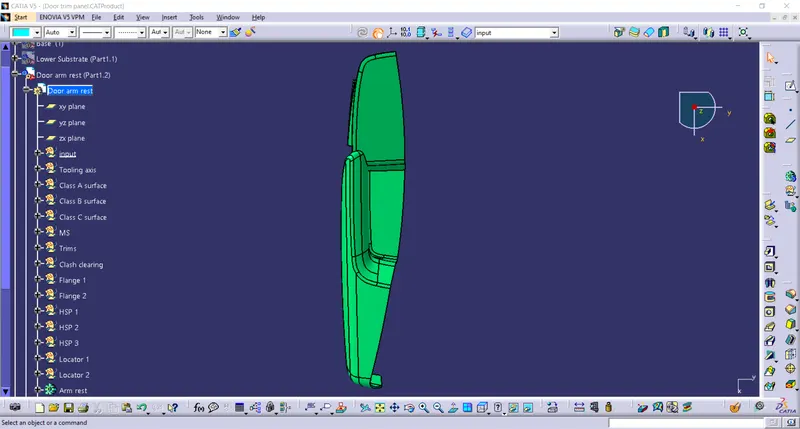
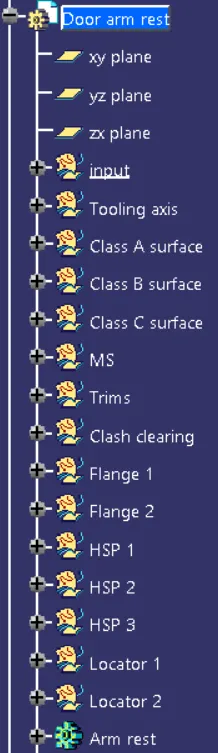
The images of the parts are shown below,
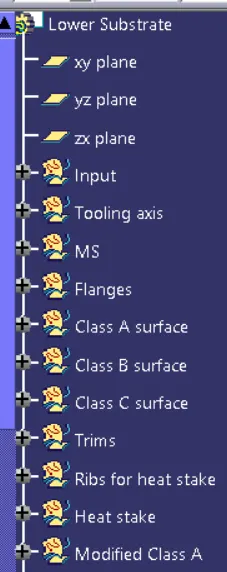
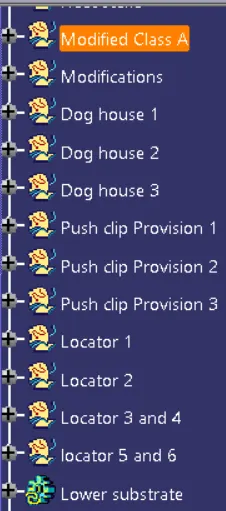
Lower Substrate:
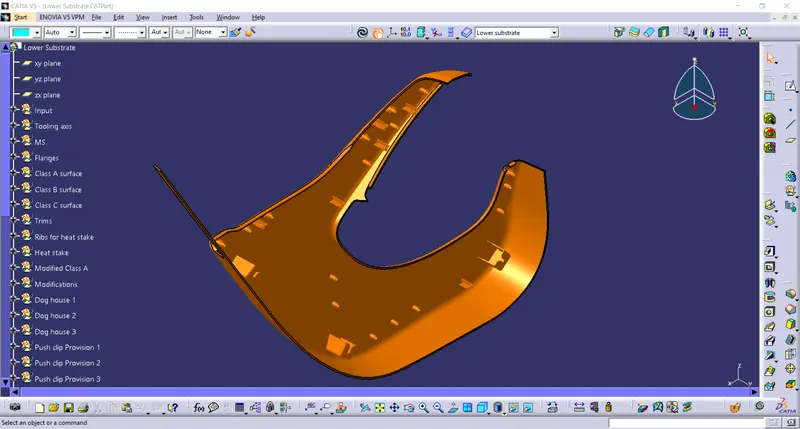
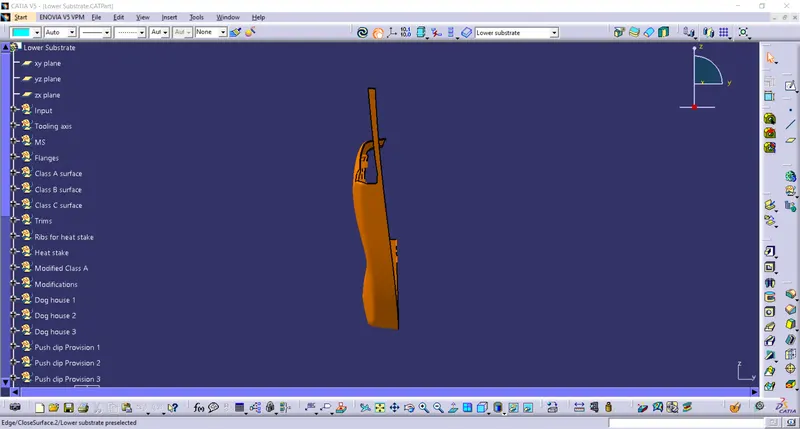
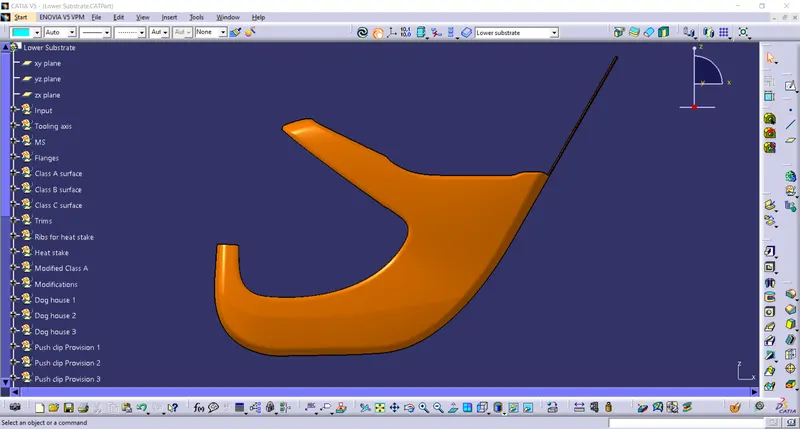
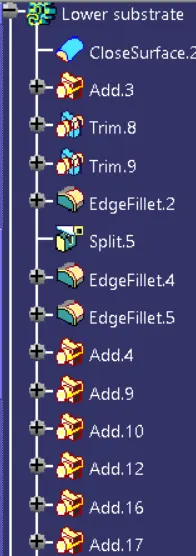
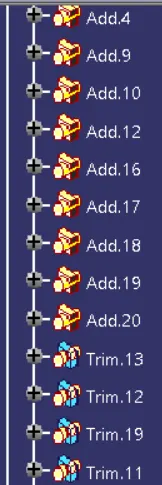
Door Arm Rest :
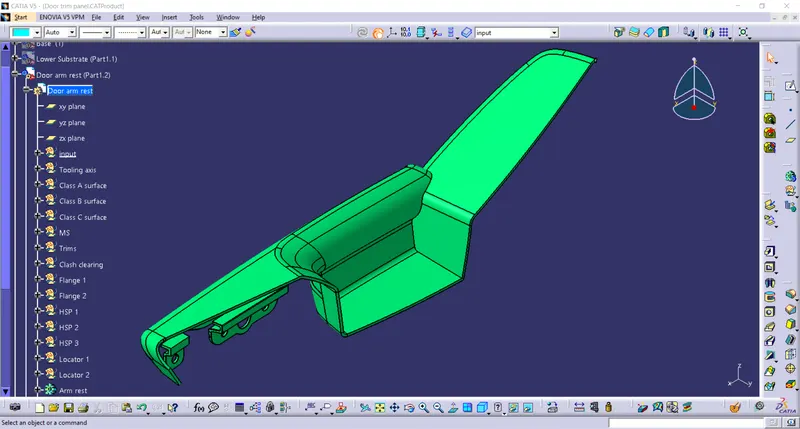
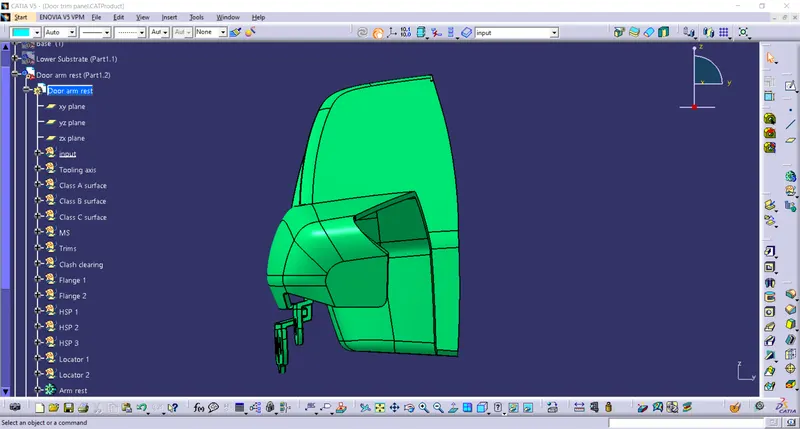
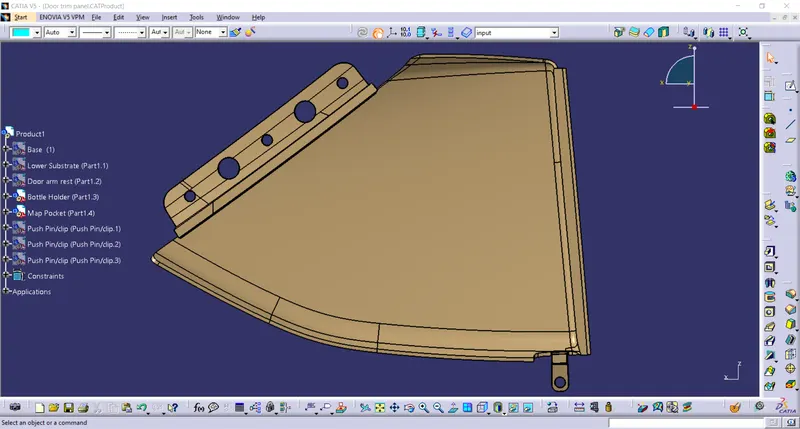
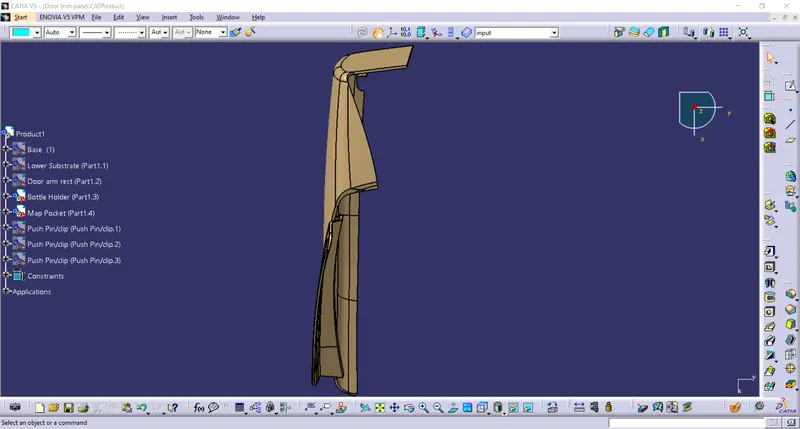
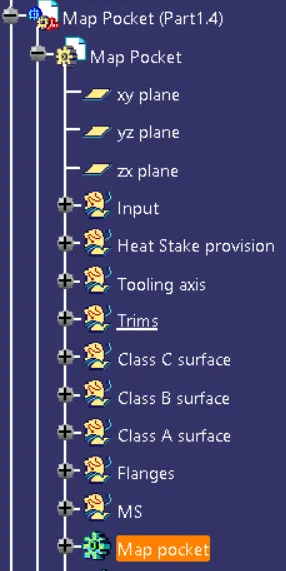
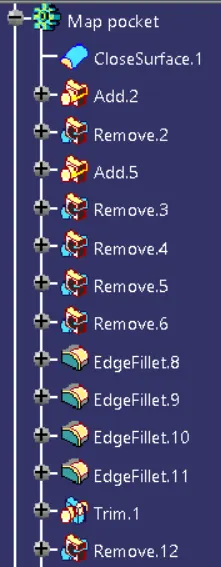
Map Pocket :
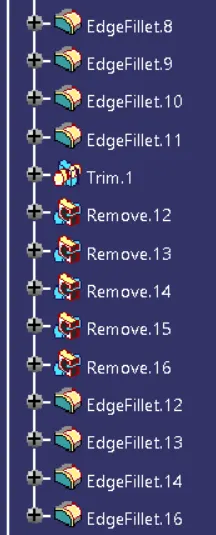
Bottle Holder :
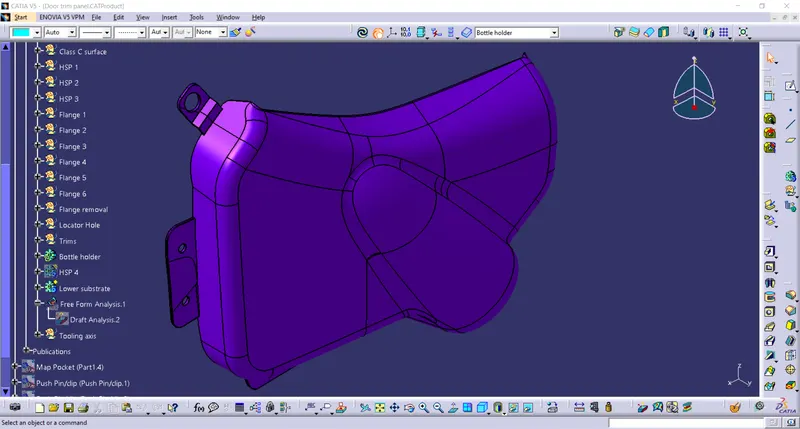
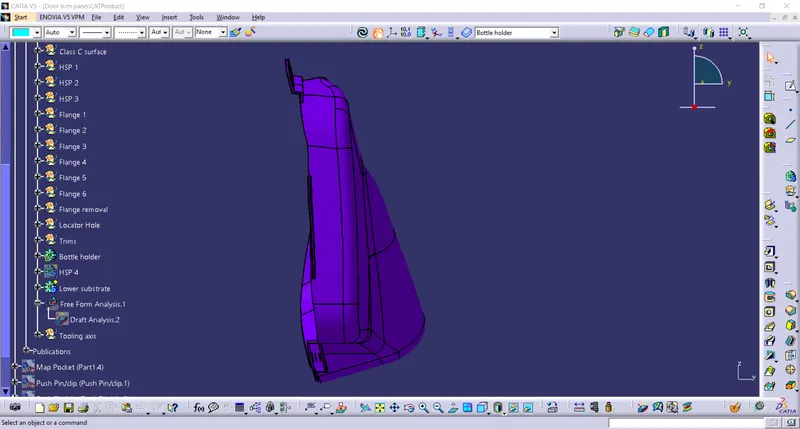
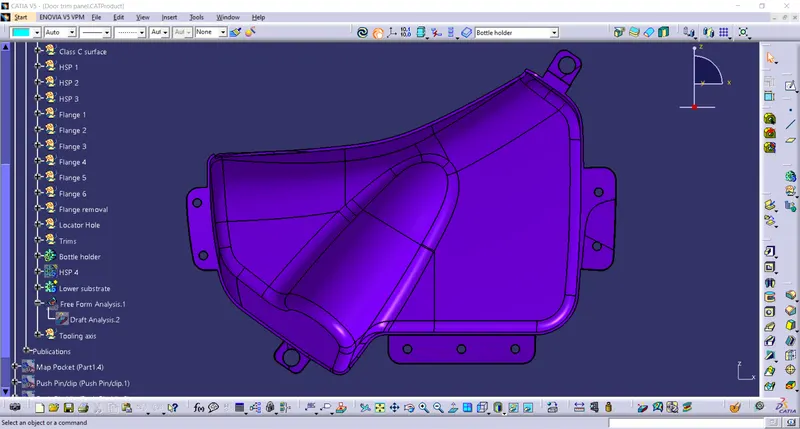
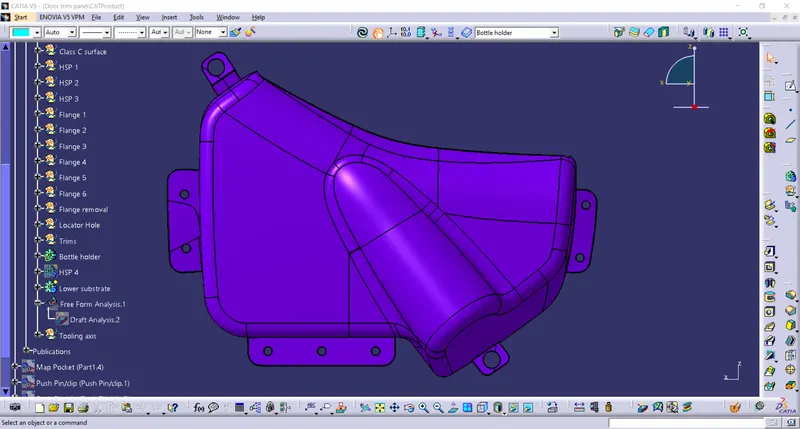
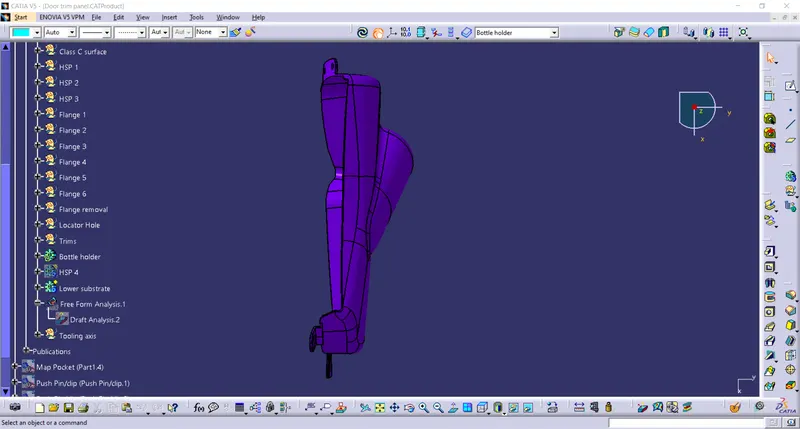
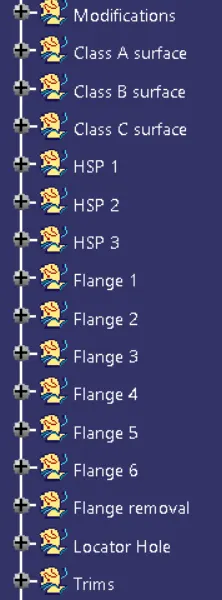
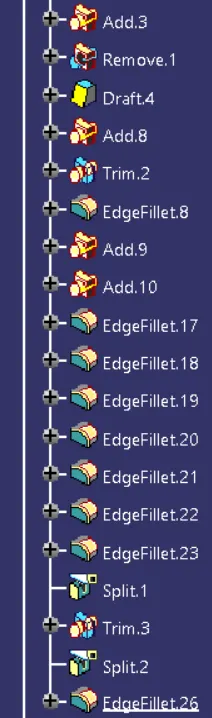
Conclusion :
The project is developed from the class A surfaces and the master sections provided as the input. The flanges are created to the components. The attachment features between the Lower substrate and rest of the components are provided with the design specifications. The doghouse are created over the B-Side of the Lower Substrate with the design specifications and proper drafts are given accordingly. The final assembly is also made with these parts. The clash test is conducted to know if there is a clash between various parts.