Week 11 Car Crash simulation
AIM:
To perform the Car crash simulation.
PROCEDURE:
- First we will import the given geometry to the ANSYS workbench in Explicit dynamic module.
- For this we are using Stainless Steel NL material.
- Now the model is shown below:
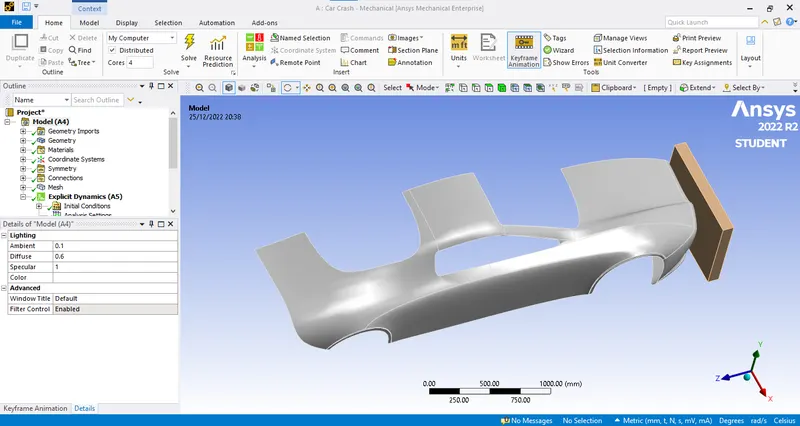
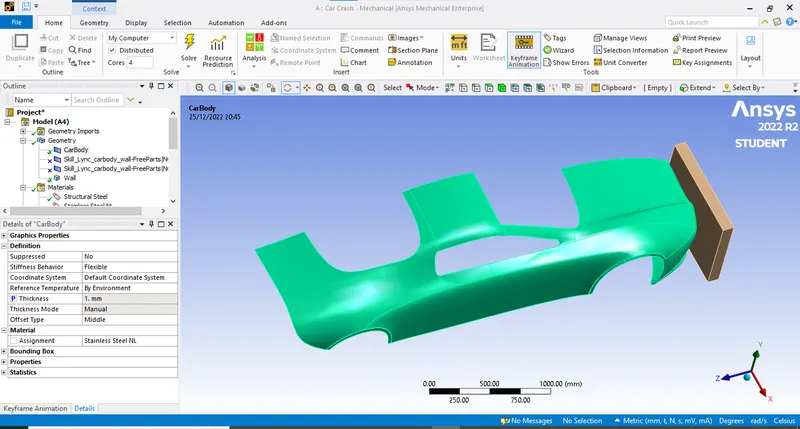
- So here we have to assign the thickness and material to car body. So we are using Stainless Steel Non lineat materila and thickness as 0.3 mm. As shown below:
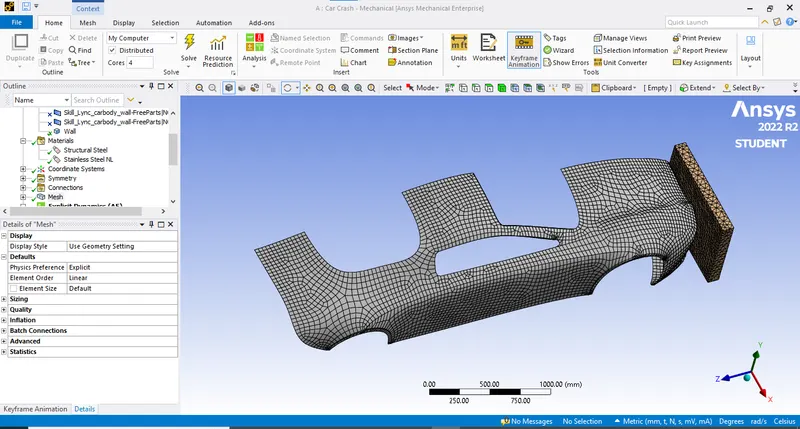
- Now after this we will mesh the given component.
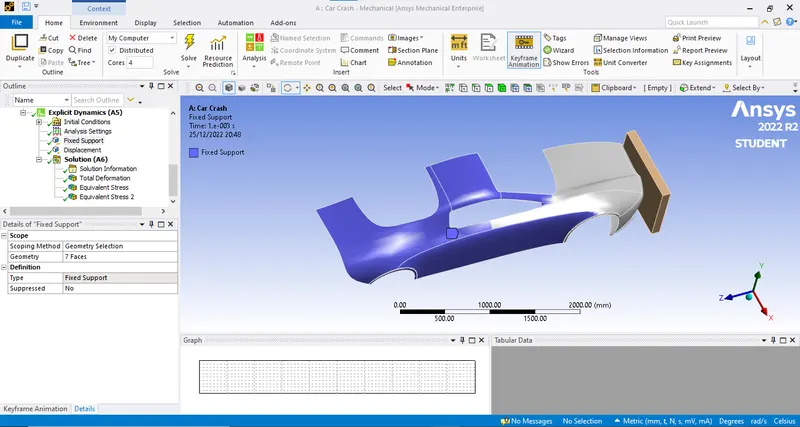
- Now after this we will fixed the car body and assign the displacement to the wall.
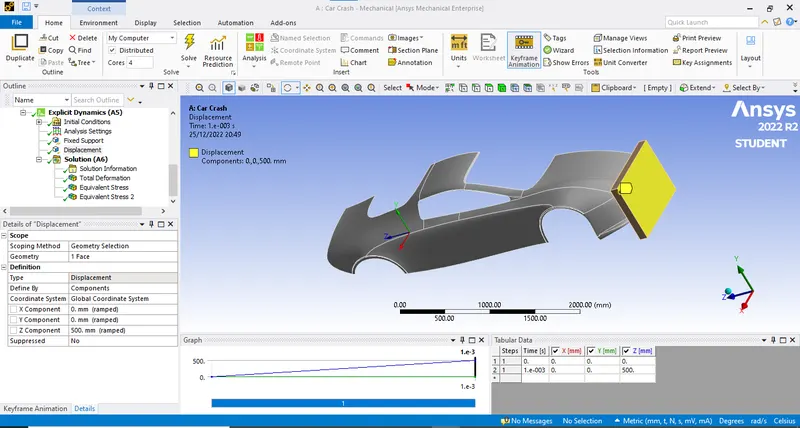
- Now the analysis setting is as follows:
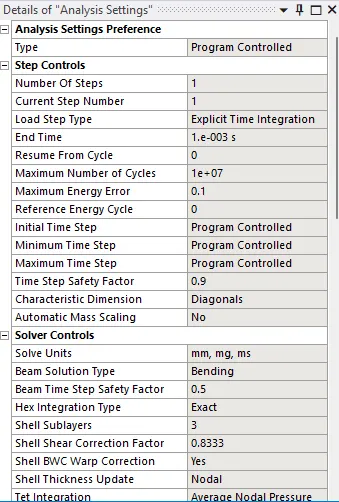
- After this we will add the required results and run the simulation.
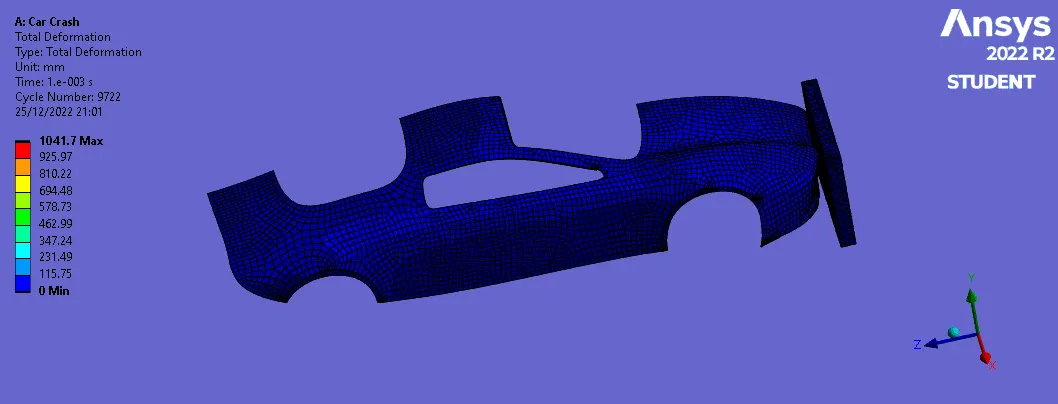
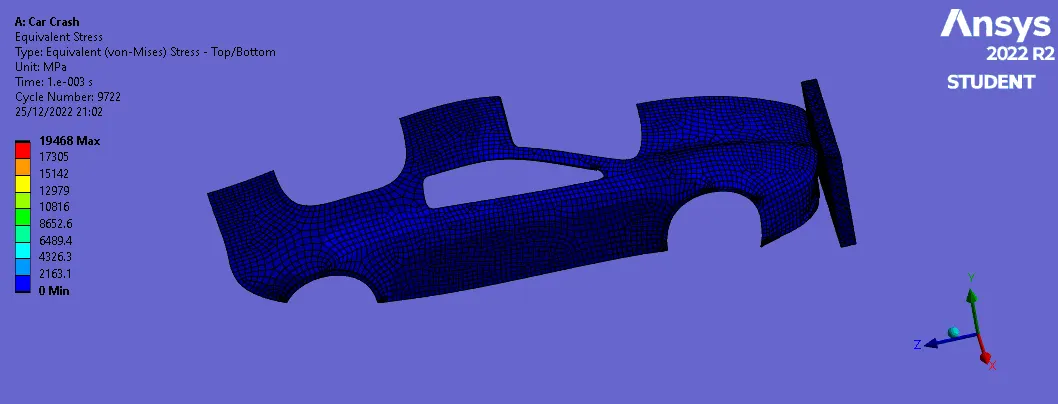
CASE 1: Thickness : 0.3 mm
Total Deformation
Equivalent Stress
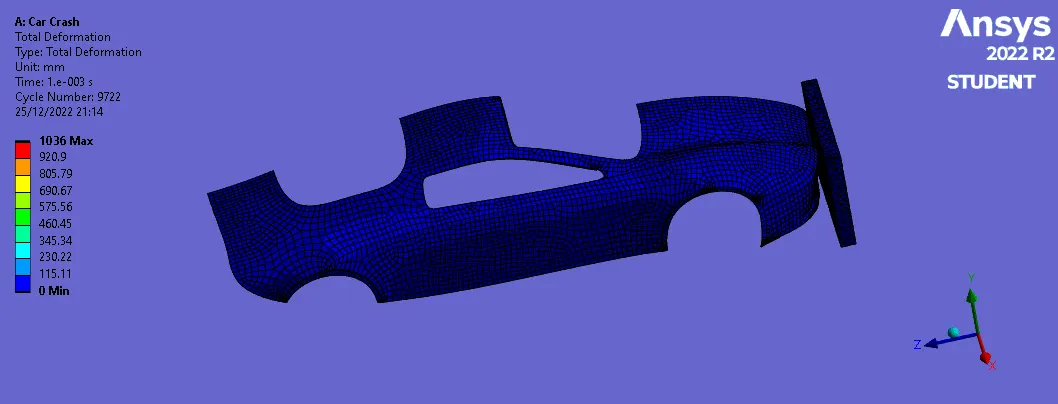
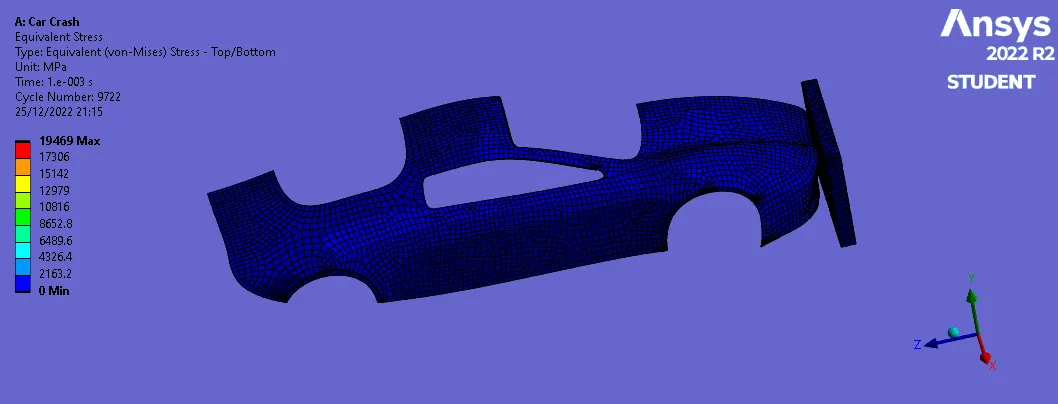
CASE 2: Thickness : 0.6 mm
Total Deformation
Equivalent Stress
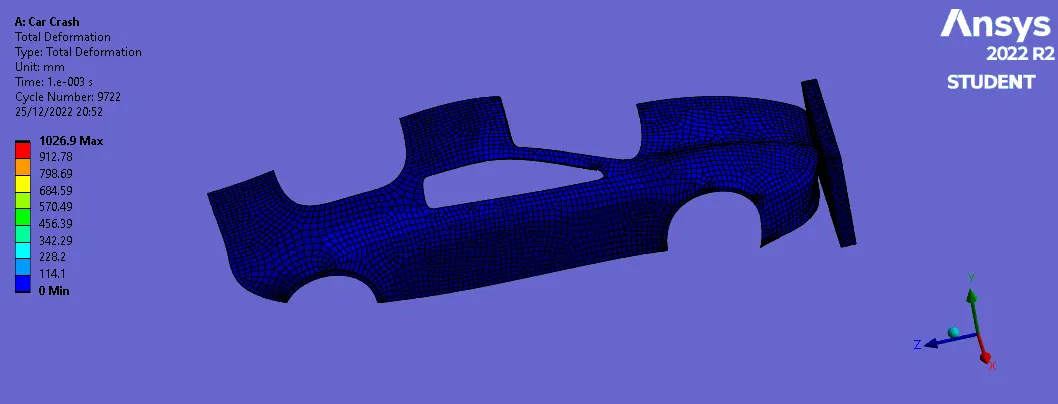
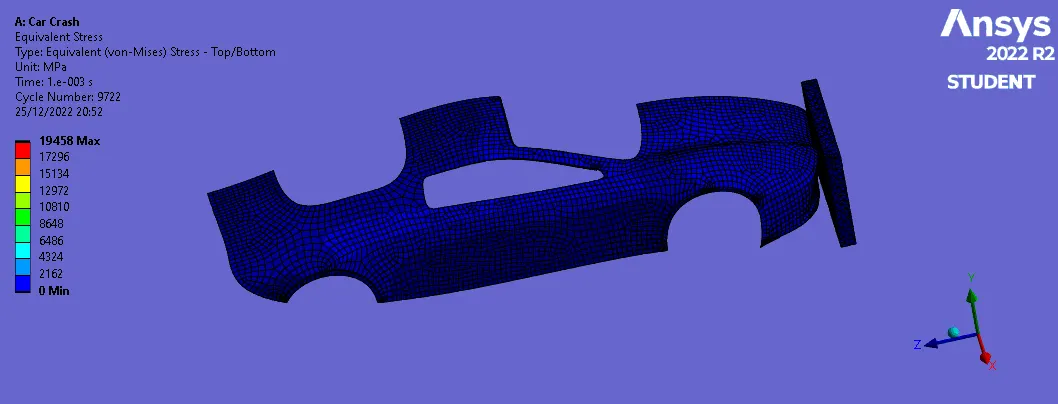
CASE 3: Thickness : 1 mm
Total Deformation
Equivalent Stress
| Sr No. | Thickenss(mm) | Total Deformation (mm) | Equivalent Stress (MPa) |
| 1 | 0.3 | 1041.7 | 19468 |
| 2 | 0.6 | 1036 | 19469 |
| 3 | 1 | 1026.9 | 19458 |
Result:
- The simulation run successfully and the results are calculated.
- As we see as the thickness increase the equivalent stress here is decreasing.
- Total deformation is also varying as the thickness changes.