Week 11-3D Tetra Meshing Challenge
Aim
model 1
- For the given MODEL 1, Create a Teramesh for Housing component with the following quality criteria
model 2
For the given MODEL 2, Create a 3D Tetramesh with the following quality criteria.
model 3
- For the given assembly MODEL 3, Create a 3D Tetramesh with the following quality criteria.
procedure
1. first import the model to hypermesh using the import option
2.after importing check on the quality and enter them in the critria file settins in the preference tab
3 clear all the free edges in the component
4 after that start meshing with trias in the
2d - automesh - tria and enter the ele size and start meshing
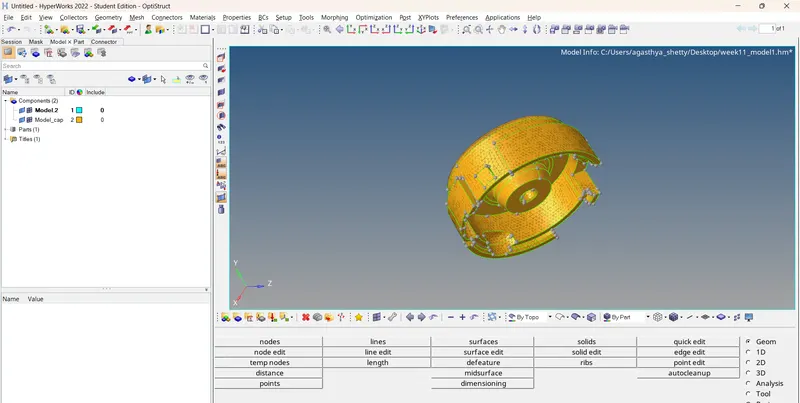
5 chcek the quality and make sure you qualify them use the 2d - quality check
and remesh option to further enhance the mesh flow and
elem cleam up option in the -- 2d panel
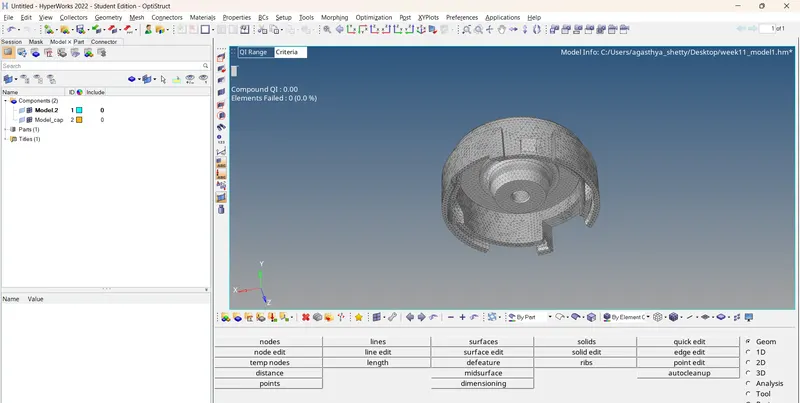
6 later after 2D shell mesh use the 3 d tetramesh - tetramesh - ele option
and convert the 2d to 3d mesh make sure to clear all the quality '
7 for the model 3 use the voliume mesh option and convert the solid to 3 d mesh by selecting the solid
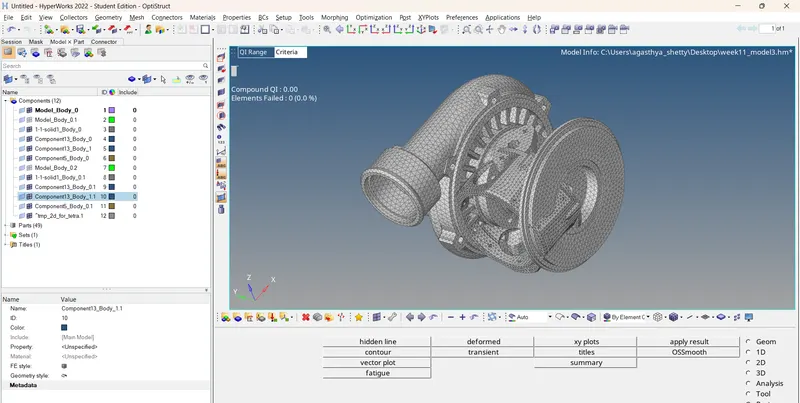
conclusion - learnt the use of and how to generate 3d mesh tetravmesh in this challenge