Week 11-3D Tetra Meshing Challenge
Aim/Objective :
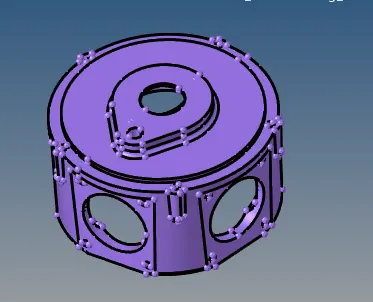
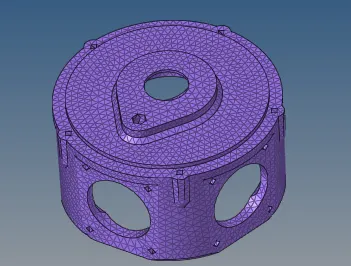
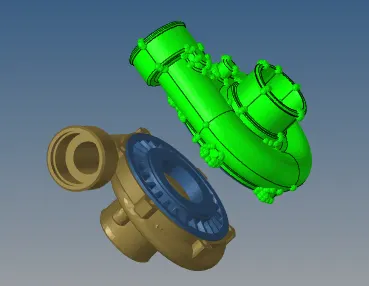
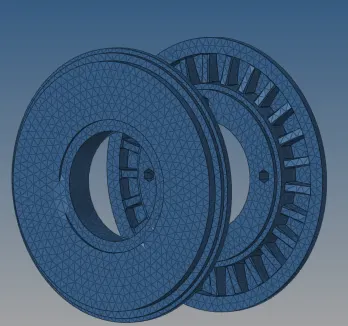
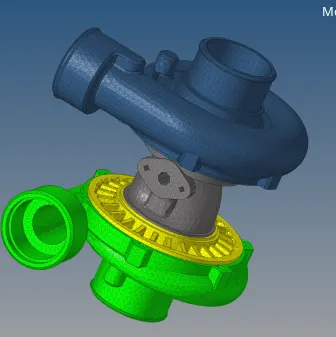
To create a Tetra mesh from 2d to 3d conversion for Model 1
To create quick tetra mesh / volume tetra mesh for Model 2
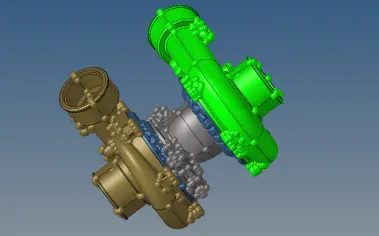
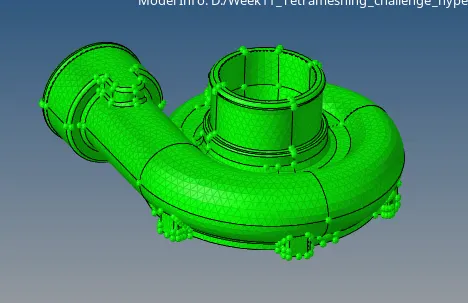
To create quick tetra mesh / volume tetra mesh for Model 3
Quality criteria :
Model 1 : Elements sizes: Min- 2 Units, Target- 5 Units, Max- 7 Units Tet collapse: 0.15
Model 2 : Elements sizes: Min- 2 Units, Target- 3 Units, Max- 7 Units Tet collapse: 0.15
Model 3 : Elements sizes: Min- 2 Units, Target- 4 Units, Max- 7 Units Tet collapse: 0.15
Procedure :
Model 1
Steps :
Import the geometry in hypermesh for 3d tetra mesh
Delete the solid component for working on surface
Use geometry quick edit and toggle the lines which are minimum
Then used 2D automesh and selected trias only and meshed the component
Once the surface is meshed completely check for tet collapse failing
Tools check elements was used to check tet fialed saved them
Tools mask Retrieve mask reverse mask adjacent was used to work on them
Remeshed the regions whick are required and checked again
The file is then saved along with the report
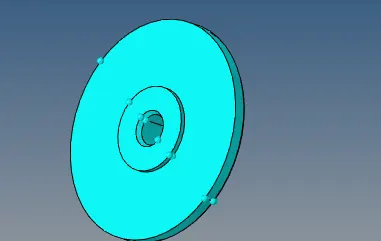
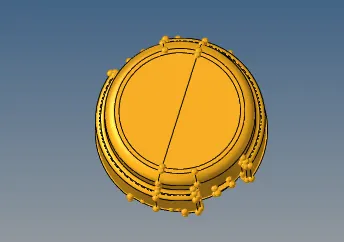
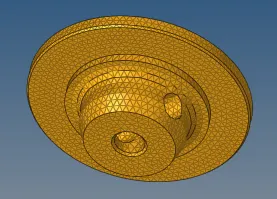
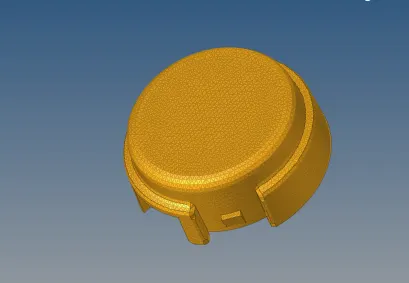
Model 2
Steps :
Import the geometry in hypermesh for working with volume tetra mesh
Delete the solid component for working on surface
Use the geometry quick edit and toggle the lines which are minimum
3D tetramesh volume tetra element size was added
Then used 3D tetramesh elements selected for meshing
Once the surface is meshed completely check for tet collapse failing
Tools check elements was used to check tet fialed saved them
Tools mask Retrieve mask reverse mask adjacent was used to work on them
Geom Temp nodes were used and created to work on them later removed
Remeshed the regions whick are required and checked again or replace nodes can be used
The file is then saved along with the report
Model 3
Steps :
Import the geometry in hypermesh for working with quick tetra mesh
Delete the solid component for working on surface
Under 3d tetramesh volume tetramesh selected individual component and meshed with target values
Similarly for other component also meshing was done by same steps
Tools check elements tet collapse was checked and saved
Used tool mask retrieve mask reverese and used 3d tetramesh to remesh the elements
And the remaining elements was fixed by using 2d replace to fix it
Then the elements were organize by using tools organize and saved the file
Learning Outcomes :
To create a Tetra mesh from 2d to 3d conversion
To create quick tetra mesh / volume tetra mesh
Remeshing to improve the failing regions volume tetra mesh
Time utilization was less compared to 2d Meshing
Result :
Thus the given geometry tetra mesh from 2D to 3D and quick tetra mesh/volume tera mesh was done and the file is attached for reference