Week 11-3D Tetra Meshing Challenge
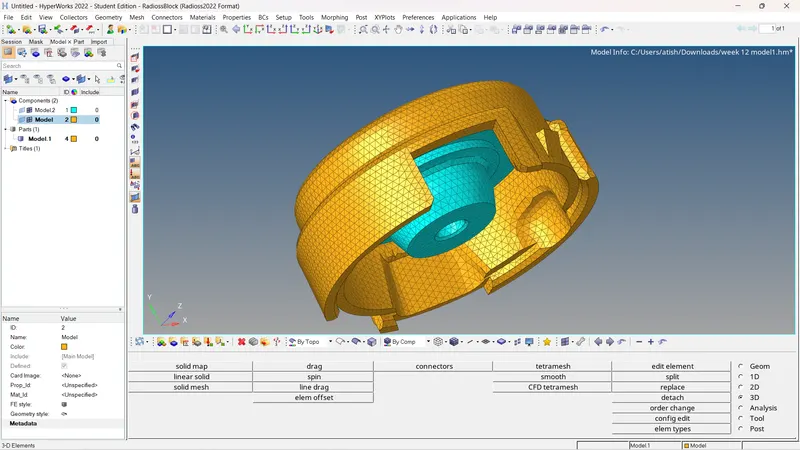
Aim:To perform 3D meshing using teramesh and check for tet collapse in the given components using Hypermesh.
Procedure:
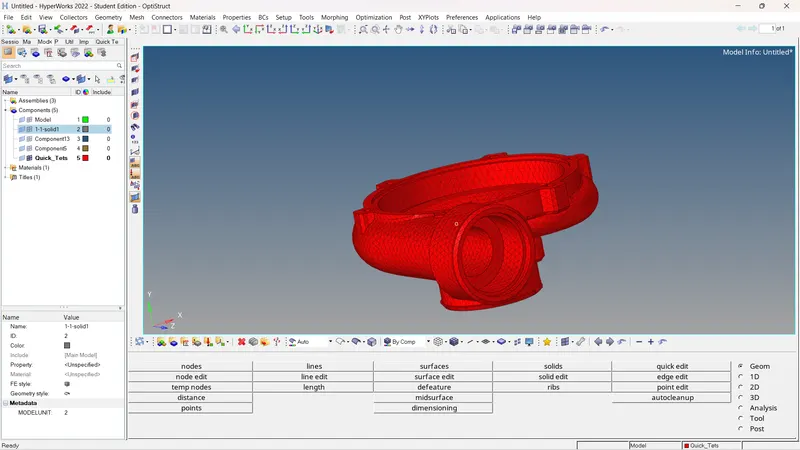
Model :1
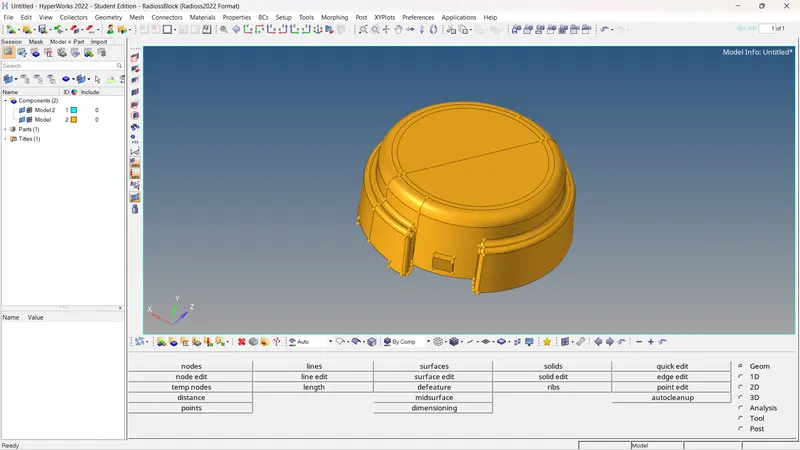
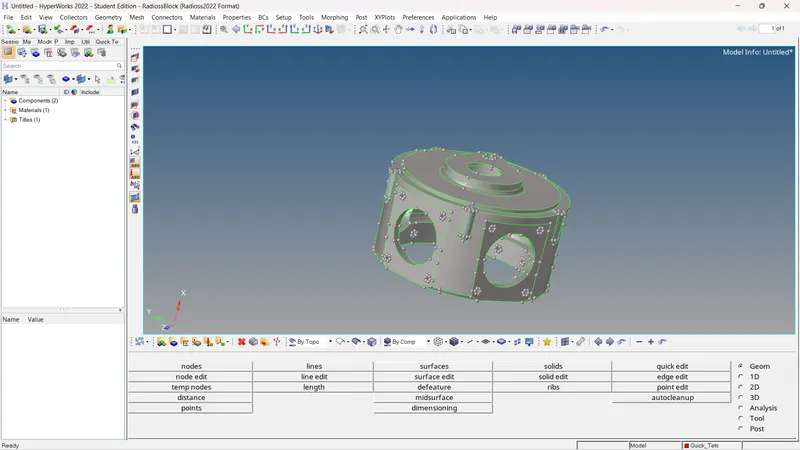
Step 1: Import geometry.
Step 2: Delete the solids
F2>Solids>Delete.
Step 3: geometry cleanup.
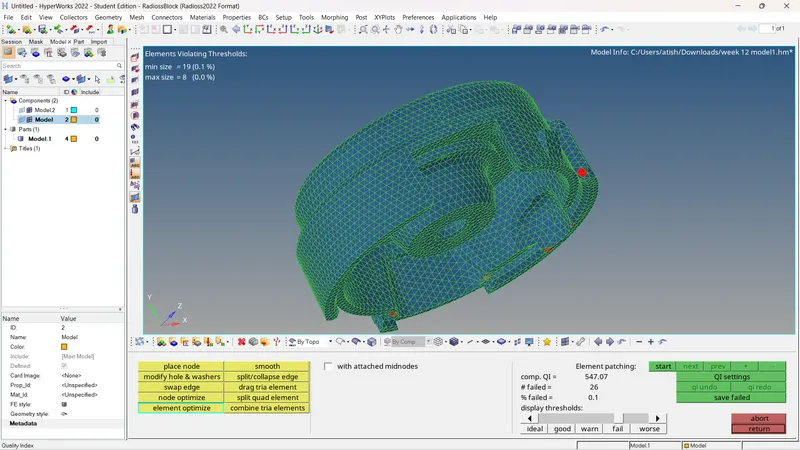
Step 4: generate 2-D mesh.
step 5:Convert 2-D mesh into 3-D mesh
3-D>tetramesh>select the element>mesh.
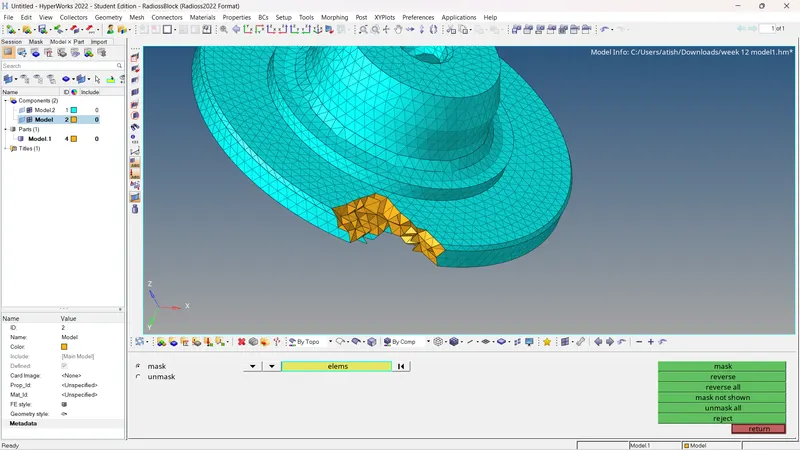
step 6: Criteria check.
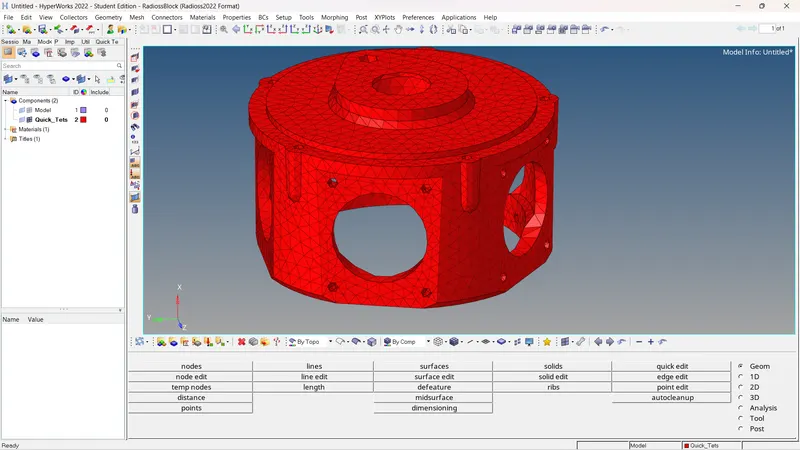
Model :2
Step 1: Import geometry.
Step 2: Delete the solids
F2>Solids>Delete.
Step 3: geometry cleanup.
Step 4: Quick tetra mesh.
view>browser>hypermesh>utility>Geom/mesh>Quick tetra.
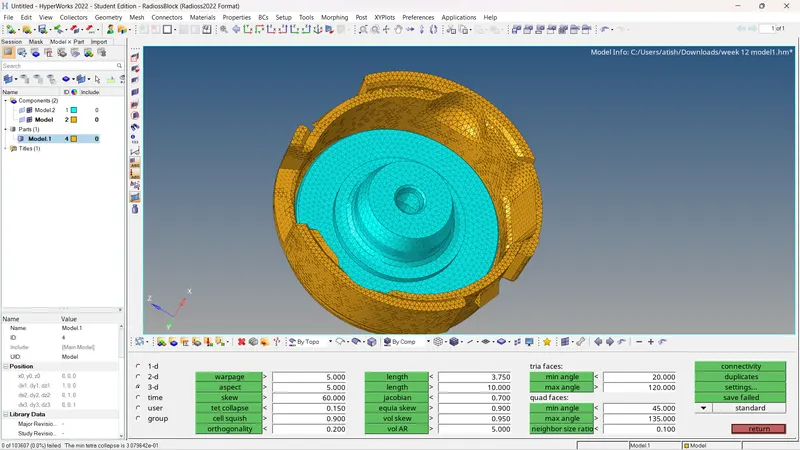
step 5: quality check.
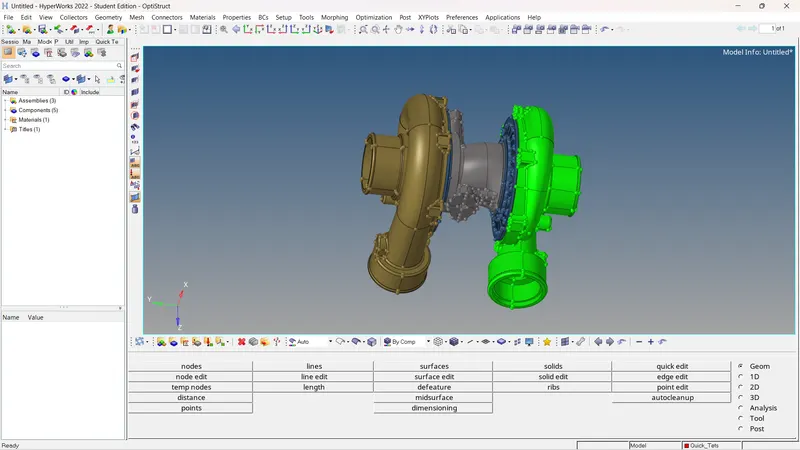
Model :3
Step 1: Import geometry.
Step 2: Delete the solids
F2>Solids>Delete.
Step 3: geometry cleanup.
Step 4: Quick tetra mesh.
view>browser>hypermesh>utility>Geom/mesh>Quick tetra.
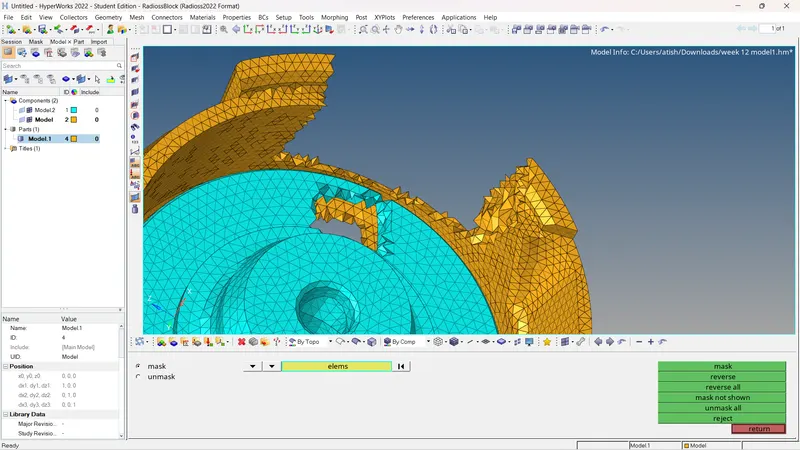
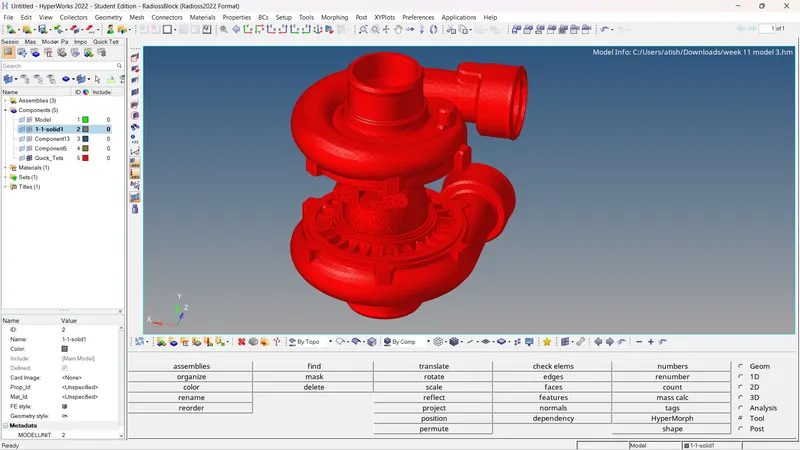
step 5: one component surface was intersecting with each other ,component was symmeric so cut it in two part and delete the intersecting side.
Step 6: generate 2-D mesh.
step 7:Convert 2-D mesh into 3-D mesh
3-D>tetramesh>select the element>mesh.
Step 8: Quality check.