Week 10- Assembly Workbench
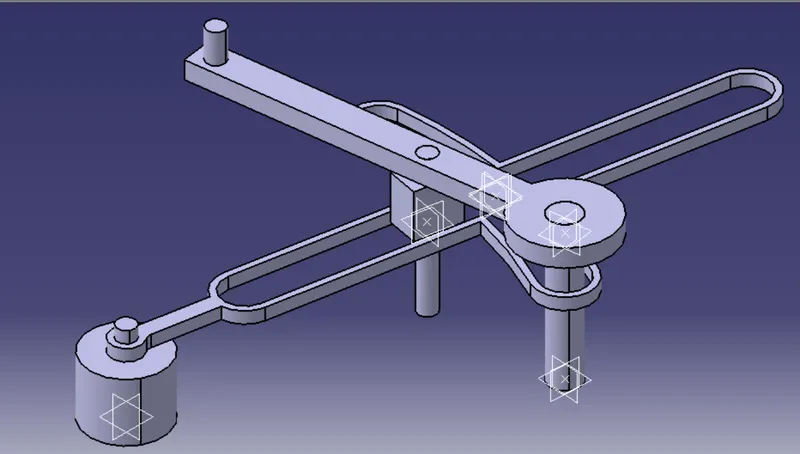
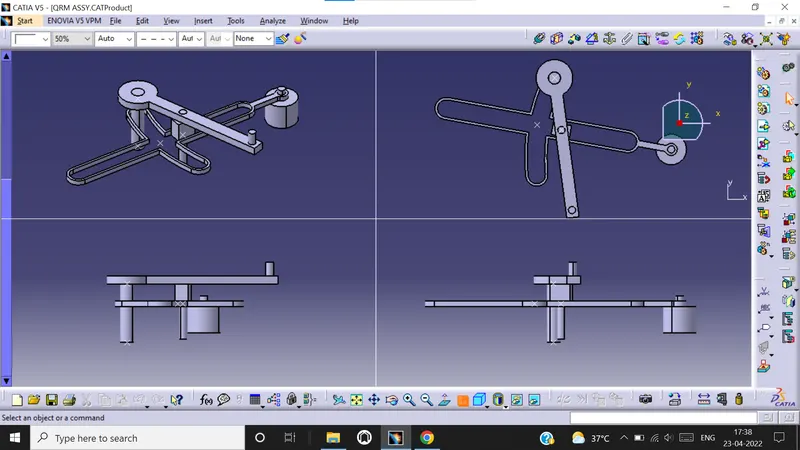
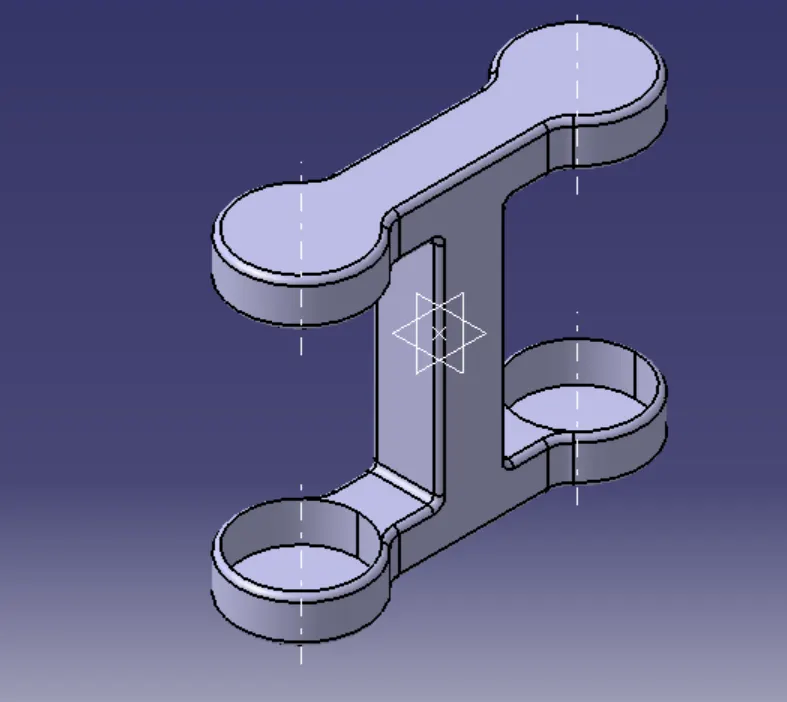
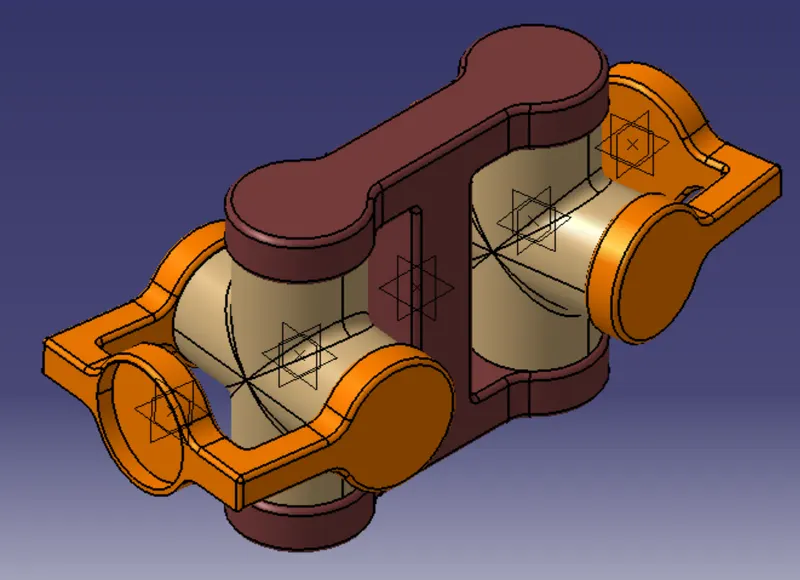
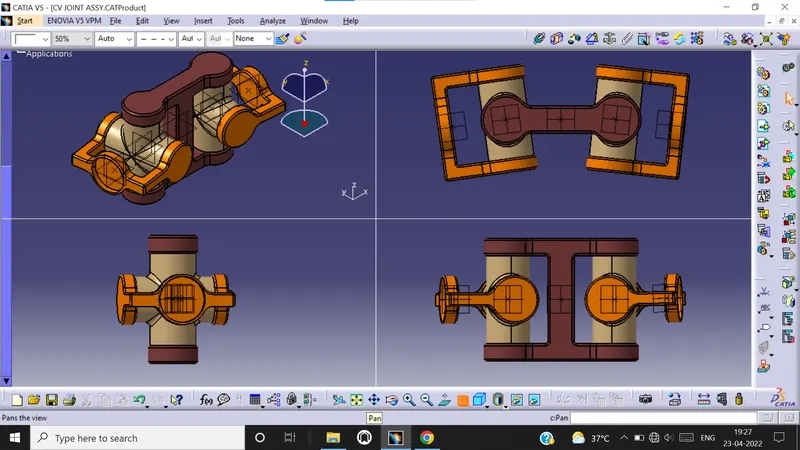
QUICK RETURN MECHANISM and CV JOINT construction and assembly.
Steps
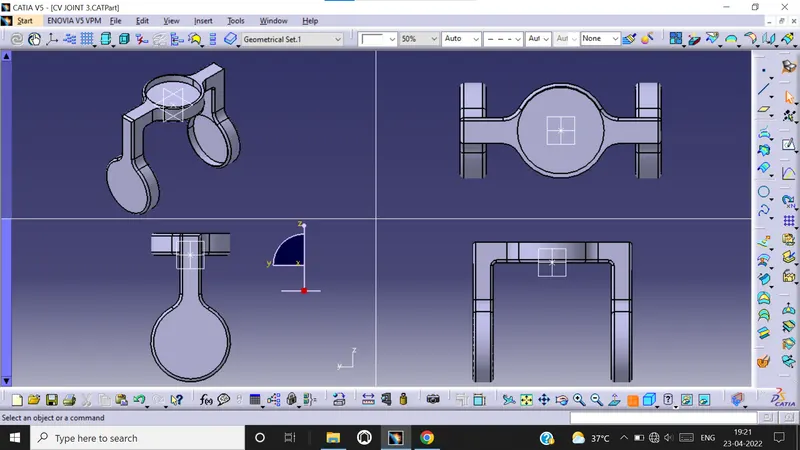
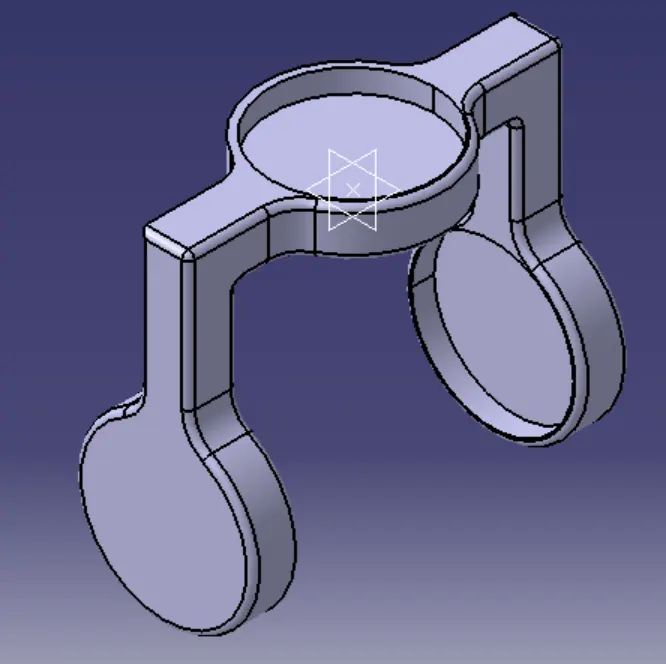
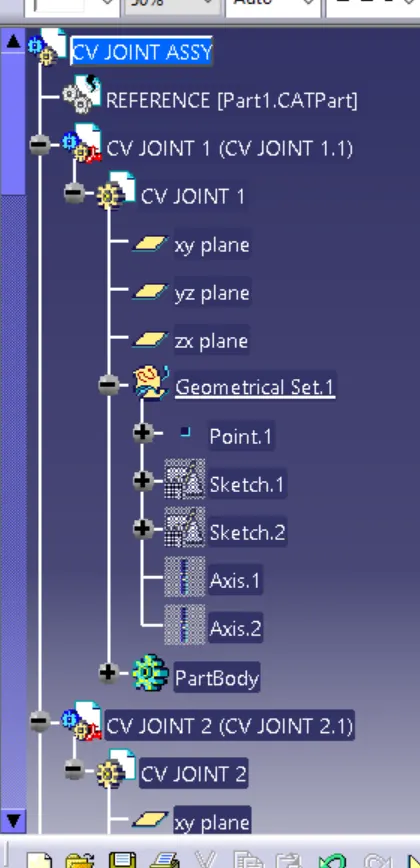
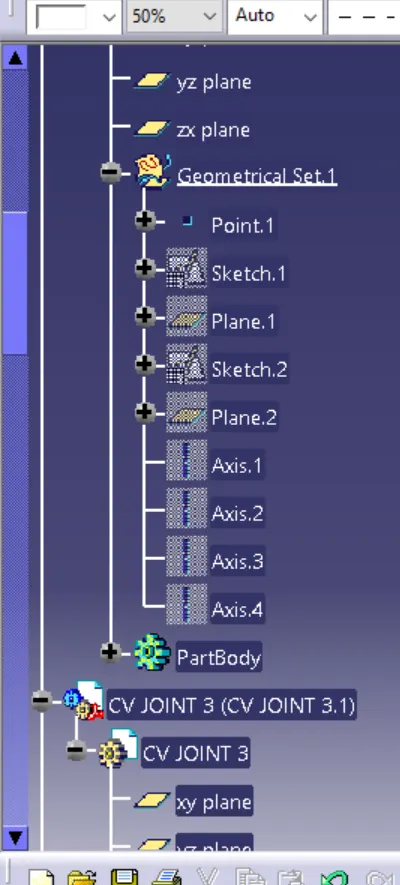
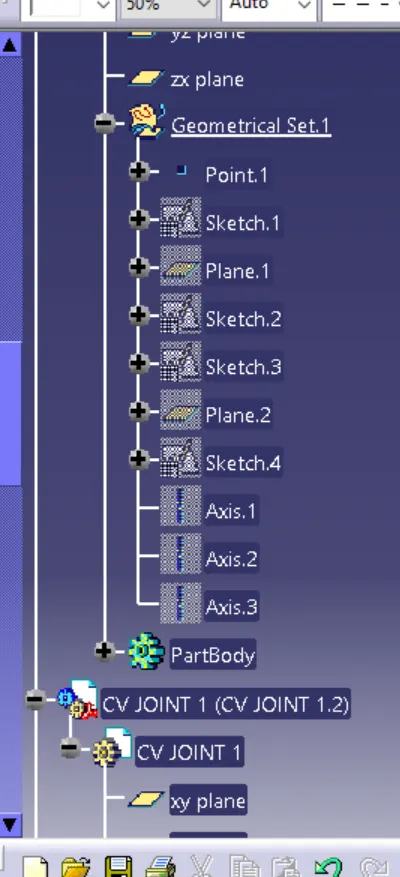
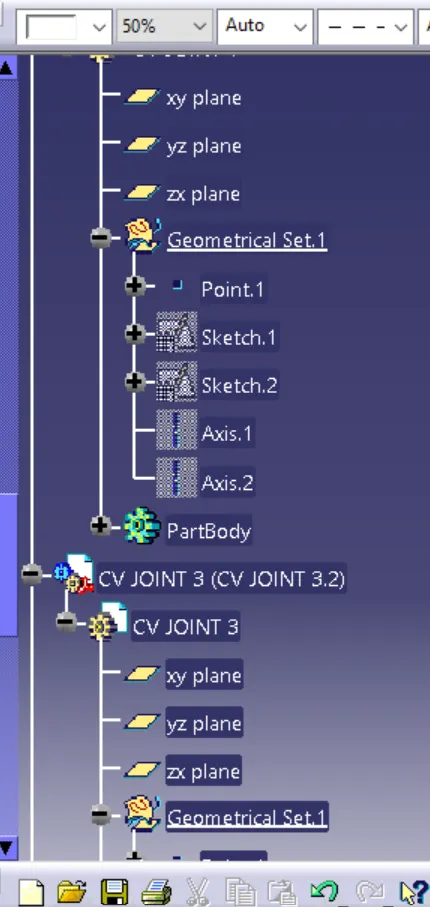
- To create the assembly we need to create the parts of both quick return mechanism and cv joint.
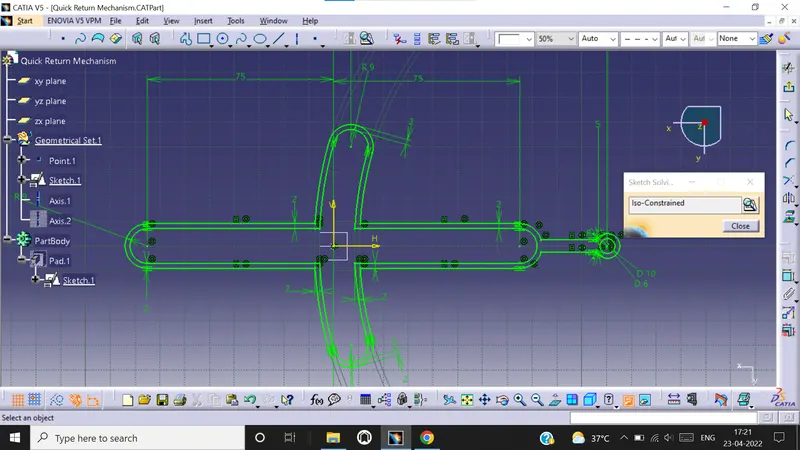
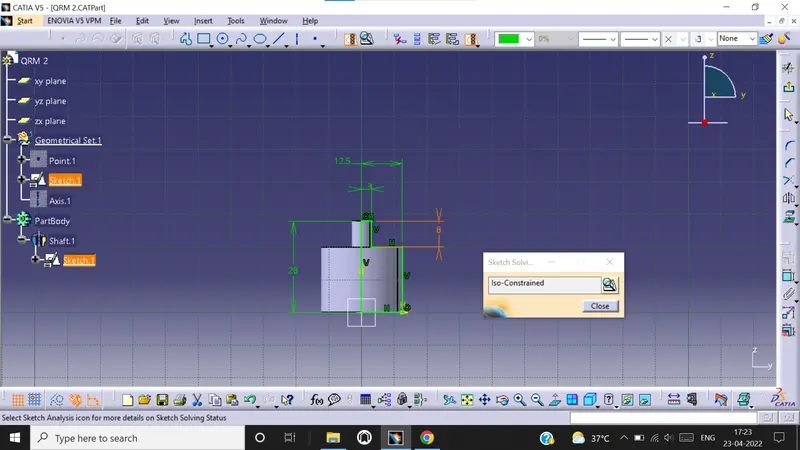
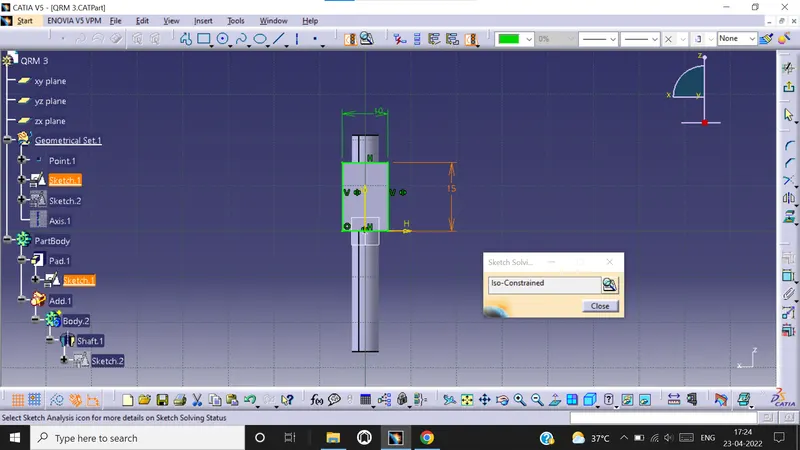
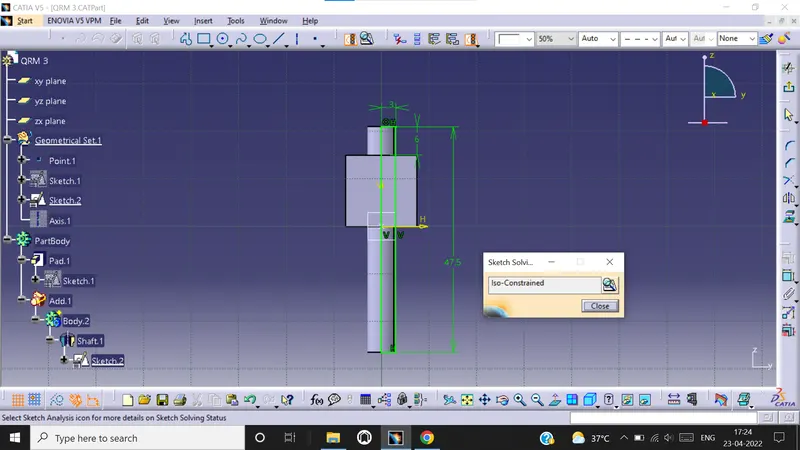
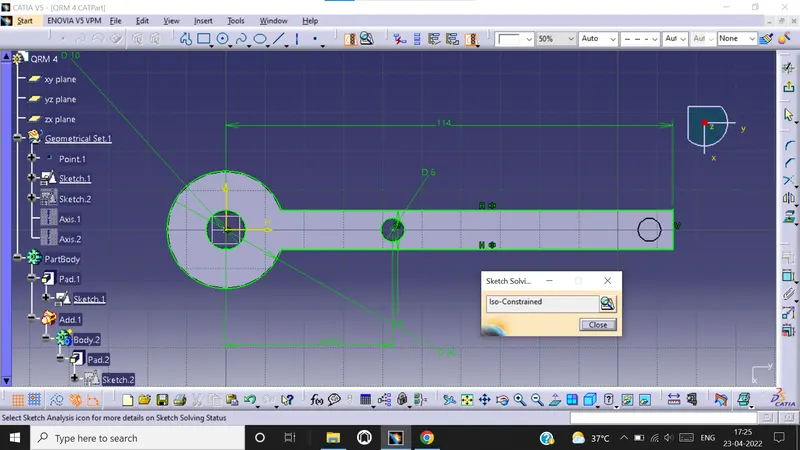
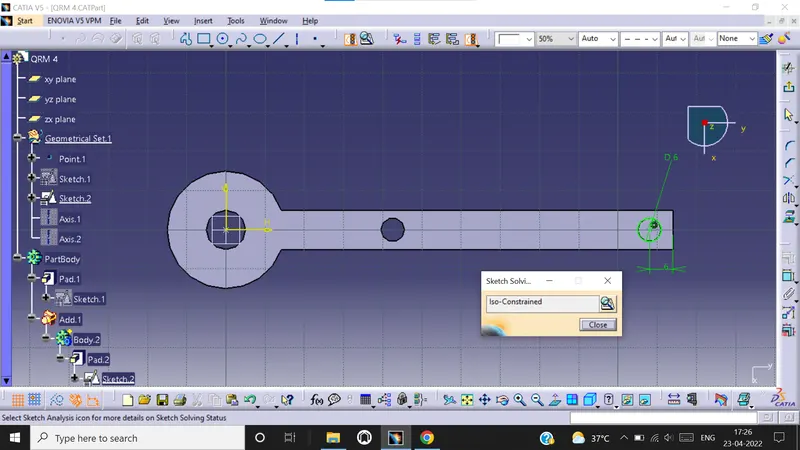
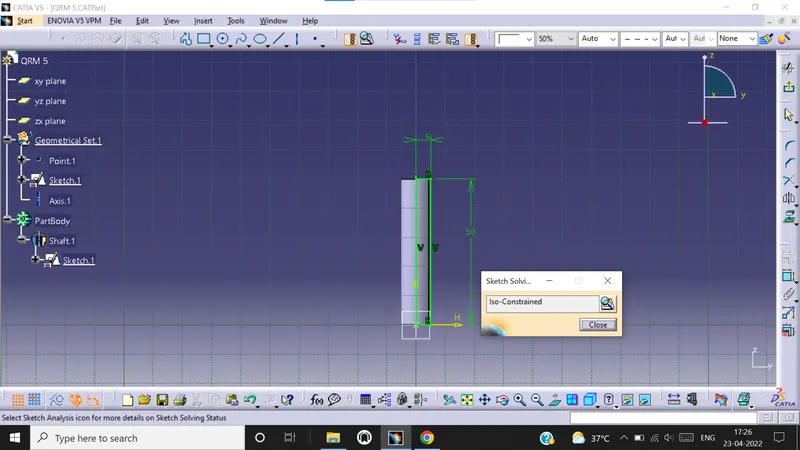
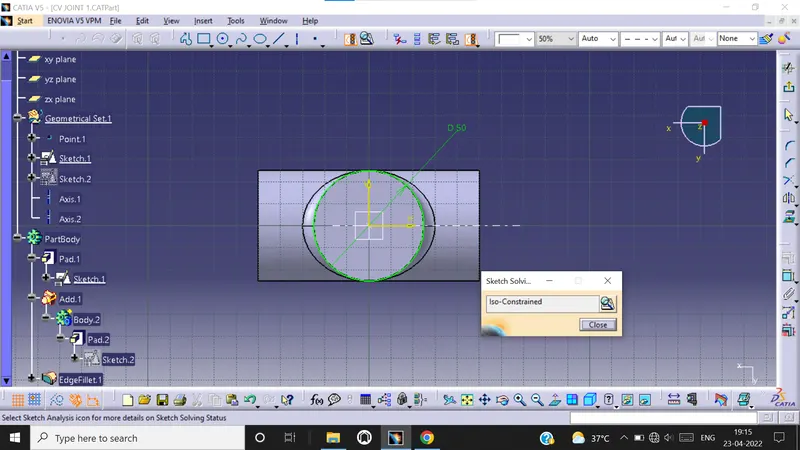
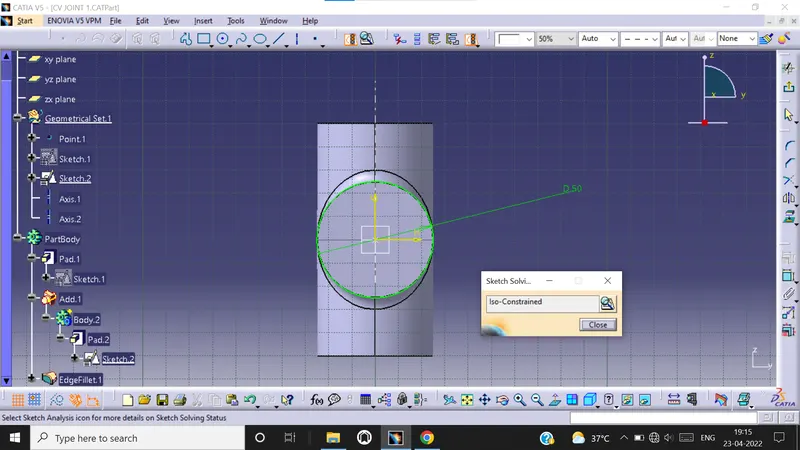
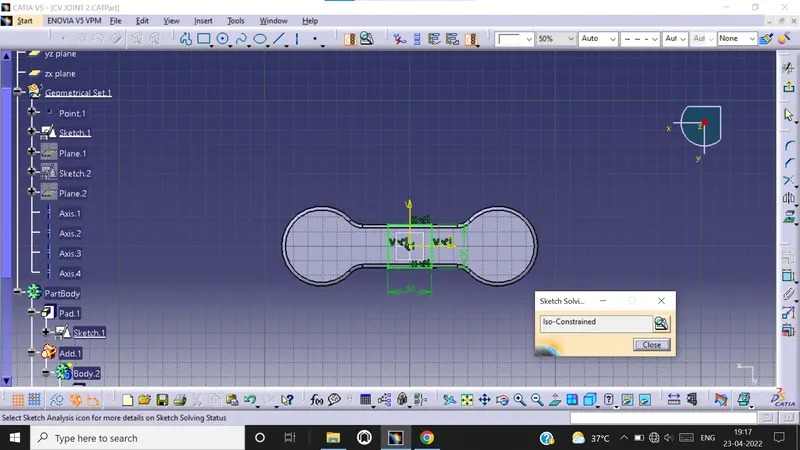
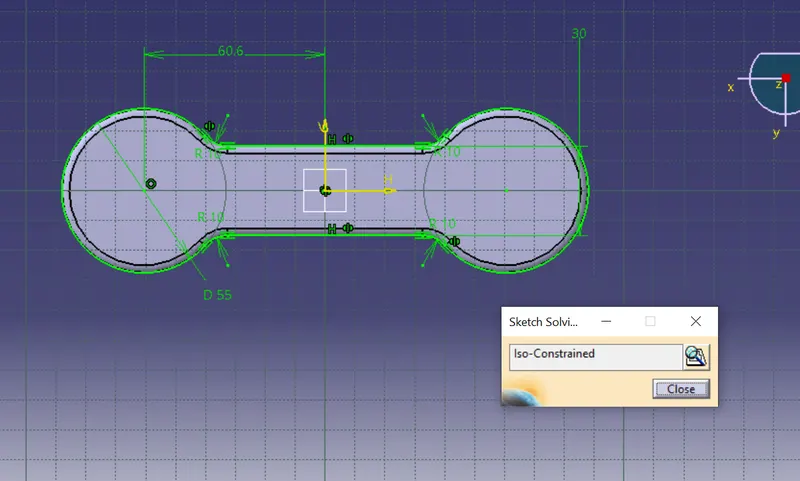
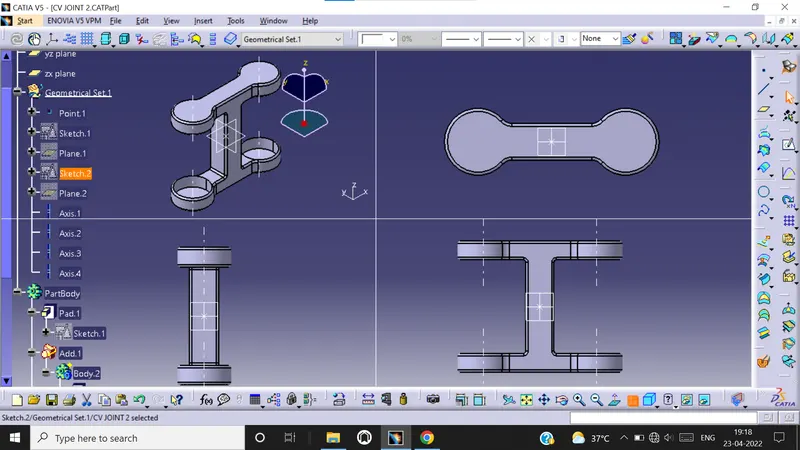
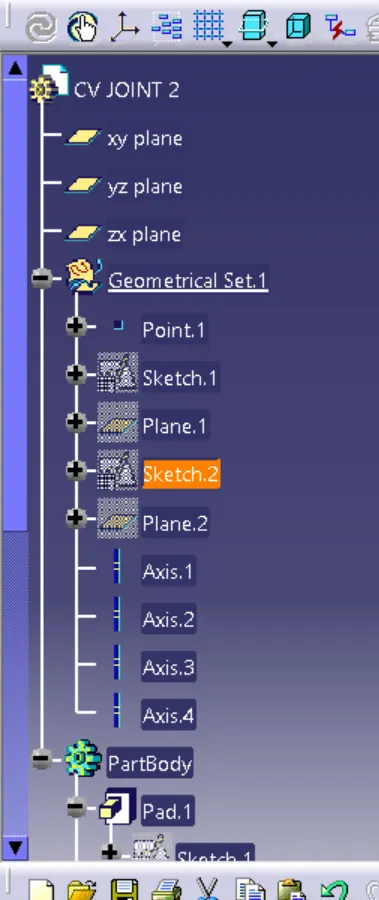
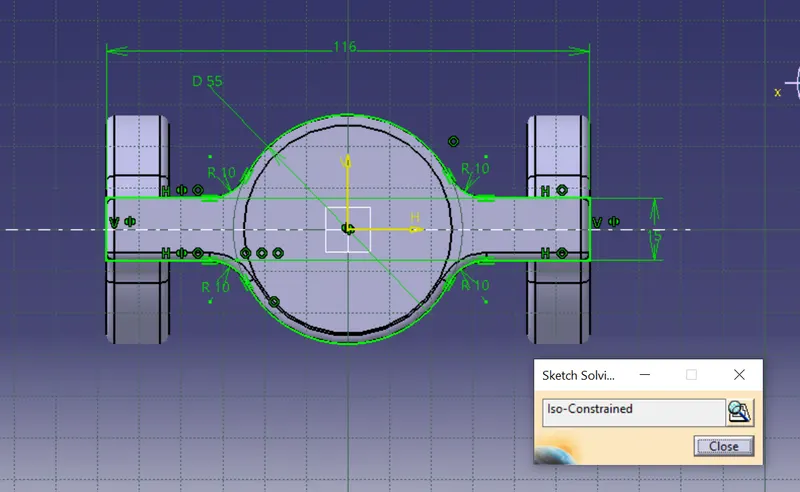
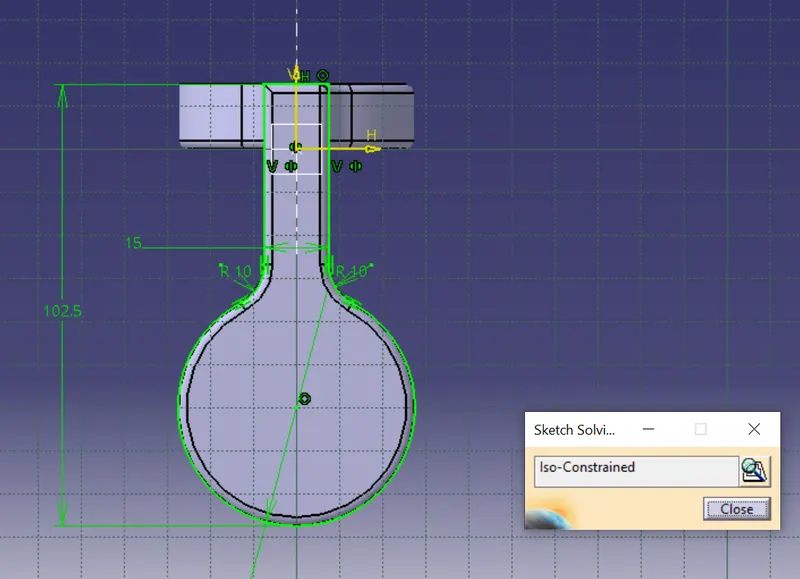
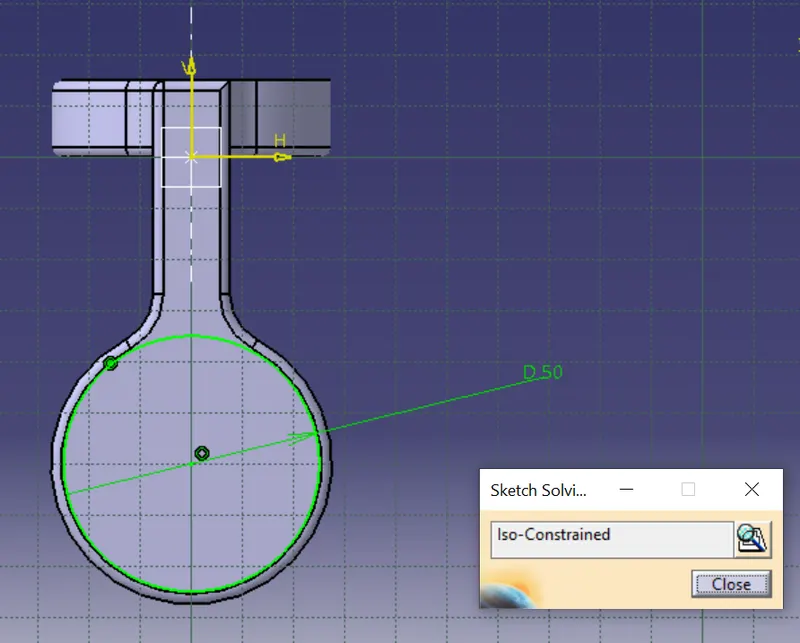
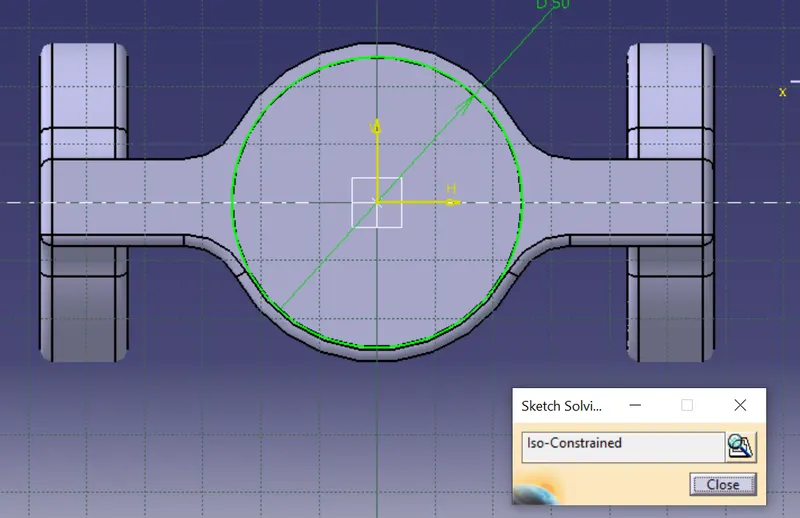
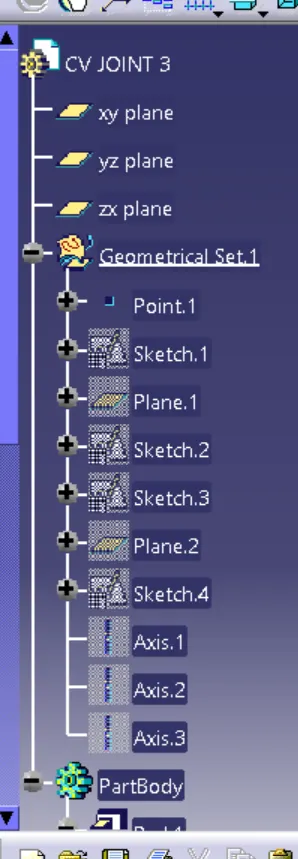
- First create sketch of the required part and constrain it.
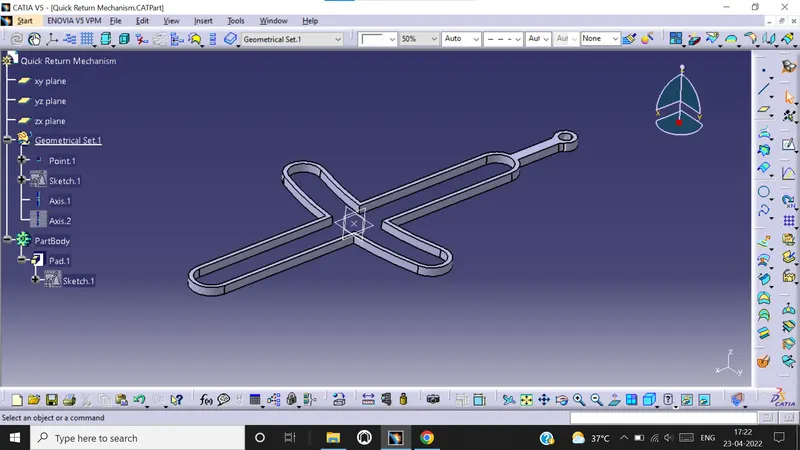
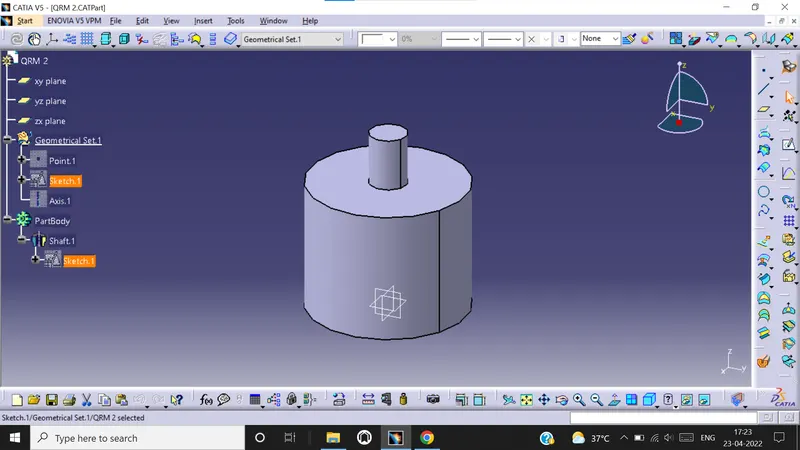
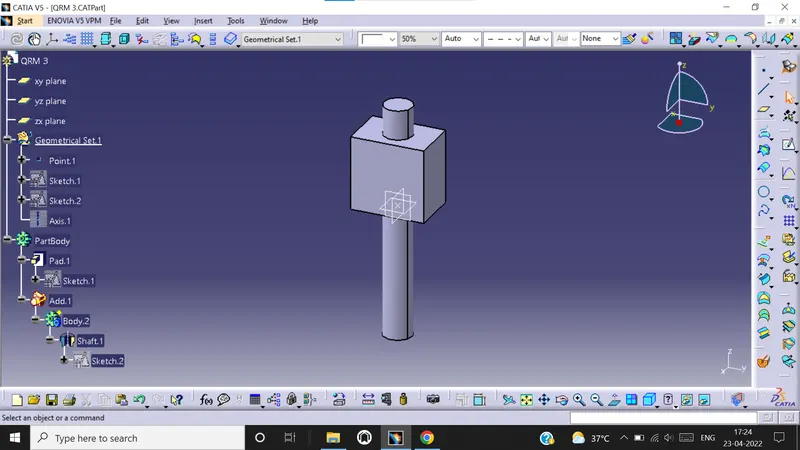
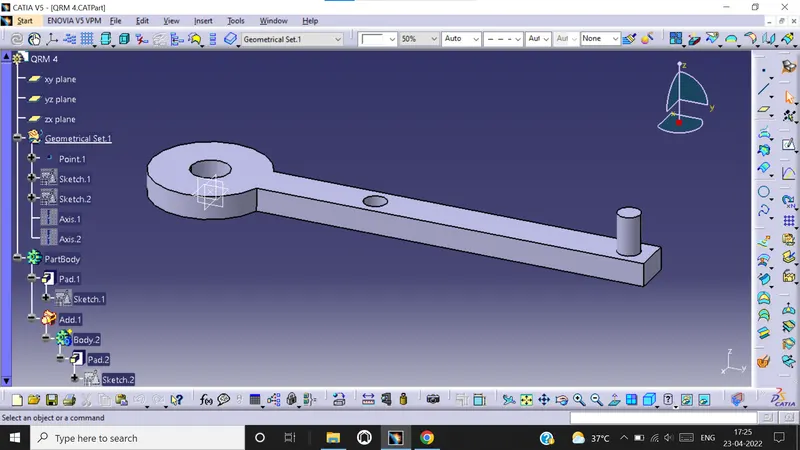
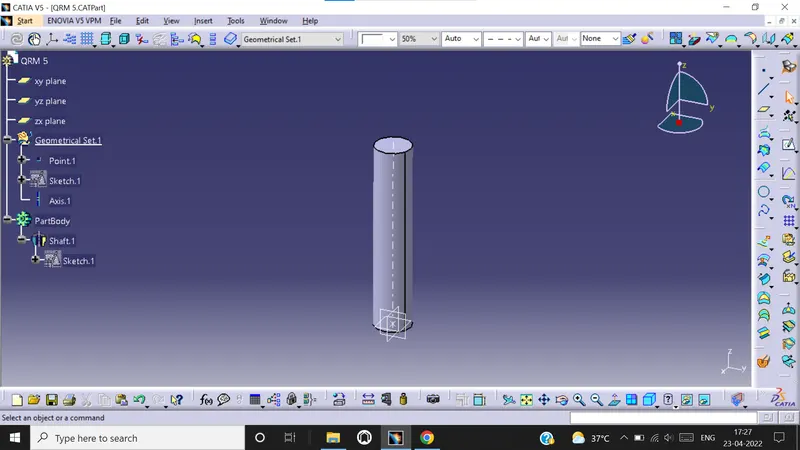
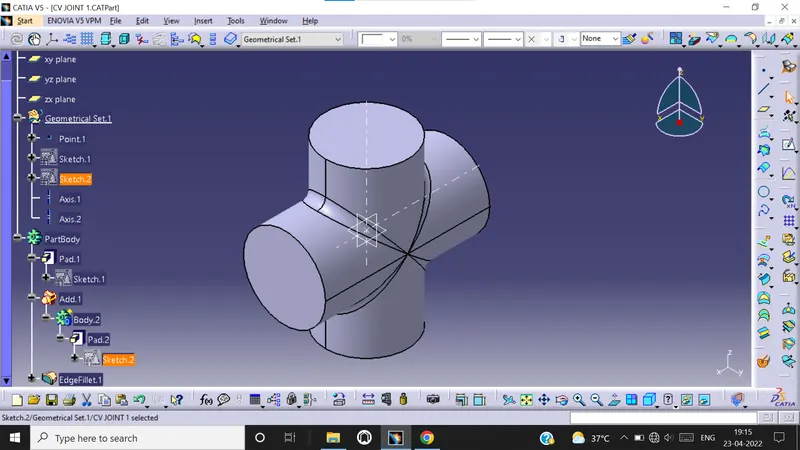
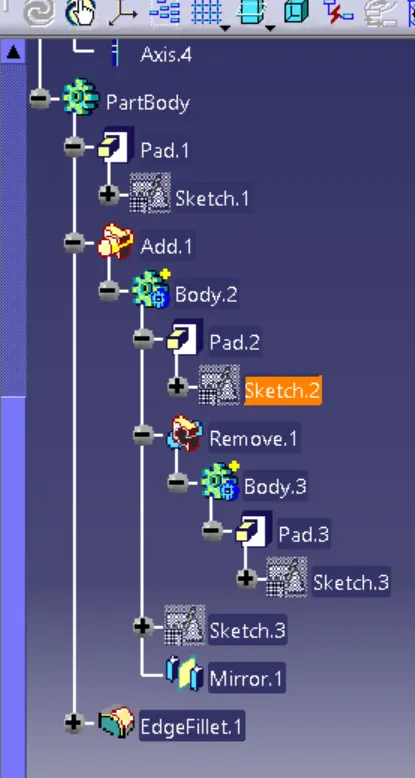
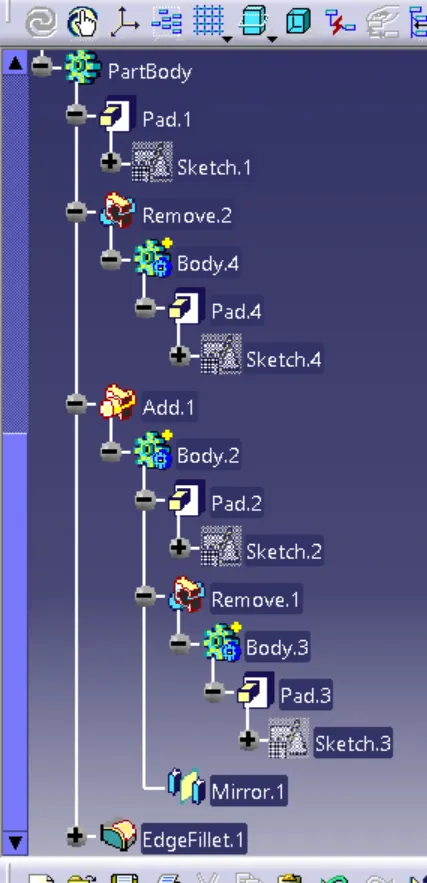
- Then pad the sketches and give the required fillets.
- Use boolean operation to do the add or remove operations.
- Once all the parts are created open assembly workbench.
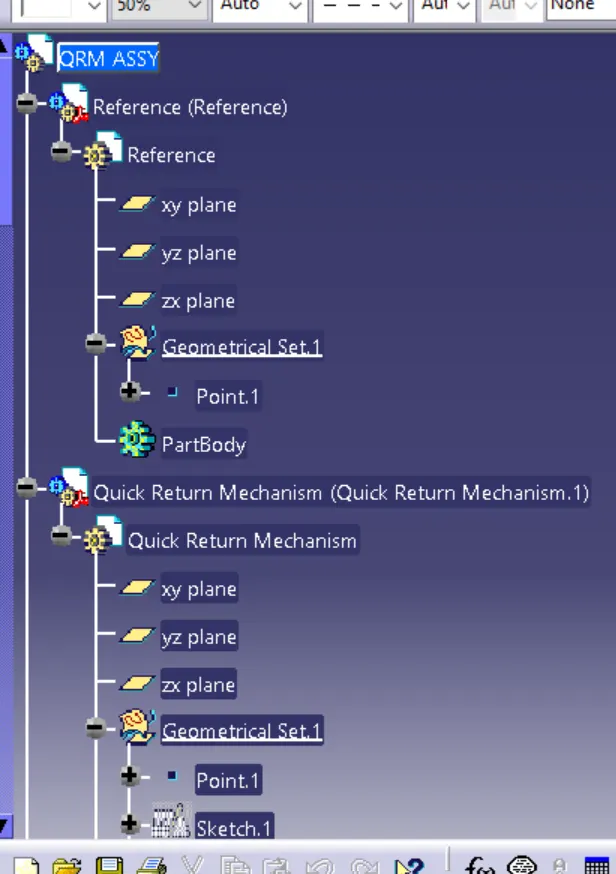
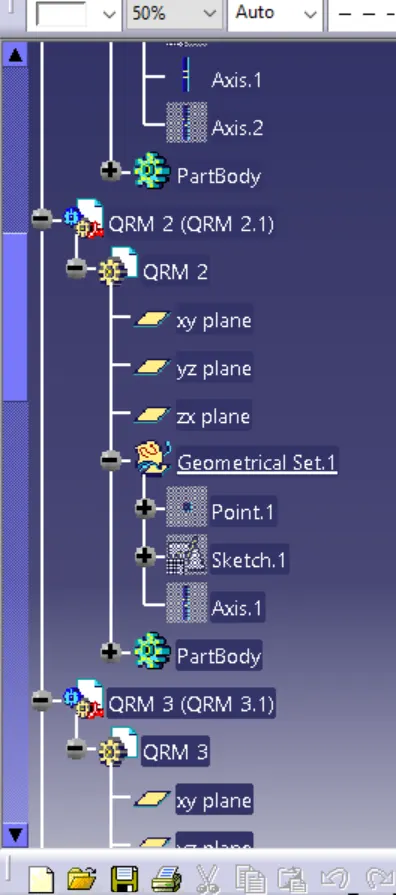
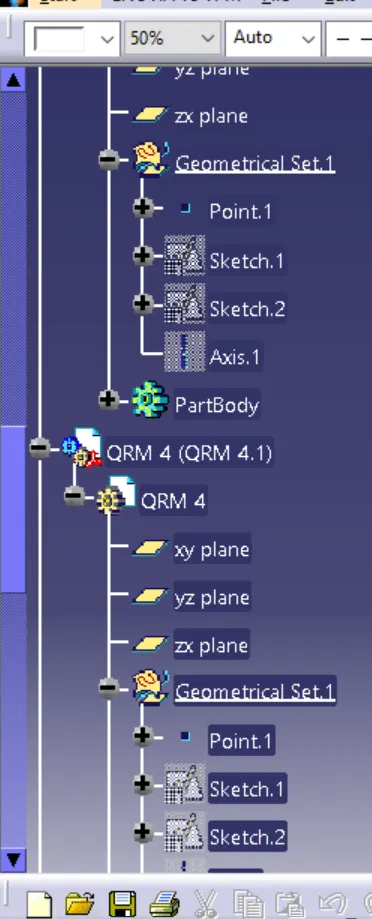
- Click existing components option and bring all the parts in assembly workbench.
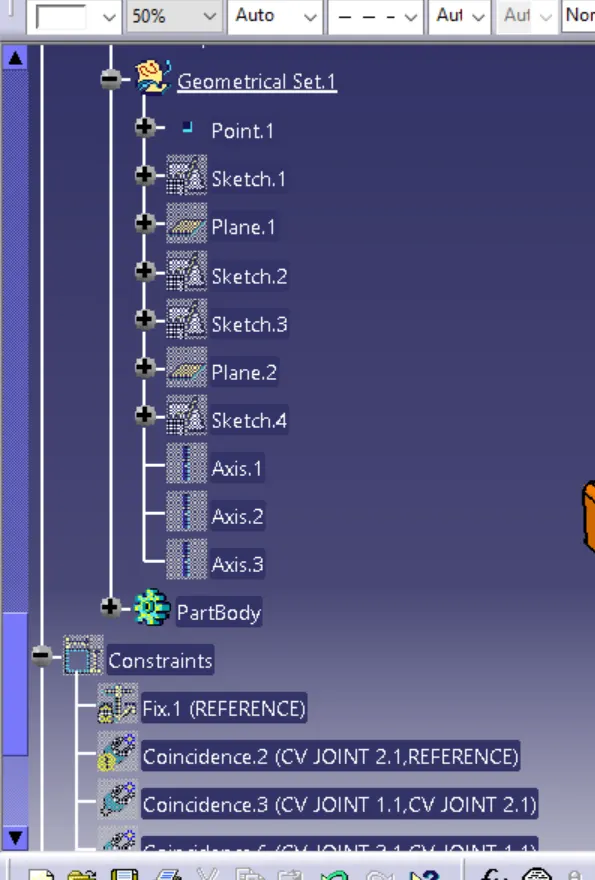
- Create a reference part and create a reference point.
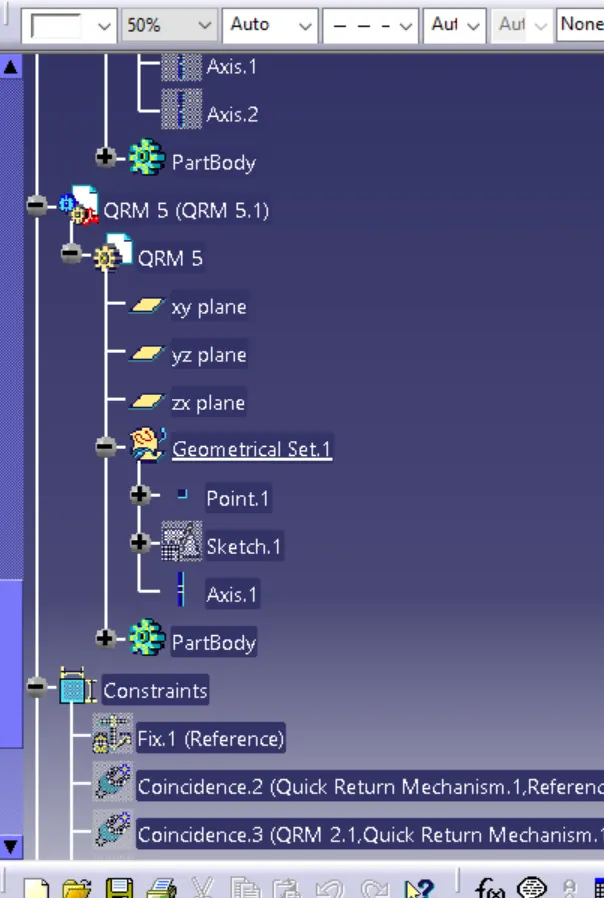
- Now coincide the base part with the reference point.
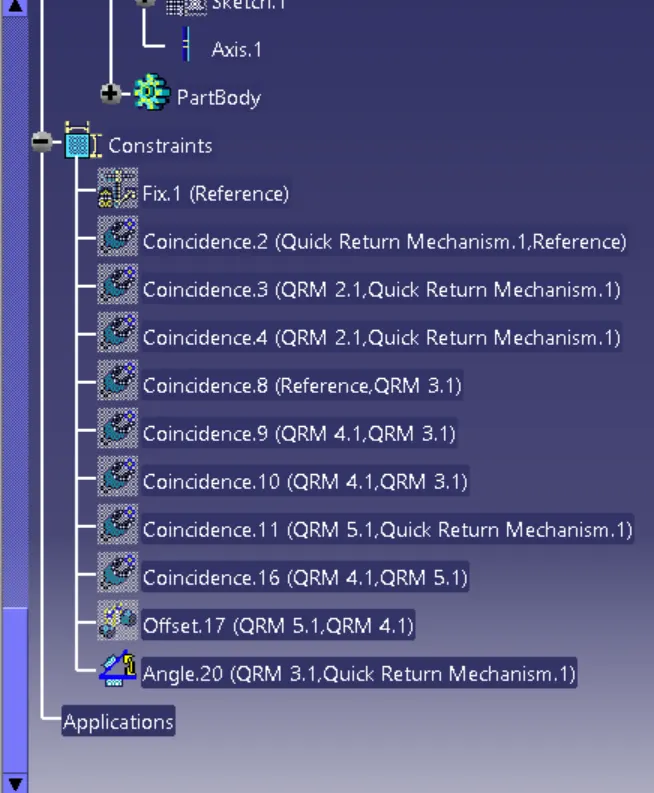
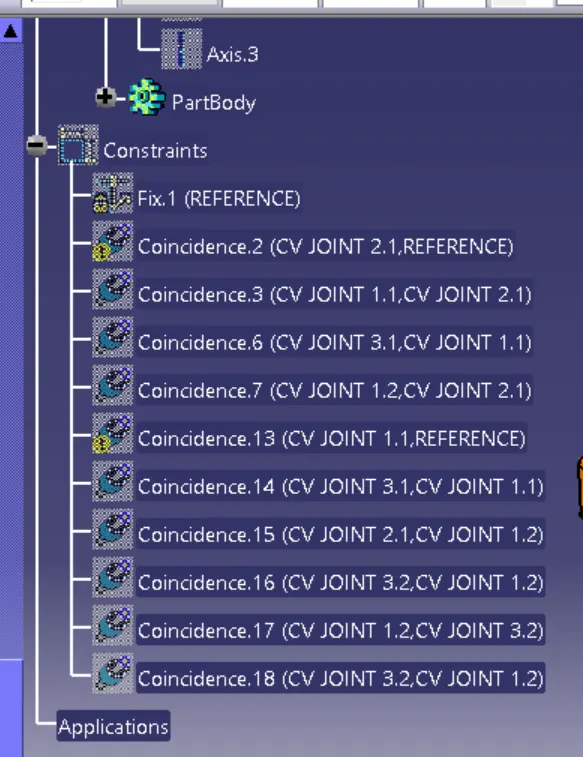
- Now assemble the parts one by one and give the required constraints to assemble it.
- Once assembly is done use save management option ans save it.
- Now go to drafting workbench and create 2D drawings of all the parts including the assembly and give the required dimensions.