Week 10- Assembly Workbench
AIM : In this week’s assignment, you will have to create 2 assemblies according to the content covered in the course videos. You will be provided with 2D diagrams of the components and you will have to first create the individual part files and then create a complete assembly of those part files in the assembly workbench. After creating the assembly make use of the drafting tools to create a 2D drawing similar to the one given in the assignment folder.
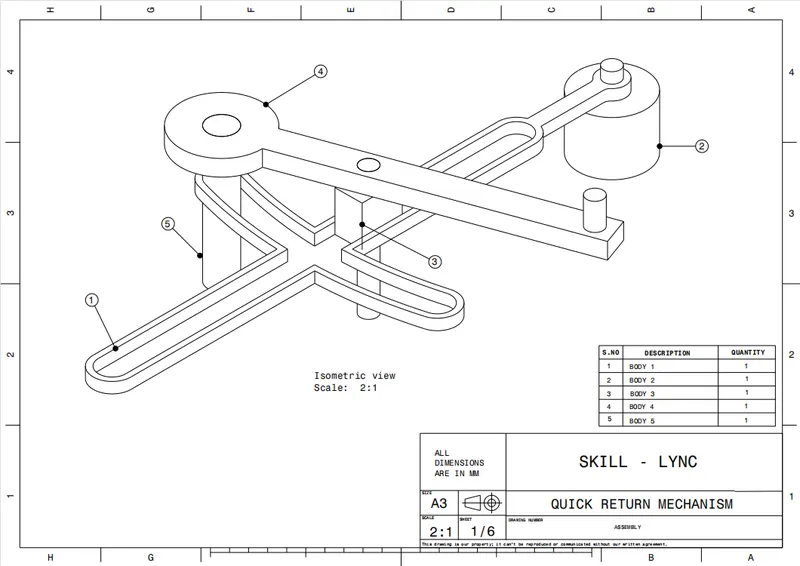
MODEL-1 QUICK CRANK MECHANISM :
In this quick return mechanisms we required 5 parts. First we create a required 5 parts.
Then open the assembly workbench, insert the required part files.
Then manupulate the all parts, then fix the any one part use fix tool.
Then assemble the all parts respect to fixed parts.
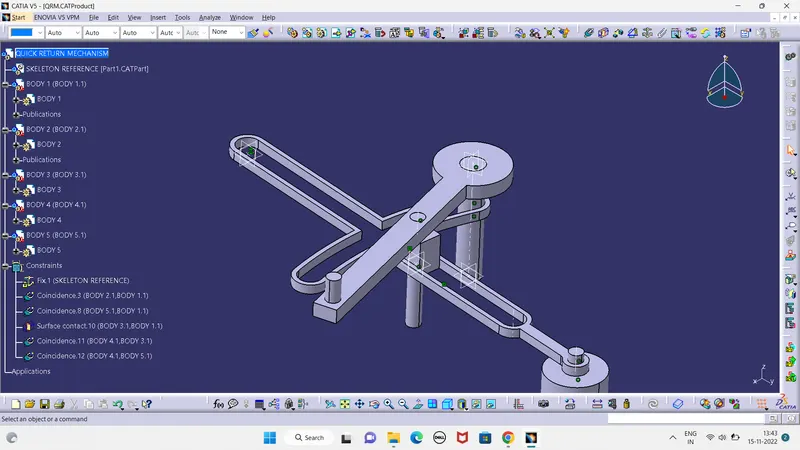
Use constrain tool, fist constrain required part and fixed part ,then update.use offset tool then fixed properly, now assemble the first part. Do the same procedure for a rest parts.
MODEL MAIN BODY :
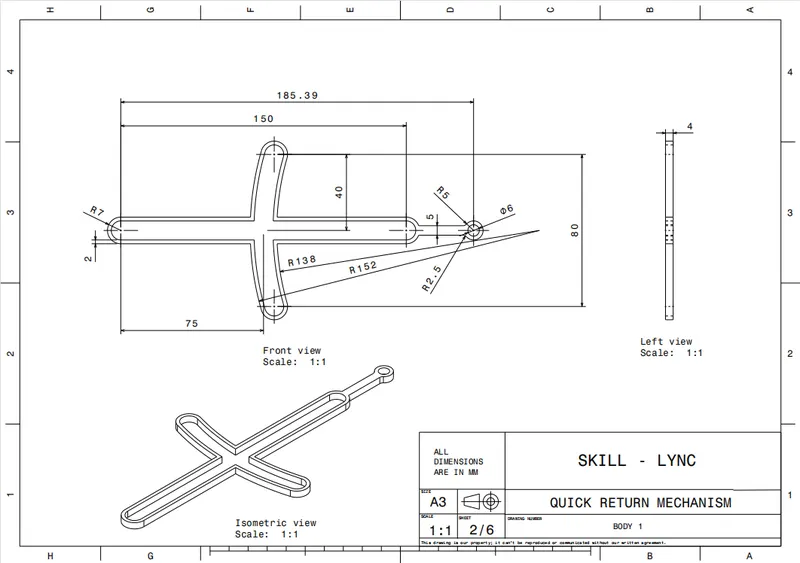
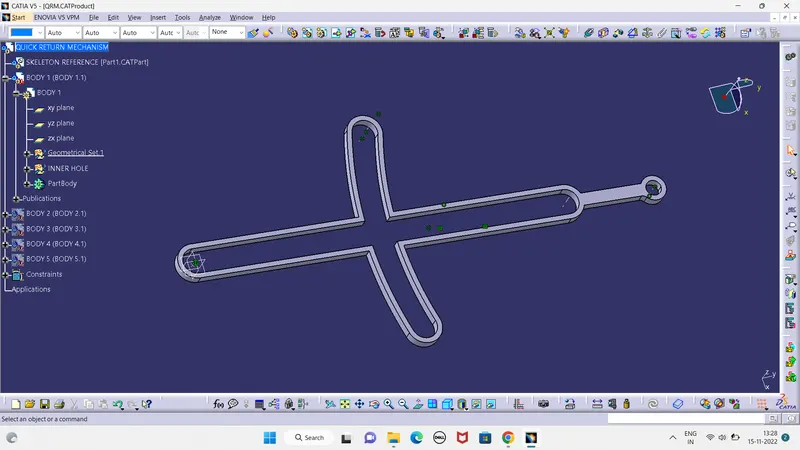
BODY 1 :
BODY 2 :
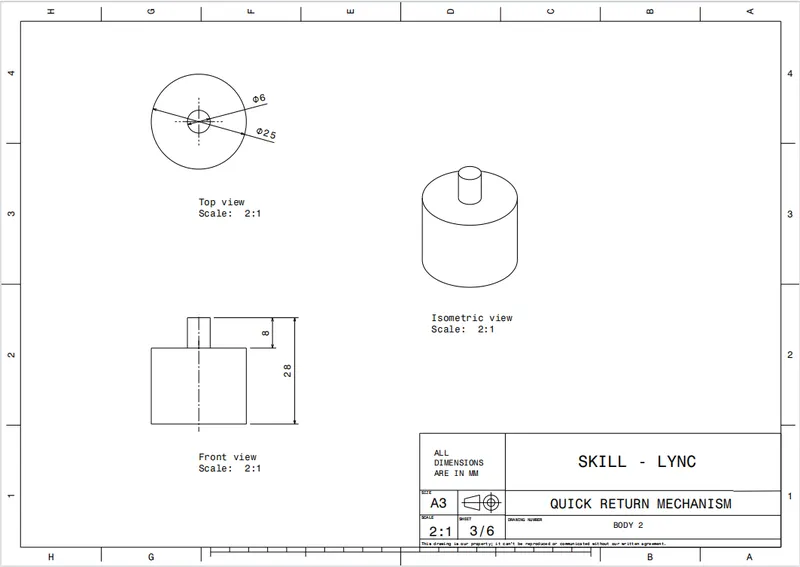
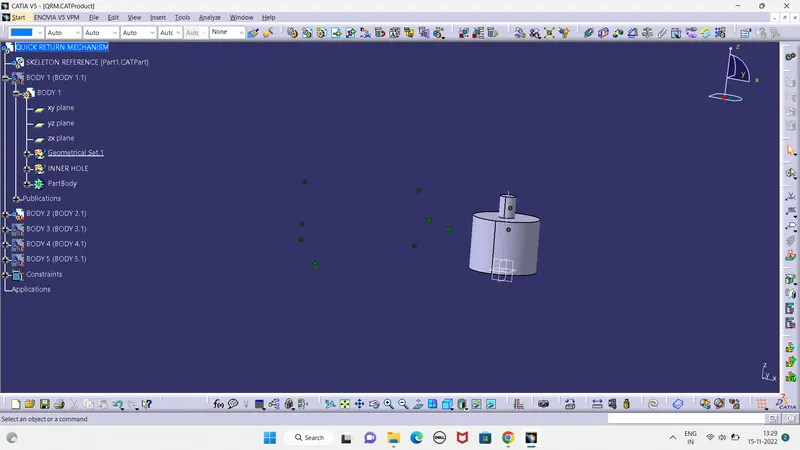
BODY 3:
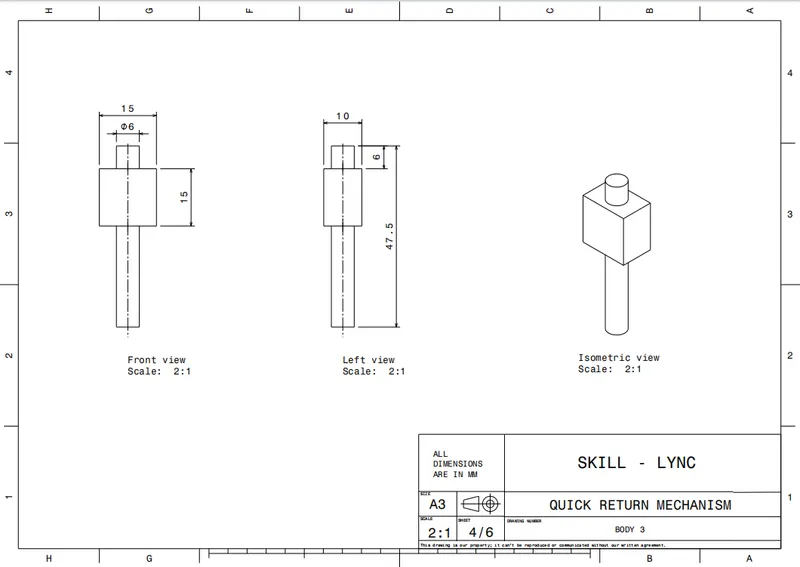
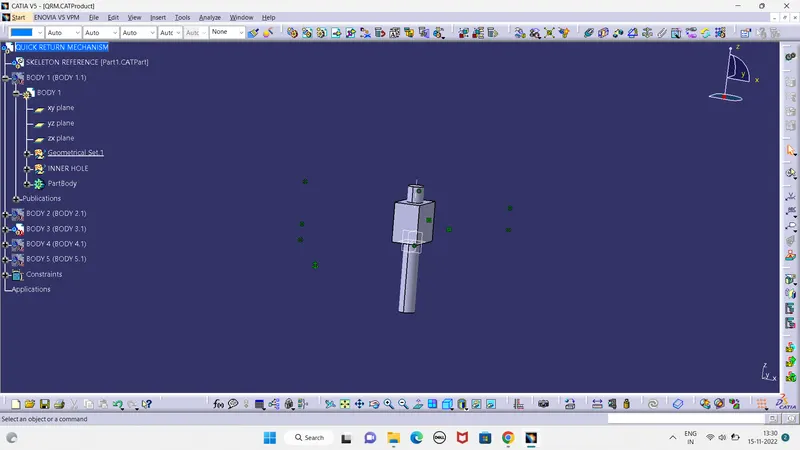
BODY 4 :
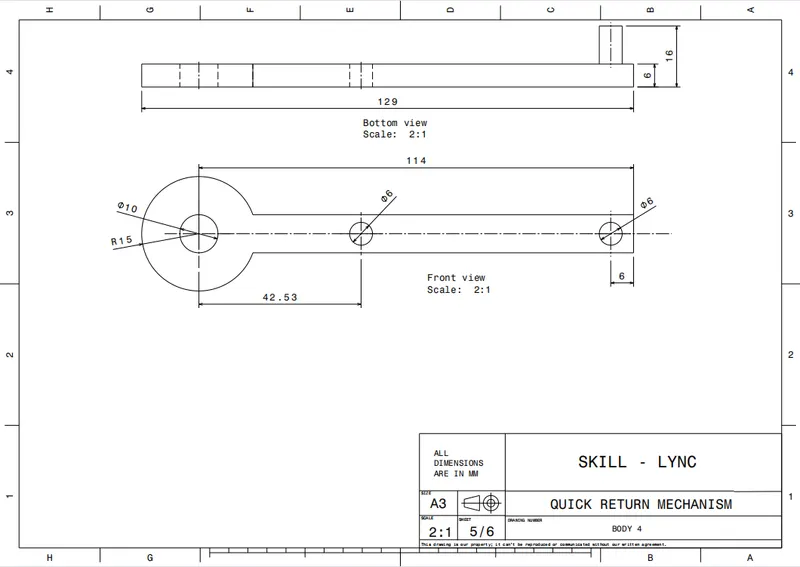
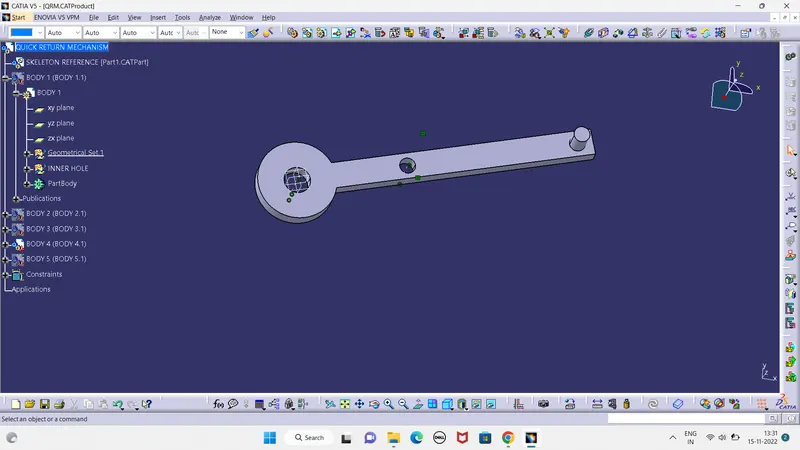
BODY 5 :
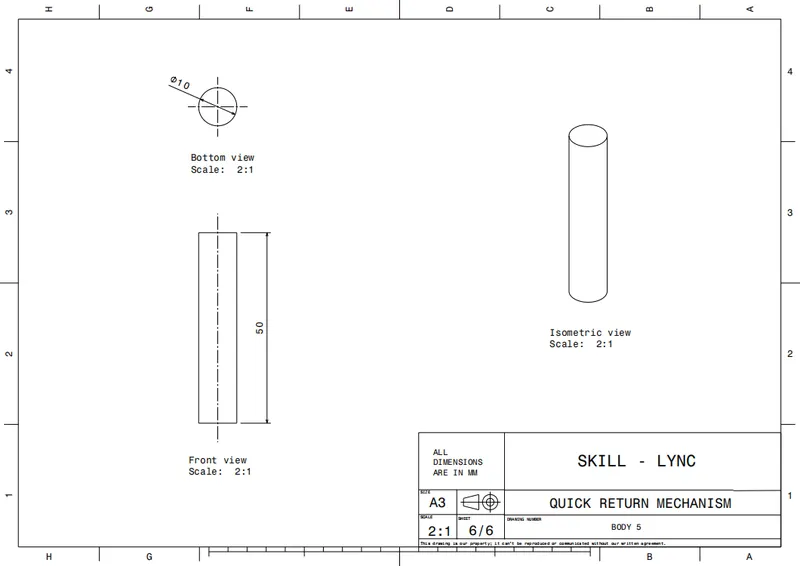
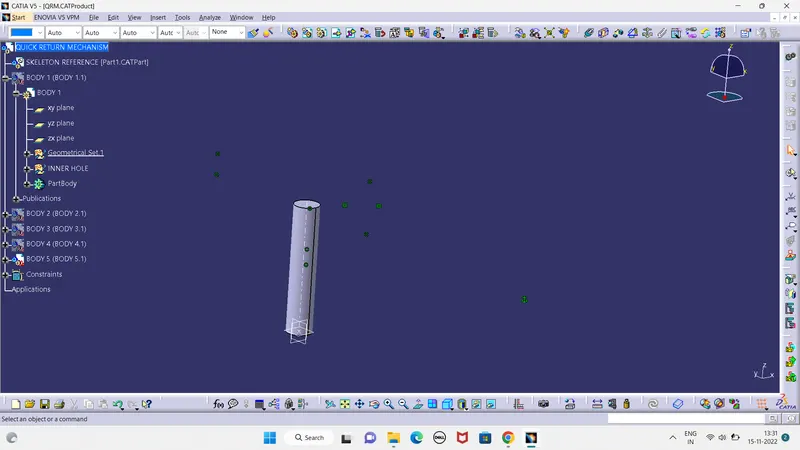
ASSEMBLY BODY OF THE QUICK RETURN MECHANISM :
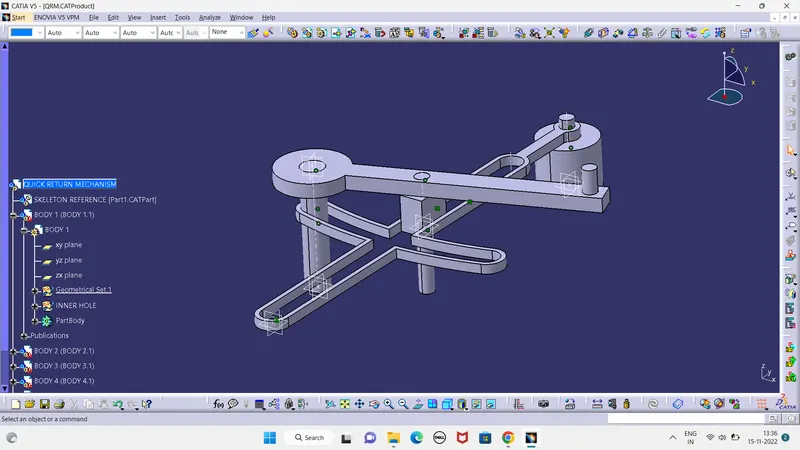
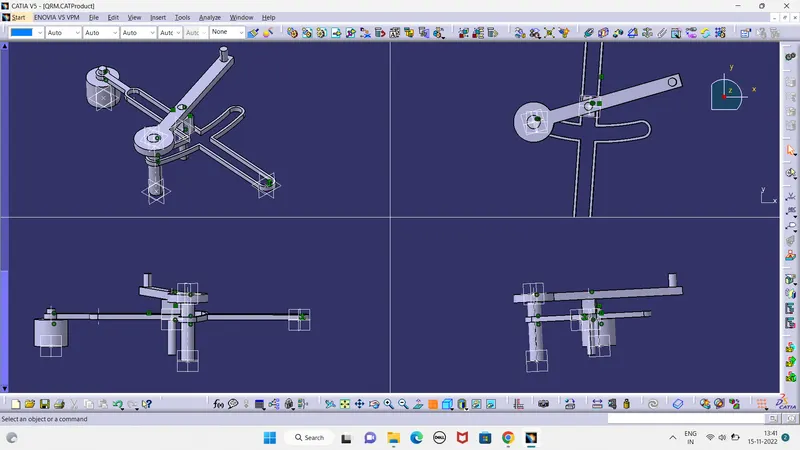
I had selected a new product file and copied the all part files of the assembly bodies and paste in the product file. After i took a part file for skeleton reference and i had fix the skeleton part file and and given the coincidence constraint for the bodies to form a ASSEMBLY BODY.
TREE STRUCTURE :
2.. CONSTANT VELOCITY JOINT :
BODY 1 :
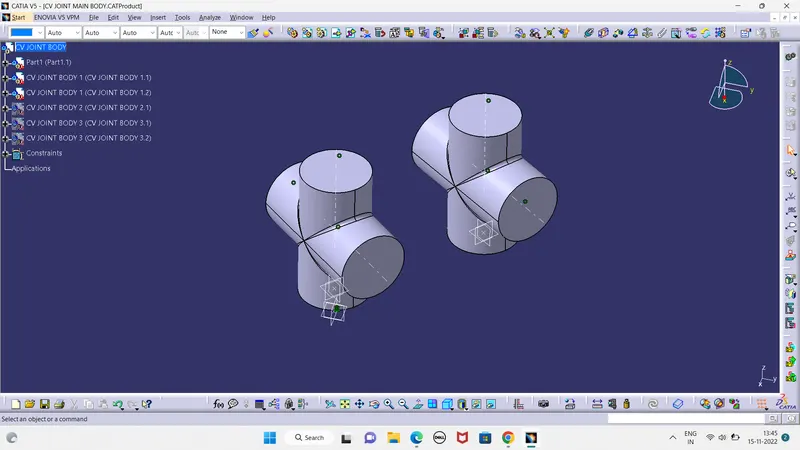
BODY 2 :
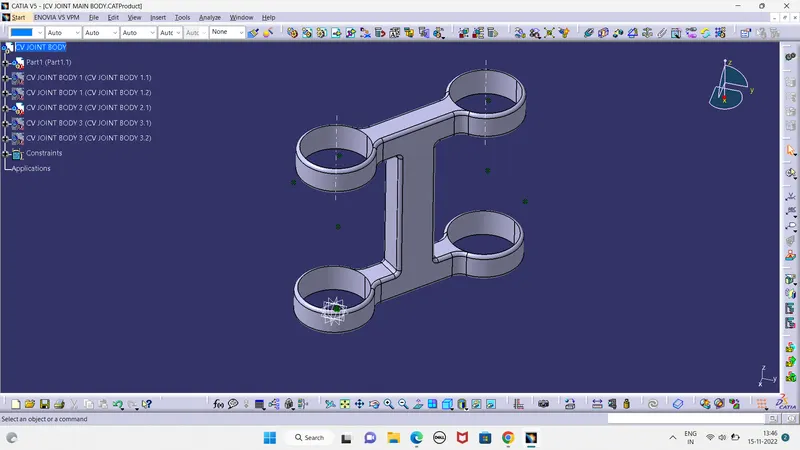
BODY 3 :
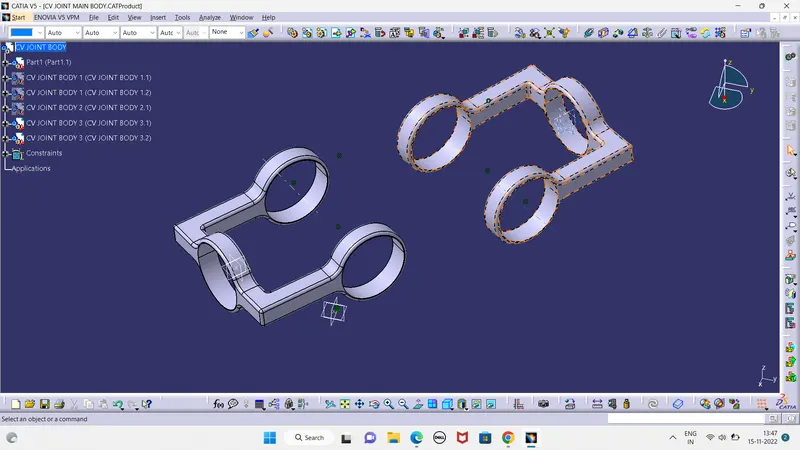
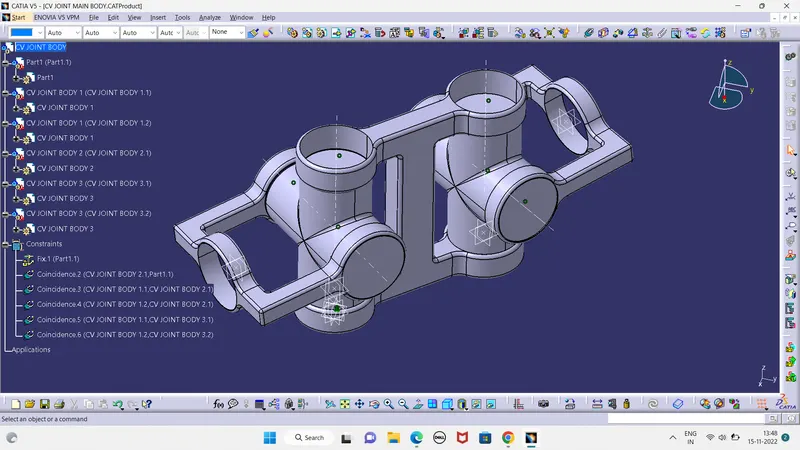
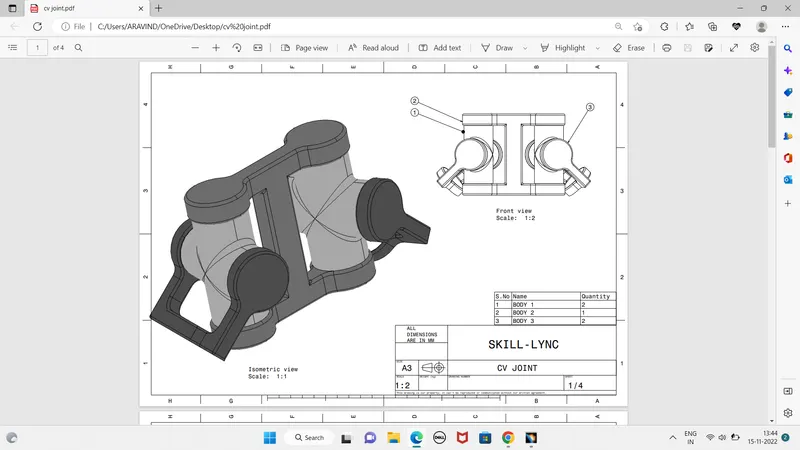
ASSEMBLY BODY OF CONSTANT VELOCITY JOINT :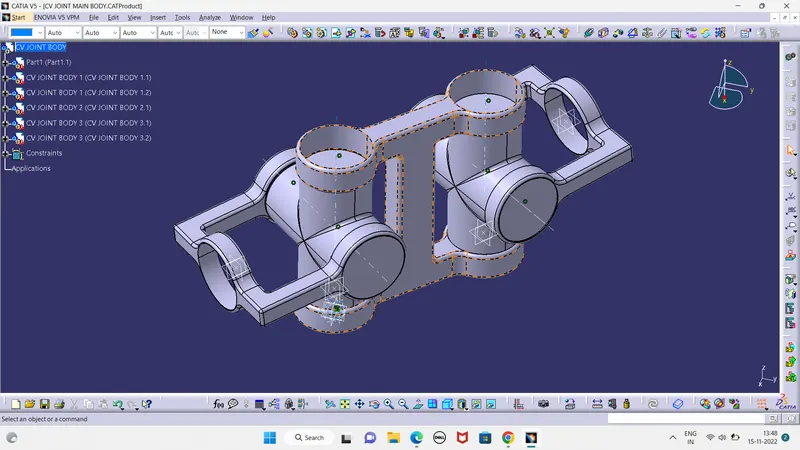
TREE STRUCTURE :