Week 10- Assembly Workbench
Assembly workbench -
Steps for creating the assembly from existing components -
- Open Catia V5 software
- Open Assembly Workbench (Start > Assembly Design)
- Components are then added for assembly purpose (Existing components option in toolbar)
- Add all the components by clicking on Existing components option and then clicking on Assembly in Tree structure.
- Those components which are needed more than once are copied and pasted in the assembly in the tree structure.
- Creating reference elements like axis and referemce points for individual added components by activating the individual components.
- Creating Parent reference axes and point which are independent from components axes and reference point
-

- Use constraints Toolbar for manipulating the components of the assembly according to the desire.
-
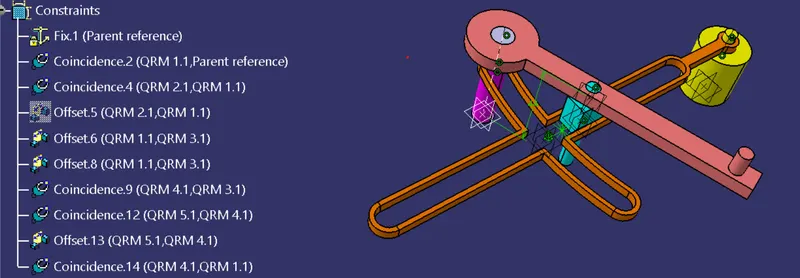
- For saving the assembly use Save management option in Files.