Week 10- Assembly Workbench
AIM: Create the part models and assembly for the given drawings below with a report.
DRAWING 1 (QUICK RETURN MECHANISM):
REPORT ANALYSIS:
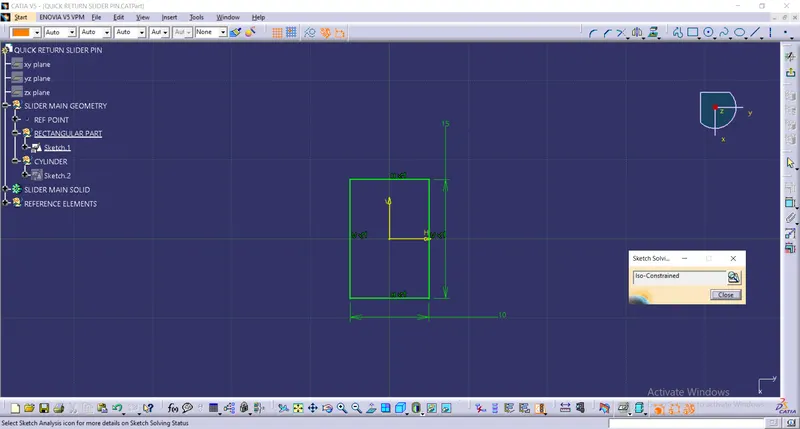
Intially created the part of the drawing in the part workbench.
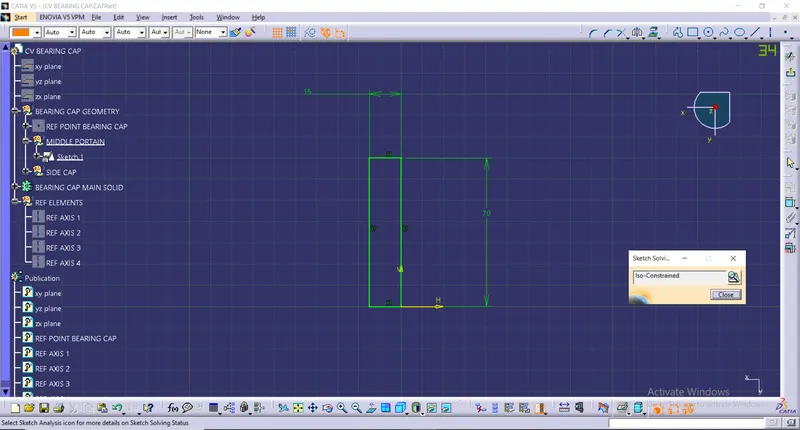
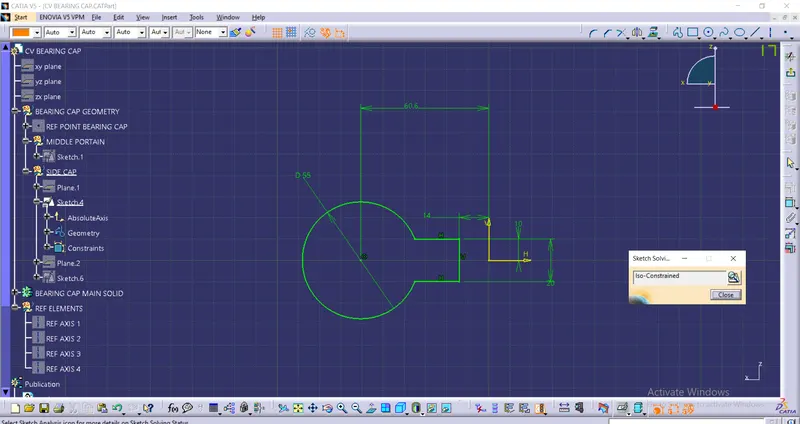
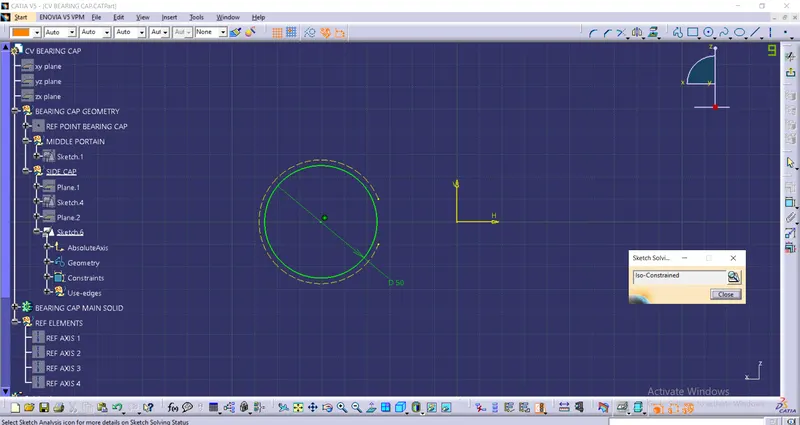
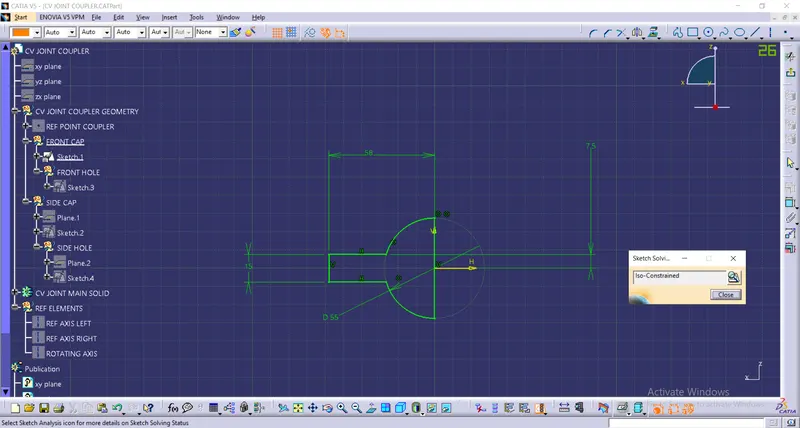
Sketches and CAD Part:
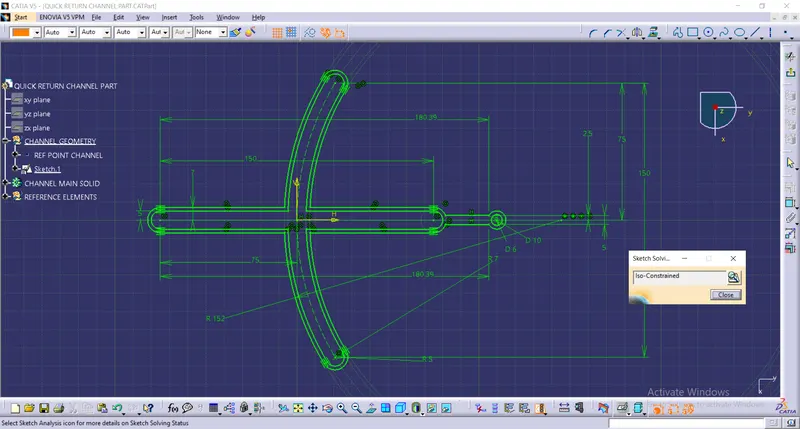
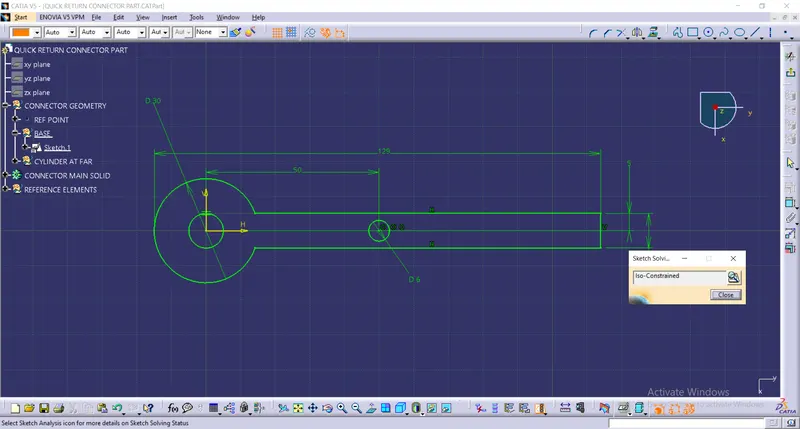
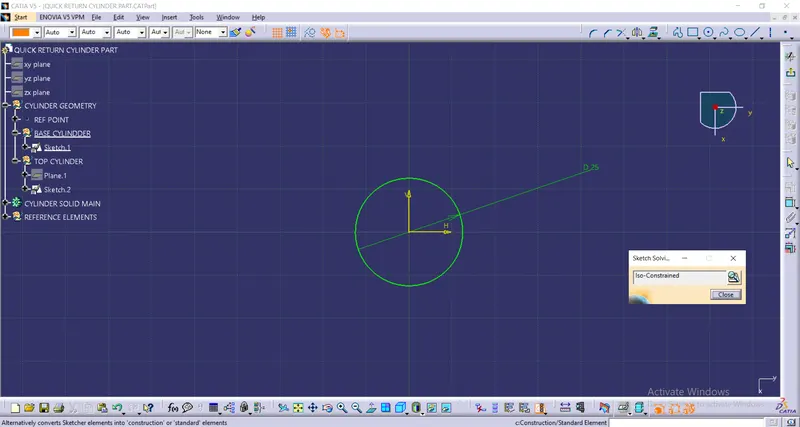
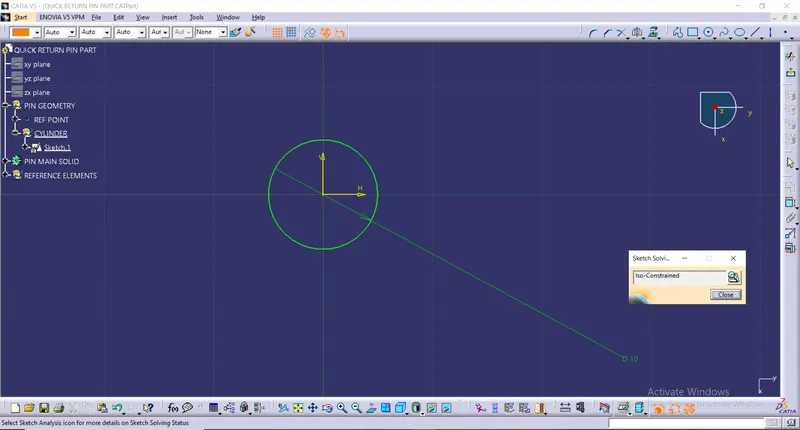
After creating all the parts go to the Assembly Workbench and insert every part to the assembly workbench:
Now create an origin for the assembly, here 'Skeleton' is the origin for the assembly and order the tree where Skeleton should come at the top.
Now Publish very each plane, reference point and reference axis for each part in the respective part tree.and make all the constraints with help of videos.
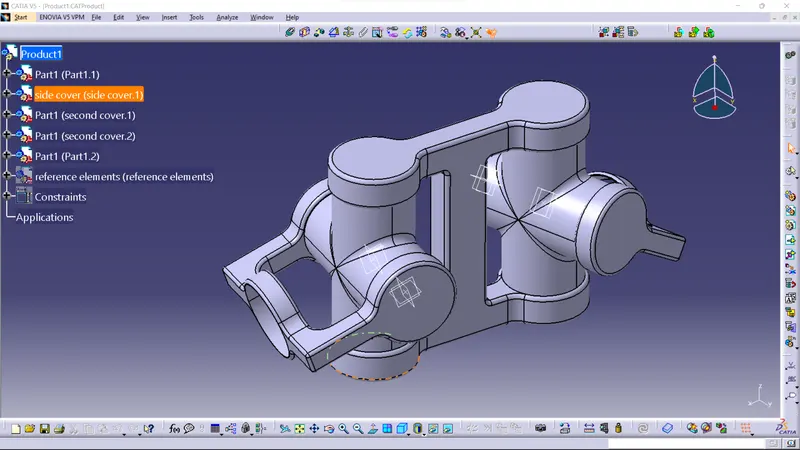
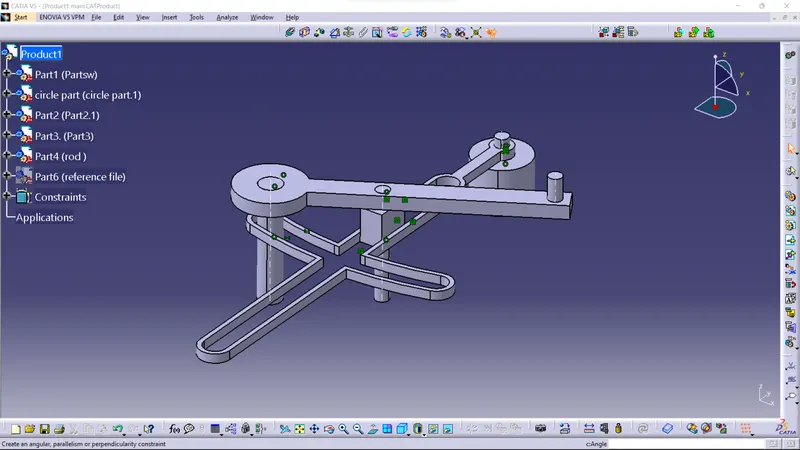
final assembly:-
DRAWING 2 (CV JOINT):
REPORT ANALYSIS:
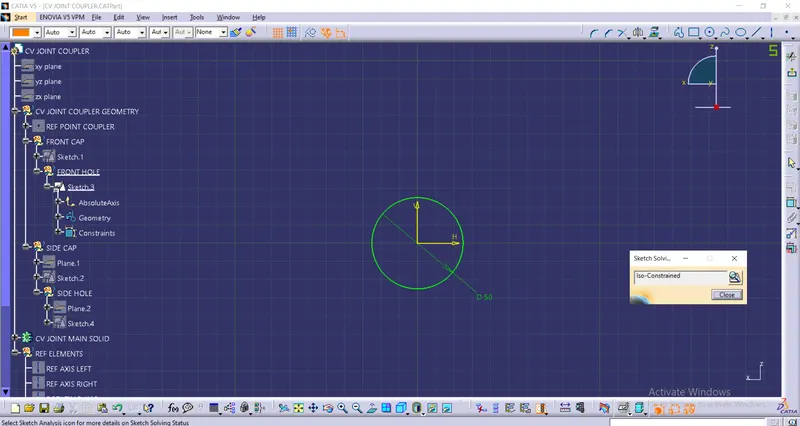
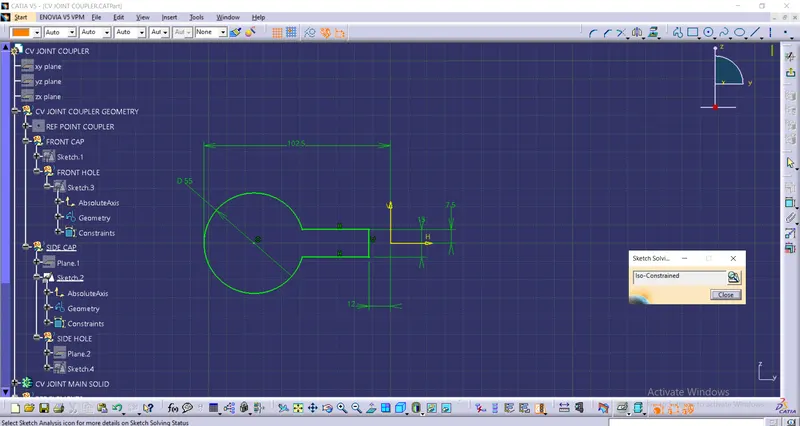
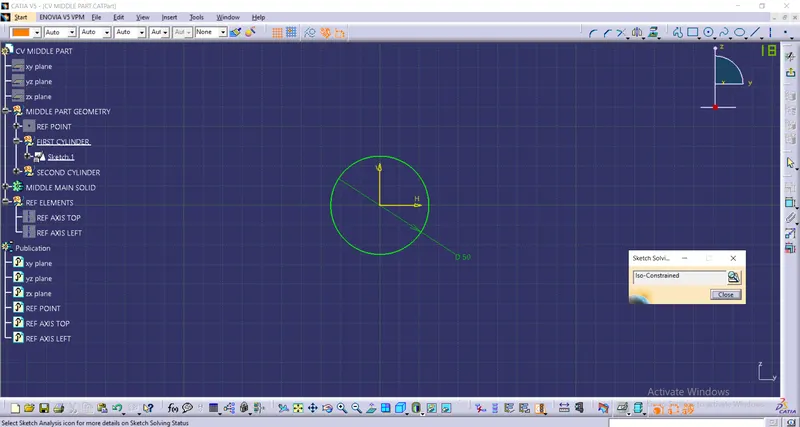
Intially created the part of the drawing in the part workbench.
Sketches and CAD Part: