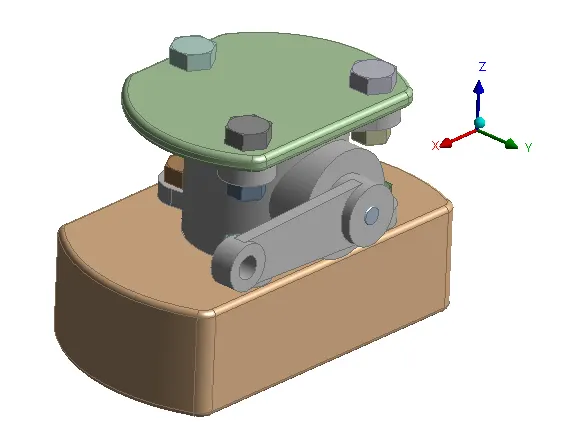
Week 1-Model Creation in DesignModeler Challenge
Objective - To construct CAD model of Butterfly Valve in Design Modeler following the prints provided.
Tools Used in Design Modeler - Plane, Sketch, Extrude, Move, Slice, Chamfer, Fixed Radius Blend, Projection and Boolean.
Procedure -
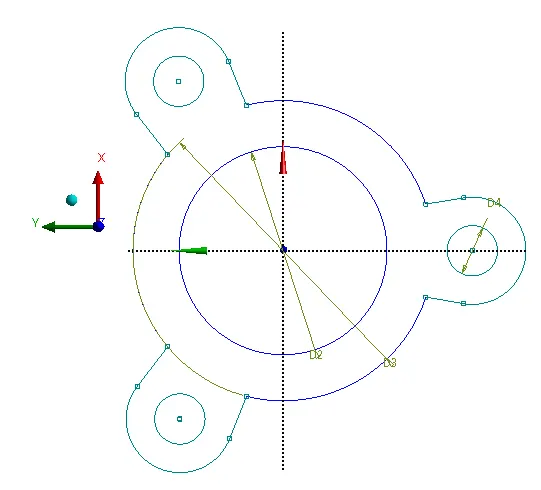
- We can start from the Main body by preparing a sketch and then by using extrude we can create a solid body.
Once extrude is done for the sketch we can slice the outer hole structure by main body surface to obtain required dimensions.
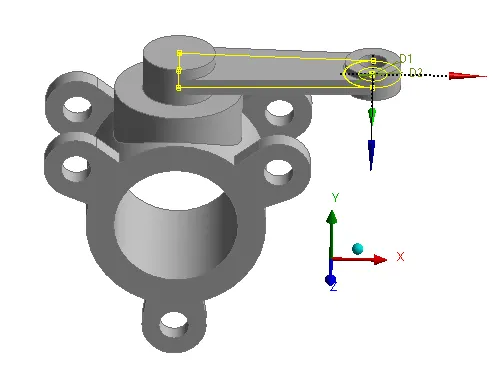
- For the Handle we can create Planes on the Main Body itself by changing the orientaion and sketch and extrude it. And based on the dimensions we can slice the unwanted geometry regions.
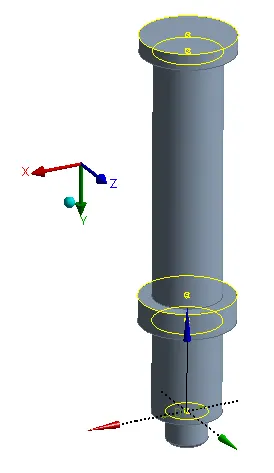
- Then we can Sketch the Pin based on the given dimensions by creating multiple Planes.
- Then we can prepare the Upper plate and project the holes on a sphere sketch and slice it from the solid sphere to obtain proper locations of the bolt holes.
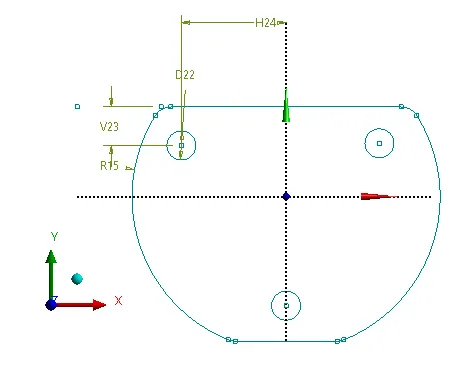
- Then we can work on sketch of the lower plate and perform the same operations that we did on Upper Plate.
- And Finally we can prepare the bolts. Only 1 bolt needs to be sketched. And multple planes could be created on the required regions and by using Move (Body Transformation) we can create bolts and nuts at required locations.
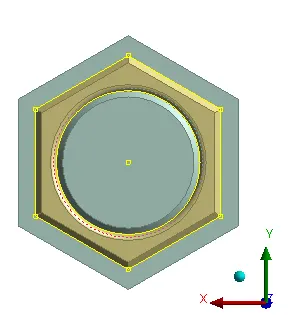
Conclusion - After completing the assignment, sketching and basic tools required to perform operations in Design Modeler is learnt.