Week 1 : Exploring the GUI of GT-POWER
GT-SUITE is a comprehensive set of simulation tools for engine and vehicle systems. It offers engineers functionalities ranging from fast concept design to detailed system or sub-system analyses, design optimization, and root cause investigation.
The GT-SUITE simulation consists of a set of simulation modelling libraries - tools for analysing engine breathing, combustion, and acoustics, vehicle powertrains, engine cooling systems, engine fuel injection systems, valvetrains, crankshafts, and lubrication systems. The code can be used to investigate a wide range of issues, such as component design, vehicle emissions, and system interaction. Each simulation consists of a library of component models that you can add to an existing model and edit using a point-and-click interface.
Modules of GT Power –
1. COOL3D - is a tool that can be used to build 3D models of underhood thermal management flow systems that can be discretized and made into model files for use with GT-SUITE. It provides the ability to build the model in a 3D environment so that the full details of the model can be included. It also includes sophisticated discretization logic that is able to transform the 3D model into a model file that is compatible with the GT-SUITE software. COOL3D can be used to build any flow system that contains only blockages, fans, heat additions, and heat exchangers
2. GEM3D - GEM3D is a tool that can be used to build 3D models of flow, thermal, and mechanical systems that can be discretized and made into model files for use with GT-SUITE. It provides the ability to build the model in a 3D environment so that the full details of the model can be included. It also includes sophisticated discretization logic that is able to transform the 3D model into a model file that is compatible with the GTSUITE software. GEM3D can be used to build any system that contains components like pipes, mufflers, manifolds, air boxes, heat exchangers, underhood, cabin, batteries, crankshafts, etc
3. GT-Post - GT-POST is a powerful data analysis tool used to plot, view, and manipulate data generated either by a GT-SUITE simulation or by an external source. It offers a more efficient data analysis solution than standard spreadsheet software. By employing data pointers, the results viewed in GT-POST are updated automatically and immediately when a model is changed and a simulation is rerun. Also, GT-POST lends itself nicely to the development of portable, user-defined templates that control how results are presented.
4. GT-Spaceclaim - GT-SpaceClaim is a tool that can be used to import CAD geometry of various formats, extract volumes and export them for discretization in GEM3D. Building and exporting 3D models of flow systems is also possible.
5. DOE-POST - GT-POST is a powerful data analysis tool used to plot, view, and manipulate data generated either by a GT-SUITE simulation or by an external source. It offers a more efficient data analysis solution than standard spreadsheet software. By employing data pointers, the results viewed in GT-POST are updated automatically and immediately when a model is changed and a simulation is rerun. Also, GT-POST lends itself nicely to the development of portable, user-defined templates that control how results are presented.
6. VT Design - VTDESIGN is a stand-alone, interactive cam/valvetrain/spring design tool supplied with GT-SUITE that may be used as a preprocessor to GT-SUITE. VTDESIGN is composed of three main features including the Cam Design feature, the Valvetrain Design feature, and the Spring Design feature. These three features can be accessed at any time by clicking on the separate tabs in the lower left hand corner of the project window titled "CamDesign", "Valvetrain", and "SpringDesign".
7. GT ISE – it is a graphical interface, which provides tool bar. from where one can build models or use existing model by altering them. One can use parts, launch tools, play with data and view map, circuits etc.
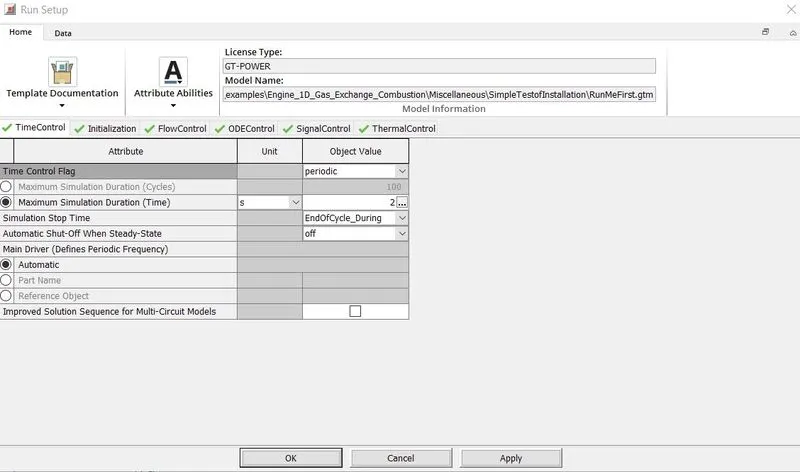
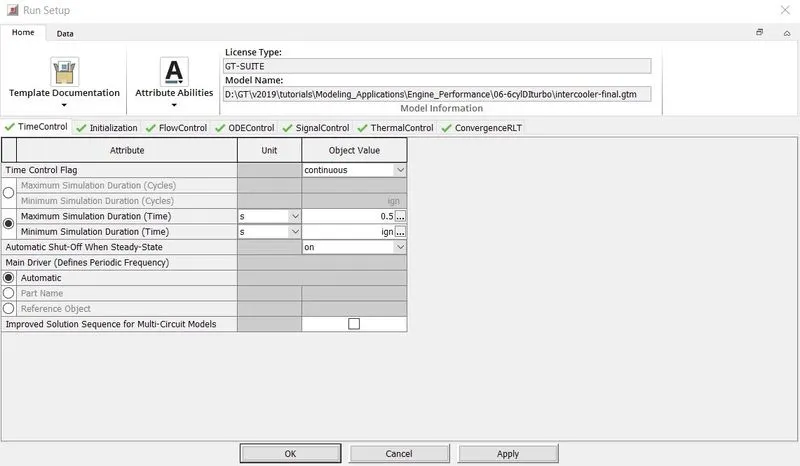
Time control Flag – this can be accessed from the option RunSetup in GT ISE.
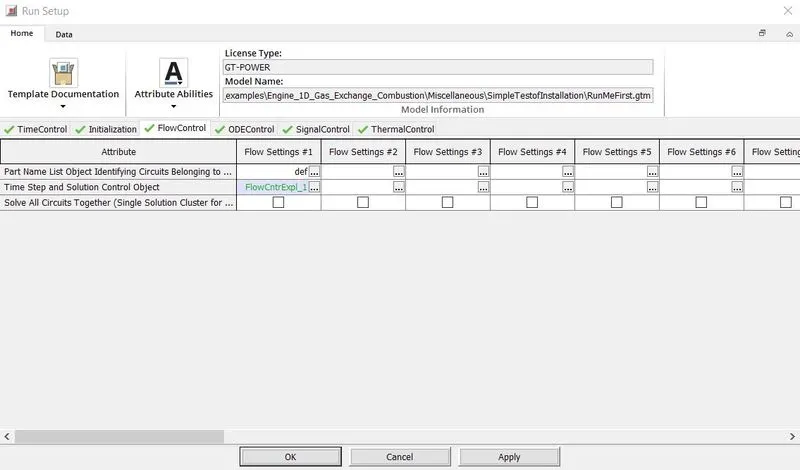
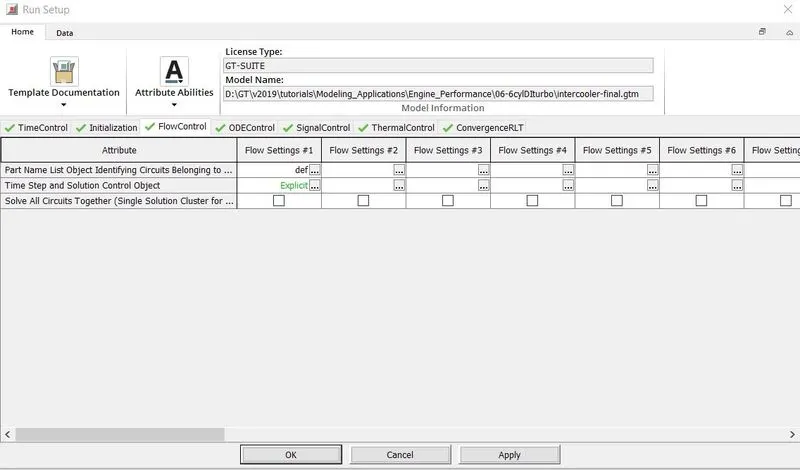
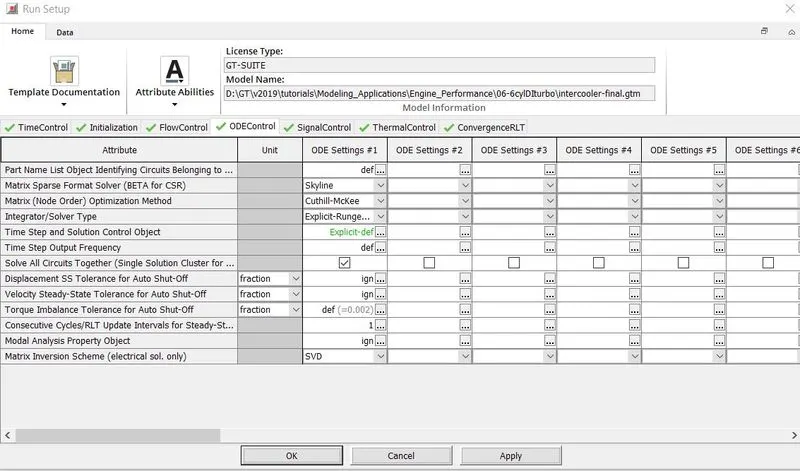
Time step and solution control –
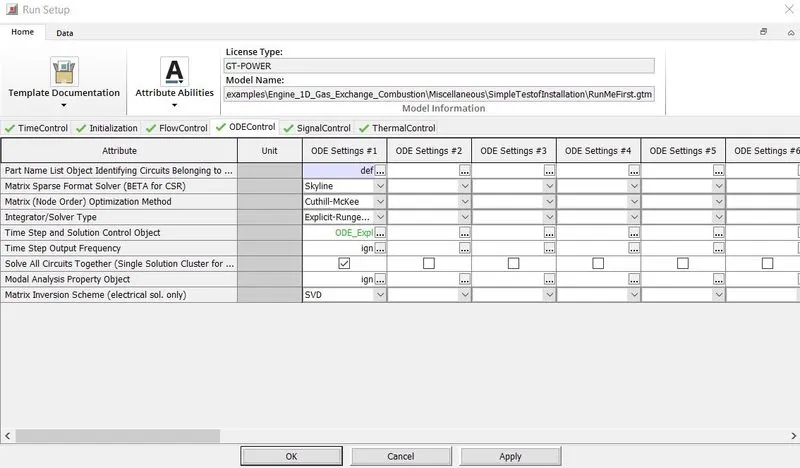
Integrator/solver type –
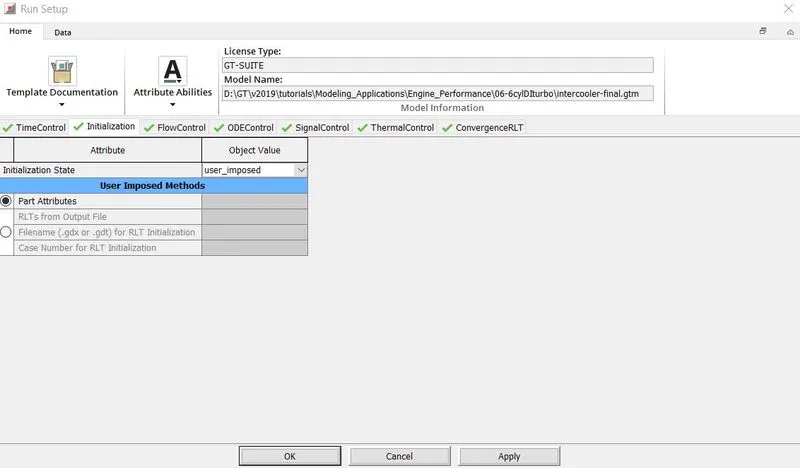
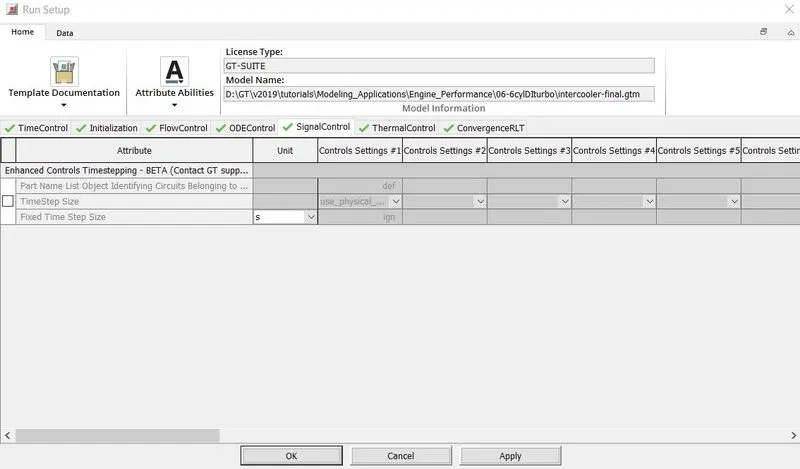
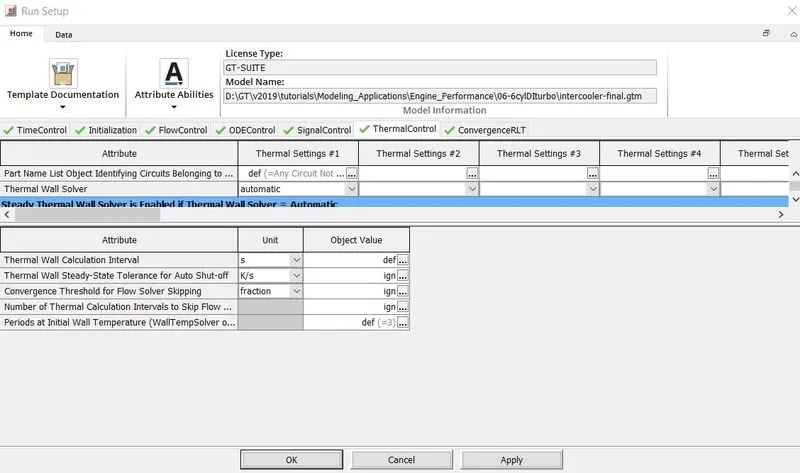
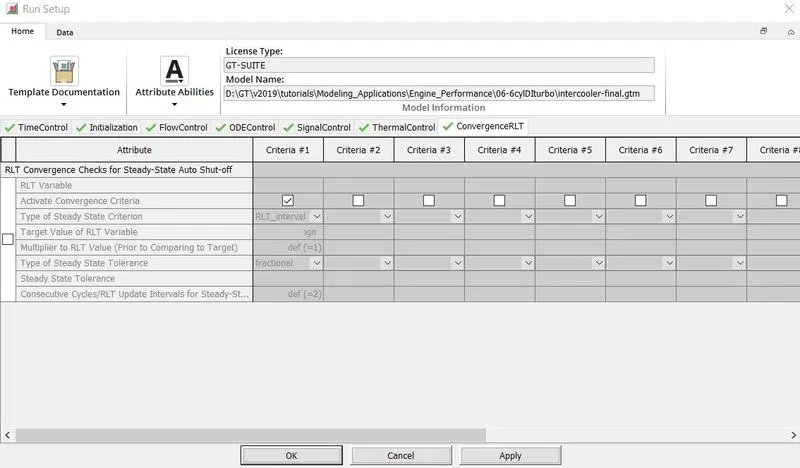
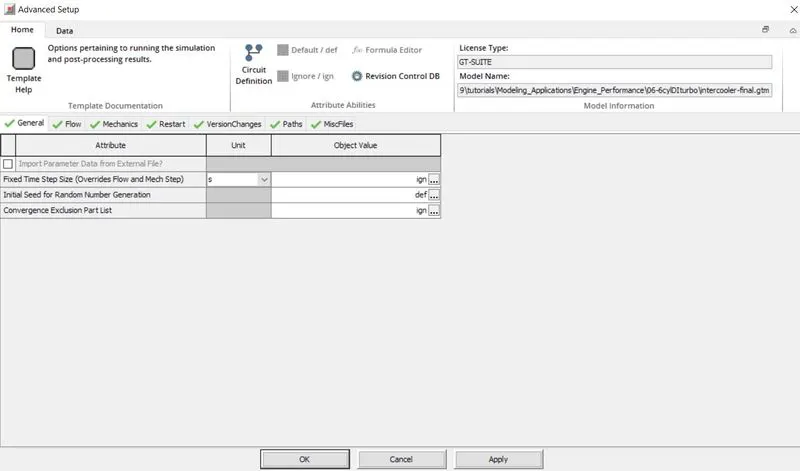
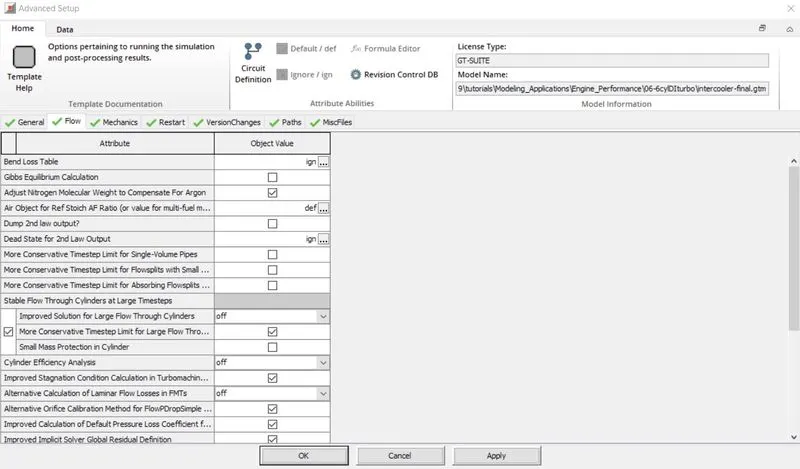
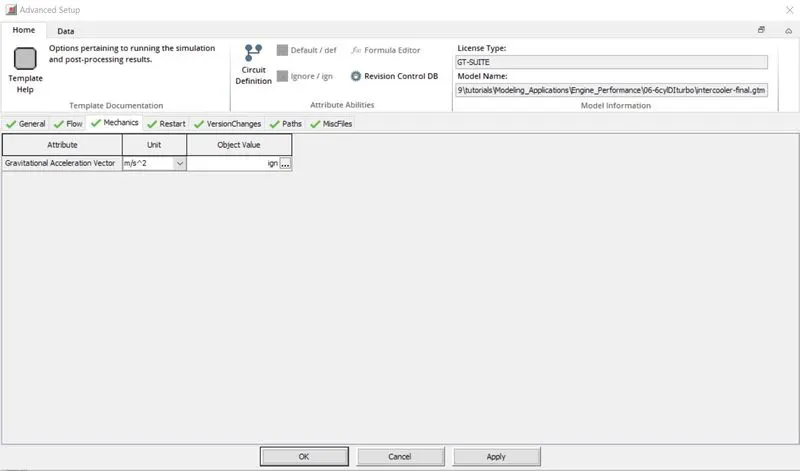
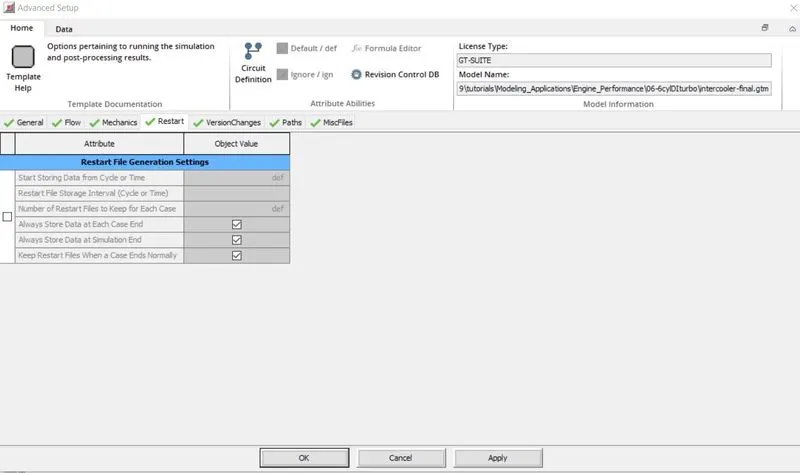
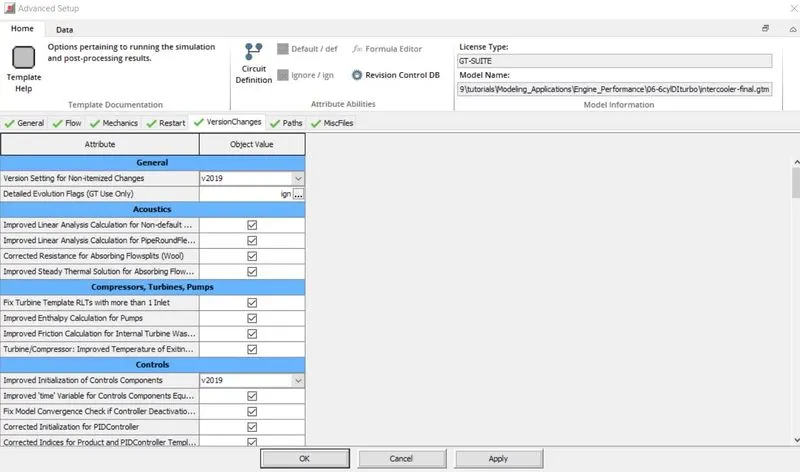
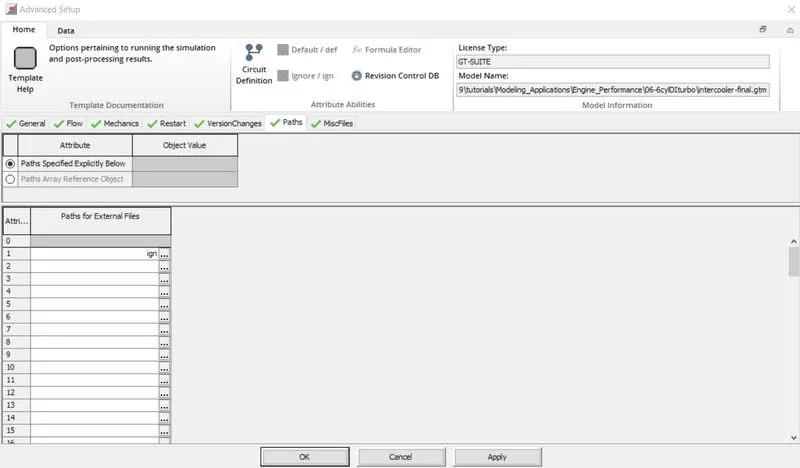
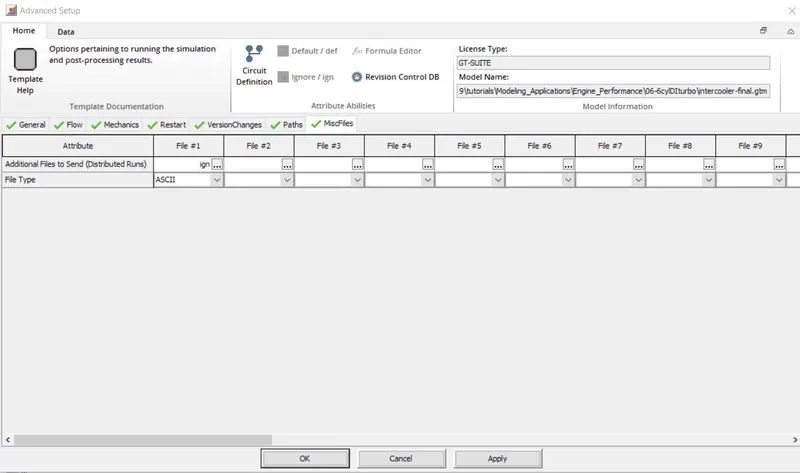
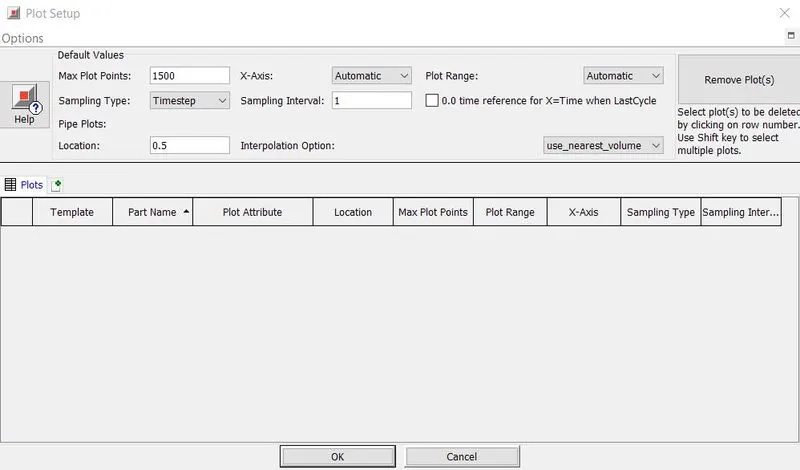
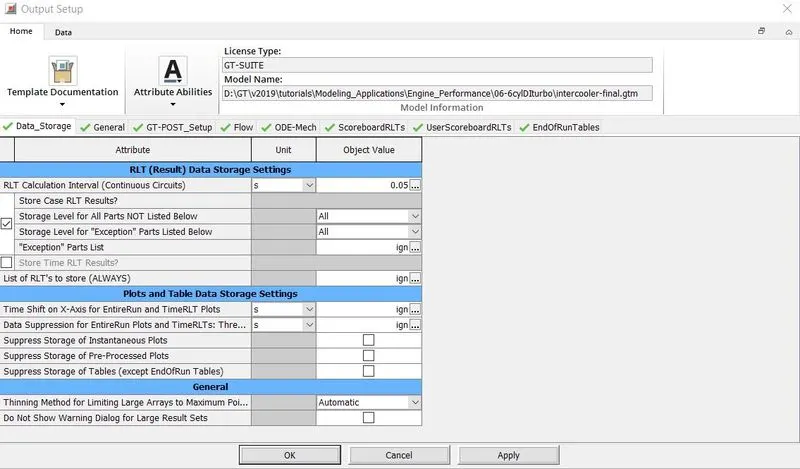
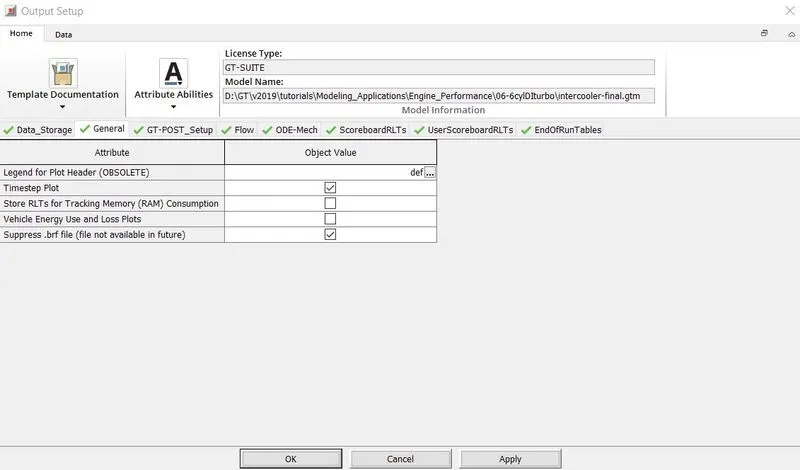
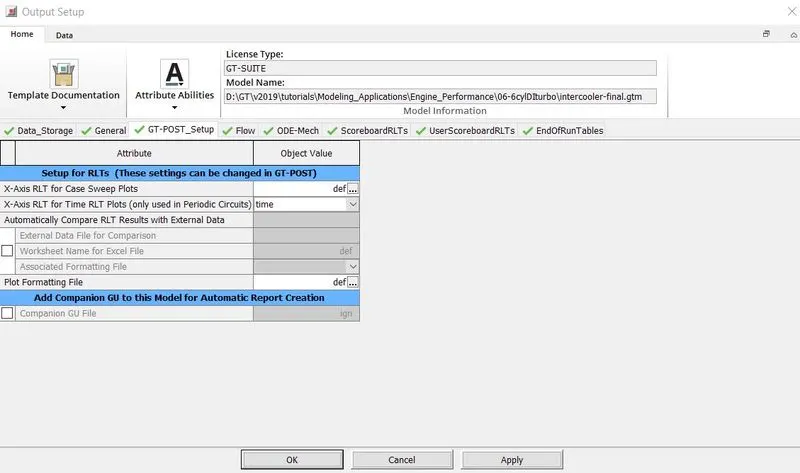
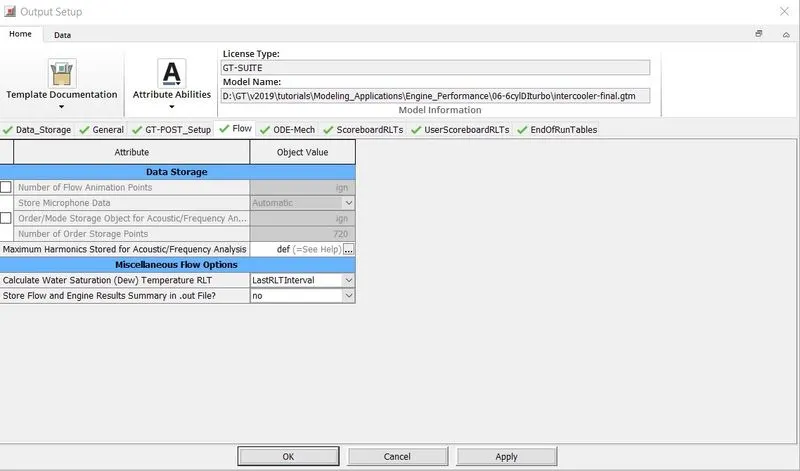
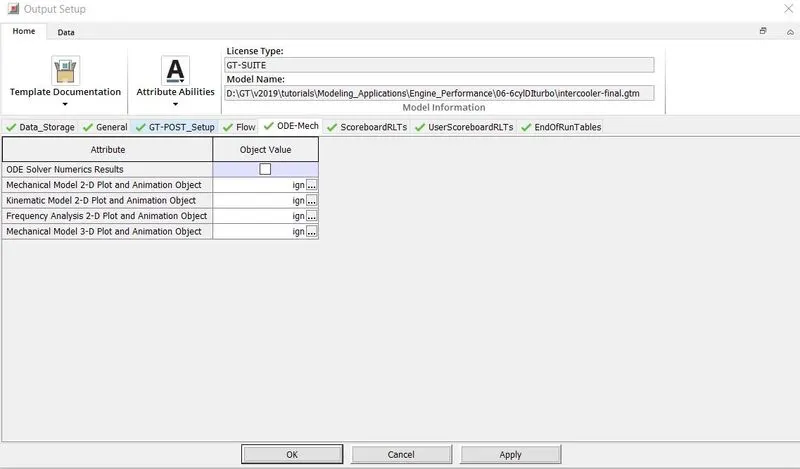
Settings of intercooler (Tutorial) - to locate the following option, go to tutorials in file menu. Engine_Performance > 06-6cylDItubro > intercooler-final.gtm
Run setup -
Adavanced setup -
Plot setup -
Output setup -
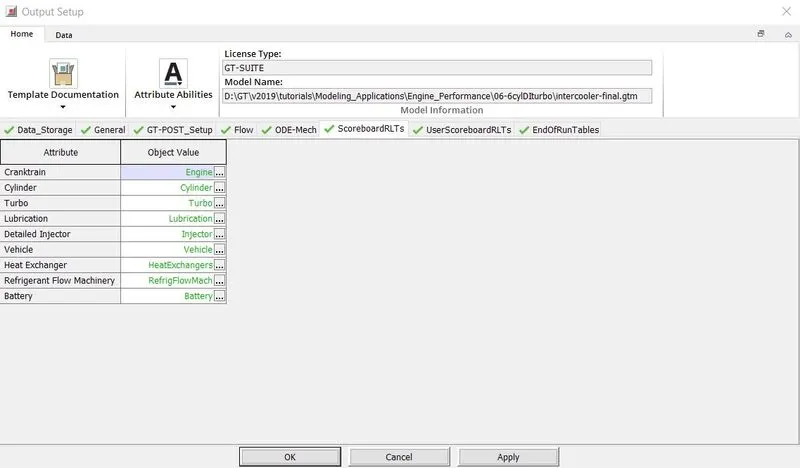
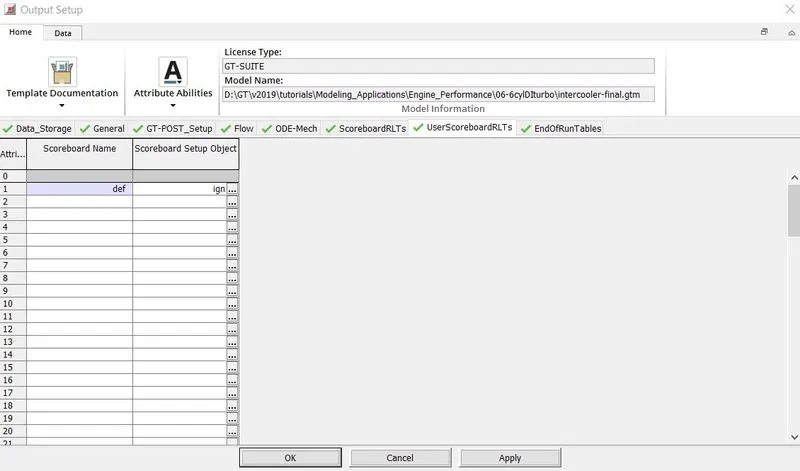
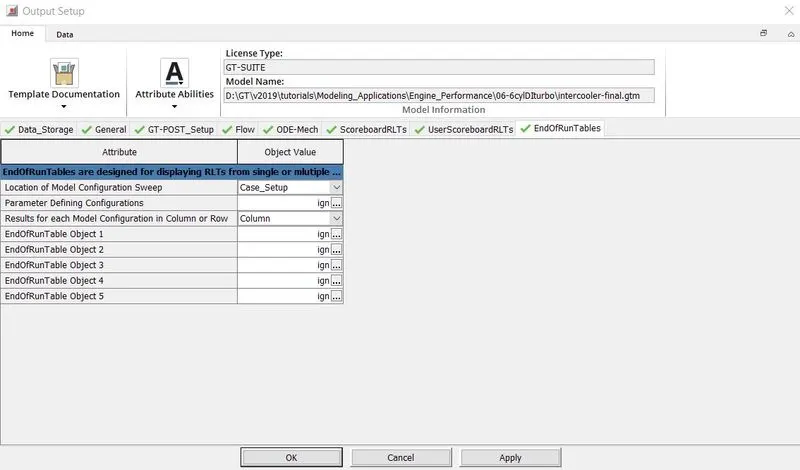
Intercooler problem -
Model -

Inlet setting -
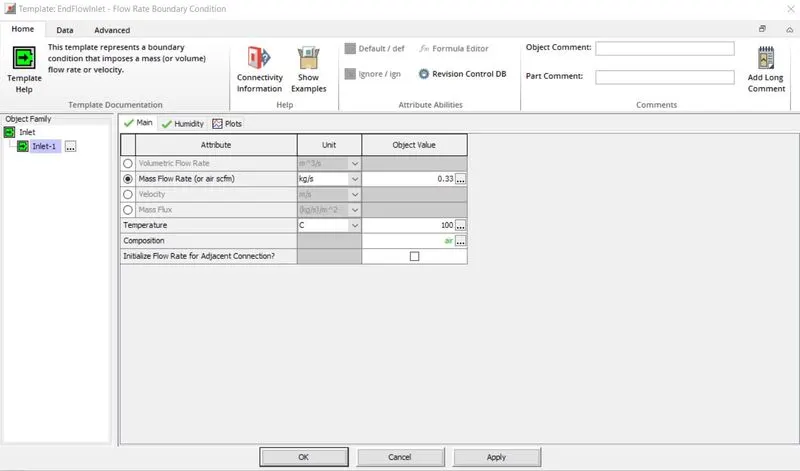
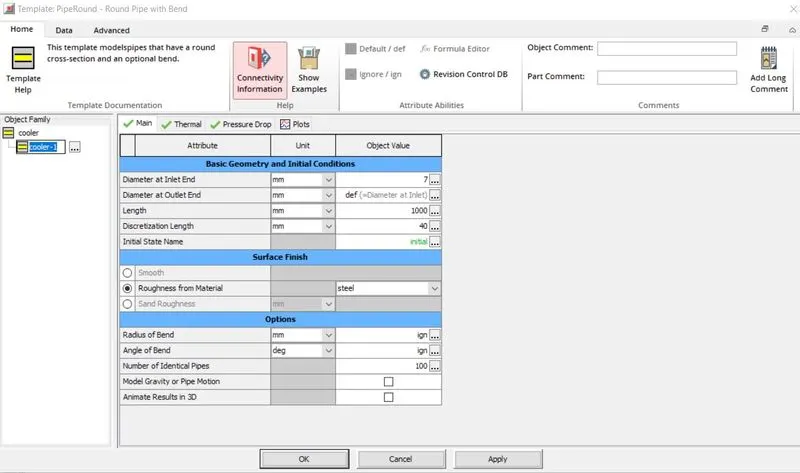
CAC setting-
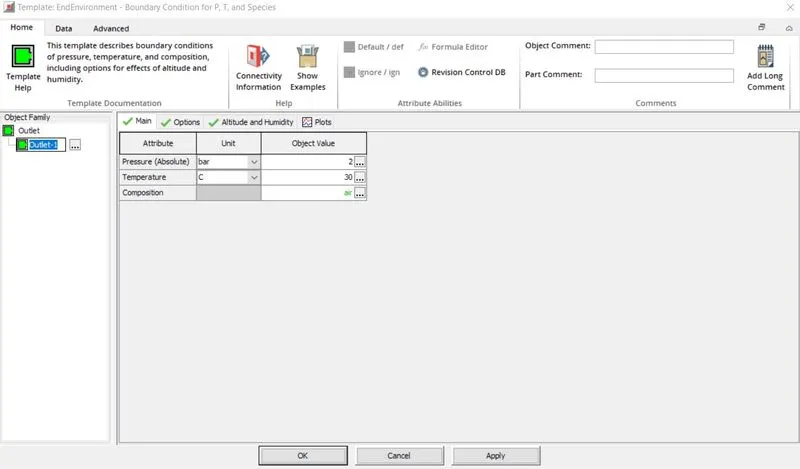
Outlet setting-
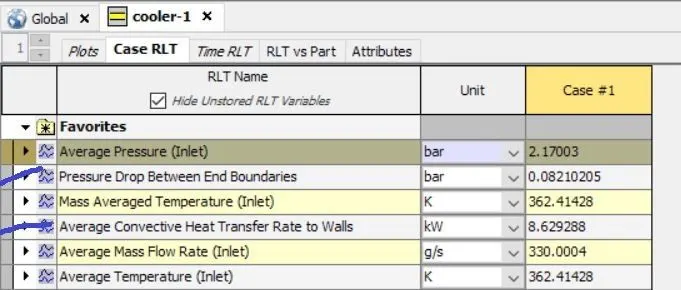
Results -