Week 1 Challenge
Answer
1.2. Different materials that can be designed using the STAAD PRO are steel, Concrete, Timber
1.3. Select the Pictures from the Available list of Pictures and click on the > or the >> icons to include these as part of the report. You can then do a print preview of the report by clicking on the icon right next to the Report Setup icon and taking a printout.
1.4. The 3 ways to create a Model are
a. Analytical
b. Physical
c. Model
1.5. For assigning properties in the model go to Tools > Create User Table > New Table and choose the appropriate section type to create the table. Choose Add New Property and you will get a parametric form where you can key in the section dimensions. Click on the Calculate button to calculate the properties based on the input dimensions.
2.2. Type od cursor in Staad pro are node, beam, plate, surface, solids geometry, load edit, support edit, and member release edit cursors.
3.5. When the FIXED or FIXED BUT type of support is specified, for those degrees of freedom that are to be treated as fully restrained, STAAD assumes the displacements to be known quantities whose value is zero. Hence, those degrees of freedom are not considered for the stiffness matrix, and their value is not calculated.
Practical
Answer
1. Go to the Staad pro software
2. Name the file and save it in a particular folder
3. Create a file.
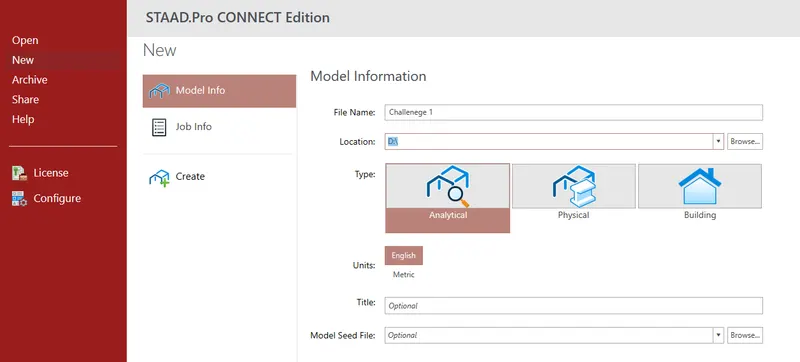
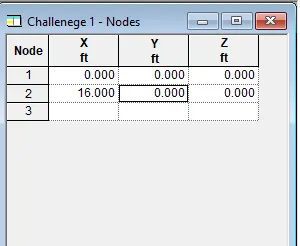
4. Create the XY direction nodes
5. Set it to 16m in the X direction and 0 in the Y direction
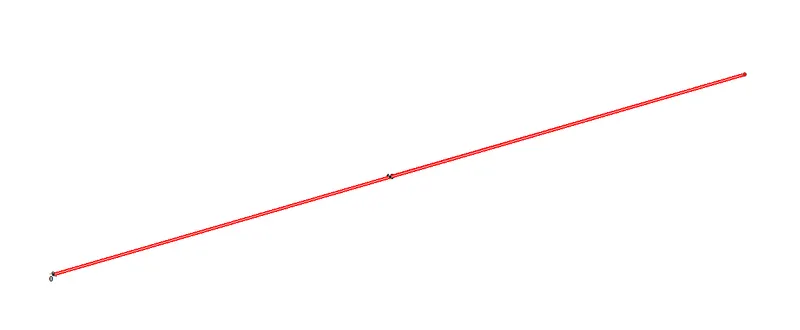
6. The beam is created
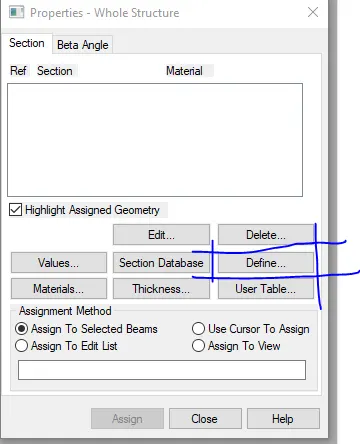
7. Then go to properties and then Define the size of the beam
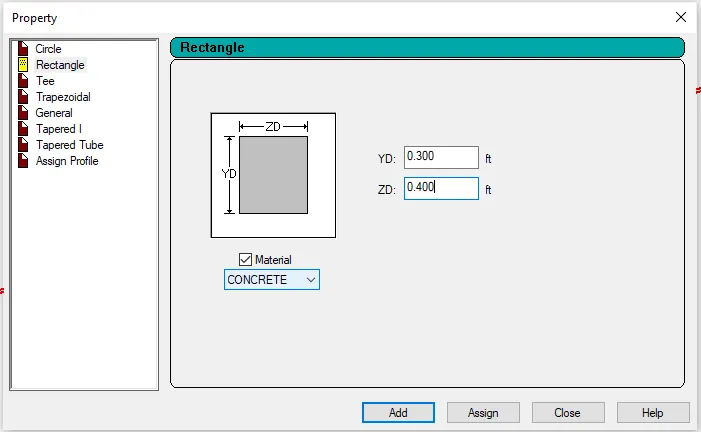
8. Set the Beam Size to 0.300m X 0.400m
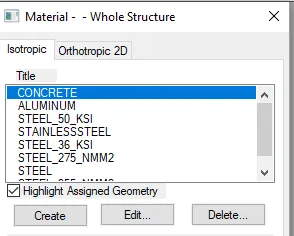
9. Then go to Material and set the Material to concrete.

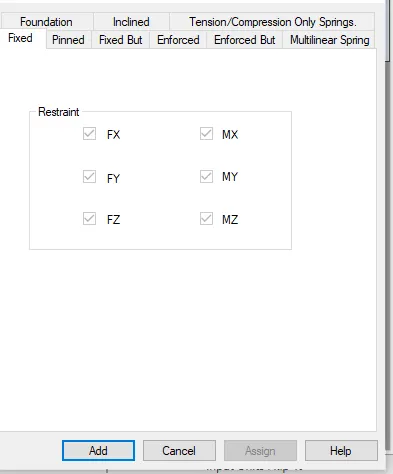
10. Then go to support for the Fixed and roller Support
11. Then set the support to Fix and Roller i.e., Enforced support.

12. Then go to Load and assign a 50 kn load to it
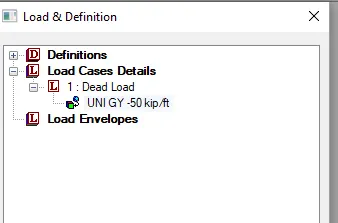
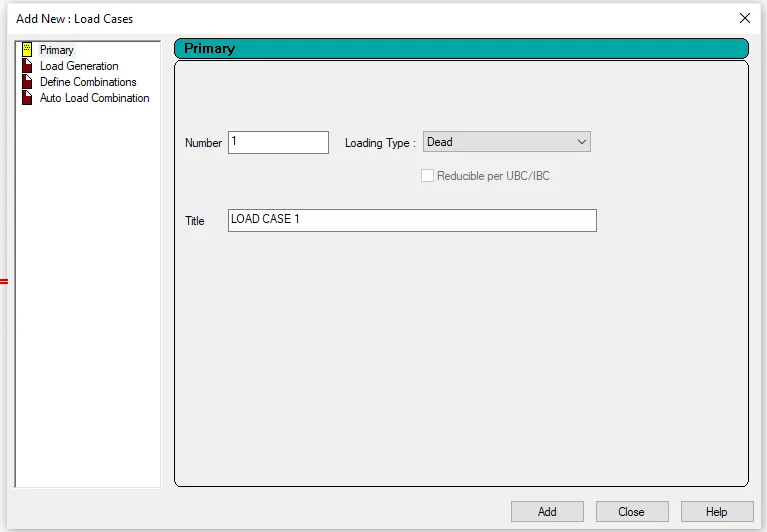
13. After selecting the load just assign it.
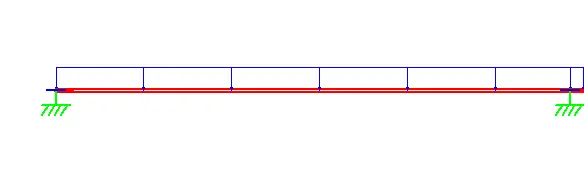
14. After assigning load run the analysis.
Conclusion : Challenege 1 Complete