Usage of Navigation tool , Timeliner and Clash Detection test using Naviswork
Q1 Answer :-
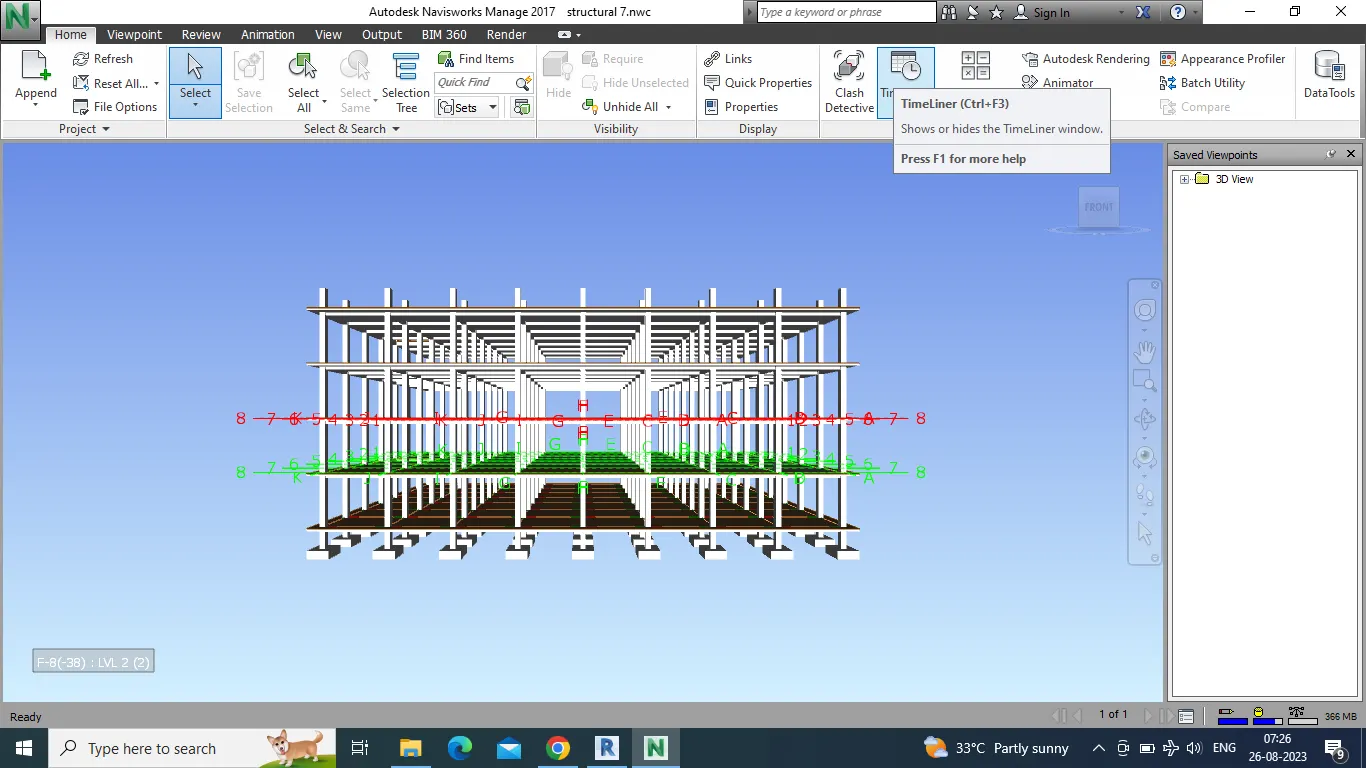
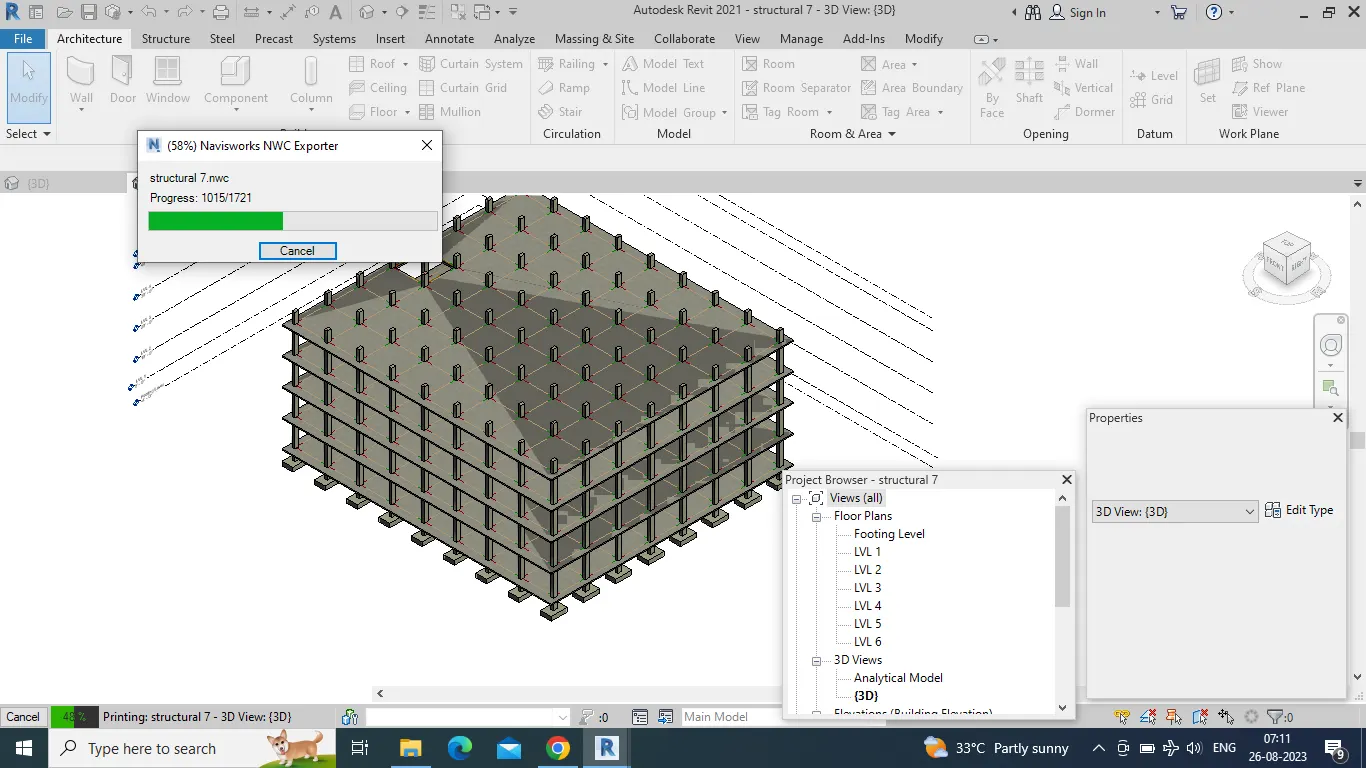
- Now we have to export this file to navisworks.
- Just go to file option and in that go to naviswork.
- now go to file option and click on NWC.
- File will start to export and then save the file.
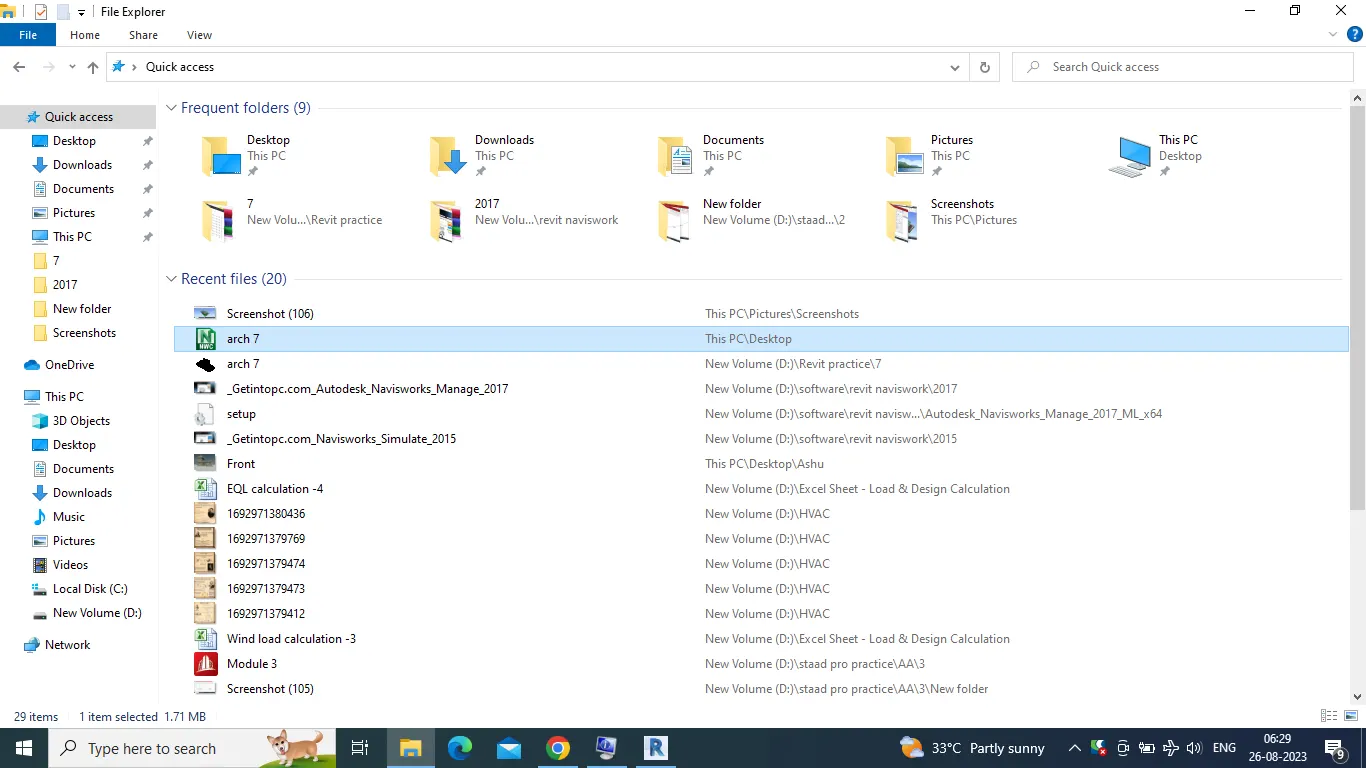
- Now go to file and click the saved file.
- Now the file will open in the naviswork as shown below.
Q 2 Answer :-
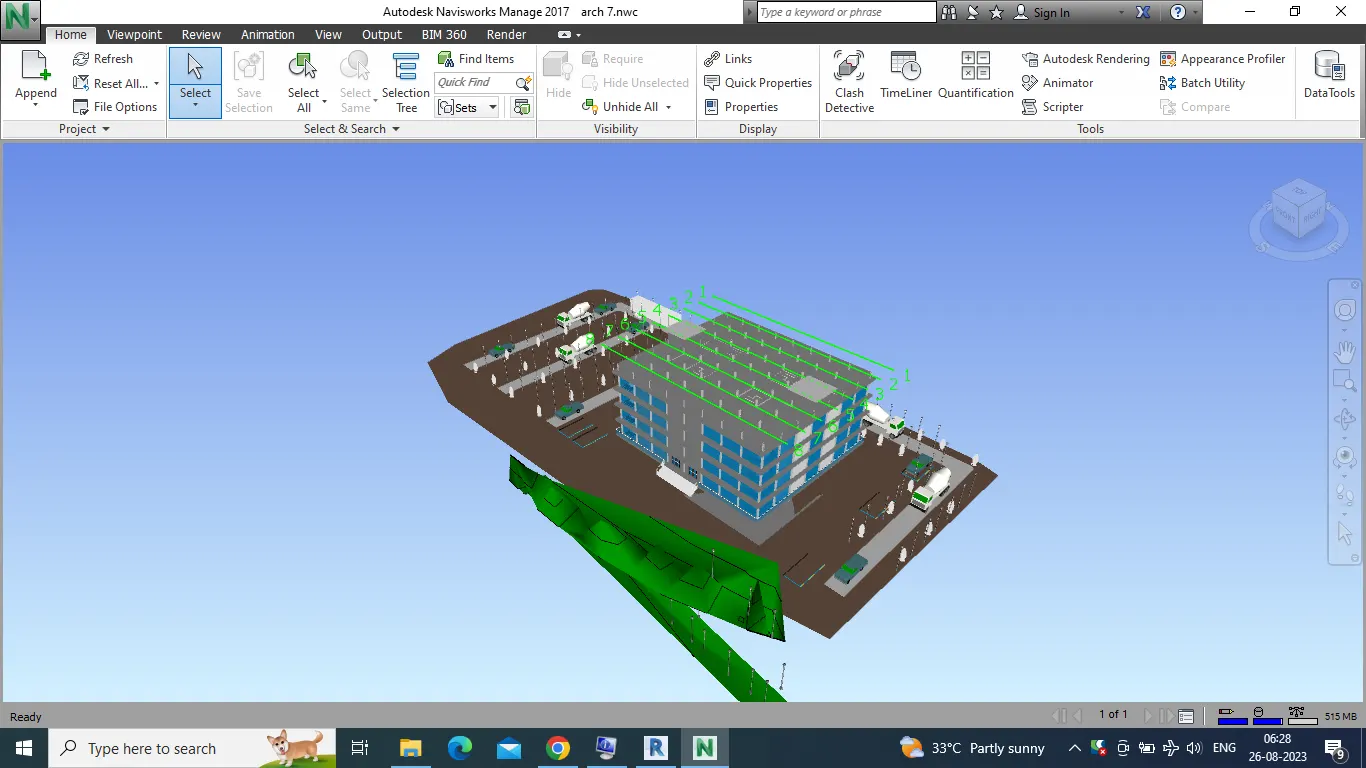
- Open navisworks and go to save viewpoints option, select record and after that seelct walk option.
- Take a walk through differenet rooms of the buildung.
- After the walk is finished, click top option.
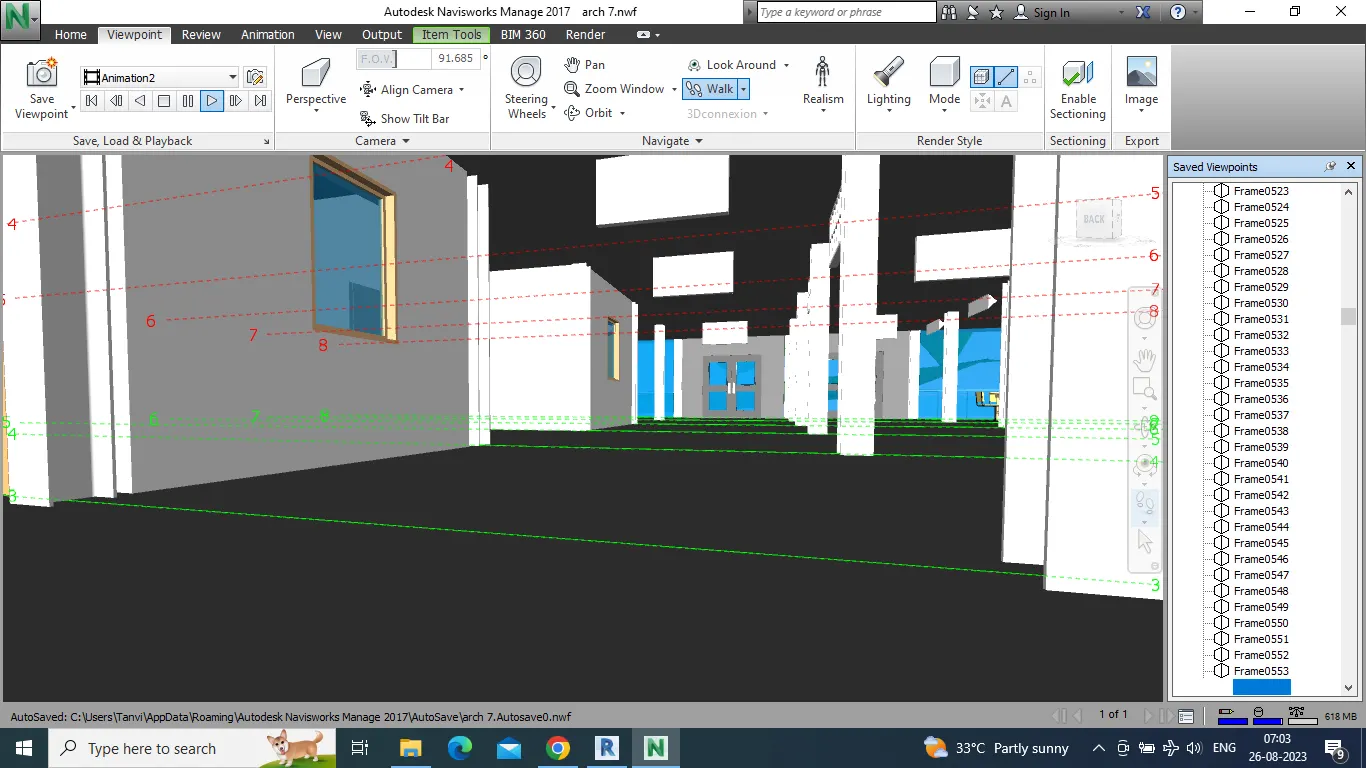
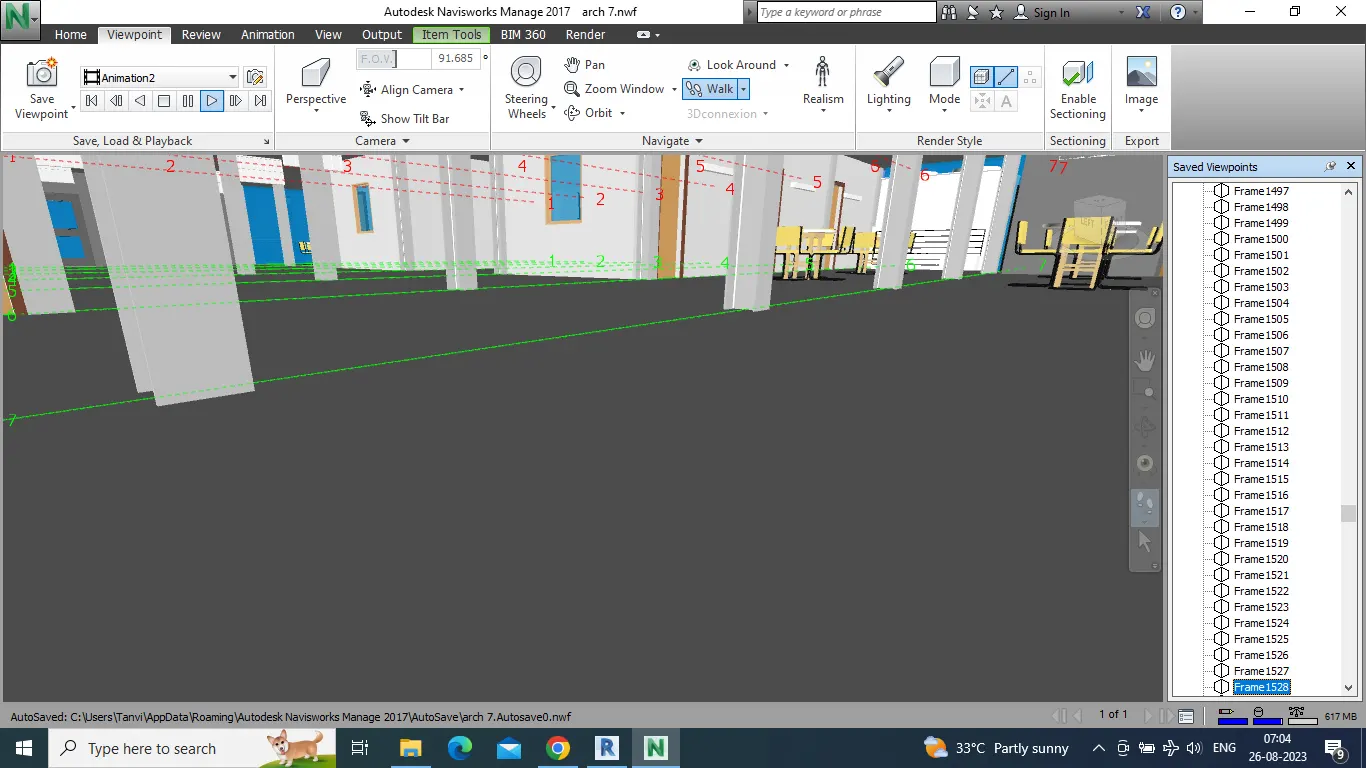
- We will get list of different frames of walk.
- Click on any of it to get the view.
- Frames are shown in the below.
Q3 Answer :-
- Open naviswork, go to realism option besdie walk.
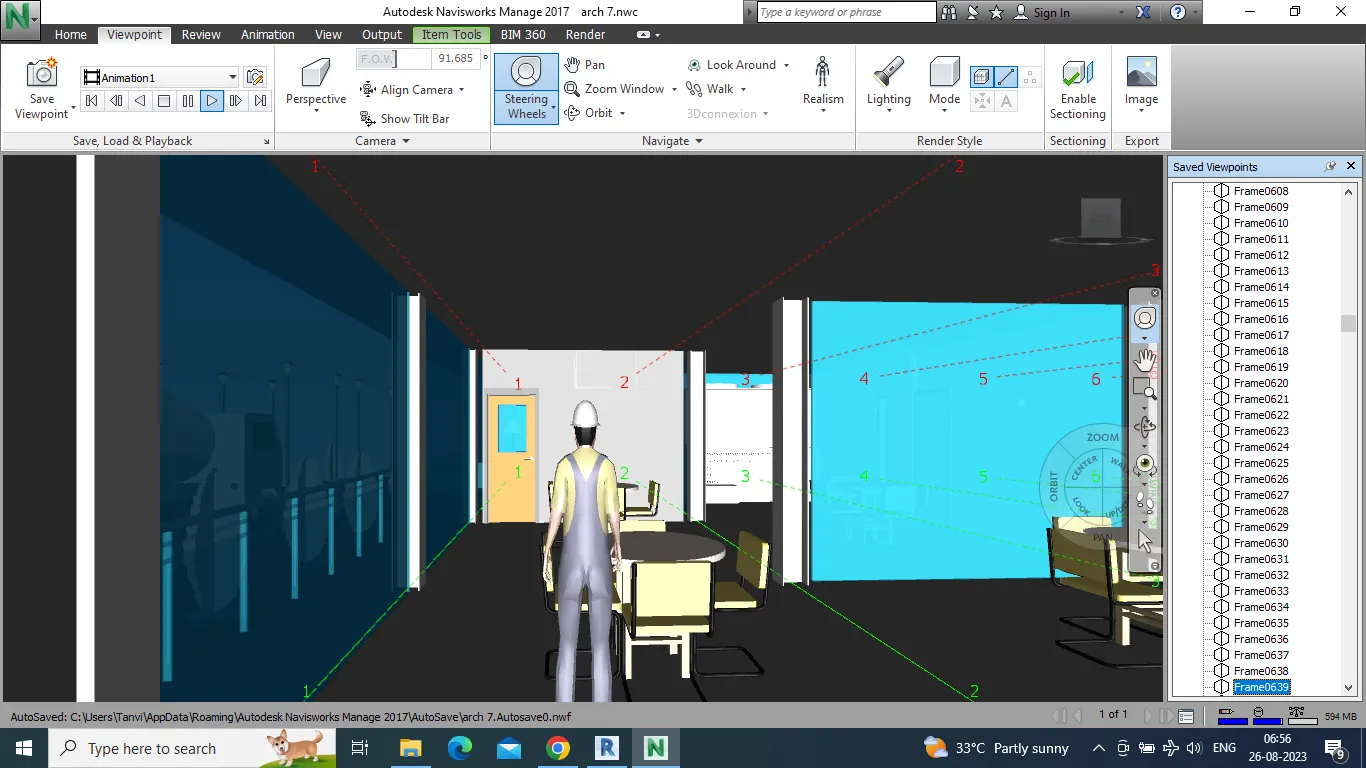
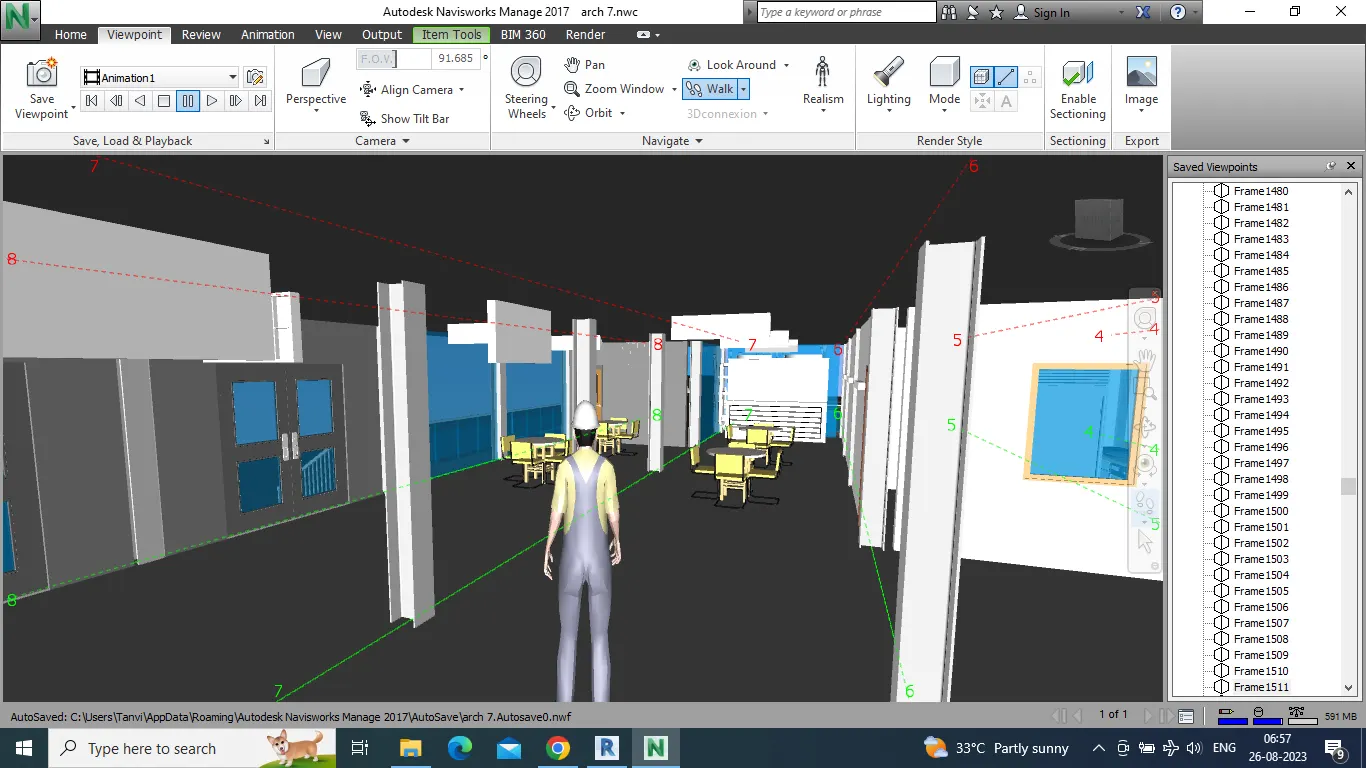
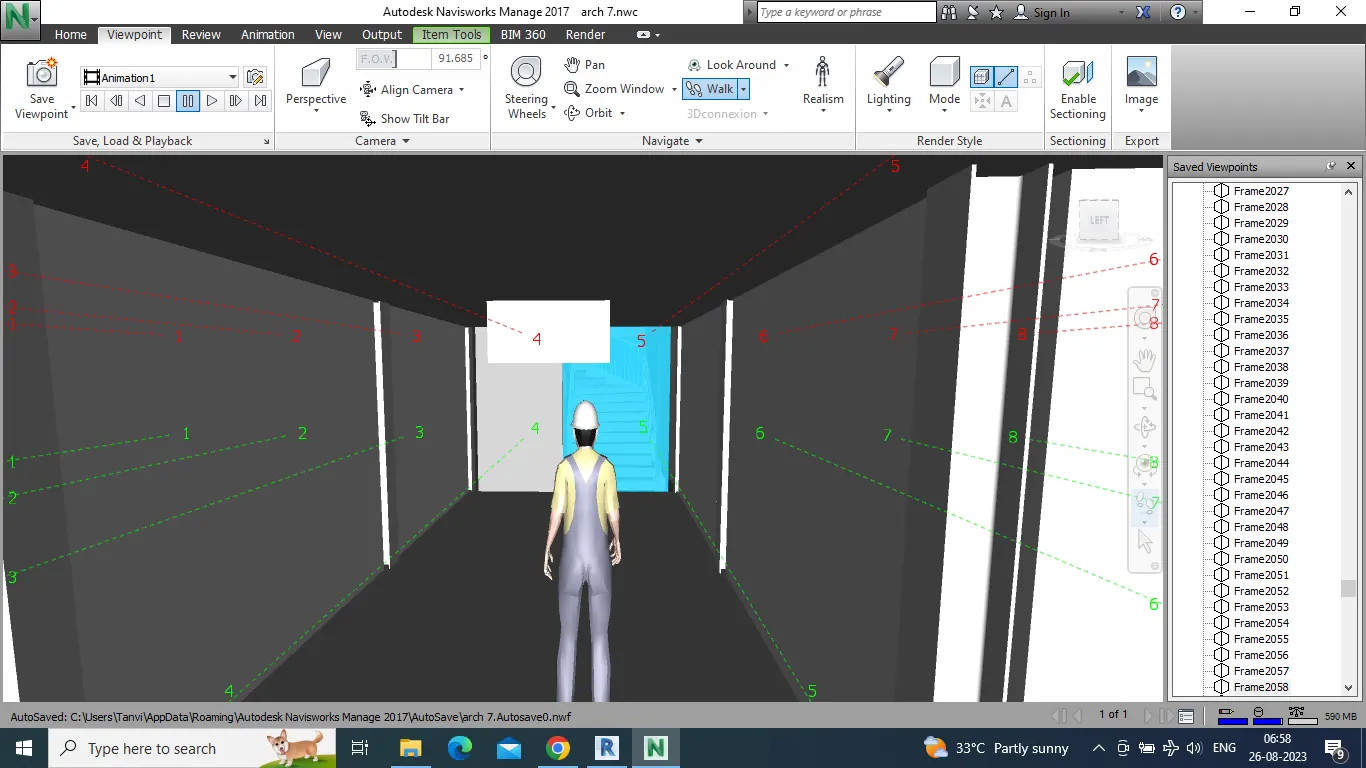
- Click thirs person and take walk through different rooms of the building.
- Take the screenshot of all the rooms visited and being pasted below
Q4 Answer :-
- Go to architectural file in REVIT.
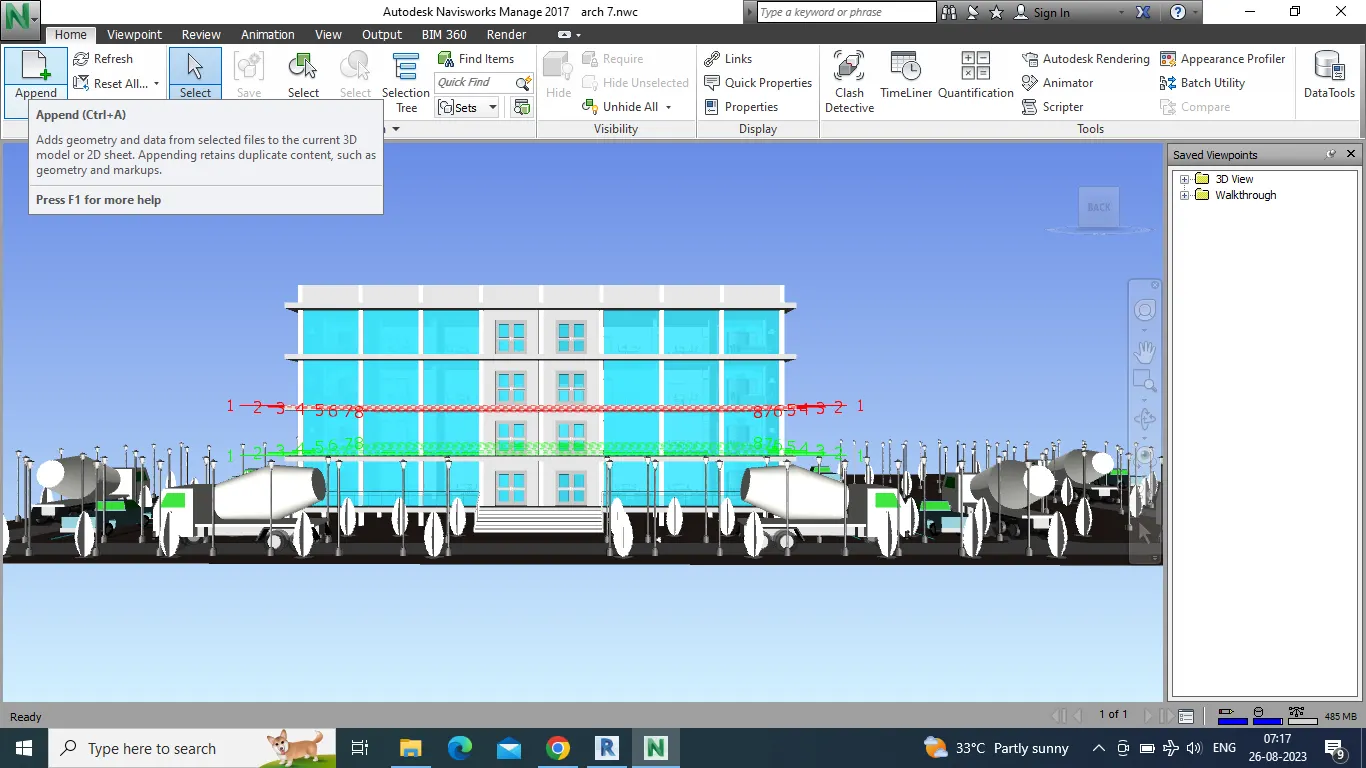
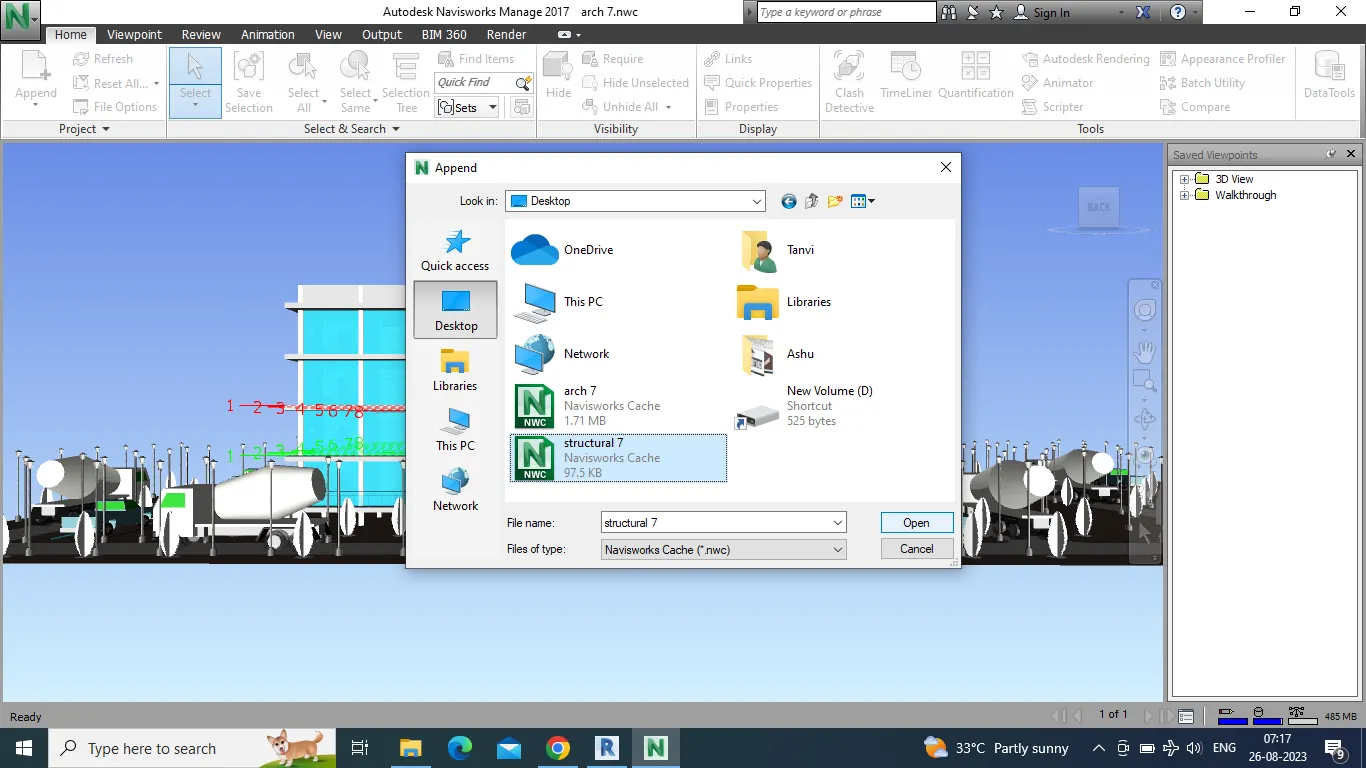
- Go to append and open Structural file.
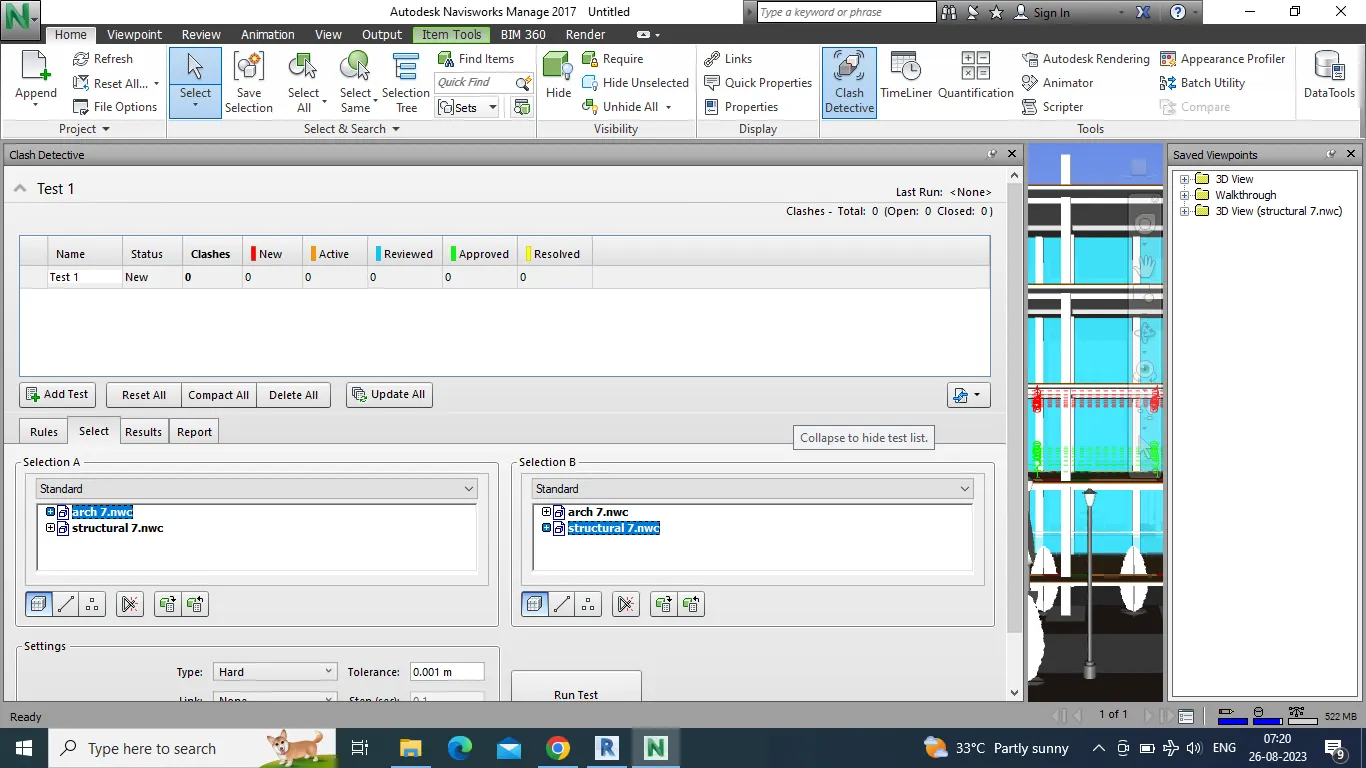
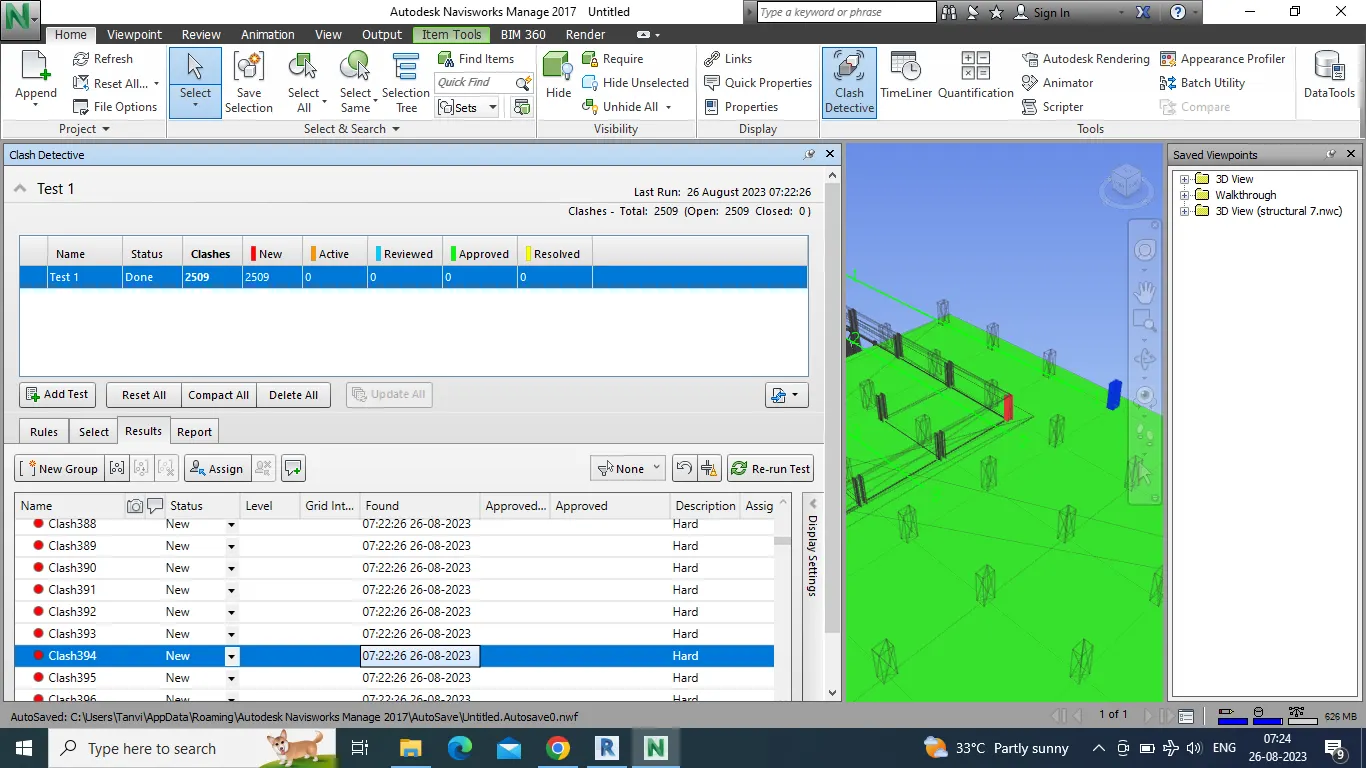
- Now go to clash detection option from the tab.
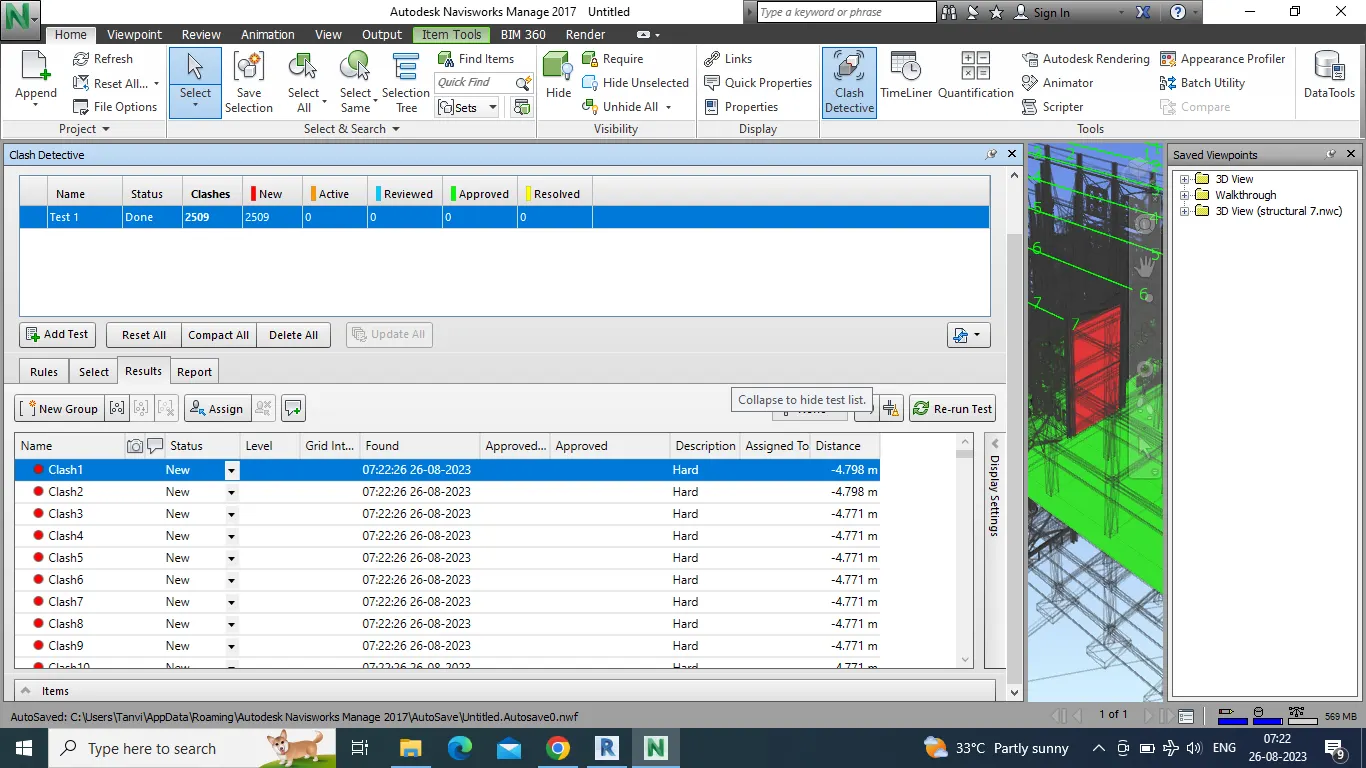
- Click on both the models and rename the test and click on run test.
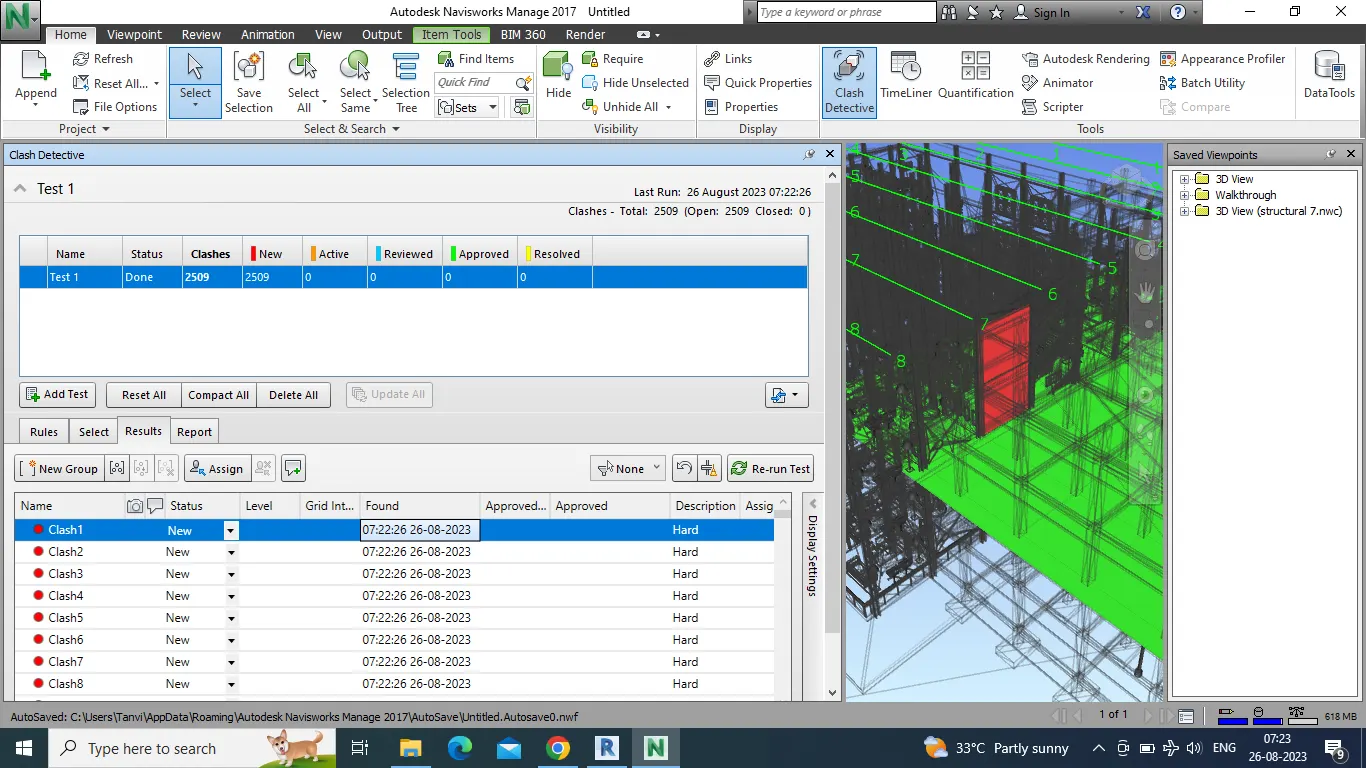
- We will get the list of all clashes, from here clashes can be approved and resolved as shown in attachment below.
Q5 Answer :-
- Open structural model in REVIT.
- Go to file menu then export it into NWC file.
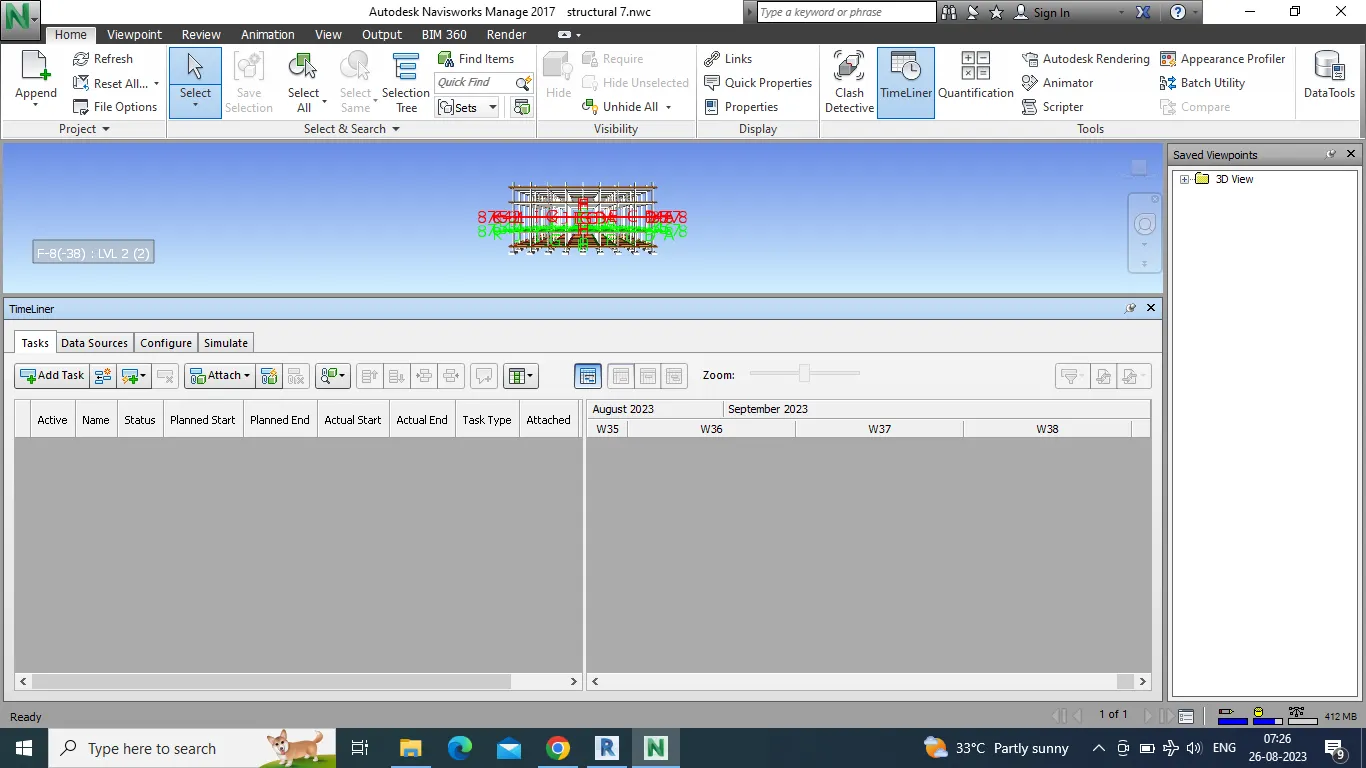
- Go to timeliner and click on it, we get a box as shown in figure.
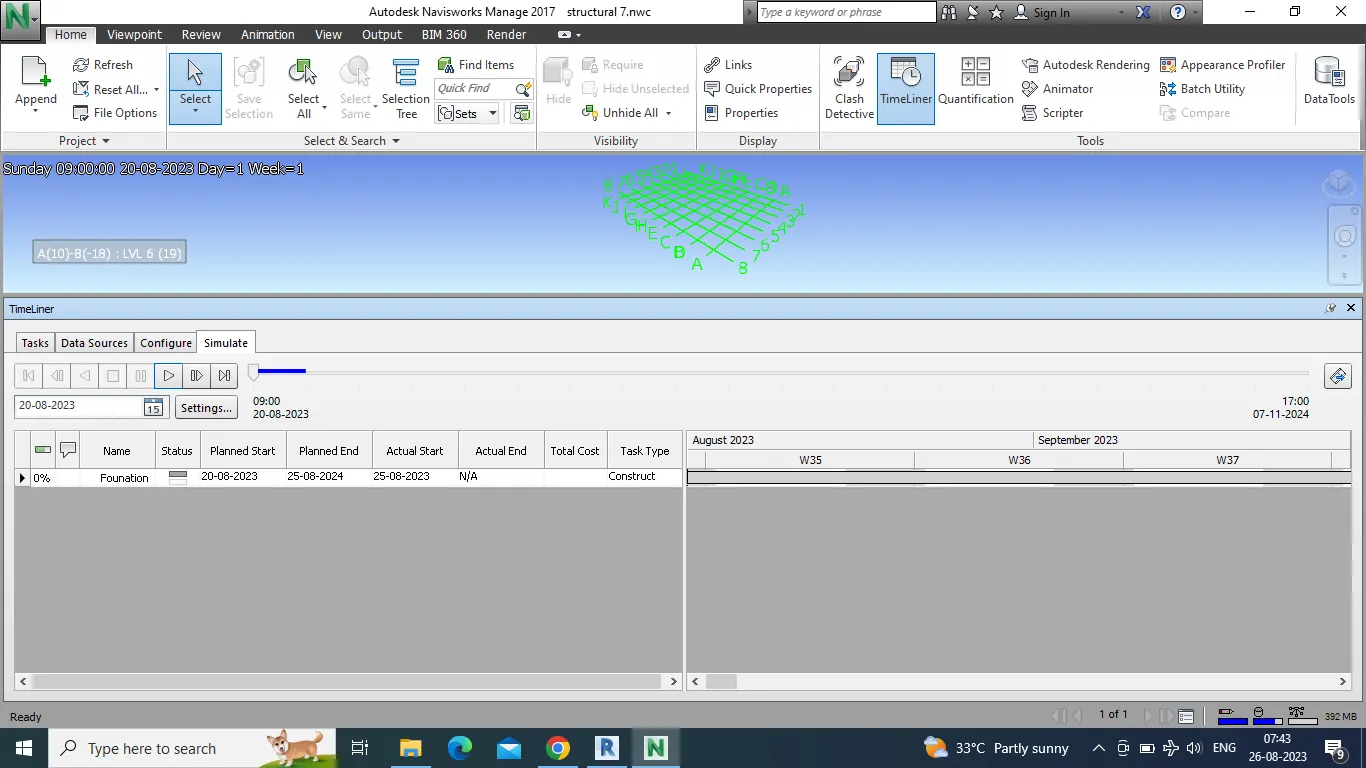
- Click on add task and enter the name of component
- First we will enter as foundation.
- Now go to select tree and select the foundation and enter the start and end date.
- Enter the task type as construction.
- Enter all the components with their dates and click on simulate.
- We will get the animation of building construction from start to end.