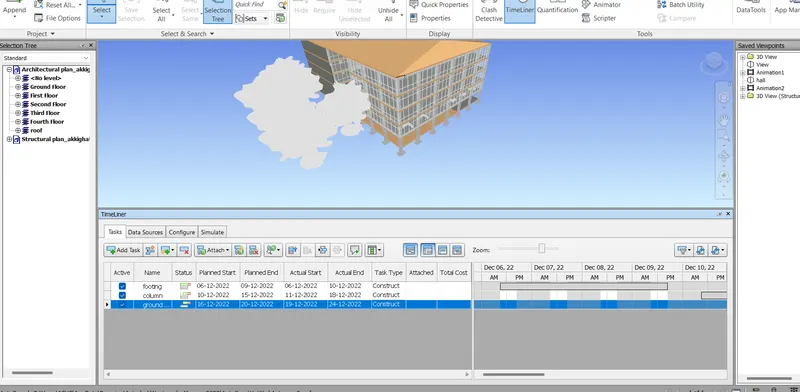
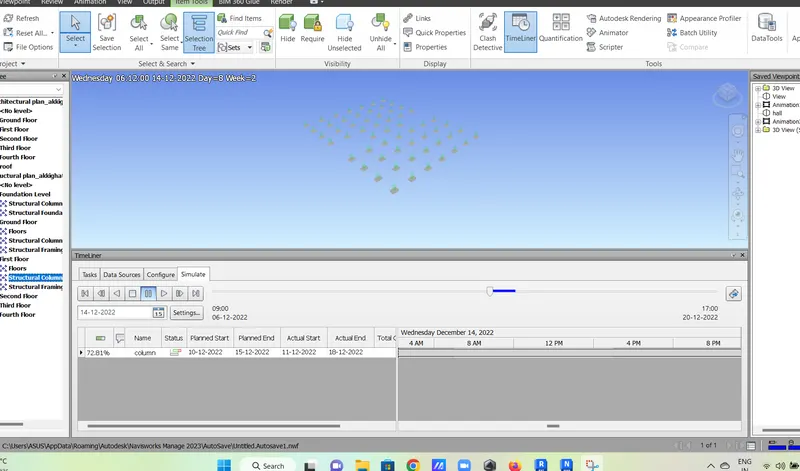
Usage of Navigation tool , Timeliner and Clash Detection test using Naviswork
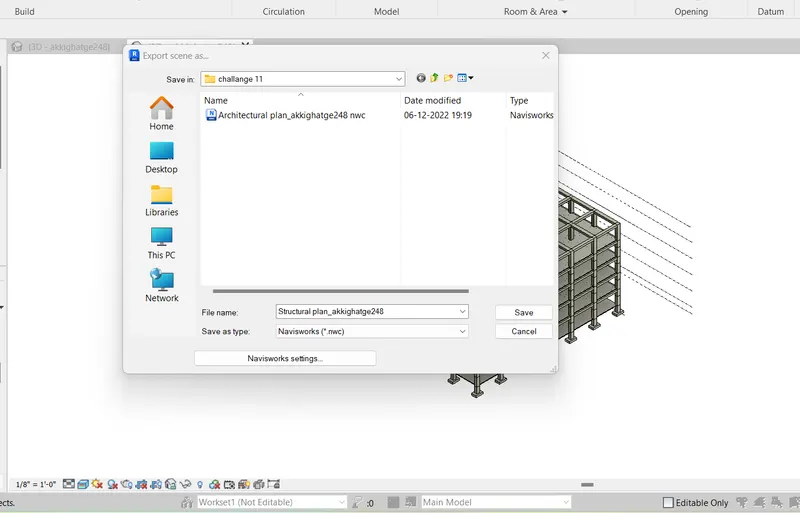
1. Aim - Use architectural and structural project and export it to navi work
Procedure -
Select both file and in file option select Export in that select Nwc
then open NWC and select file and select both the file
2. Aim - Using navigate tool walk around the model
Procedure -
select NWC then open Architectural file then open
then select view point then walk through option then record it and save in device
file in below
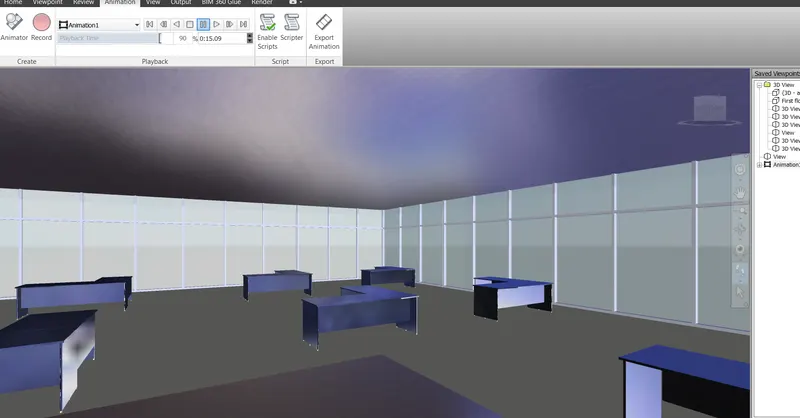
3. Aim - use navigate tool use realism tool walk through
Procedure
Select NWc and select viewpoint
then select realism option and record it
file is attached
4. Aim - Create a clash between two model
procedure -
import both file and run the file and study the file which can be approved or which can be negecelated
both file import to NWC
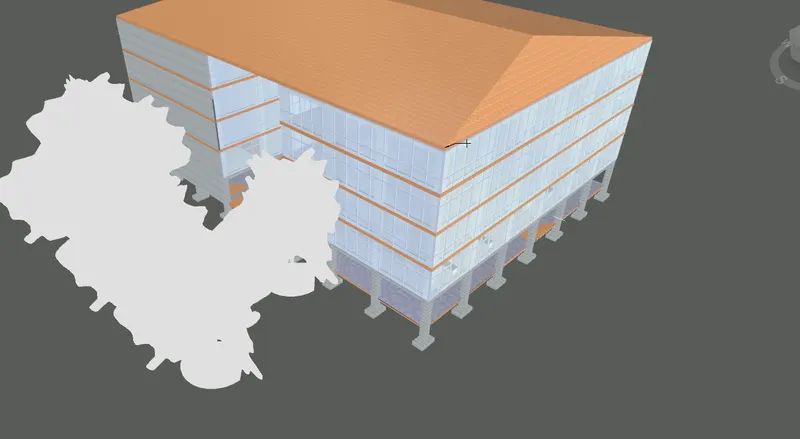
select the clash test option
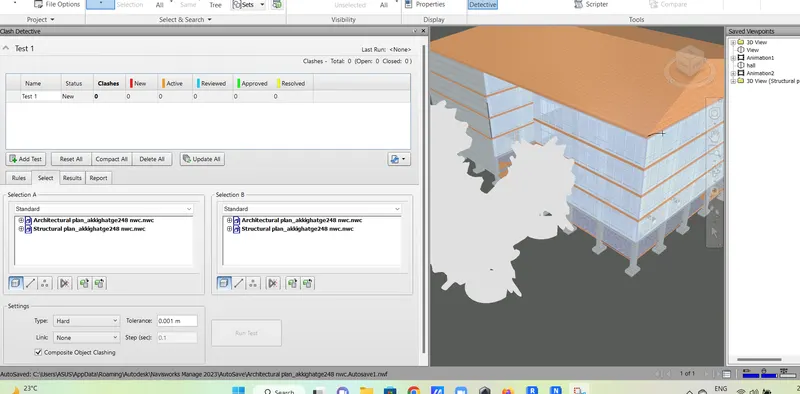
then select architectural file and structural file and run the test
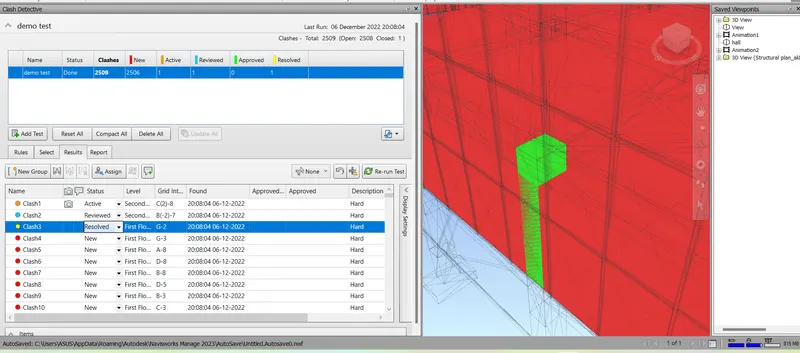
5. Aim - Using timeliner feature prepare schedule in navicwork
Procedure -
select the structural plan then select selection tree then select each task to timeliner
then attach the task with selection tree then assign date according to the completion and last stimulate