Menu

Executive Programs

Workshops

Projects

Blogs

Careers

Student Reviews


More

Academic Training

Informative Articles

Find Jobs

We are Hiring!


All Courses

Choose a category

Loading...

All Courses

All Courses

logo

Tool Test-2

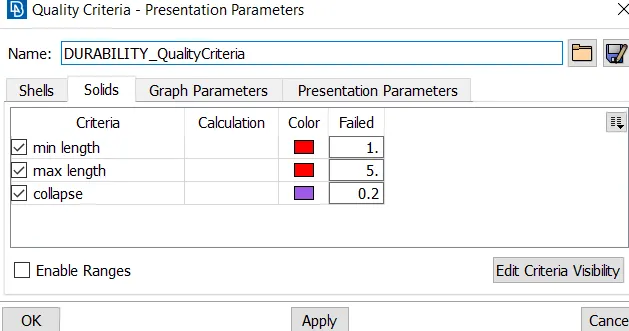
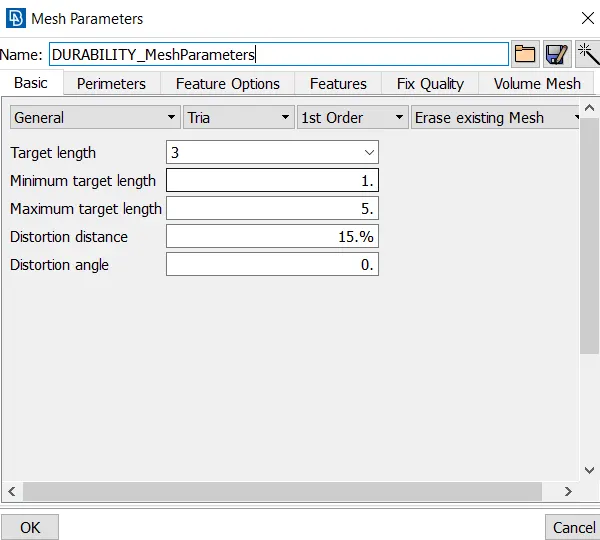
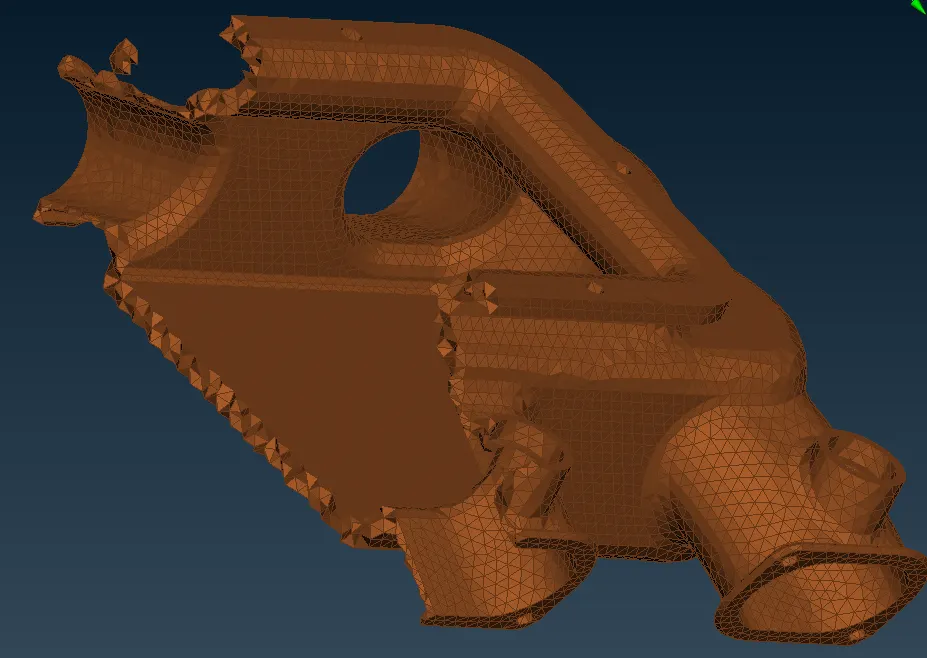
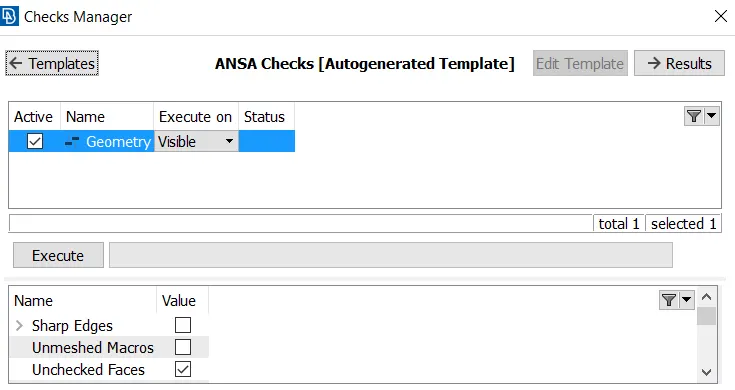
Aim: To extract the middle surface of the component and mesh it as per the quality criteria provided.   Procedure: Import the model intake manifold into ansa topo tab. Check for the topological errors through the checks manager-> geometry. Select the errors and use the auto fix option to fix the errors. In case…
    Project Details

    Loading...

    Leave a comment

    Thanks for choosing to leave a comment. Please keep in mind that all the comments are moderated as per our comment policy, and your email will not be published for privacy reasons. Please leave a personal & meaningful conversation.

    Please  login to add a comment

    Other comments...

    No comments yet!
    Be the first to add a comment

    Read more Projects by SARAVANA KUMAR (25)

    Bird Strike - Project - 2

    Objective:

    AIM: To model an aeroplane engine by inputing nad assigning required parameters and create a simulation of a bird striking the blades of the engine model.   PROCEDURE: The model bird_strike is imported into the lsdyna solver  The model is seperated into four seperate models such as hub, blade, casing and the…

    calendar

    30 Apr 2021 12:19 PM IST

      Read more

      week-11 Joint creation and Demonstration

      Objective:

      AIM: To create spherical, revolute, cylindrical, and translational joints between two rigid bodies and two deformable bodies using LSDYNA. PROCEDURE: REVOLUTE JOINT: A revolute joint is a one-degree of freedom used frequently in mechanisms and machines.The joint constrains the motion of two bodies to pure rotation…

      calendar

      26 Apr 2021 11:45 AM IST

        Read more

        Week - 10 Hyperelastic Material Models

        Objective:

        AIM: To calculate the mooney rivlin and ogden material constants and compare the both using stress strain data for the material card induced dogbone specimen for 100 percent strain.   INTRODUCTION: MOONEY RIVLIN: The strain energy density function for an incompressible Mooney–Rivlin material is…

        calendar

        19 Apr 2021 06:13 PM IST

          Read more

          Week - 9 Material Modeling from Raw Data

          Objective:

          AIM: To extract data from the given material curve image using digitizer and model a new material from the data extracted and to conduct a tensile test analysis inorder to check whether the obtained data's are correct through graphs.   PROCEDURE: EXTRACTION OF DATA: The values of engineering stress and strain are…

          calendar

          09 Apr 2021 12:57 PM IST

            Read more

            Week - 8 Mass Scaling

            Objective:

            AIM: To use mass scaling to reduvce the run time of the model and ensure the stability of mass scaling. To ensure that the hard limit on mass scaling is does not exceed 8%. To use both implicit and explicit solutions and check its effects.   PROCEDURE: Mass-scaling refers to a technique whereby nonphysical mass is…

            calendar

            30 Mar 2021 09:01 AM IST

              Read more

              Week-7 Head Impact

              Objective:

              AIM: To create a simulation between various models and claluate the HIC value under various below mentioned cases. 1.) between a simple head form and a rigid wall 2.) between a standard developed pedestrian headform and a rigid wall. 3.) atlast between the pedestrian headform and the meshed hood model.   PROCEDURE…

              calendar

              12 Mar 2021 04:55 AM IST

                Read more

                Week-6 Calculate the Stretch Ratio by comparing the ELFORM (-2,-1,1,2) with Ogden_Material Model.

                Objective:

                AIM: To create a block with the above mentioned dimension and use the ogden material properties into it , thus observing the behaviour of it under various element formulations given above. Create appropriate boundary conditions to provide tensile motion to the cube. Plot the graph between normal stress and stretch ratio.…

                calendar

                26 Feb 2021 12:54 PM IST

                  Read more

                  Week - 5 - Modelling Spotwelds

                  Objective:

                   AIM:  To obtain the axial and shear force by comparing the spotwelds between beam and solid sections.   PROCEDURE: BEAM SPOTWELD SECTION: Import the model .k file  Create the section card for the shell parts and assign the thickness as 2 mm and with elform 16. Create the material card for both the…

                  calendar

                  06 Feb 2021 09:49 AM IST

                    Read more

                    Week - 4 - crash box simulation

                    Objective:

                    AIM: To run a simulation in lsdyna for different thickness assigned to the crash box and compare the results. PROCEDURE: The first step is to build the model using various keywords in form the keyword manager. Firstly the section type is defined to the software by creating it with various thicknesses of 1.2 and 1.5. Then…

                    calendar

                    21 Jan 2021 09:09 AM IST

                      Read more

                      Week - 3 Drop test Challenge

                      Objective:

                        AIM: To run a error free termination and to perform the simulation for the given model when it impacts the ground, by analyzing the stress.   Procedure: Constrain the ground for impact using the boundary-> spc and lock all the degrees of freedom for the section Set free the translational motion in z direction…

                      calendar

                      08 Jan 2021 07:24 AM IST

                        Read more

                        Week - 2 - Explicit and Implicit Analysis

                        Objective:

                        Aim: To solve the given eqn using both implicit and explicit methods.   Procedure: 1.) Explicit Analysis The explicit analysis is a kind of analysis in which the value of a a function at the required time step does not relies on the previous timesteps. Consider the force in the bar is a nonlinear function of the displacement:…

                        calendar

                        02 Jan 2021 04:18 PM IST

                          Read more

                          Project 2

                          Objective:

                          AIM:  To enable connections between the variours components of the suspension assembly access door.   PROCEDURE: Import the model back door connections into nastran tab. Check for the topological errors through the checks manager-> geometry. Select the errors and use the auto fix option to fix the errors.…

                          calendar

                          11 Nov 2020 08:32 AM IST

                            Read more

                            Project 1

                            Objective:

                            Aim: To extract the middle surface and mesh the given component with ansa 19.1.5 as per the given quality criteria, by assigning the thickness. Procedure: Import the model ipsubstrate.igs into the ansa topo tab check for the topological errors, red lines indicates free edges, cyan lines indicates triple cons  use the geom…

                            calendar

                            29 Oct 2020 07:15 AM IST

                              Read more

                              Week 8

                              Objective:

                              Aim: To morph the given the model component.igs using the various morphing techniques.   Procedure: Import the model component.igs into ansa. Check for topological errors using the checks managers. If the model is free of errors the proceed with morphing by selecting the morphing tab. The advantage in morphing is…

                              calendar

                              22 Oct 2020 05:28 AM IST

                                Read more

                                Week 6

                                Objective:

                                AIM:  To enable 1d connections between the variours components of the rear passenger access door.   PROCEDURE: Import the model back door connections into nastran tab. Check for the topological errors through the checks manager-> geometry. Select the errors and use the auto fix option to fix the errors. In case of unfixed…

                                calendar

                                23 Sep 2020 04:25 AM IST

                                  Read more

                                  Tool Test-2

                                  Objective:

                                  Aim: To extract the middle surface of the component and mesh it as per the quality criteria provided.   Procedure: Import the model intake manifold into ansa topo tab. Check for the topological errors through the checks manager-> geometry. Select the errors and use the auto fix option to fix the errors. In case…

                                  calendar

                                  08 Sep 2020 09:52 AM IST

                                    Read more

                                    Week 5

                                    Objective:

                                    AIM:  To tetra mesh the given component as per the provided quality criteria   PROCEDURE: Import the model rearmirror.igs into ansa topo tab. it consists of four major components they are: mirror, cap, mirror glass & holder. NOTE: As all the above shown components are symmetrical, one part of the section…

                                    calendar

                                    07 Sep 2020 01:51 PM IST

                                      Read more

                                      Tool Test 1

                                      Objective:

                                      Aim: To extract the middle surface of the component and mesh it as per the quality criteria provided.   Procedure: Import both models into ansa topo tab. Check for the topological errors through the checks manager-> geometry. Select the errors and use the auto fix option to fix the errors. In case of unfixed errors,…

                                      calendar

                                      02 Sep 2020 01:53 PM IST

                                        Read more

                                        Week 4

                                        Objective:

                                        Aim: To extract the middle surface of the component and mesh it as per the quality criteria provided.   Procedure: Import the model bottlecap.IGS into ansa topo tab. Check for the topological errors through the checks manager-> geometry. Select the errors and use the auto fix option to fix the errors. In case of…

                                        calendar

                                        27 Aug 2020 01:05 PM IST

                                          Read more

                                          Week 3

                                          Objective:

                                          Aim: To mesh the given component with ansa 19.1.5 as per the provided quality criteria Procedure: Import the model hood.step.asna as the model is symmetrical it can be divided into two equals halves and the folowing procedure can be carried out. check for the topological errors, red lines indicates free edges, cyan lines…

                                          calendar

                                          22 Aug 2020 06:35 AM IST

                                            Read more

                                            Week 12 - Project-1

                                            Objective:

                                            Objective: To create mesh for the given component and assign thickness.   Procedure: The complexity of the entire geometry is reduced by spliting the entire components is split into various components. Select 2D panel-> surface edit -> trim with planes-> select the surfs-> select the split points. The surface gets splited…

                                            calendar

                                            05 Jul 2020 06:43 AM IST

                                              Read more

                                              Week 9-Challenge

                                              Objective:

                                              Objective: To Create connector and Attach the various parts of the given model. Procedure: import the model using the import option in the optistruct window. check for the component's topological errors and retify them.  extract the middle surface of the component using the midsurface option. mesh the components using…

                                              calendar

                                              23 Jun 2020 06:33 AM IST

                                                Read more

                                                Week 8-Challenge

                                                Objective:

                                                Objective: Create a tetra mesh for the given models within the specified element size. Procedure: Tetra mesh for the housing: Step1: Open hypermesh window -> radioss Step2: import the downloaded model. Step3: the housing model consists of two components the hub and the housing cover. Hub: Step 4: delete the solids,…

                                                calendar

                                                17 Jun 2020 10:14 AM IST

                                                  Read more

                                                  meshing of car hood

                                                  Objective:

                                                  Objective: To mesh the given component according to the quality criterias. Procedure : General steps: 1. Open the hypermesh window -> select optistruct. 2. Import the entire model by selecting the root file -> click import 3. Go to delete -> solids -> surfs displayed -> delete entity. 4. Go to geom ->…

                                                  calendar

                                                  11 May 2020 01:43 AM IST

                                                    Read more

                                                    Creation of 1D elements for the parallel bracket

                                                    Objective:

                                                    Objective: to Create 1D elements on a simple parallel bracket component with the given cross-section and DOF\'s. Procedure:  shows the side view in order to shows the extraced mid surface. General steps: step 1: open hypermesh window and select the optistruct option from the user profiles list. step2: delete the solids…

                                                    calendar

                                                    25 Apr 2020 02:38 AM IST

                                                      Read more
                                                      Showing 1 of 25 projects