Tool Test 1
|
S.No |
Quality Criteria |
Value |
|
1 |
Target/Average length |
4 |
|
2 |
Minimum Length |
2 |
|
3 |
Maximum Length |
6 |
|
4 |
Aspect |
3 |
|
5 |
Warpage |
15 |
|
6 |
Skewness |
45 |
|
7 |
Jacobian |
0.7 |
|
8 |
Minimum Quad Angle |
45 |
|
9 |
Maximum Quad Angle |
135 |
|
10 |
Minimum Tria Angle |
30 |
|
11 |
Maximum Tria Angle |
120 |
|
10 |
Tria Percentage |
15 |
AIM -: To repair the geometry ,create the midsurface given the component and generate the mesh given the quality criteria.
SHEAT METAL -:
1) first import the model and go to the topo option check intity.
2) after that check the geometry and right click then fix.
3) go to the create the midsurface and given the offset value according the thickness.
4) after that go to the mesh the component.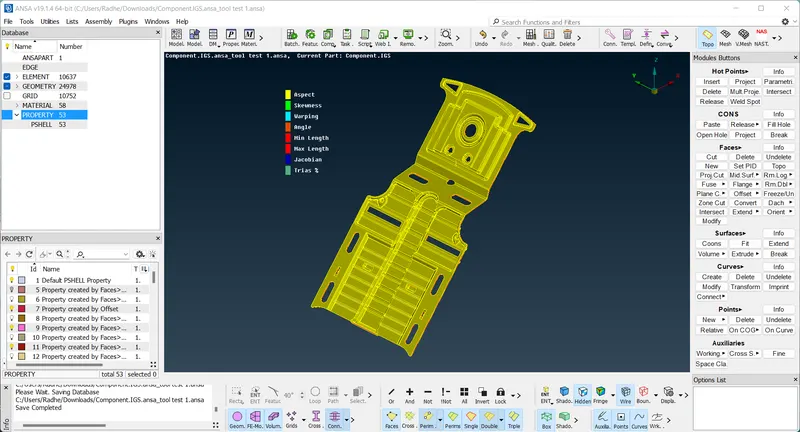
Midsurface -:
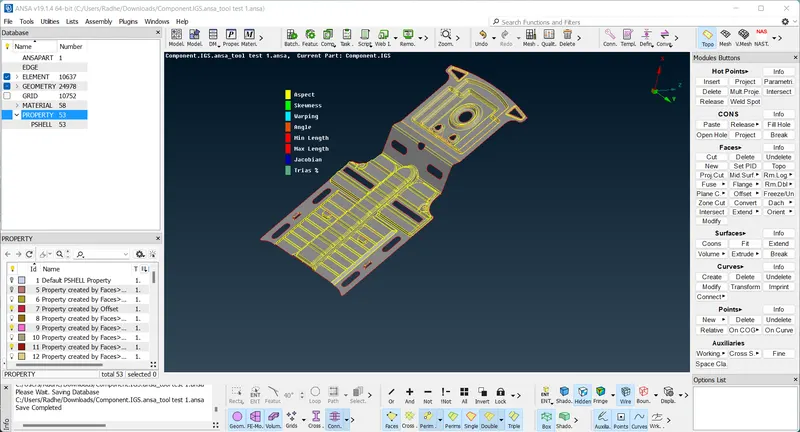
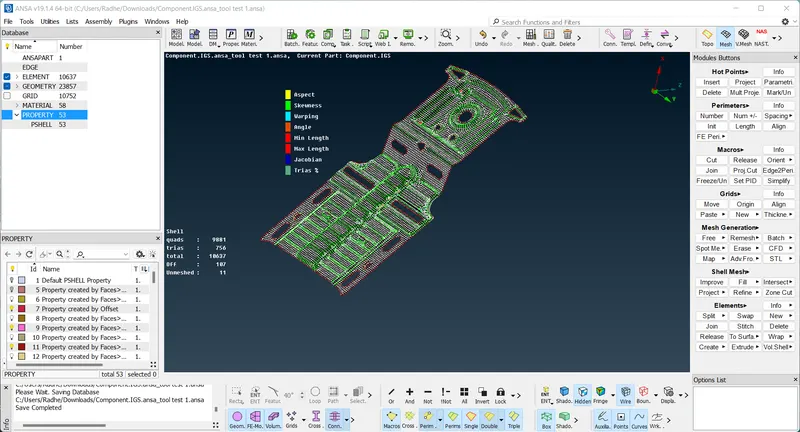
PLASTIC Component -:
1) this component is a same method to create a midsurface but here is many ribs and create ribs to use the middle option. then create a properly surface.
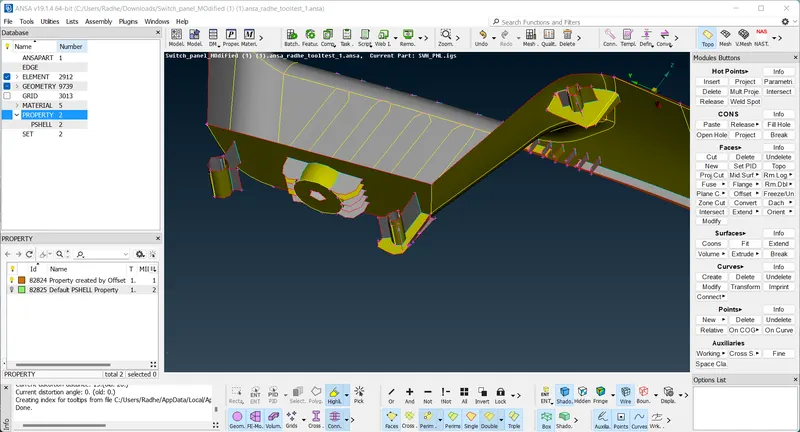
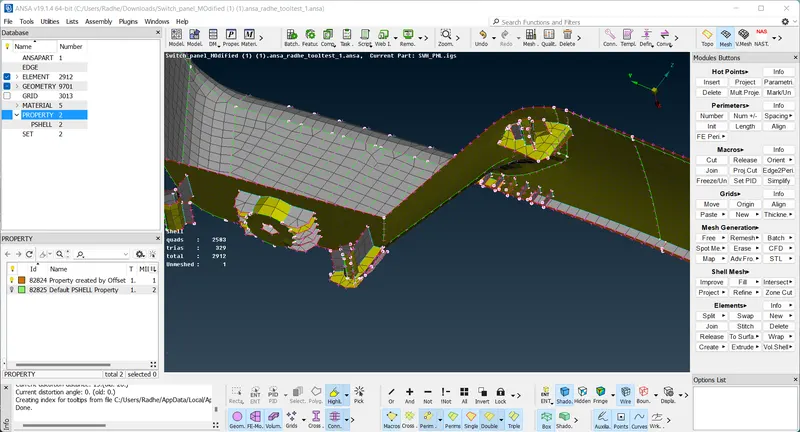
- i try to create a properly midsurface as the quality criteria. but some issue to plastic component.