Meshing of Car Door Switch Panel
AIM :
To check for geometrical errors in the given plastic component and mesh it. After meshing, proper thickness has to be assigned to the component.
PROCEDURE :
- The CAD model is imported in ANSA.
- The faces are oriented properly in entity mode.
- The geometry is cleaned up removing any irregularities and imperfections.
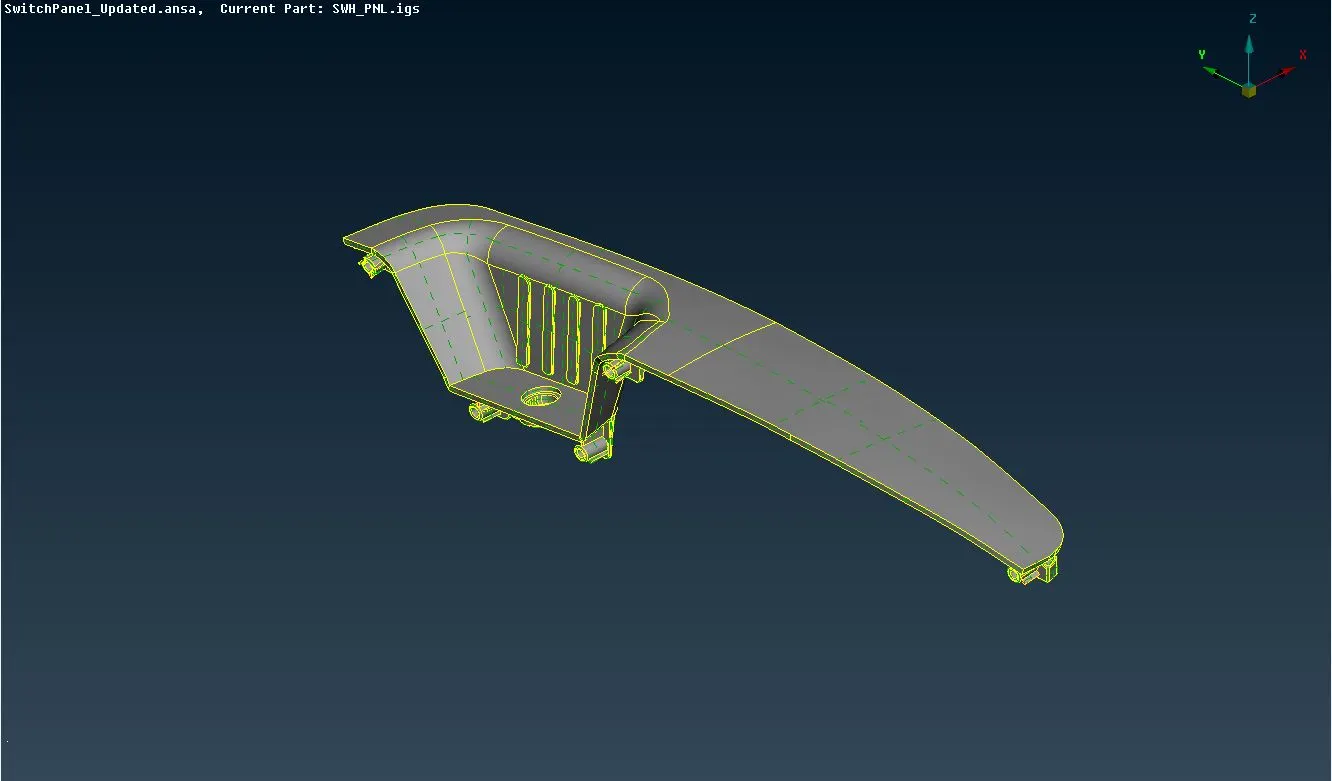
Mid-surface extraction -
Instead of meshing the whole 3D body, only the mid-surface (2D surface) is extracted, and after its geometry cleanup and processing, it is meshed. This mid-surface is nothing but a representation of its parent 3D body. This results in saving of process time and computational cost.
- The thickness of the component at different locations is measured and stored. Since the thickness is varying, the part needs to be carefully handled while extracting the midsurface.
- The offset method of midsurfacing has been used in this project, by using the offset command in faces module.
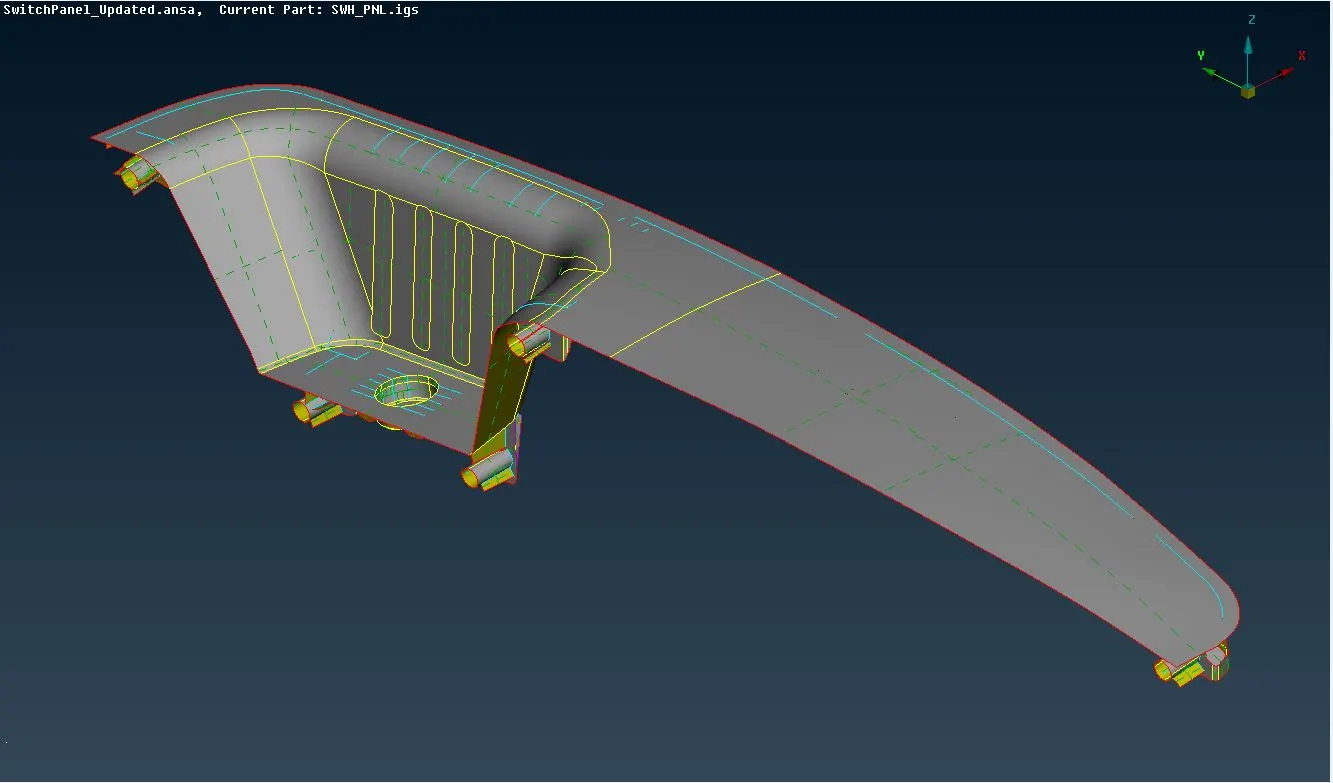
- Since, the plastic component is of variable thickness, small faces such as ribs needed to be carefully extended upto the neighbouring entities.
- Proper PIDs are assigned to individual entities as per the default PIDs that have been provided based on theeir thicknesses.
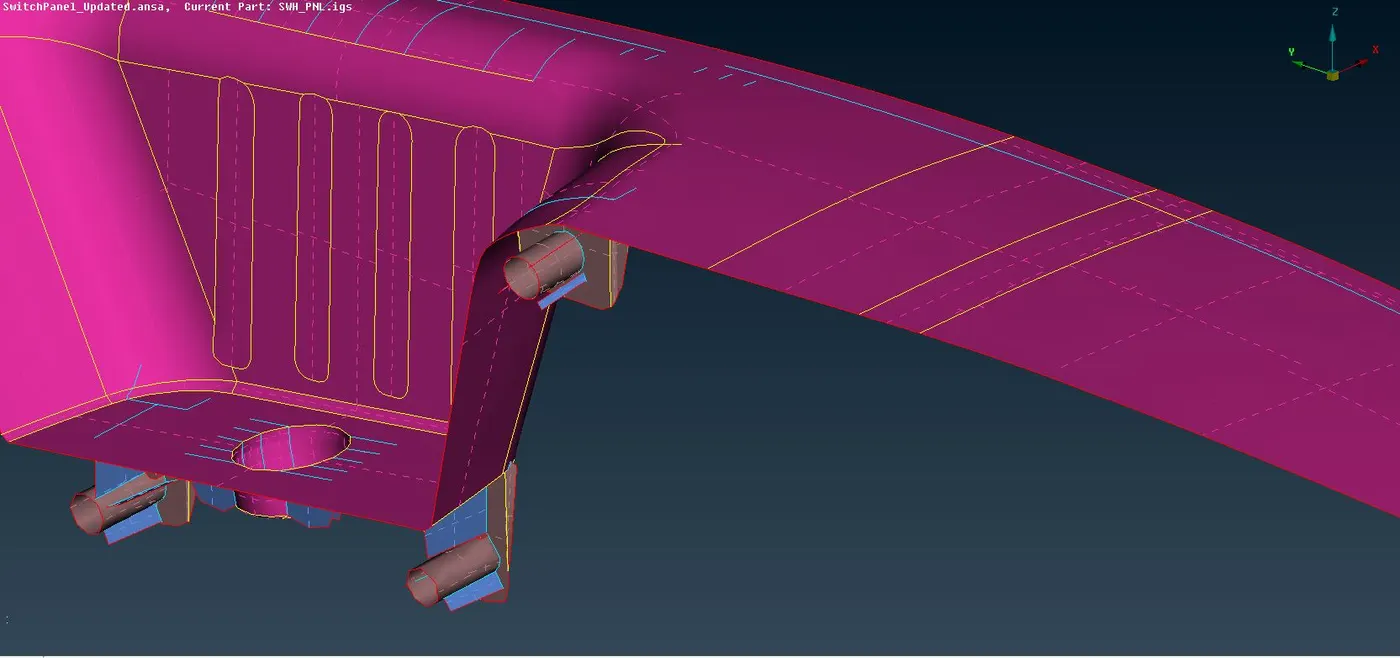
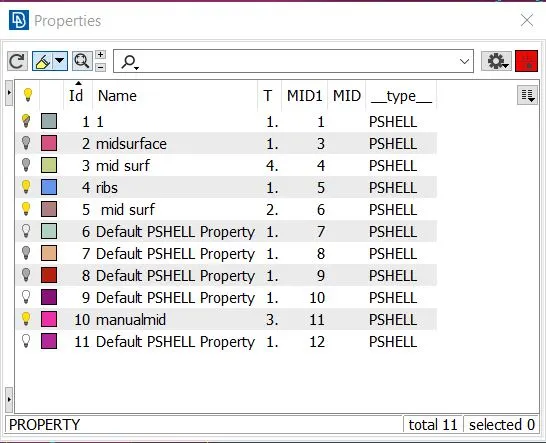
- A final geometric cleanup is performed on the midsurface.
Mesh generation -
- The quality criteria is setup as per specified instructions and the mesh paramters are adjusted.
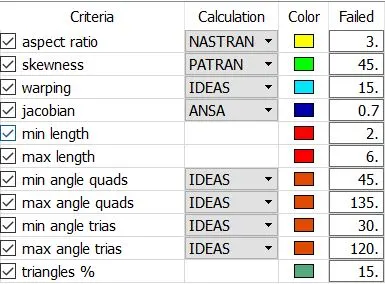
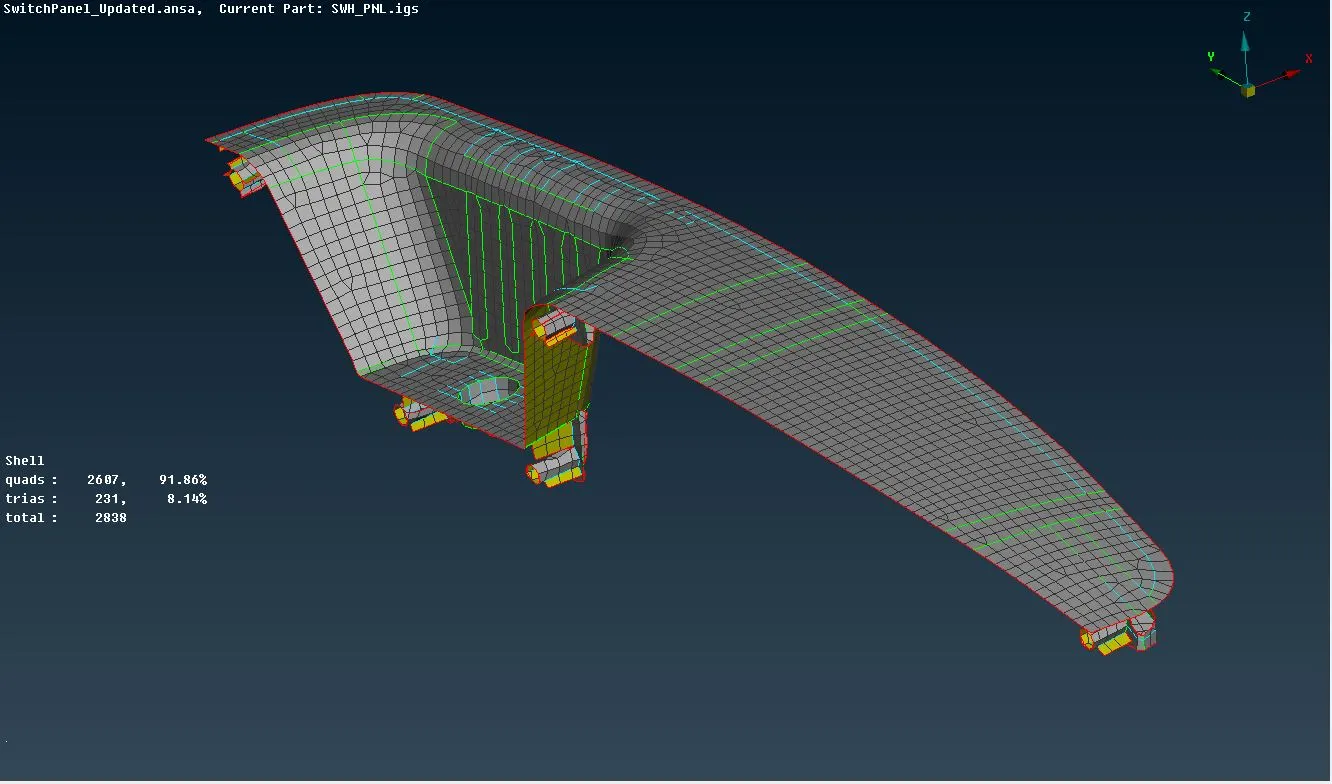
- The part is now ready to be meshed. Accordingly the mesh is generated using the Best command and reconstructed to ensure a smooth flow.
- However, the mesh is further improvised using the different commands such as Swap, Split, Improve, etc to remove the off elements and to minimise the concentration of tria elements.
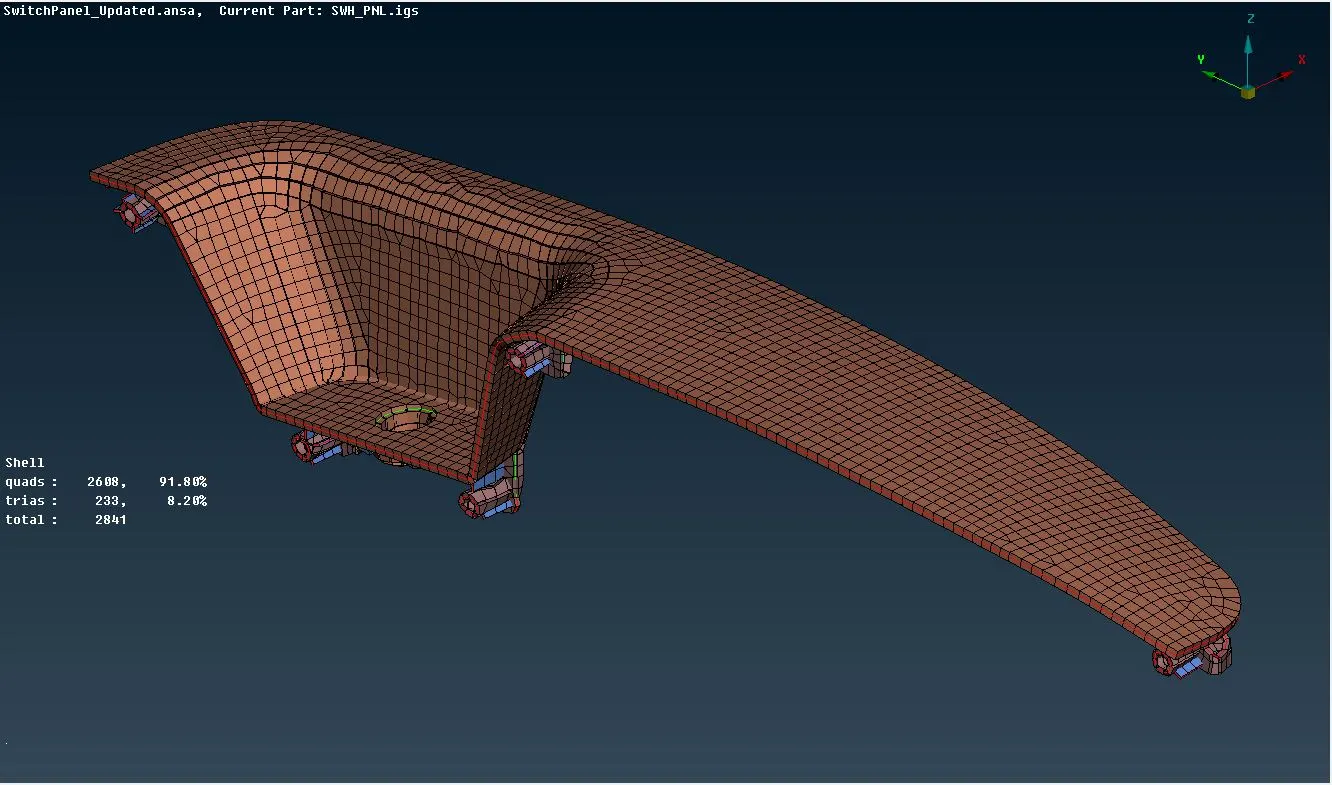
- To view the mesh on the parent solid body insted of the midsurface, the draw shell as solid option is turned ON in the Presentation parameters.
Here's the sharable google drive link for the above component.
https://drive.google.com/open?id=1nQPy9uqCiMmkMFK27E6Hpr1nq9oM45pm
Model II :
The same procedure is repeated for the second component. But since it's thickness is uniform throughout, the procedure is comparatively less time consuming.
- Component is imported and geometry cleanup is done to remove all the irregularities.
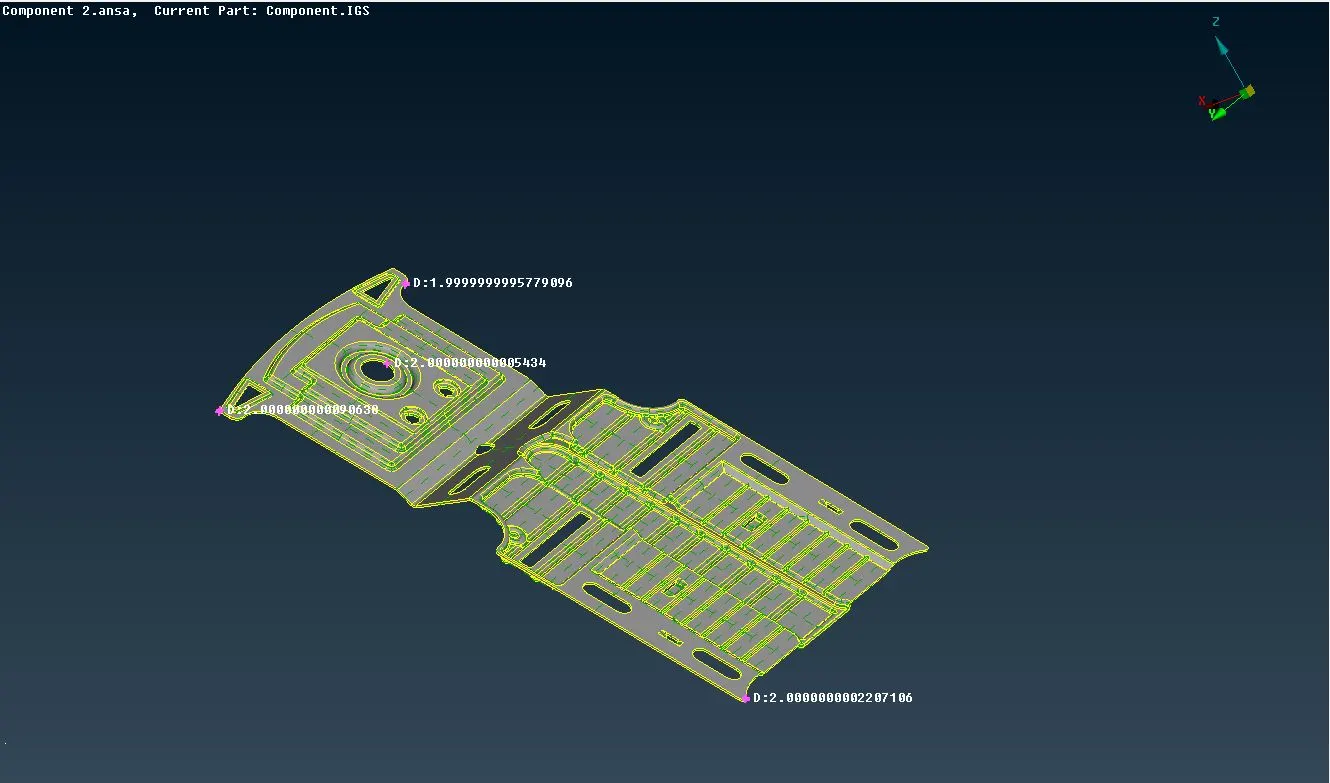
- After this, the mid-surface is extracted manually by offsetting the faces.
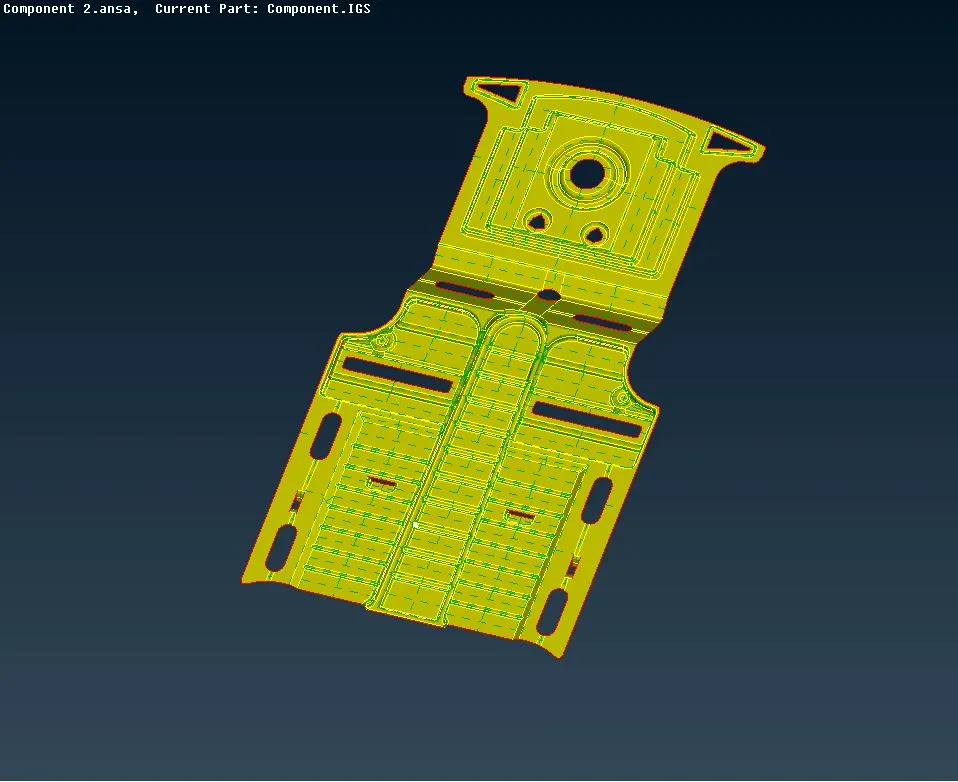
- Since the object was failing for quality criteria upto a considerable extent, at the below mentioned small feature, it was altered as per convenience.
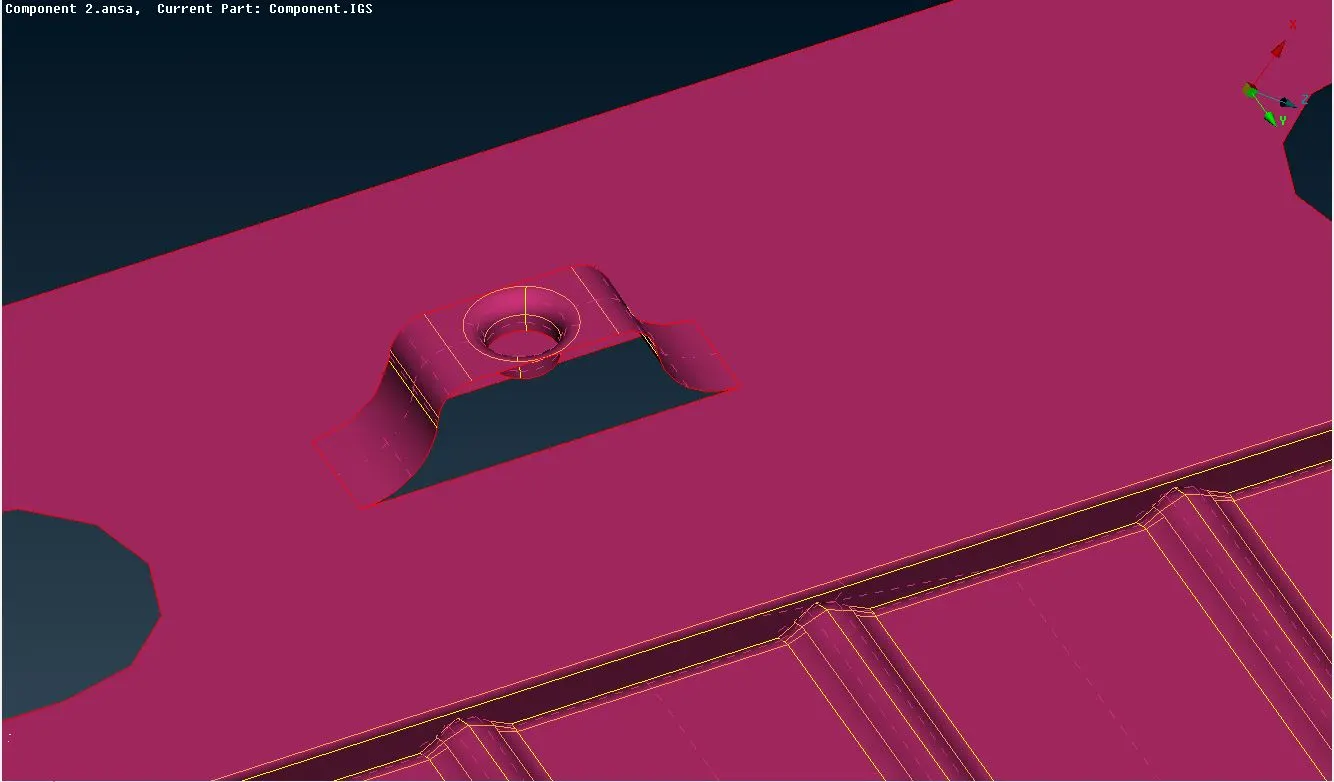
- Proper PID is defined for the midsurface and it's thickness is specified.
- A final geometric cleanup is performed.
- The quality criteria is the same as the first component. also, the mesh parameters are the same.
- The mesh is now generated and altered as per our convenience. Toff elements are removed and the tria element concentration is kept as minimum as possible.
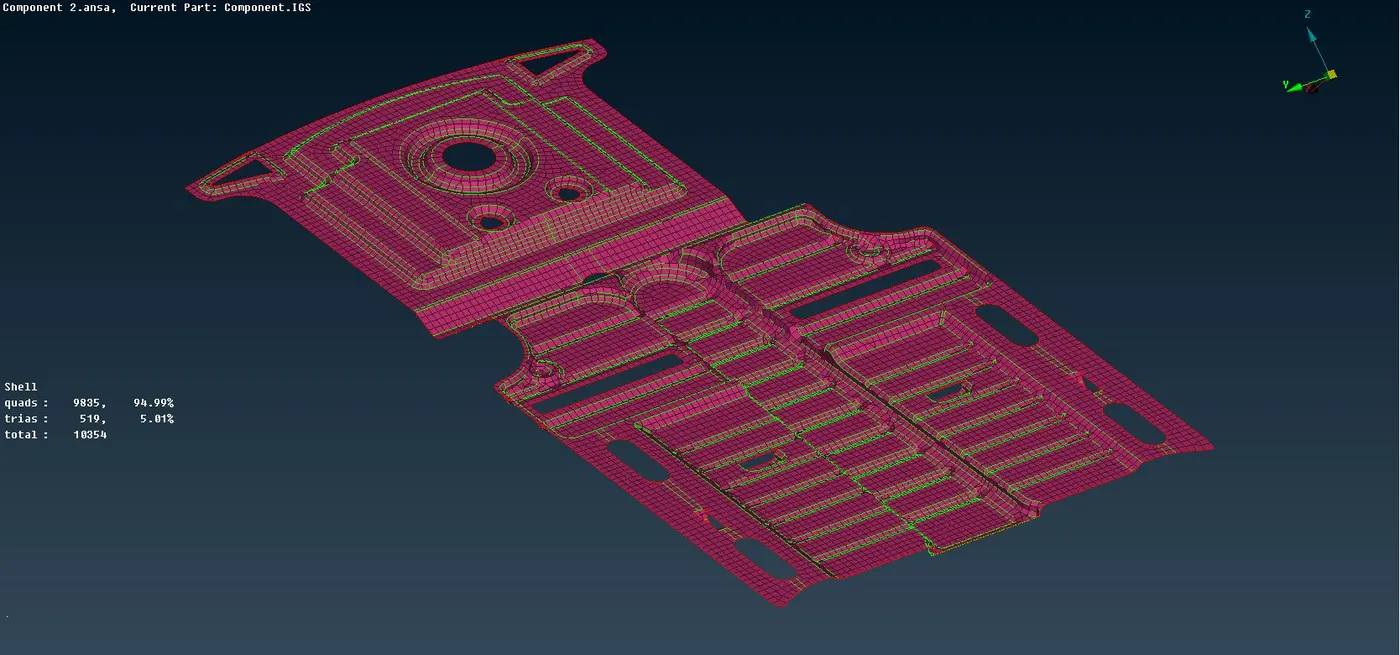
- Finally, the draw shell as solid option was turned ON to view the meshed model as solid body.
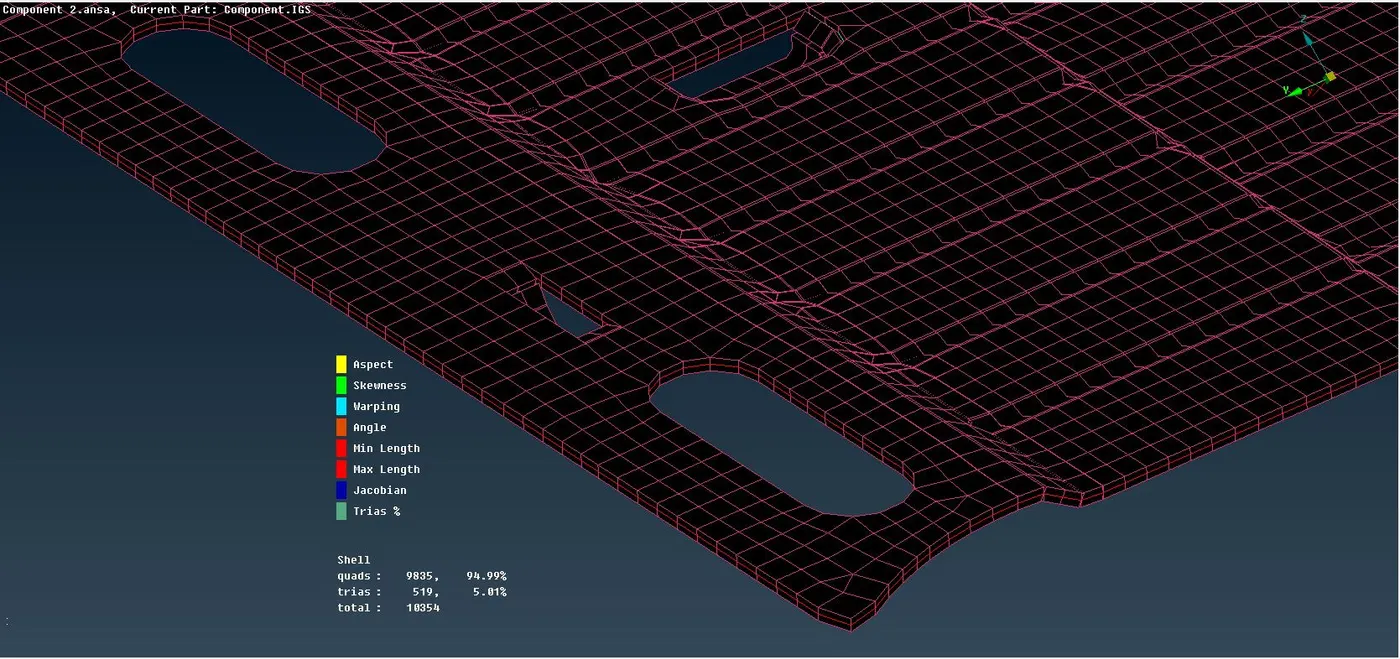
Sharable google drive link for the component -
https://drive.google.com/open?id=1J7dFoJg_UY11Br5YLXH_9S2QOsDq8ttO
CONCLUSION :
The plastic components are more difficult while generating the midsurfacing than the metallic components, due to their variable thickness across the component. The stitching of the rib surfaces to the parent entity takes quite a lot of time.