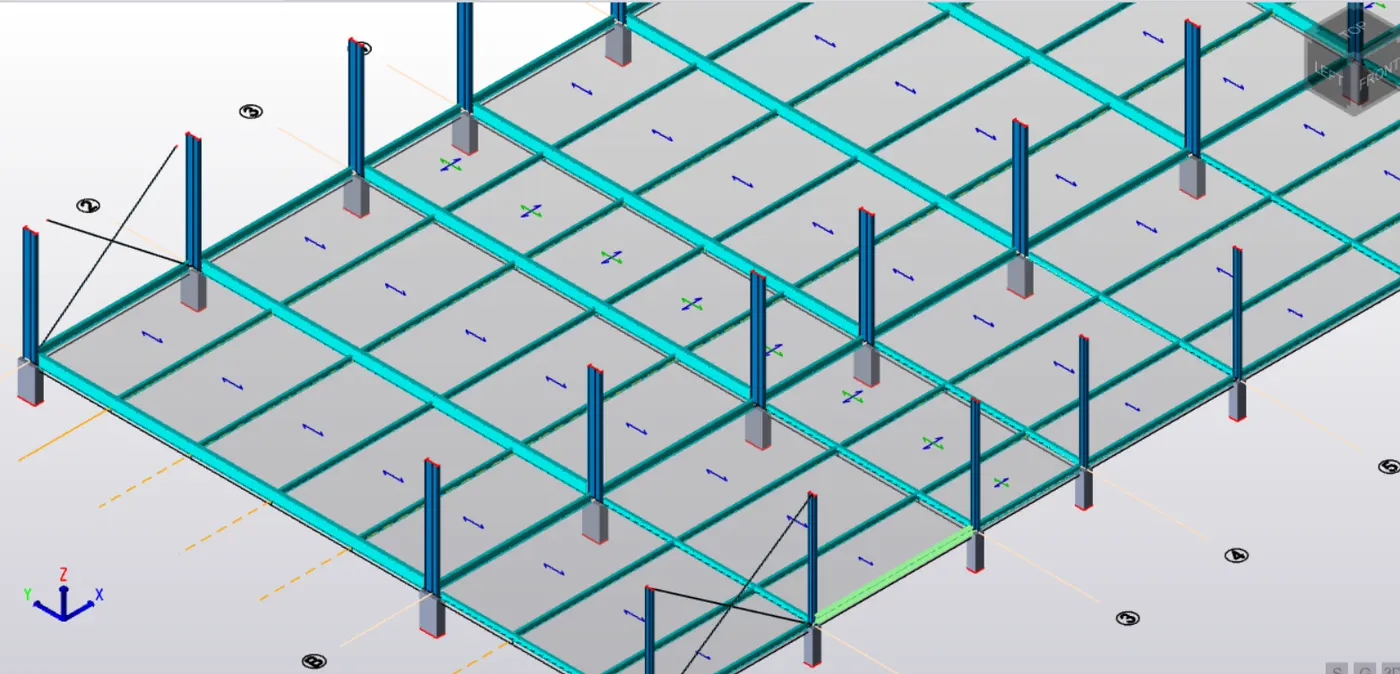
To model columns for industrial steel structure using TSD
- Create column properties for different types of pedestal members and model in the grids created as per the assignment 1
A) Create column properties for different types of pedestal members and model in the grids created as per the assignement
Procedure:
- open Tekla Strucure Designer software
- Create New file . project name enter.
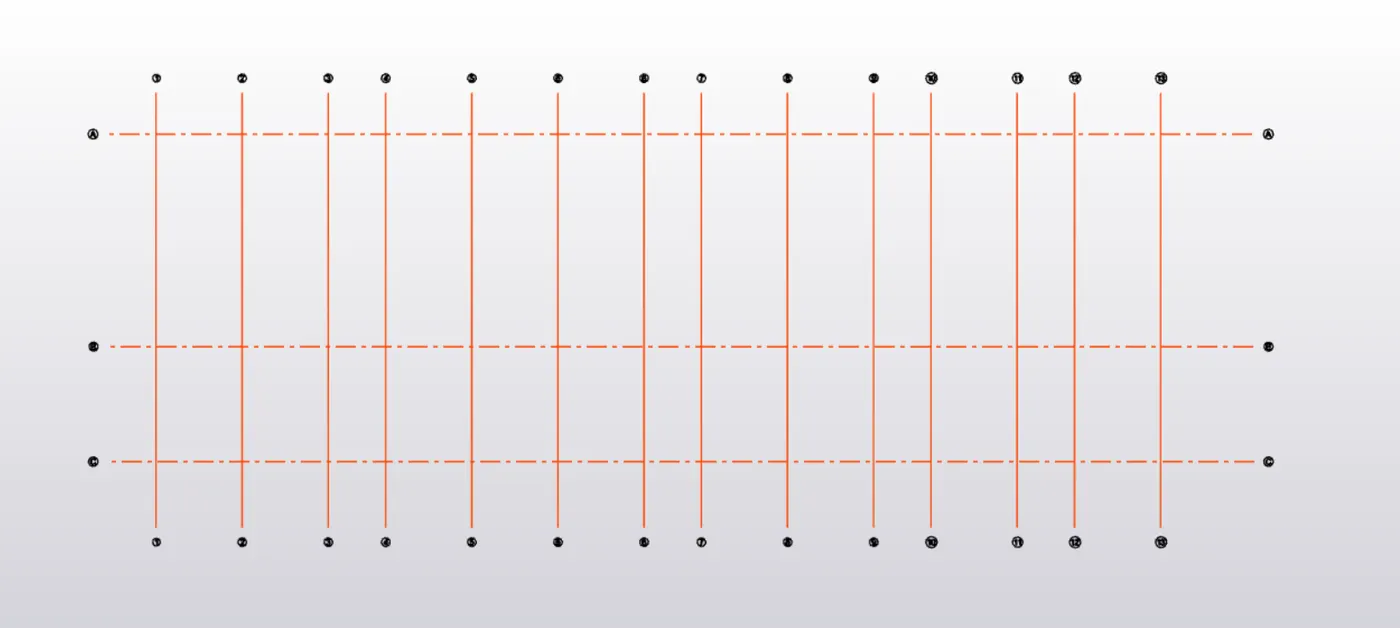
- Given Archituctural Drawing place the grids as given dimensions.
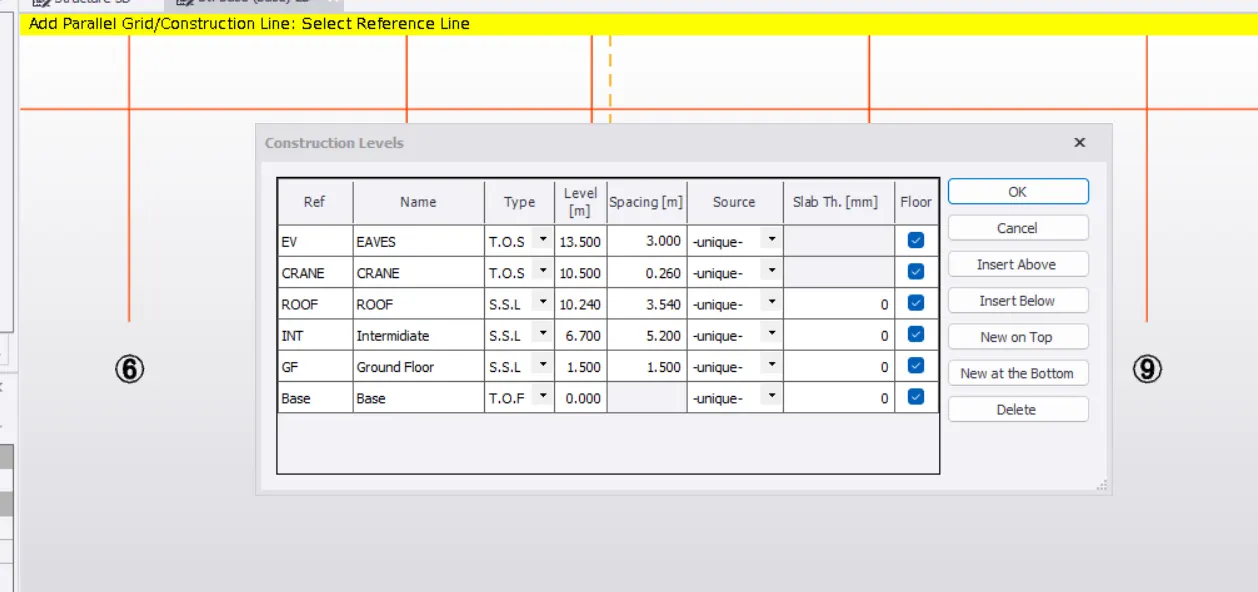
- place the Dimensions create Levels . like - Basement , Ground floor , intermidiate level and roof level.
- Go to manage properties create new member create column properties
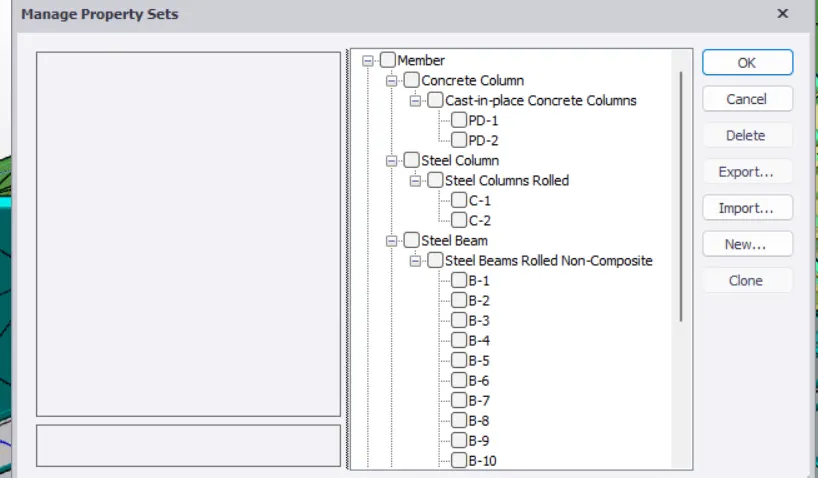
- Mange properties sets created concrete column 1. Pd-1 ,2. PD-2 created pedestal in basement level.
- Created Steel columns - Go to the new option click and selecte the type of member and create properties which is required in member and applyied.
- created Steel Beams go to new member create steel beam selecte the type of beam which we required grade MB500, MB250 etc.
A) Go to manage Propertie create column properties required member for steel columns and model in the grids
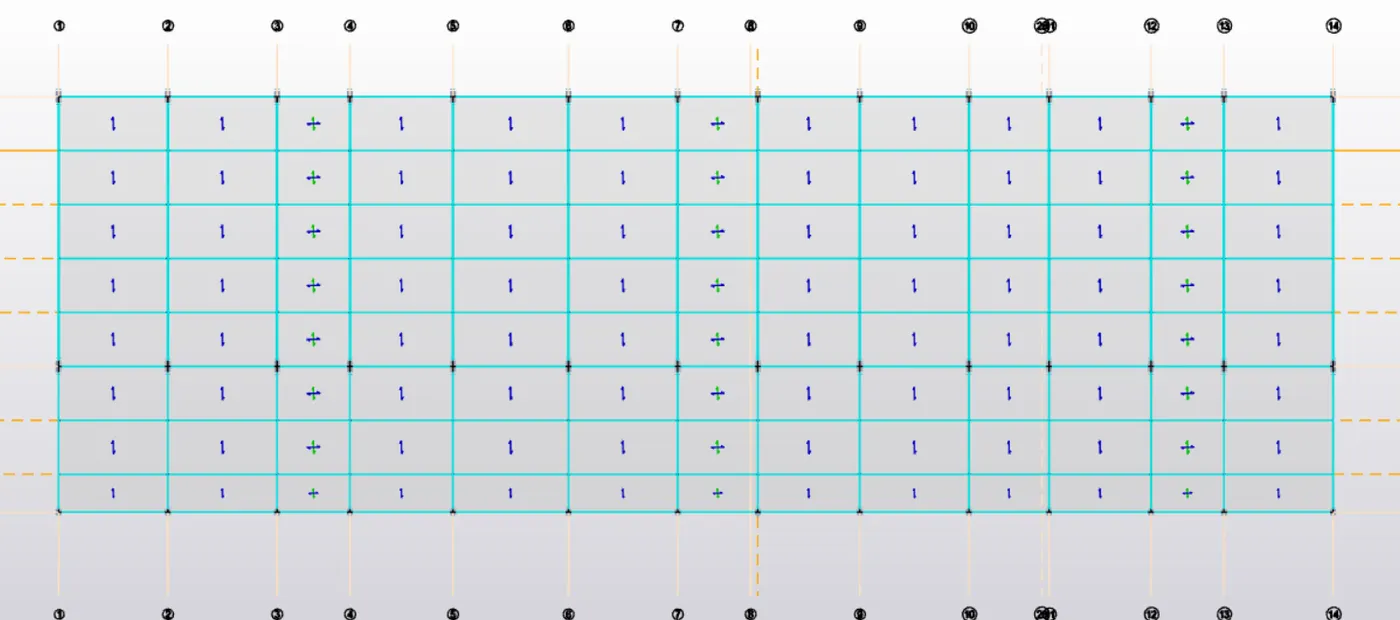
Beams and Columns model in Tekla Structural Designer
3. Create beam properties and model primary and secondary beams on the ground floor
A) Create bems - Go to Home tab create new properties
Beams properties select steel properties apply the member properties of required memeber is sutable in industrial building .
model primary beams and secondary beams on the ground floor.
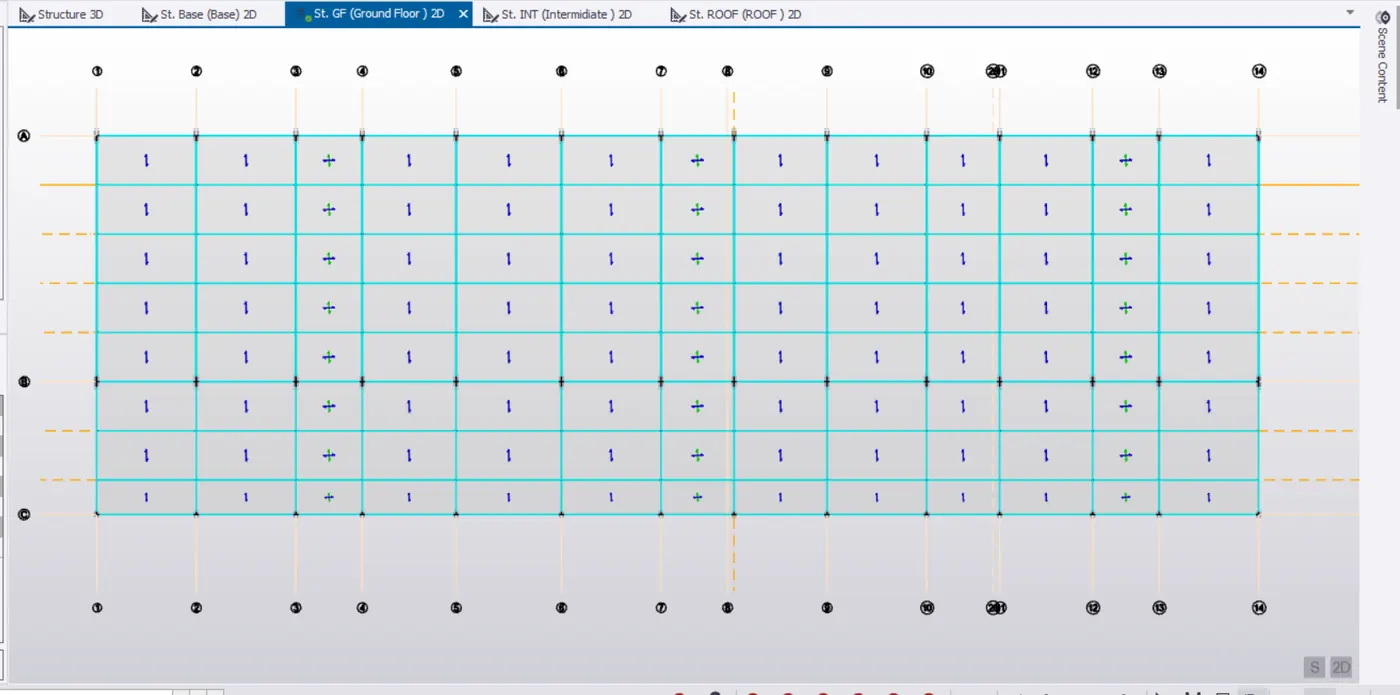
3D beams and secondary beams :-