To model columns for industrial steel structure using TSD
Aim: Create column properties for different types of pedestal members and models in the grids
Procedure:
- Open TSD and create new model by click on 'new' option.
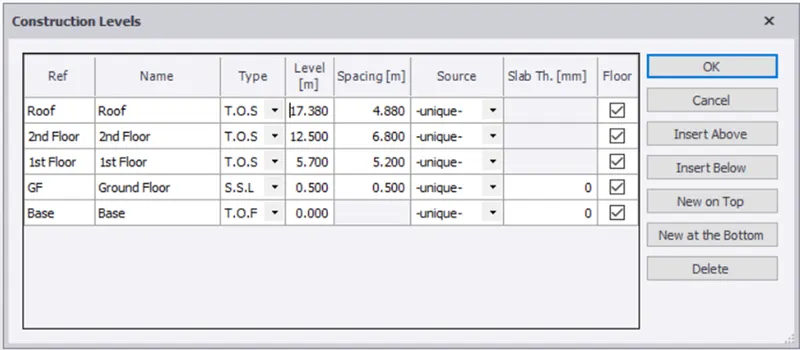
- Set construction levels.
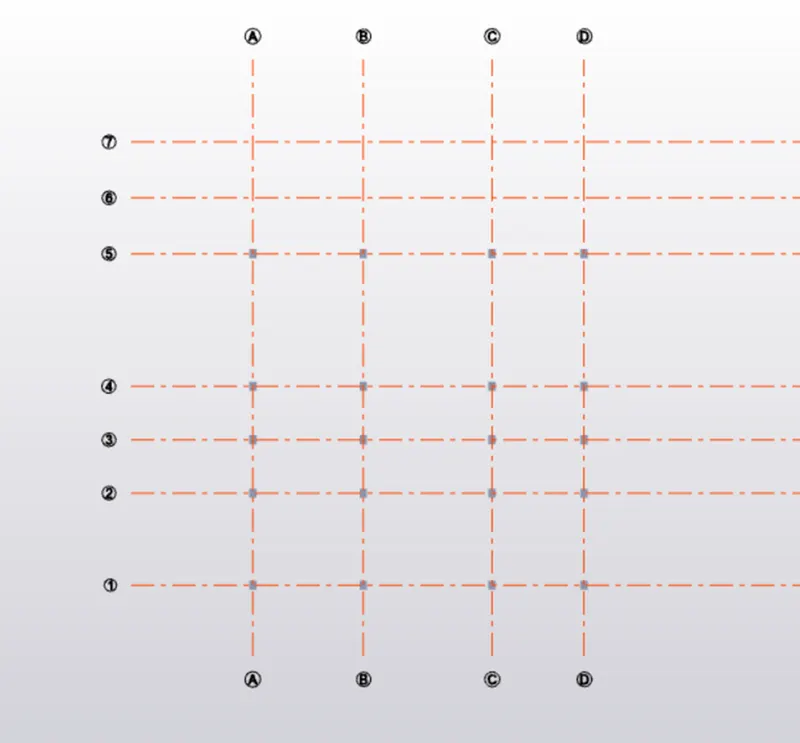
- Select grid lines and draw them
- Select manage property and create new property as PDI column size 400x 500 mm and grade of concrete M30.
- Select the column option and place the columns on grid intersections
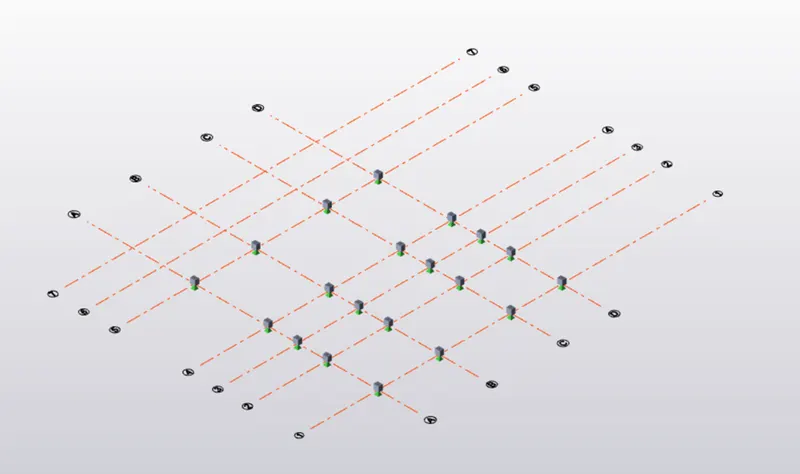
Result: With this our objective is completed.
2. Aim: To create column properties for steel columns and model columns in grid intersection
Procedure:
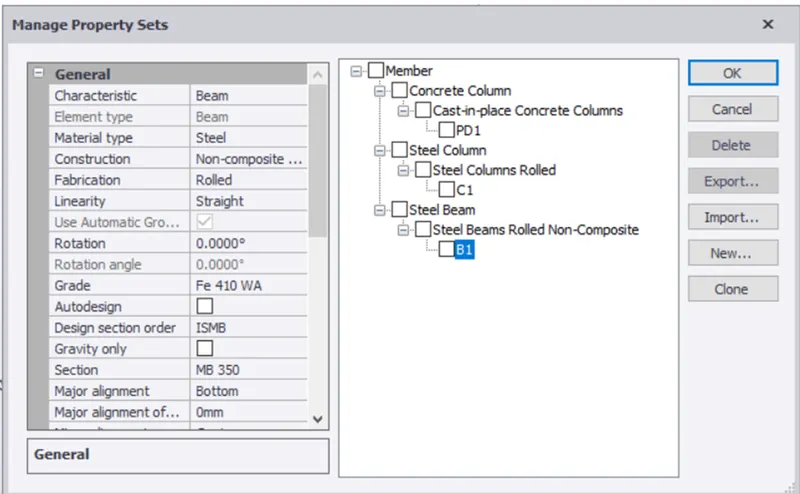
- Select manage property from home tab
- Create new layer C1
- Select section property as ISMB and MB350
- Select ground floor and select levels
- In manage property select new property as C1 and draw the columns.
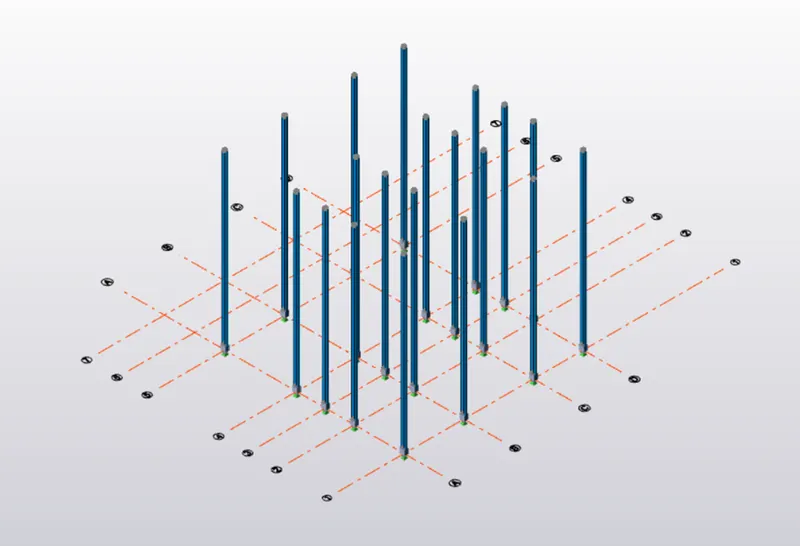
Result: With this our objective is completed
3. Aim:
To create beam properties and model primary and secondary beams on the ground floor
Procedure -
- Select manage property set from Home tab
- Create new property as steel beam
- Select beam section as ISMB,MB 350
- And draw the beams
Result: With this our objective is completed.