To model beams and bracings for industrial steel structures using TSD
1. Create beam properties for First floor and model the beams
2. Create rafter beam on second floor as roof and moment frame action in one direction and add bracings at locations as per the design intent
Aim:
Create beam properties for First floor and model the beams and Create rafter beam on second floor as roof and moment frame action in one direction and add bracings at locations as per the design intent
procedure:
• open old file with colums
•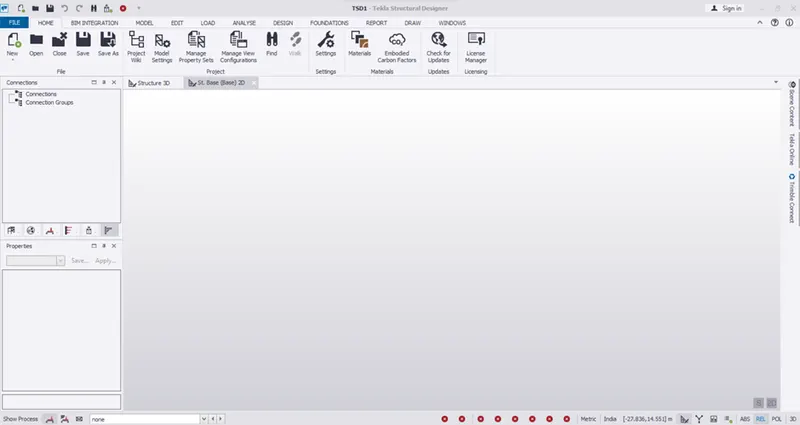
• Go to home
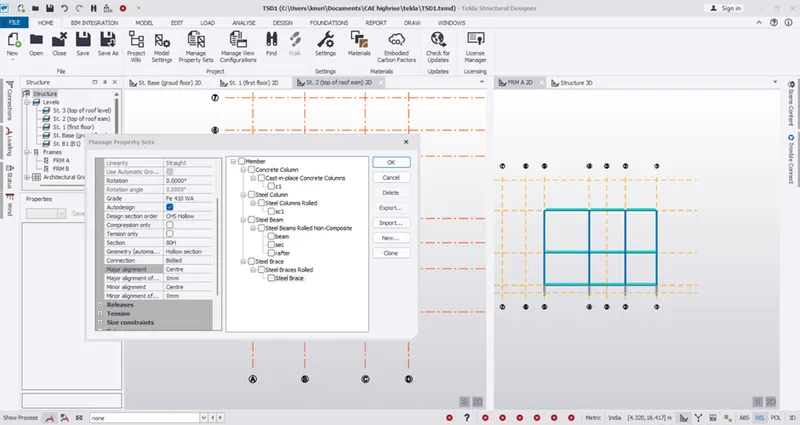
• Here select manage property sets
• Click new members
• Add the required members as show below
•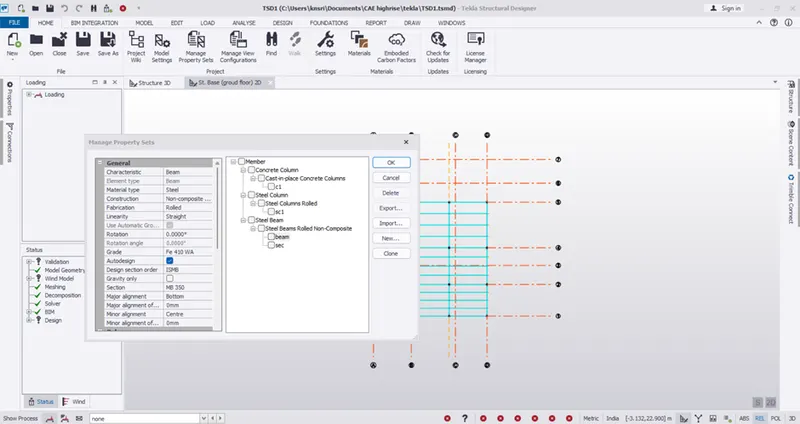
• Here edit the required properties
• Go to model
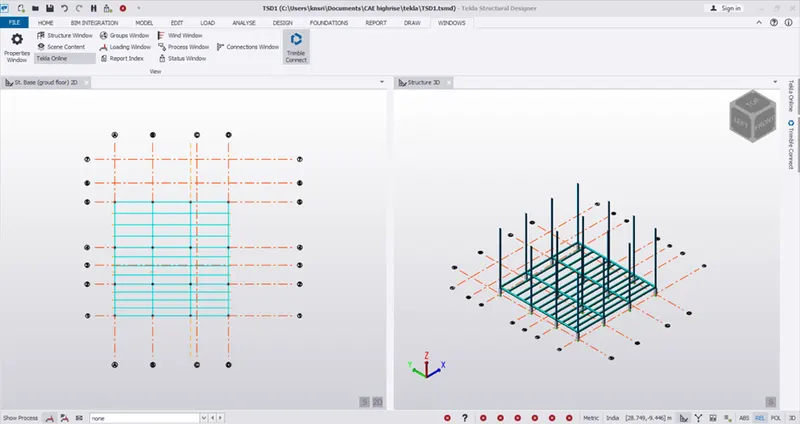
• Select beam
• Select desired beam I properties
• Click I the respective grid points as required
• Copy the beams to required positions
• Similarly carry the same procedure for the secondary ones
•
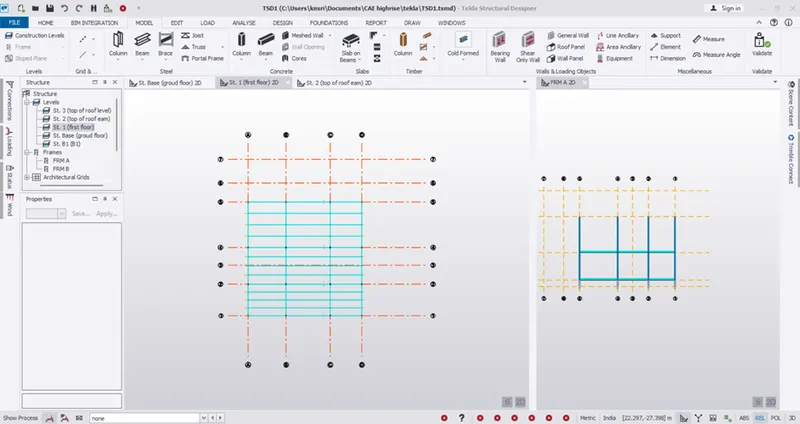
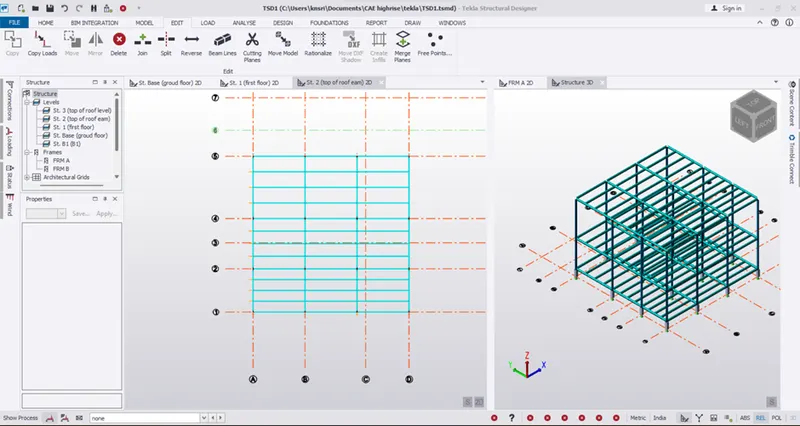
• For the first floor
• Go to first floor
• Here replicate the same framing plan as the ground level
•
• Same for the roof level
•
• For manage property sets add the bracings ad rafter beam properties
•
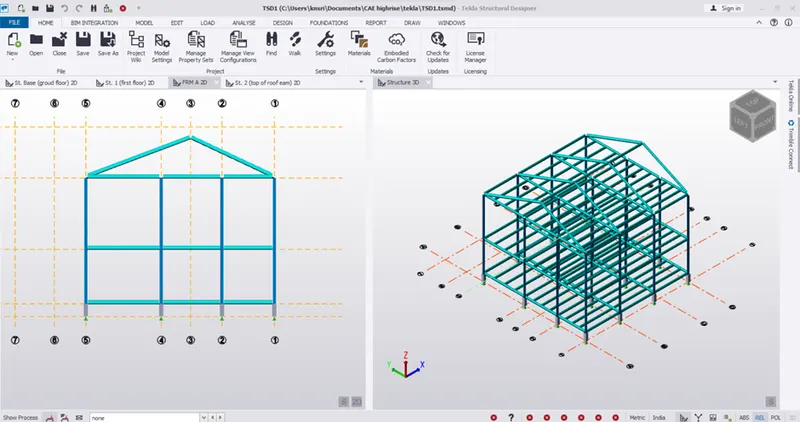
• Place the frames for different views
• Go to frame A
• Here draw the rafter with 18 degree
• Go to 3d structure ad cory the rafter for the required position
•
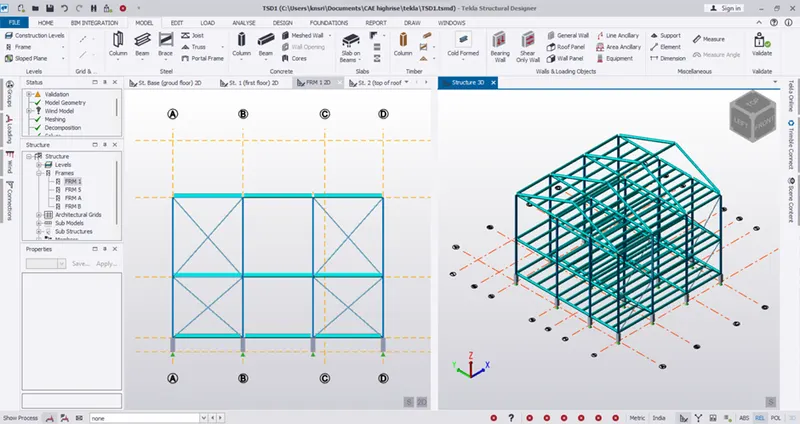
• Go to model
• Select x brace
• Go to desired frames
• Here pick 4 poits to draw
•
Result:
•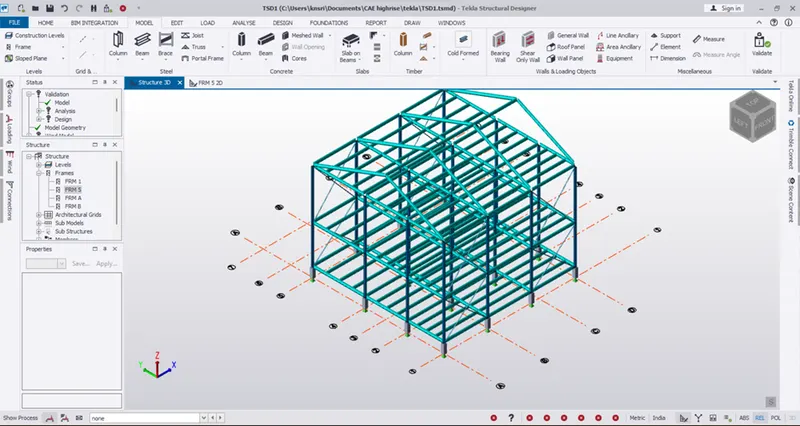
• Validation was done no errors were found