To Generate seismic loading based on IS code and to run the analysis using TSD
Que :- 1. Generate seismic loading based IS codal provisions and zone II. Any other data you can assume and input accordingly
Ans :-
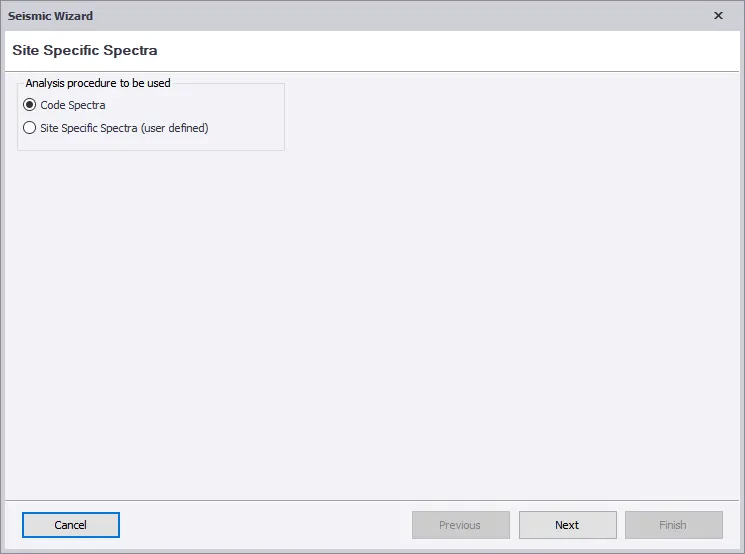
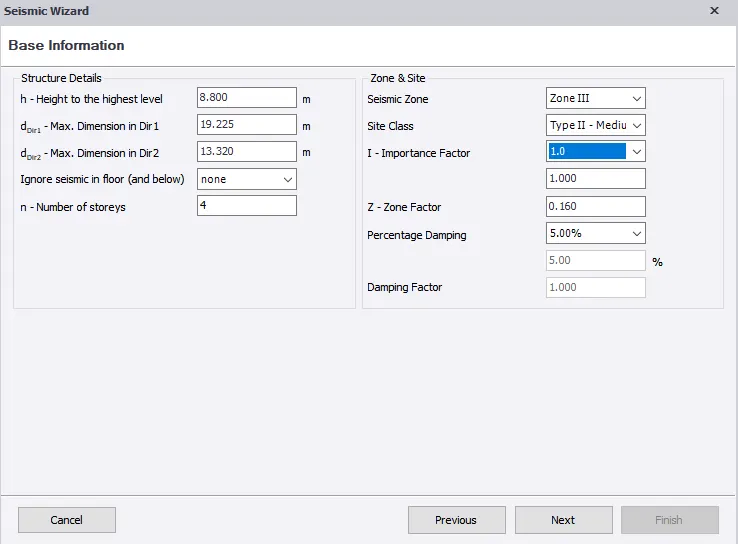
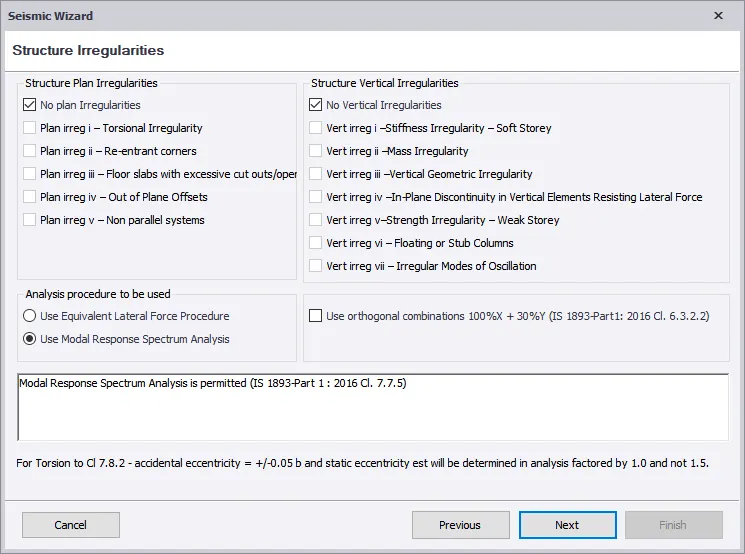
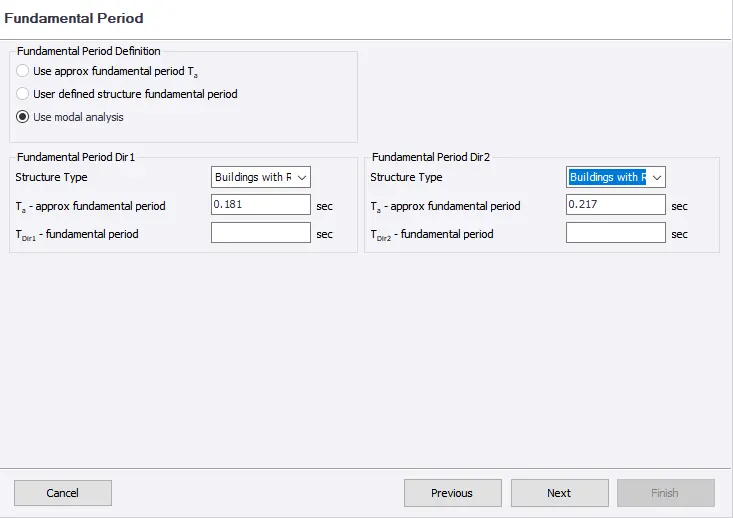
Aim : To Generate Seismic Loading based IS Codal Provisions And Zone II Using Seismic Wizard.
Intoduction :-
Seismic Load Indicates Much Seismic Energy ( Waves Of Energy That Travel Throught The Earth ) A Structure Would Need To
Endure In A Specific Geographic Location.
In Tekla Software It Is Generated Within The Software Itself Using Seismic Wizard Option In Load Toolbar.
Procedure :-
- Load Toolbar > Click On Seismic Load > Seismic Wizard
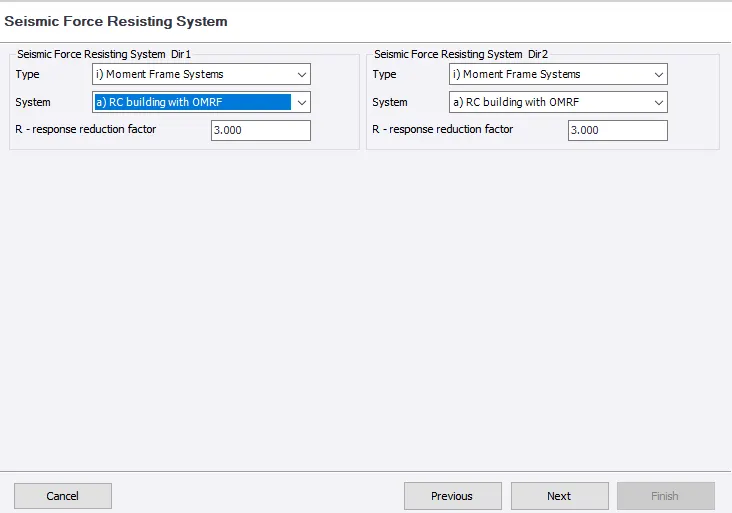
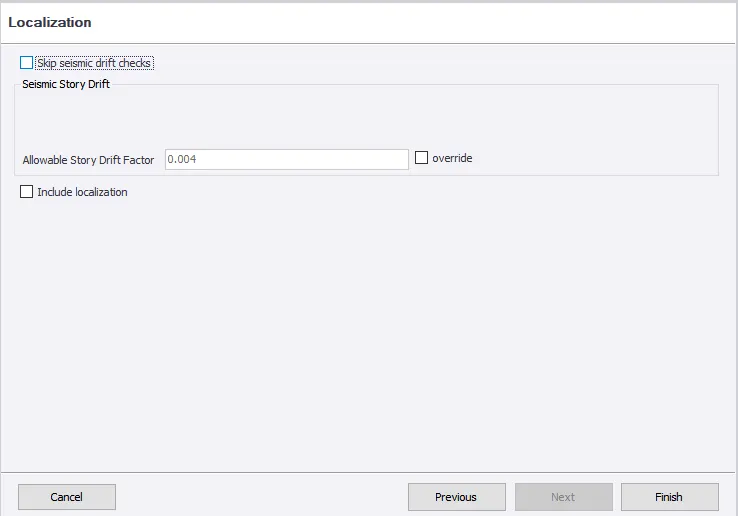
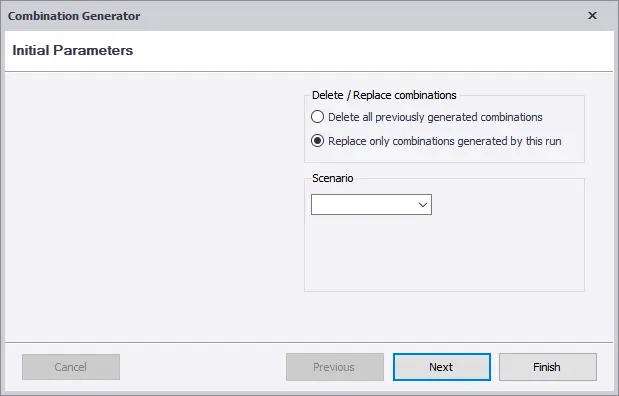
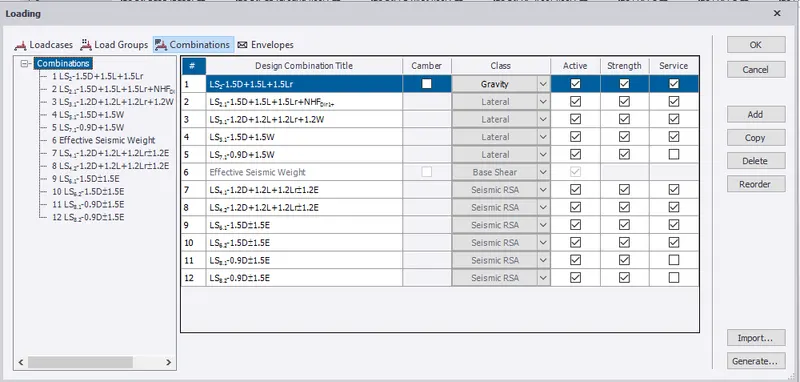
Result :-
The Seismic Load Is Defined And Generated In The Software
Que :- 2. Run the analysis. Summarize your understanding of the analysis results
Ans :-
Aim : Run The Analysis Summarize Your Understanding Of The Analysis results
Introduction :-
Analysis Is Post Modelling step To Verify The structure Is wheather Designed For The Member Satify The Code Provisinal Or Not
Procedure :-
- Analyses > Setting > 1st Order Analyses
- Check for Modification Factor For Concrete and Steel
- Initially For First analysis It Should Be 1. If Any Other values Change To 1.
- Click On First Order analyses , Analyses Will Run
- At Bottom Right Corner , click On Result View
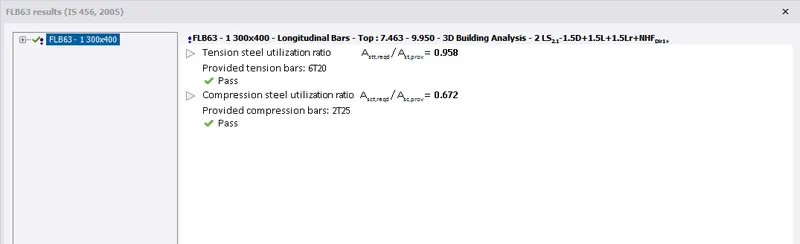
- Select Individual Frame , select the Beam first And Right Click Now Select Check Selection 1 Member
- Check If It Pass All Criteria If Not See The Property And Change The Member
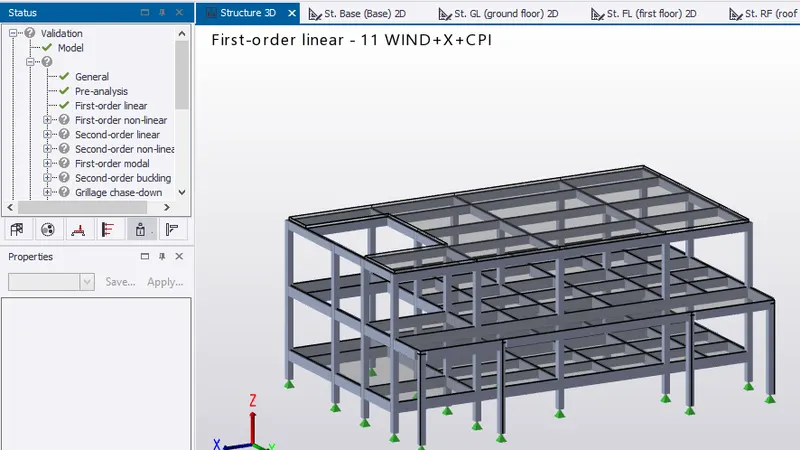
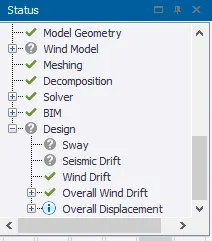
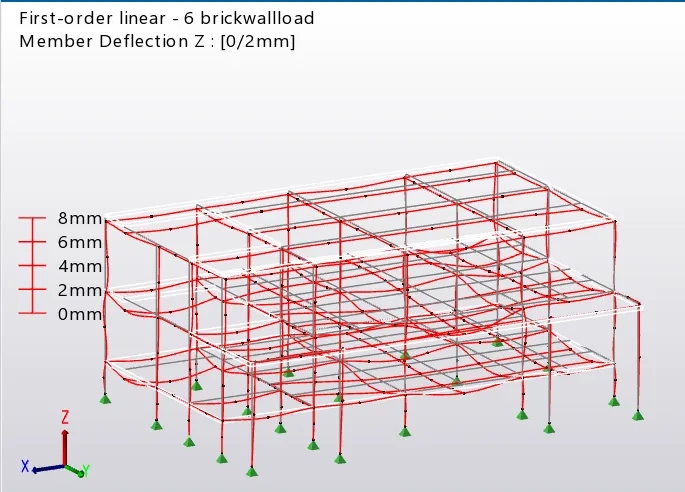
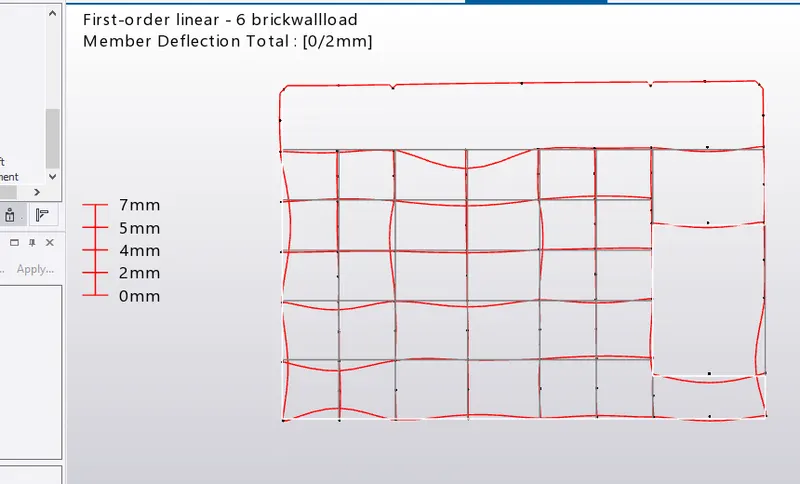
-In result View Model , The Maximum Deflection Is 14mm At First floor NearCorridor ( Additional Support Can Be Provided )
Its Within The Limits , Hence Ok
- Shear Force Of The Column Is same As Ideal , Hence Ok
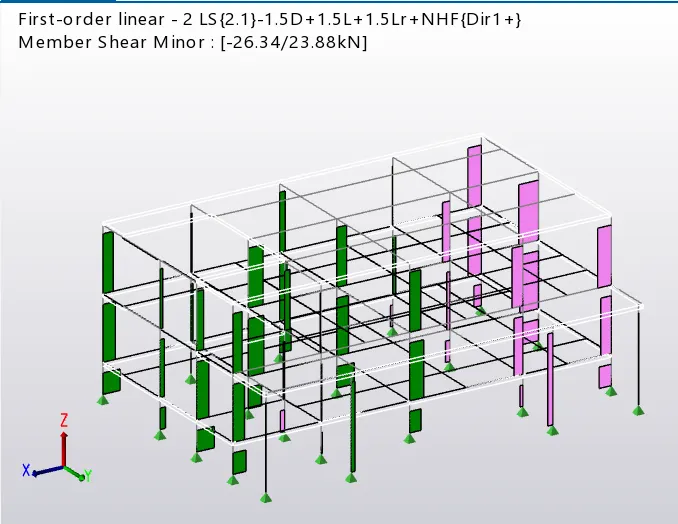
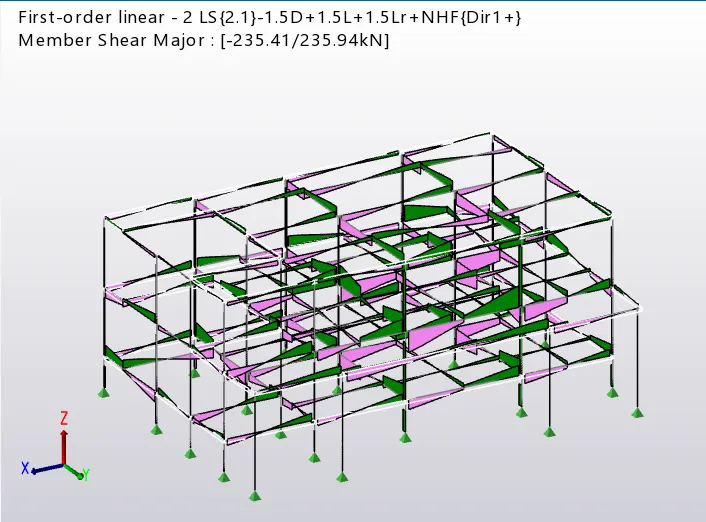
- Bending Moment Of The Beams And Column Are Minor , Hence Ok
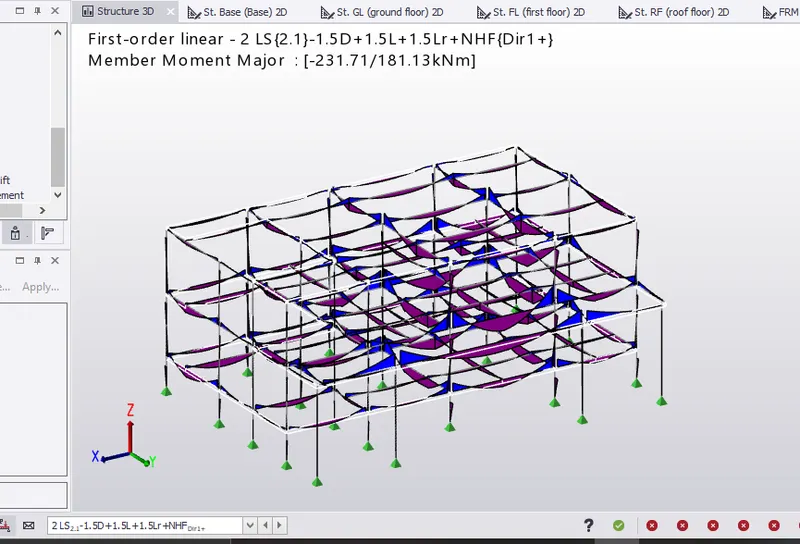
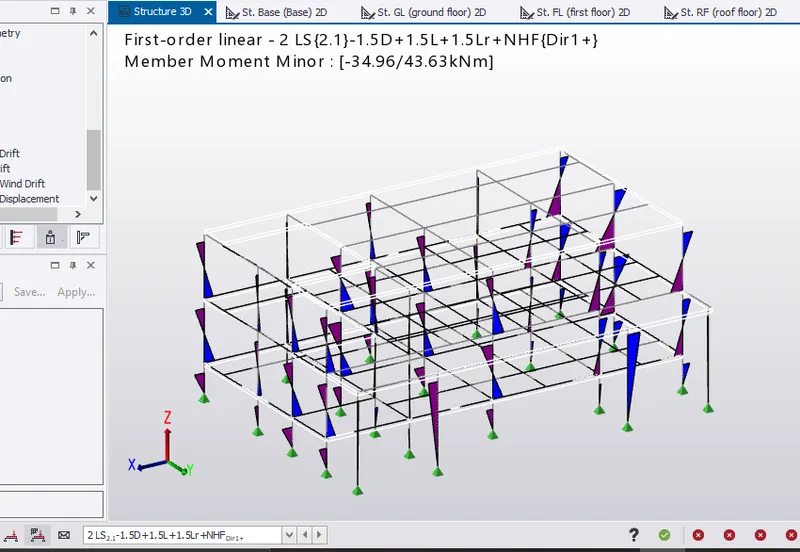
- The Beam And Column Member Have Passed The Check

Result :-
The Model Is Analysed And Output Of Analysis Is Summarized