To Generate seismic loading based on IS code and to run the analysis using TSD
Ans 1:-
Aim:- to generate seismic loading based on IS code provisions
Procedure:-
Open the previous model and then go to load cases and add seismic load cases. 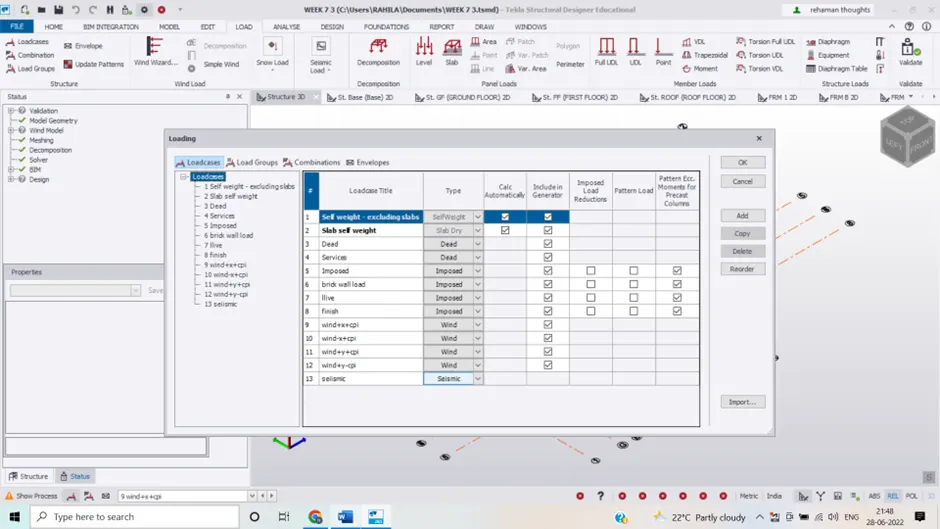
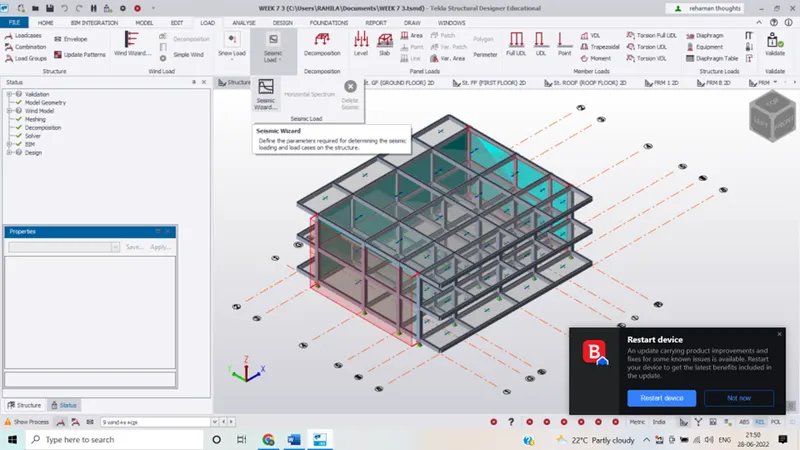
- In the next step go to loads toolbar then click on seismic load and then seismic wizard and select code spectra and click next
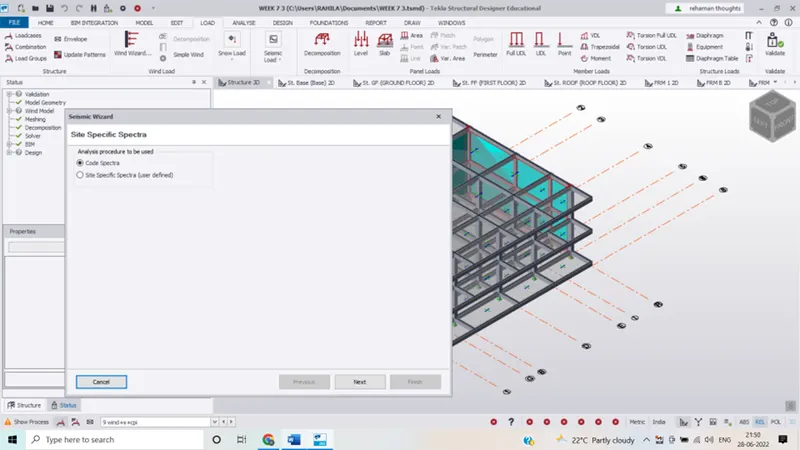 Add the details such as zone , Zone factor and damping factor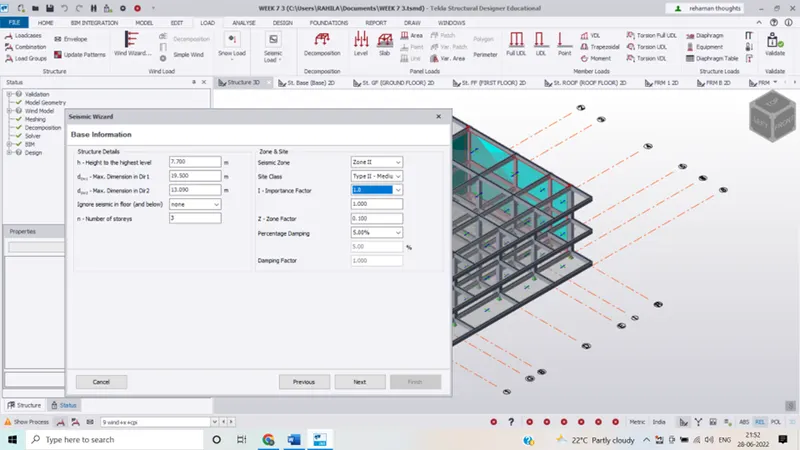
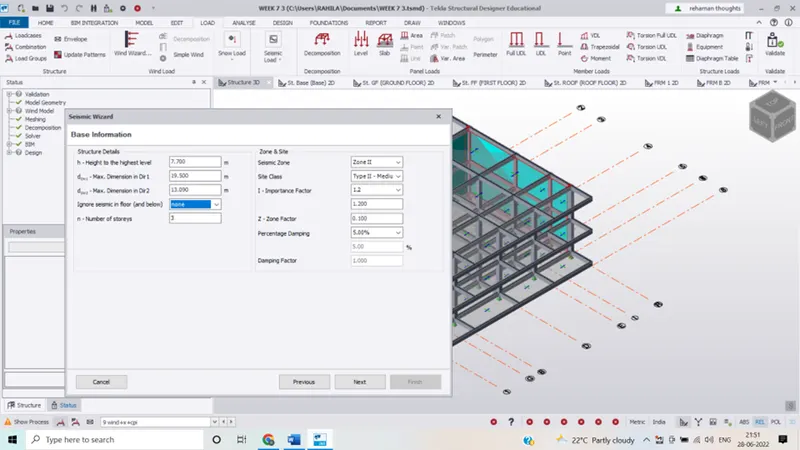
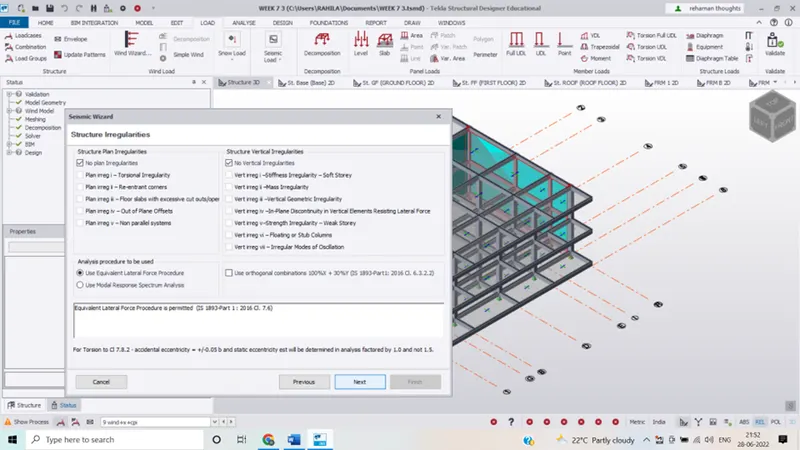
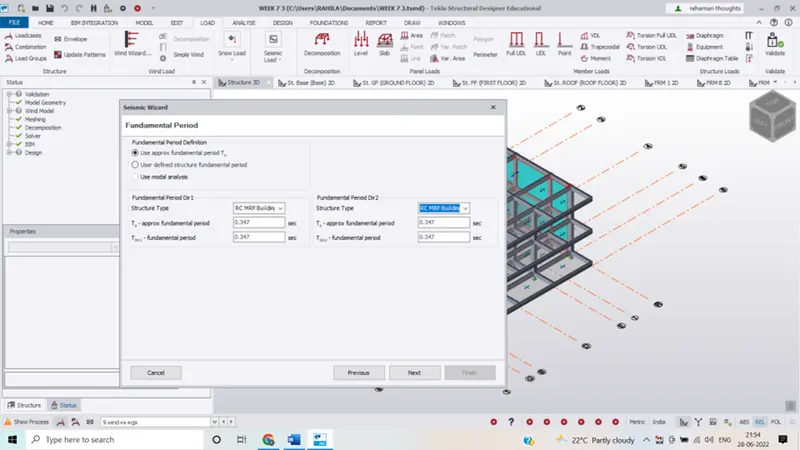
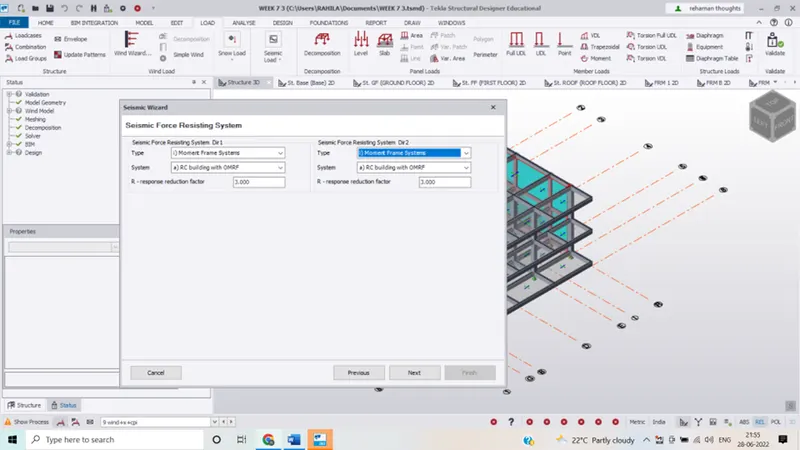 Now include the load cases and click on next
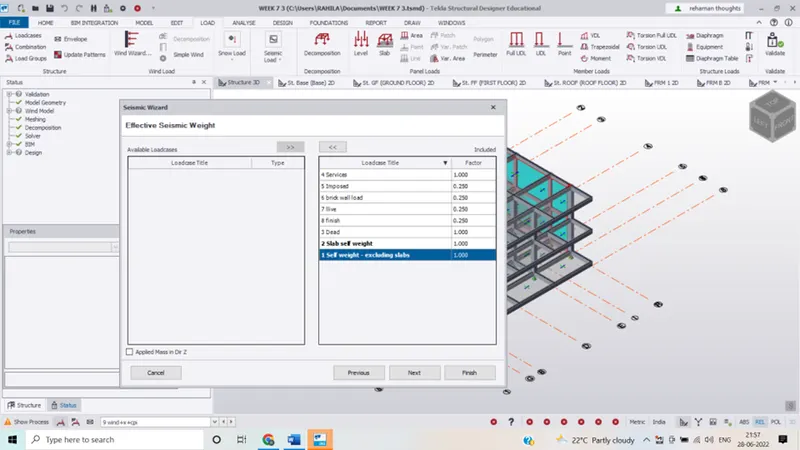 Click on finish and then
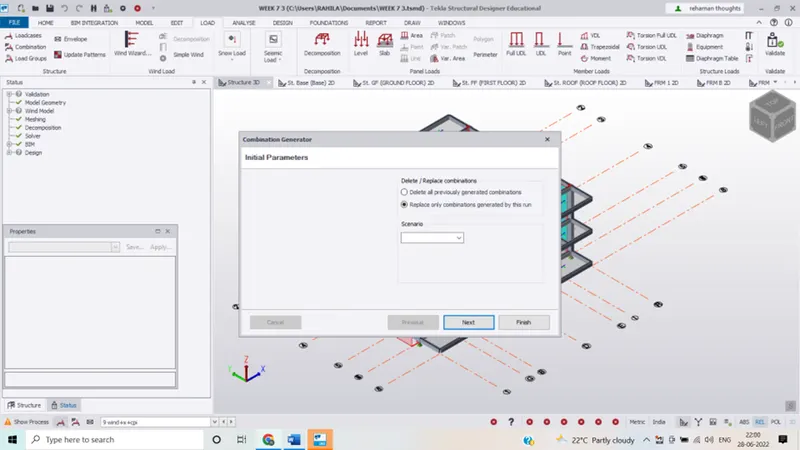 Select replace only combinations generated by this run and click next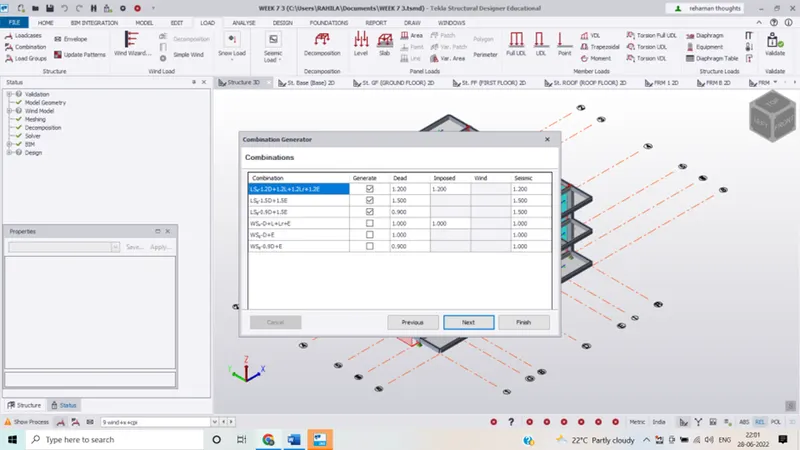
Result:- the seismic load is defined and applied in the model.
Ans 2:-
Aim:- To run analysis and understand the analysis
Procedure:-
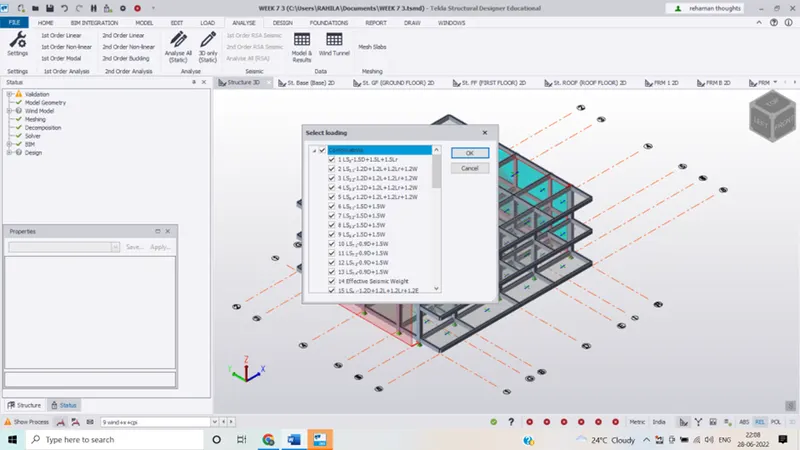
- After providing the loads and loads cases click on analyse and themn setting and select first first order linear
- Check for modification factor for concrete and steel
- Initially for first analyses it should be 1 if other values other than 1 appears change it to1
- Click on first order analyses and analysis will run
- At bottom right corner , click on result view
- Elect individual frame , select the beam first and right click , now check the member
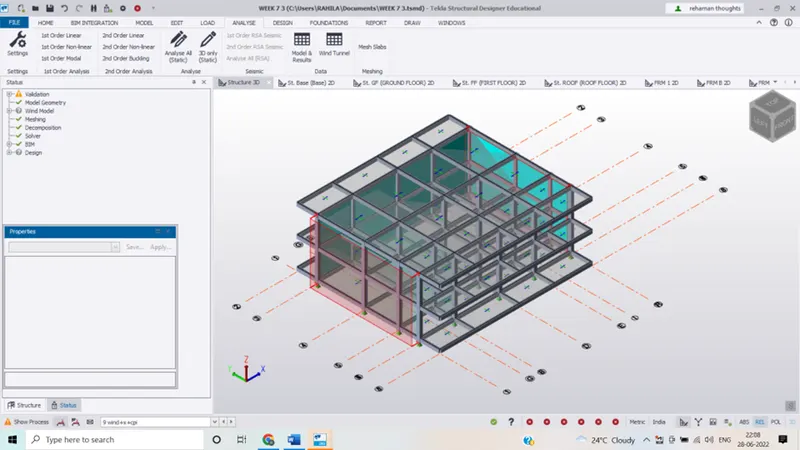
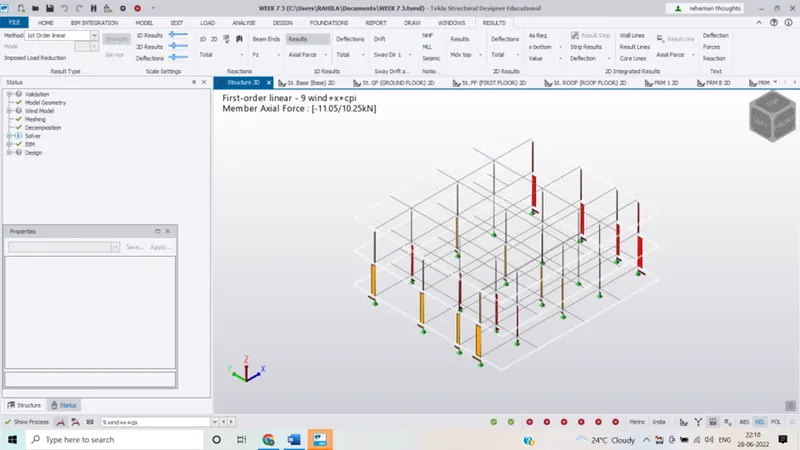
- By looking at the above images we can say that the axial force is maximum at the lower floor which found to be
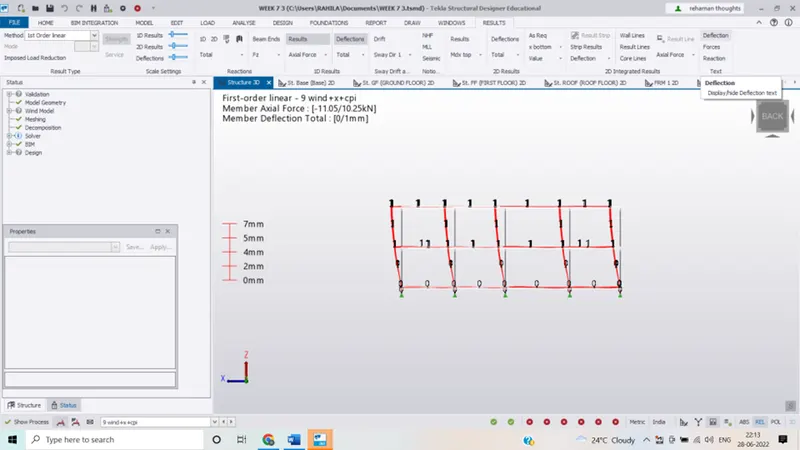
- by looking at the deflection we found that
- Result:- hence the given building is analysed.