To Generate seismic loading based on IS code and to run the analysis using TSD
- Que no.1
- Ans -
- Aim -
- To Generate seismic loading based IS codal provisions and zone II. Any other data you can assume and input accordingly
- Tools used -
- Load.
- Loadcases.
- Seismic wizard.
- Seismic load.
- Process -
- 1. Open the file where we have the structure on which we have to apply the seismic load.
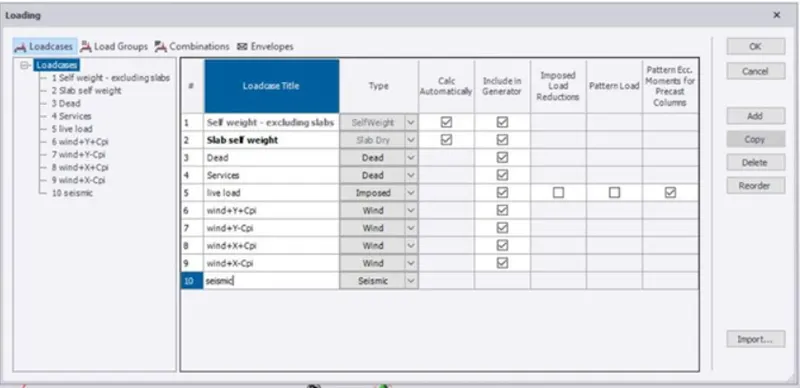
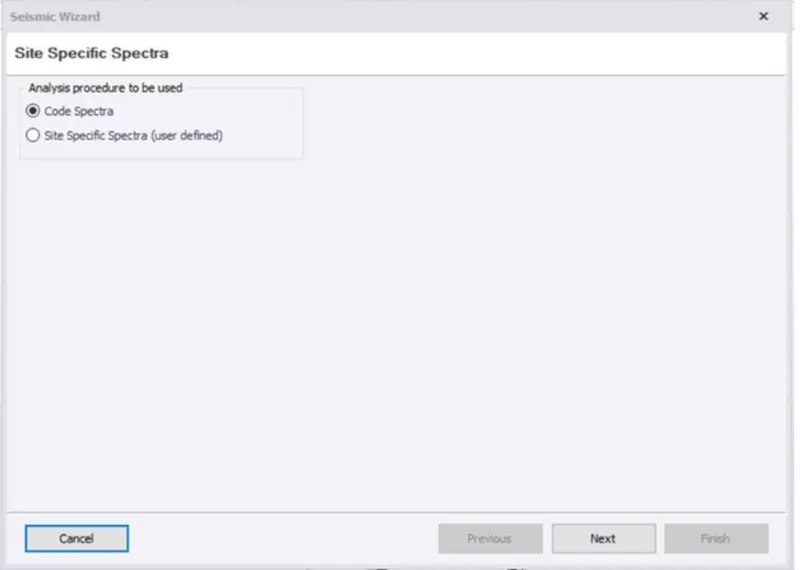
- 2. Now click on loads tab and select load cases
- 3. Now create the new load with name as seismic load.
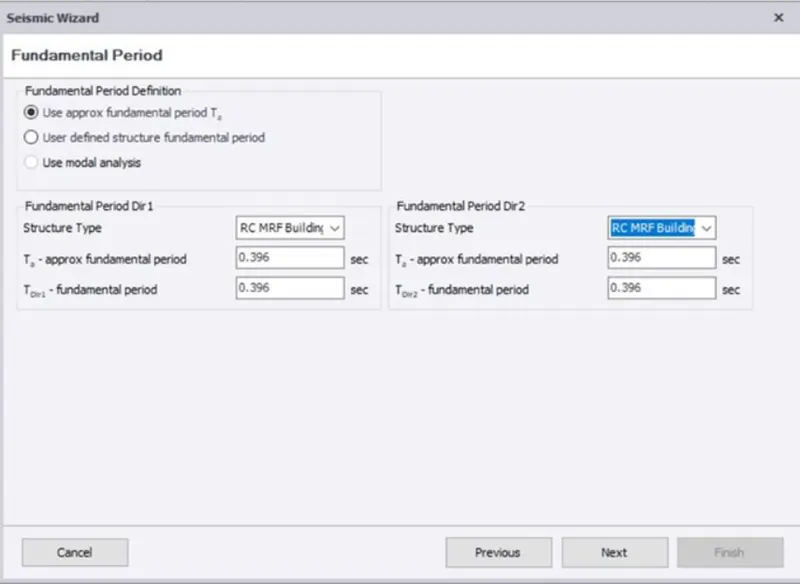
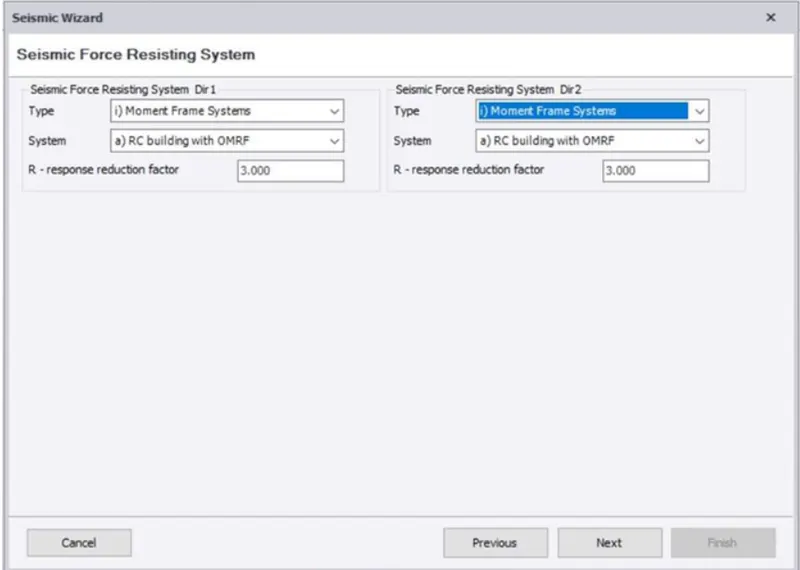
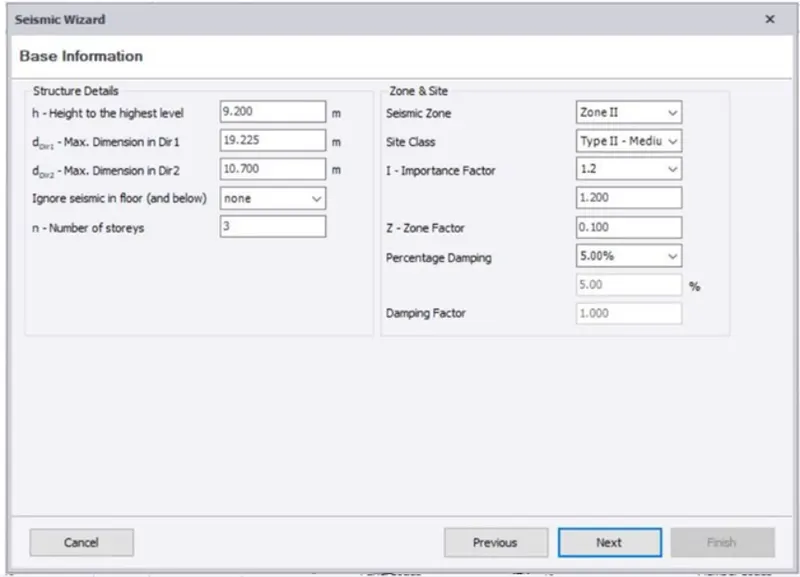
- 4. Seismic wizard dialog box appears.
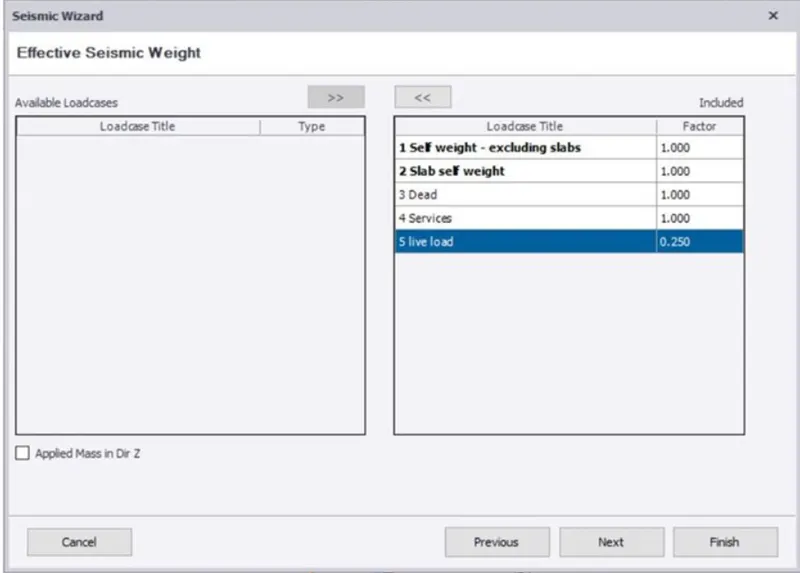
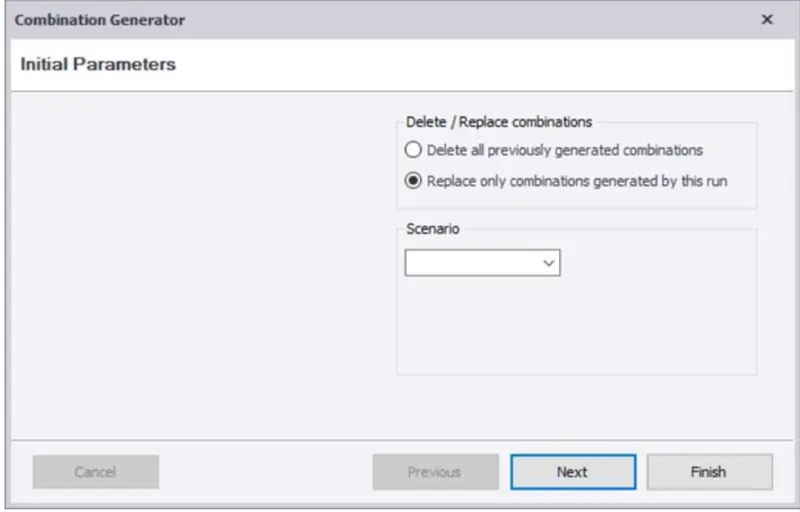
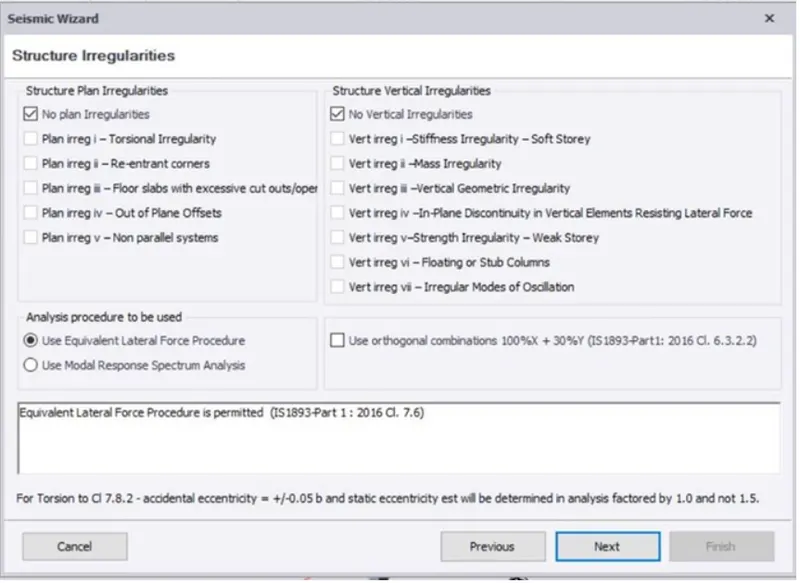
- 5. Now select and fill all the required parameter suitable for structure.
- 6. At last click on finish button.
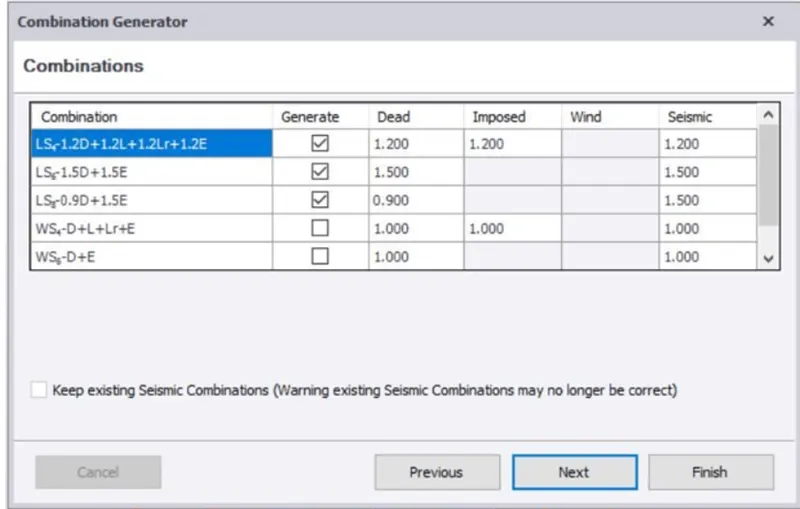
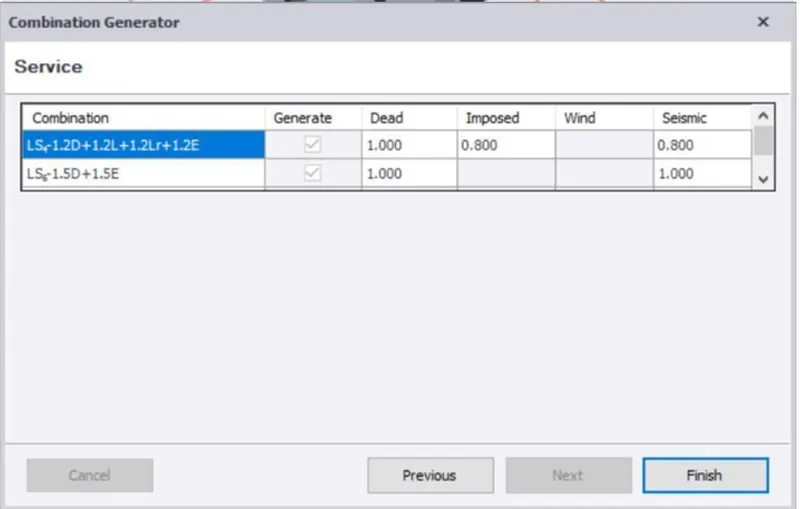
- 7. Now we can check loads in the loadcases and apply them on the structure so we can use those for analysis of the structure.
- Result -
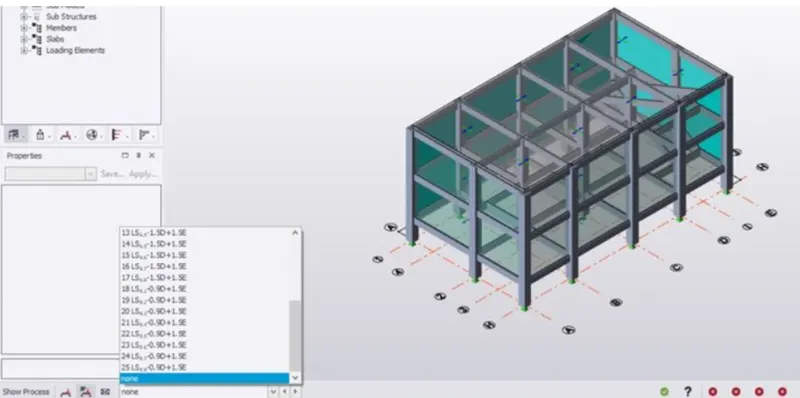
- Que no.2
- Ans -
- Aim -
- Run the analysis. Summarize your understanding of the analysis results.
- Tools used -
- analyze.
- 1st order analyze.
- Loads.
- Report data.
- Model and results.
- Process -
- 1. First open the file where we have applied the seismic load
- 2. Now click on analyze tab.
- 3. Select 1st order linear.
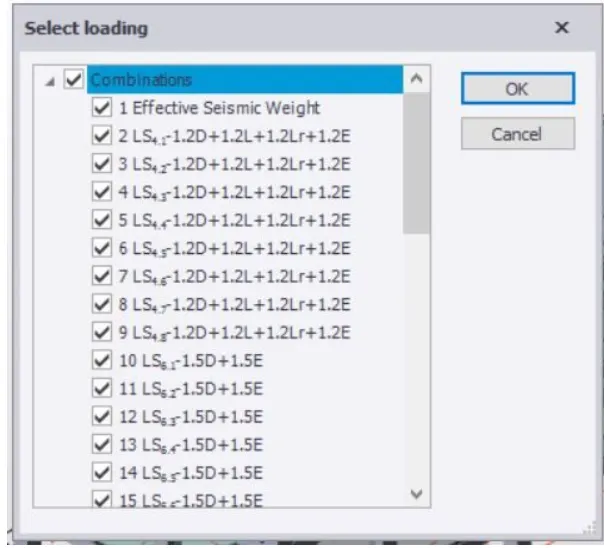
- 4. Now select loading dialog box appears.
- 5. In the dialog box select all the required loadings and click ok.
- 6. Now the results tab will open apply bending moment, shear force and displacement to check the structure.
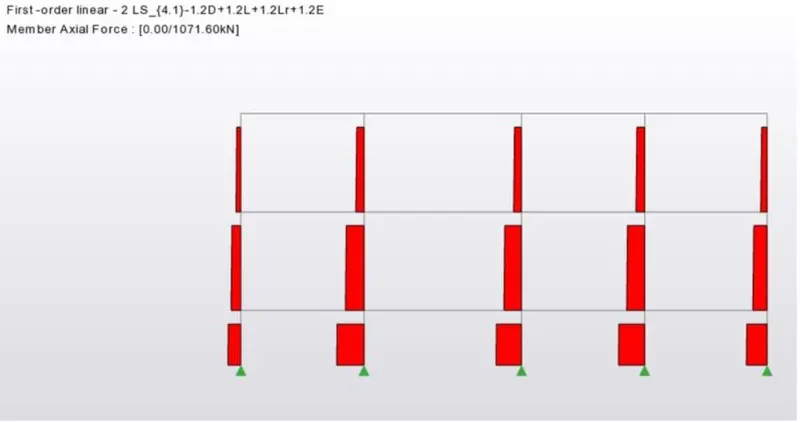
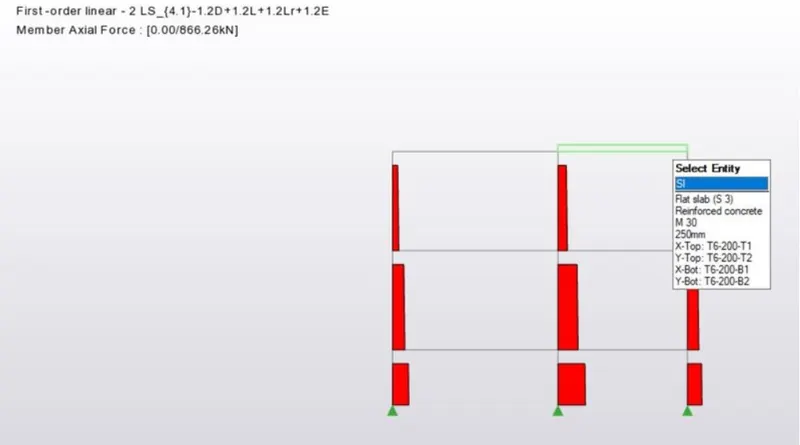
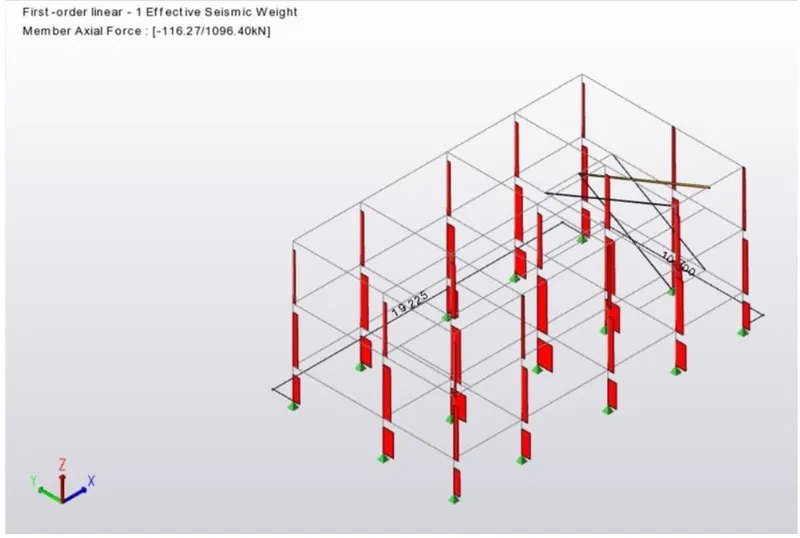
- The axial loads are correct as they are decreasing with increase in height of structure.
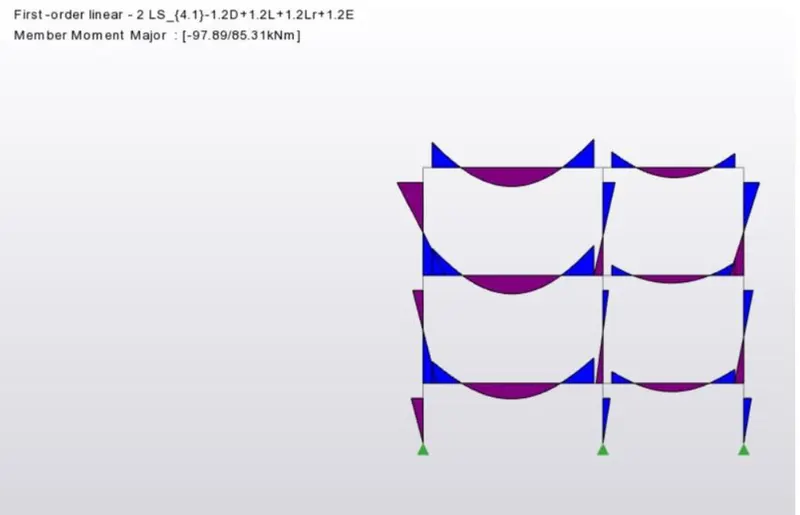
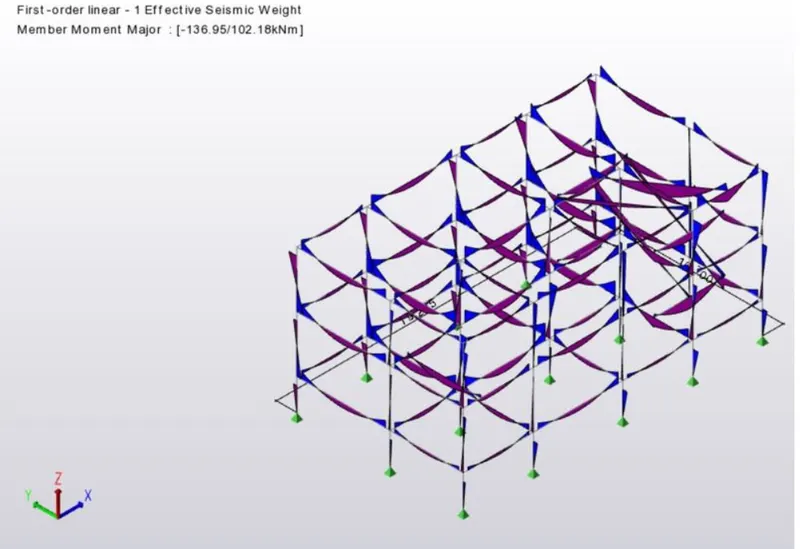
- The moment major force is also correct as all beam types are selected correctly.
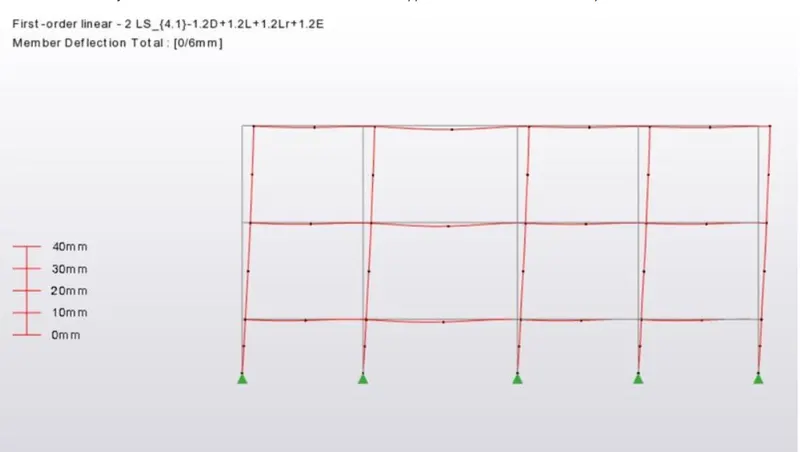
- This is deflection is can be decreaded by increasing the grading of concrete in the columns.
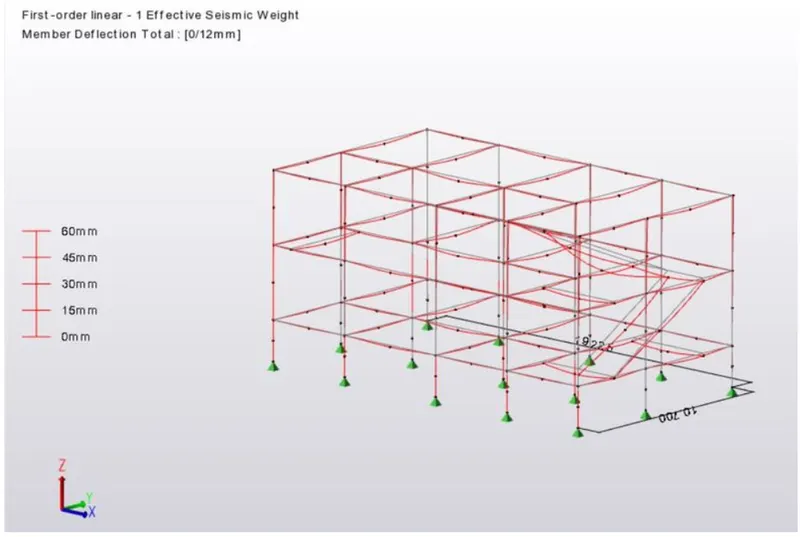
- The deflection in the stair case is more so supports and grading of the concrete sholud be increased.
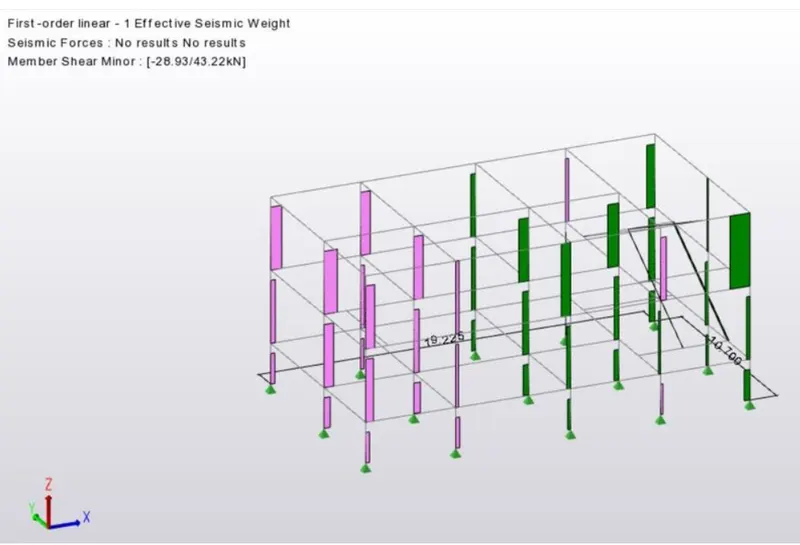
- 7. Now we can obtain the report data by clicking on model and results.
- Results -
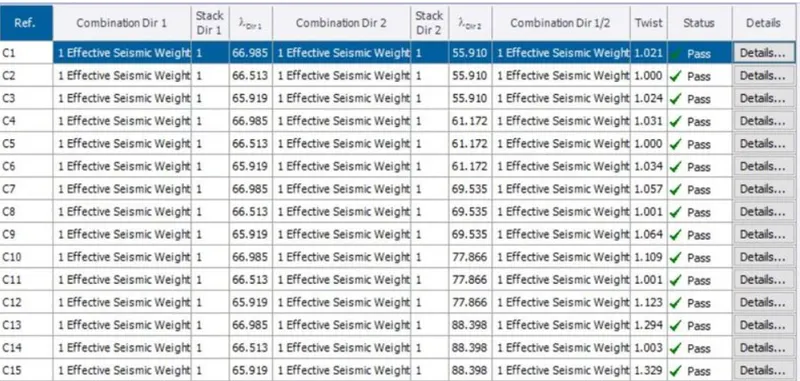
- Here report data sheet we can see all the members are approved and they pass the seismic load.