To Generate report for Steel Industrial and RC structures using TSD
1.Generate report for the steel building design from challenges 1 – 6 along with the loading summary
AIM:
- To Generate for the steel building design from -challenge 1-6 along with the loading summary
INTRODUCTION:
- Open the model.
- If needed, number the model
- On the Drawings & reports tab, click reports
- Select a report template from the report list
- Enter the report titles you want to use from the Titles in report lists.
- Enter a new name for the report file in the name box.
PROCEDURE:
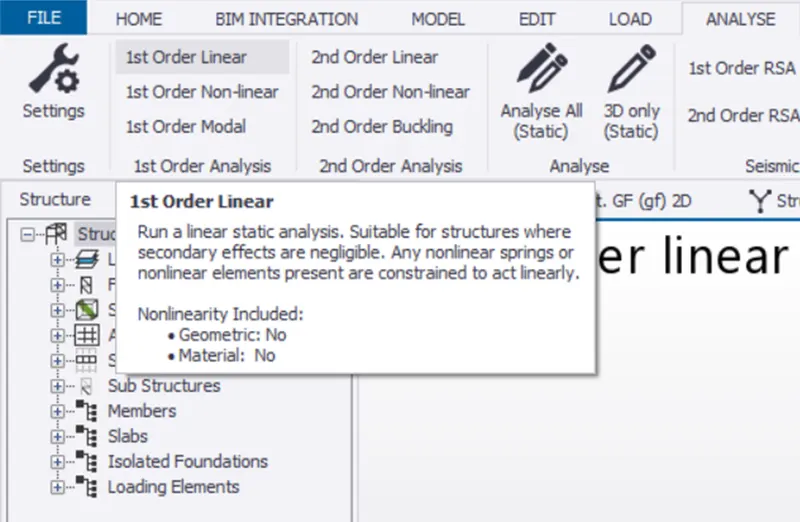
- First we want analysis the model with use of 1st order linear
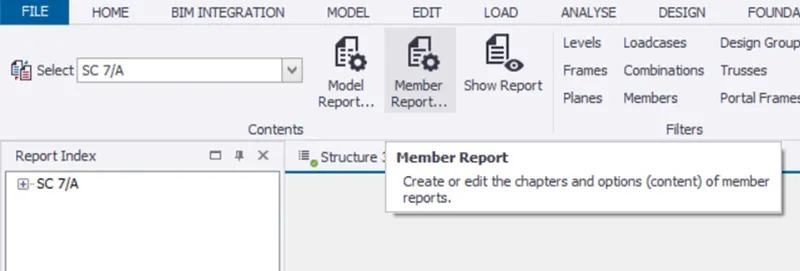
- Go to the report option under the review screen
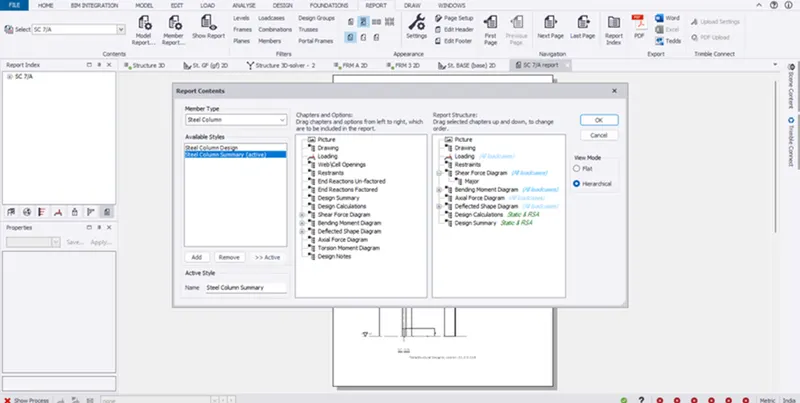
- Select the member report and
- Drag the item from left to right
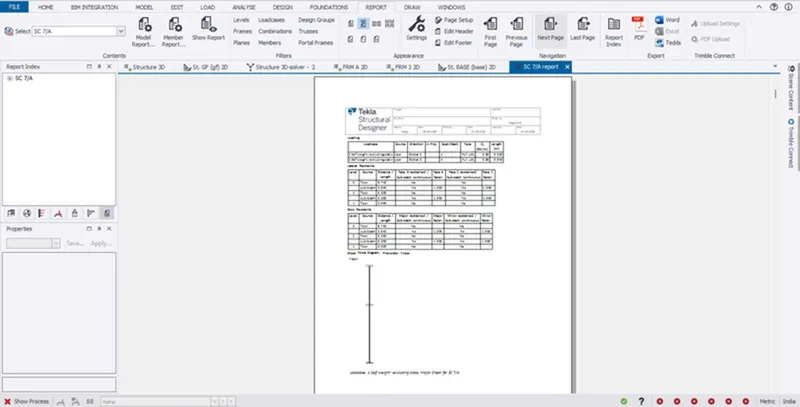
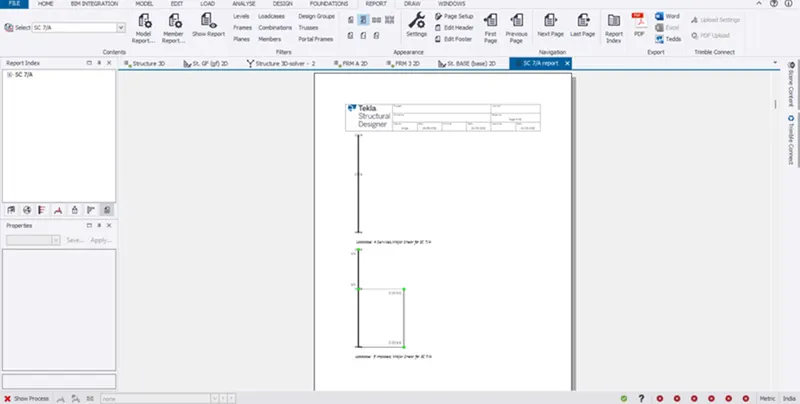
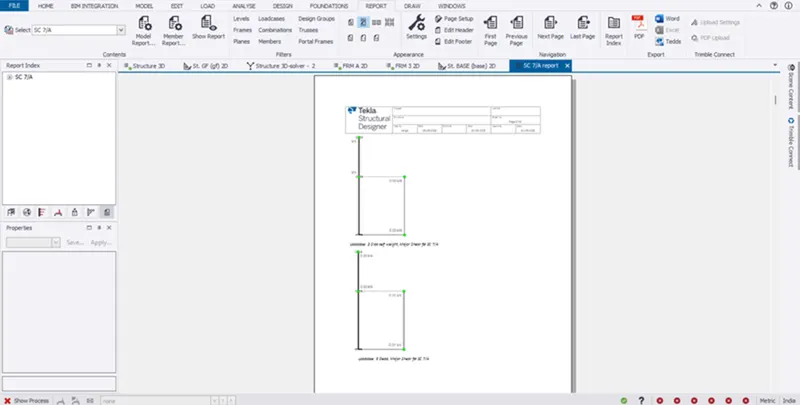
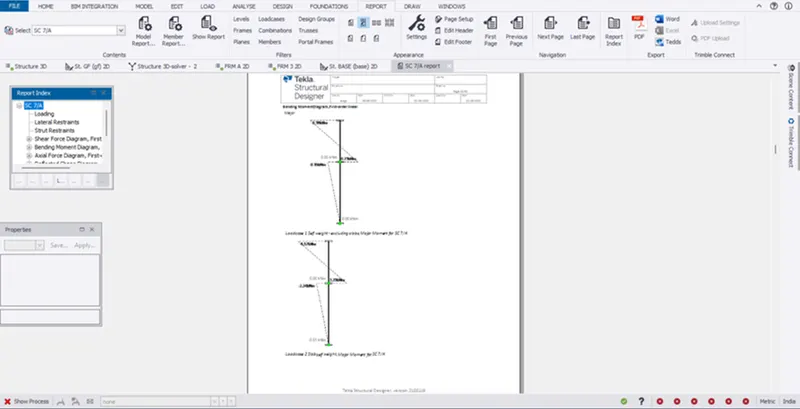
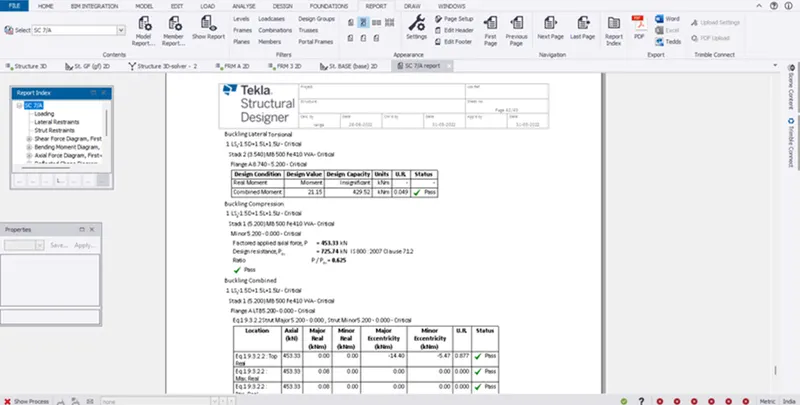
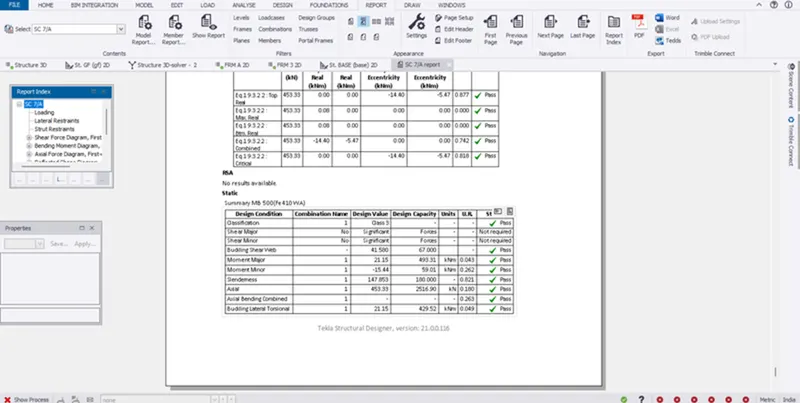
- Use the item picture, drawing, loading, end reaction unfactored, shear force diagram, bending moment diagram, deflection shape diagram, axial force diagram, design calculation, design summary
- Finally pick the ok
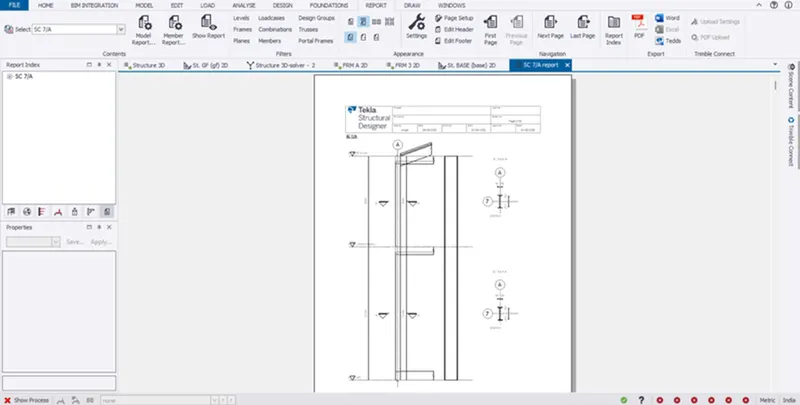
- And go to show reports
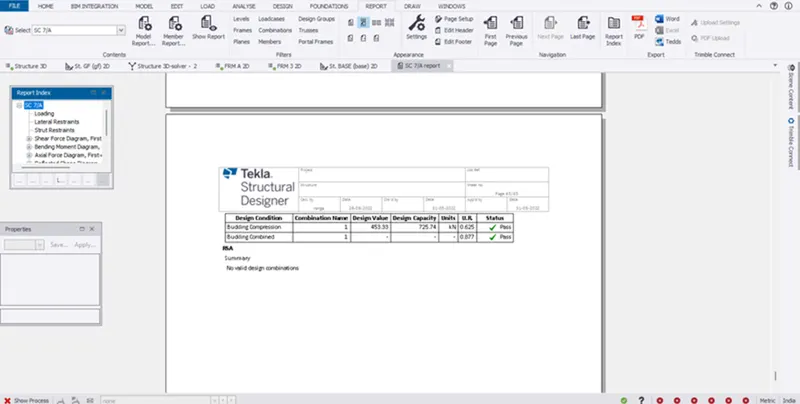
- Now see the report as been geerate
- and shown all diagrams what we picked
- And shown the calculation clearly and if any error are have its clearly shown
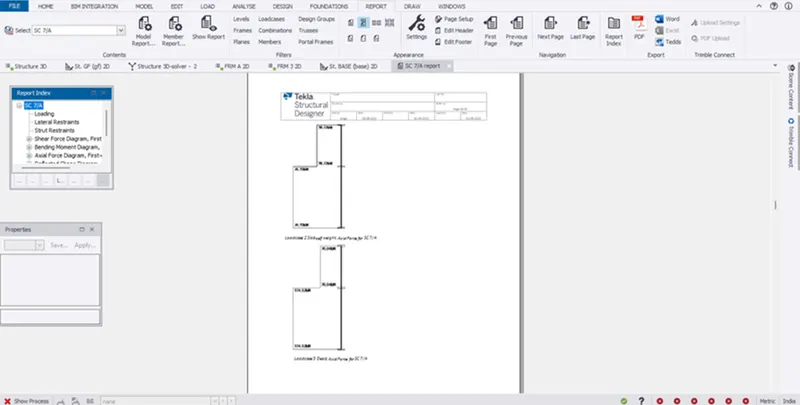
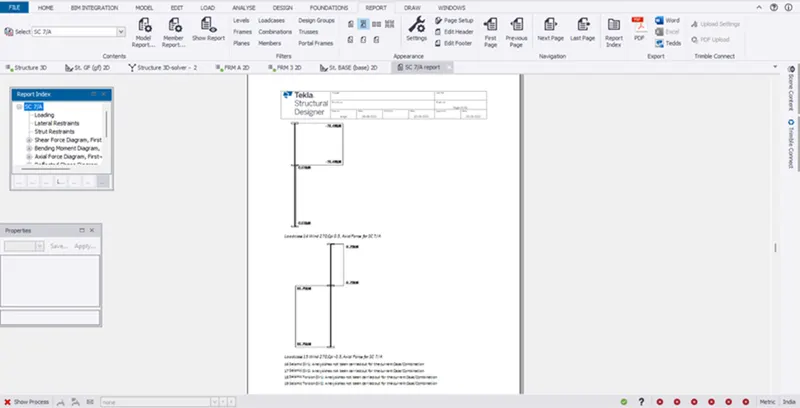
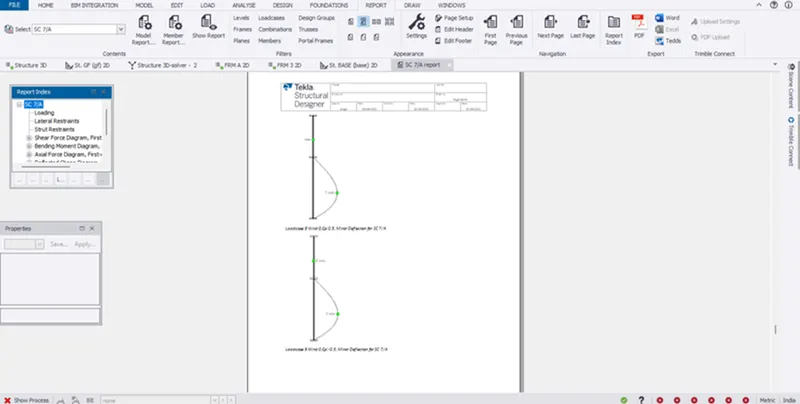
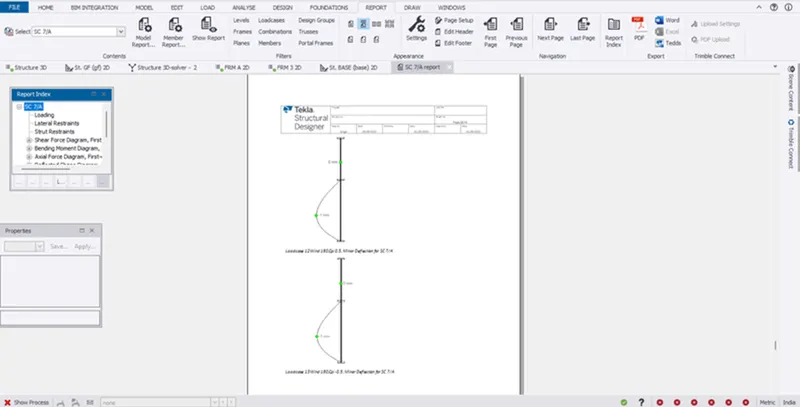
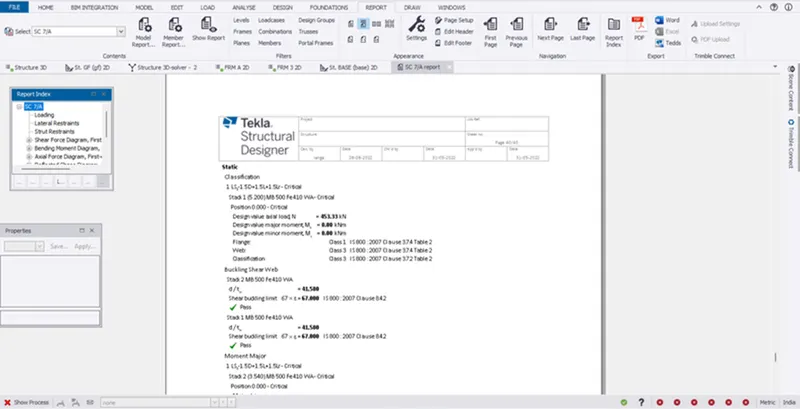
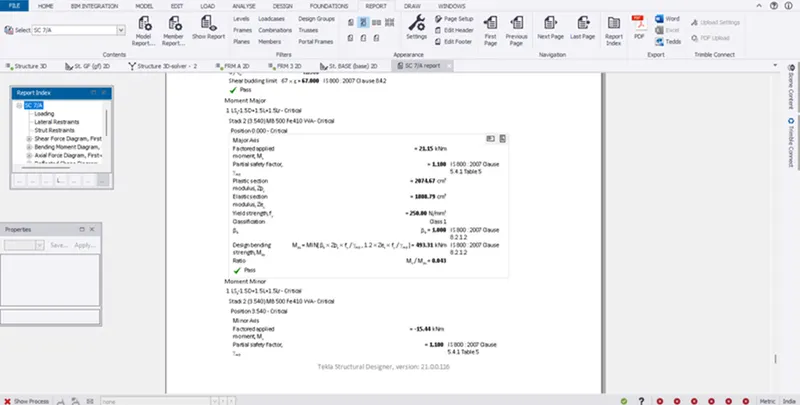
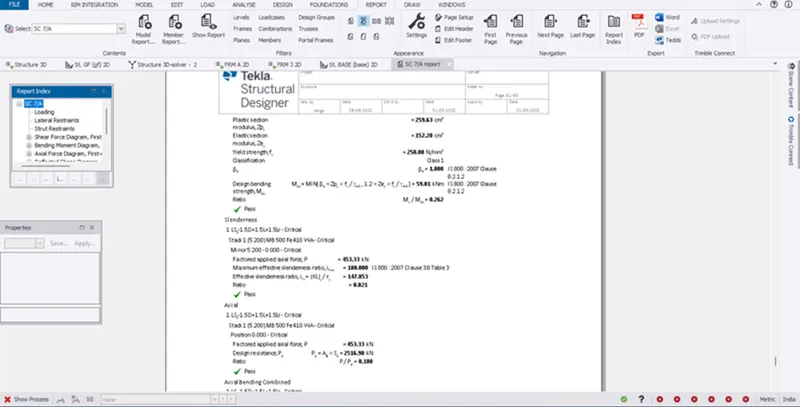
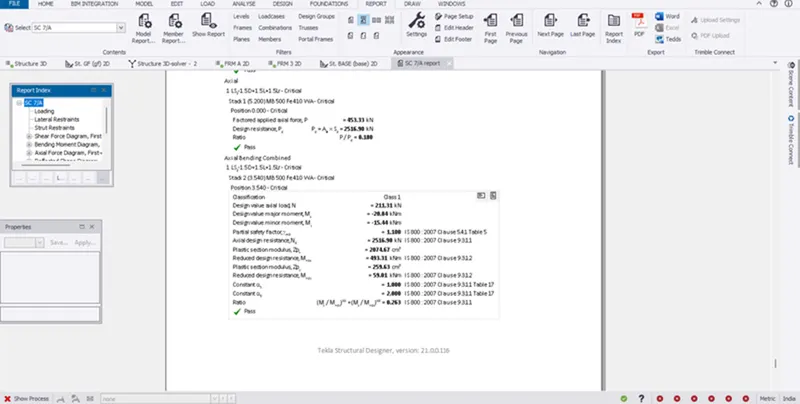
RESULT:
- To generate report for the steel building design from challenges 1 - 6 along with the loading summary
2. Generate report for RC structure along with the loading summary
AIM:
- To Generate report for RC structure along with loading summary
INTRODUCTION:
- An analytical report is a business report for stakeholders to determine the best course of action.
- For instance, a CMO might review a business executive analytical report to identify a specific issue caused by the pandemic before adapting an existing marketing strategy.
PROCEDURE:
- First we want analysis the model with use of 1st order linear
- Go to the report option under the reivew screen
- But here we select the model report
- And Drag the item from left to right
- Here we select the picture, analysis diagrm,
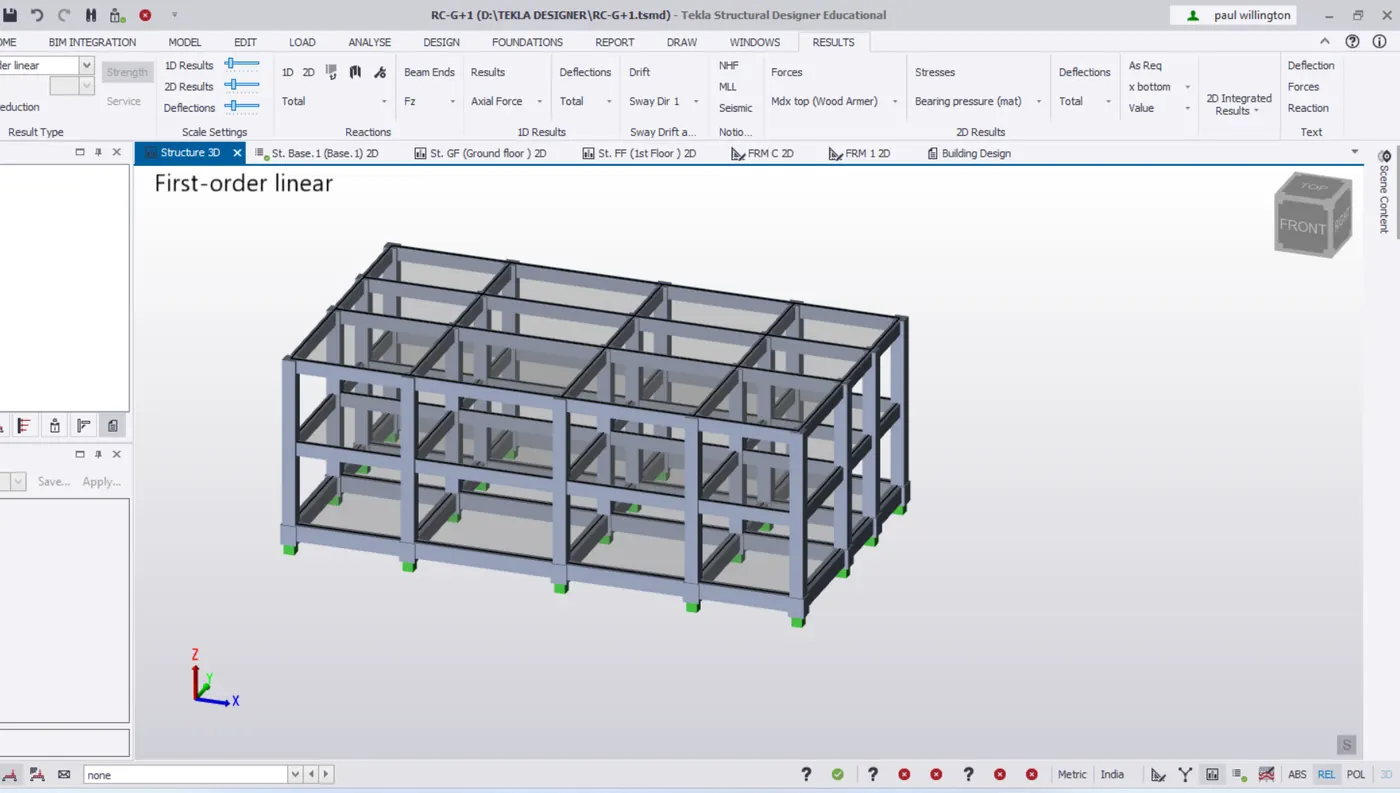
- In structure select levels, loading, combinations, load case summay, seismic loading summary
- And member end force , analysis-sway
- Finally pick the ok
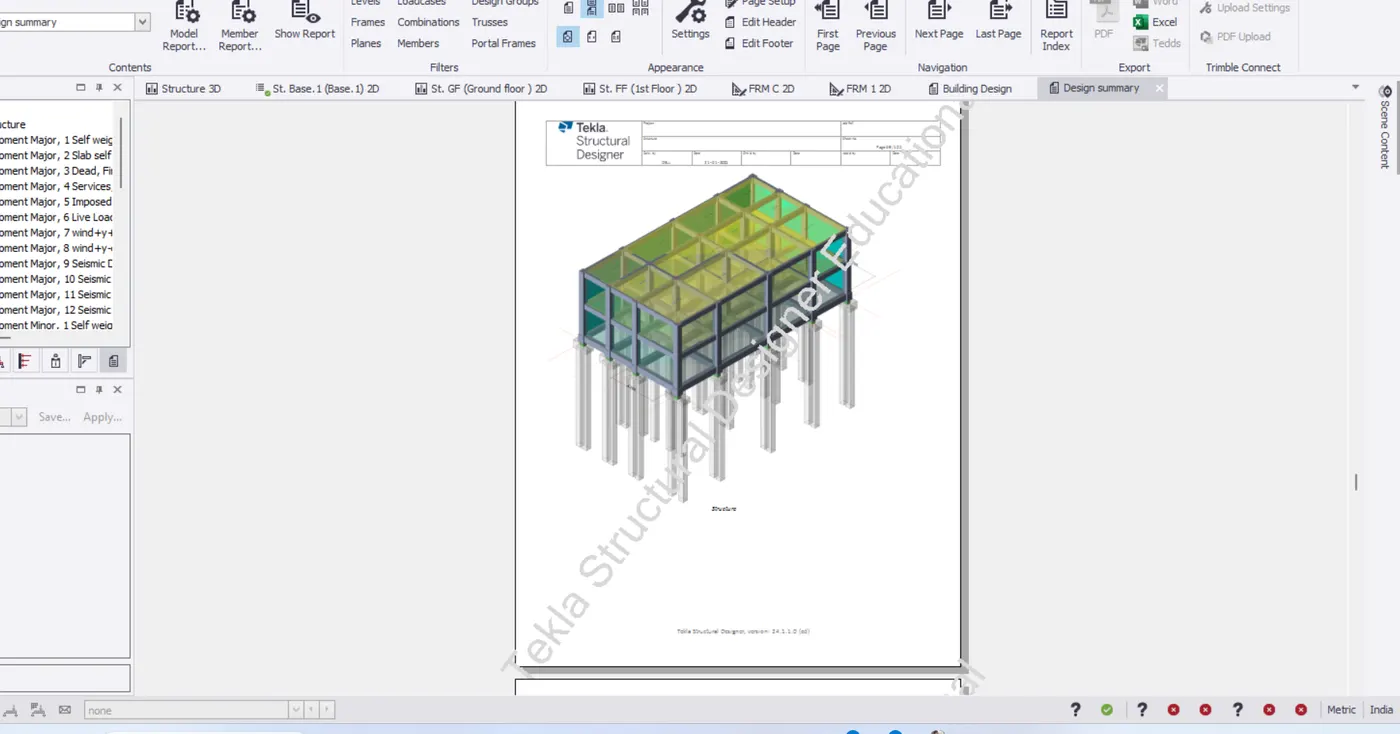
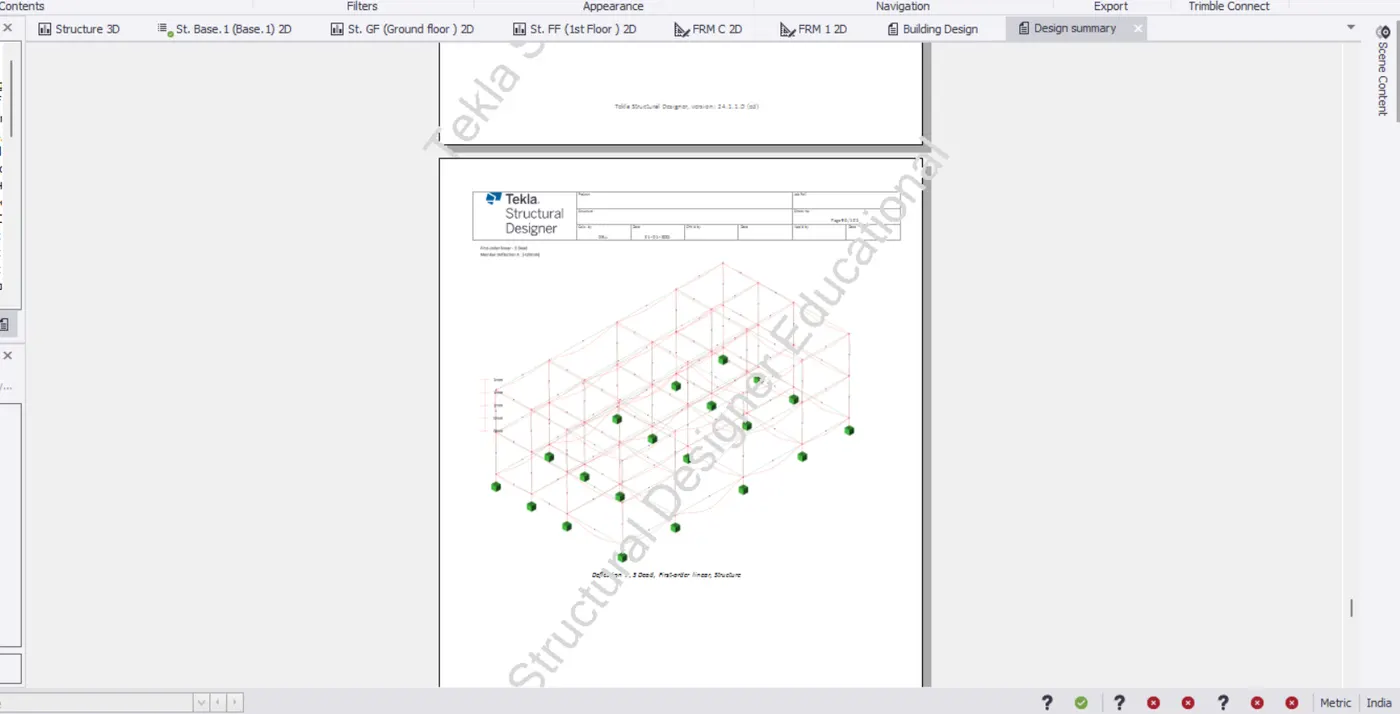
- And go to show reports
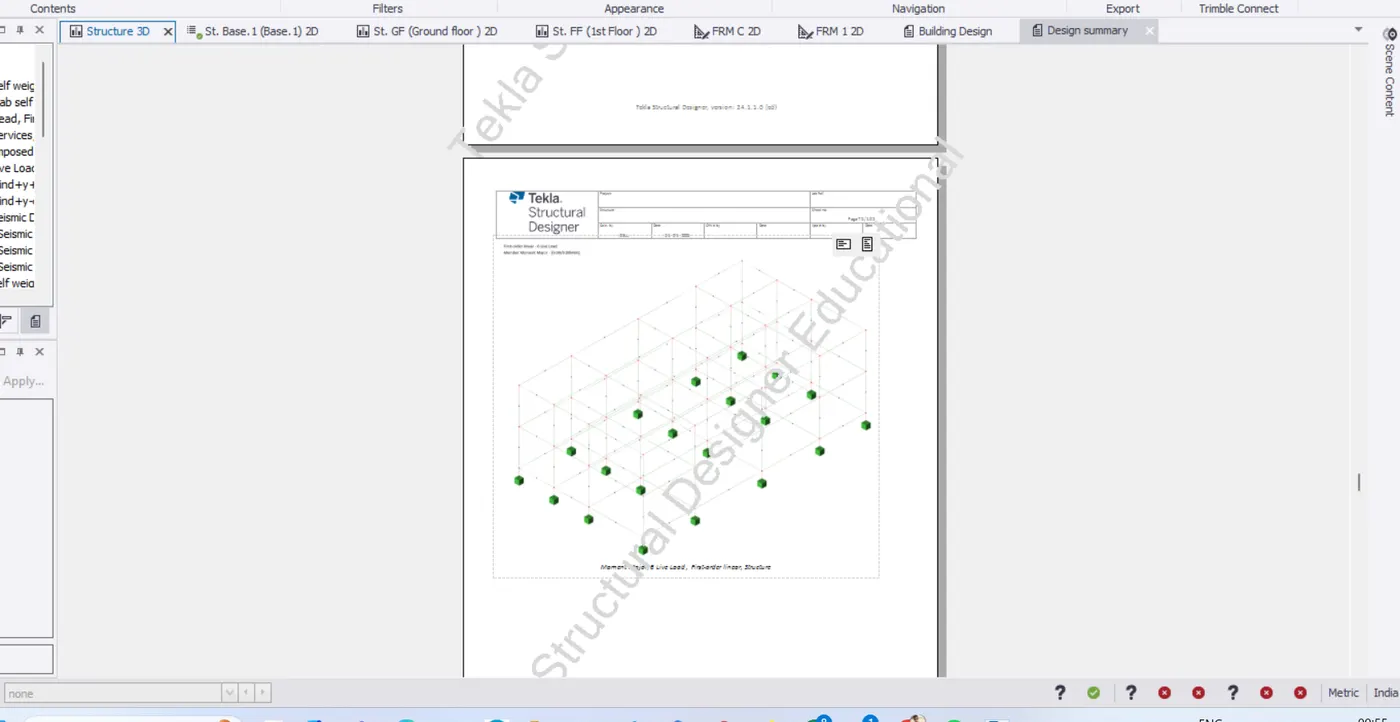
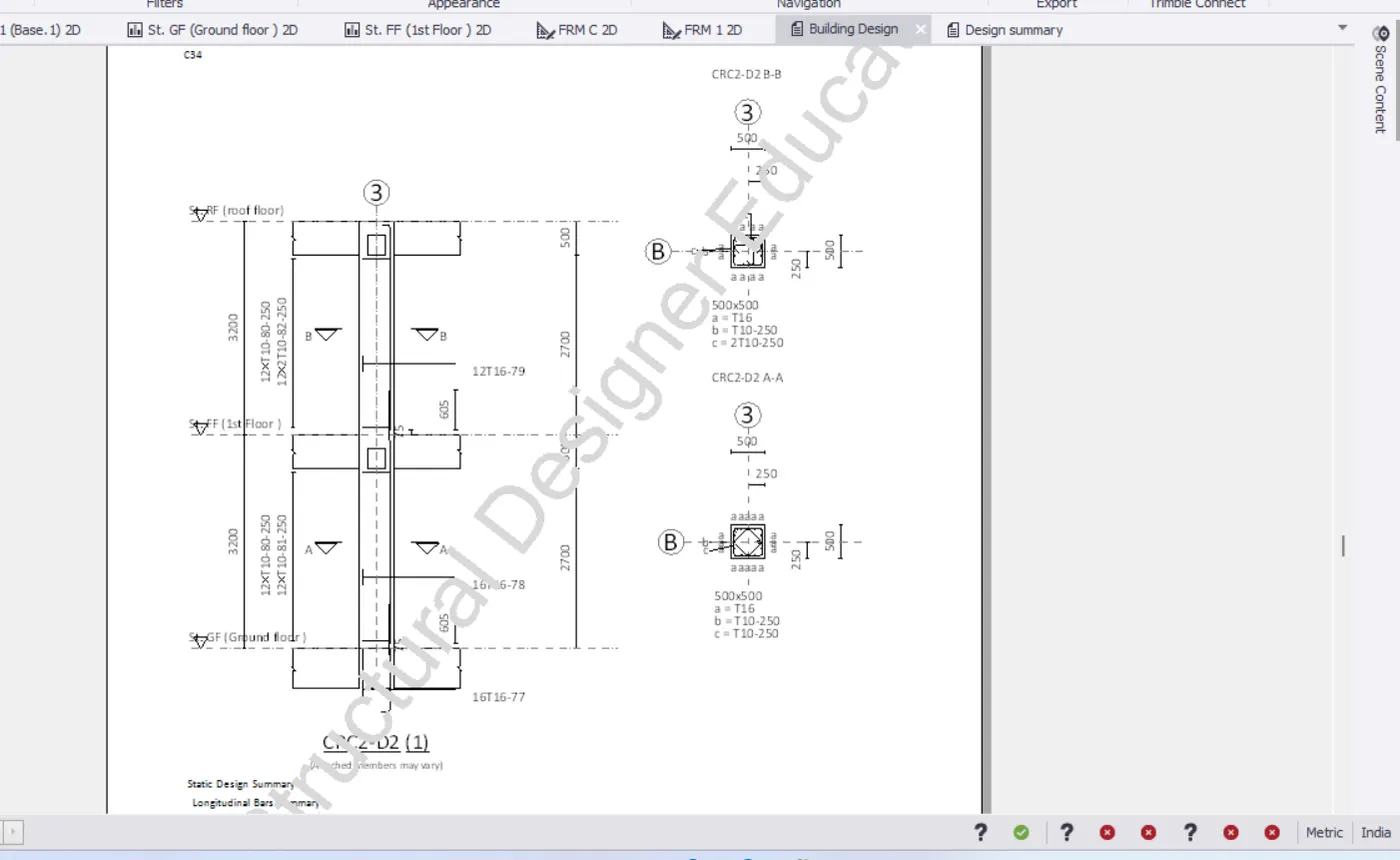
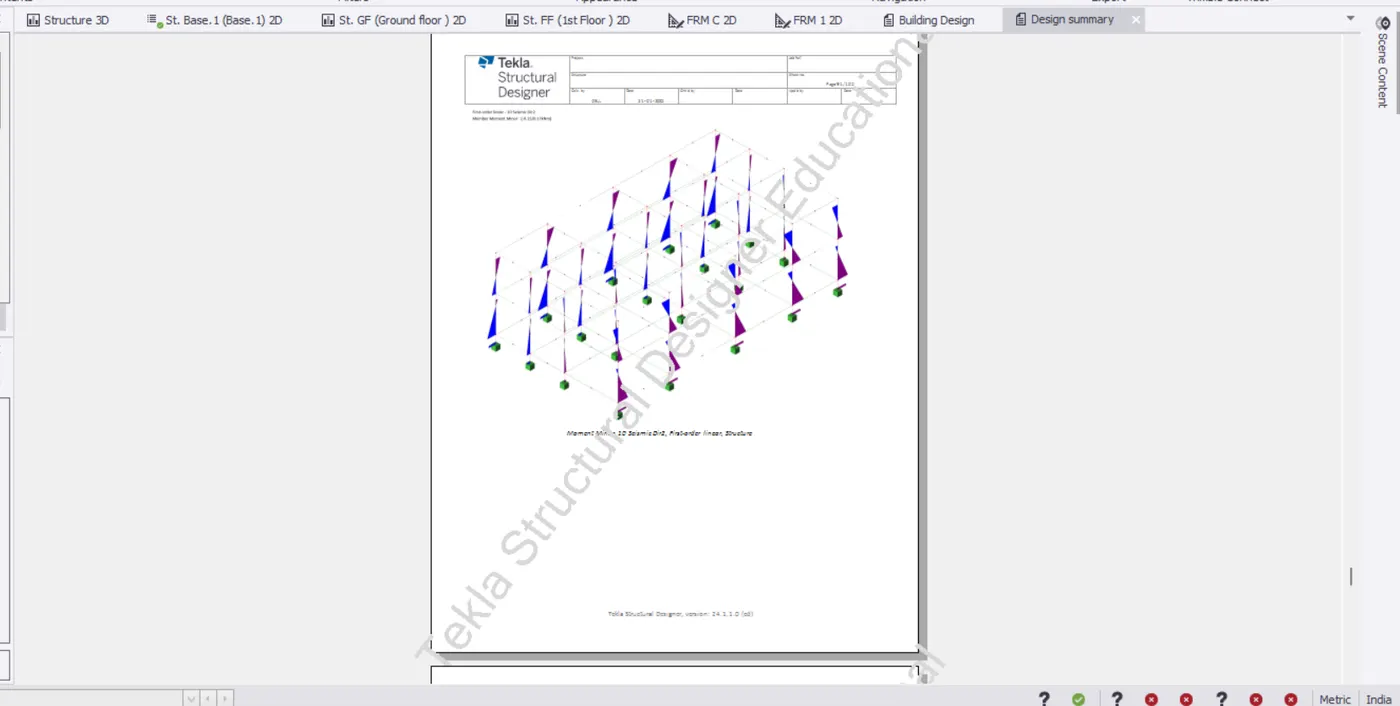
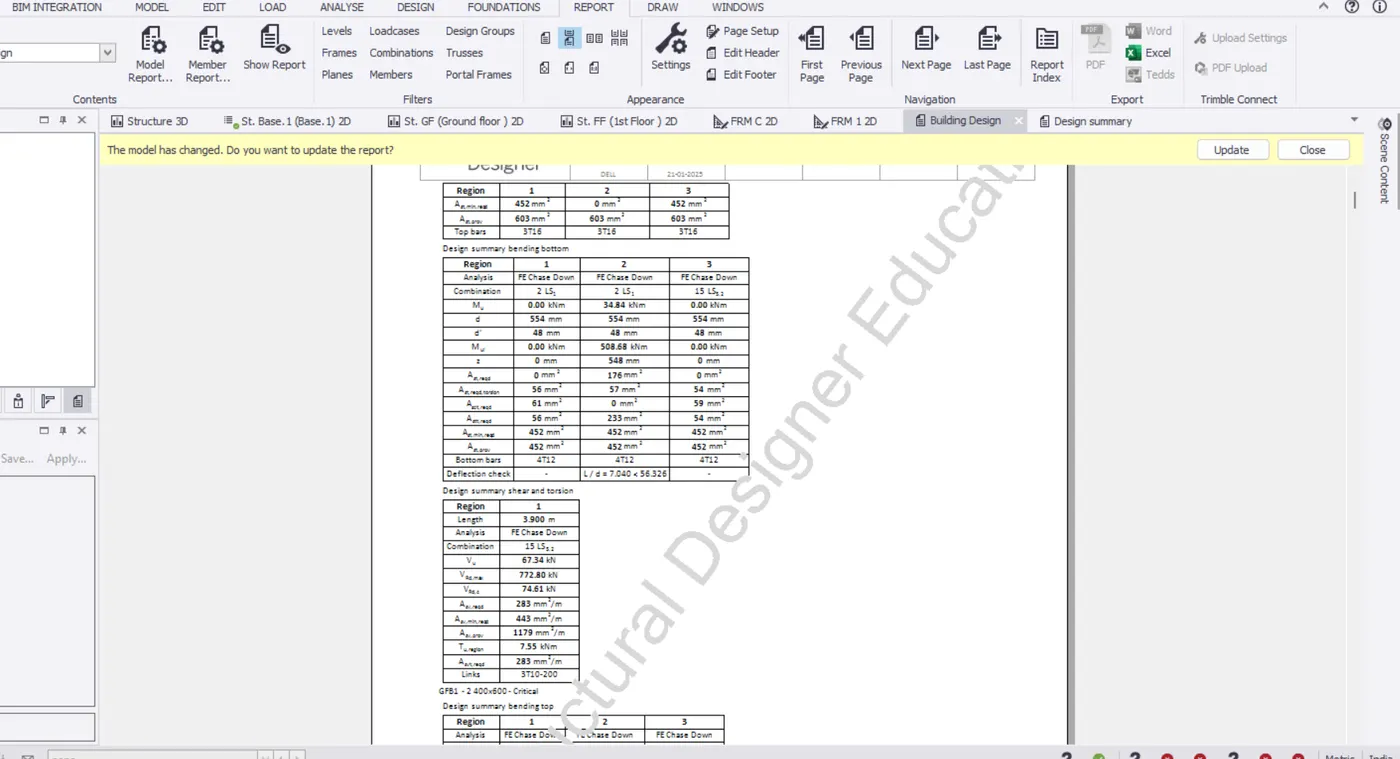
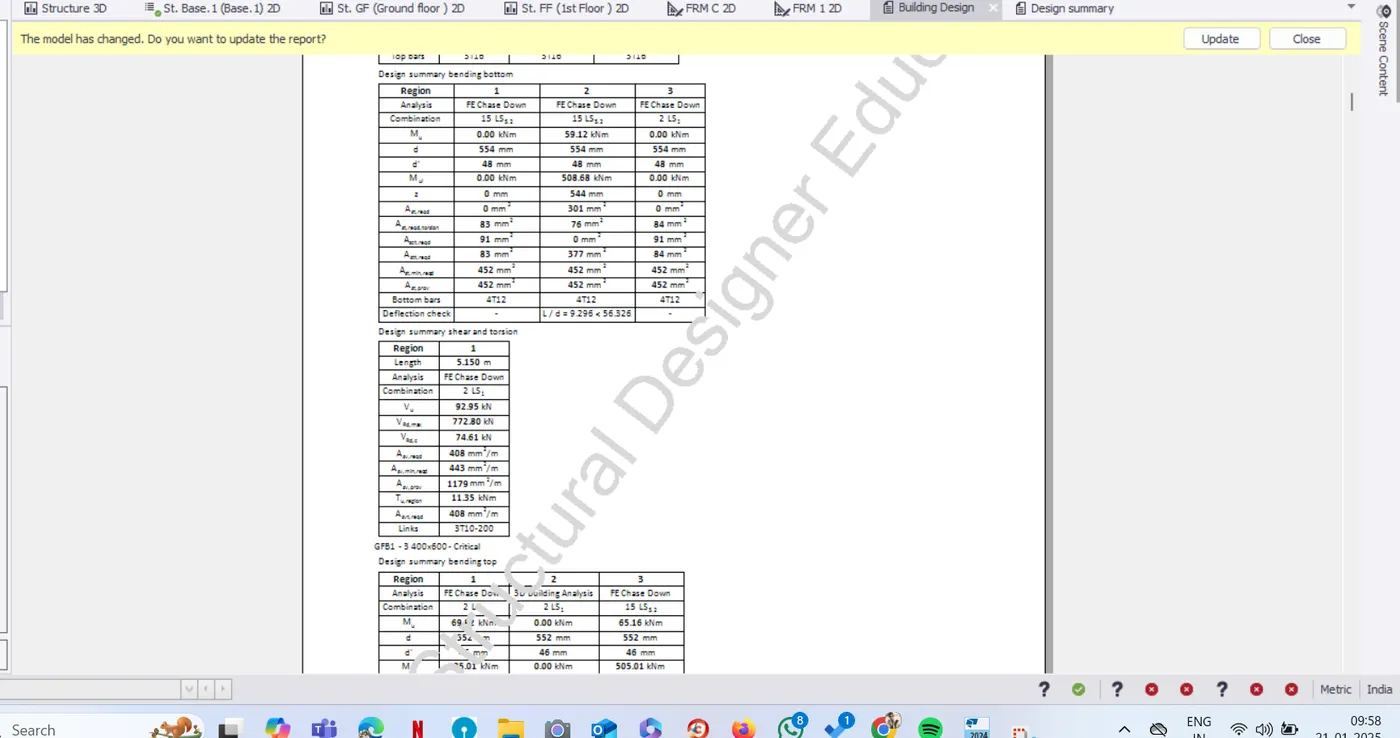
- Now see the report as been generate
- And show the calculation, load cases combination
- all the report as been submitted below
RESULT:
- To generate report for RC structure along with loading summary as been done.
3.Update the layers settings in the model and generate plan drawings and details from the model
AIM:
- To update the layers settings in the model ad generate plan drawings and details from the model
INTRODUCTION:
- An analytical report is a business for stakeholders to determine the best course of action.
- For instance , a CMO might review a business executive analytical report to identify a specific issue casued by the pandemic before adapting an existing marketing strategy.
- With Tekla structure Designer, analysis, design and BIM from an integrated , automated process.
- Regardless of material or project type, structural analysis and design proceed simultaneously.
PROCEDURE:
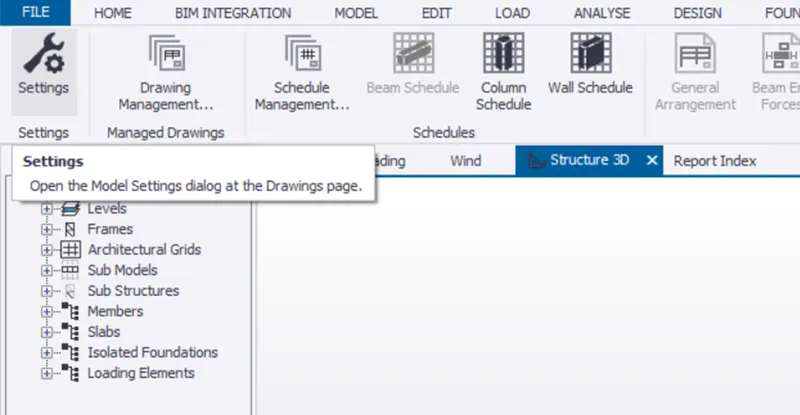
- Go to the settings under draw tab
- Next go to the layer style
- And modify the colours on it
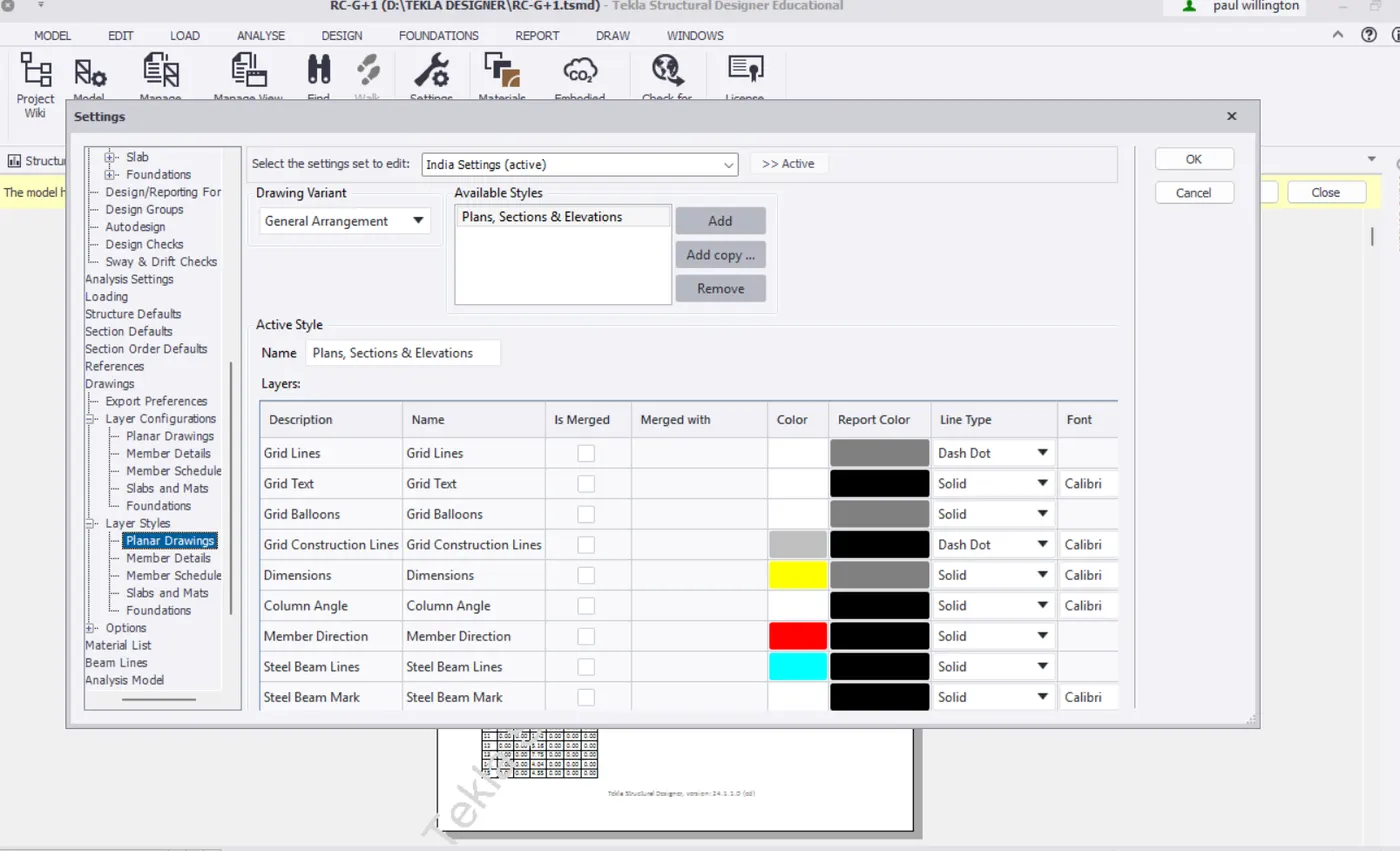
RESULT:
- To Update the layers settings in the model and generate plan drawings and details from the model as been completed.